TheUltraRunner
Members
-
Joined
-
Last visited
Everything posted by TheUltraRunner
-
You can ask the dealer if they know how to reset the infotainment system. Just remember for the next time. First check and ask on this forum, then call the dealer.
-
Press and hold the power button for several seconds. That should restart the whole infotainment system.
-
Did you try to restart it?
-
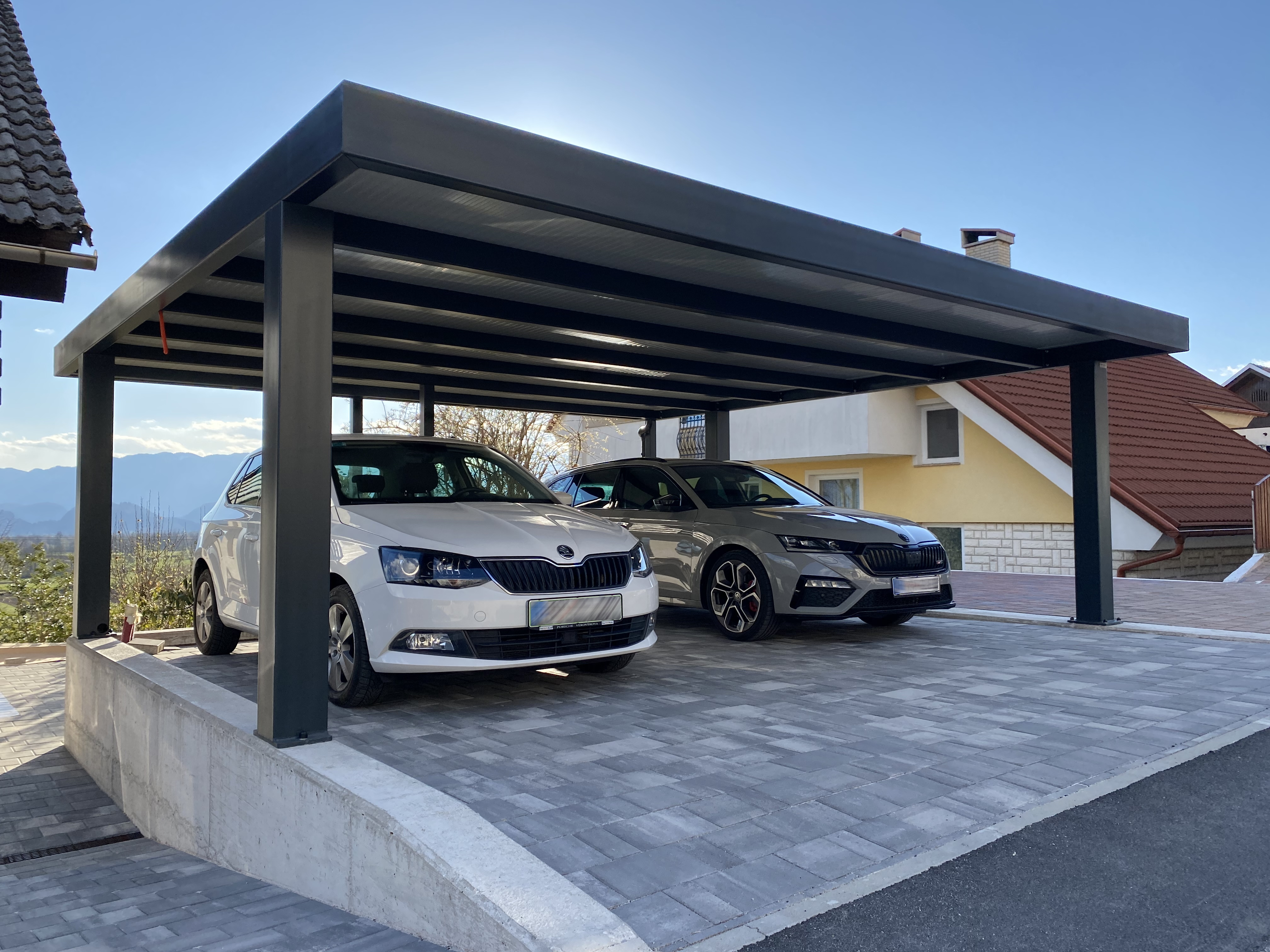
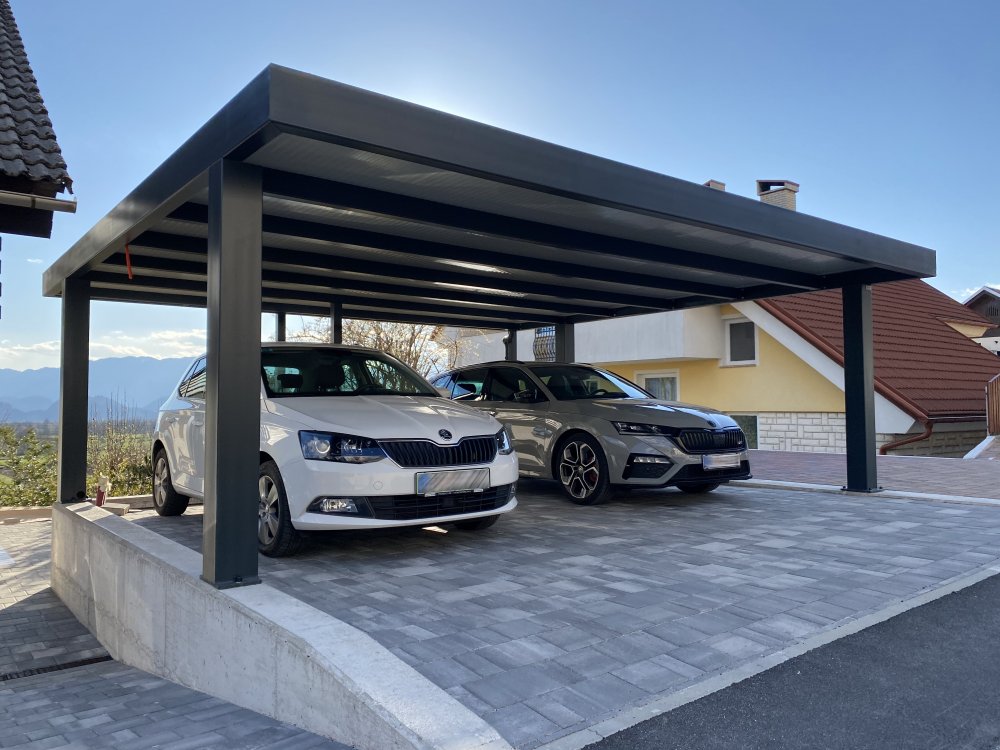
Finally both are under the roof.
-
Try one with the DCC. I love it. Comfort mode is superb. At least by my opinion.
-
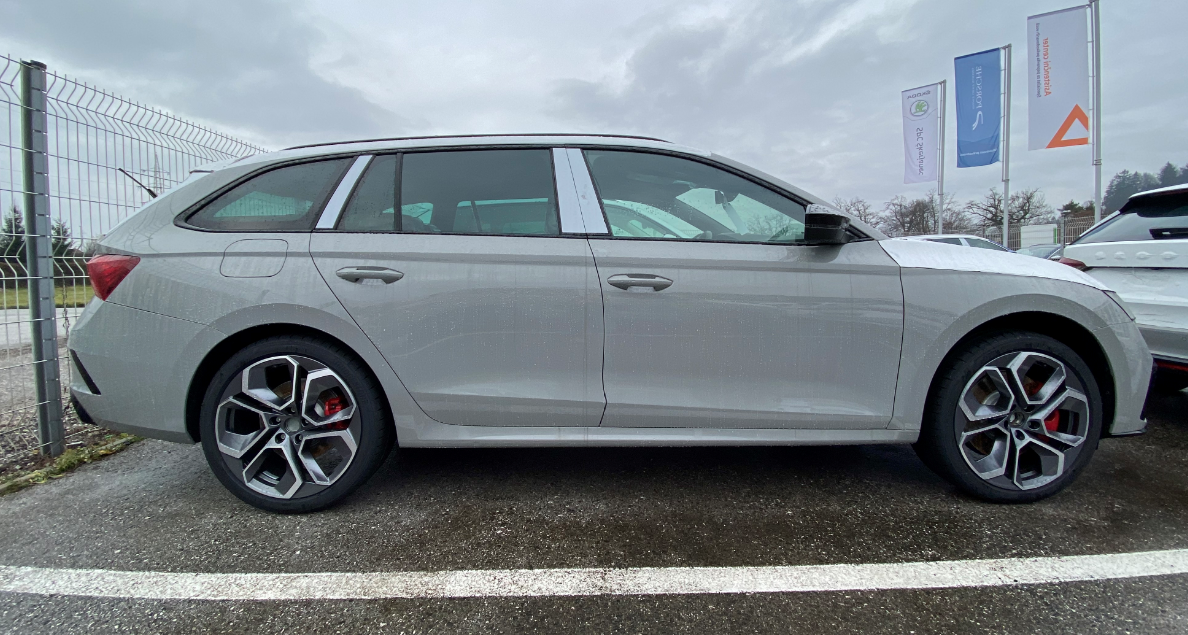
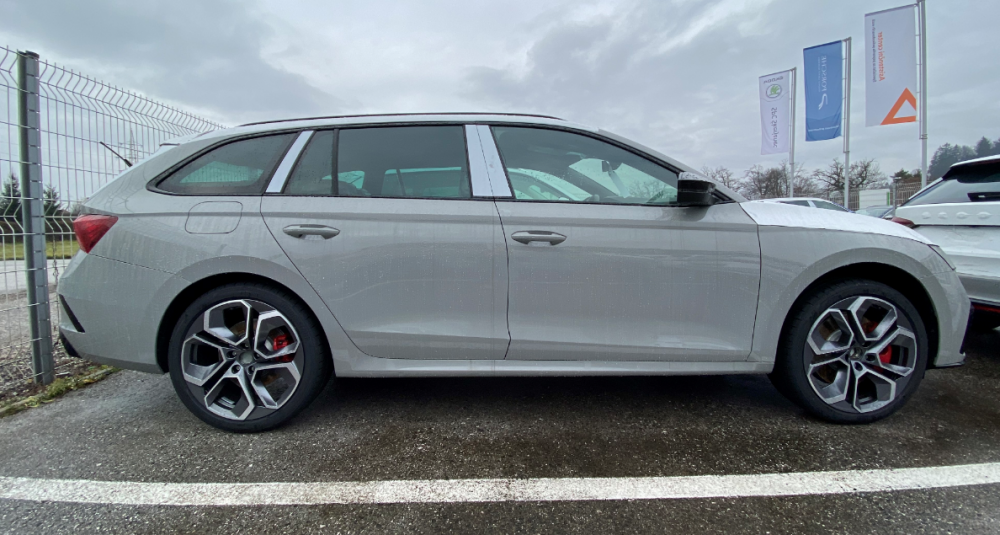
Nice. So it's almost yours. About the height...maybe your friend saw it with the transport spacers still in place? This is how mine looked before they prepped the car. I like it being a bit higher than other sports cars. So I can use it also on some worse roads and I don't need to worry to hit every bump on the streets. With the DCC it still drives superb even being a bit high. And who likes it being lower, they can still buy aftermarkets springs. But I agree about the spacers. They are a must. 15 mm on each side and it will be perfect.
-
Nervous? Excited? When do you get yours?
-
@sneal thank you. It works. I would never thought of this on my own.
-
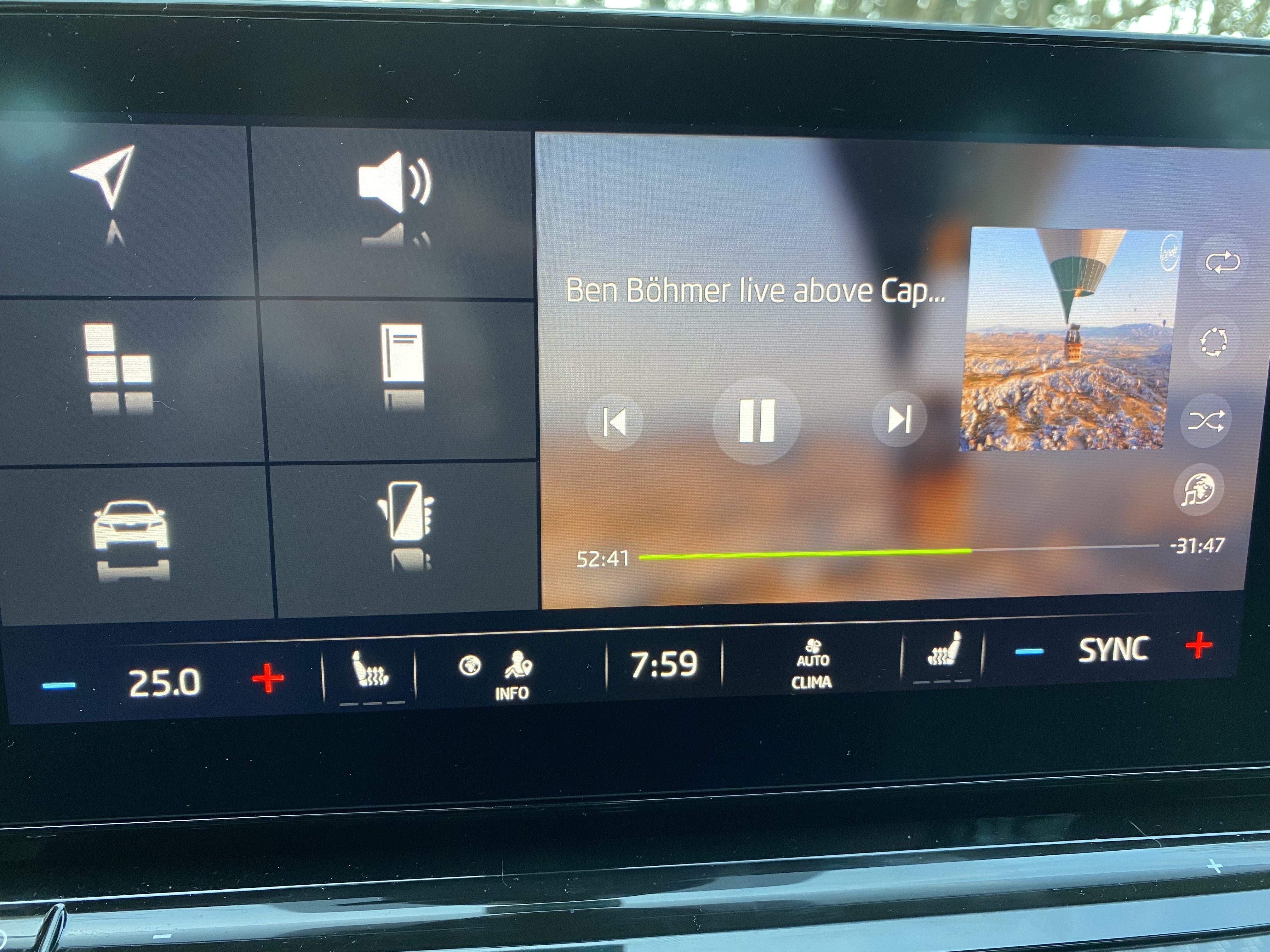
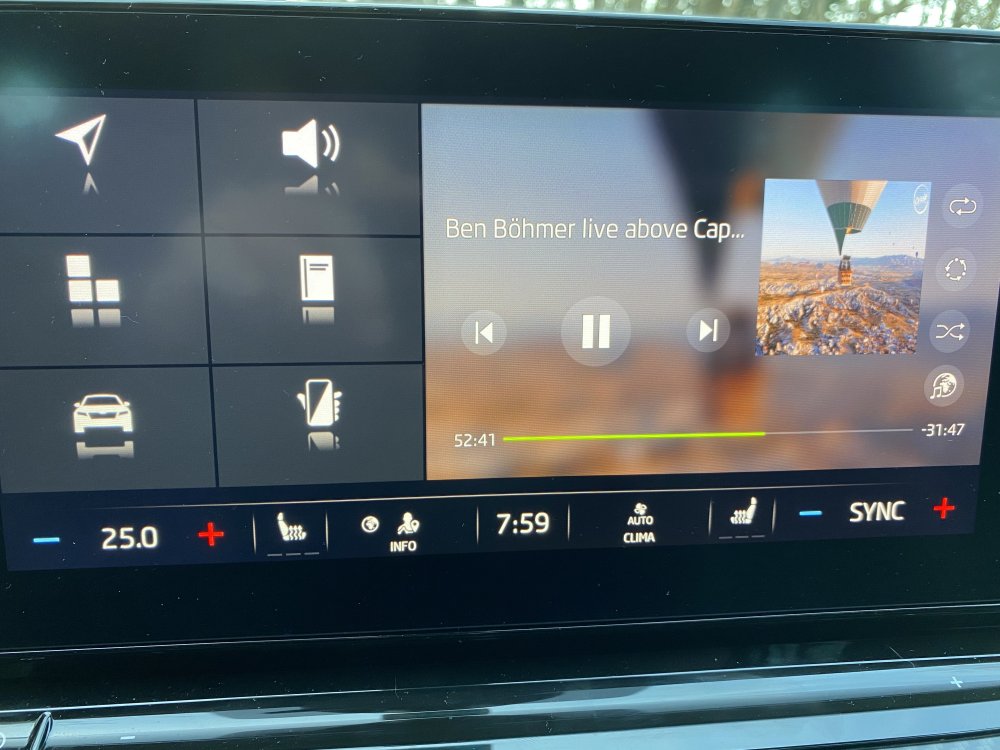
I can confirm that I was able to skip and forward music in the media screen. Like in the video above. I just had a bit of a hard time finding it since it was hidden on the right side and I needed to slide it out. On the home menu (in the picture below), which I use the most, you still can't forward music through the touch screen. A bit strange since it is the same interface as on the main media screen.
-
Ok. I really don't remember my rear wiper turning on automatically in the rain.
-
It's a USB stick with USB-A on one side and USB-C on the other side.
-
I must say I didn't notice my rear wiper turning on except when I intentionally made it wipe my rear window.
-
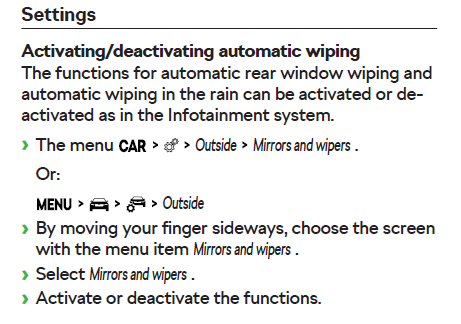
Automatic rear wiping can't be turned off?
-
I'm shocked. Thanks for the video @VAGProf The only difference I see is that I was trying on the home screen having media as half of the screen and not directly on the media. Will try you way. Thanks again.
-
Whaaaaat?! But I tried so many times and it didn't want to work. How do you do it? Do you touch the pointer and drag it? Or you just touch the time bar on various points?
-
1. correct 2. sound, suspension, steering, DSG, air conditioning,...could be I forgot something 3. This is the profile from Skoda connect. You have a main user and you can also have guests. For example if more than one person drives the car. Things like seat position, mirrors, driver cockpit, air conditioning,..are saved. 4. I never heard of anything like that. In all reviews and on all forums Normal driving mode is selected every time you start the car. Start/stop is always switched on after you start the car. Currently this can't be changed. The same goes with lane assist. It is also turned on every time you start the car. (this can be changed with coding but you need someone with the access to Skoda servers to get the token). Emergency stop....I'm pretty sure this is also enabled every time you start the car but I'm not 100% sure.
-
This is first time I hear someone has fake sound set to off in normal mode. I guess I'm the only one but I like the sound being activated in the Normal mode. I think it would be best if the chosen driving mode would be saved to your profile and would be loaded next time when you start the car. This way everyone can choose whatever they want.
-
Are you sure? Sound actuator is off in Eco and Comfort mode, set to normal in Normal mode and set to sport in Sport mode. And in Individual mode you can have it off, normal or in sport setting.
-
That will be 5 GBP please. My Paypal account is... Looks like I ordered mine too soon.
-
@Skodev could be. Maybe I gave up too early. I'll try again next time.
-
Thanks for the idea. I just can't imagine that car media player wouldn't support fast forward. On every touch screen device, which plays music, you can slide the time pointer back and forward without any issues.
-
I don't have any issues with my USB stick. It works normally every time. But I did wonder yesterday how to fast forward the current track to a certain time point. I have a few long mixes (1h+) and it seems that the only option is to use the left buttons on the steering wheel. If you hold them the time starts to move but still too slow to be able to fast forward for half an hour in a decent time. I also tried to use the touch screen and move the time pointer with my finger but it didn't work. Every time I try to touch/hold the time pointer and drag it forward I have entered the file list on my USB stick.
-
I think I tried that too. Or maybe I didn't. I didn't know you can push the column stork beyond the spring. Will try again.
-
I think this doesn't work with the ACC since you can't turn it off. You can only switch to speed limiter.
-
A little sound is still better than no sound.