TheUltraRunner
Members
-
Joined
-
Last visited
Everything posted by TheUltraRunner
-
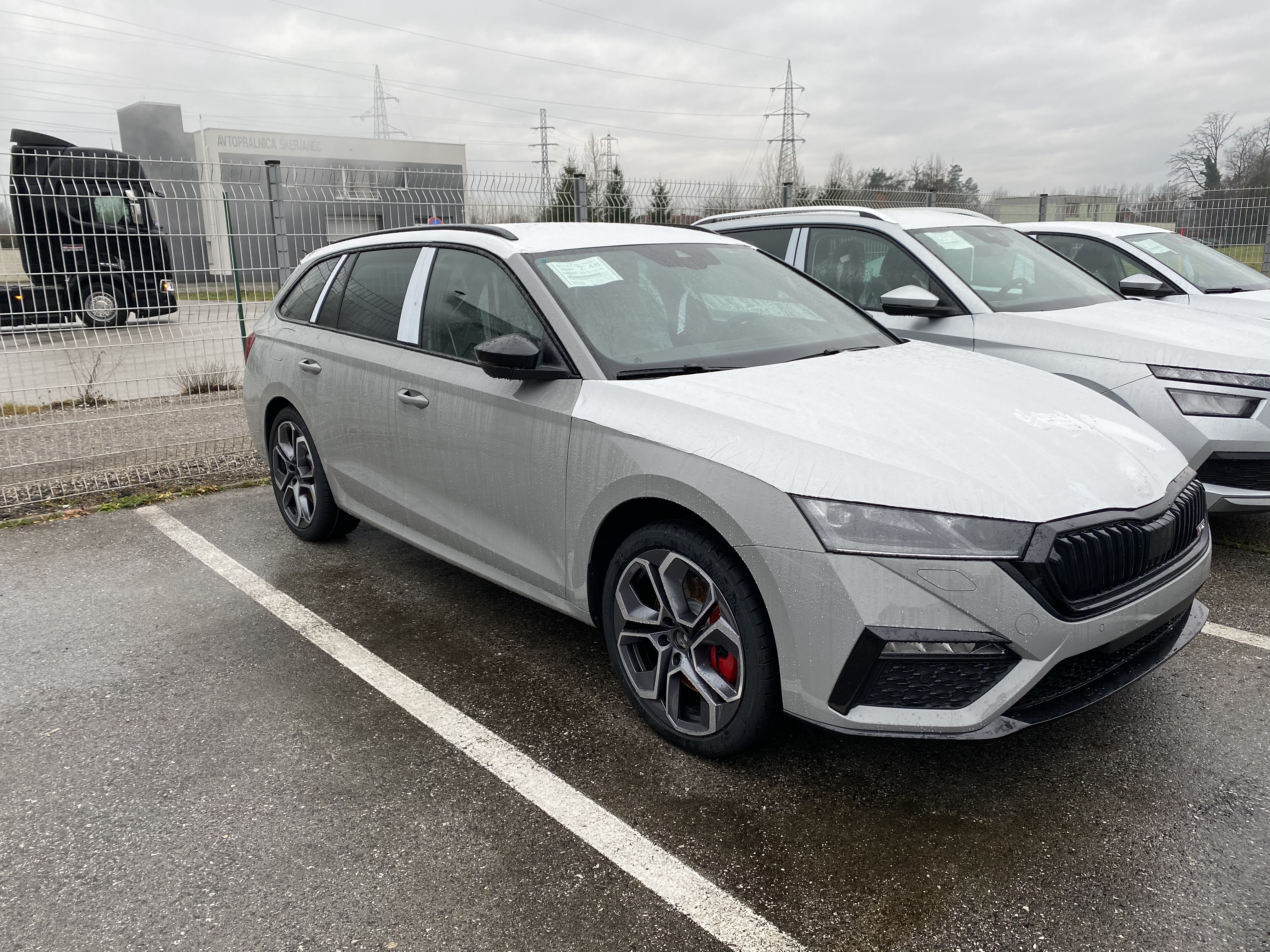
Yeah. It looks great. Although I have the Estate/Combi version so no spoiler for me. But I plan to put a black Skoda logo in the front and paint the exhaust tips in black. It should look awesome. I also planned to switch the front VRS logo for the red-black one. But as parsey83 mentioned in one of his posts that the front VRS logo is plastiwelded, I guess this wont be possible. I thought it was screwed as on older models.
-
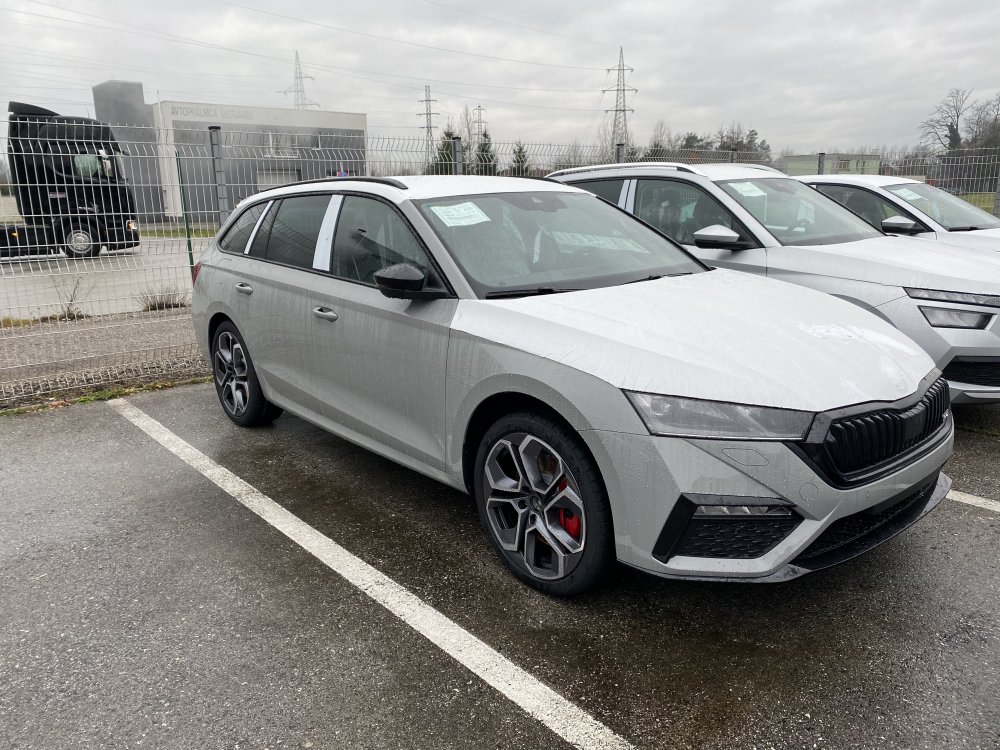
Meteor Grey! Or as it's called here...Steel Grey.
-
Nice color! This one was my second choice!
-
Glad to hear that. I must admit I'm little nervous. This is my first new car since I got my driving license back in January 1999. I'm upgrading from a 17 year old Honda Accord 2.0 petrol. It will be quite a leap I assume.
-
But this is a two click operation, right? First you need to press setup key and then press start/stop button on the screen? I hope someone will find a way to disable (or reverse) the start/stop function soon. This is one of the most annoying functions on new cars. Right after lacking of physicals buttons on the dash.
-
I was already looking for mk3 VRS in this color. But there were only a few TSIs with low millage on sale and all very expensive. So I decided to increase my budget a little and went for a mk4 VRS.
-
All mine! Still at the dealer! I hope I'll pick it up this week.
-
I just got a vRS Wagon and I went with a factory tow bar. It's nicely hidden and as it's stated in the description, it can be released from the boot. I went with the factory one because a good aftermarket one together with factory preparation would cost almost as the factory tow bar itself. I heard that with factory preparation you also get different components. But I'm not 100% sure about this.