TheUltraRunner
Members
-
Joined
-
Last visited
Everything posted by TheUltraRunner
-
Yeah, same here. It's really hard to see those small letters and numbers in the bottom left corner of the display. Would be great to have some big one displayed somewhere. At least in RS display cluster.
-
Here in Slovenia we have heated steering wheel listed under standard equipment. @Greezy56 was your car running? When you press it once it should pop up a notification on the left side of the digital dashboard and at the same time the climate menu should come up on the infotainment screen.
-
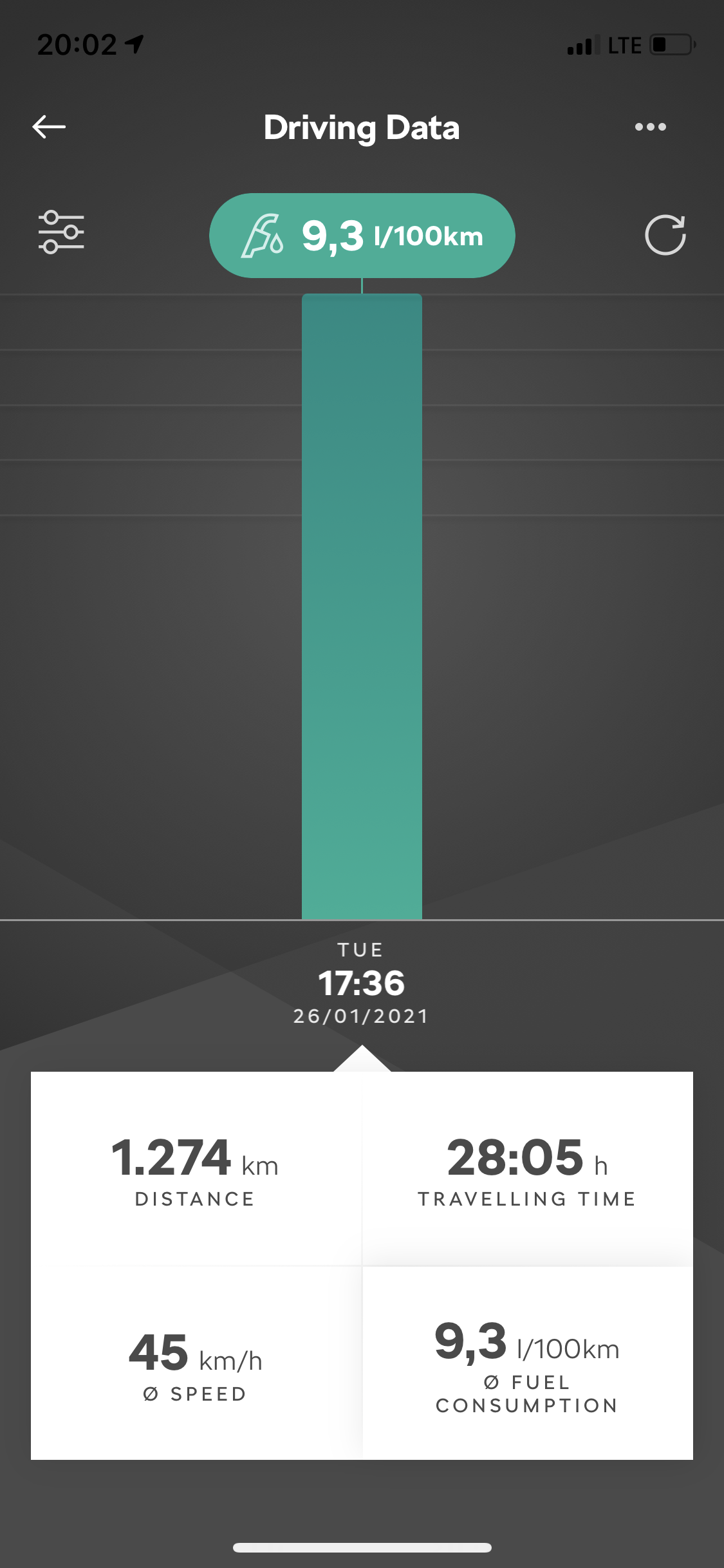
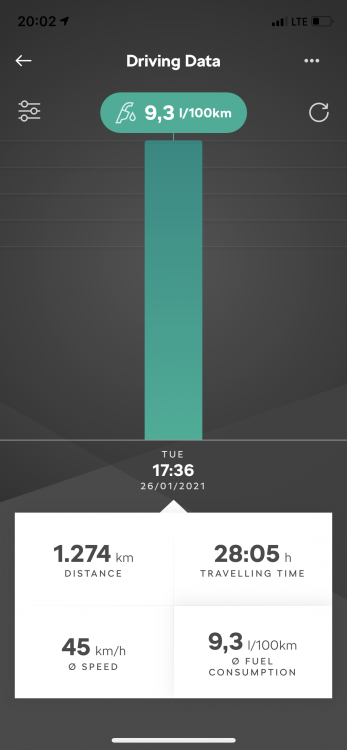
9.3 L per 100 km or around 25.3 mpg. I'm stull running it in. No rpms above 3500. Around half of the total distance is on highway at around 145 km/h (90 m/h).
-
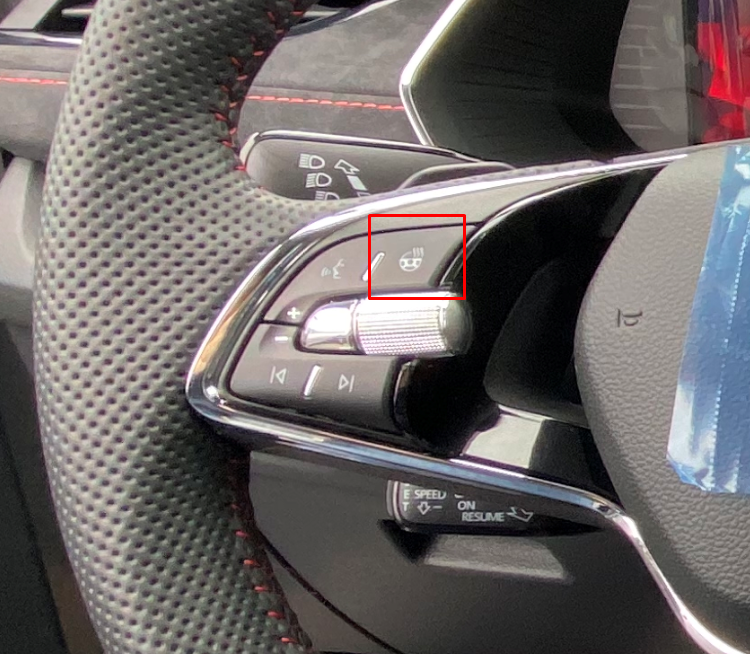
You have a dedicated button on the steering wheel. As far as I know it should come as a standard on the VRS.
-
Uau...didn't know that. Thanks for the tip. Need to find that.
-
What do you mean by "automatic"?
-
It sure will. I'm already quite used to it after 1200 km. Actually I don't change much when I sit in the car. We have sub zero temperatures and I only use max defrost button and temperature change. But at first it was quite a shock since I upgraded from 17 years old car.
-
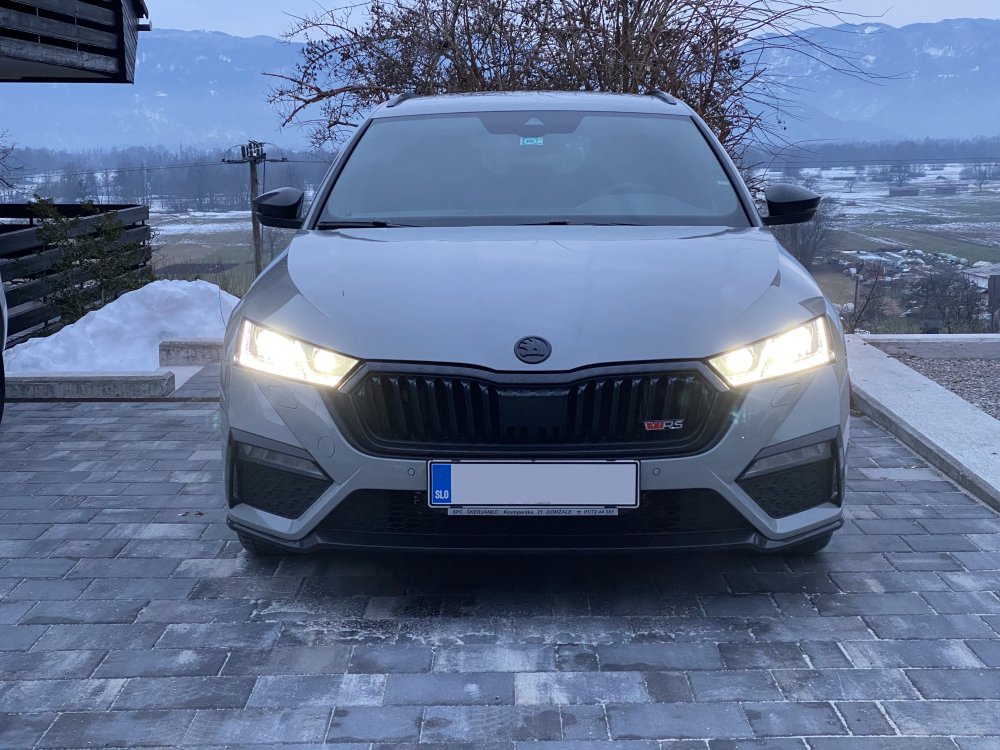
Small update. Looks like it's quite popular according to the internet pictures.
-
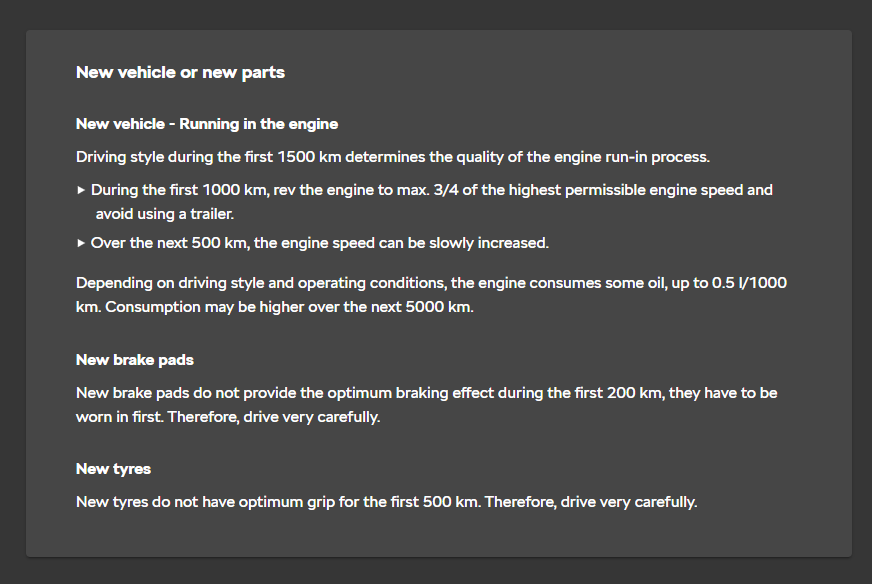
Thank you @e-Roottoot for pointing this out. A screen shot from owners manual.
-
@parsey83 will most probably call me crazy but my TSI still didn't go over 4k rpm . I'm at 1100 km at the moment. I'll slowly start to have some fun with it now. When I picked up my car they told me there is no official recommendation for running in the engine since this is already done in the factory. I still decided to go slowly and wait a bit to get some millage on the car.
-
Same here. First car with the DCC but I love it. Comfort mode is really amazing.
-
That's brilliant idea. I was thinking to wrap it in carbon-look foil (the same one as on the dashboard). But the shop, who did the PPF on my car, said it would be hard to find a matching one. I would be really happy if you can share any info here. Alcantara is very good alternative to carbon-look foil for that gloss black center piece. I'm not sure who thought a gloss black paint would be nice in that position. Mine is already full of fingerprints.
-
Heard/saw the same thing in reviews.
-
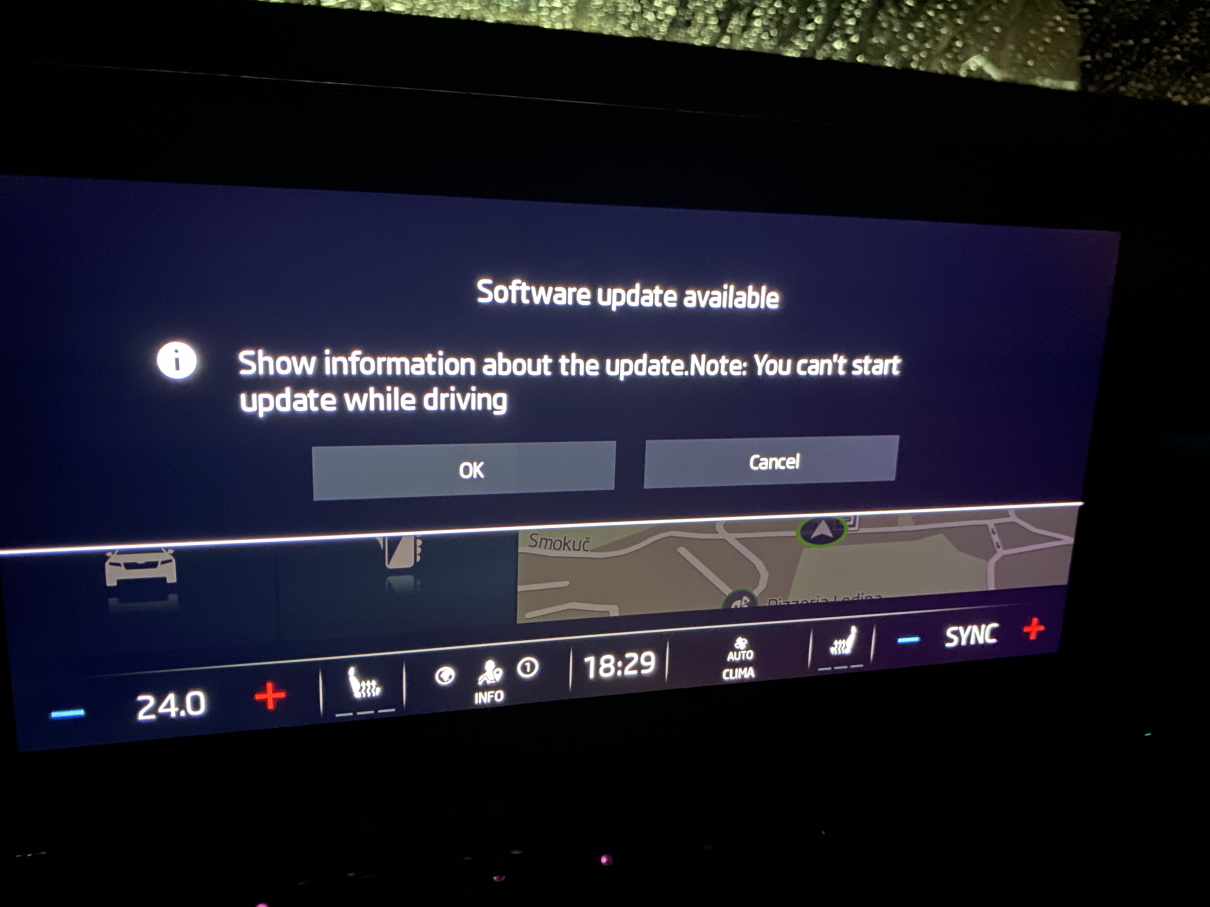
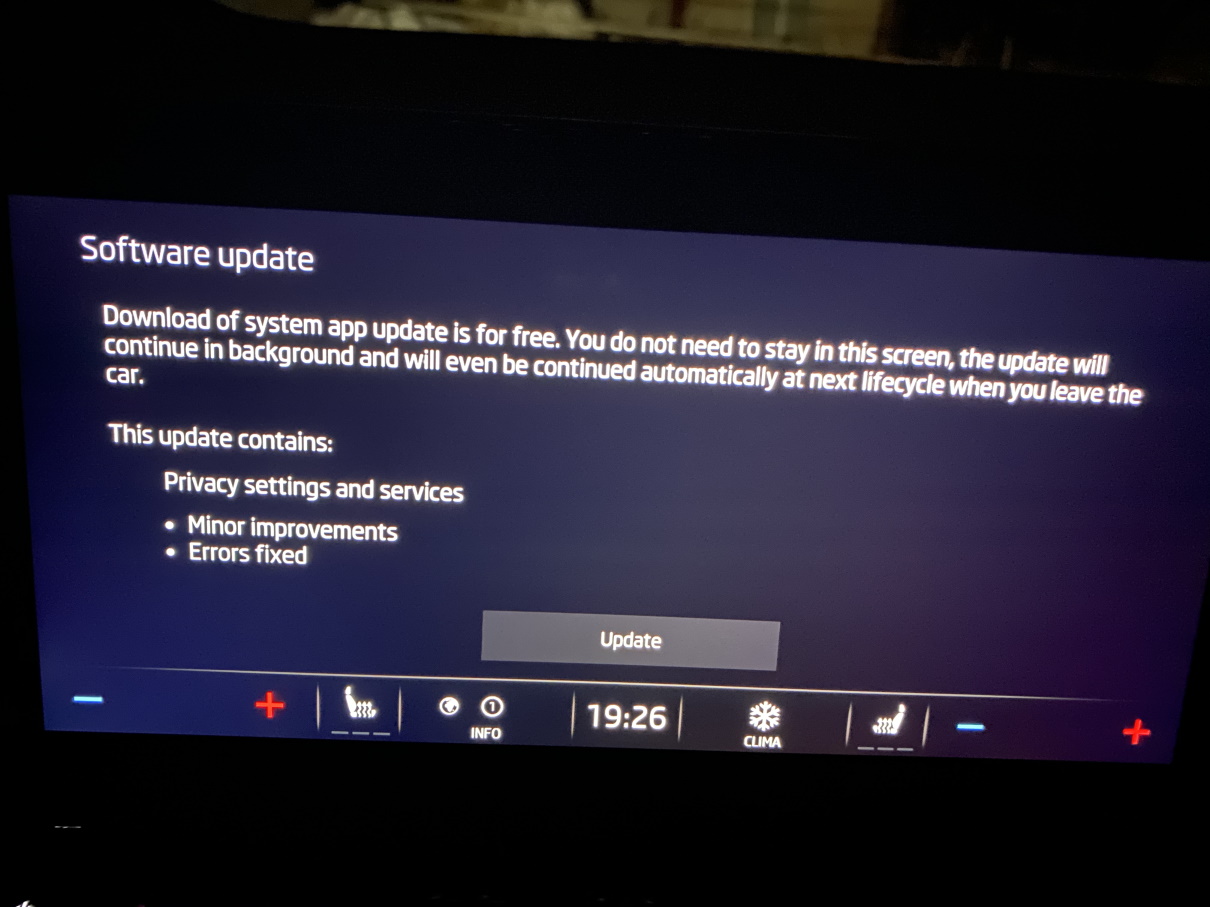
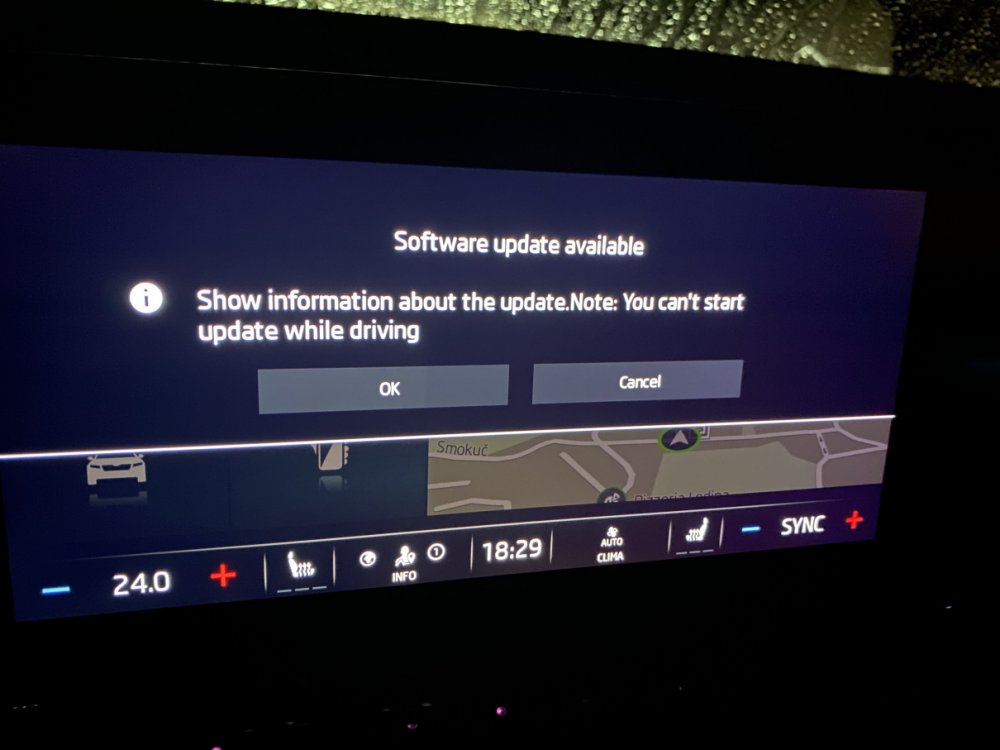
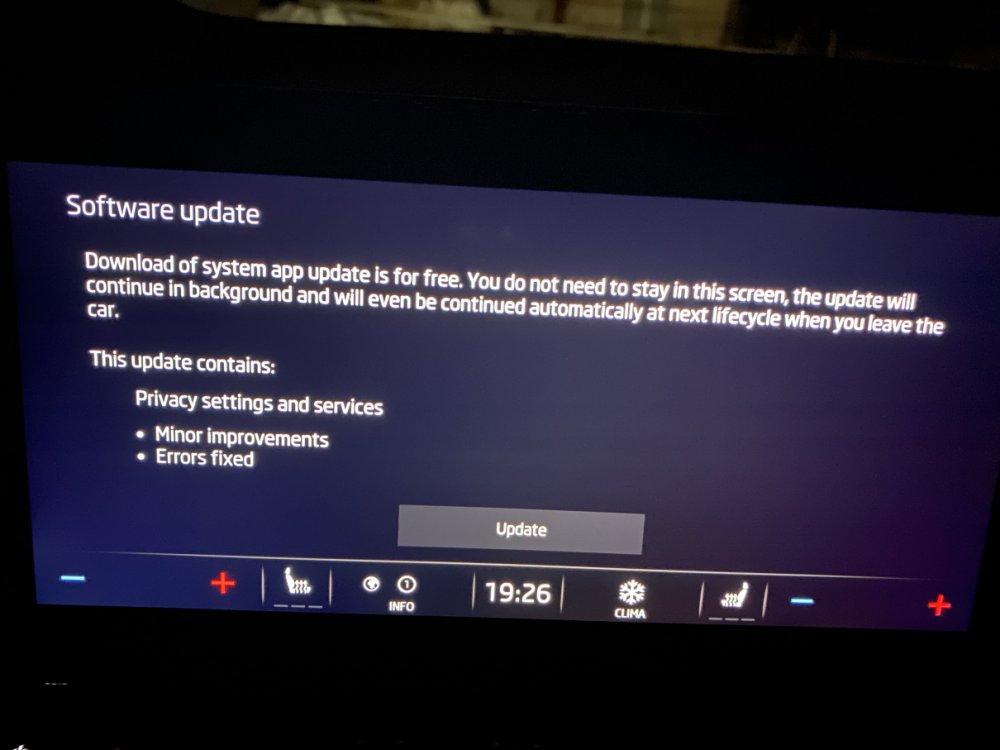
Just got back from a short drive and in the middle of it I got an update notification. It said it can't be updated while driving. So I updated it when I got back. This time only one section was listed under the content. No changes in versions though.
-
Yes, pushed.
-
Do you think Škoda knows?
-
Looks like I got the same one three days ago. Had 1788 version before the update and it remained the same after.
-
@Anth1s which software version do you have?
-
Not sure why. But looks like they managed to fix quite a few bugs with the updates since I didn't notice any since I got the car. For example last week I started a car a couple of time at -10°C and screen didn't have any lag (as mentioned by a few members). Ohh I almost forgot. I also got a system update yesterday. But strangely none of versions have changed. I have 1788 since I got the car last Friday.
-
So I did this today. And as you said, there is a vibration through the windscreen in the sport mode.
-
I have 1788.
-
Nice one! Congratulations!
-
Thumbs up! Really looks nice. Did you do the coating by yourself? Which one did you use?
-
So I have different sound in different driving mode and an option under individual mode to turn the engine sound off. So I must have it either as a separate unit like the mk3 has it or only through car speakers. I can look in more details under the hood tomorrow. Or if someone with more knowledge about mk4 can point me into right direction where to look. Edit: I just watch a video showing where it actually sits in the mk3 and it looks like you can't see it without removing some plastics.
-
Yeah, I thought this might not be it. Do you have any ideas where to look for it?