TheUltraRunner
Members
-
Joined
-
Last visited
Everything posted by TheUltraRunner
-
Great! Thanks. I have rubber floor mats from superskoda!
-
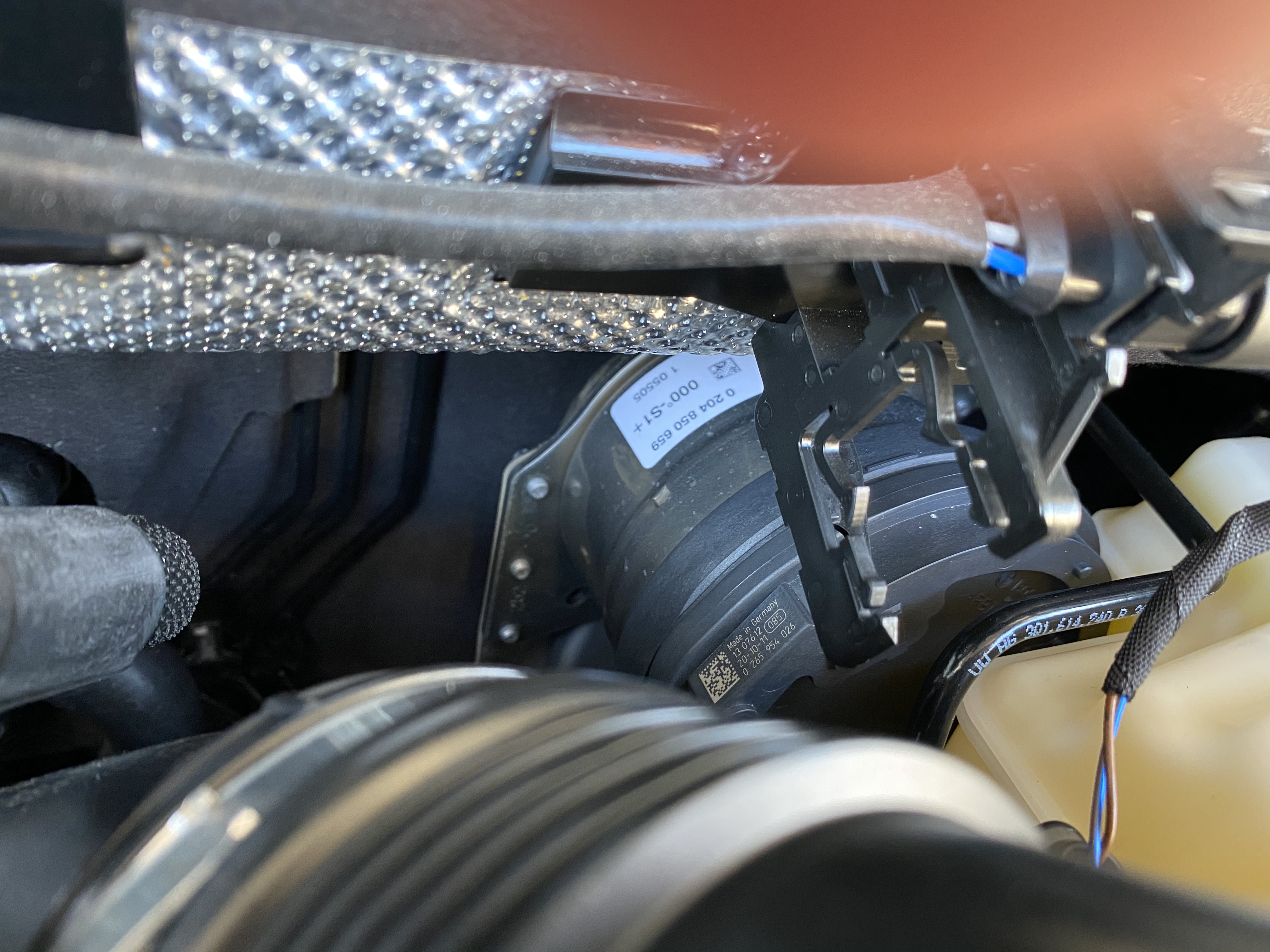
I took the photo of the same "thing". Not sure this is it but it's the only thing visible on the car's firewall and looking similar to what @parsey83 posted above.
-
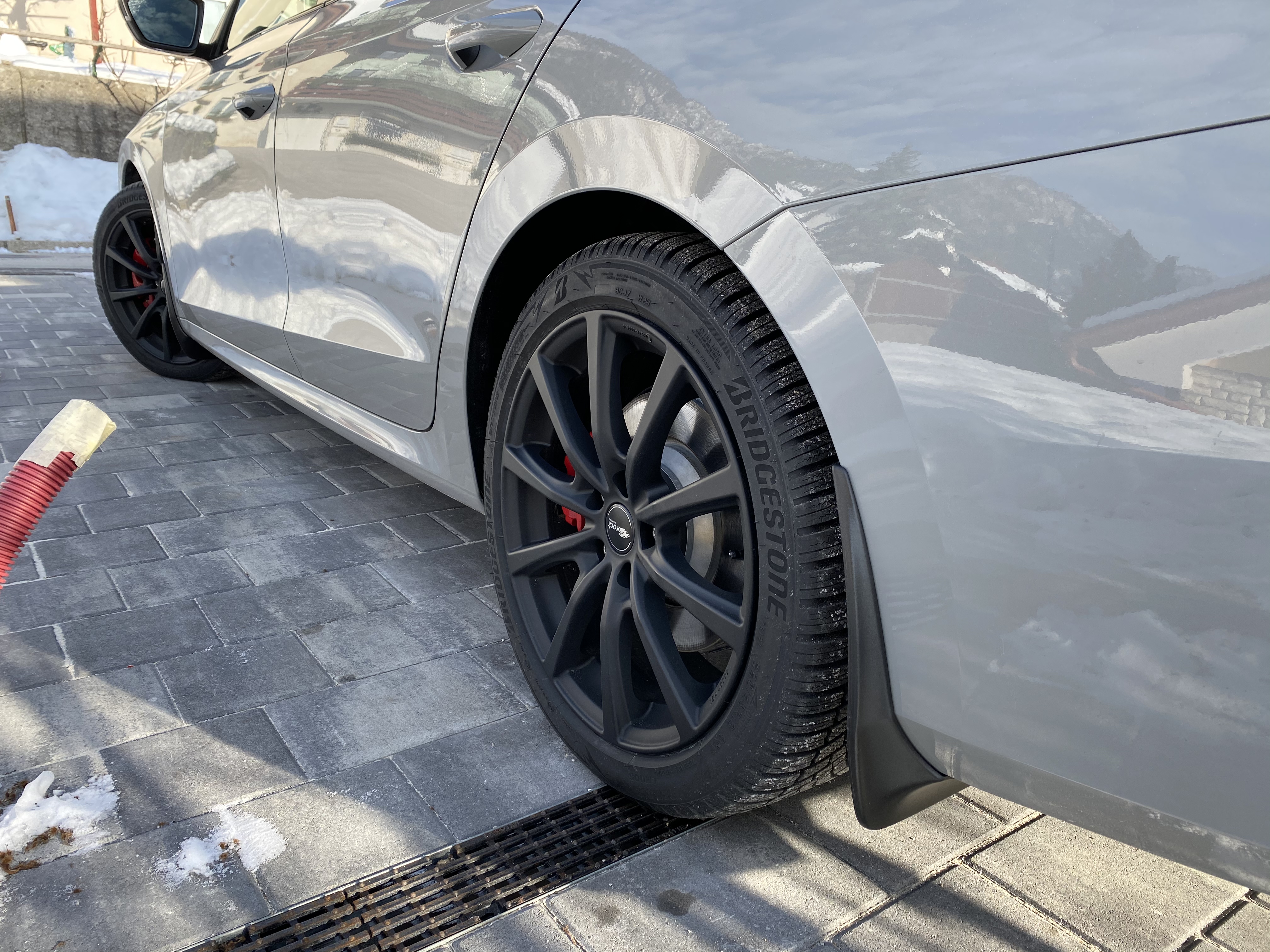
Did exactly the same today. It took me a bit more time since it was -5 °C outside and at half way I needed to go inside to warm up my hands.
-
Is it like rubbery surface? A bit more grippy? So if you lay down any flat stuff it will not fly around?
-
Thanks for correcting me.
-
I didn't notice anything like that. At least not ones specifically for an Octavia. Maybe some universal boot covers would do the trick? https://www.aliexpress.com/wholesale?catId=0&initiative_id=SB_20210117021613&SearchText=car+boot+covers
-
No problem. I thought I misunderstood your question since English is not my native language.
-
@parsey83 why the groan reaction?
-
No4. As far as I know service records are accessible in MyŠkoda app. I could be wrong though.
-
If it helps. http://www.superskoda.com/Skoda/OCTAVIA-IV/Floor-Mats-Carpets/ https://www.skoda-parts.com/catalog/octavia-4/spare-parts/accessories/foot-mats-770.html https://www.skoda.co.uk/owners/accessories-and-merchandise
-
Sure. I will check tomorrow.
-
I'm sure they will find a way. I assume this is all due the Dieselgate scandal and VW tries really hard to prevent any unauthorized access to the new cars computers.
-
Correct. A guy already wanted to tune his MK4 VRS and they couldn't even access the computer.
-
Actually it looks like it's vice versa. At least in Slovenia. Back in October the sound generator was on the ext options list. And now it's on the standard one. But if you didn't specifically order it at that time, you don't get it now. So for people who ordered their VRSs in the fall 2020 and didn't order the sound generator, they don't get it.
-
Sound generator. Which generates exhaust sound through internal speakers.
-
Picture of what exactly? Of the option for sound change in the individual drive mode?
-
Sorry...but what is standard eco? Maybe I'm missing something since this is my first Skoda.
-
You mean eco mode as driving eco mode? Or something else? Not sure why one would change the drive mode to eco before scraping ice from the windows since it changes to normal each time you turn on the car.
-
Congratulations! Drive safe! New exhaust will be my first future upgrade. Although I do have the sound actuator. So in your country there is no option for it in the configurator? Not under standard specs nor under additional ones?
-
Yeah sorry, I didn't took into account 4x4 drivetrain. About the stiffness, you still have the option to opt for the DCC.
-
Very nice driving of the new Toyota Yaris GR. If this is not allowed to post here, I'll remove it.
-
You can buy VRS and sell the standard rims and tires. And buy 205/55/17 ones. This tire and rim size is in the homologation list. At least here in Slovenia. And I can't agree about the lean in the corners. A wider tire means also the tire is lower which means it has lower sidewals and thus less lean in corners. It also provides more grip and faster responses in changing directions. Wider tires also mean more grip when accelerating on straights and out of the corners.
-
How is your USB stick formatted? FAT32 or NTFS? Try to format it to FAT32 and then try again. I'm not sure if the new Octavia already supports anything else beside FAT32 formatted drives.
-
Is this manual publicly available? Where can I find it?
-
Maybe it will be more useful here is Slovenia since English is not our native language.