Lutz_91
Members
-
Joined
-
Last visited
Everything posted by Lutz_91
-
5Q0 and 2Q0 radars have different mounting positions and, consequently, different brackets. With the 2Q0, you would normally have to buy and install different brackets. The 3D-printed part saves you from having to do that, allowing you to use the OEM 5Q0 bracket instead. It’s a great solution from @Cairus.
-
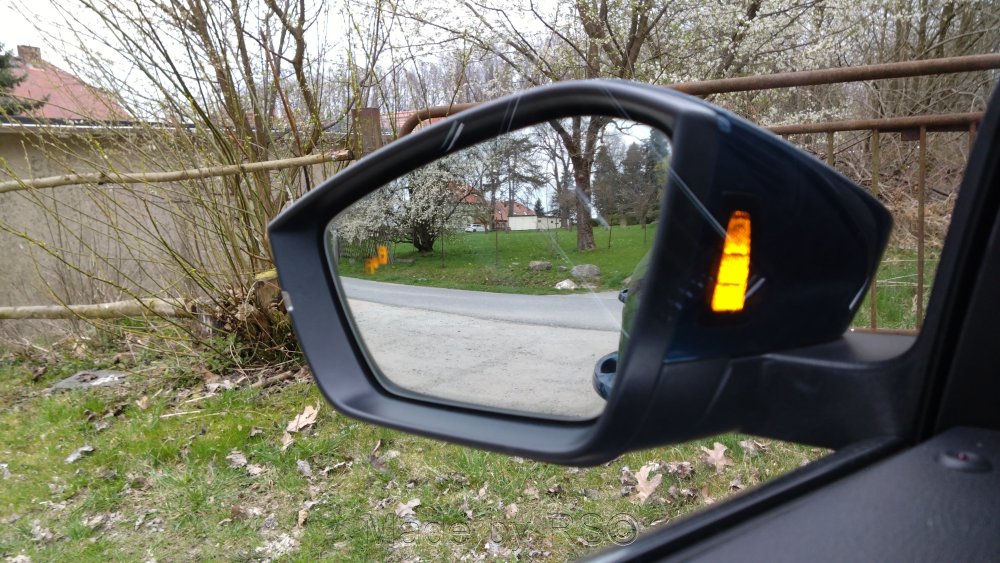
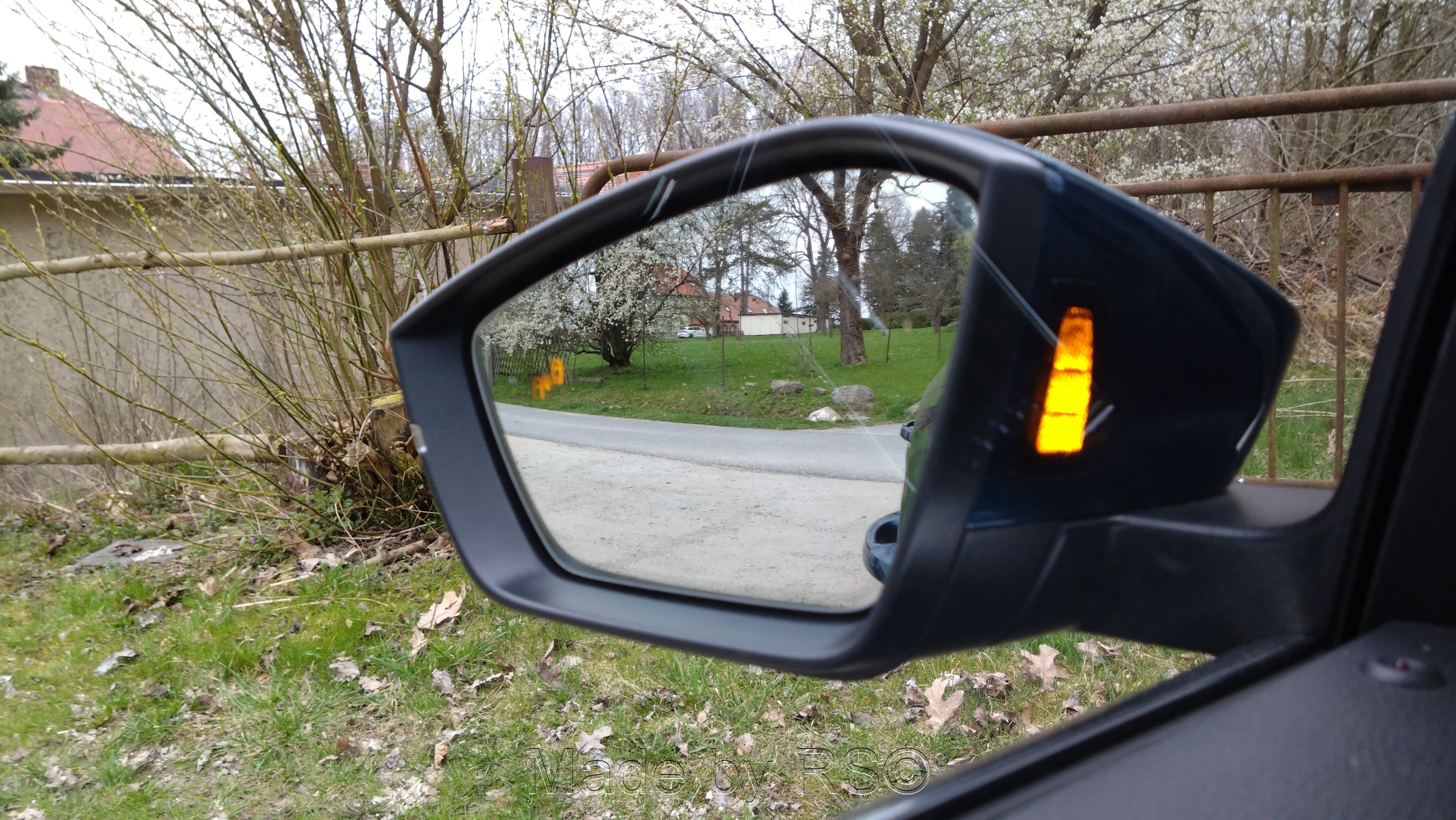
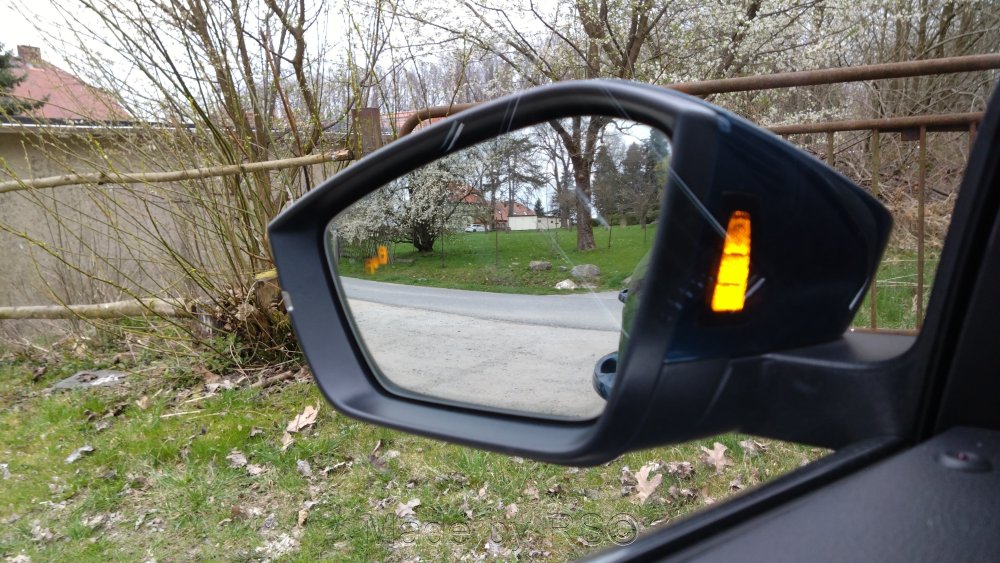
It works 100%. I didn't want to do it at first either, but I ended up switching from the 5Q0 to the 2Q0 anyway. I made the adapter wiring harness myself. Just popped in a 3D-printed adapter and that was it. Adjusted the coding, and it works great—with LEDs in both the mirror housing and the glass
-
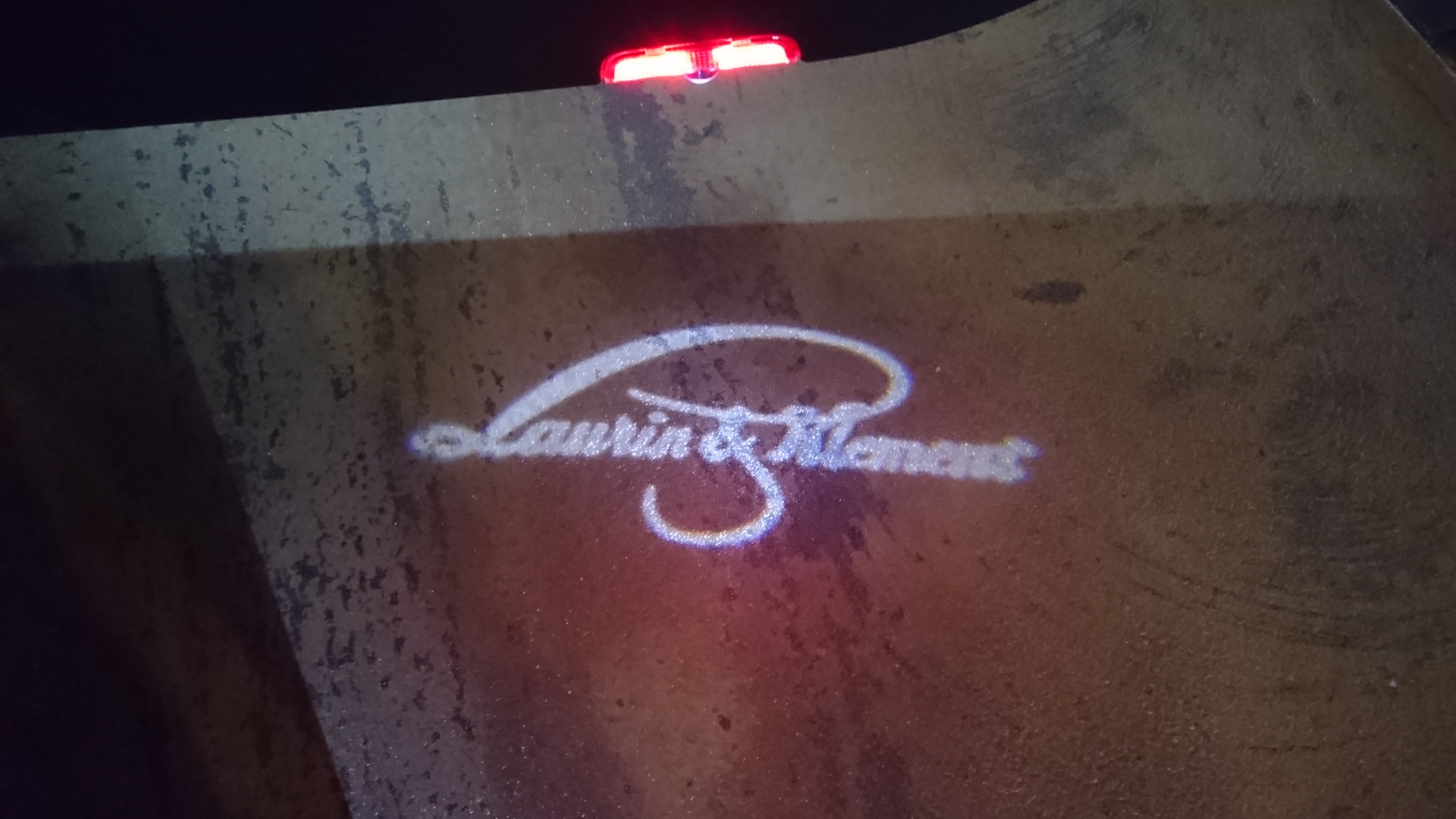
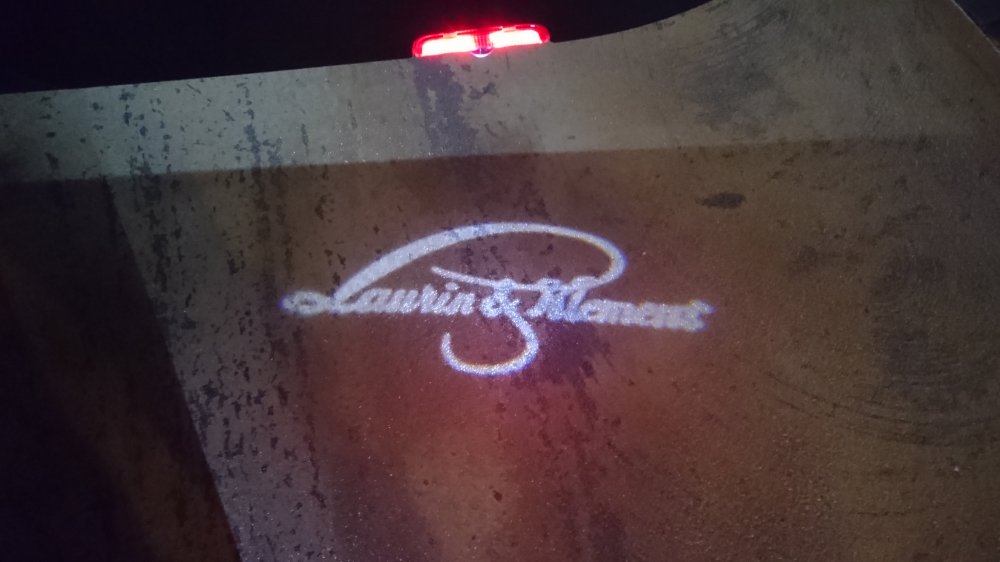
Yes, they were replaced one-for-one. They aren't available anymore. Back then, there was a group buy in Germany for this type of logo.
-
Unfortunately, they were a bit twisted back then, but that has since been corrected. But this is also very nice. 🤩
-
It depends on the LED. But 5V works—that's correct OEM is just a neat solution, I think.
-
They can do whatever they want. I’m still entitled to my opinion, though. I upgraded from the OEM 5Q0 to the 2Q0 myself, so I know exactly what the job entails
-
That is, provided the control units can actually drive the OEM LEDs. Since it’s not the OEM control unit, you don’t know how the LED is powered
-
In that case, I'd rather have OEM control units than the AliExpress knock-offs
-
An aluminum oil pan is nicer. I had a steel one for a year, but the threads for the drain plug weren't good. Then again, it wasn't from ECS
-
Search for ECS Tuning, as previously posted. I just wrapped over the decal because I didn't want the advertising. You need to look in the Golf 7 section.
-
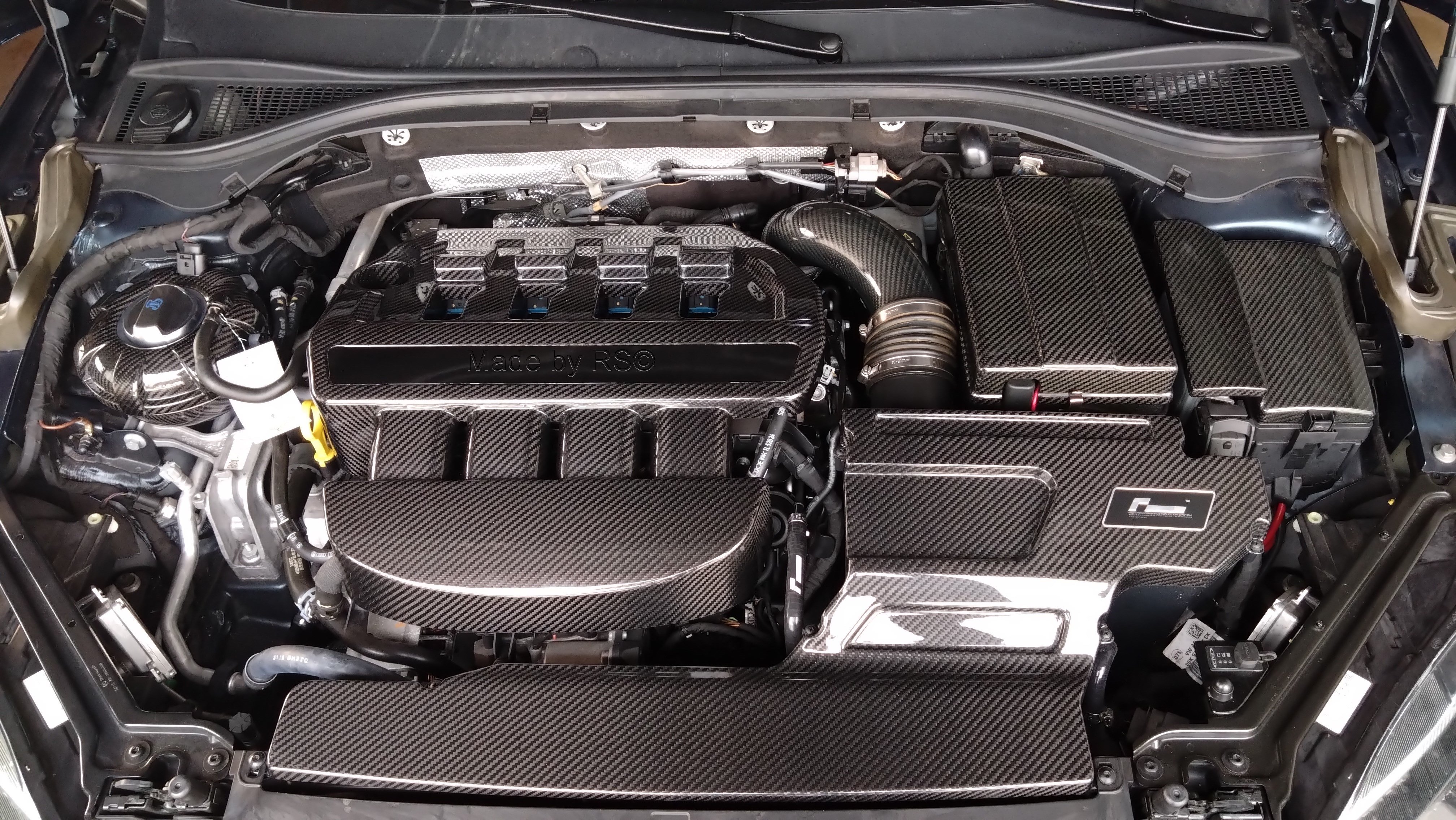
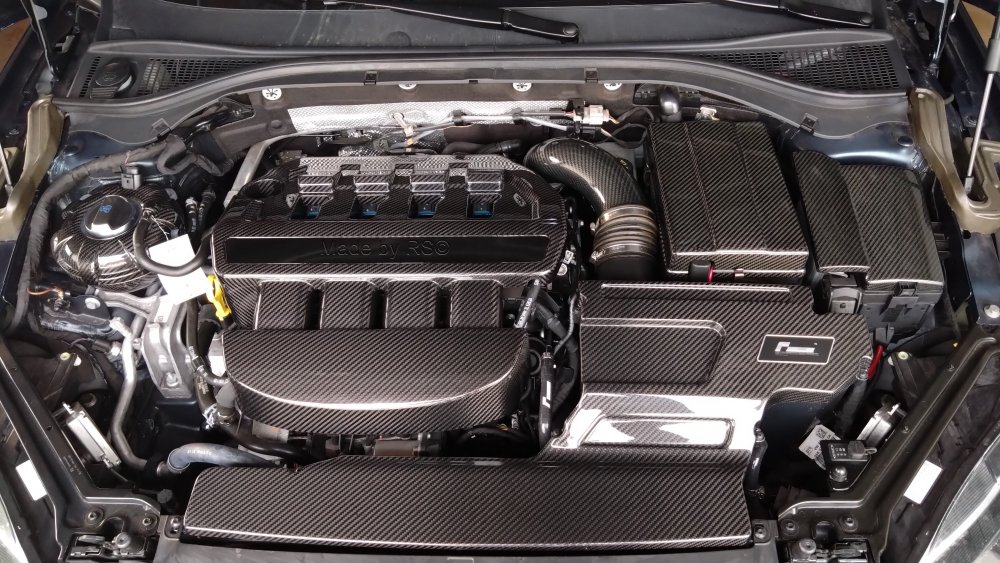
The engine cover, battery cover, fuse box cover, and coolant reservoir cover come from the USA.
-
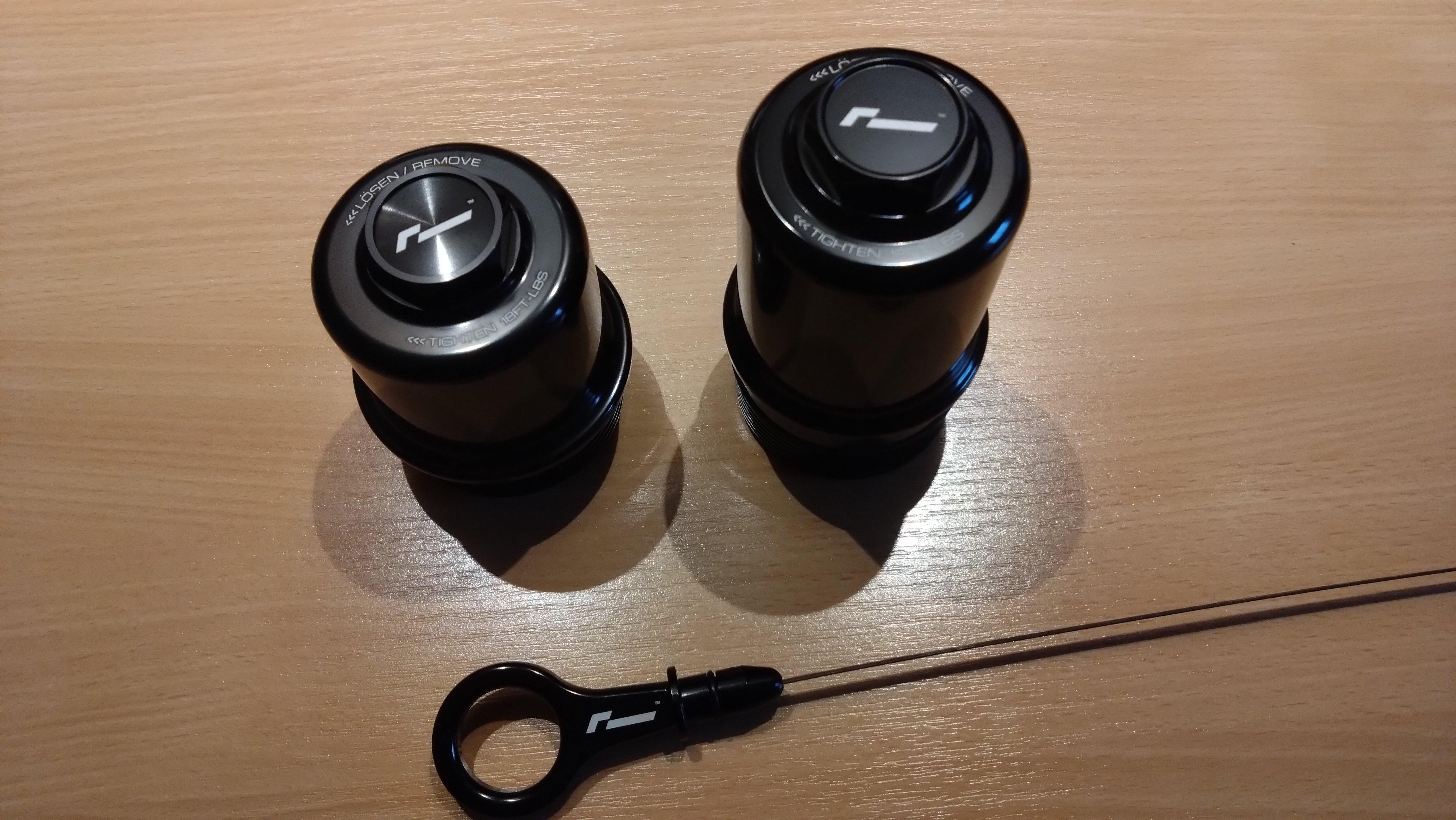
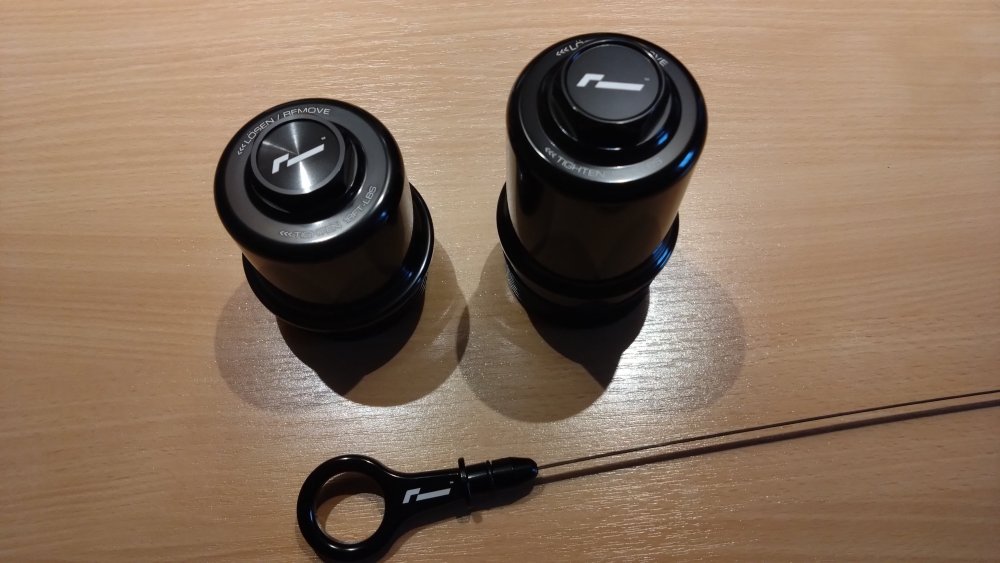
I’ve installed that one too, along with the VWR600 intake, oil filter housing, and DSG filter housing. Apart from that, a few carbon fiber parts as well.
-
It wasn't meant to be offensive. I just wanted to let you know.
-
That's not a Superb facelift cover, it's from a Kodiaq. I had that one on mine back then, too.
-
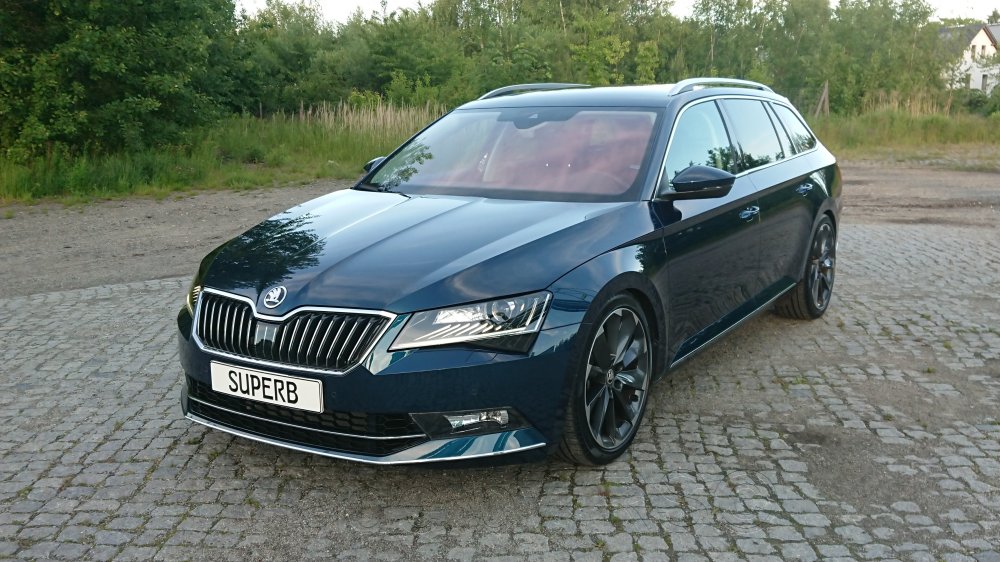
I have a 3V MJ17 and still have the 55 control unit in it, so the eyelashes work too
-
That's why I wrote that you should carefully check whether the correct pins are present on the BCM board before you start tinkering. But some people don't understand that
-
I'm already reading it. But even you weren't entirely sure which pins the BCM actually has at first. Only after getting help did you use Leuchte8FL LB39, where that pin is located. If your BCM is different from the other user's, it could be different. There's a reason there are so many different BCM variants. The conversion is very well done, no question.
-
Have the cables been laid? The heated steering wheel has its own cable to the fuse box
-
Check if the corresponding pin is present on the circuit board or connector A/B/C. Just because you can code it doesn't mean the pin is on the BCM circuit board
-
No, I don't know how it's supposed to work in the MIB. I haven't seen it work on any FL model either
-
What should I code? The dynamic flashing of the rear indicators, or whether this function is available in the MIB?
-
All I know is that it can be coded via the BCM 09. It would also be new to me that this function for the blinker is supposed to be available in the MIB. And I've compared all the codes with the facelift and pre-facelift versions.
-
But that's already the newer VC. I still have the older VC with MIB 2.5 in my S3 vFL. But it's nice that everything works
-
Try gluing the black strip, i.e. the sensor cable, to the top edge, right past the tow bar cutout. It's possible that the sensor won't respond if it's positioned down there. OEM doesn't do that either. Or swap both: black on the front, red on the back.
-
I've done it now, too. I've cut or reconnected all the P&P wiring harnesses on the vehicle without any connectors. And both LEDs in the exterior mirror are usable.