





East_Yorkshire_Retrofits
Sponsor
-
Joined
-
Last visited
Everything posted by East_Yorkshire_Retrofits
-
Dealers don't get to choose when it comes to restoring FECs. It restores whatever the mothership says is valid for your VIN. I'm unsure why an invalid fec would cause issues if there's a valid one alongside it We need to know the VIN & read the individualisation characteristic
-
I had my formentor for a year and it always wanted just a slight bit too much force applied grip wise. There were some that required replacement early on, I've a feeling mine may have been one of those despite not hitting the requirements Good to hear Skoda aren't having the same issues
-
How tight would you say you have to grip it for it to be happy? I'm now wondering if my formentor wheel was one of the early problematic ones 🤦♂️
-
Capacitive wheels require a good amount of contact between your hand and the wheel. You can't gently rest/loosely hold it. They're annoying as hell You'd have been better off getting one of the modules that are fitted to the canbus gateway. Usually much cheaper and you can hold the wheel as loose/tight as you fancy
-
They don't need any paperwork to reactivate factory features, it's a guided routine within ODIS so it would be interesting to see what's happened there 👀 TSR we need to take some info from the car before hand, then it can take up to a week to get the activation information
-
PACC/ACC for MQBevo is currently £2000+ 🤢 Dealers can't activate anything that's SWaP unless customer service generates an activation document for them (Ie, something silly missed from the build) or there's an activation document available
-
We don't travel for work, sorry We can offer this service, however it isn't something we can currently offer for DIY
-
Yes it's possible, we've successfully fitted 360° cameras to a Cupra Formentor Front + rear uses pretty much the same parts but without the cameras in the mirrors
-
Skoda won't invalidate the whole vehicles warranty because the camera is fitted. They'd only invalidate parts which have failed and can be attributed to the camera - which is none, as nothing else is touched. The camera is a completely independent electrical system that connections to the intended connection points. It connects to a dedicated point on the canbus gateway & a dedicated position in the fusebox
-
The camera wouldn't be covered under the manufacturer warranty, it would however be covered by our warranty
-
Please send us a message with your VIN
-
Costs much more to retrofit than when new, this is the case with most things Predictive cruise is a seperate feature however reliant on TSR being active PACC would cost considerably more as it costs more to activate Gone are the days when things could be enabled with simple coding 😓
-
Unfortunately that's correct! Check if it's available in the Skoda store, if it is then this is the cheapest solution. Alternatively, we charge £345 for Traffic Sign Recognition. It's not as cheap as we'd hope but it's better than nothing PACC is also a protected feature, we can help with this too
-
It's possible to buy modified units to fit to your canbus gateway which remove the need for the capacative module on the wheel. Also allows for unlimited no hand contact (not that this is safe) Those of you fitting heated steering wheels will require additional wiring and a new slipring.
-
New wheel isn't covered under warranty. Rest of the car should be unaffected Ensure you replace the bolt that secures the wheel, and torque it correctly. Also ensure you don't mark/damage the airbag when removing - give them 0 reasons to invalidate other parts warranty
-
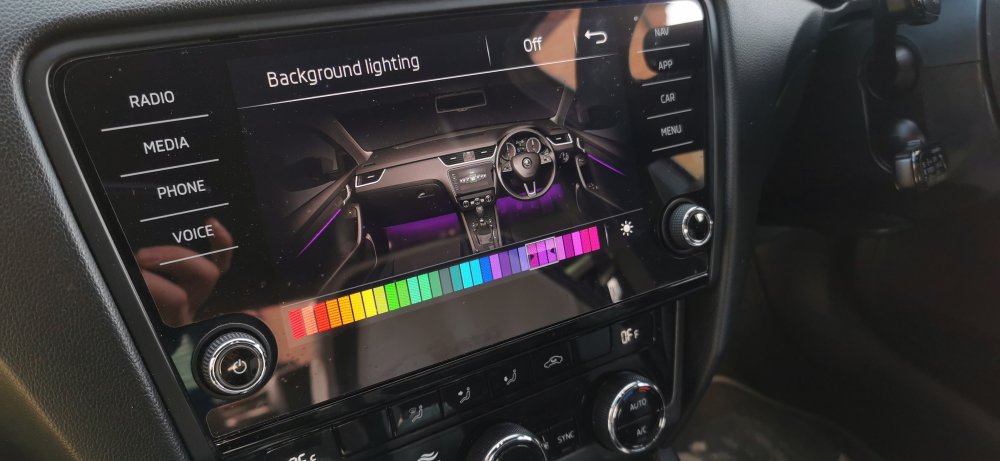
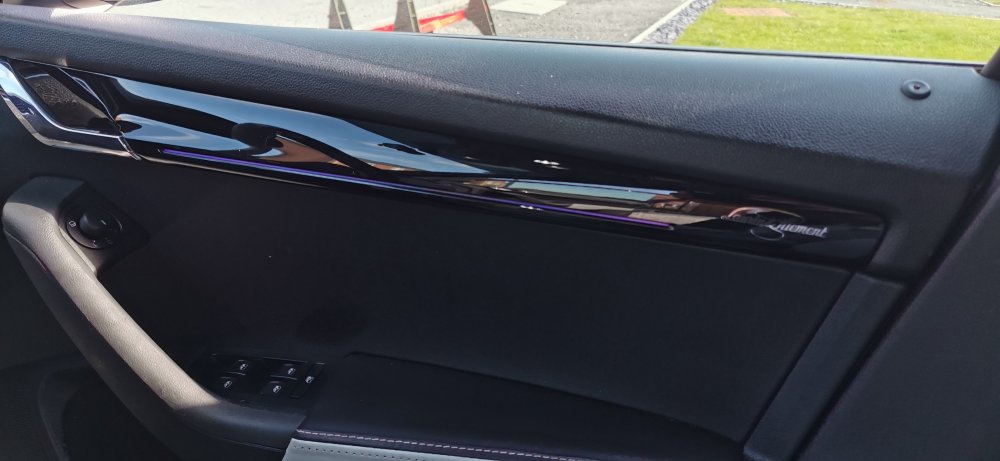
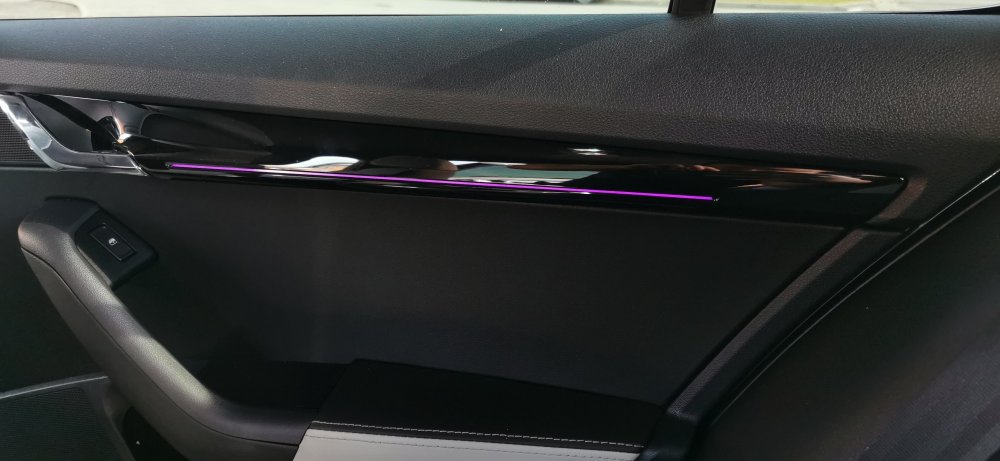
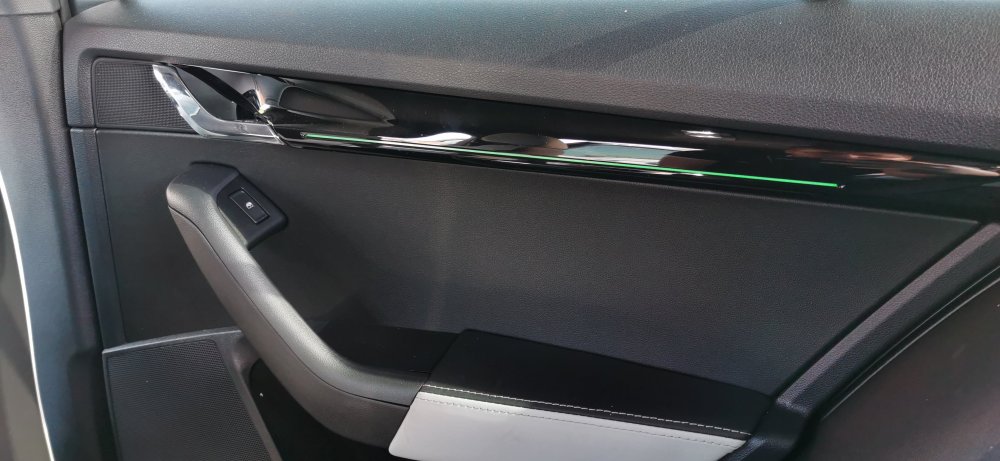
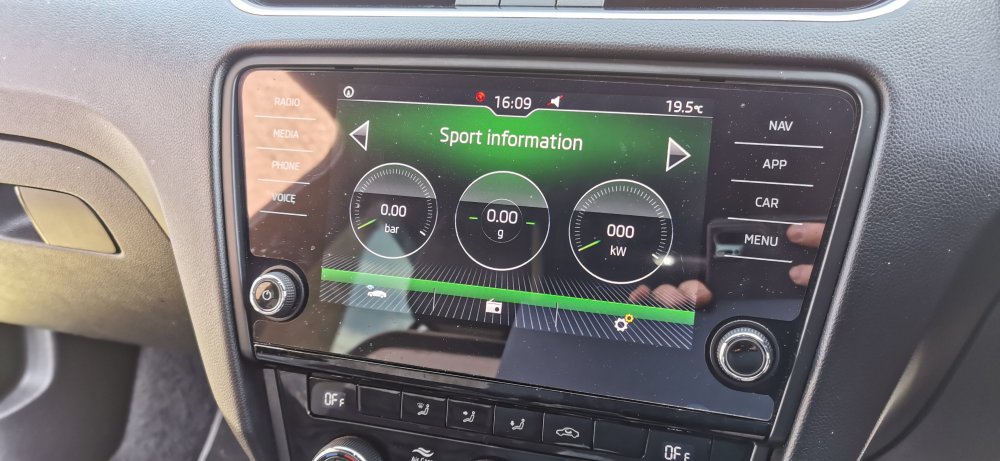
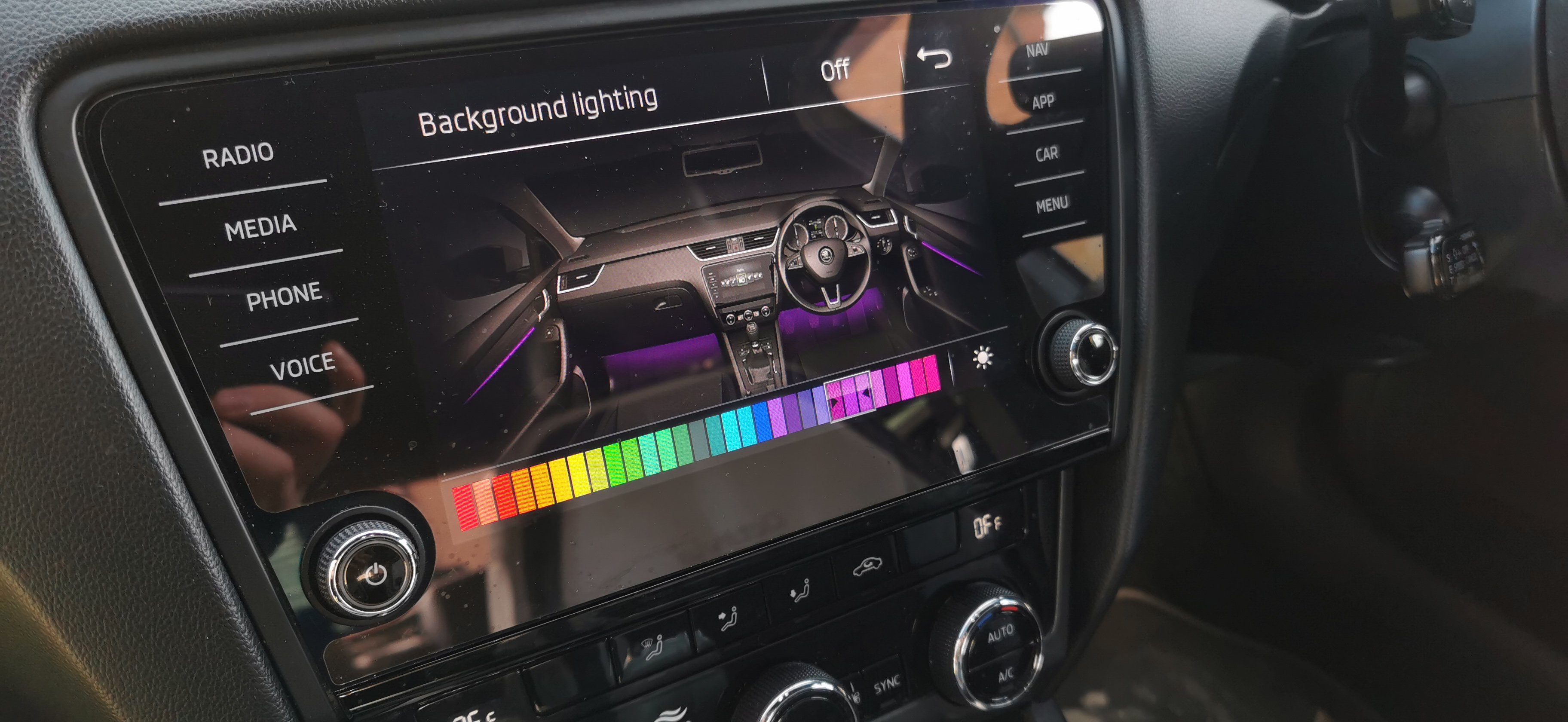
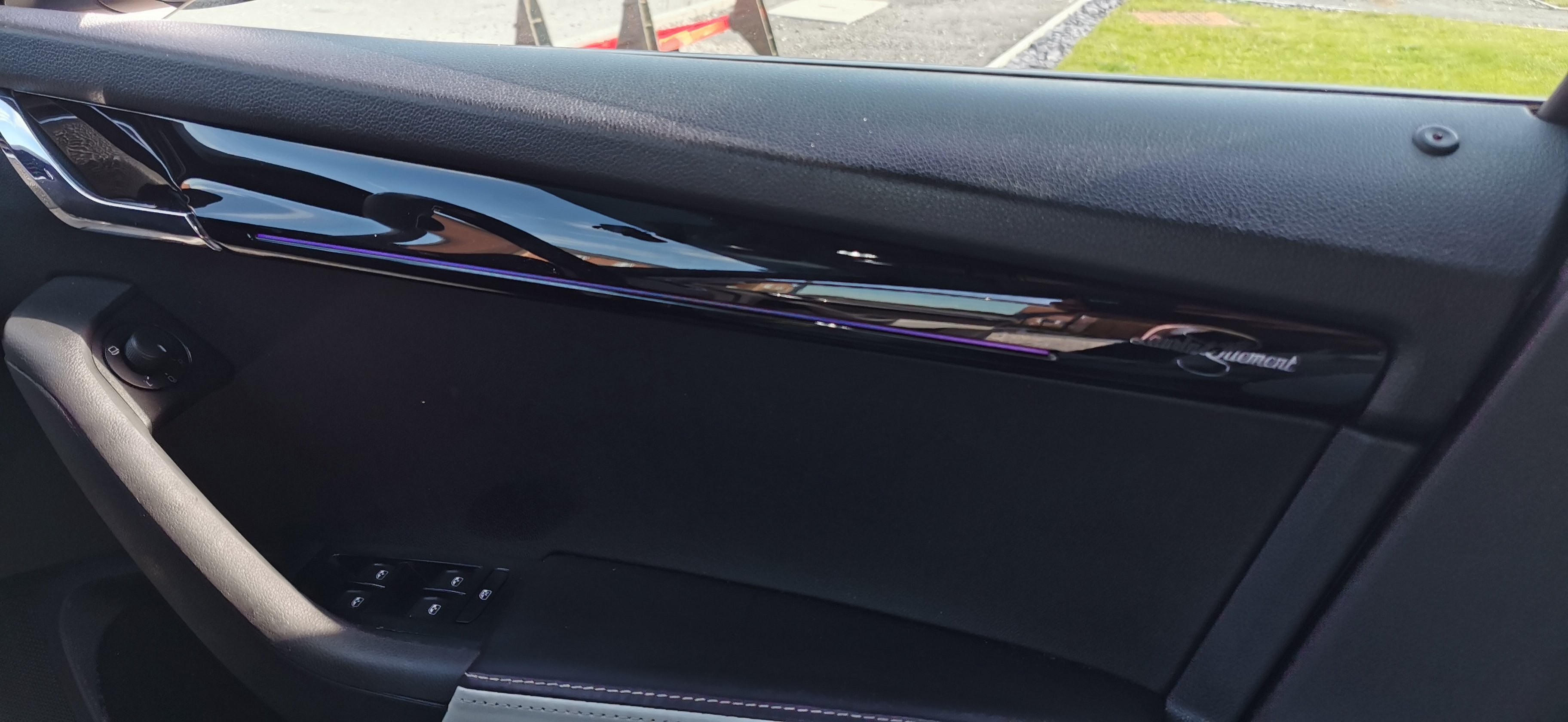
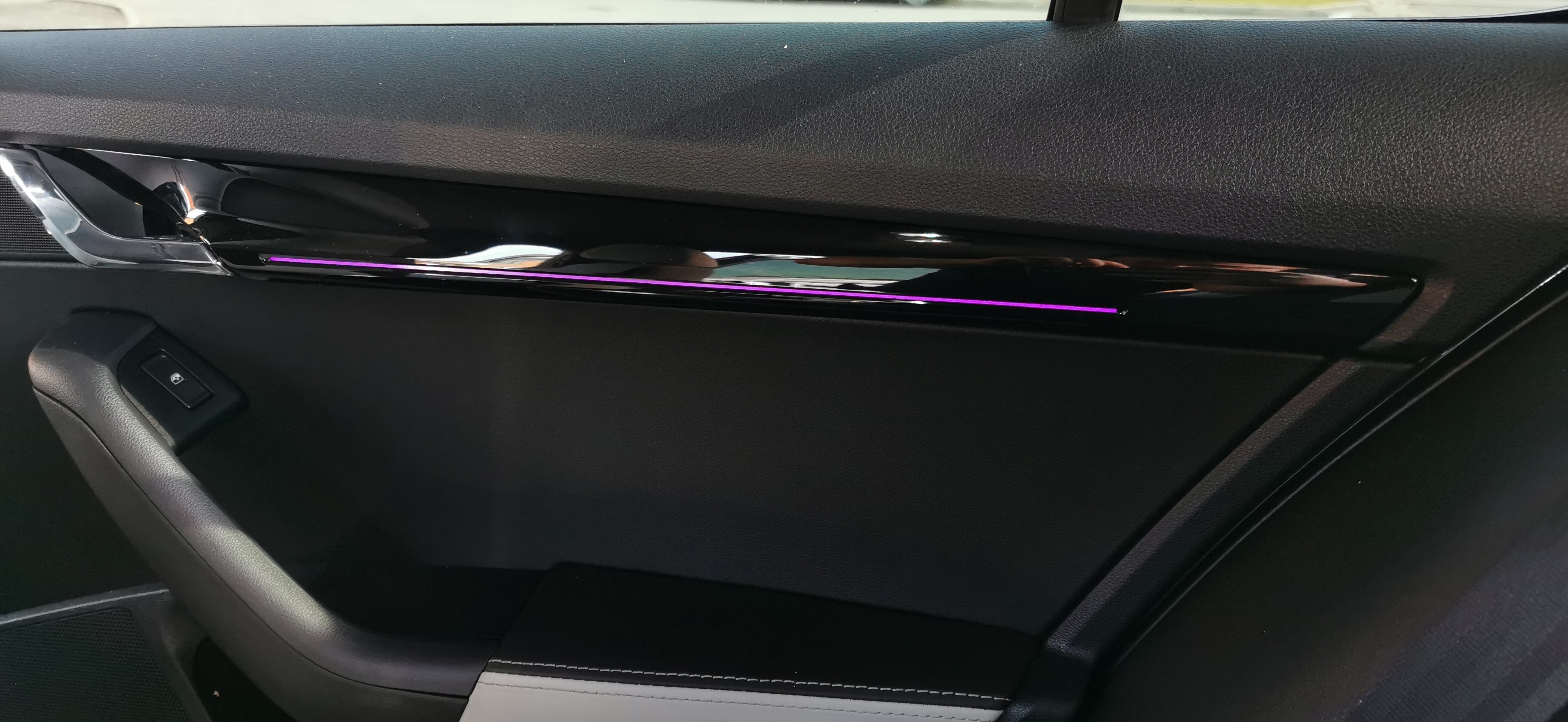
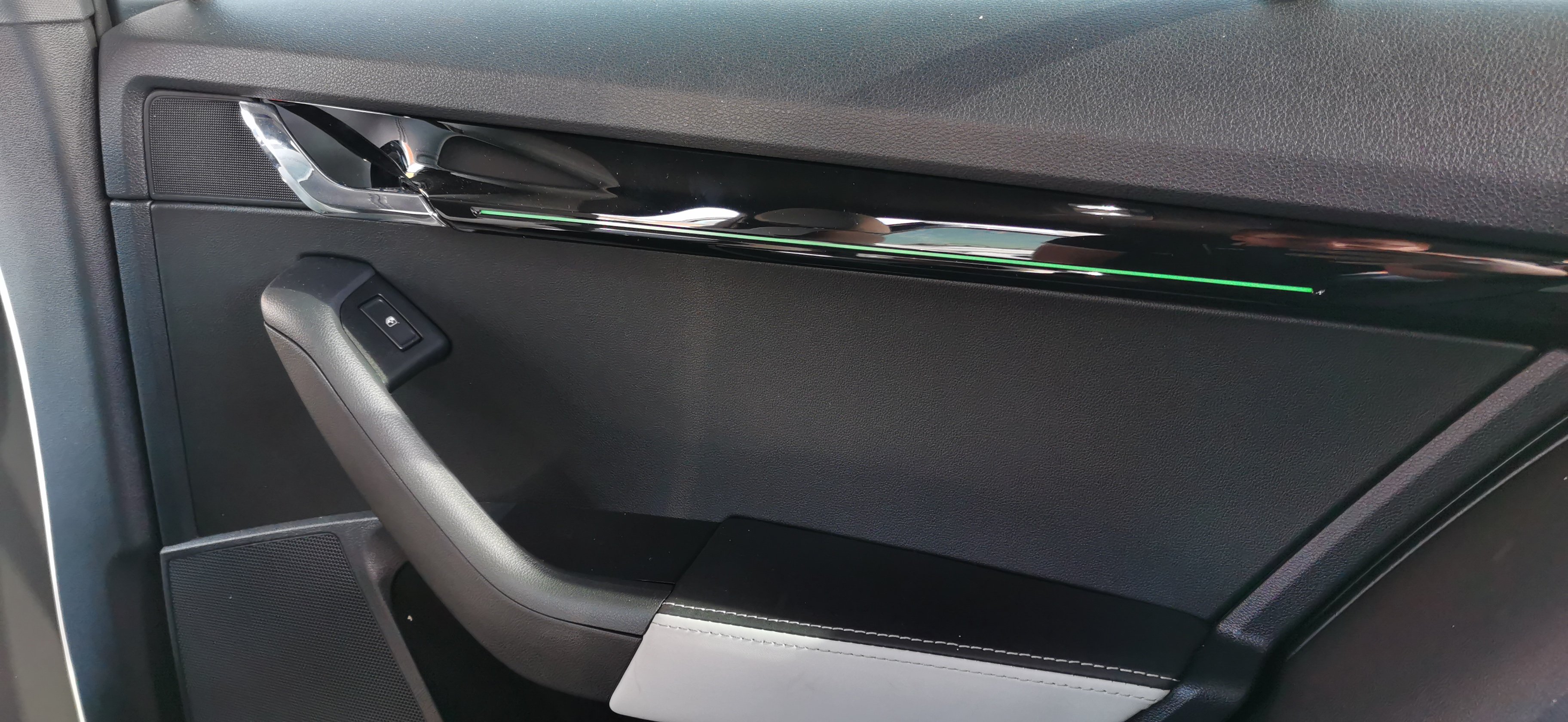
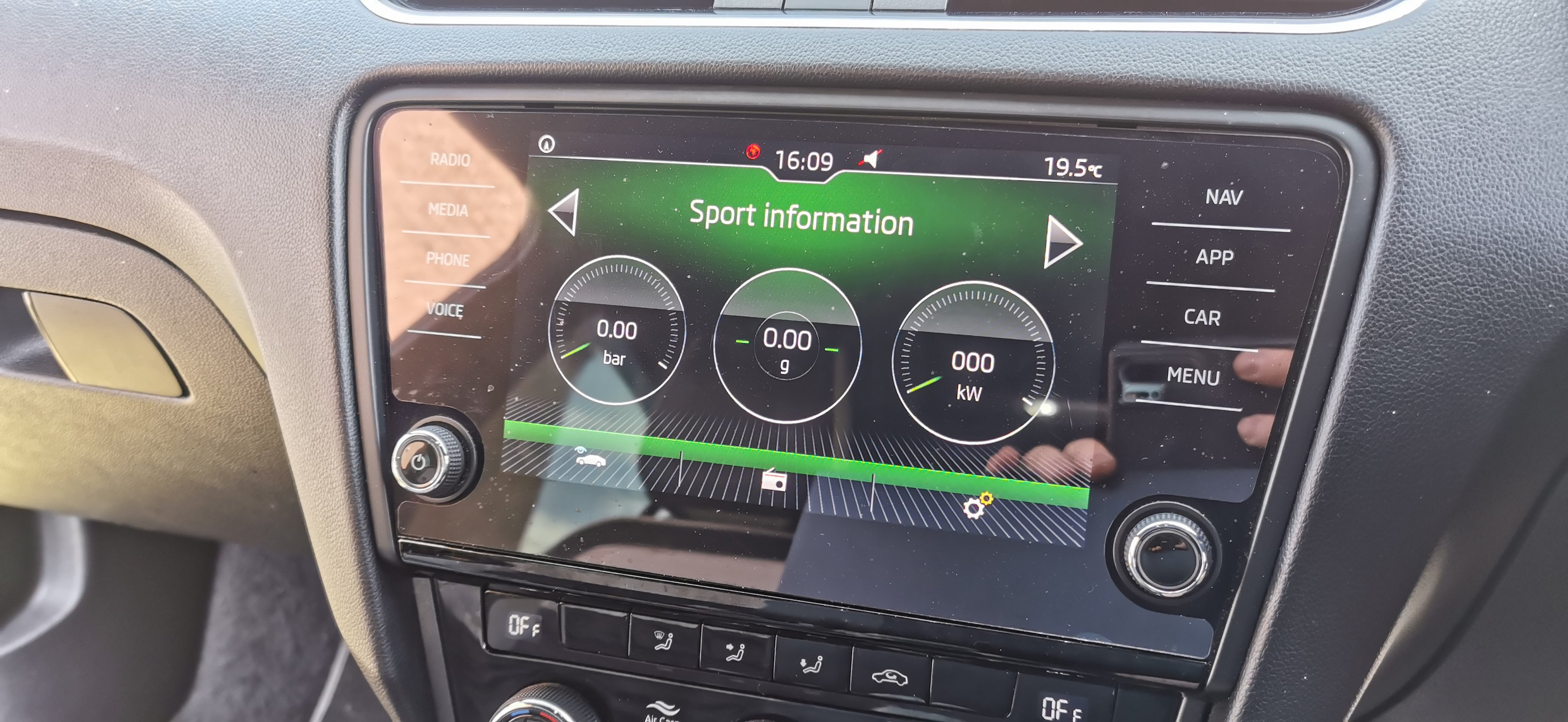
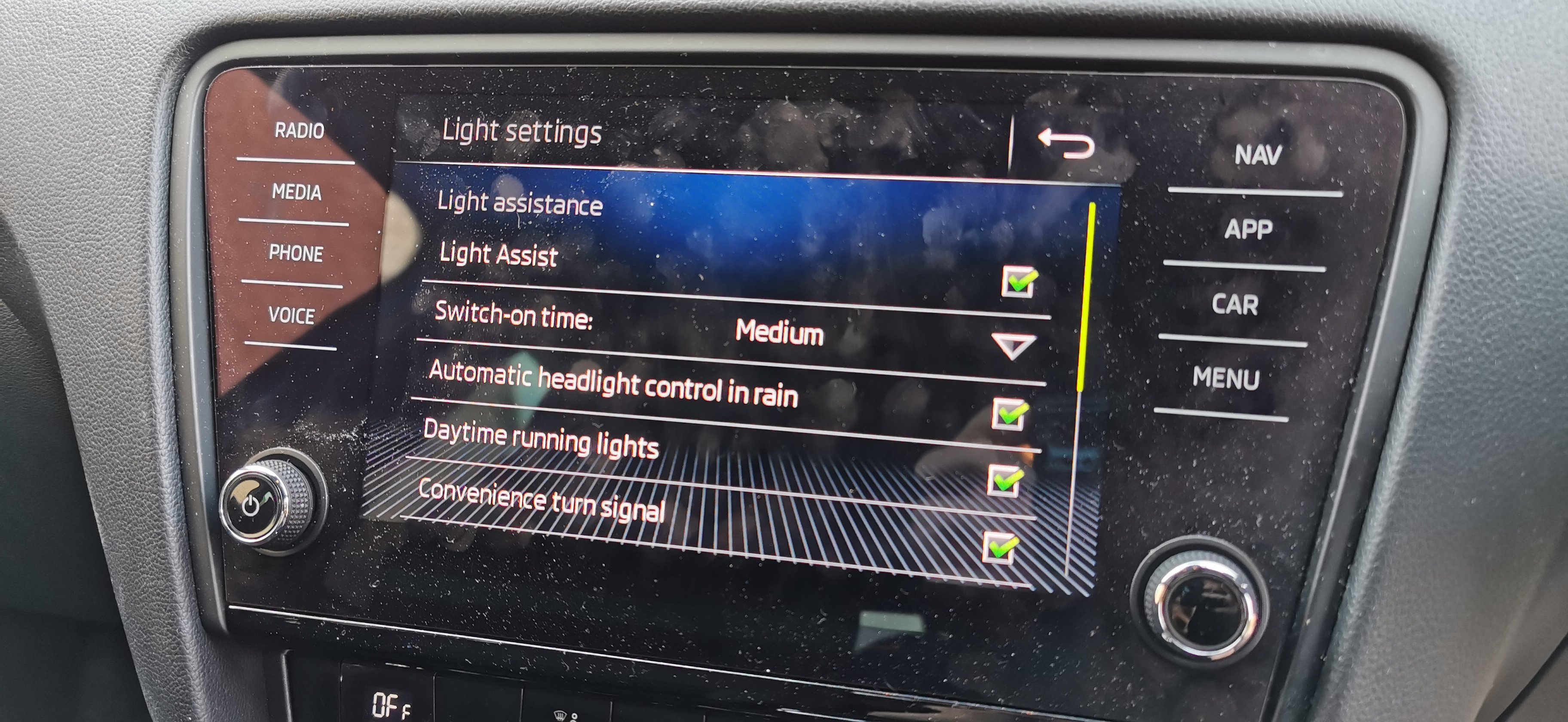
2019 Skoda Octavia SE Tech fitted with front & rear ambient lighting along with genuine multicolour footwell lights (front & rear). The customer supplied new trim pieces with the ambient lighting installed. We plastic welded this into place and made up the necessary wiring We also updated the infotainment unit and enabled the sports display & Mapcare This vehicle has previously been to us for a new virtual cockpit
-
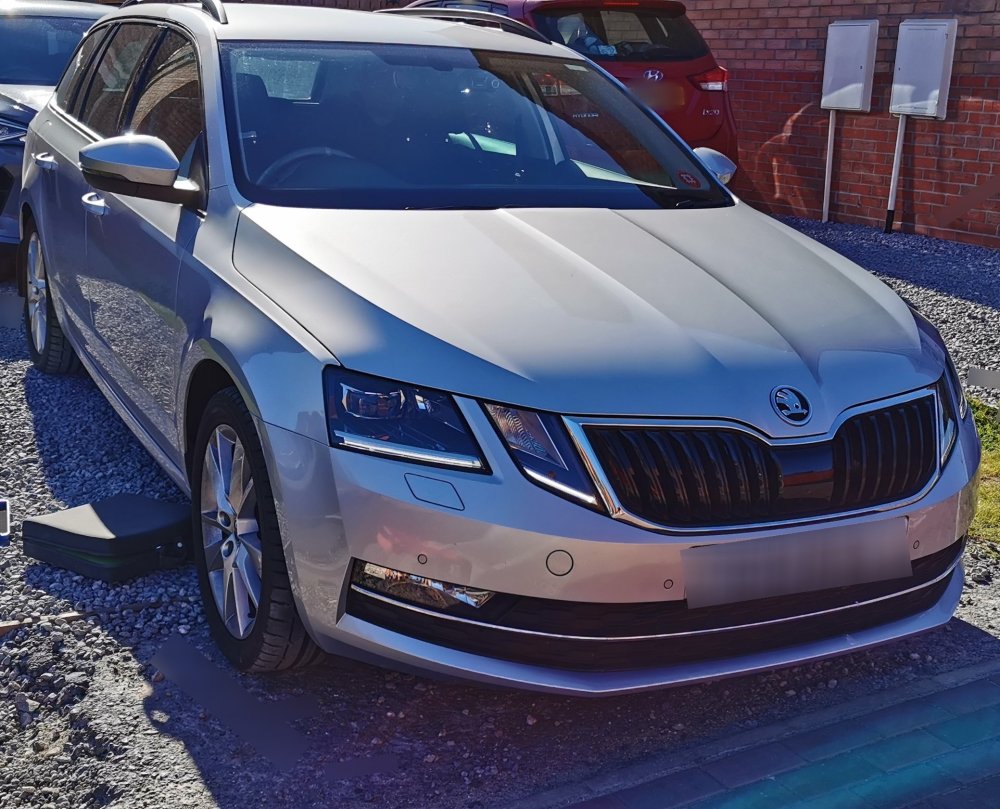
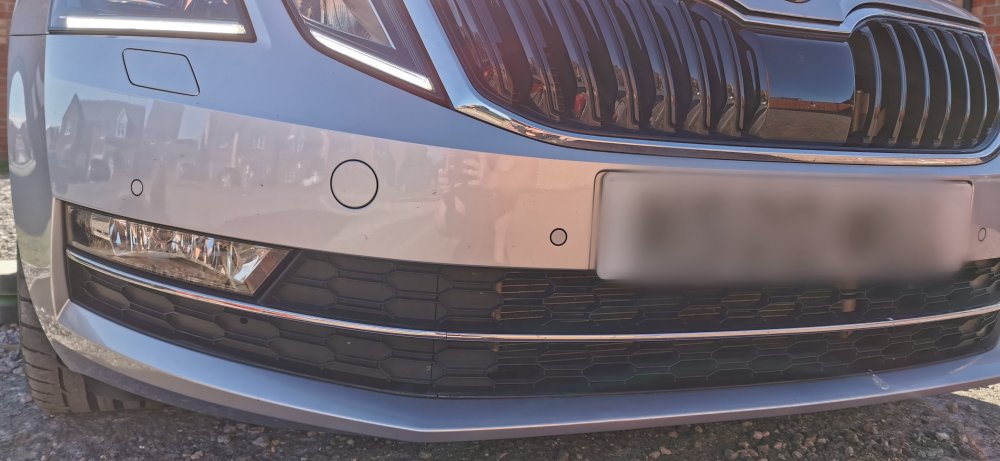
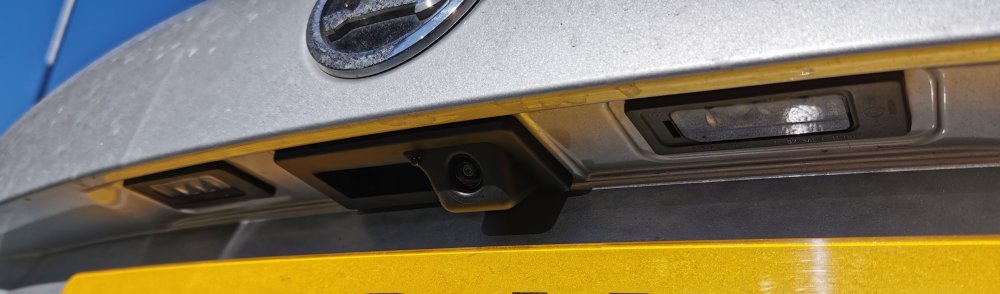
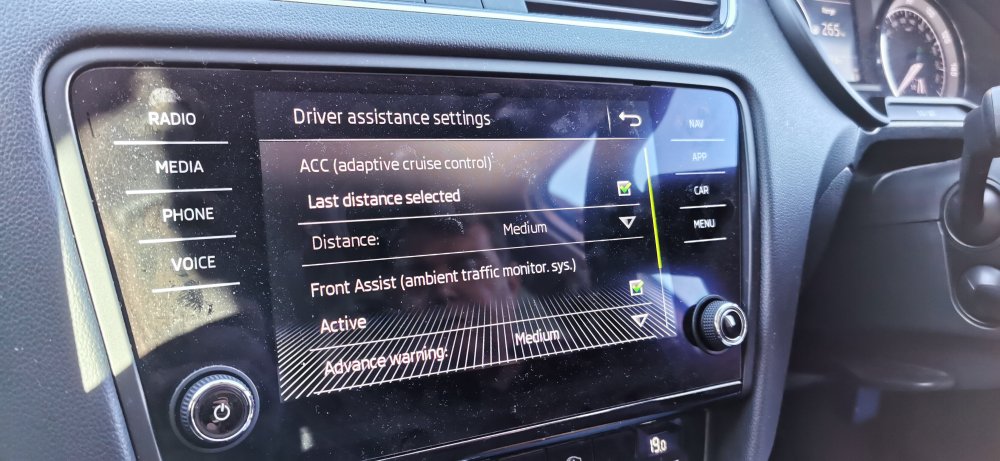
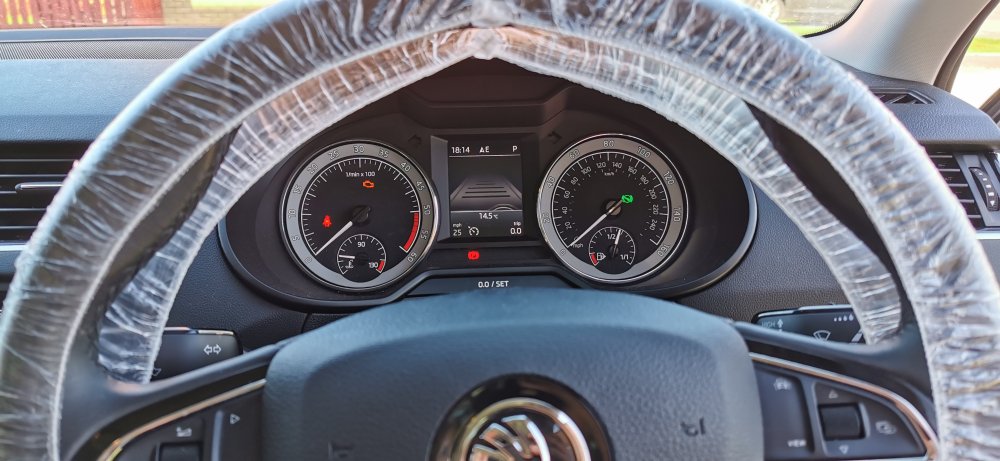
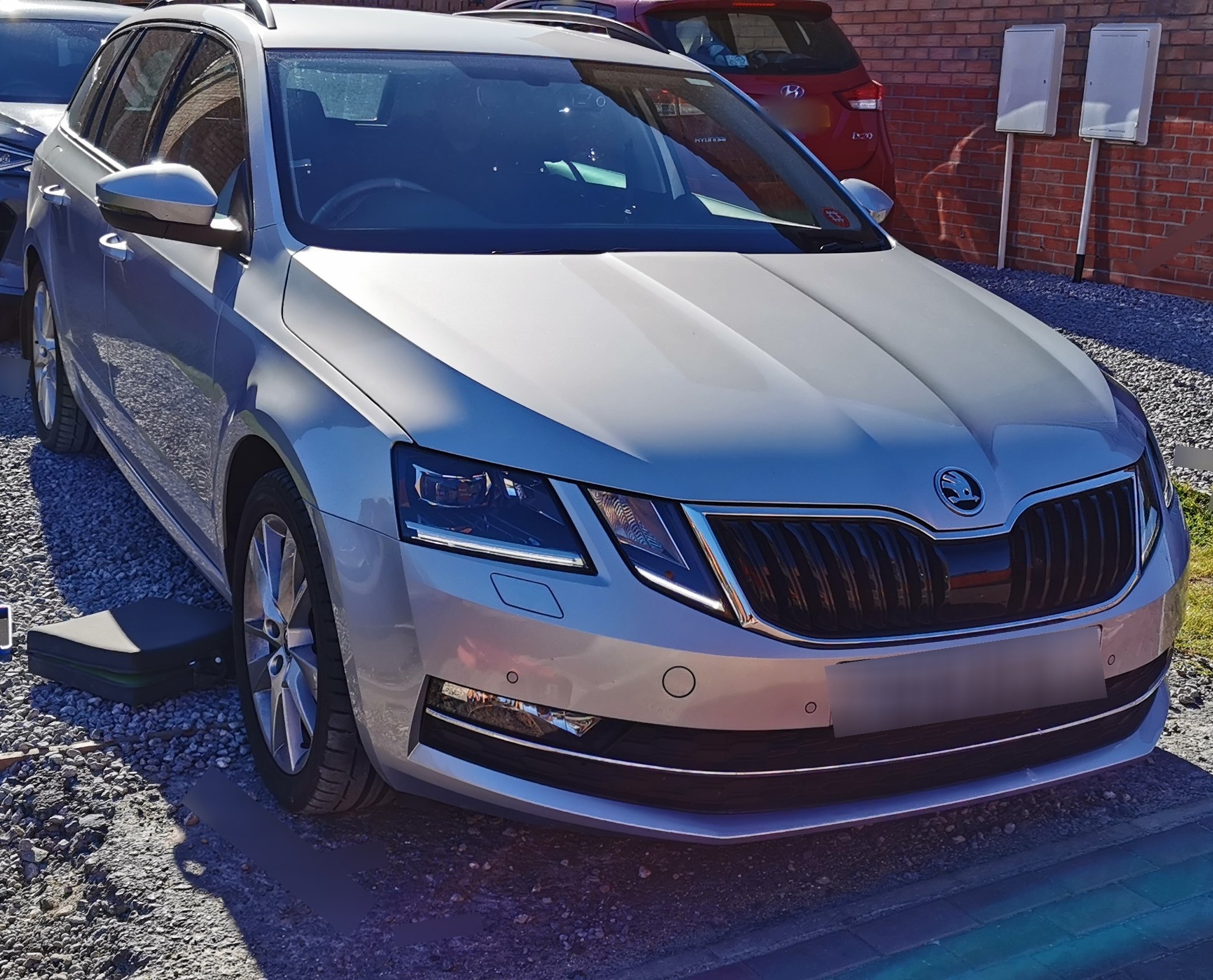
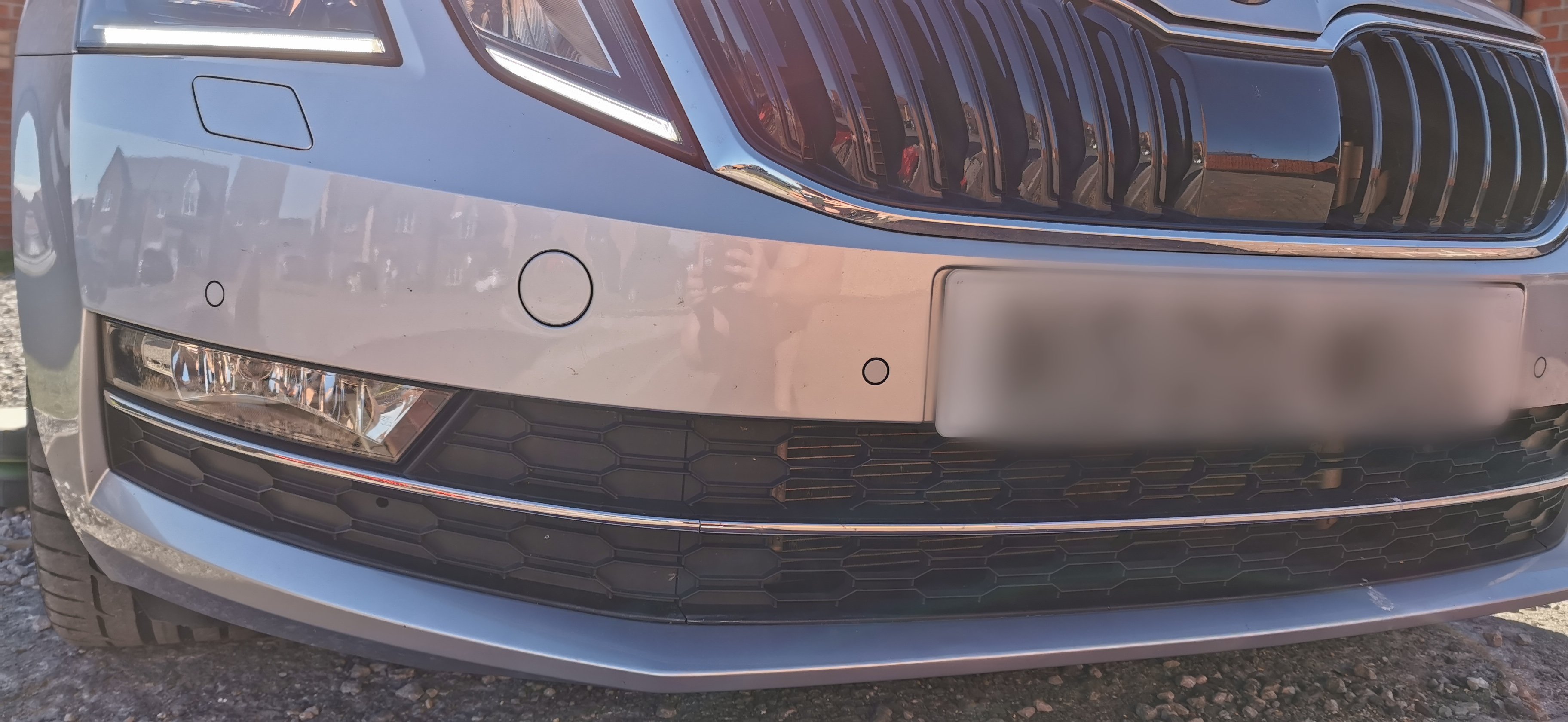
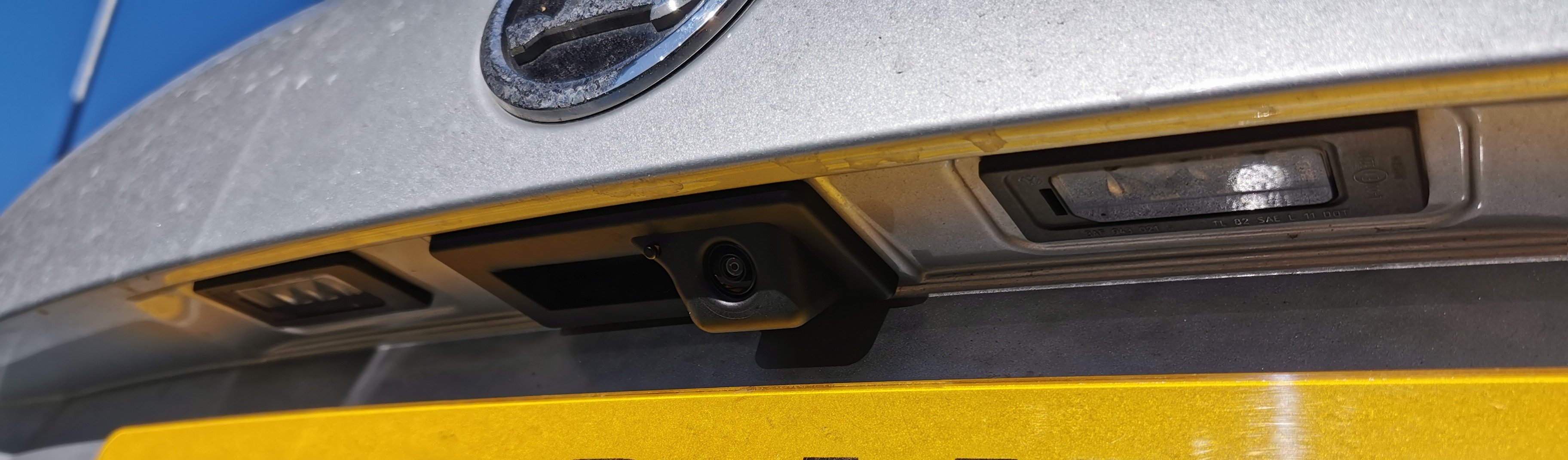
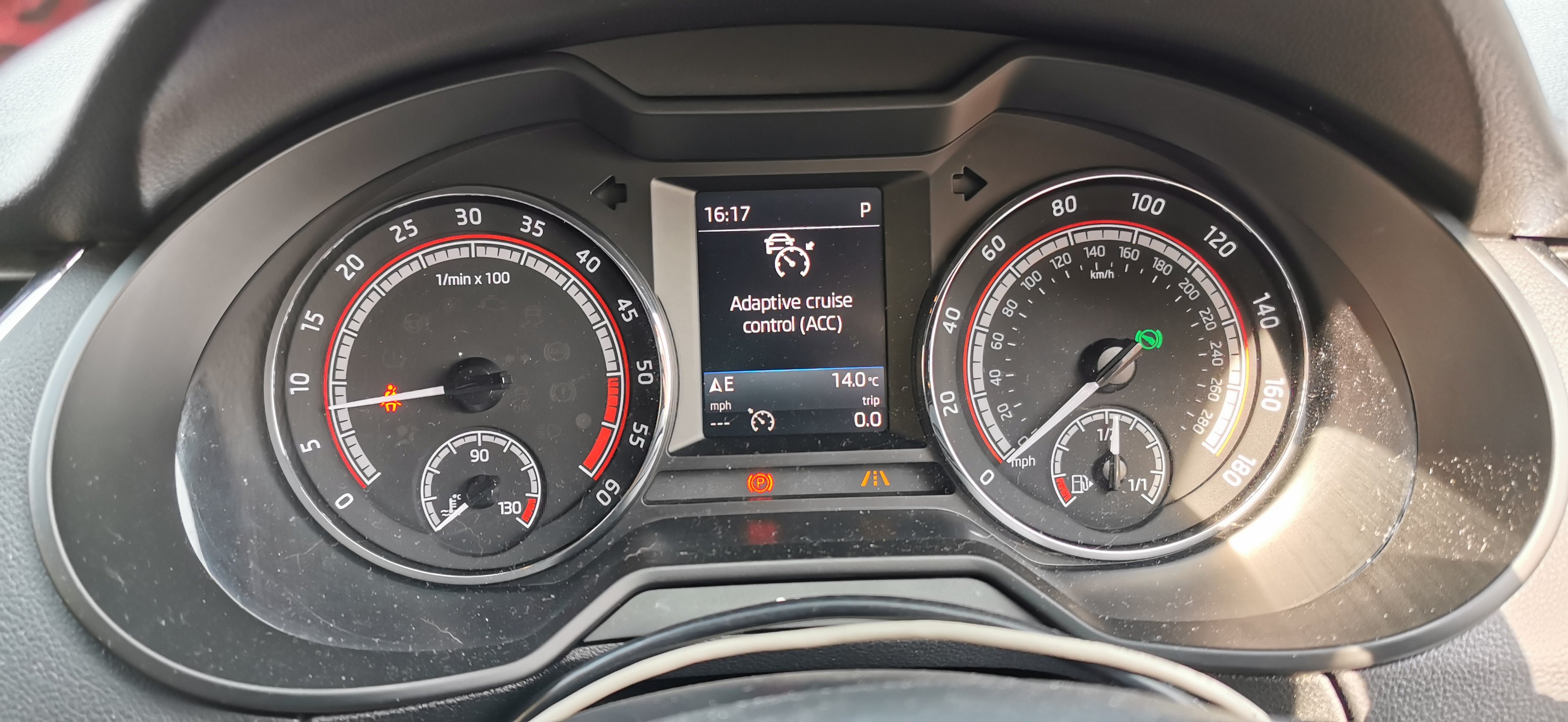
2020 Skoda Octavia fitted with •Genuine front parking sensors •Genuine reversing camera with washer system •Adaptive Cruise Control •Infotainment updated to 0480 •Mapcare www.eastyorkshireretrofits.co.uk
-
Try Tony Banks in Leeds, get one custom built
-
Yes traffic sign can be activated. However, if it isn't available in the skoda store then it's expensive as hell
-
East_Yorkshire_Retrofits replied to East_Yorkshire_Retrofits's topic in Skoda Octavia Mk3 (2013 - 2020)https://eastyorkshireretrofits.co.uk/products/vag-front-assist-to-adaptive-cruise-control-upgrade?variant=37830026690725
-
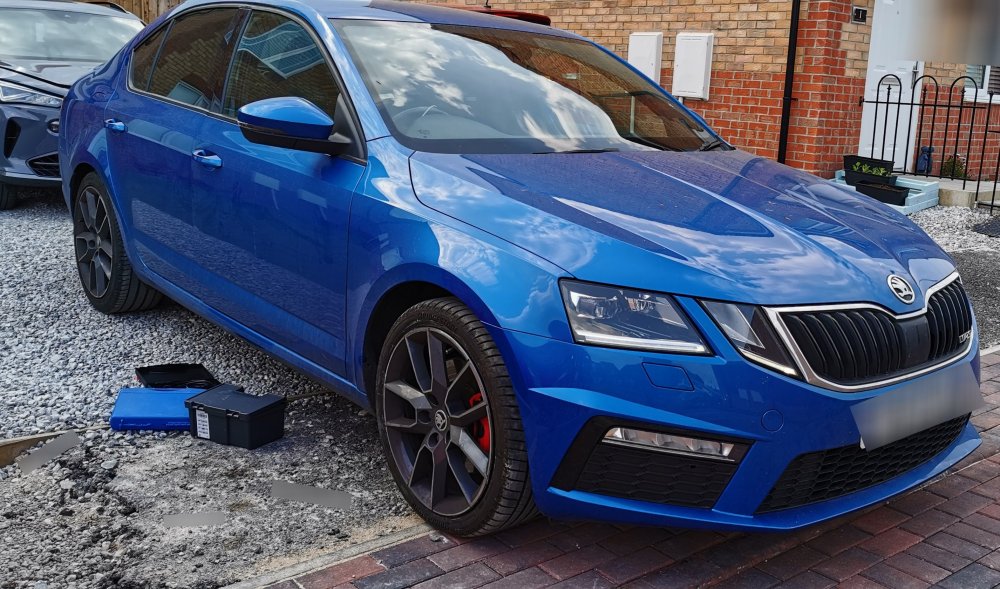
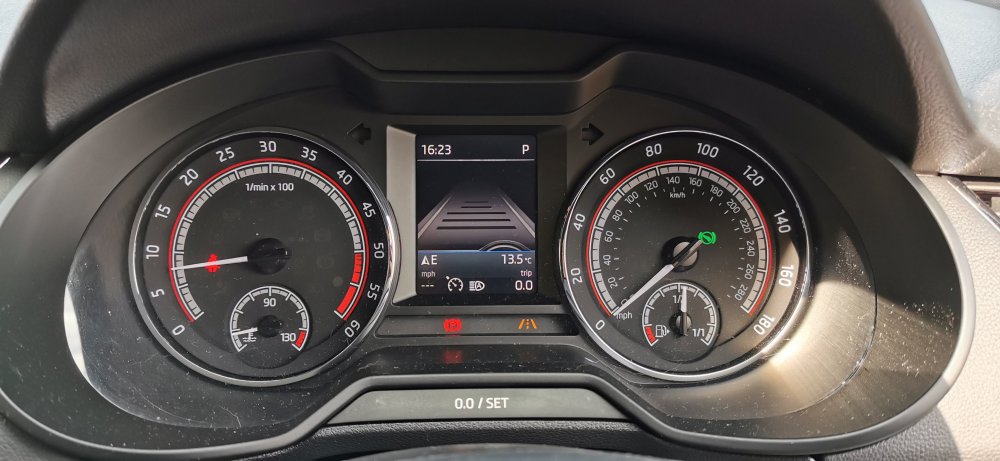
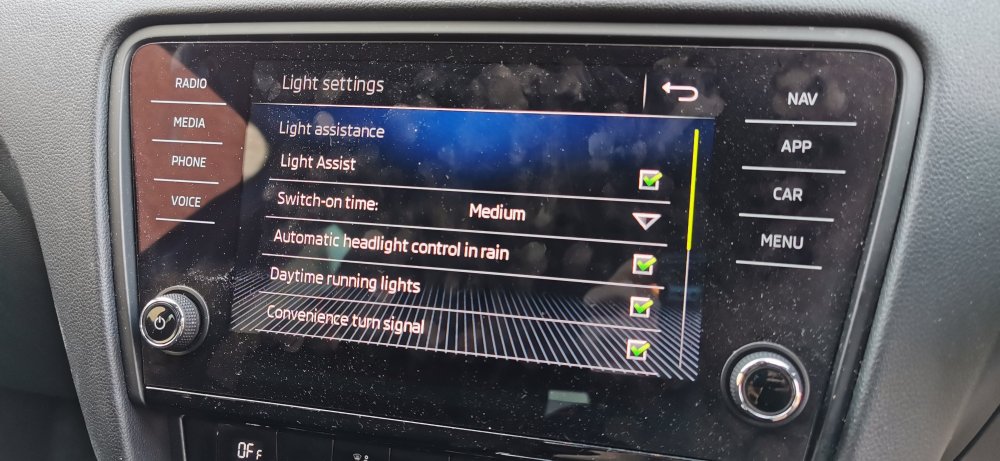
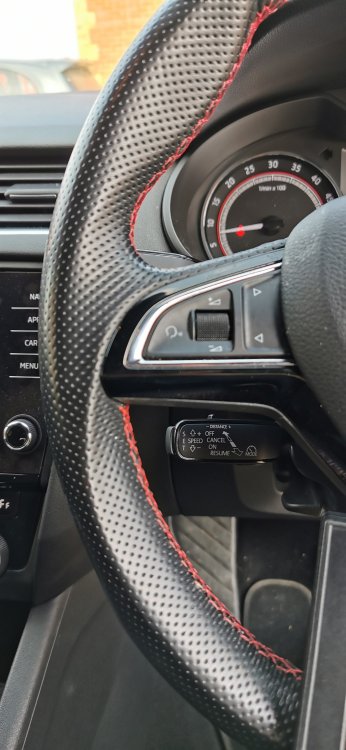
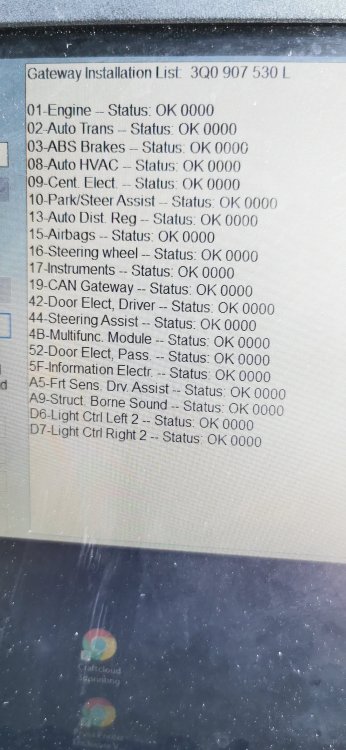
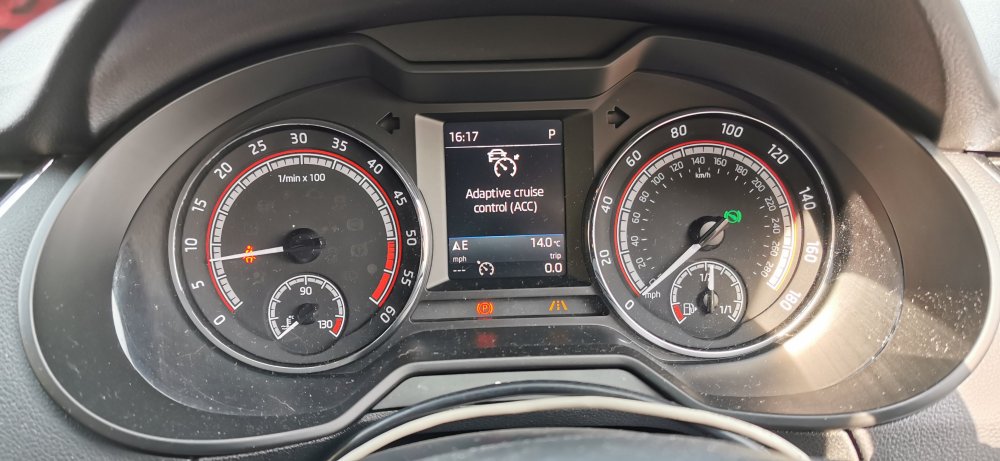
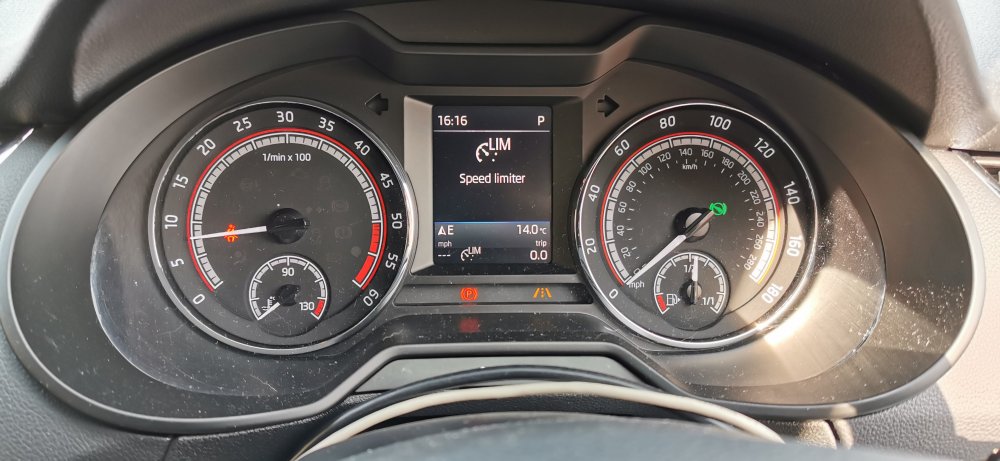
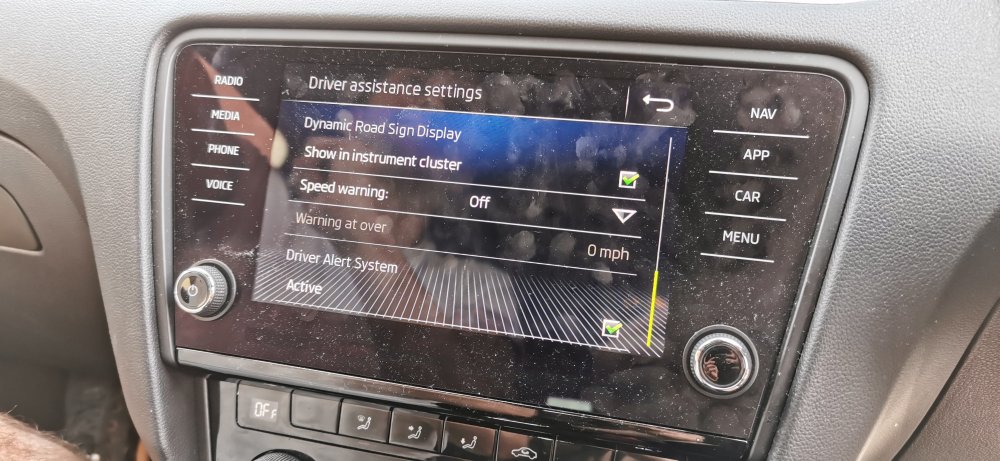
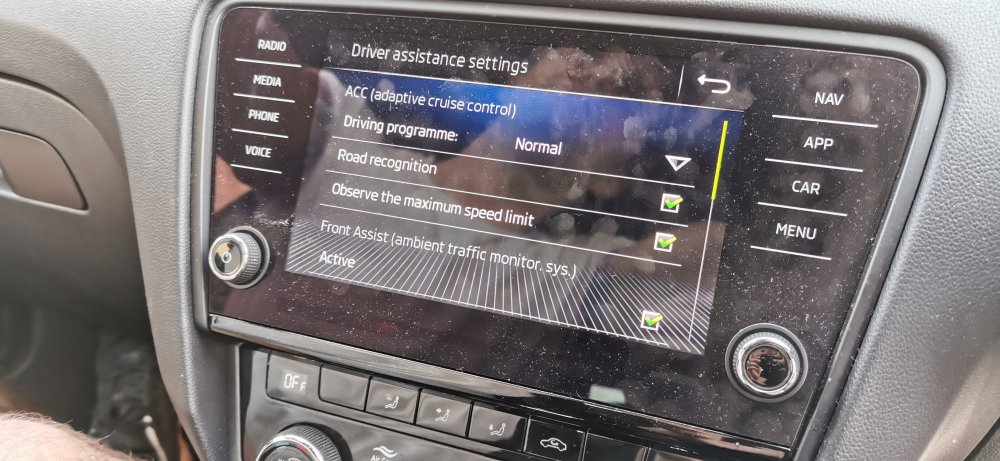
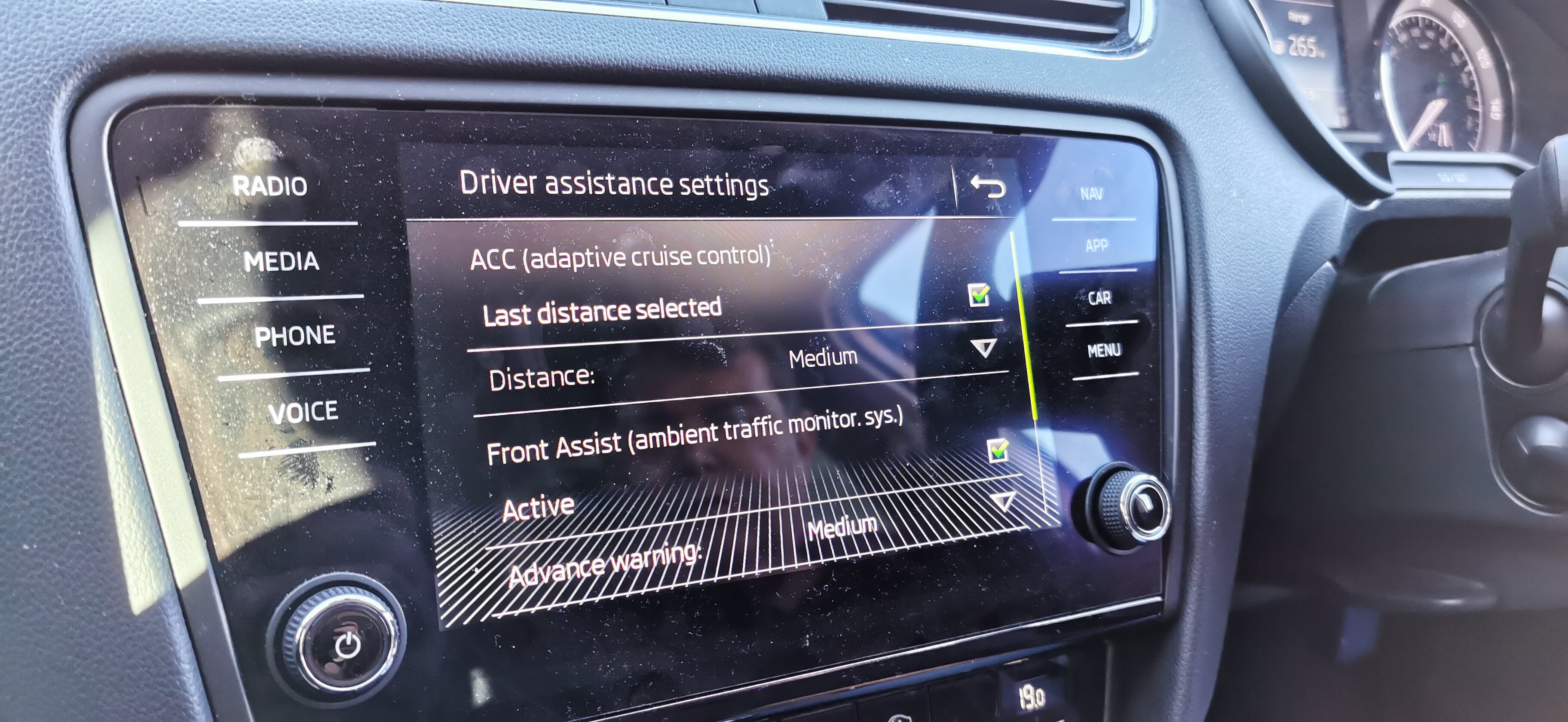
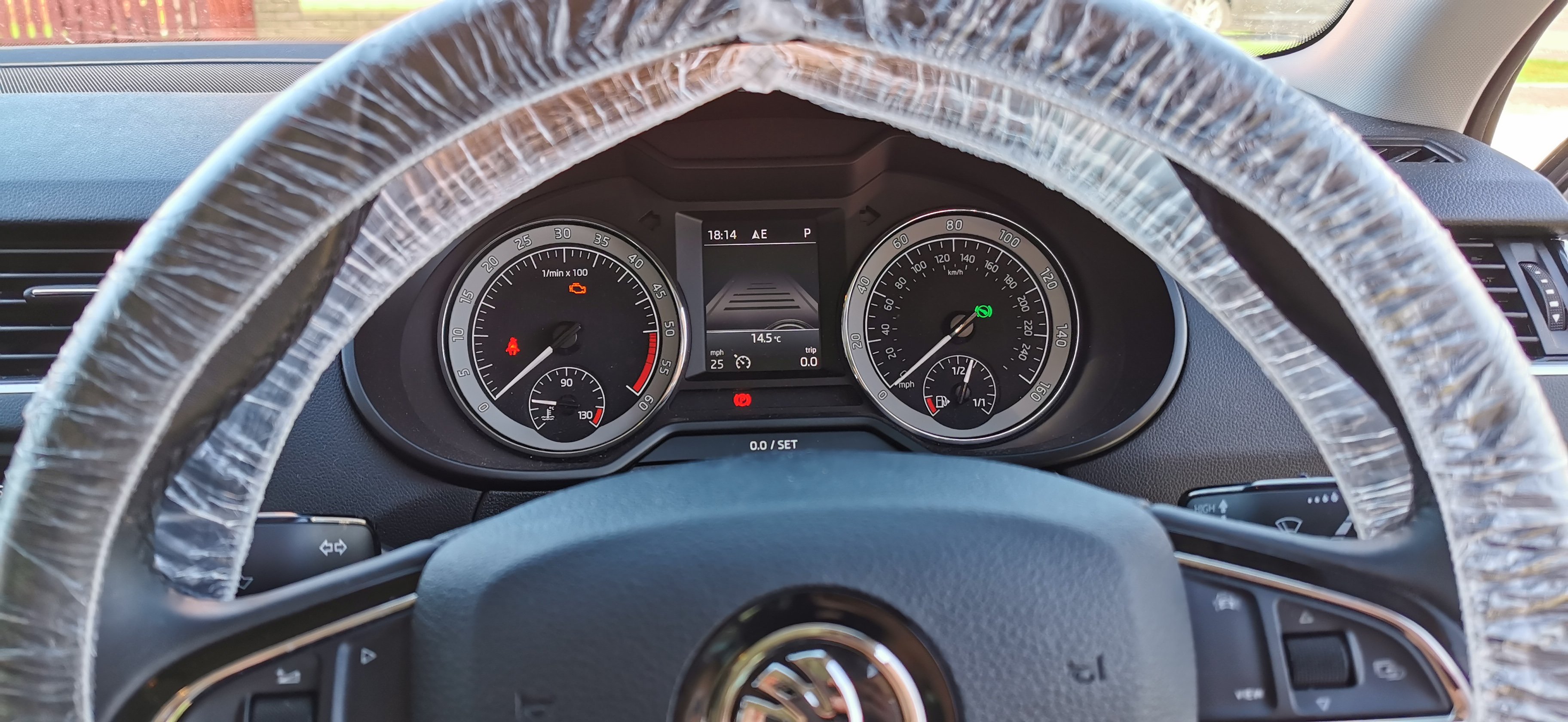
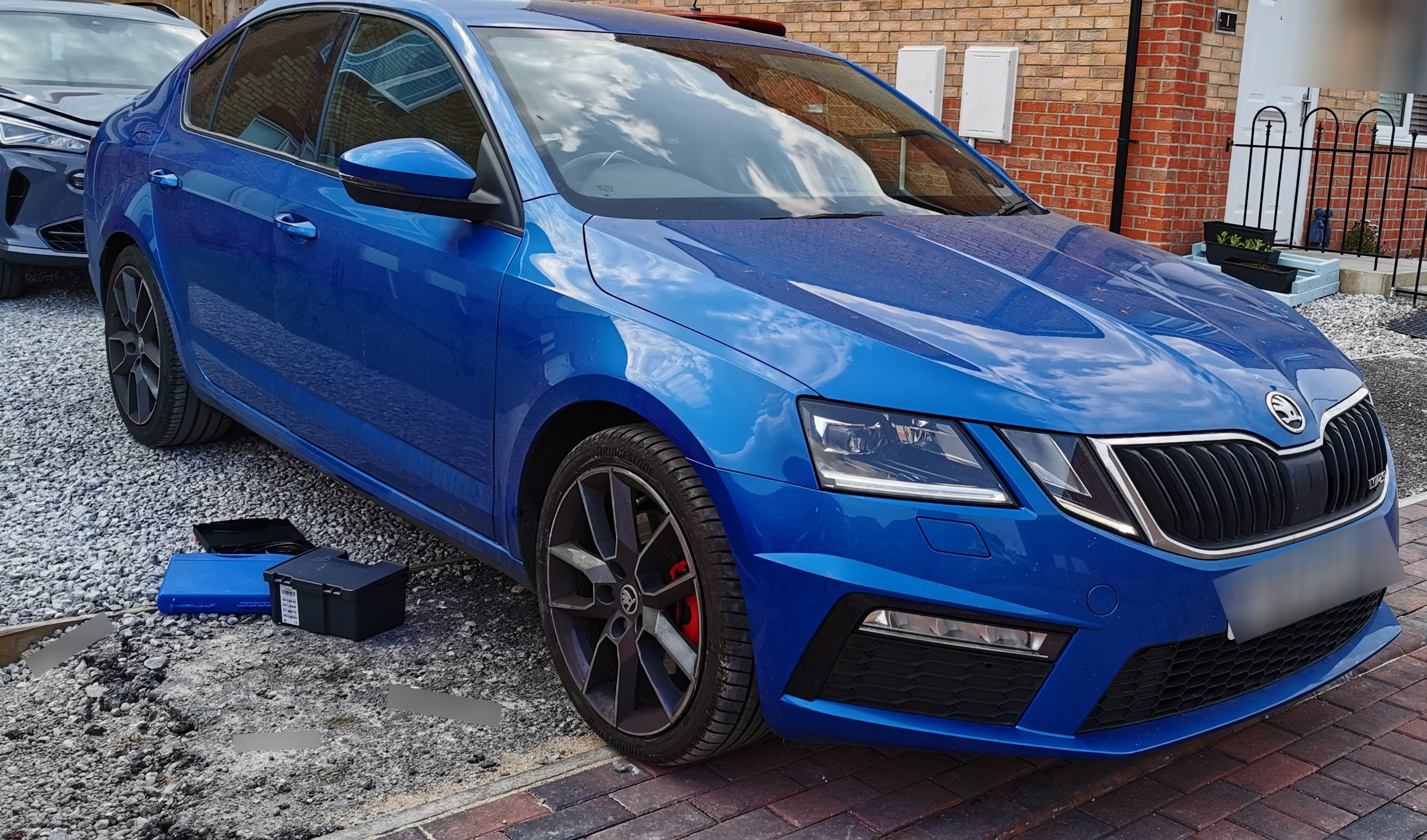
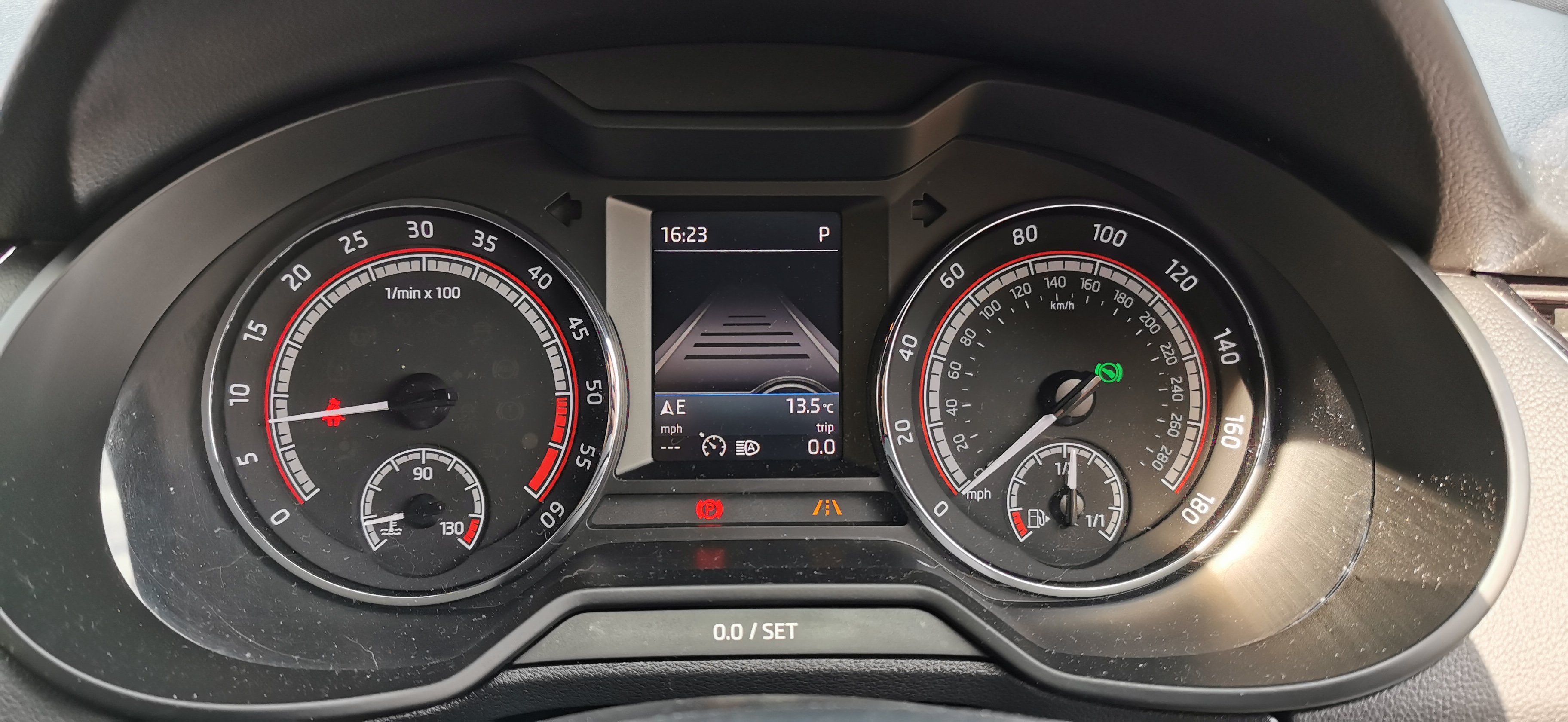
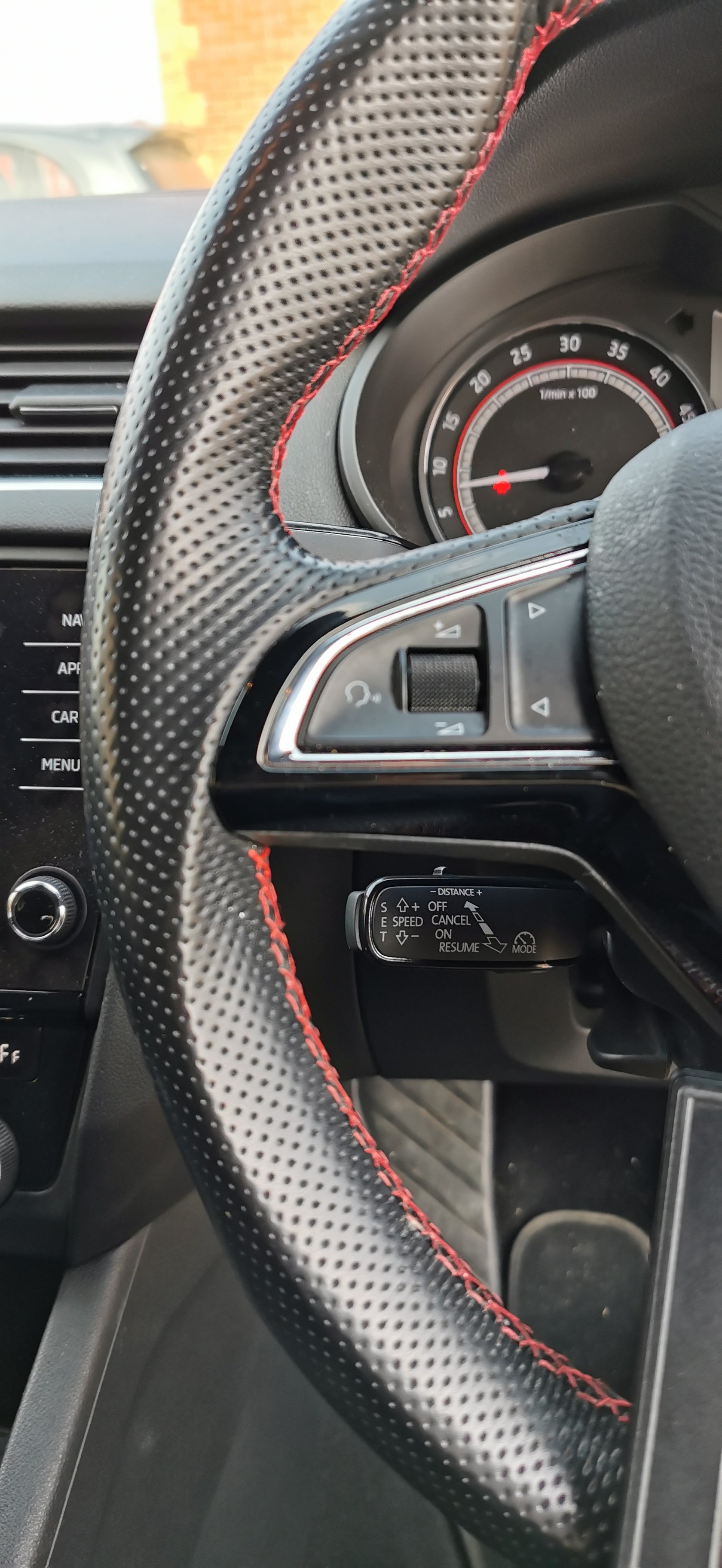
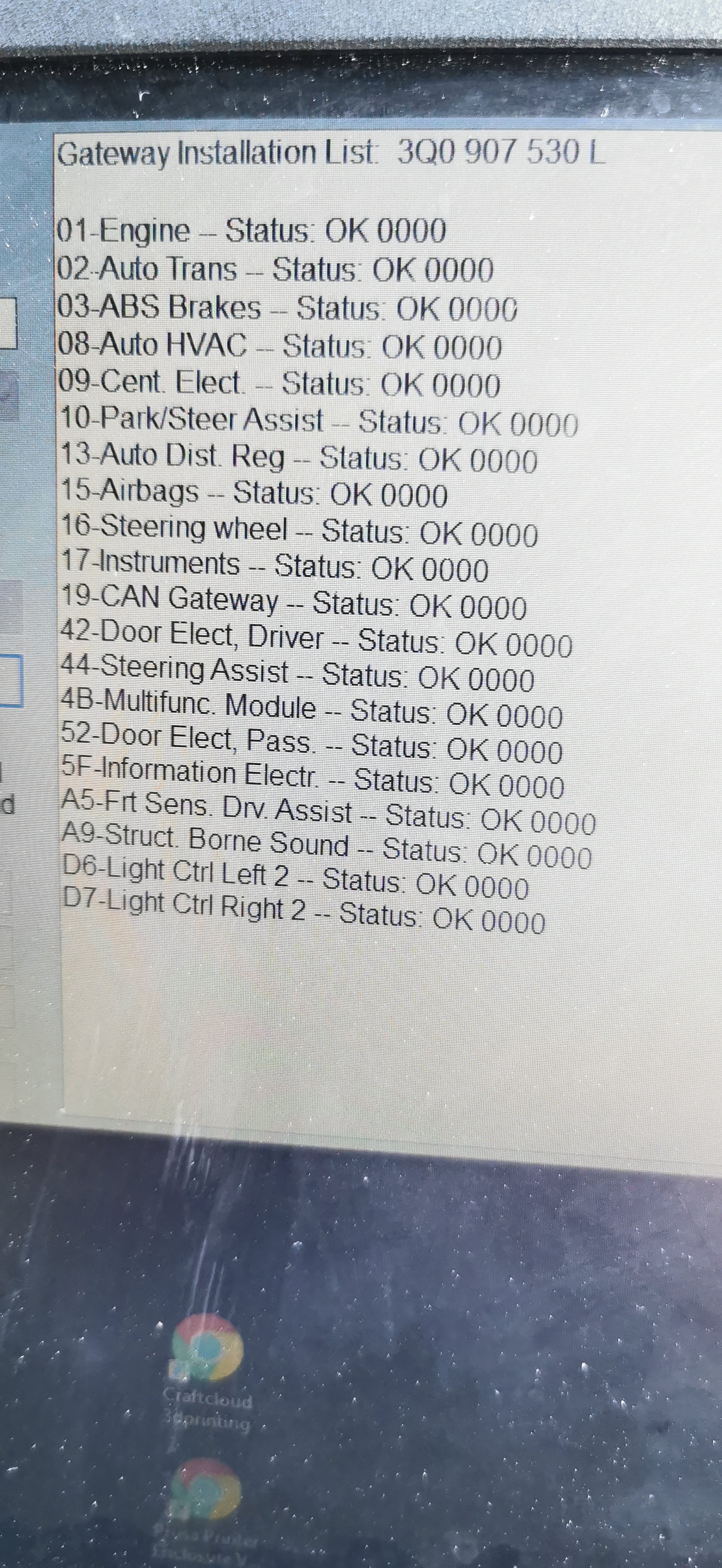
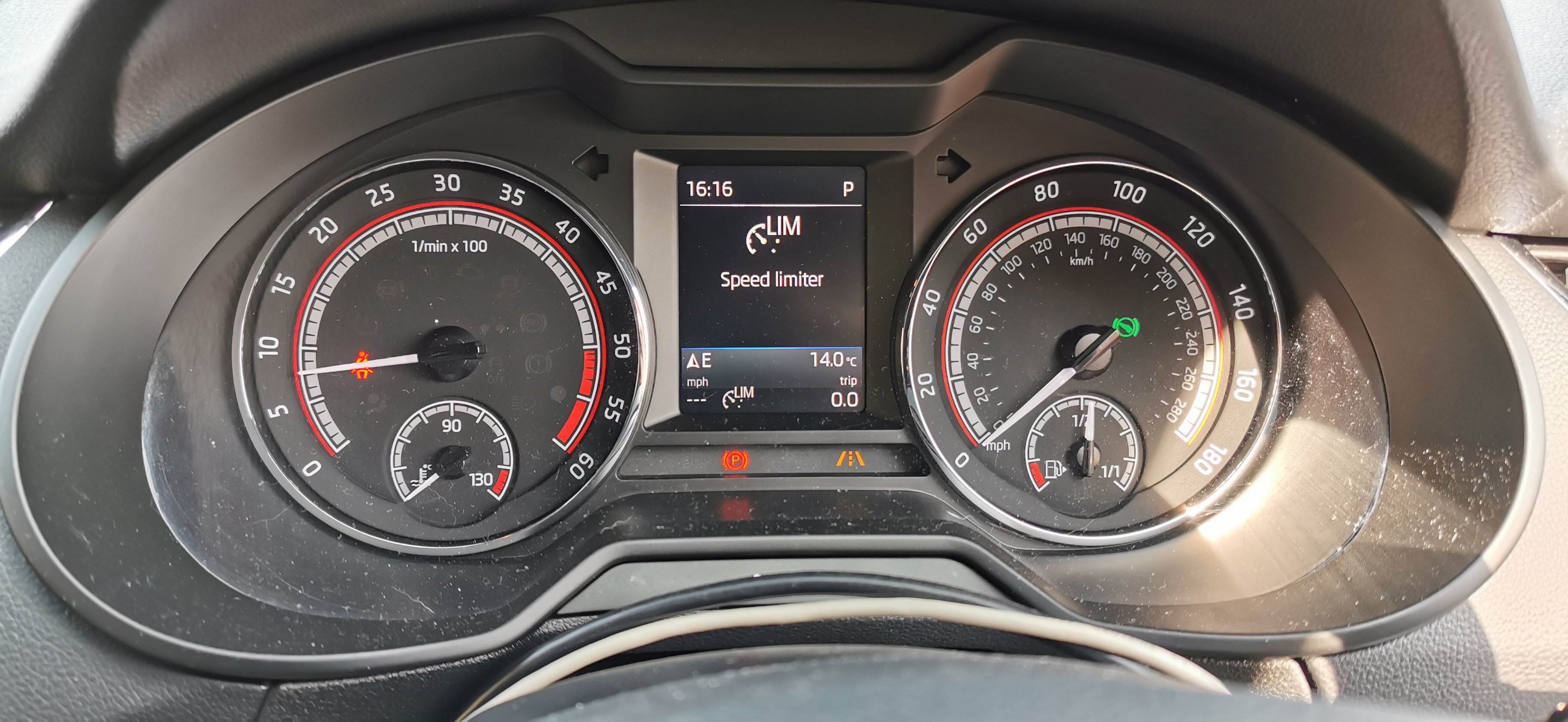
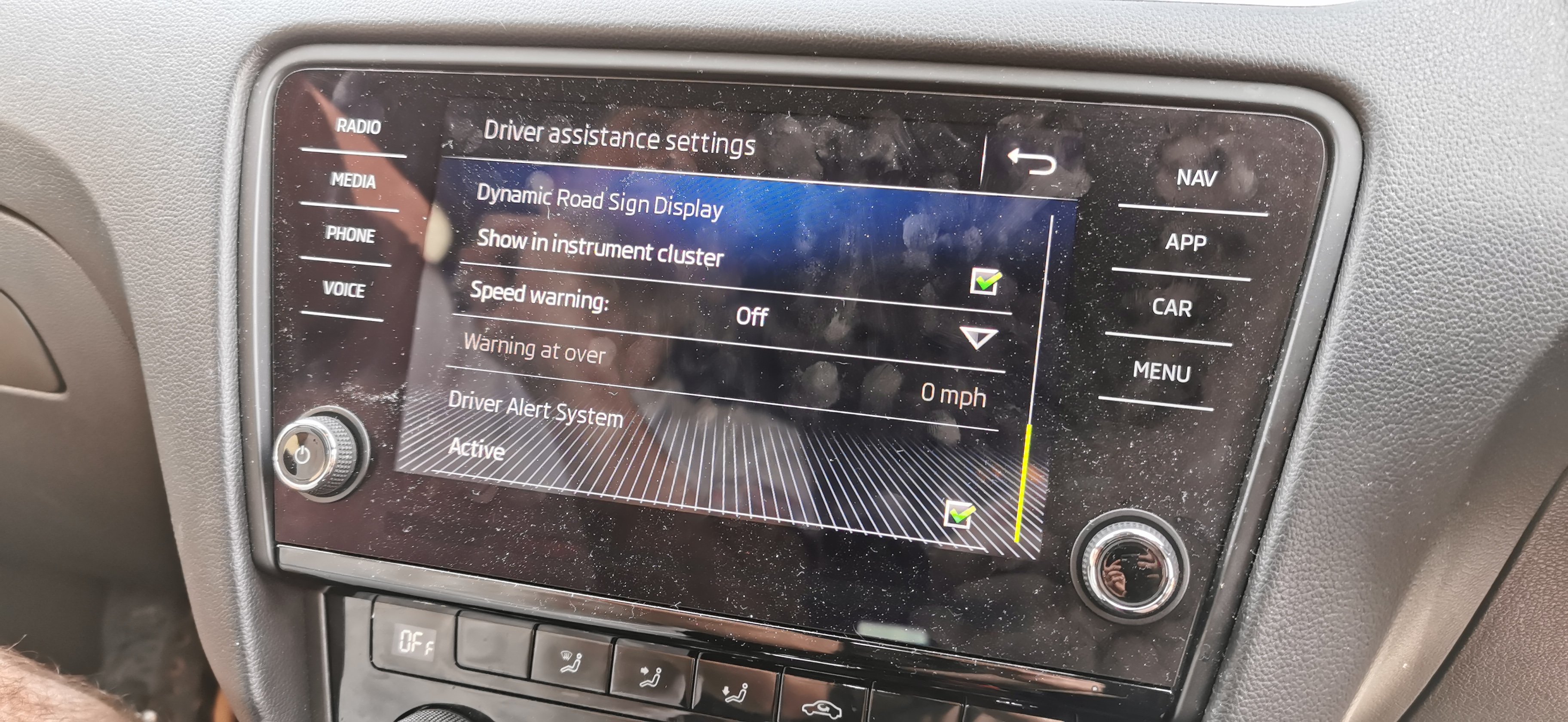
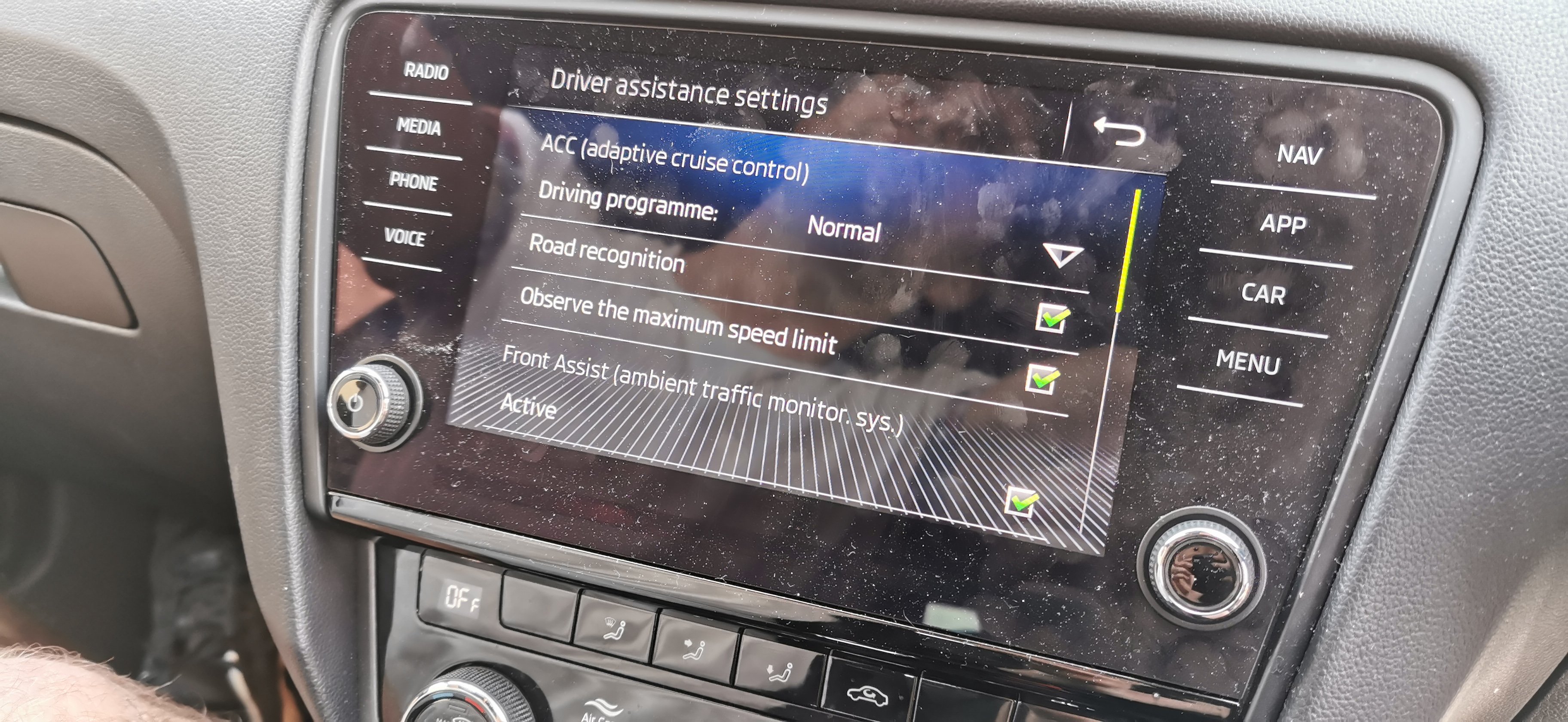
Skoda Octavia III fitted with •Front assist •Predictive Adaptive Cruise Control •Adjustable speed limiter •Replacement driver assist camera •High beam assist •Speed sign recognition •Front radar installed
-
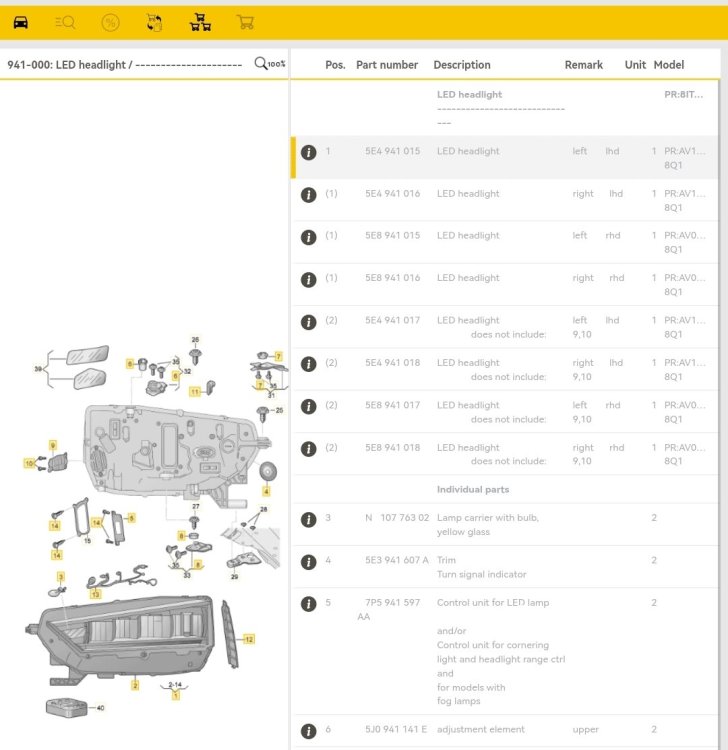
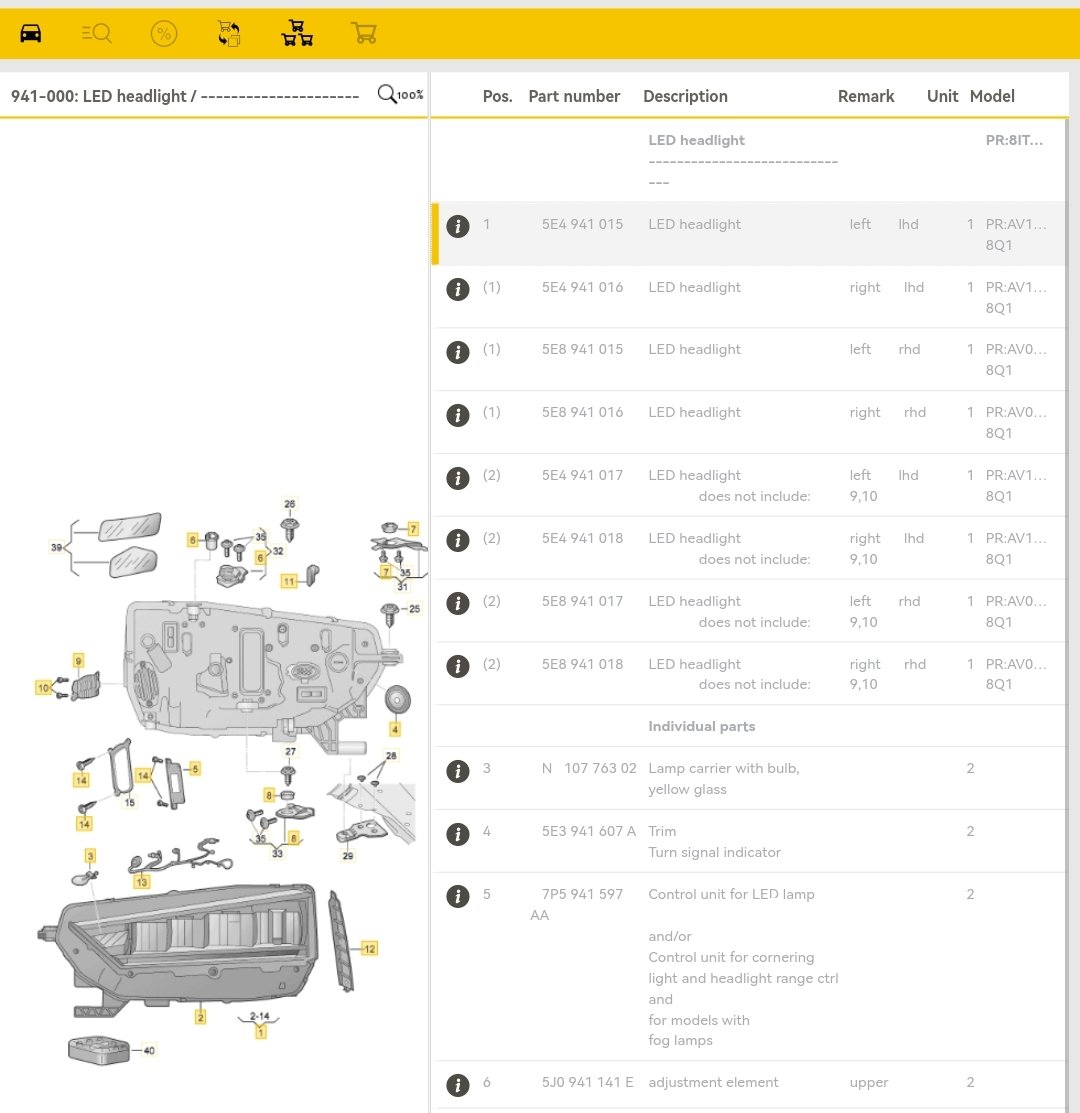
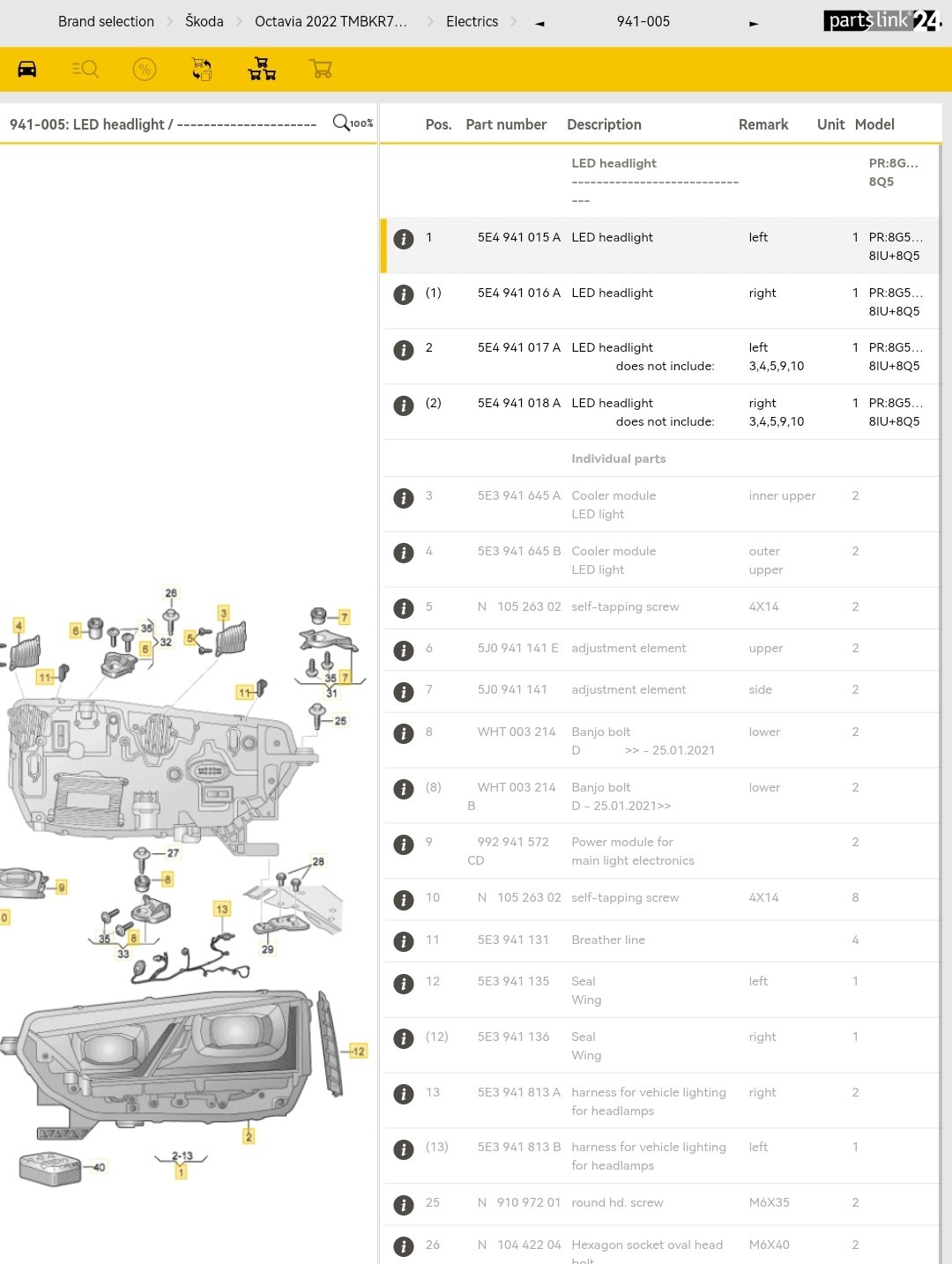
Here's the none matrix
-
Checked his build data, they're matrixIf you send me your VIN I can take a look into this for you. I'll compare PR codes against a few others with matrix




Important Information
Welcome to BRISKODA. Please note the following important links Terms of Use. We have a comprehensive Privacy Policy. We have placed cookies on your device to help make this website better. You can adjust your cookie settings, otherwise we'll assume you're okay to continue.