





East_Yorkshire_Retrofits
Sponsor
-
Joined
-
Last visited
Everything posted by East_Yorkshire_Retrofits
-
I'm confused as to how your installer is struggling to re-enable it. It's extremely straight forward regardless of software version
-
Have you coded the gateway to inform it of the replacement battery? Have you checked all fuses are intact in both fuse boxes?
-
Correct, if you're doing it right
-
Adaptive Lane Guidance is part of travel assist on MQB2020
-
Not all updates are recalls, and not all recalls are updates
-
This is for Seat/Cupra but the same will apply to Skoda Technical background • In the new generation of radio and navigation systems (third generation), the mapping/maps are installed in the radio unit itself (an SD card is no longer necessary) with a base version. This version can be checked at the following path: − Menu -->Settings --> System information (see Figure 1). Figure 1: Example of the radio and navigation system screen. • The mapping/maps update is no longer implemented via download onto an SD card as in the case of the previous generation of radio and navigation systems. • There are two processes for implementing this update, depending on the vehicle equipment. 1 - If the vehicle features PR EL5. It must also meet the following requirements: • They must be registered as the main user of the vehicle and be connected to the server. They must have privacy mode selected in “share location” (top right of the screen). − They must have the “Online map download” service (active licences). This service can be viewed at the following path: − Menu -->Users -->Settings --> Privacy and services • If these requirements are met, the mapping/maps will be updated automatically when new versions exist and the vehicle is connected/running for a certain amount of time (1 to 2 hours). This process is transparent for the customer (there are no alerts or notifications). However, they can always check the current version by following the process indicated above. • For increased optimisation, the mapping/maps update will be implemented by zone, i.e. the system uses the GPS location to detect the zone/country the customer is driving in and thus updates those areas. This means that each time the mapping/maps is updated, it does not update it globally, only the zone/country they are in at the time is updated. 2 - If the vehicle does not feature PR EL5 or the “Online map download” service license is not active: • The mapping can be found on the official SEAT and CUPRA website. The steps outlined on the website for updating the navigator mapping/maps must be followed.
-
The maps are updated OTA on vehicles with an online services module (I believe this is all UK models) For cars without online services and a valid SWaP code, You can download the maps on the Skoda website, copy to USB and leave in the car for a couple of days. It'll update as & when you use the car
-
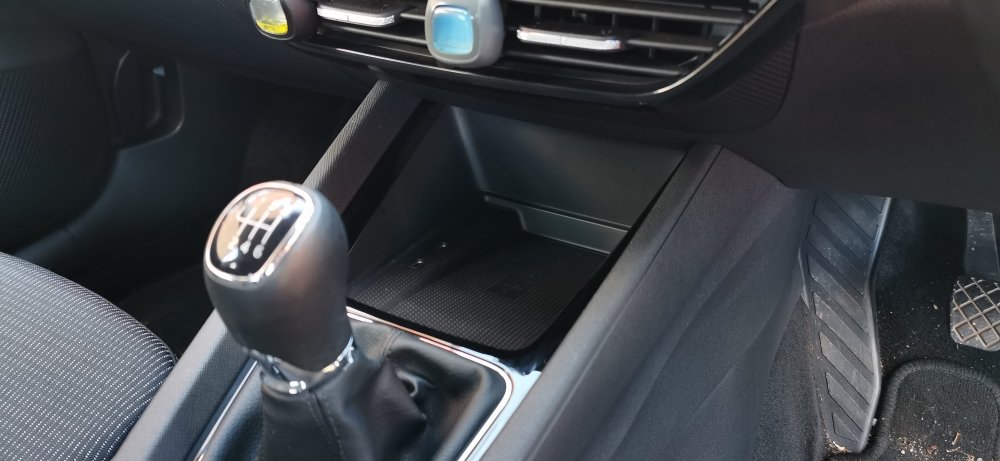
Fully integrated asif factory fit 🤤
-
We can offer this service 🙂
-
Extremely expensive for MQB2020, it costs us the same to enable TSR as it does to enable TSR & lane assist (a little less time involved). Hopefully in time, prices will drop
-
That guide is useless for MQB2020 unfortunately & the TSR fec is in the canbus gateway not the radar Worth checking if TSR is available in the Skoda store
-
It's not impossible, it's just not cheap unless available in the vehicles online store, as it requires a Feature Enablement Code Travel assist doesn't automatically set the speed for you, PACC does. For example on my car I have the predictive element disabled yet use Travel assist all of the time. It operates as regular ACC with adaptive Lane Guidance. It works the other way around too, you can use PACC without Travel Assist enabled. They're seperate systems
-
Travel assist doesn't read road signs. It just reads road markings PACC reads the road signs For those looking to save a little money, it's possible to install a module that's essentially a modified capacative sensor. It simulates your hands always being on the wheel (this doesn't mean it's ok to drive without holding the wheel 👀). It doesn't cause any fault codes, and it's often cheaper than a new steering wheel
-
That's traffic sign recognition. Requires the ADAS camera in the windscreen It's a protected feature, can't just be enabled with coding unlike older models Where possible,the system reads road signs. When it hasn't seen a road sign for a while it will default to the speeds stored on the navigation system.
-
https://eastyorkshireretrofits.co.uk/collections/skoda-octavia-iv-2021/products/octavia-iv-reversing-camera
-
It's a safety recall, owners should receive letters from their chosen dealership RE affected vehicles It also affects Seat/Cupra & I'd assume VW/Audi
-
East_Yorkshire_Retrofits replied to East_Yorkshire_Retrofits's topic in Skoda Octavia Mk3 (2013 - 2020)I'll send you a message
-
Body control module has SFD, also needs Bonnet open
-
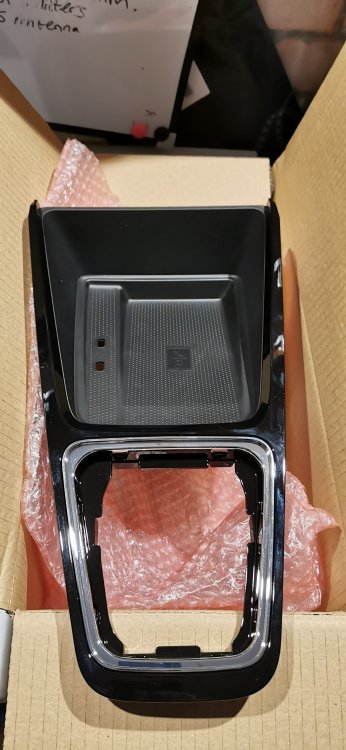
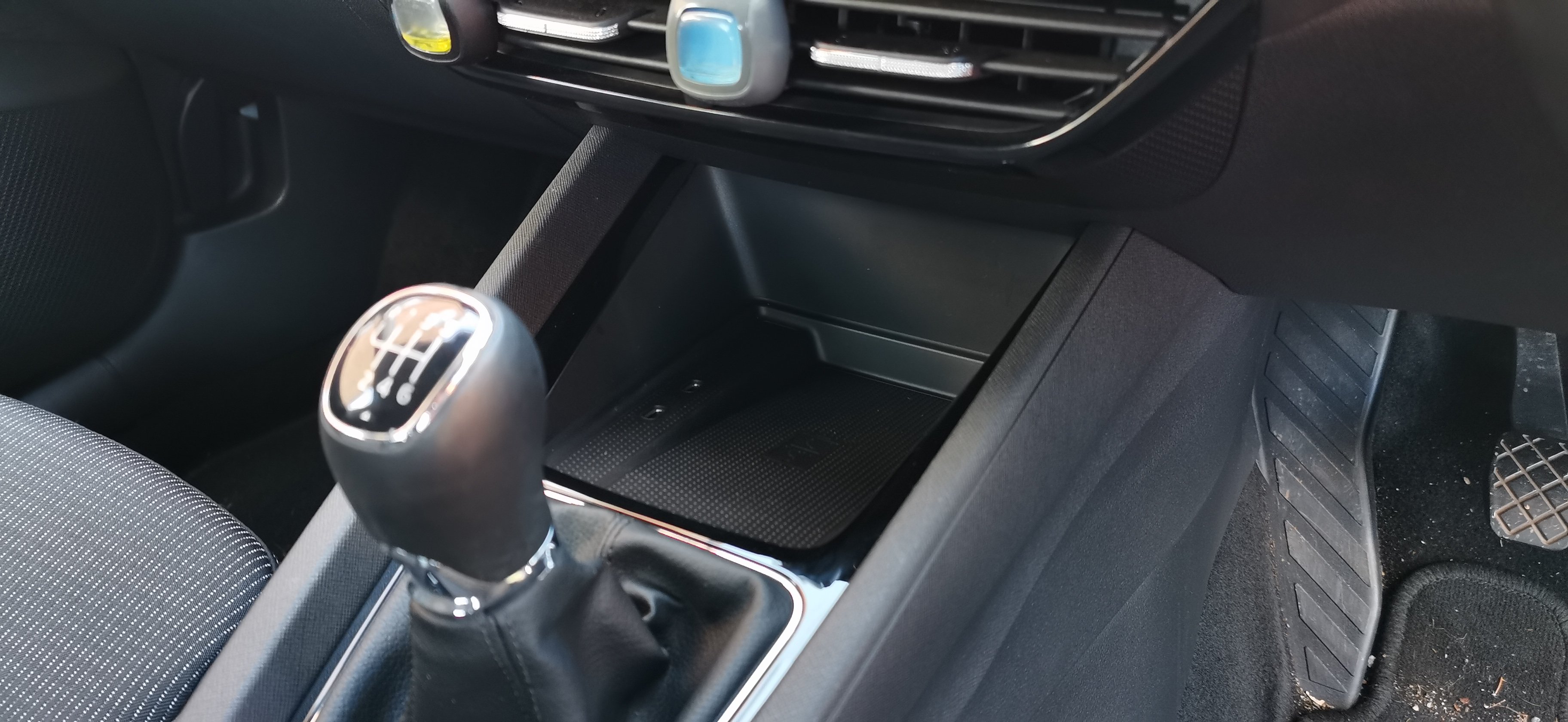
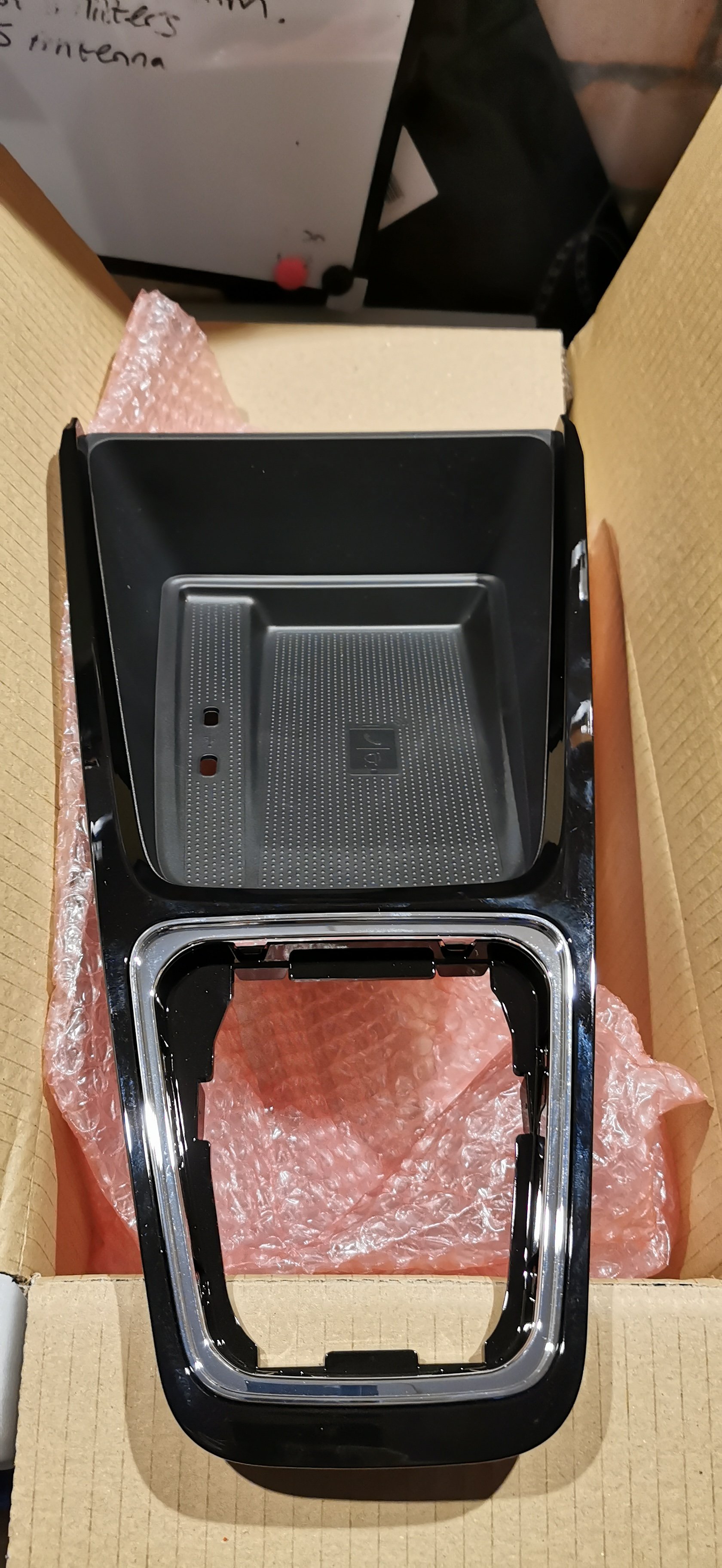
Why would you want to turn it off 😂 It's a QI charger with the capability of being used as a telephone signal amplifier, not like they've just bundled Chinese 💩 into a centre console trim We're struggling to understand why you would want wires visible/taking up a port with a wireless charger installationYes, it all gets replaced However you can't beat the finished result of factory parts 🏆👀👀
 They won't necessarily do updates just because they're available Alot of the time you have to report issues before they'll carry out the update. Other times they'll just do them They can check if there's anything outstanding with your VIN so just give them a callThere's an absolute tonne of updates that have been released since 14th February for multiple modules Hopefully solve most of the common faults people are havingEast_Yorkshire_Retrofits replied to East_Yorkshire_Retrofits's topic in Skoda Octavia Mk3 (2013 - 2020)This is an upgrade service for vehicles that have front assist. The factory radar is utilised for this For cars without front assist, we can install the radar & associated parts however there would be additional costs involved





Important Information
Welcome to BRISKODA. Please note the following important links Terms of Use. We have a comprehensive Privacy Policy. We have placed cookies on your device to help make this website better. You can adjust your cookie settings, otherwise we'll assume you're okay to continue.