
East_Yorkshire_Retrofits
Sponsor
-
Joined
-
Last visited
Everything posted by East_Yorkshire_Retrofits
-
Take it to the dealer, it'll have left a fault code behind Even if they don't achieve anything, it's still recorded as being an issue whilst you're within your warranty
-
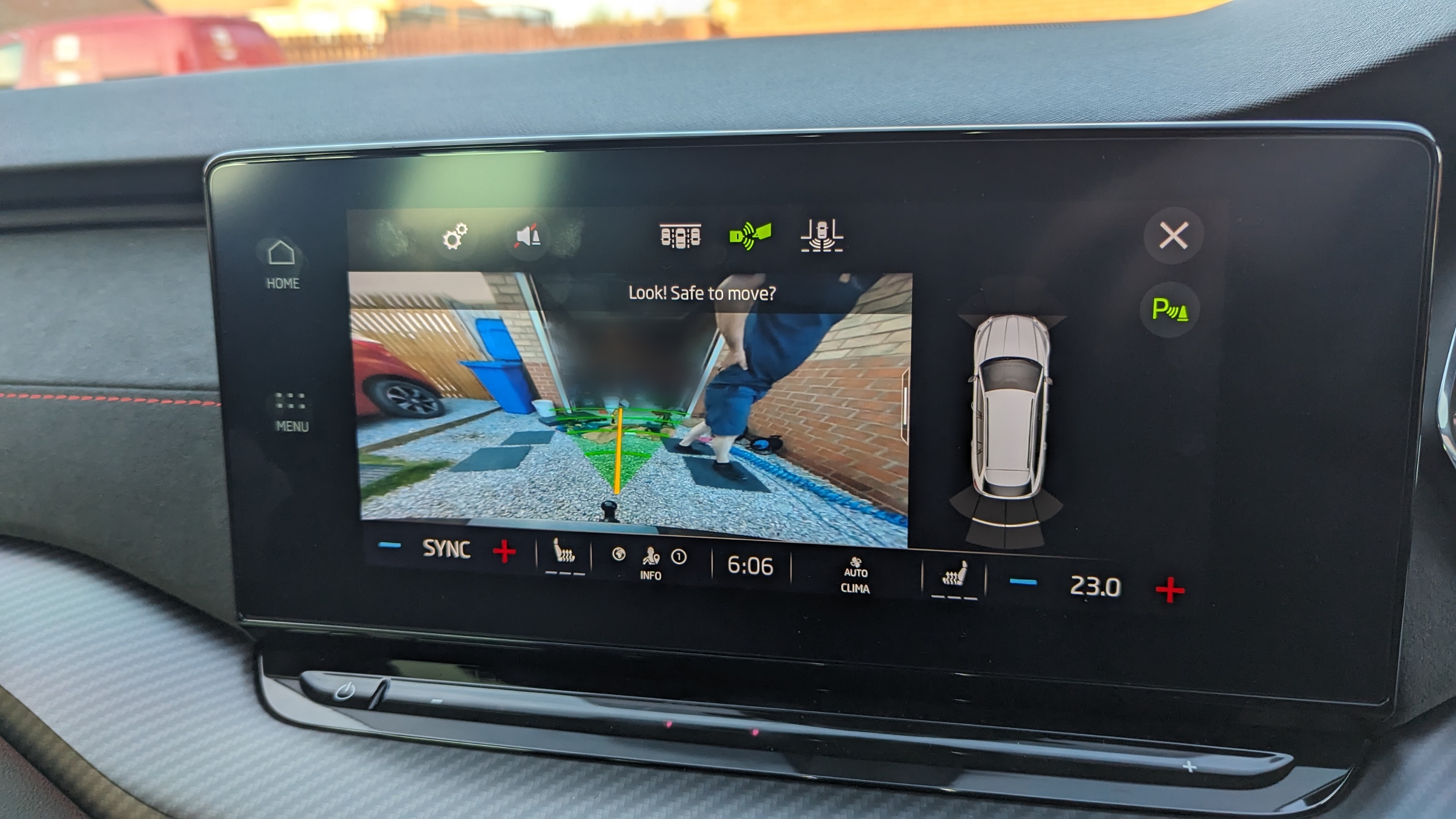
https://eastyorkshireretrofits.co.uk/products/octavia-iv-reversing-camera?_pos=1&_sid=0dd4117e3&_ss=r
-
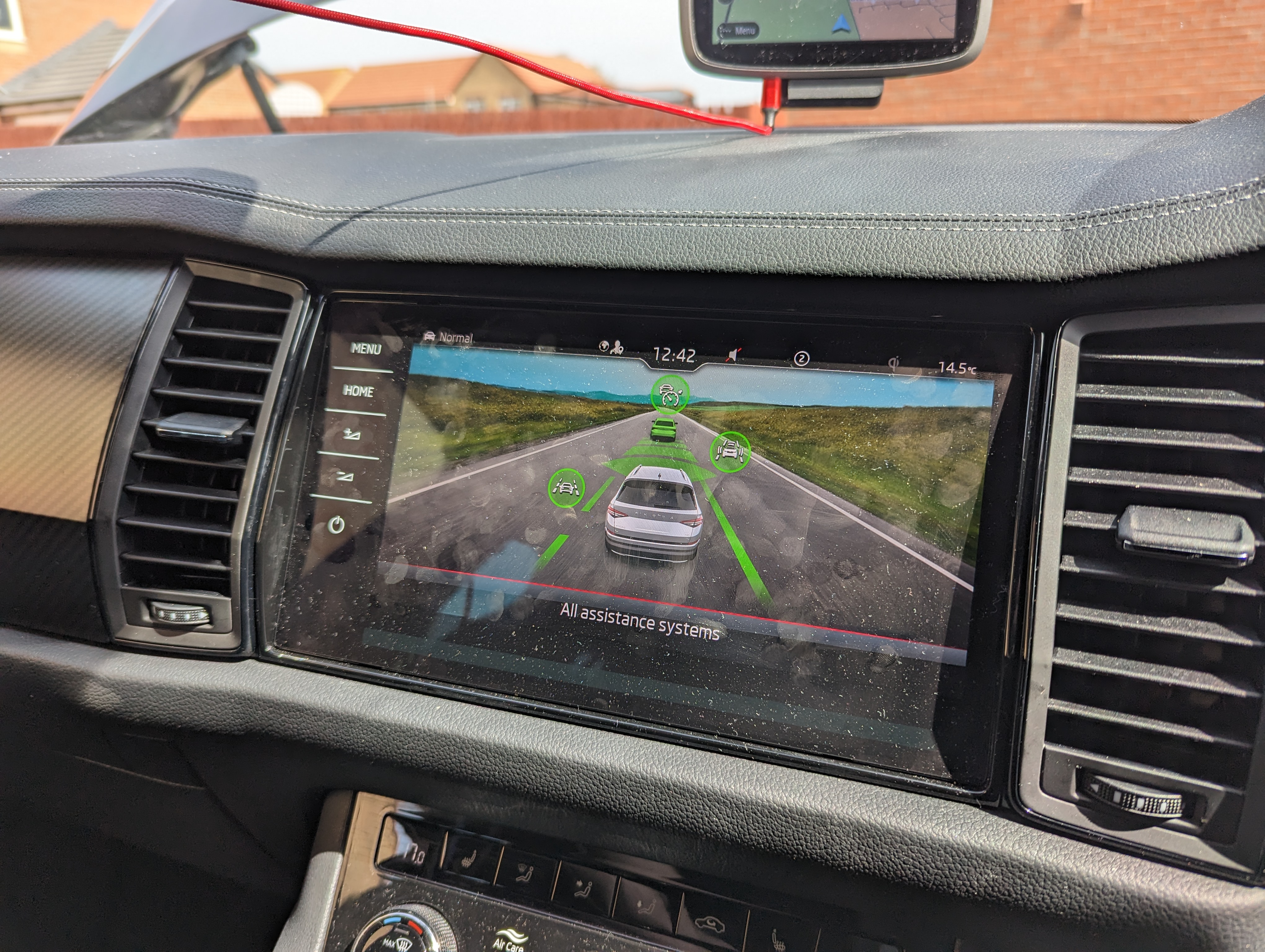
Lane keeping assist bounces between the lines. Adaptive lane guidance keeps you in the middle
-
VWAG invented Matrix headlights and Audi were first to install it on the A8, so I guess it's upto them what they do/don't class as matrix It's worth considering with Audi there is matrix, and matrix HD. Hopefully in time this will move down to the other brands. There's a considerable difference between the two If you're being flashed, something isn't right. It's not related to the number of LEDs either - the alignment may be out, your windscreen may be dirty dirty or your headlight lenses may also be dirty and scattering light
-
No icon on the dash, no high beam A symbol - automatic high beam/matrix enabled Blue high beam symbol - manual high beam
-
Yes it's possible. The lane assist off message can be disabled too If you change it to adaptive lane guidance instead of lane keeping assist, it's much more useful and less annoying
-
This is not possible to retrofit with VCDS. You need to upload datasets - something VCDS cannot do. I believe it's also FoD.
-
Worst case you'd have to cut a hole in it. Best case it'll just fit and work nicely out of the box
-
Please send us a message with your reg or VIN 🙂
-
Yes, we can help
-
Yes we've fitted this on quite a few now 🙂
-
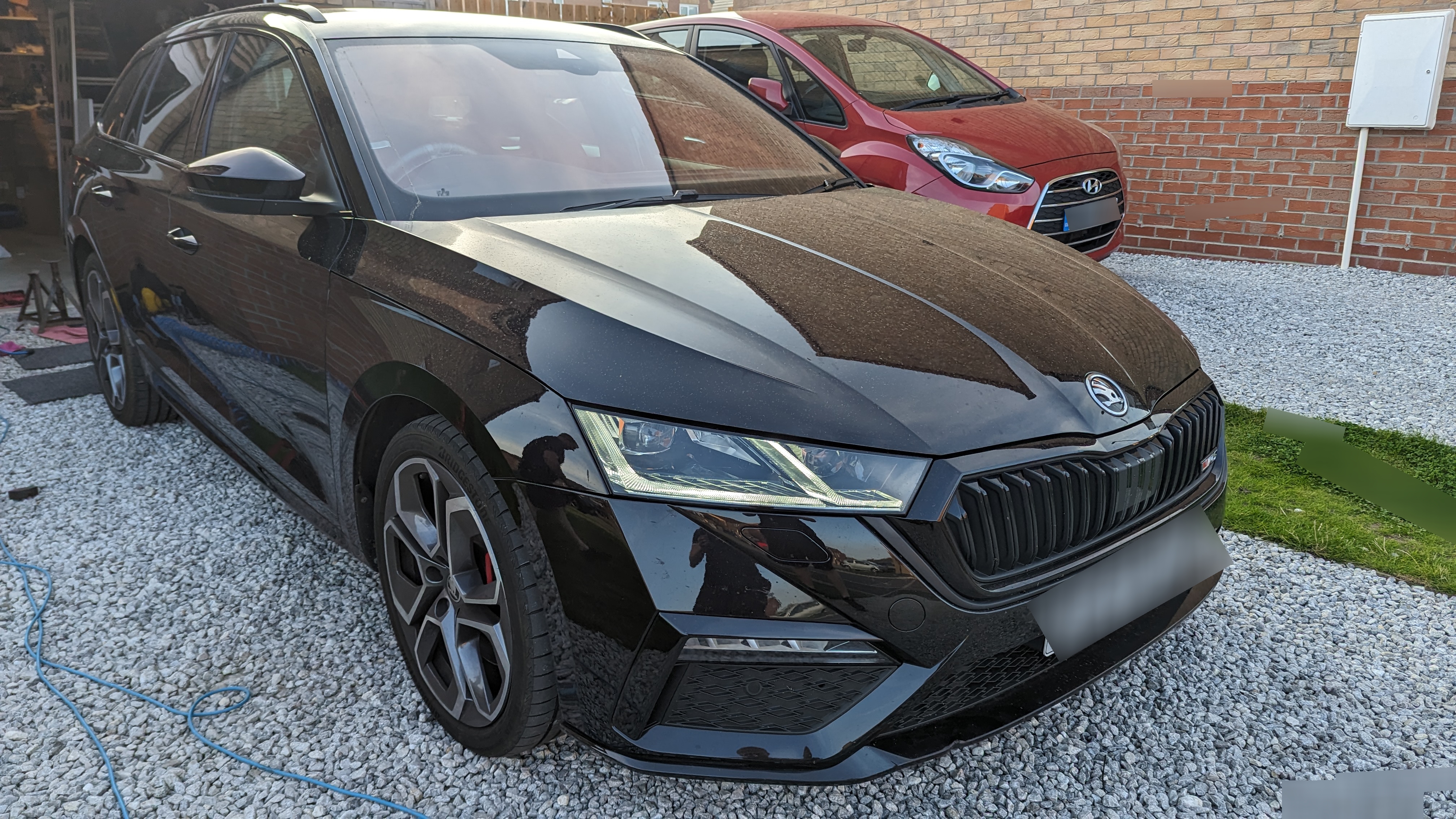
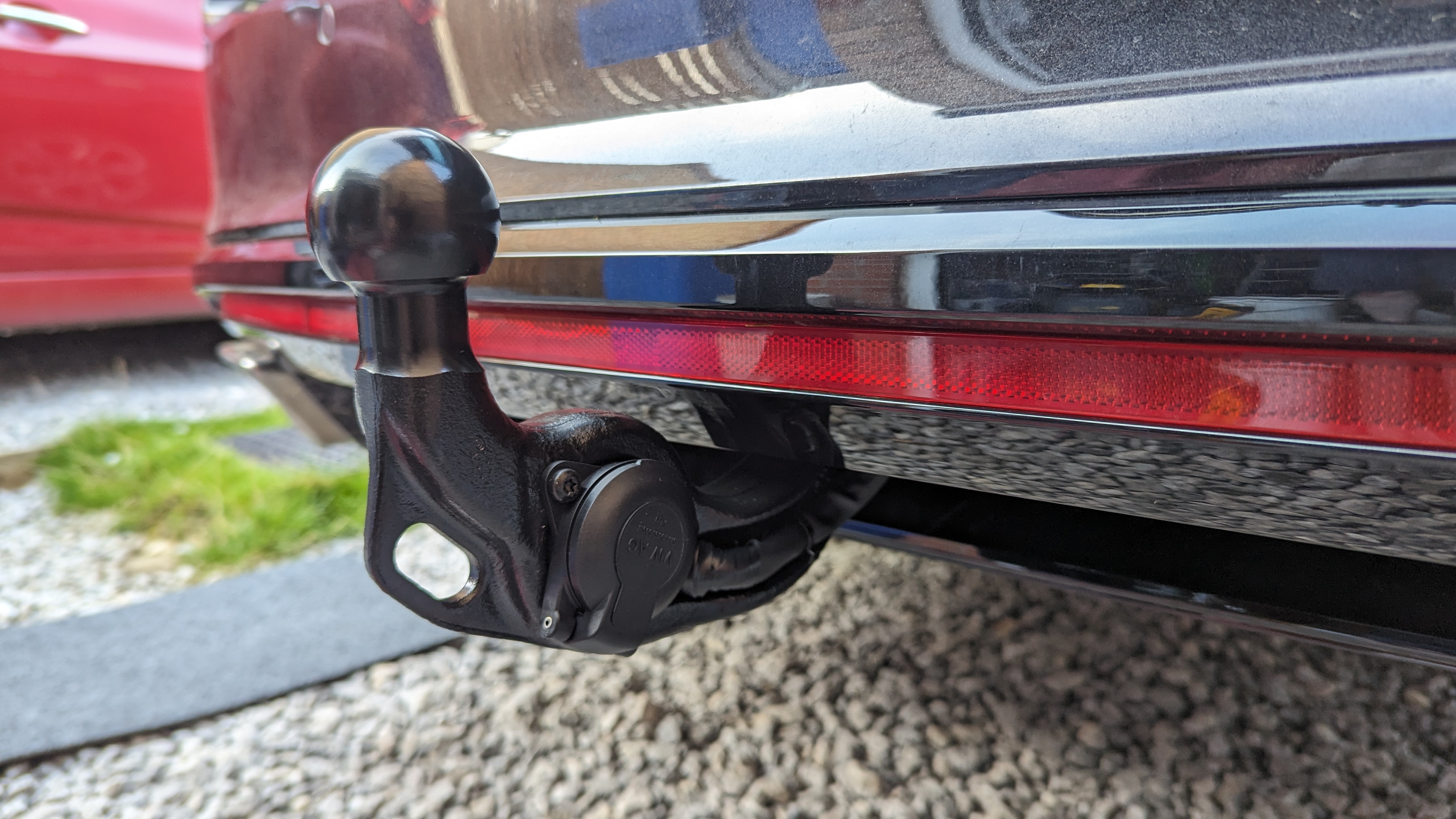
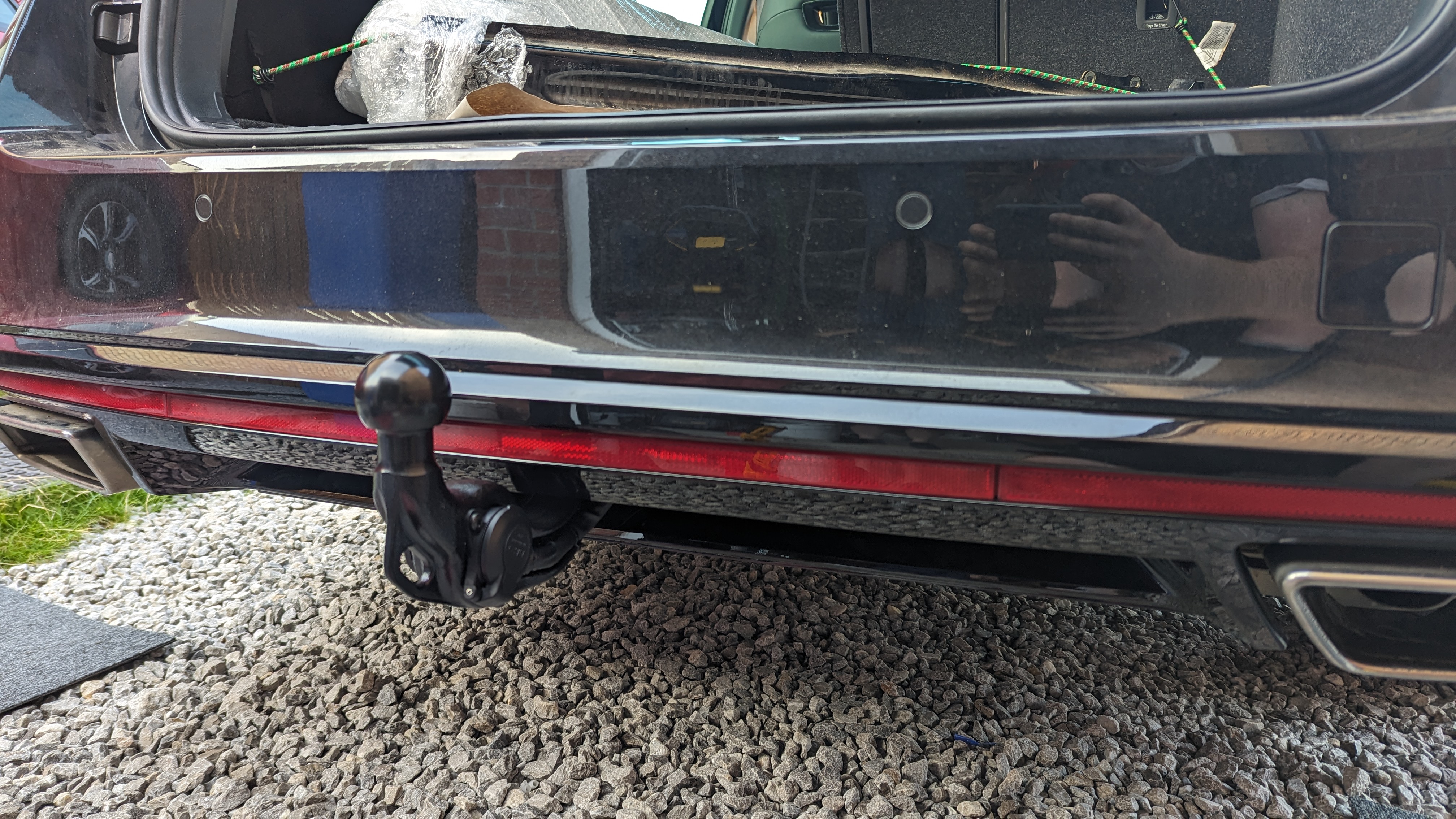
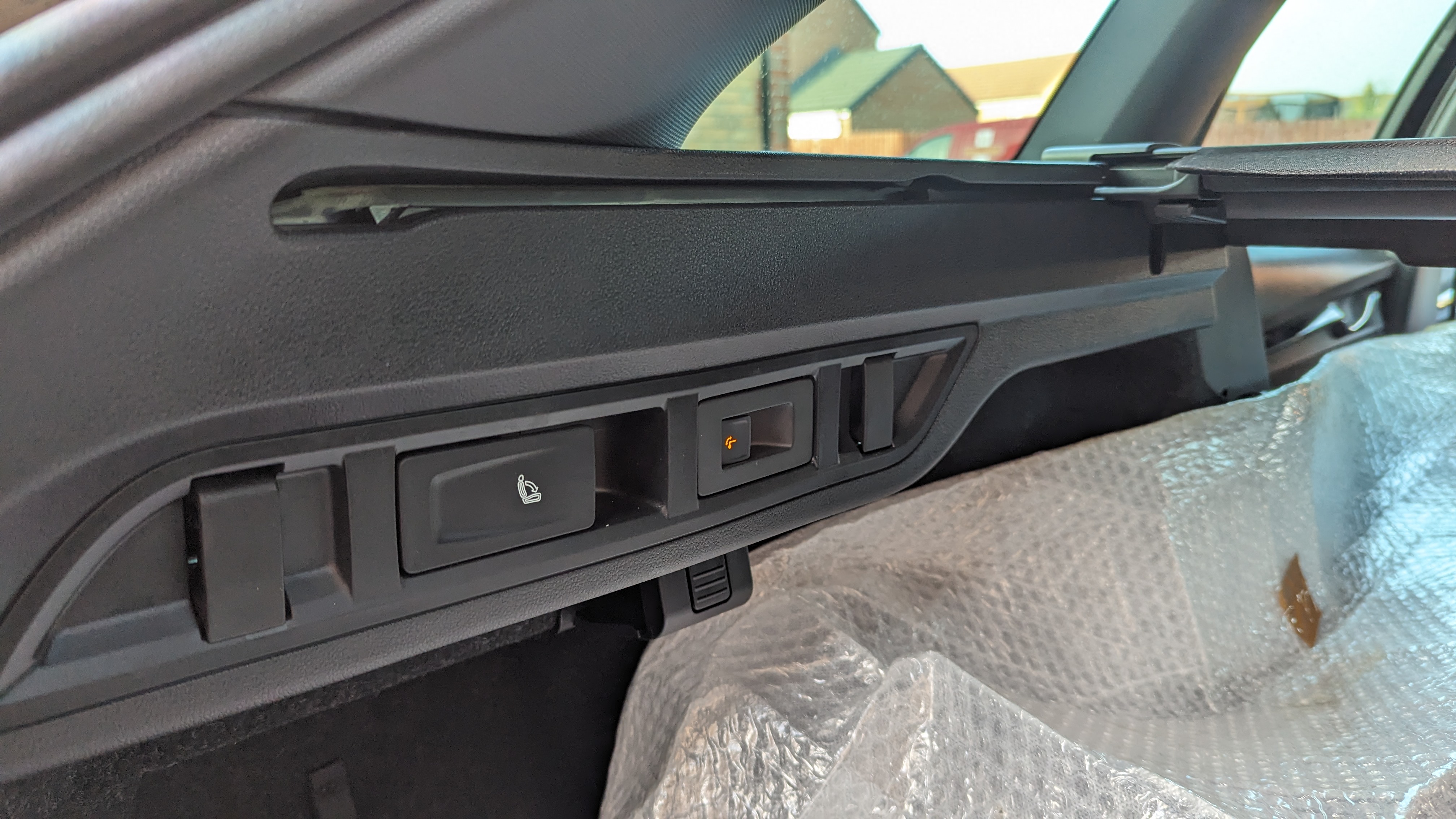
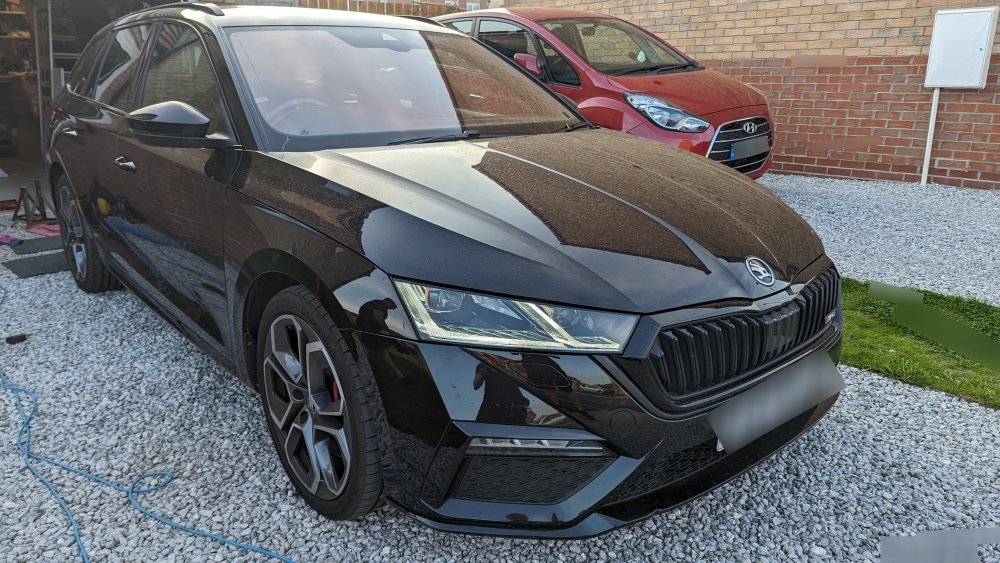
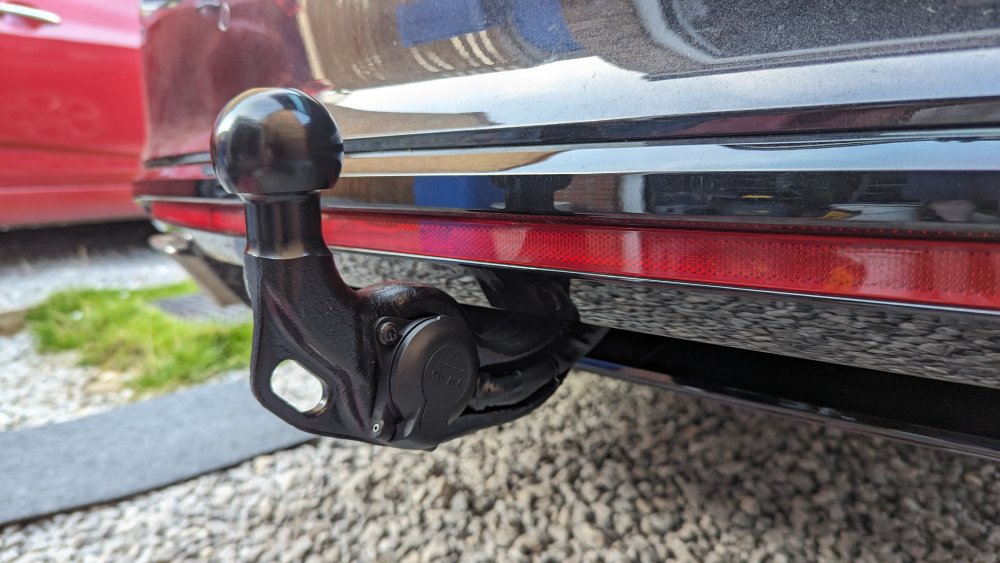
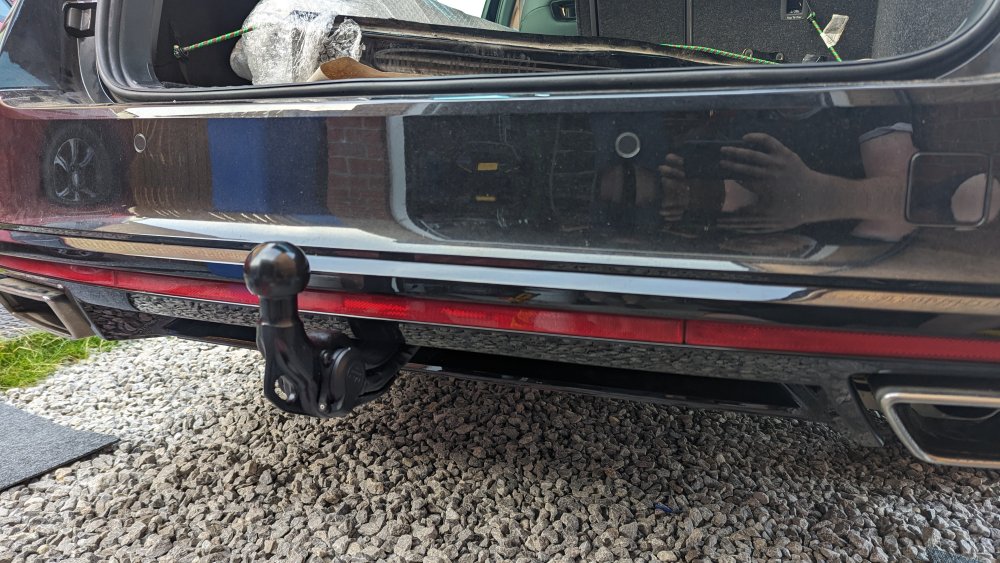
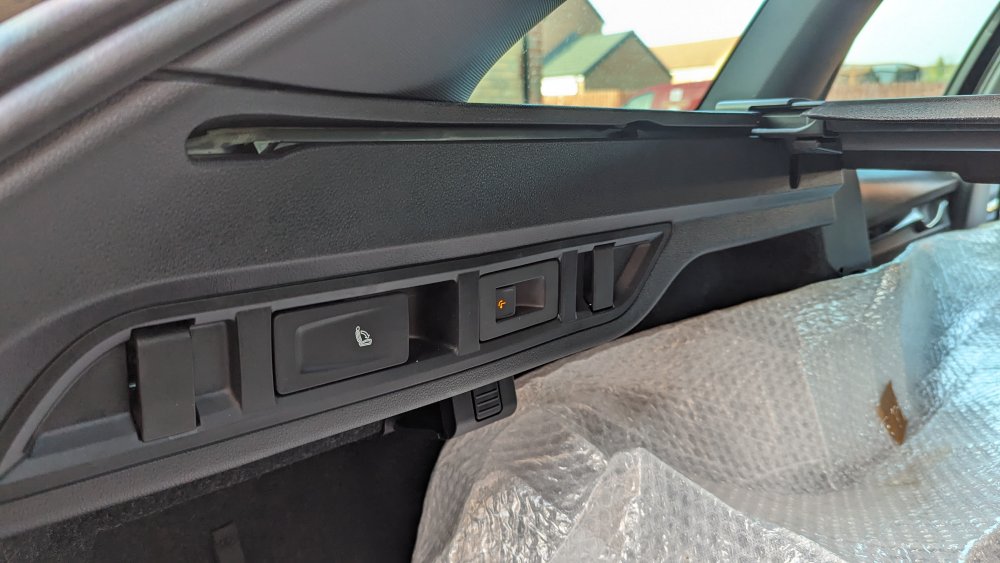
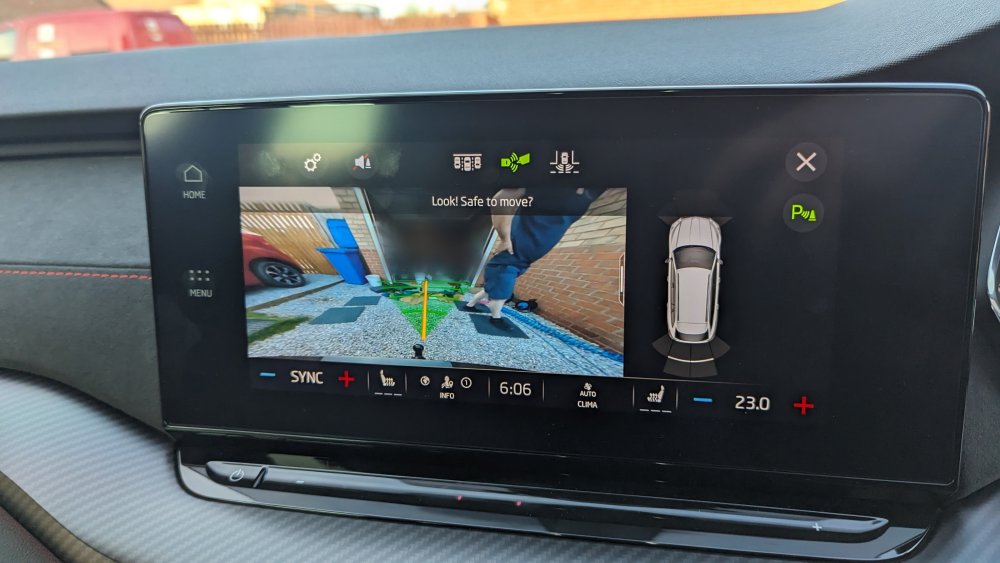
Very well specced Octavia IV VRS estate fitted with a genuine power folding towbar The installation was recorded against the vehicle's build data and the car is now configured as if it left the factory with this towbar. It's completely warranty friendly. We have previously fitted this car with a genuine reversing camera www.eastyorkshireretrofits.co.uk
-
The warranty on the car would not be affected. The new parts would not be covered under warranty by the manufacturer, however we would cover them under our warranty There's currently no way to record the camera being installed (regardless of whatever people may say) as there's no official retrofit kit with SVM document for the Octavia IV. Otherwise, the parts would be included under the manufacturer warranty once recorded.
-
Dealers are unable to install it, as there's no official kit available from Skoda
-
I believe there's a procedure to follow for when the 48V battery is low, assuming there's nothing else wrong
-
East_Yorkshire_Retrofits replied to East_Yorkshire_Retrofits's topic in Skoda Octavia Mk3 (2013 - 2020)I can't see why it wouldn't work
-
East_Yorkshire_Retrofits replied to East_Yorkshire_Retrofits's topic in Skoda Kodiaq MK1 (2017-2023)We buy parts from the same distributor that dealers use, no it isn't a DIY install Please send us a message with your VIN
-
East_Yorkshire_Retrofits replied to East_Yorkshire_Retrofits's topic in Skoda Kodiaq MK1 (2017-2023)The above features aren't currently available as activation documents and it's unlikely they ever will be All control modules on the vehicle are on production software
-
East_Yorkshire_Retrofits replied to East_Yorkshire_Retrofits's topic in Skoda Kodiaq MK1 (2017-2023)They all have the hardware for the above installed, in the UK atleast (excluding capacitive module). It's software, stalks, trim etc
-
East_Yorkshire_Retrofits replied to East_Yorkshire_Retrofits's topic in Skoda Kodiaq MK1 (2017-2023)Yes it's possible 😊, however not cheap for MQBevo vehicles
-
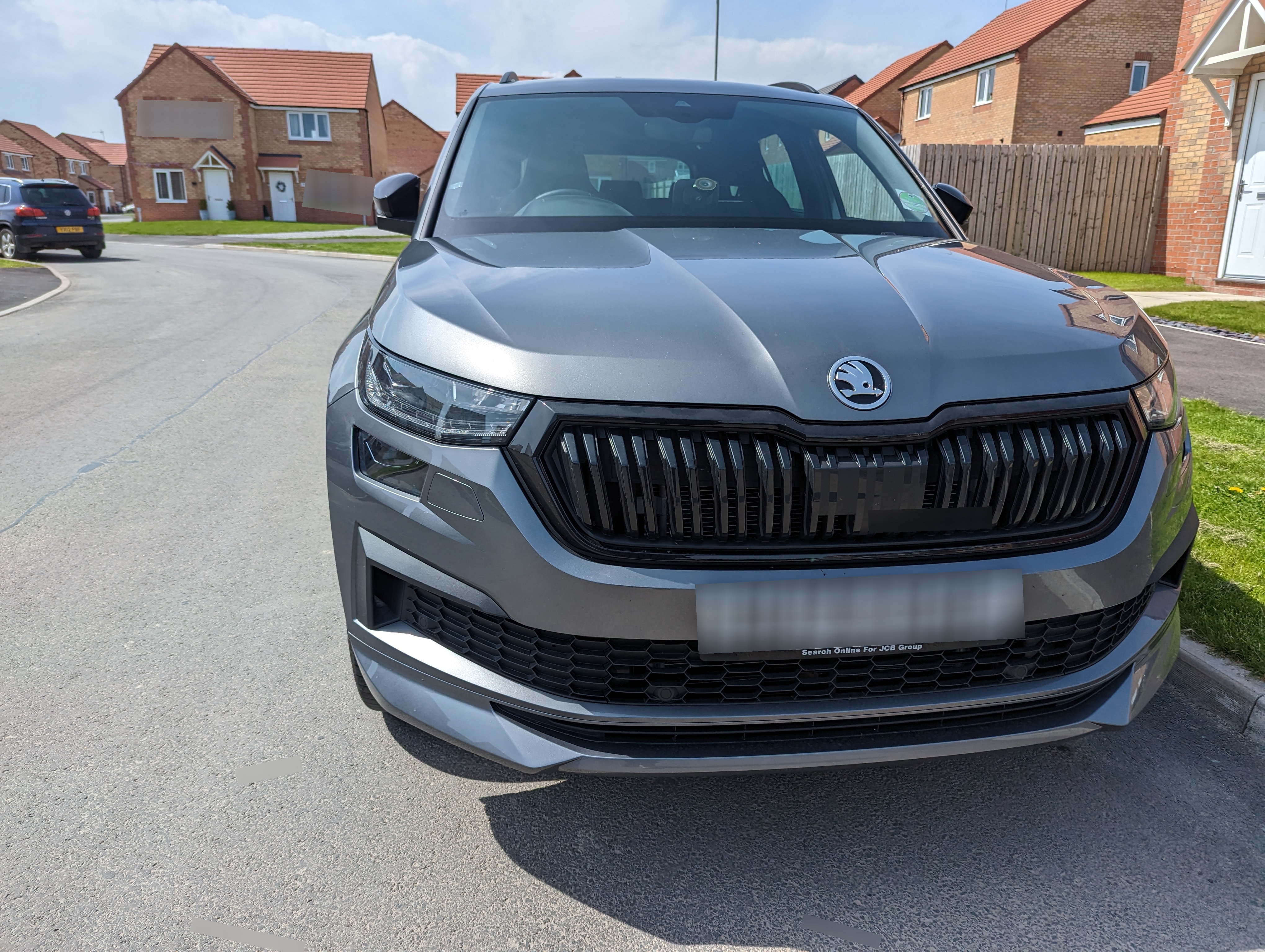
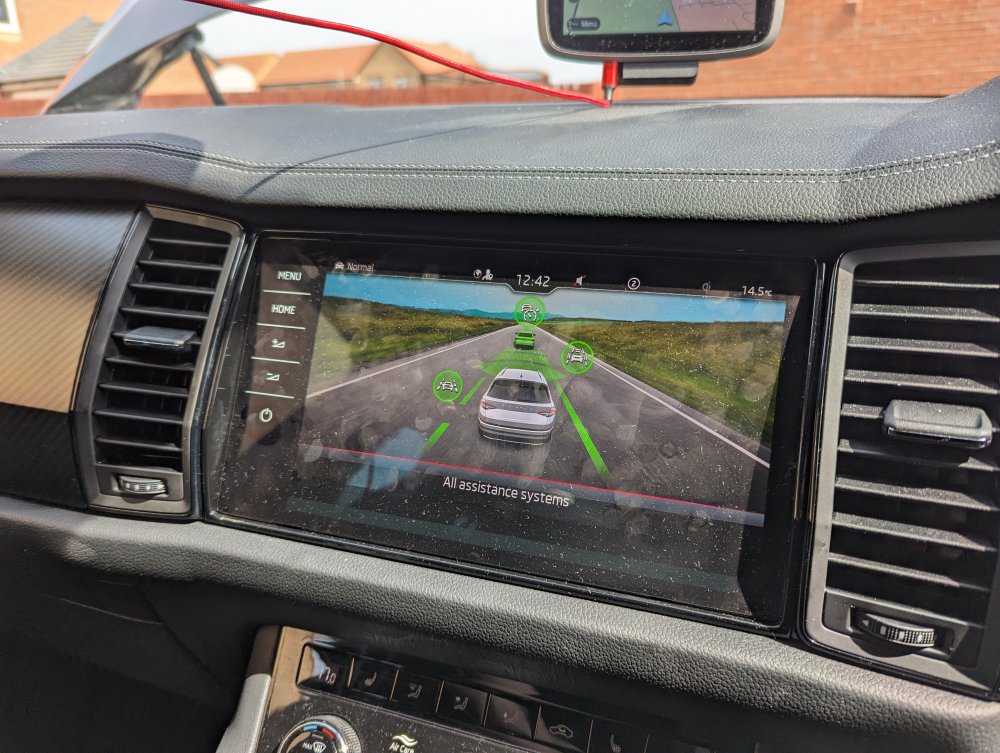
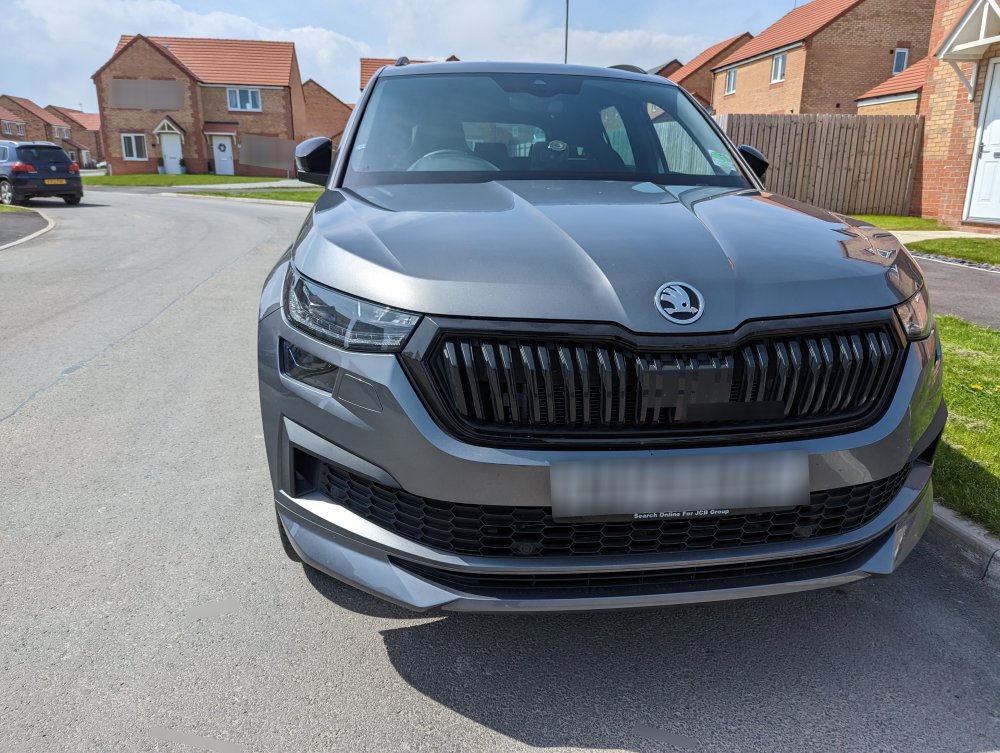
2022 Skoda Kodiaq fitted with •Capacitive touch module •Lane assist & adaptive lane guidance •Adaptive cruise control Completely error free, using new genuine parts
-
-
We've fitted parking genuine sensors and reversing camera to a couple of Up! now and it's not the worst job in the world If you send me a message with your reg I can tell you what parts are correct https://www.facebook.com/100063689703141/posts/pfbid0qaGoStZs29jxV69vG1hBdh6kZyp9smNTEPf17Gzf2MmzvZd3RrhAB5WBNxaouNrzl/
-
All of this is possible, please send us a message with the cars registration and we'll sort a quote for you 🙂 www.eastyorkshireretrofits.co.uk
-
Gateway coding needs doing for KLR module being installed However not doing the coding won't cause any other issues except the error message. Leaving the error is a good way to let the dealer know you've been playing around though