





East_Yorkshire_Retrofits
Sponsor
-
Joined
-
Last visited
Everything posted by East_Yorkshire_Retrofits
-
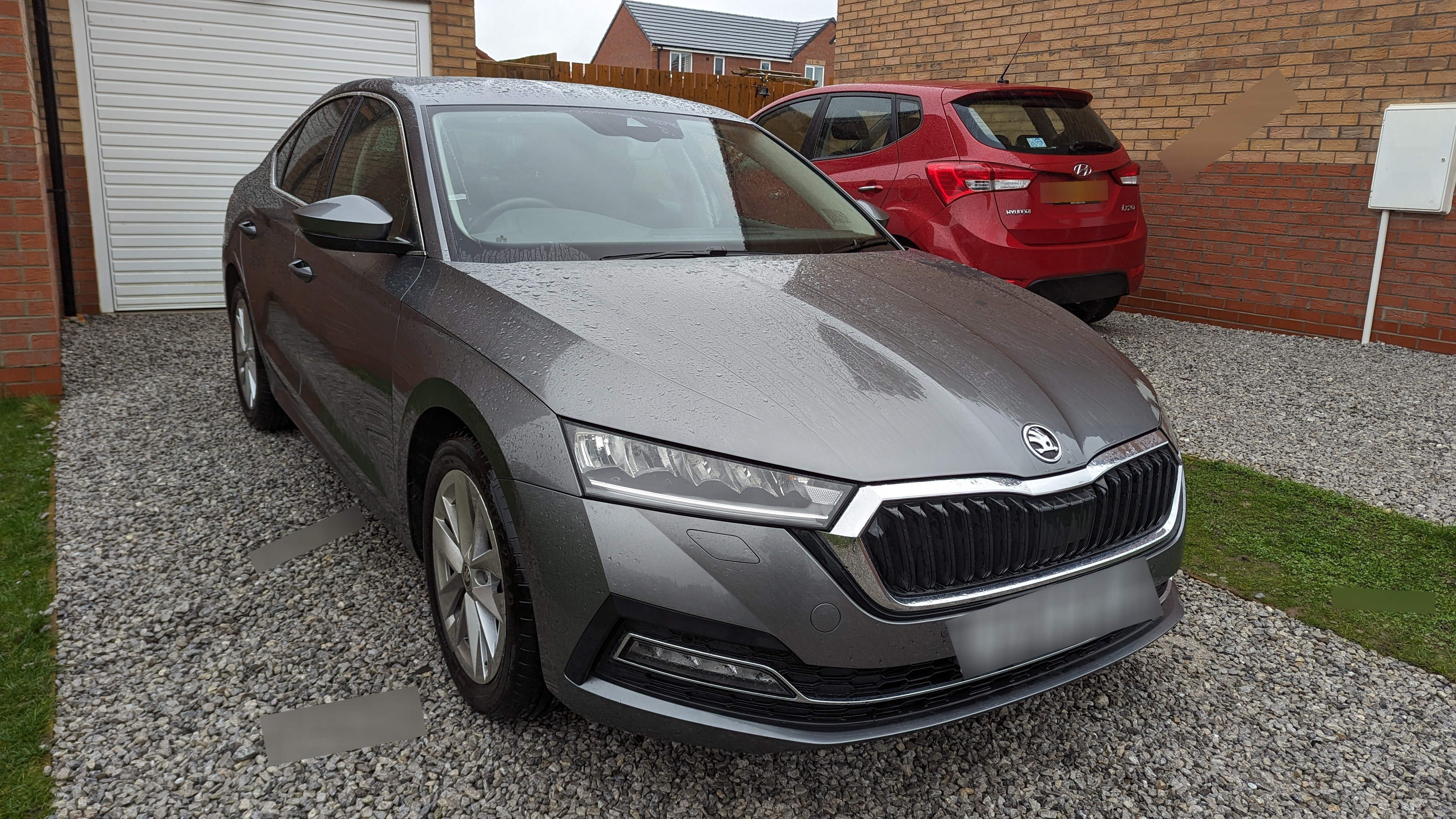
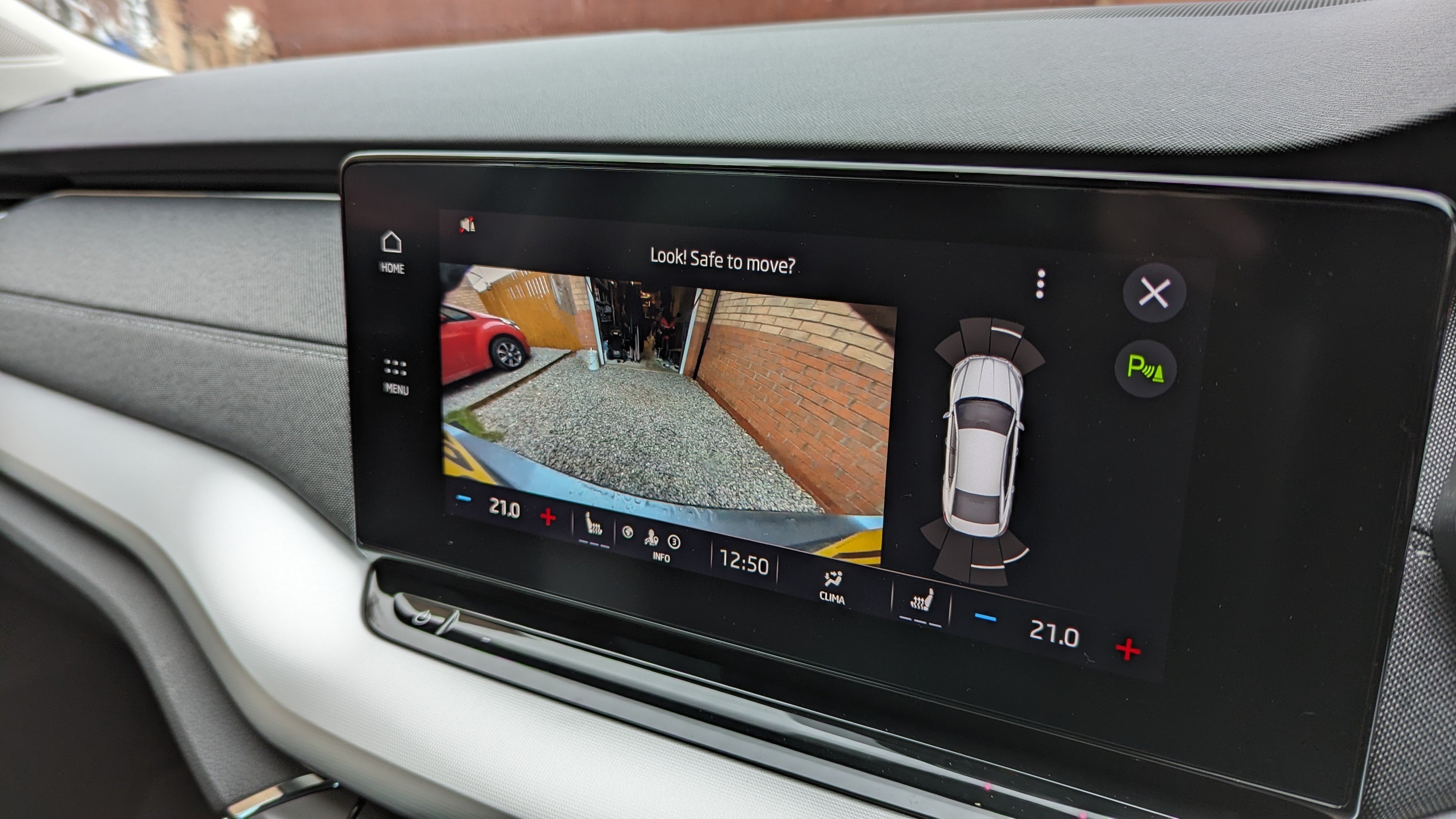
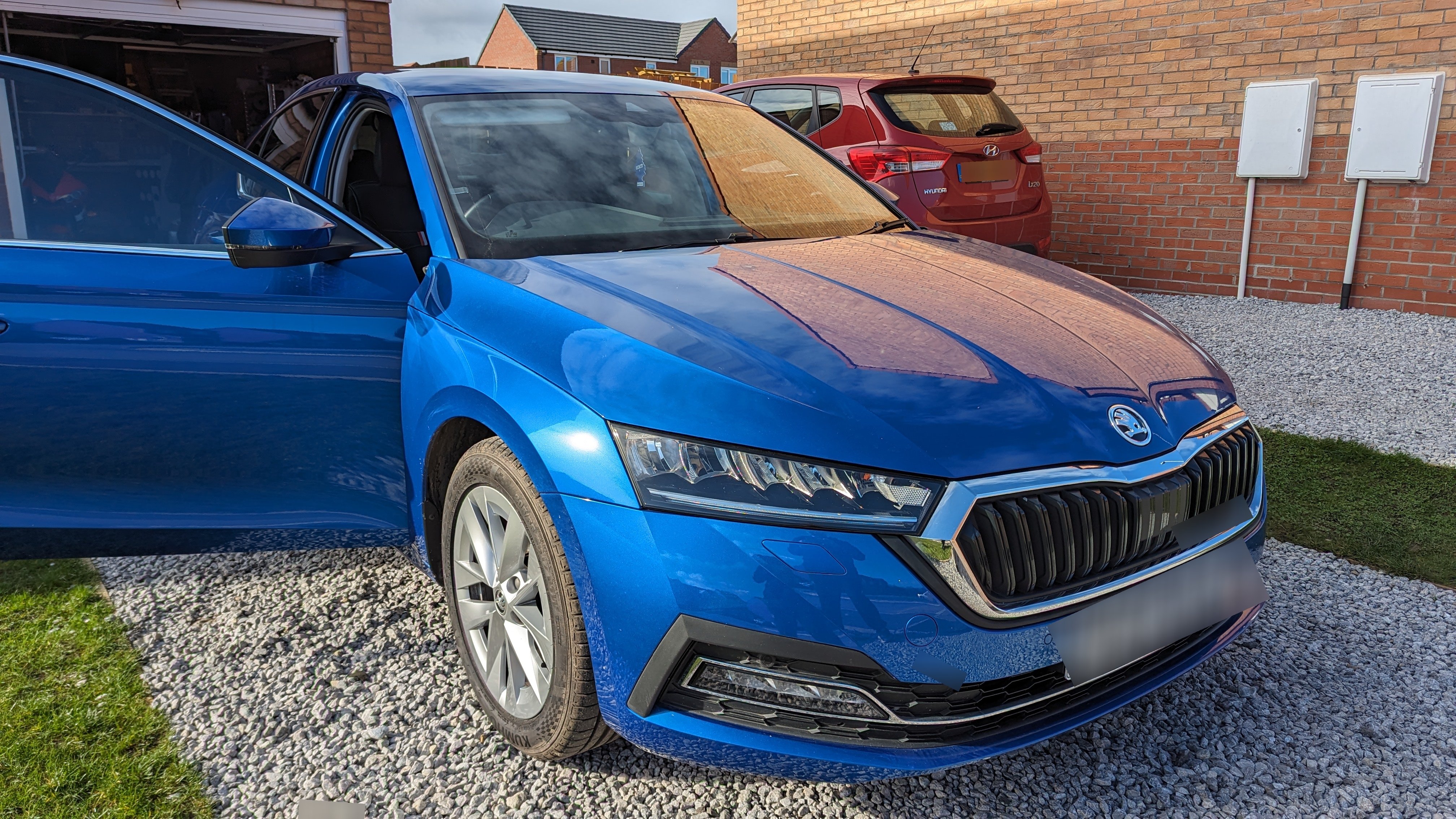
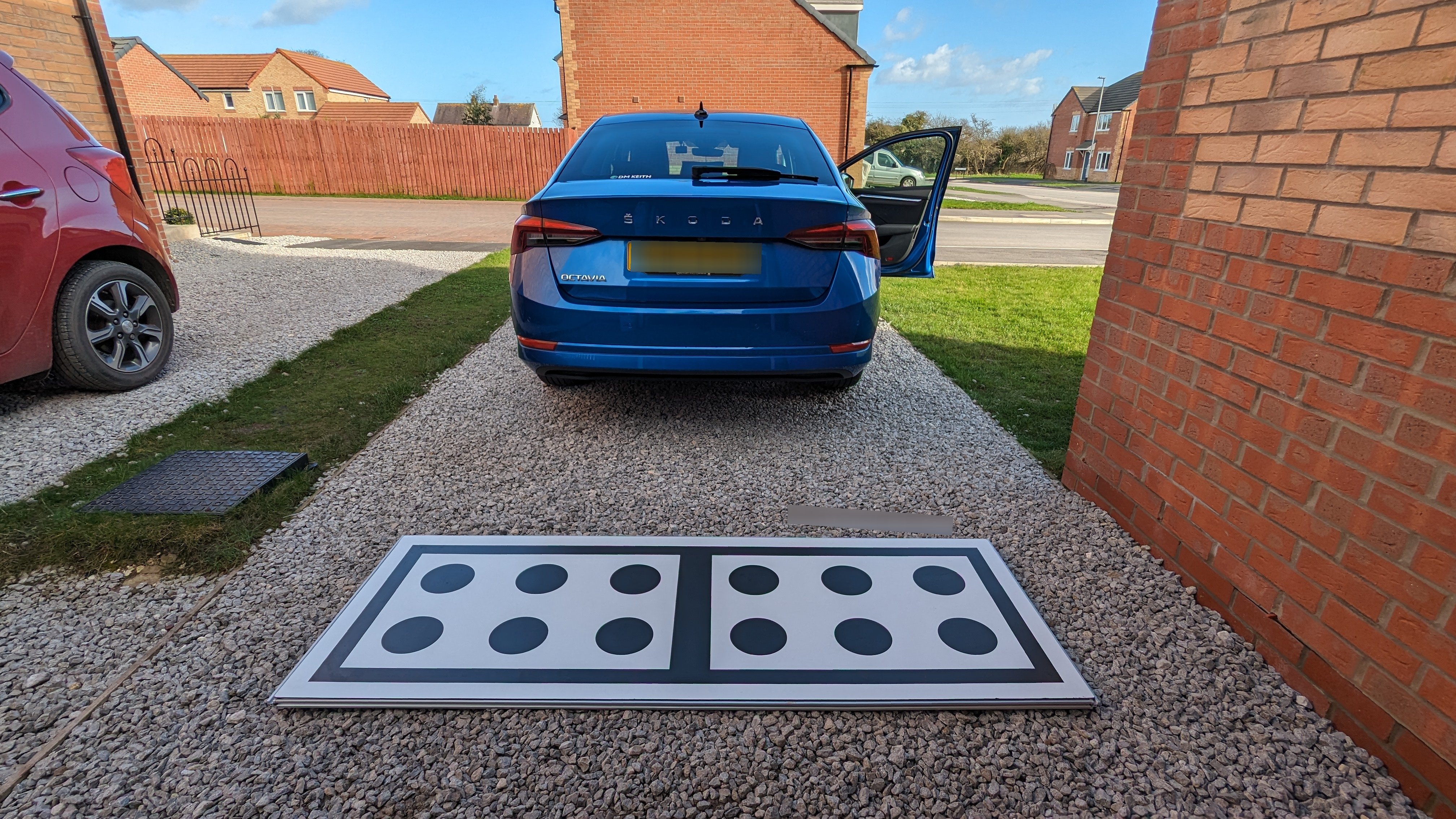
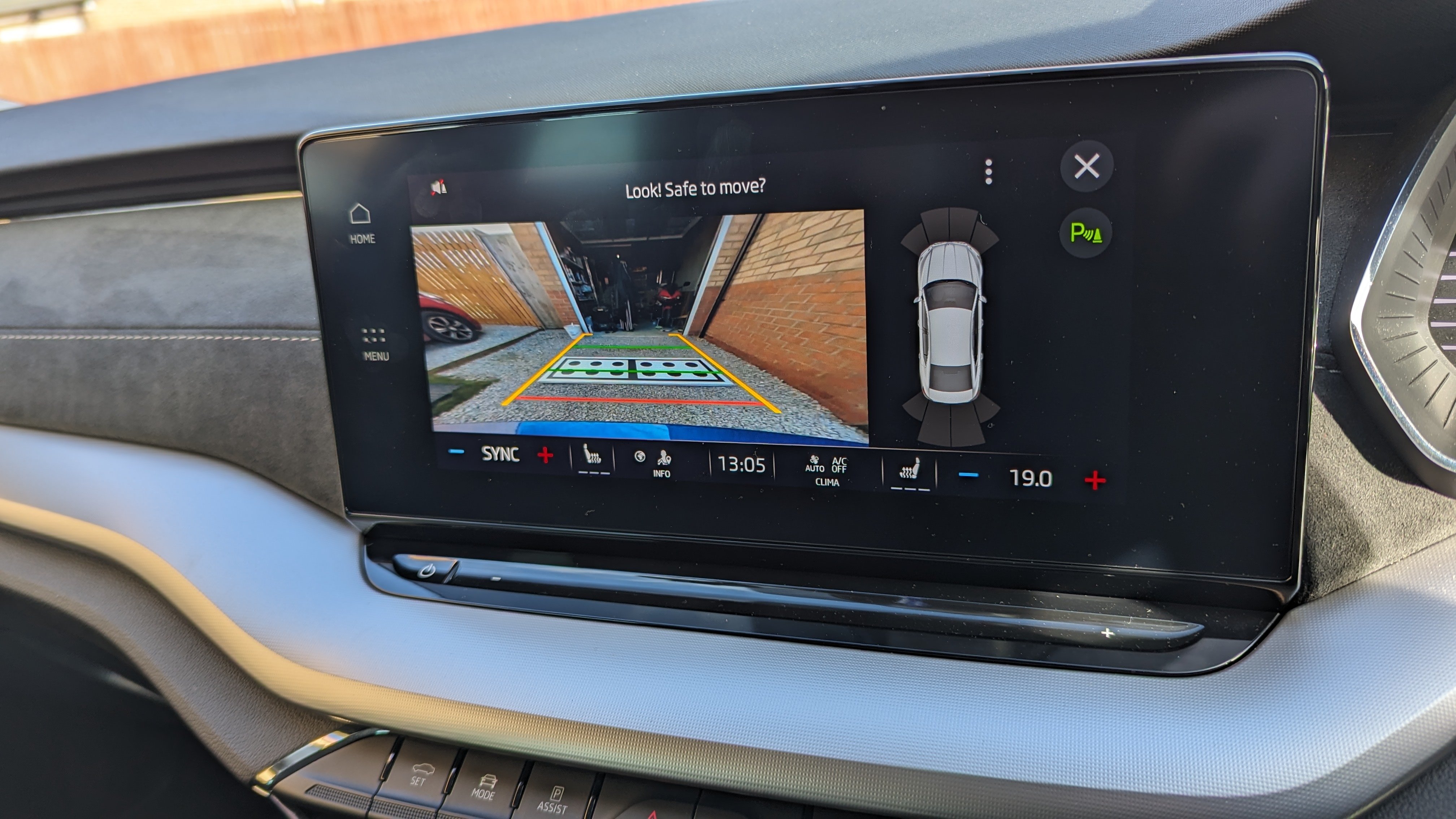
It's currently impossible to record a reversing camera retrofit on the Octavia (despite the false claims other companies make). If/when it does become possible, then we'll do it. An OTA update will never affect the installation. What could is a dealer/independent such as ourselves carrying out an update that results in an online software configuration or a replacement control module being installed which again would require online configuration. Thankfully, the camera itself will never be affected. The worst that could happen is we would post a diagnostic adapter to the customer which would allow us to reinstate the camera remotely with minimal inconvenience to the customer. 🙂I don't think you can really compare the MK4 Octavia to the MK2That depends on the spec, the VRS for example usually already has the largest available cooling system This isn't the case, atleast in the UK anyway Yes there are some models that aren't type approved for towing anything, however most are fine regardless of tow bar prep being installed/not installedYes, it's wiring from the front of the vehicle to the rear It's extremely straight forward to install anyway so don't be put off a car if it doesn't have ItIf you haven't got cruise control on the car slows down? That's the purpose of cruise control, to maintain the speed That's just the diagnostic address It's a 2Q0 prefix on the part number2018 Superb will be the 3Q0 ADAS camera. MQBevo used 5WA camera, completely different specification and performance 🙂East_Yorkshire_Retrofits replied to East_Yorkshire_Retrofits's topic in Skoda Octavia Mk3 (2013 - 2020)Yes we can do this 🙂 Unfortunately as the Octavia has a manual handbrake, even on DSG models the ACC behaves the same as it would on a manual vehicle. So you'll be no worse off than an automatic owner, aside from the gear changes themselves being manualDepends on type approval, it's nothing to do with whether the car was prewired for a towbar or not 🙂If it says 0, it isn't type approved for towing and therefore cannot legally tow anything.TSR is SWaP and as such can't just be turned on via coding We can supply activation codes (which can be used within obdeleven) but it's extremely expensive 🤢Does your car definitely have it? It isn't standard across the rangeWe've fitted a few genuine towbars on the new Octavia now, including a couple of VRS. Your dealer probably just doesn't want the job 👀East_Yorkshire_Retrofits replied to East_Yorkshire_Retrofits's topic in Skoda Octavia Mk3 (2013 - 2020)Yeah we're in sunny Brid 🙂Unfortunately not, we can barely keep up with them at the current price 😎East_Yorkshire_Retrofits replied to East_Yorkshire_Retrofits's topic in Skoda Octavia Mk3 (2013 - 2020)Yes it's possible. Please send us a message 🤗Add a terminal in the fusebox instead of bodging with a fuse tap . It isn't difficult and it'll result in a factory finish (and make it less likely to catch the eye of a dealer tech) 🙂VW don't have a Skoda license for their diagnostic system. Nor will they have half of the installation files present for Skoda so it's a no go You could enquire with an independent such as ourselves and see if VW would be willing to play along. We have a license for all of the VWAG brands but we don't have the necessary calibration equipment 🥲We can & have Retrofit/retrofitted many heated steering wheelsThat's predictive adaptive cruise control, not traffic sign recognition Traffic sign recognition does just that, reads road signs and displays them on the dash/HUD Under adaptive cruise control settings, turn off "observe speed limit" or similar. I can't remember how Skoda word itThe display has component protection so not a DIY replacement unfortunatelyThere is no "best sound", it's not a one size fits all otherwise they'd lock it down and give you no adjustment It's completely down to the individuals music taste, the media source/format, the sound system in the car, your ears. There's so many variables 🙂We would like to be added to the list please VCDS, ODIS, VCP, VCtool - VWAG independent workshop


Important Information
Welcome to BRISKODA. Please note the following important links Terms of Use. We have a comprehensive Privacy Policy. We have placed cookies on your device to help make this website better. You can adjust your cookie settings, otherwise we'll assume you're okay to continue.
Account
Navigation
Configure browser push notifications
Chrome (Android)
- Tap the lock icon next to the address bar.
- Tap Permissions → Notifications.
- Adjust your preference.
Chrome (Desktop)
- Click the padlock icon in the address bar.
- Select Site settings.
- Find Notifications and adjust your preference.
Safari (iOS 16.4+)
- Ensure the site is installed via Add to Home Screen.
- Open Settings App → Notifications.
- Find your app name and adjust your preference.
Safari (macOS)
- Go to Safari → Preferences.
- Click the Websites tab.
- Select Notifications in the sidebar.
- Find this website and adjust your preference.
Edge (Android)
- Tap the lock icon next to the address bar.
- Tap Permissions.
- Find Notifications and adjust your preference.
Edge (Desktop)
- Click the padlock icon in the address bar.
- Click Permissions for this site.
- Find Notifications and adjust your preference.
Firefox (Android)
- Go to Settings → Site permissions.
- Tap Notifications.
- Find this site in the list and adjust your preference.
Firefox (Desktop)
- Open Firefox Settings.
- Search for Notifications.
- Find this site in the list and adjust your preference.