varooom
Resident Member
-
Joined
-
Last visited
Everything posted by varooom
-
A screenshot or your VIN to lookup would help. Do you know the filename of the file you have downloaded/been offered?
-
If you have not already, you will need to decide if you are going with Long Life oil regime (flexible) or a fixed service schedule. If you have not already, you will need VCDS or similar to reset the service, more so if you are going with flexible service. If you are going to change to a fixed service, then you can reset yourself without using the VCDS tool/similar. The OP has been on a flexible service since the beginning, so now has to make choice for the future.
-
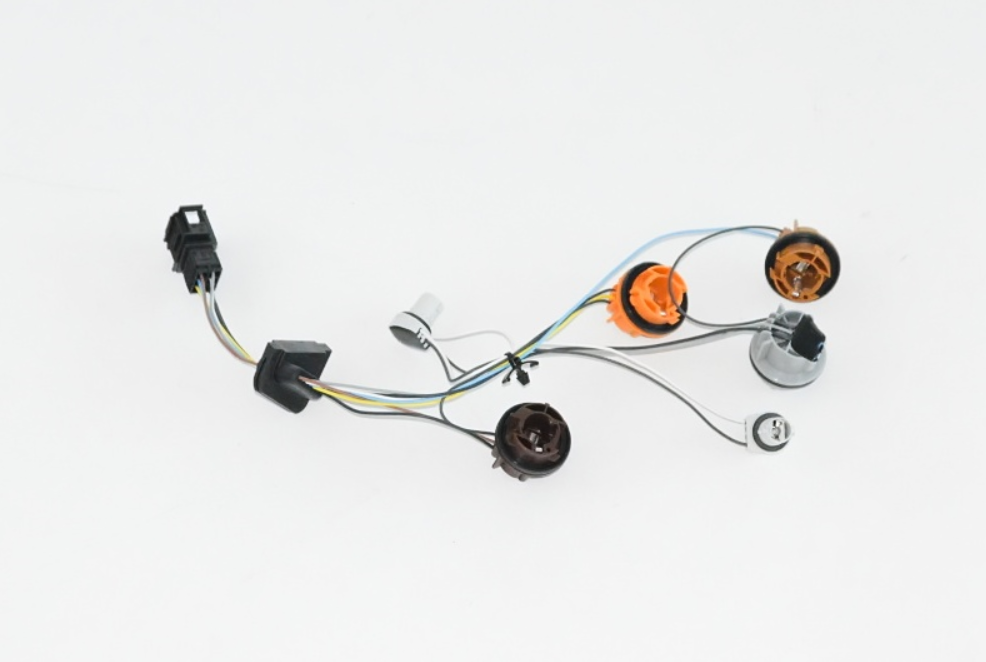
Depends on what motor you have, but you might be able to just pickup a "Bulb carrier" They are about £55 from dealers mind you, so perhaps a visit to eBay or scrapper is in order.
-
You can update to 0138, but it does not make activation of things. It is for bug fixes etc. Let me know if you still want the update file.
-
It was part of a recall for faulty parts, so out of warranty doesn't always apply 🤝
-
Might be a good idea to contact your dealer, there was some bad OCU units fitted in 2019 to Scala & Kamiq with OCU3 low units having bad software. They cannot be updated to a better firmware, they need physically swapping.
-
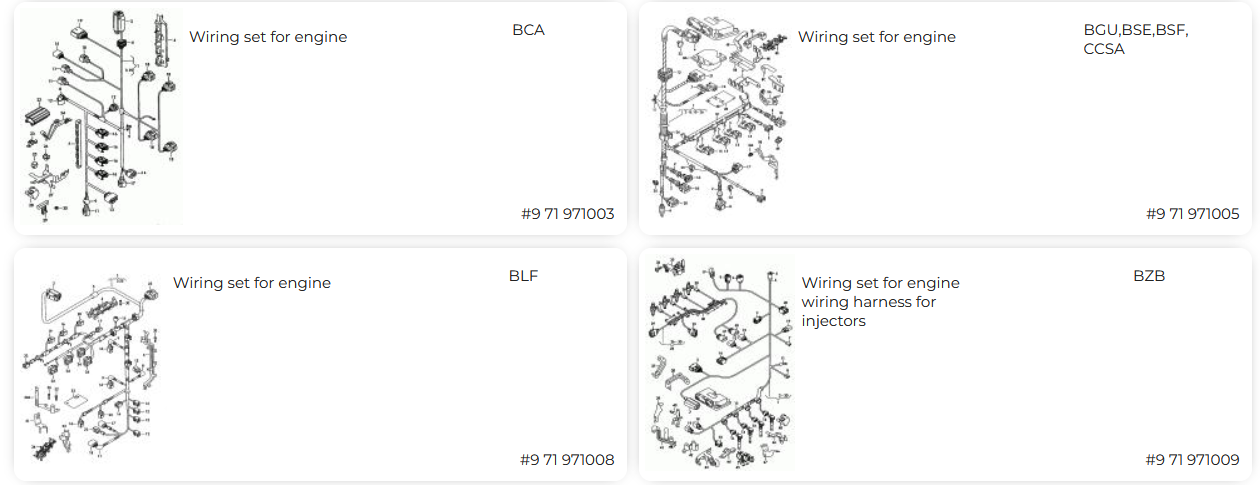
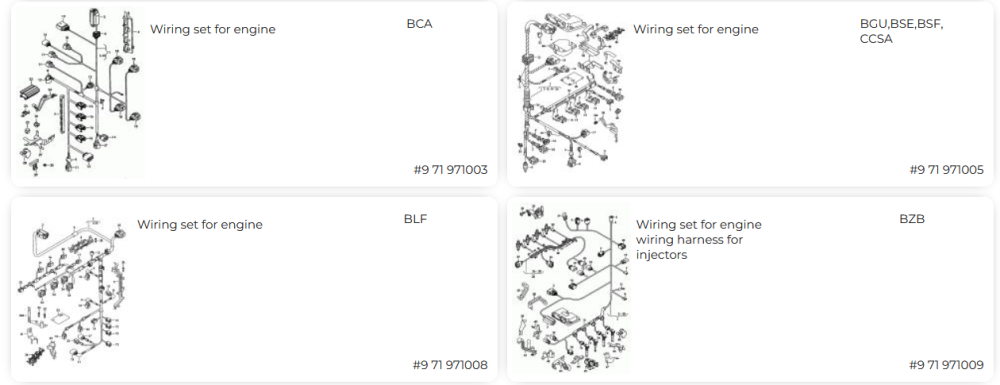
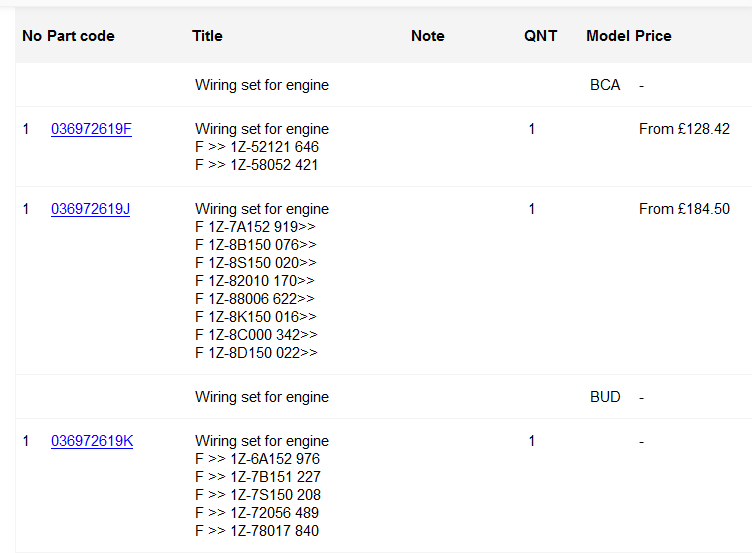
Bookmark this page... https://www.lllparts.co.uk/catalogs/skoda/CZ You will need to know if you have a 1U or a 1Z VIN, then you will need to know your Engine Code, and finally be able to decode these VIN strings. But you are wasting time trying to look for yourself, as TPS will be able to lookup via Reg/VIN and they will find it usually pretty well. Not saying it doesn't help to be a little prepared, but if you ask for a part number you have found, it could be incorrect.
-
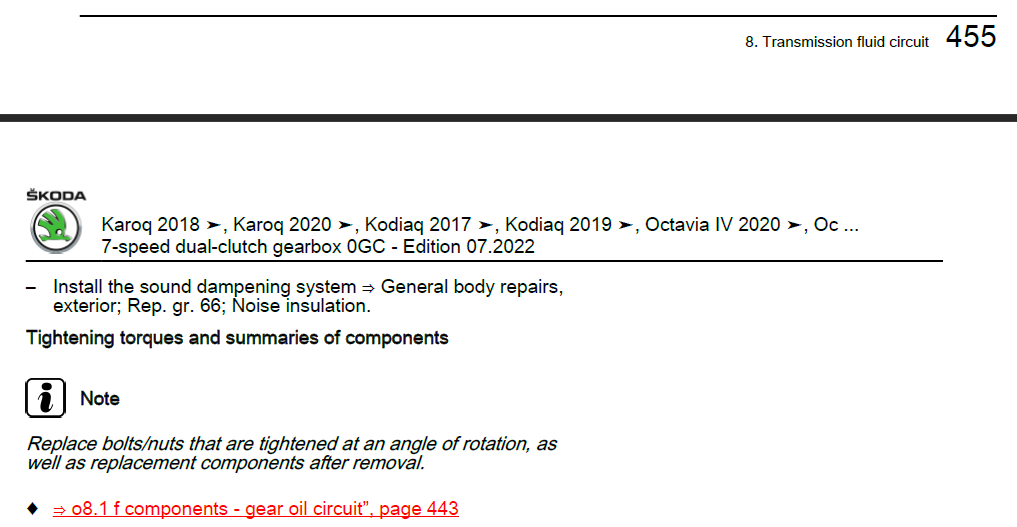
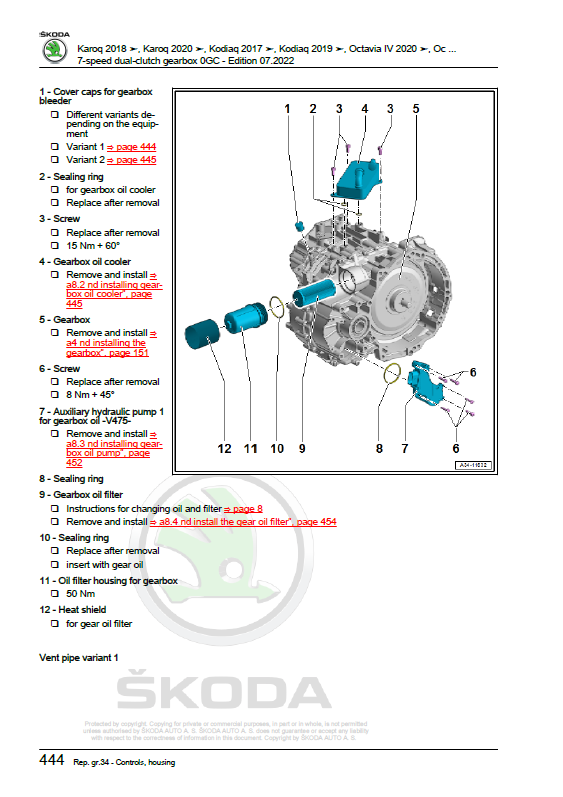
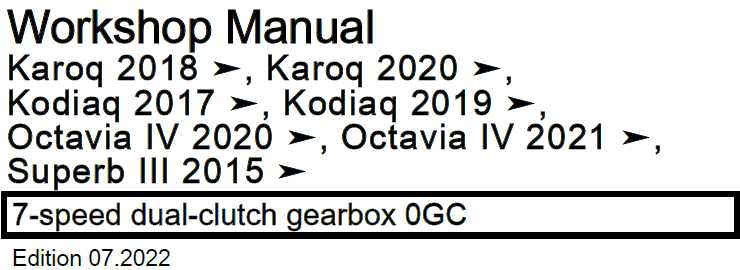
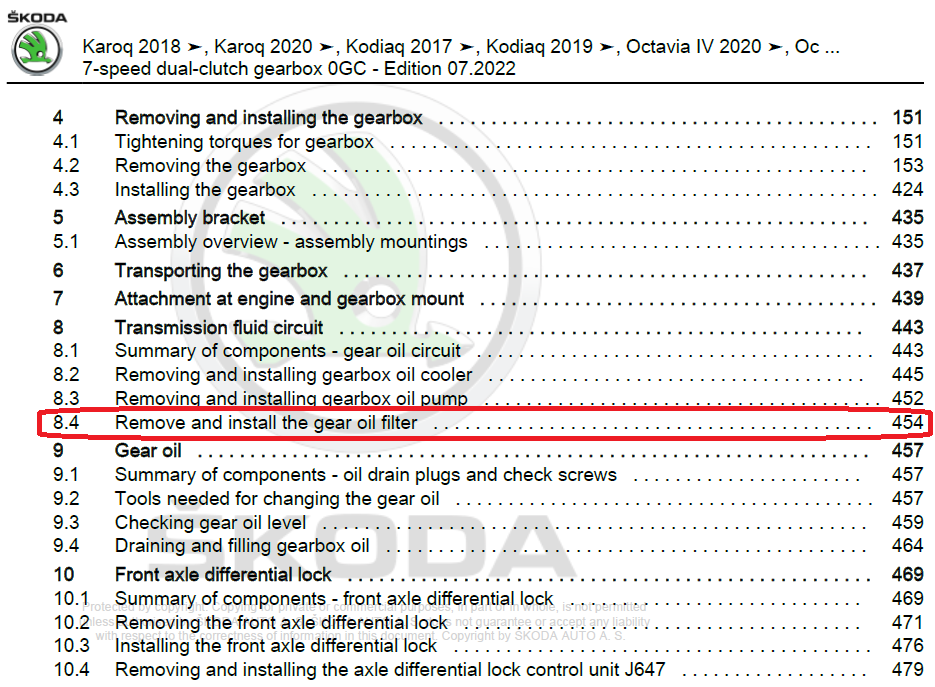
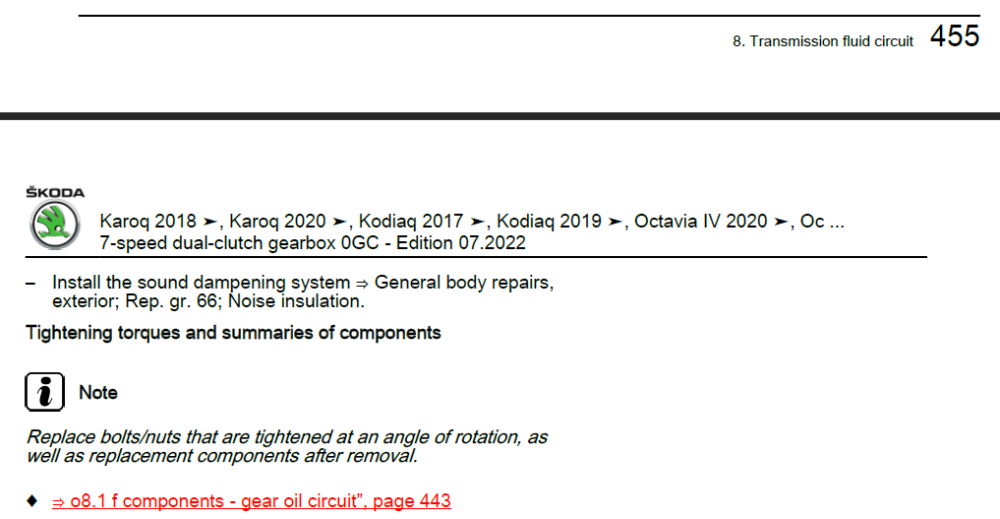
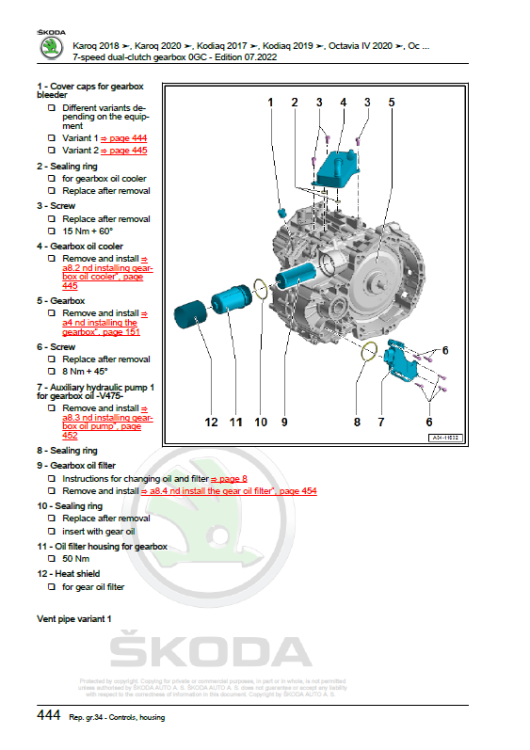
Sunday sermon for the congregation 😆 Starting with my folder structure, I keep things in nice simple way... SSP + ErWin\Skoda\Superb III (2016) [3V,3V3,3V5] - so it makes it quick to drill down into the correct section Then using one of @toot's often posted pictures of the gearbox codes (DQ381 = 0GC) allows us to find the document quickly D4B8079336C-7-speed_dual-clutch_gearbox_0GC.pdf I looked at the index page(s) to find the relevant section, in this instance page 4 Thankfully, you can click as you know on this to be hyperlinked to Page 454 If you then scroll down the pages, you end up on Page 456, which then links you to the Tightening torques and summary page You can then click on the red hyperlink to take you to Page 443 As Page 443 is not big enough to hold the picture, they put it on Page 444 You could of course use search in PDF for "Oil Filter" and then maybe look at 50+ pages, but sometimes the index comes up trumps. It's easily missed when you are under the cosh of time and pressure at work.
-
You have PM for 0480 version
-
50 Nm for the filter housing, but it's hard to find in the documents I will grant you!
-
Yes, I can send you 0480 version.
-
Could well be Pete, never can tell with VAG shared DNA (parts bin) or someone as you say dropped in a Polo engine.
-
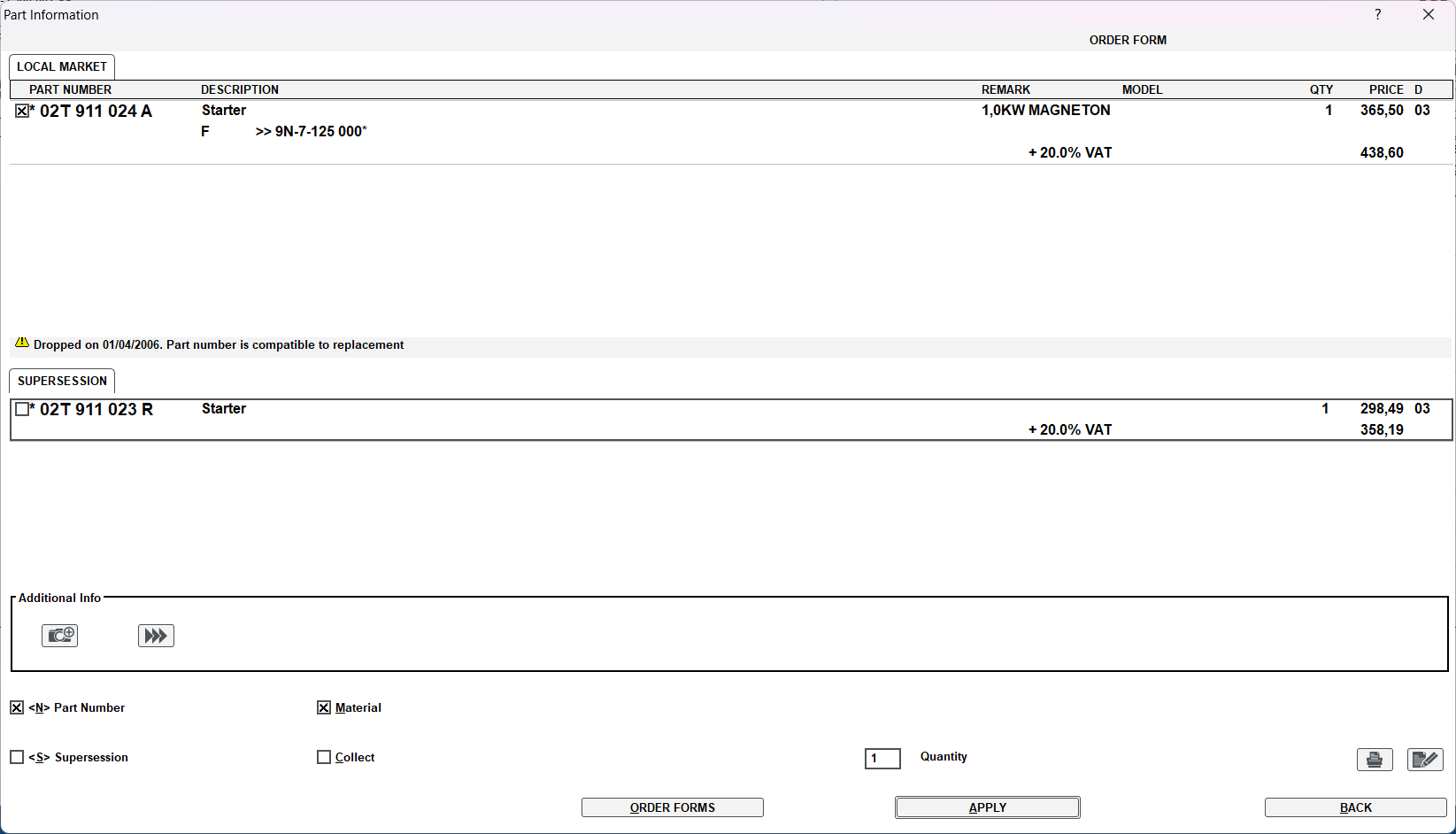
I would check out the images of this nice clean one, so you can see if the plug matches your D type from what I can see they all do. https://www.ebay.co.uk/itm/254789198960 From what I can guess, Skoda decided to maybe fit a different loom connector at some point, which is why the 02T 911 023 G part that @Breezy_Pete can see in the catalog (and I do also for your engine) doesn't line up with your connector fitted. On paper, your starter was never fitted to your engine, but clearly it was.
-
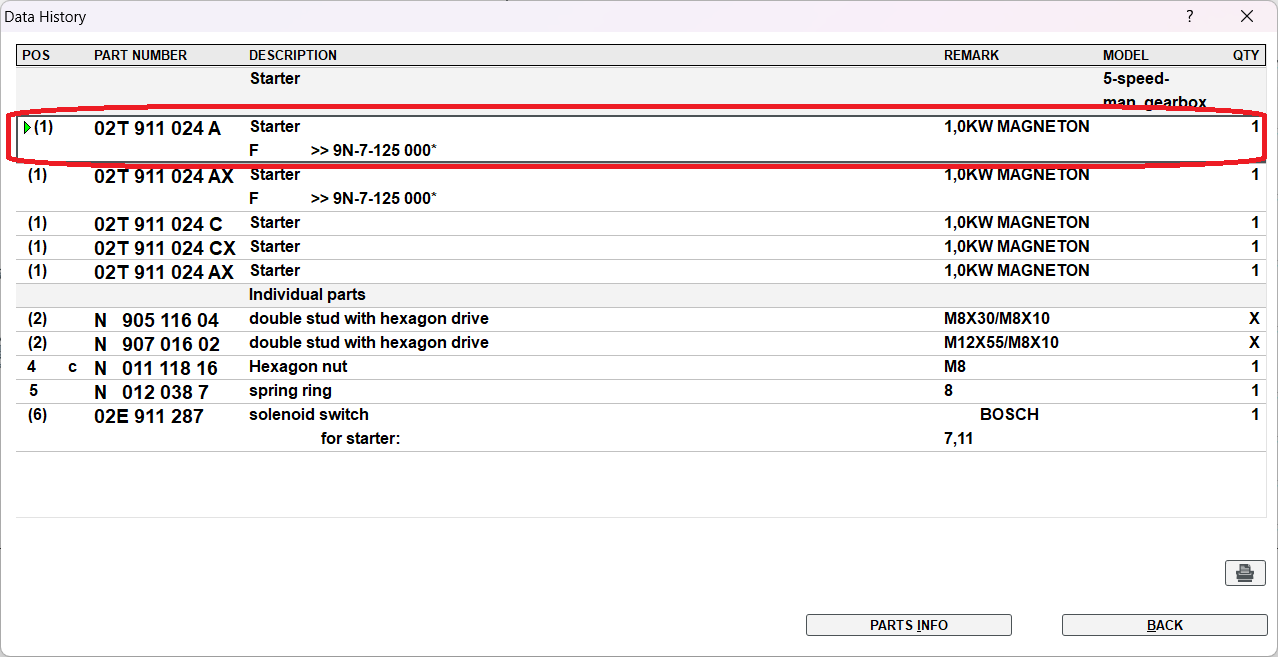
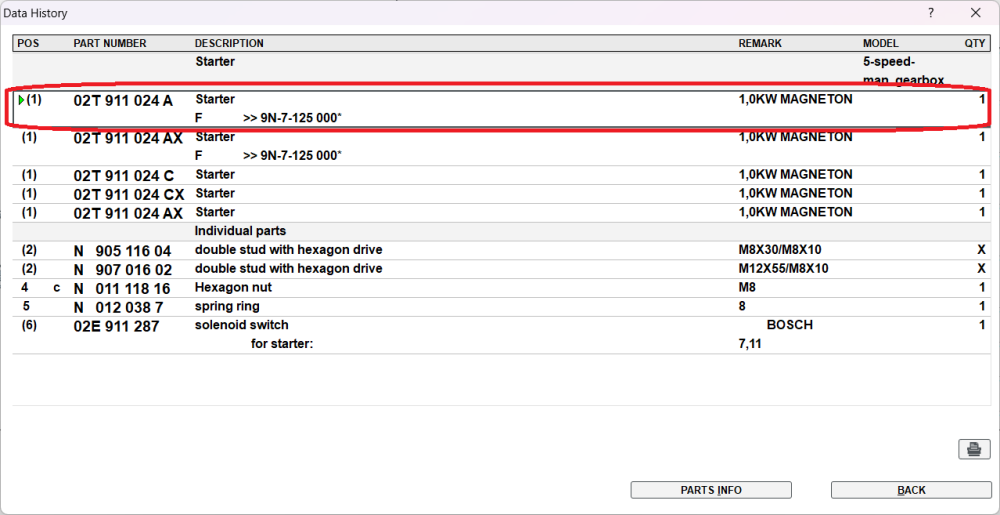
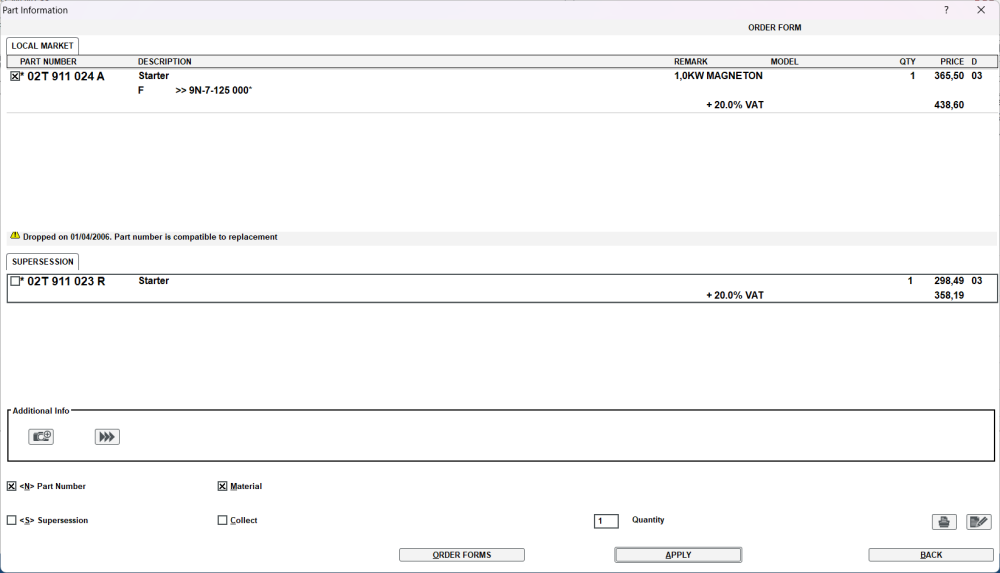
When I take your original part number of 02T 911 024 A and put it into parts catalog, it takes you to a VW Polo with same engine code. If you google the part number, it of course has integrated solenoid. As time goes on, it get's replaced by several replacements, and it gets external solenoid. So it begins as... 02T 911 024 A 02T 911 023 R 02T 911 024 N https://www.autodoc.co.uk/car-parts/oem/02t911024n
-
Not sure about the Diesel having the noise or not, but your PR codes will be the tell tale sign of what is what.
-
What are you lost on Tom? Or do you mean you are still on the fence on whether to do the cambelt or not?
-
I have sent you a PM
-
Yes you can update to 0253 version
-
Have a gander at this site for your parts, might still struggle as you must also know engine code for somethings (V5C!) https://www.lllparts.co.uk/catalogs/skoda/CZ
-
@MichiF The video doesn't show whole process, I can only assume you need to press "Resume" as you already think.
-
If it helps you calculate, should you try to fit at a later date, front pair and rear pair are £48 +VAT for each set, so £96+VAT for all 4 corners. Most likely much cheaper if tacked onto your order. Wow, just seen on the car configurator, it's £78 for front and £78 for the rear, it's cheaper to fit your own.
-
Do it! I am sure you are spot on, they are in the accessories section on the ETKA parts catalog, so most likely fitted at dealers.
-
Sorry to hear, maybe someone will come along soon with same age car to say how they do it?
-
You can post here (hide your VIN if you like) Just note if you are planning to flash, it can break things! (if you have the tools needed)
-