varooom
Resident Member
-
Joined
-
Last visited
Everything posted by varooom
-
Check your PC under this folder (assuming you have scanned the car in the past?) C:\Ross-Tech\VCDS\Scans Files in this folder are automatically created, because we got tired of hearing, "Yes, I did an Auto-Scan, but I didn't save it."
-
@CamMiles I am not sure if Rustynuts is responding on the forum (last seen October '22) Are you having issues, or just wanting to load up new firmware/maps? Firmware updates are about and need loading by CD-R Maps, AFAIK the last version is "v17" 8557 and probably updates by DVD
-
MST2_EU_SK_ZR_P0480T is the current 04xx version. Have a good day
-
Show a Software Train value
-
Aha, this is your first post where you mentioned about trying to download 0480, without a screenshot if your existing Software Train. So I supplied 0480, when you needed 0369 as seen from your latest posting. I will send the correct firmware now, and you will be able to load. Yes for 04xx versions
-
Yes, this I can do for you.
-
Is that the whole car scan?
-
You need to find out what firmware is installed to know what's available, probably for free.
-
Have you tried to hold down the Menu button for 10 seconds to see what software train is already installed?
-
I think you should do a VCDS scan or similar tool
-
Yes it's the classic MEN2 firmware with the noisy static.
-
Try holding down the Menu/Setup button for 10 seconds to enter the engineering menu and find it. Look for Software Train value.
-
Loving the sneaky VW 1889 version before it swaps to SK1896, then to your SK1941. Best of luck with the next few journeys.
-
Not currently, stuck in hospital with the wife. Remind me in a few days time.
-
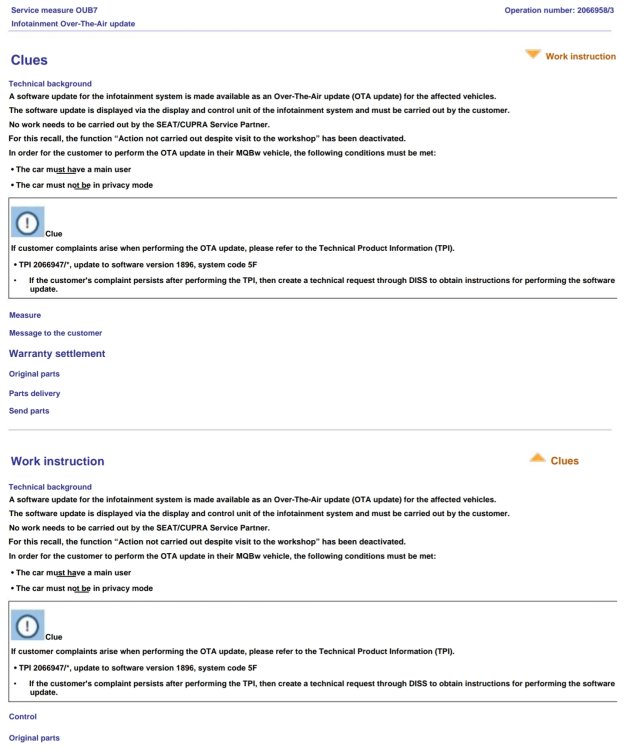
I am dog tired, but from memory 1896 onwards, the OTA updates were supposed to be rolled out... but this is VAG. There have been reports of user's getting OTA updates that actually increase the SW Level, probably released to a few test VIN's or a range of VIN's to see how a few test guinea pigs get on. Mobile phones update the same, they release it for a Country and await the feedback/monitor forums 😁
-
Yes these are revision versions, and could change tomorrow, or in a week! 99% of the detail will probably be the same, but could also be something else like make sure TPI xxxxxxx is already applied etc, or a new process to perform after to make sure things are working as intended.
-
You have a Private Message, best of luck
-
For those that have loaded 1941, if you can keep providing feedback on how many days you have gone without a reboot (or any other symptom) that would be most helpful. "Been 5 days, and no reboot so far" for example. "WiFi on, Bluetooth on and using wireless Android Auto" etc... the more detail you can provide the better it will be for those sitting on the fence. It will help out the community no end 🤝
-
You can update to 0324 version in two steps Sorry, my mistake, I did not see you are on RW region until after I sent you the firmware I cannot tell you sadly if this will enable wireless AA or some such, as they don't give changelogs. I will send you by Private Message some links/information.
-
As written earlier, from me or @Rainesh I have sent link by PM
-
Sorry, had a busy day and you fell through the cracks. Will send you update to 0253.
-
You won't break it with USB, just it won't work (invalid media) But an SD Card is supported and will work
-
99.999% Sure you will need to use the SD Card slot, you are welcome to try the USB slot if you wish to use your time.
-
Yes SD Card New version will be 8755 Most people apply this update for Apple phones that have crackling audio I believe Maybe... not sure
-
You should be able to make the leap up to 1941 then.