Leaderboard

.jpg.1006585dfe4e2977315b67c3d642e37b.jpg)




Popular Content
Showing content with the highest reputation on 27/04/20 in all areas
-
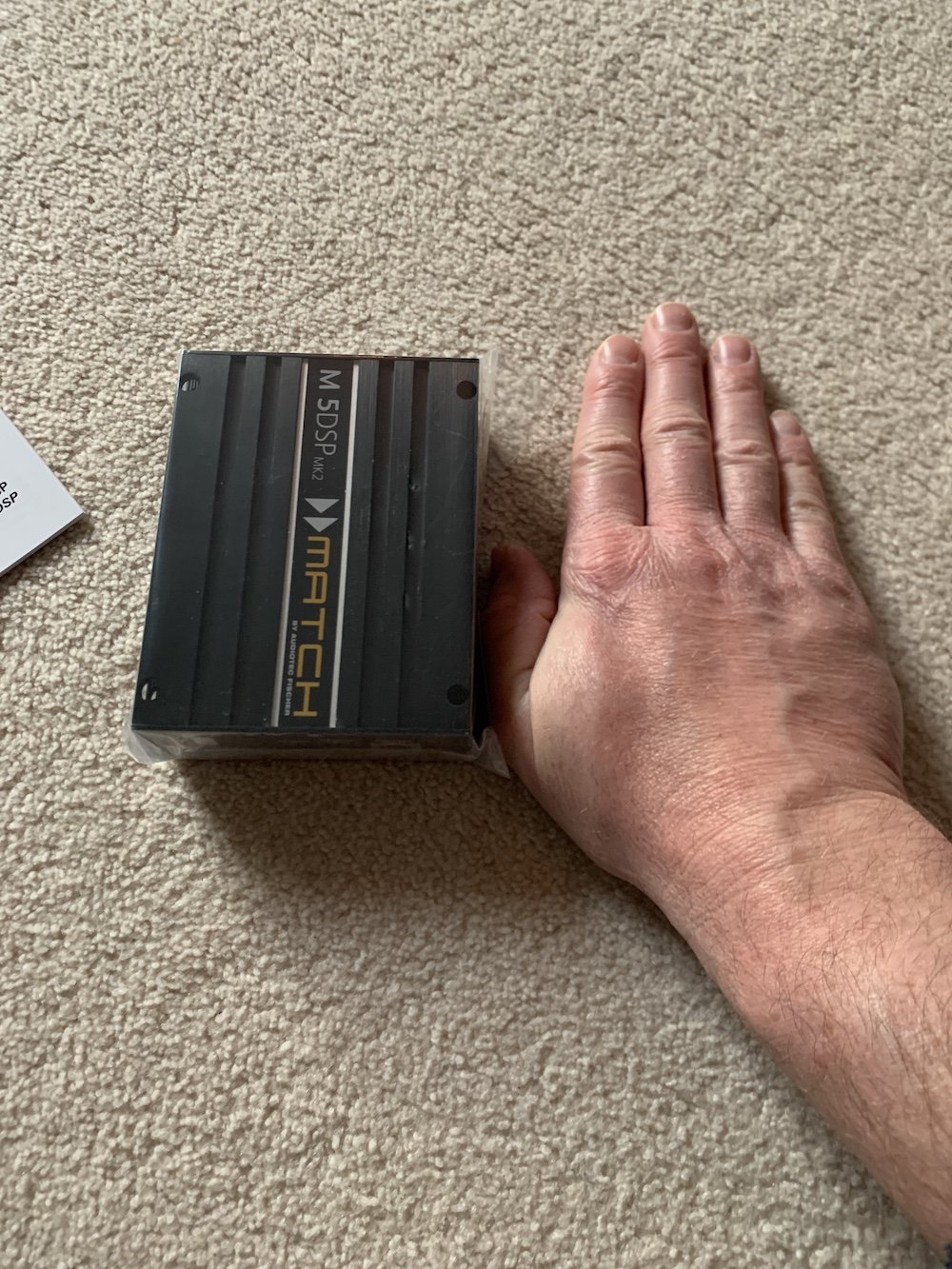
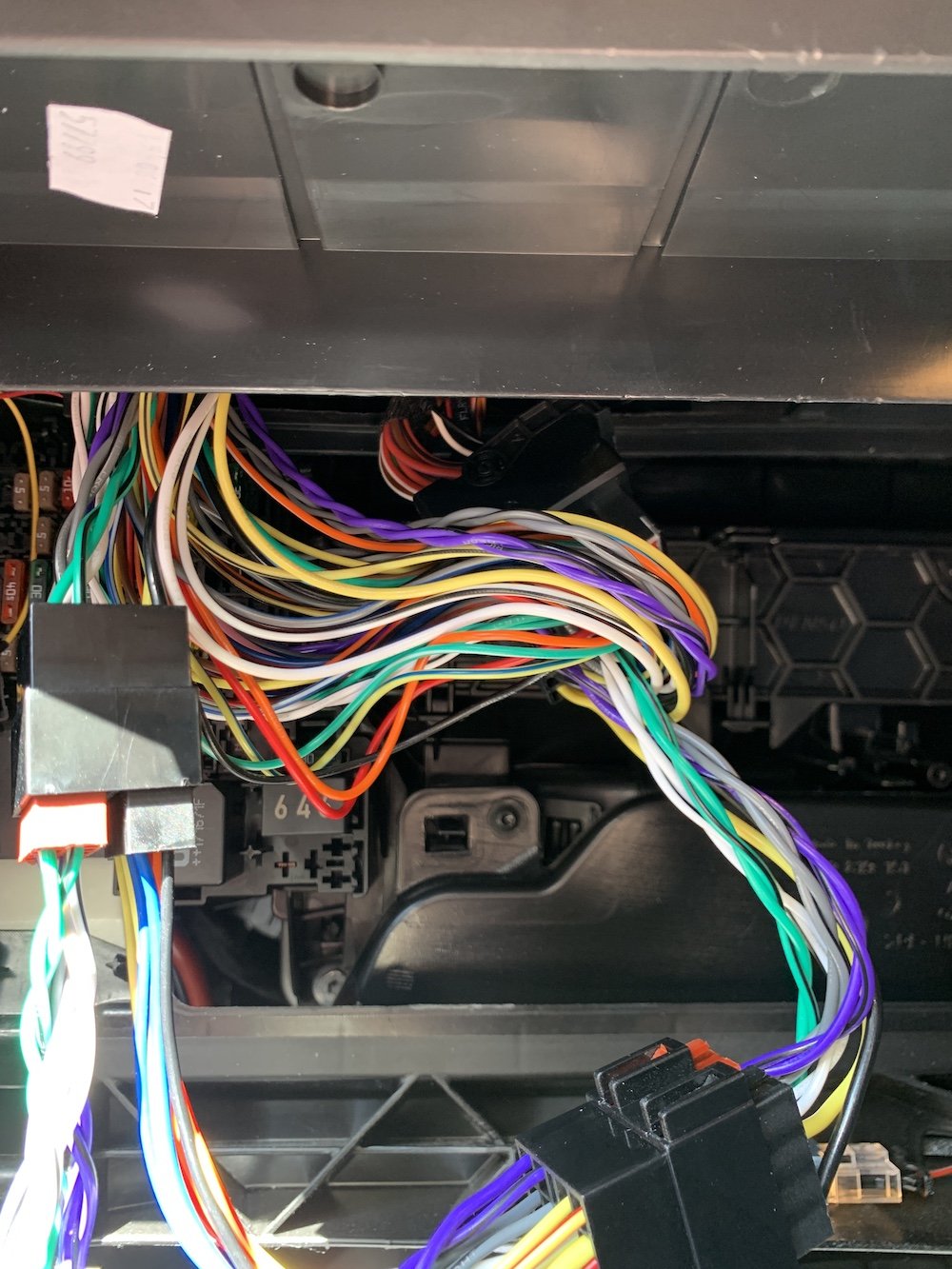
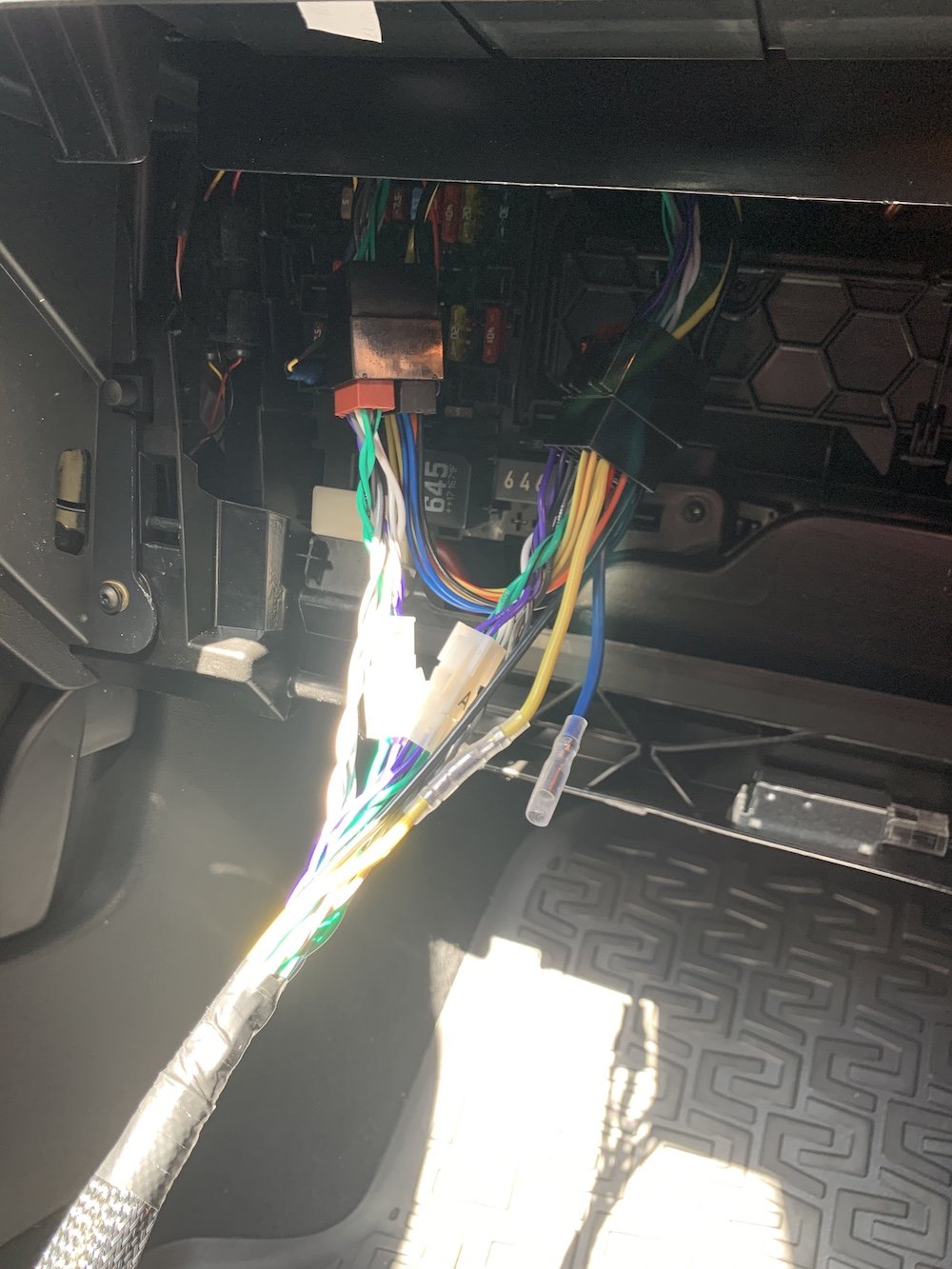
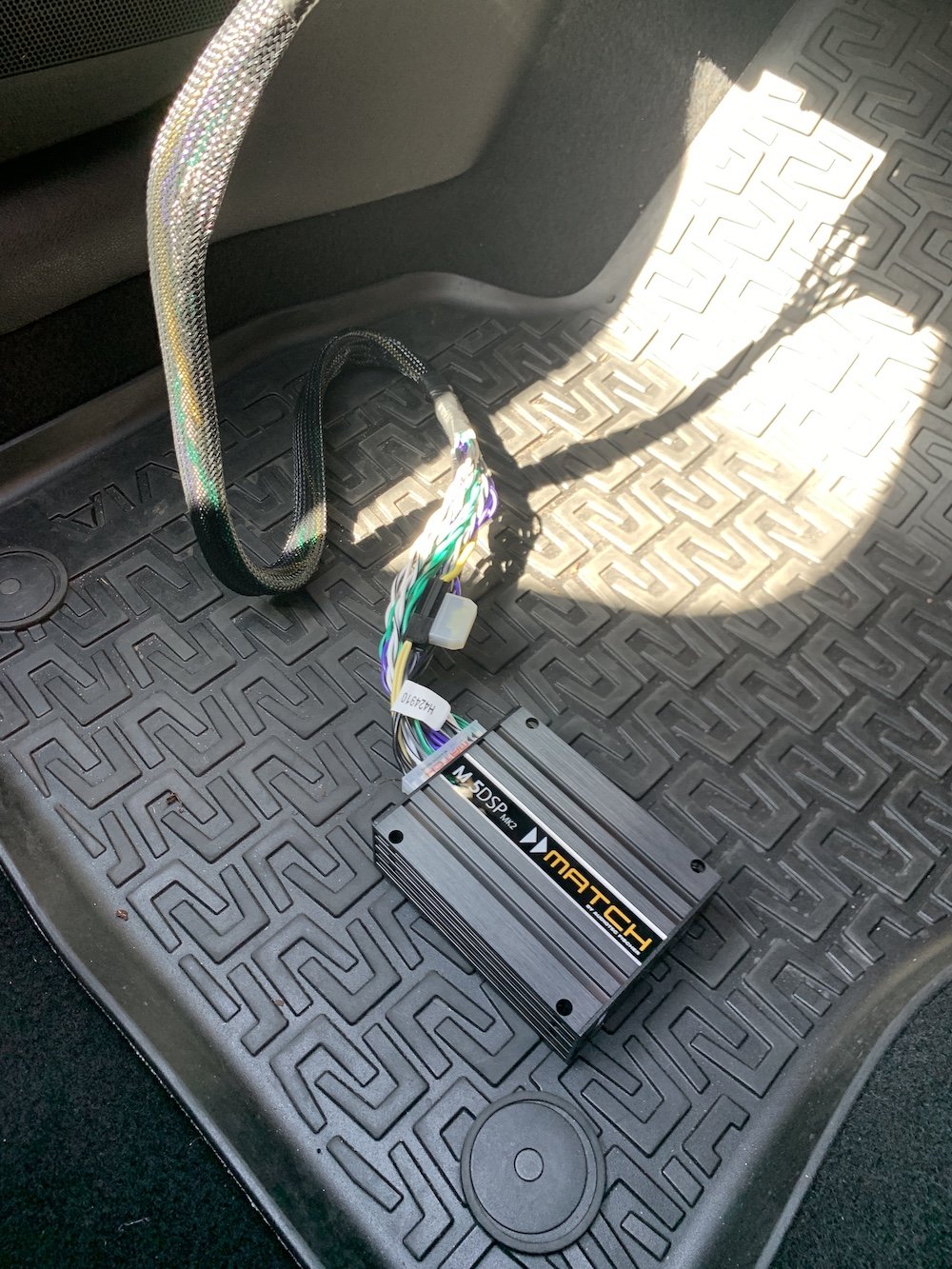
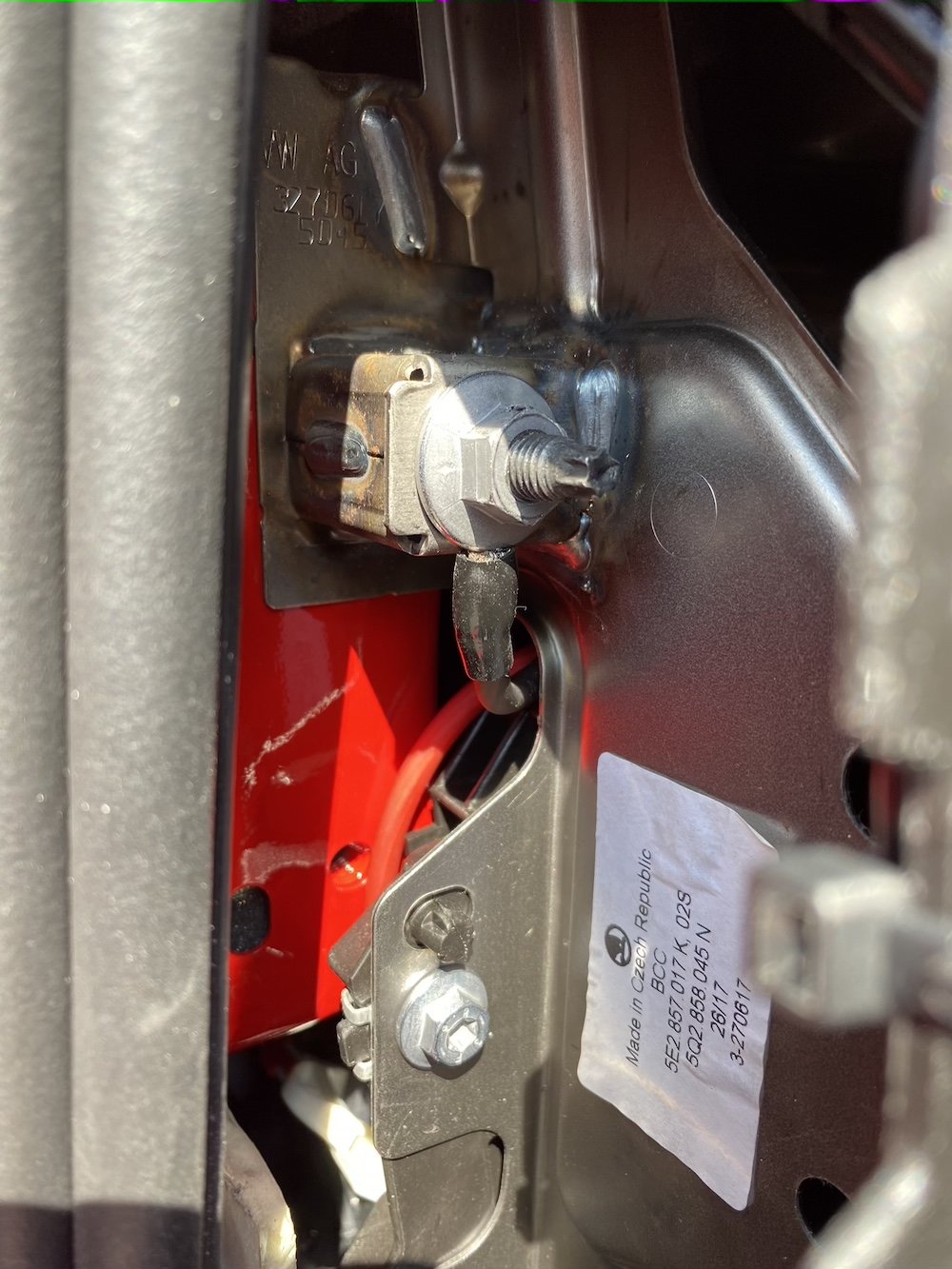
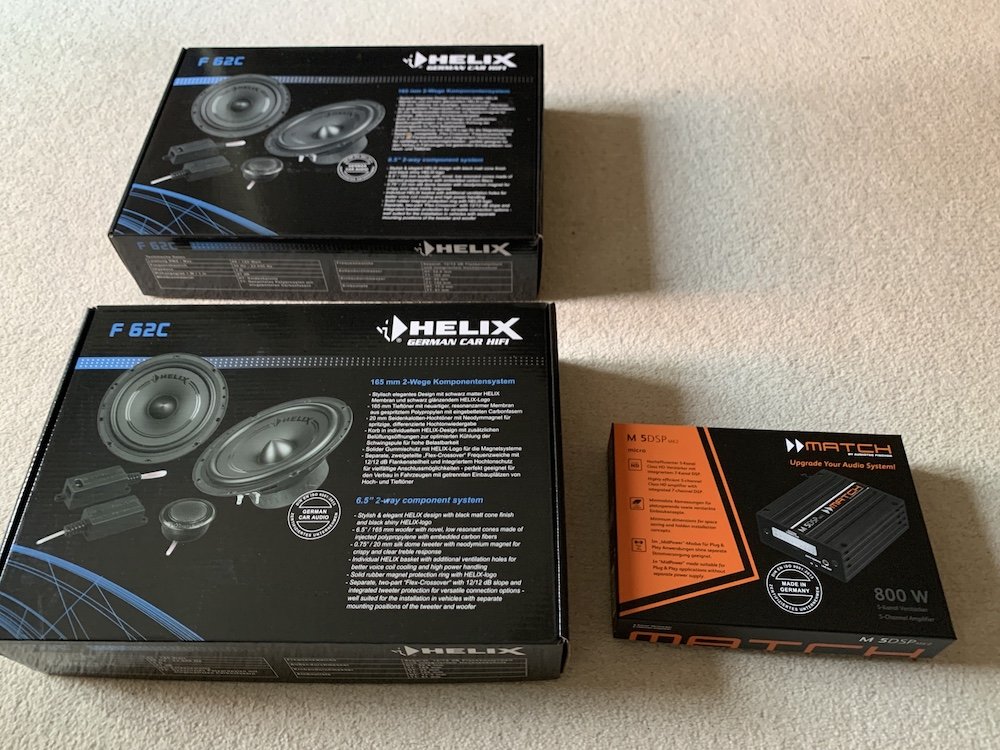
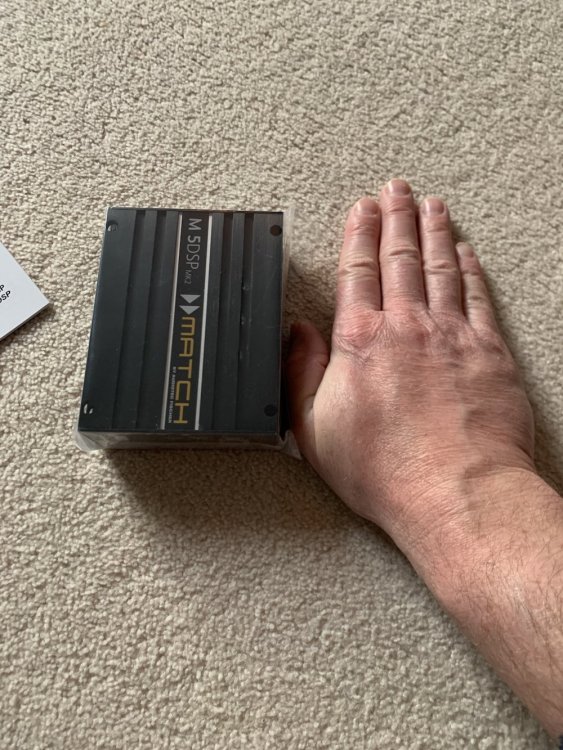
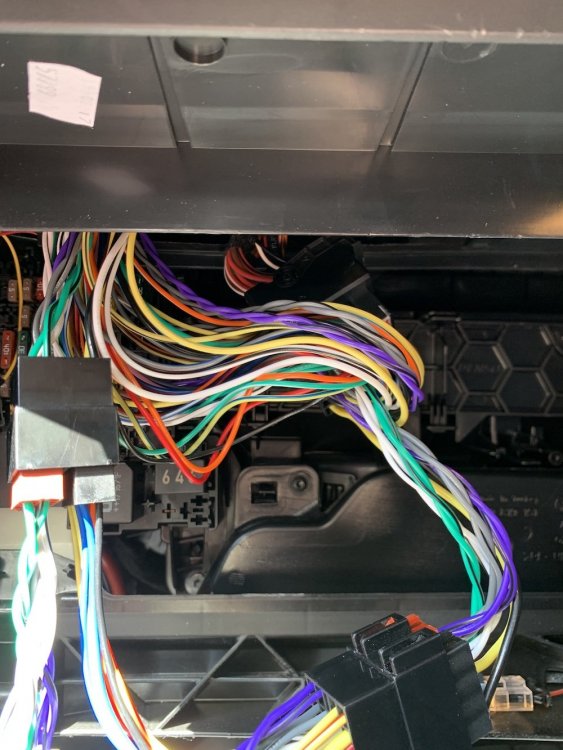
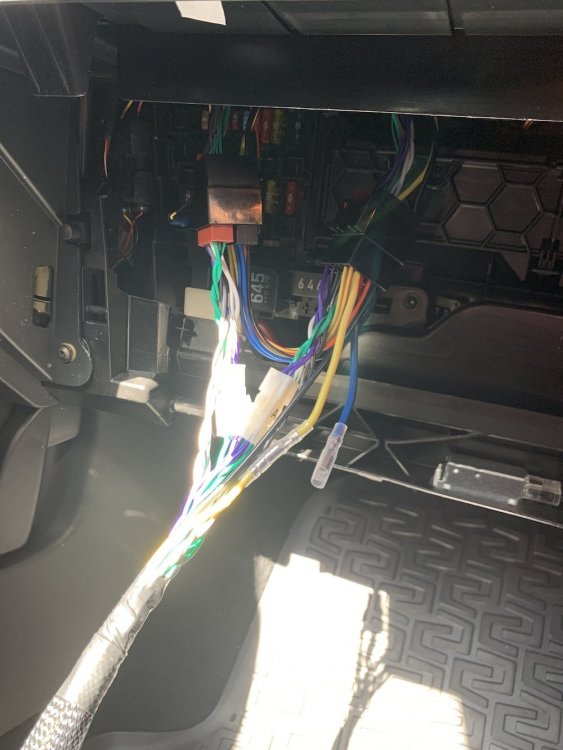
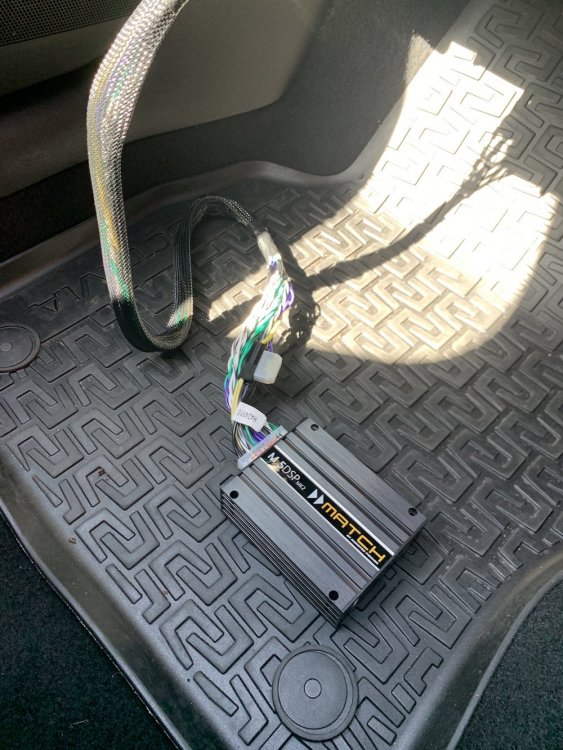
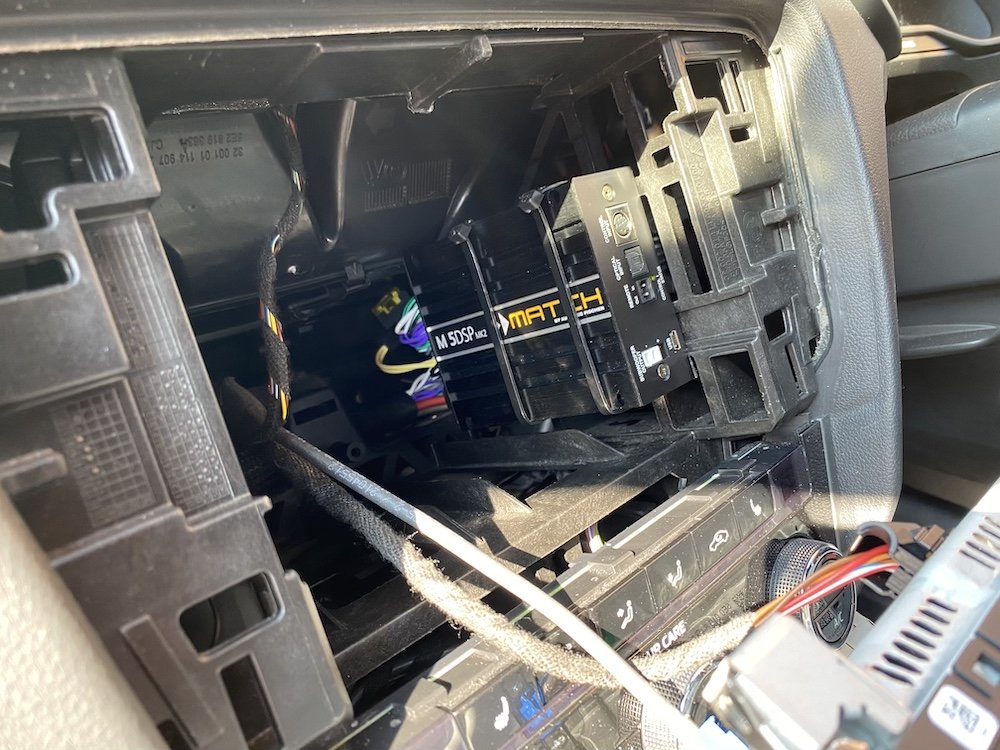
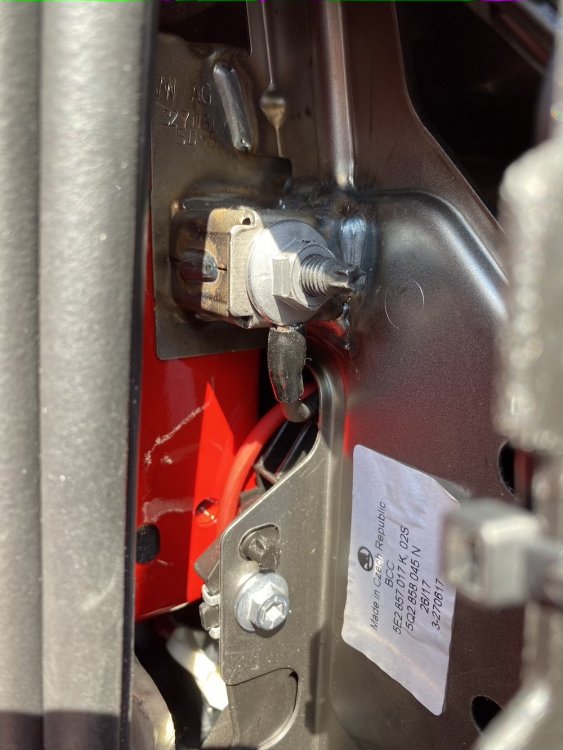
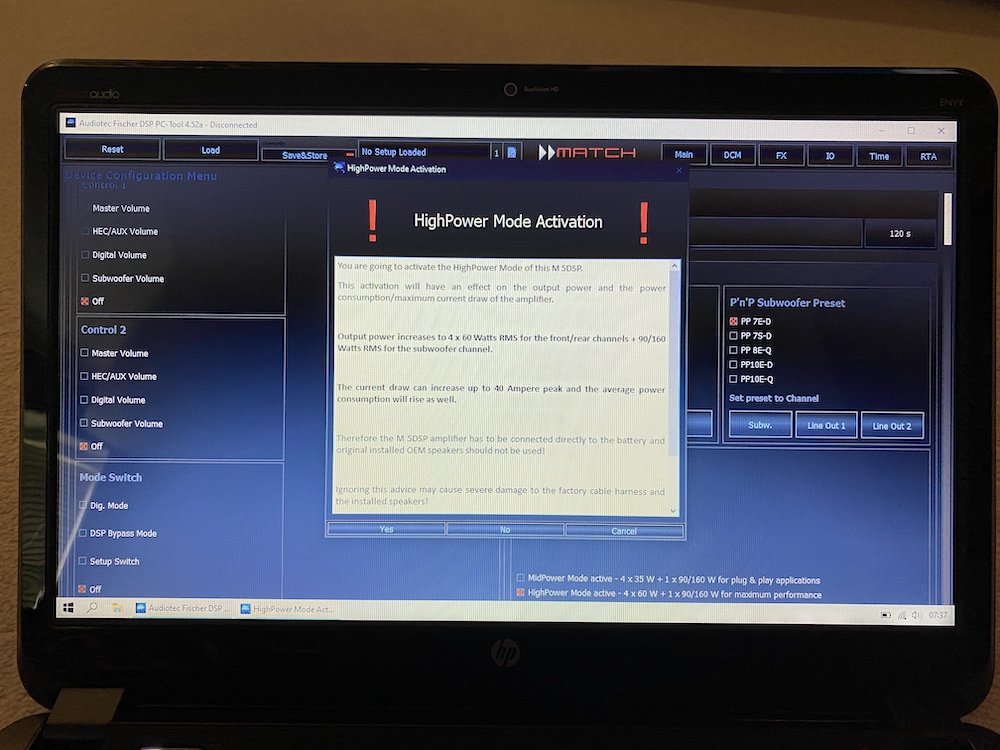
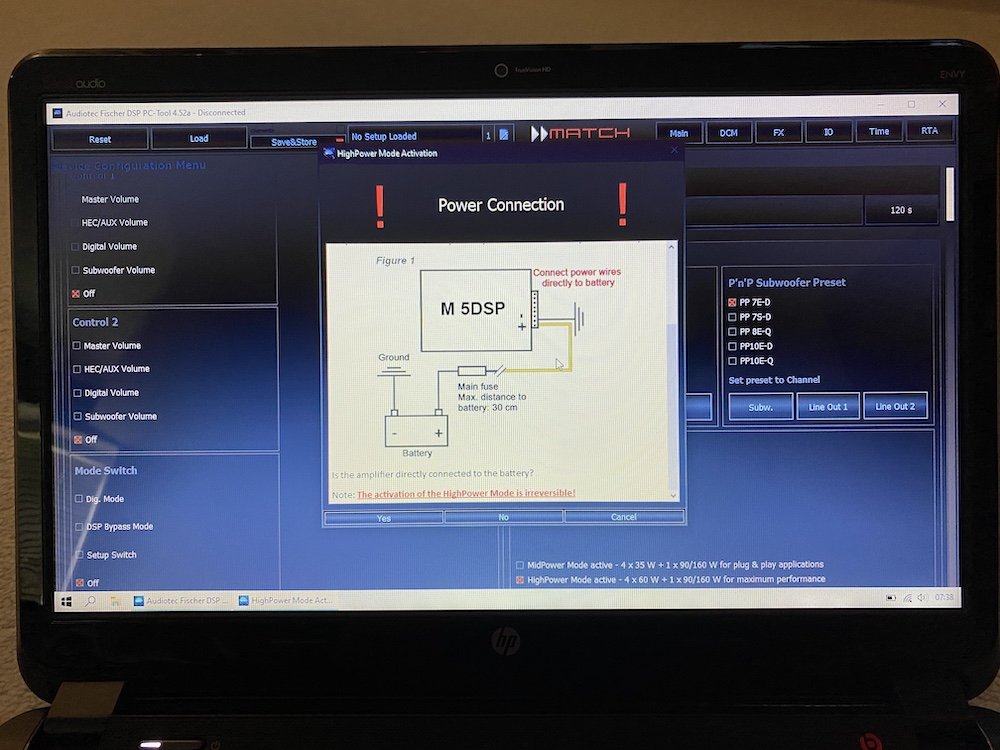
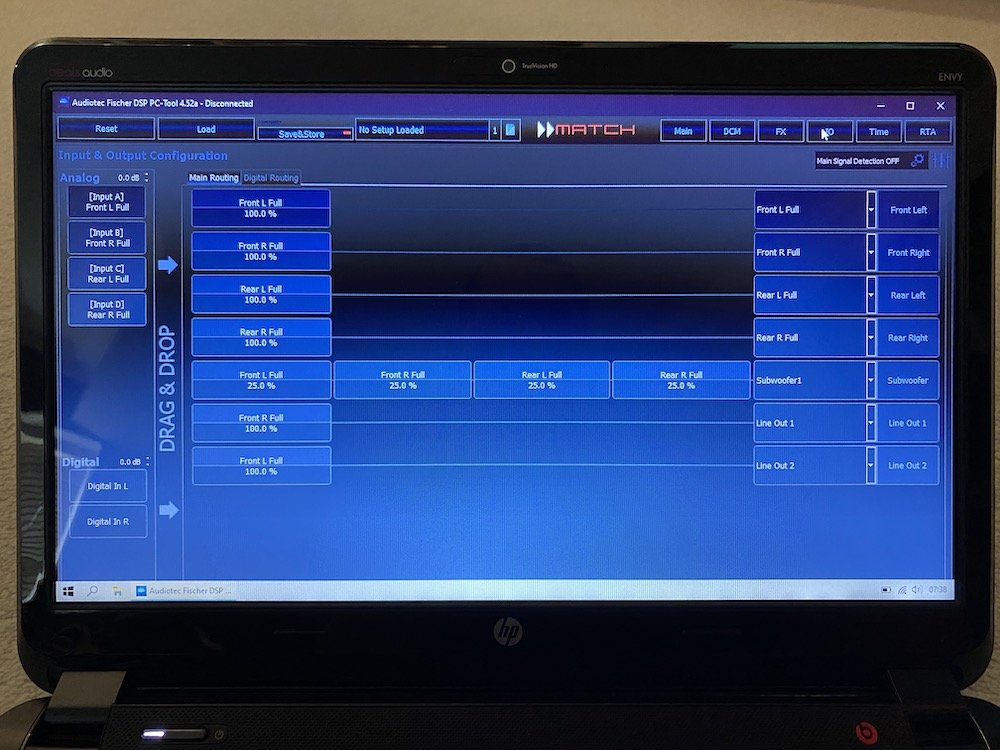
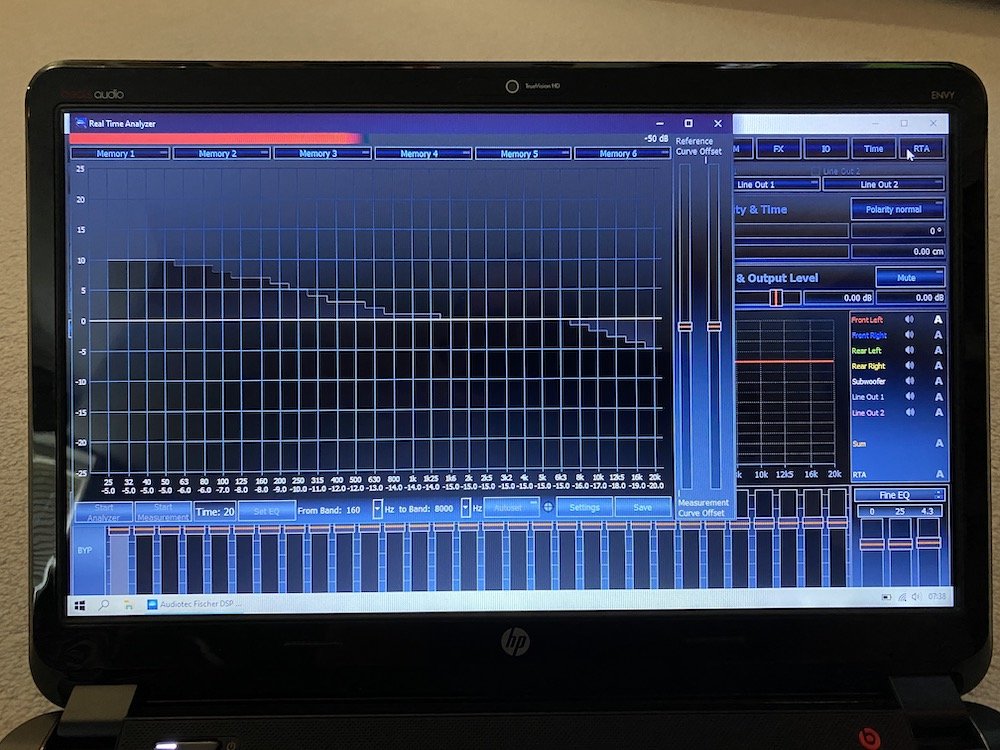
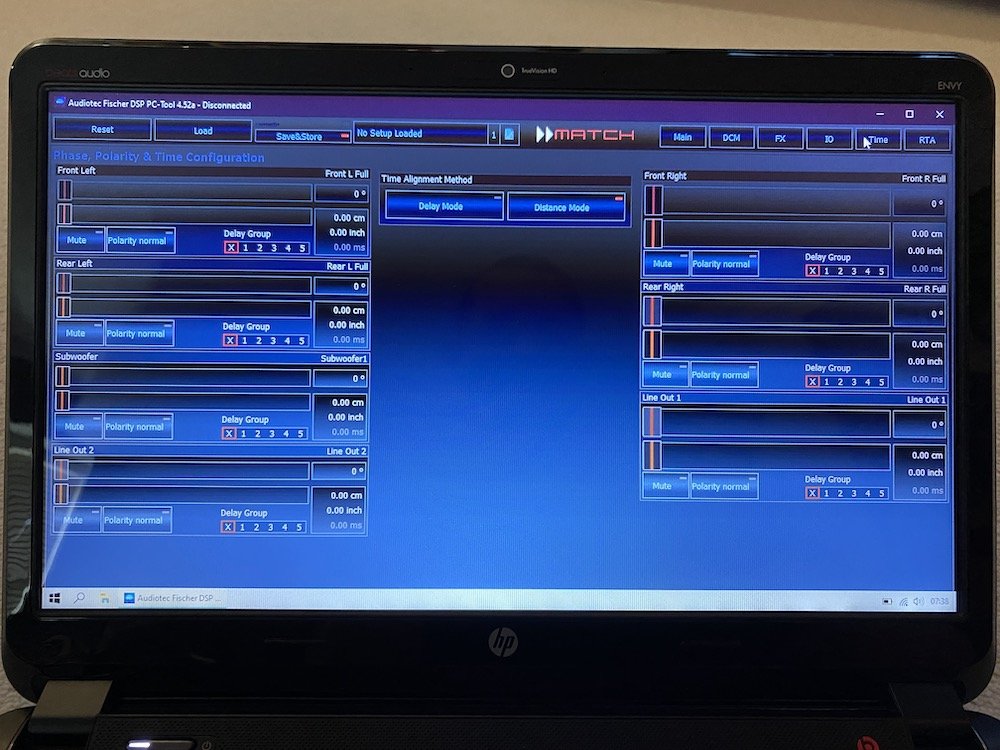
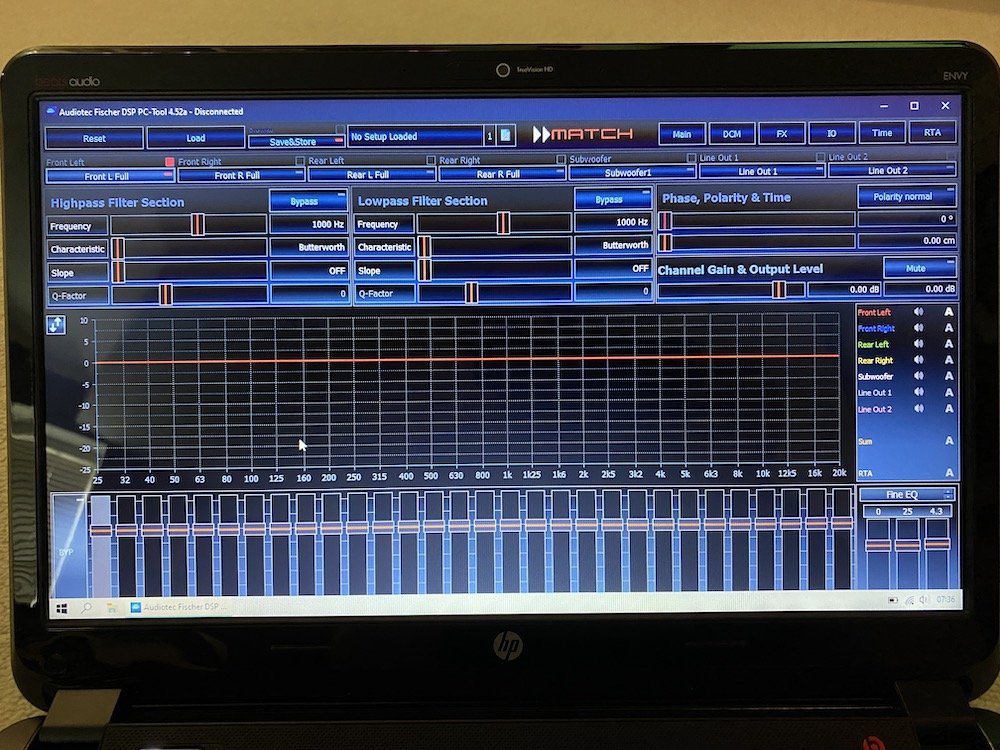
1 pointHi All, Hope you're all staying safe and healthy. This is taking some time, and I still have the speakers to do, but just wanted to post some pics and info on the system upgrade I'm currently working on. The standard system isn't too bad, but I wanted to improve things without changing the original display, nor have visual evidence of different speakers. I've already spent some time Dynamatting the boot floor, spare wheel well, tailgate, under rear seat bench, bonnet and front doors, and just have the rear doors and rear quarter panels to do. As such, my research lead me to a German brand, Audiotec-Fischer; they do plug and play systems for the main German car brands, and their Match range has various amplifiers, speakers, subs, wiring harnesses & looms designed to just drop in - the main systems are for BMW. Unfortunately, they've discontinued the VW specific 6.5" component speakers, which have the exact same mounting for the tweeter in the front doors, so I went for their Helix F 62C 6.5" components. I also had a look at Focal, as they make a specific VW component set, but the connectors/wiring in VW is different to Skoda, so they aren't plug and play for us either. I really liked the look of these, as the tweeter fittings are the same, and the speakers include the deep baskets for the mid-bass drivers. I went for the M5 DSK Mk2 amp, which can be mounted virtually anywhere, as it runs cool and has a tiny footprint. It's also configurable via a laptop to enable so many settings it's a bit mind-boggling! The amp install's been pretty straightforward with the harness and loom in place; I plugged it all, switched the headunit on...and it worked! I was able to remove 28 wires from the plug and play harness, as it's a generic VAG compatible unit, so everything's wired - by my reckoning, it was about 8.5m of little wires acting as aerials I got rid of! The increase in performance was really good; a lot more grip, control, detail, and obviously louder at the same volume level. Not satisfied with that, I bought a Rockford Fosgate amp wiring kit, and ran a direct power feed from the battery to enable 'high output' mode. This is one of the programmable settings, and there's a warning in the manual not tenable it with the standard loom, as the current draw can peak at 40 amps and damage the existing wiring loom! Thanks to @JohnnyType2's excellent write up on his install, I was able to find the loom through the bulkhead, and whilst I'd planned to use that, directly below I discovered another part of the rubber grommet directly below protruding for a wiring loom that my car doesn't have! I made a tiny hole, fed a draw wire (a straightened coat hanger!) through from inside the car, taped the cable to it, and pulled it back through into the car. Oddly, the negative cable was only 18" long, so whilst I couldn't get this onto the battery, I put it onto the mounting point for the dashboard. With loom fitted, and amp connected, I switched the system on...and nothing! Total schoolboy error, I'd connected positive & negative around incorrectly (too much time out in the heat I think), once connected correctly, I tried again and nothing. Thankfully, it was just the fuse in the amp's wiring harness that got taken out, and not the amp... Fuse replaced, all was working as it should, phew! Next was to connect the laptop, and enable the high output mode. It was very easy to do, and nice that you get warnings before enabling the high output mode. All settings changes are live, so you can hear what you're doing - I thought I was saving the file name with the date, pressed '2' and that disabled output channel '2'/front right, pressing 2 again enabled it! The difference between the two output modes was night and day, significantly better than plug and play/low output mode. There's even more control and detail - hard to believe I'm still running the standard speakers actually! I just took the photos below, with the software in demo mode - it was too bright yesterday to take any pics of the screen. The images below are of all the other setup pages; crossover and equaliser, input/output configuration, time alignment & real time audio analyser - I think you plug a microphone into the computer and it'll do 'room' correction as you find in home cinema and some high end audio amplifiers! The amp is five channel, and has a separate sub output, this can also be configured for a centre channel if you don't have a sub...as our cars have the centre speaker mount for the Canton system, I might just buy a cheap speaker to try this out; the bass response with just the standard speakers is fine for me, but it's good to have options. Configured for now, I put some anti rattle tape and velcro strips on the amp, stuck it in place behind the screen (it's a 30 second job to pop the screen out if I want to make changes to the amp settings), and then cable-tied it to keep it in tight: Thanks for reading this, and I'll update when I get the speakers in! Cheers, Nick
 1 point