




AlVal
FREEDOMLite
-
Joined
-
Last visited
Everything posted by AlVal
-
I just did a windscreen swap on mine to retrofit a5 camera so I spent a lot of time looking at superb windscreens..
-
do you happen to have an admap of module 09 with 30 colours working? I've broken mine somehow, and it could be very helpful for me to have a working one to compare with
-
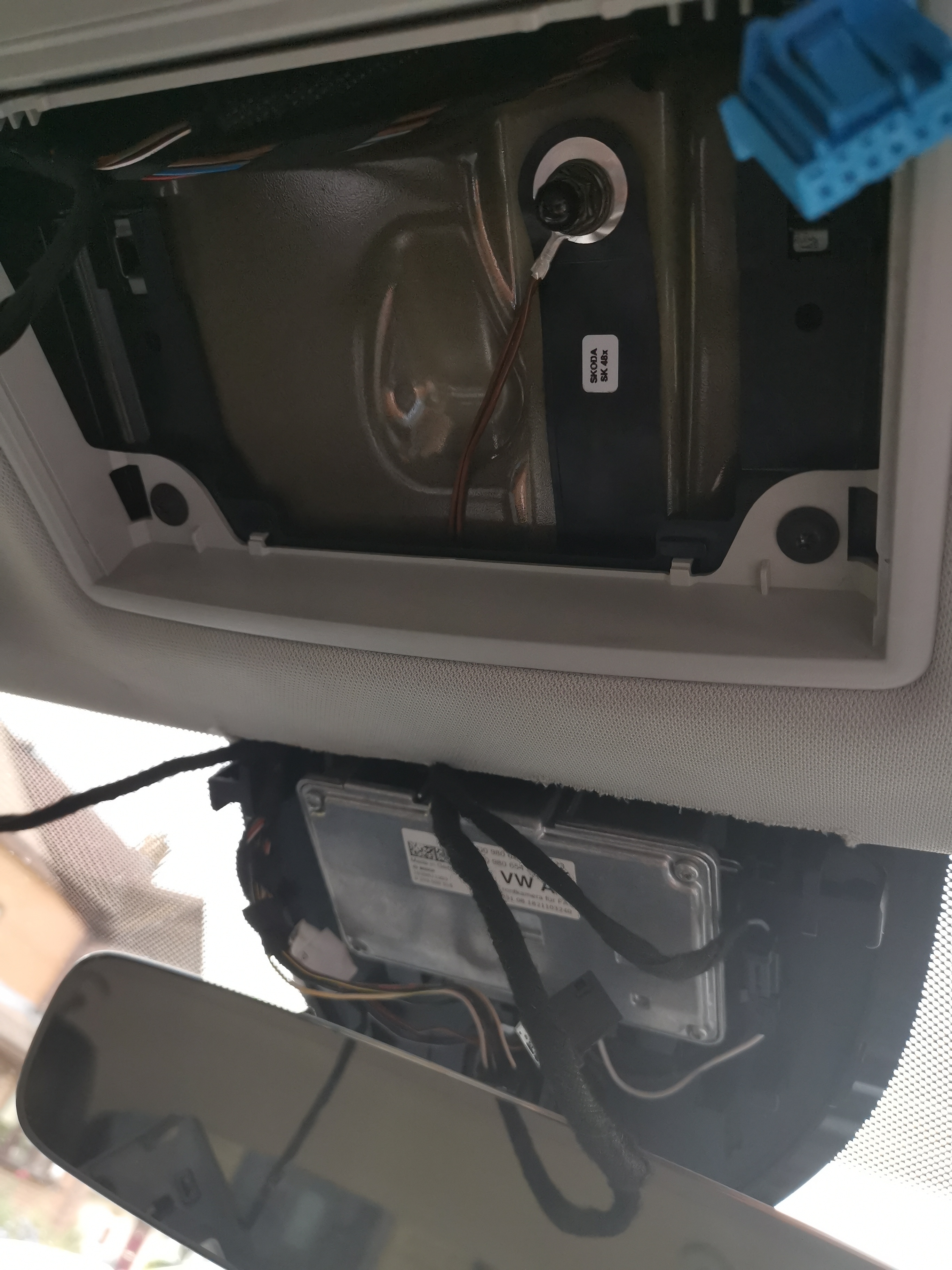
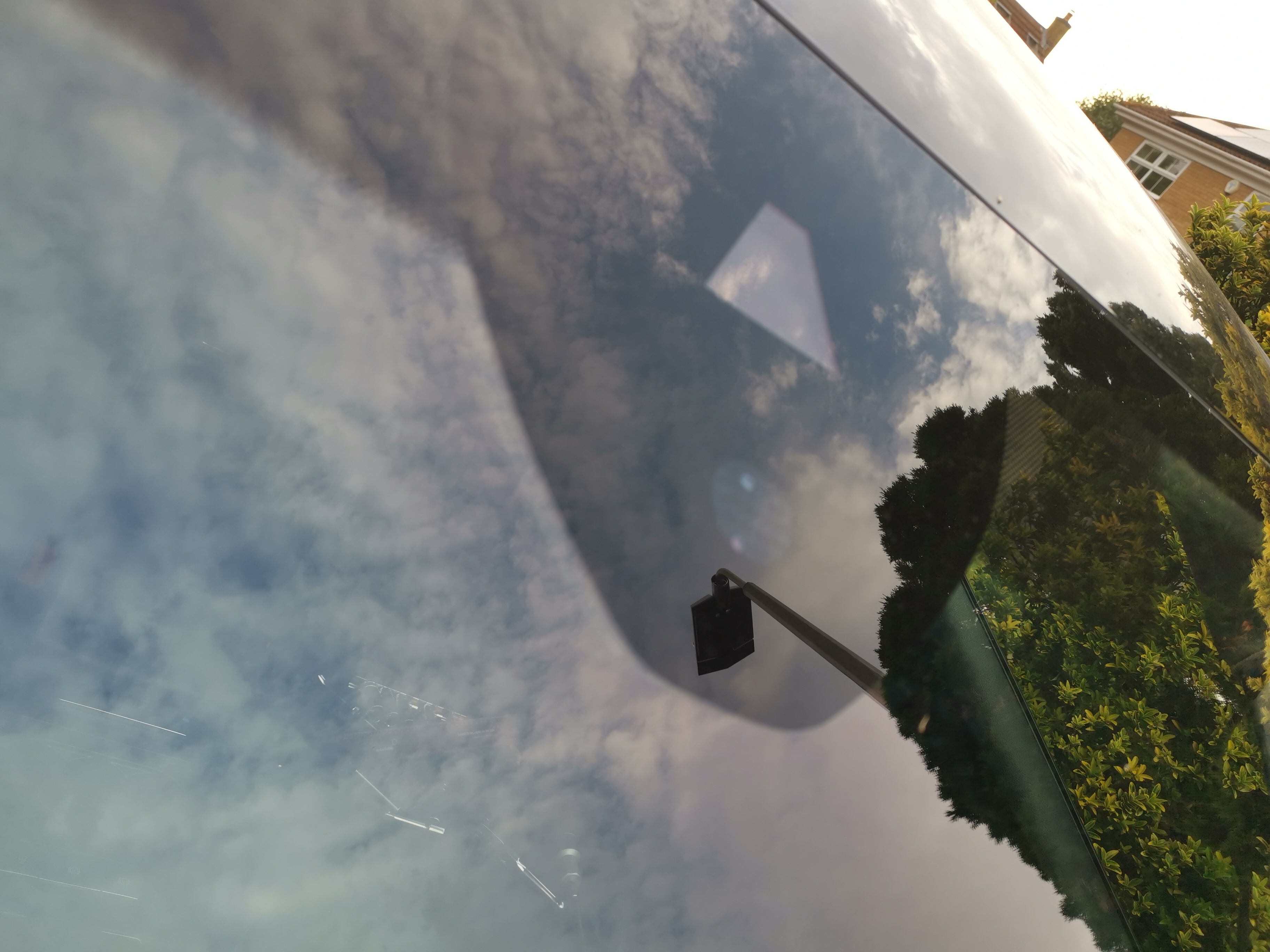
thanks for that - yes i fitted the camera version windshield last week and have the camera mounted, just need to run the wiring harness and do flashing/paramaterising/coding/adaptations
-
something like £7.50 for an hour
-
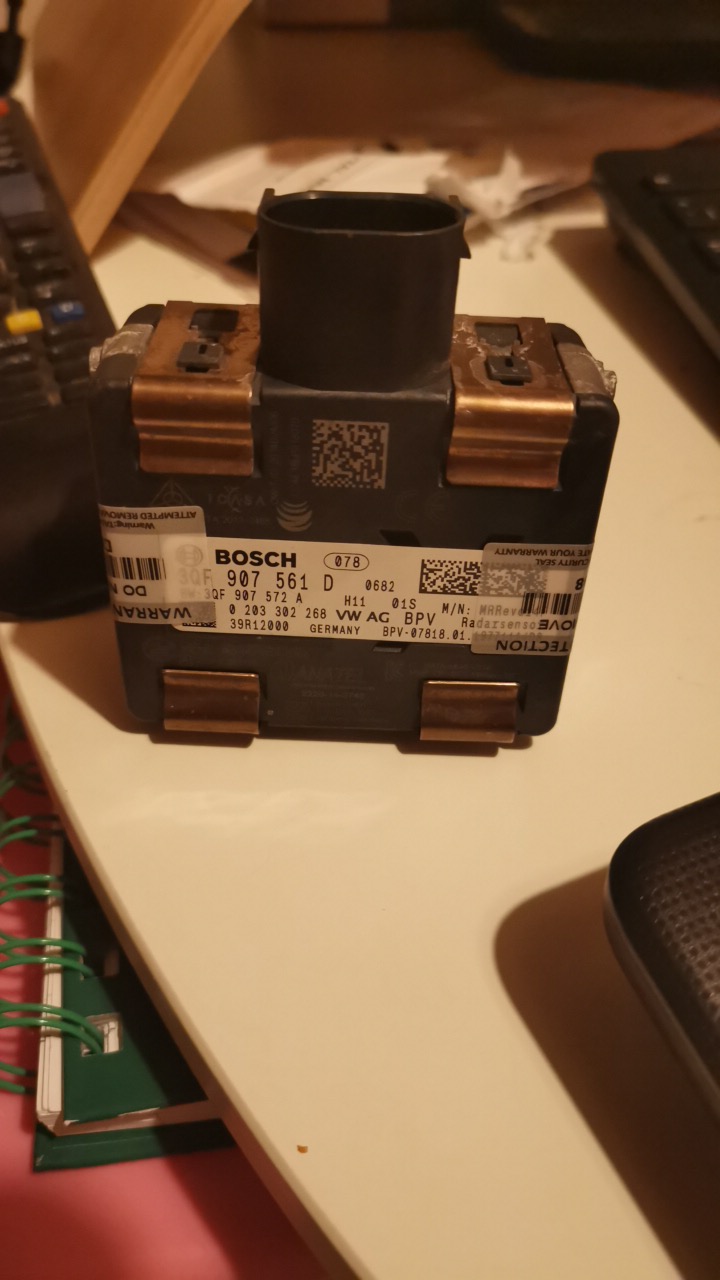
I'm also retrofitting the a5 camera now and upgrading my radar also (for pACC), so the 2x twisted orange CAN wires need to go from the camera to the radar, right? How did you get through the firewall? Is that a hard cable run to do?
-
-
Has the engine ecu module 01 been changed? If so, compare coding and adaptation maps between old and new for differences
-
Clear the fault, if it doesn't go away, replace the sensor (somewhere between turbo and dpf, can always unplug the sensor and see what codes come up to check if you got the right sensor)
-
You can generate the swap code for pACC...
-
My key lives in whatever increasingly difficult hide-and-seek locations around the seat rails it can work its way into after sliding out of my pockets while I'm in the drivers seat. Sometimes bank cards and other pocket items chase after it
-
The windscreen on the car he showed is correct for the a5 camera. Get a vin for the car and check the PR codes using erwin
-
Browse the adaptations in module 08
-
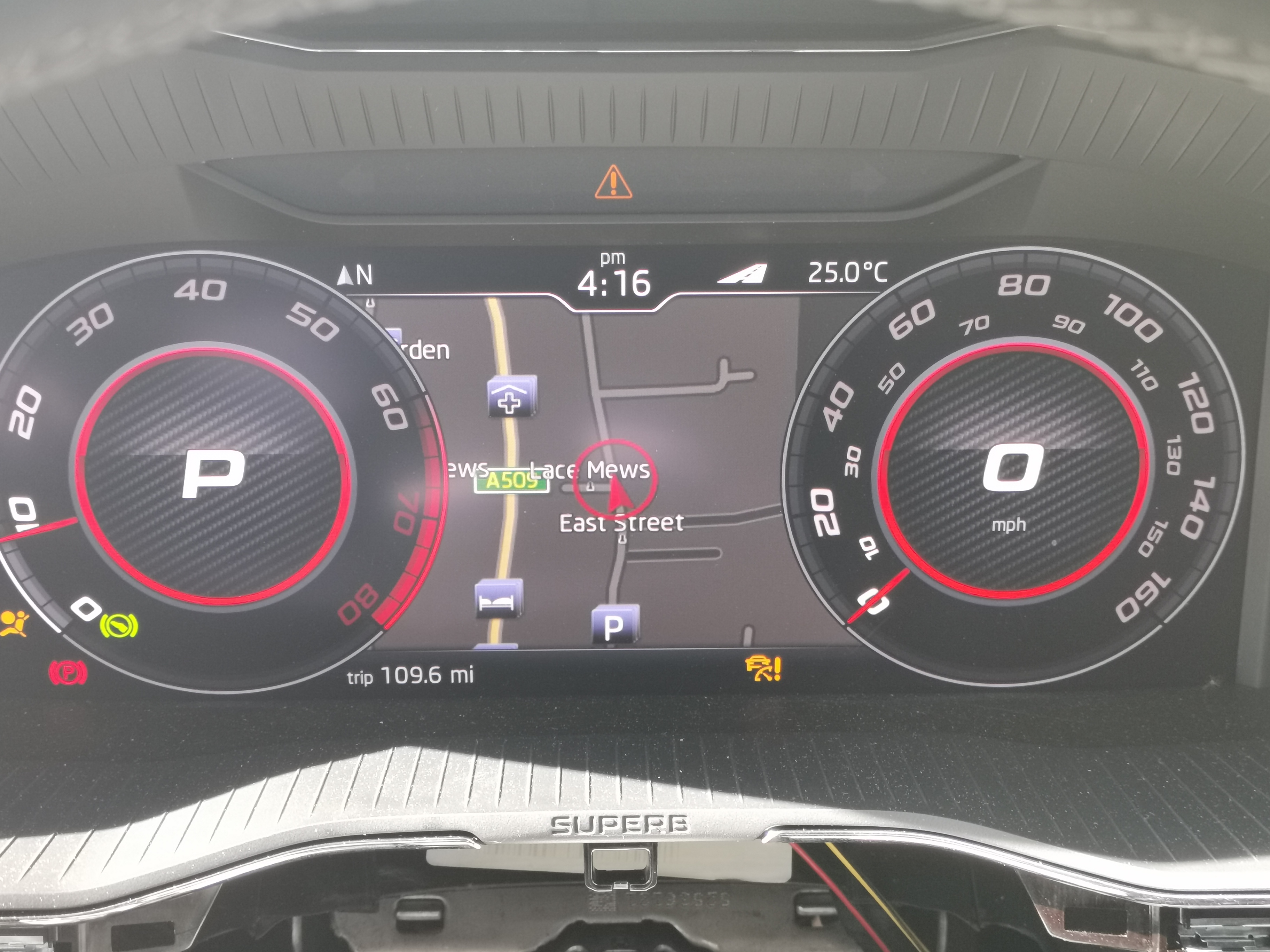
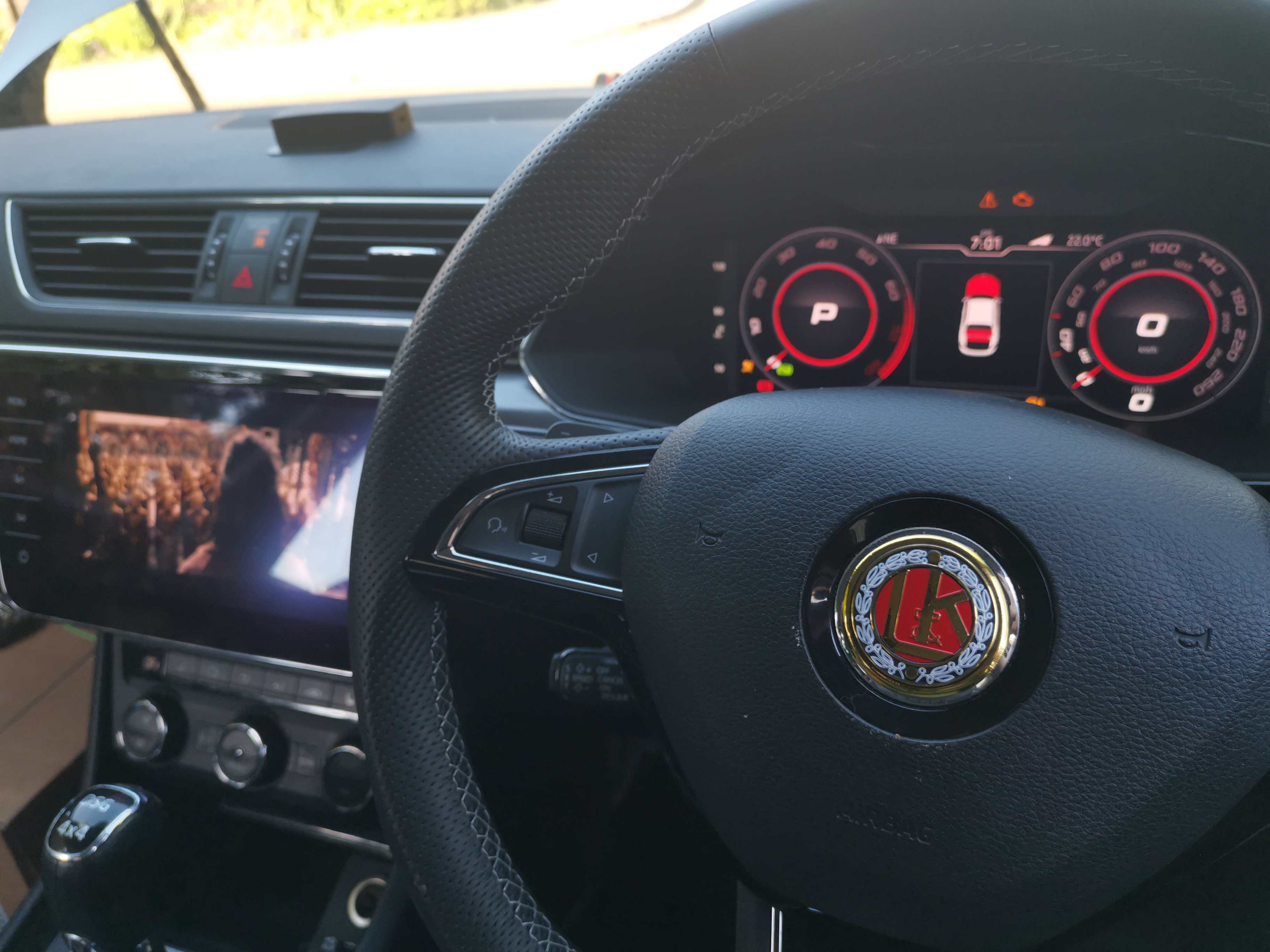
Virtual cockpit retrofit shows me my name on the cluster on entry
-
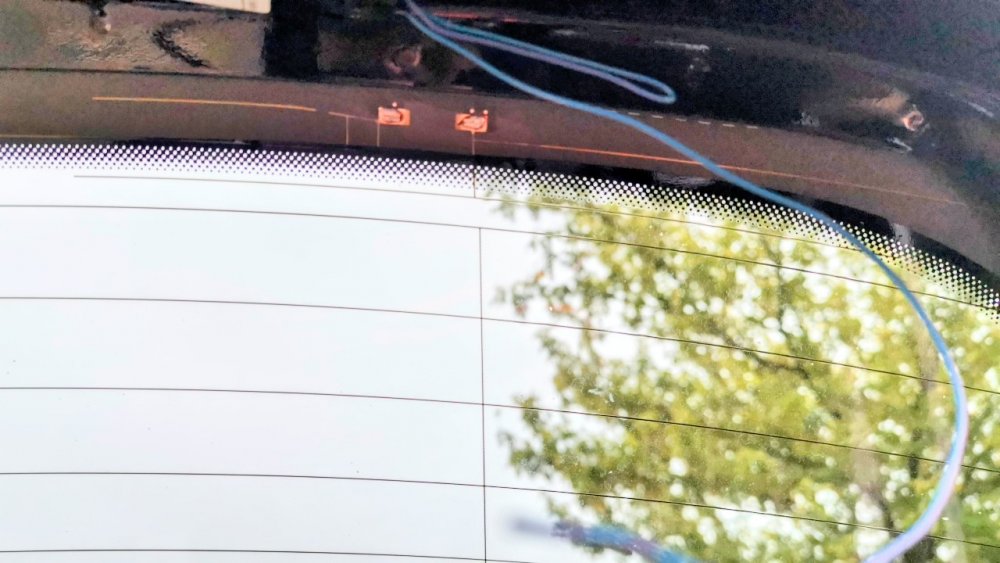
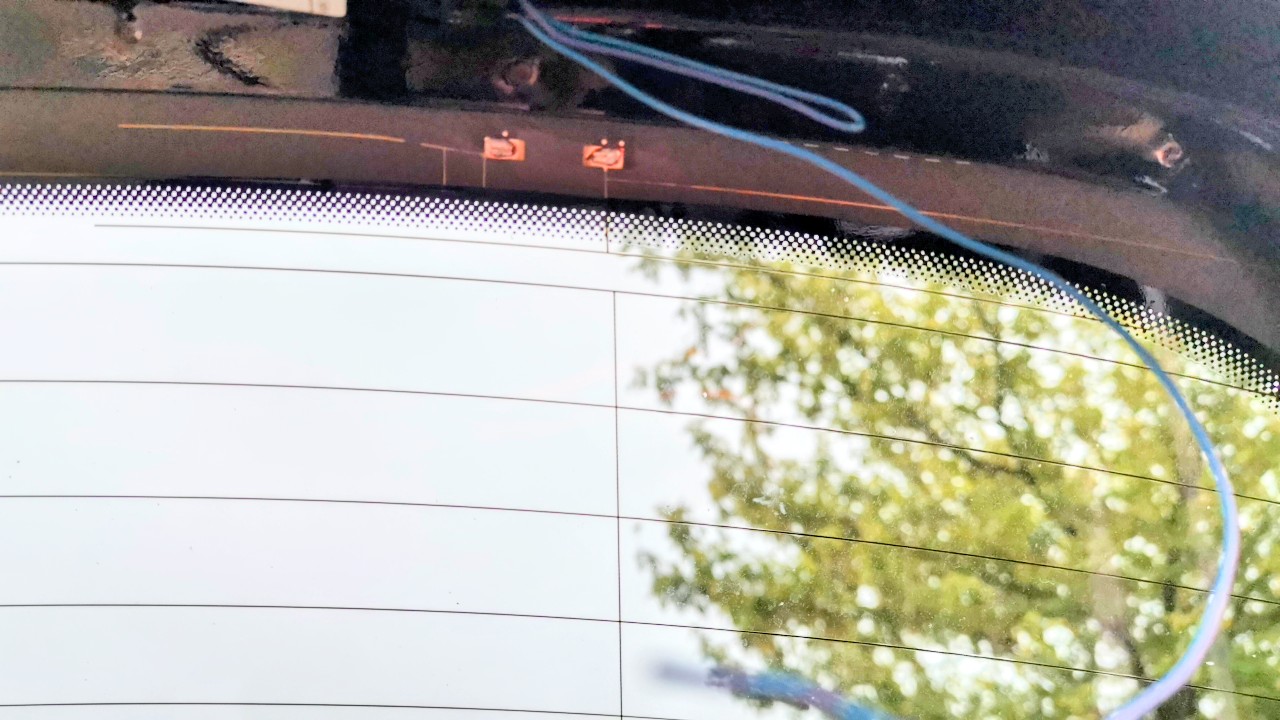
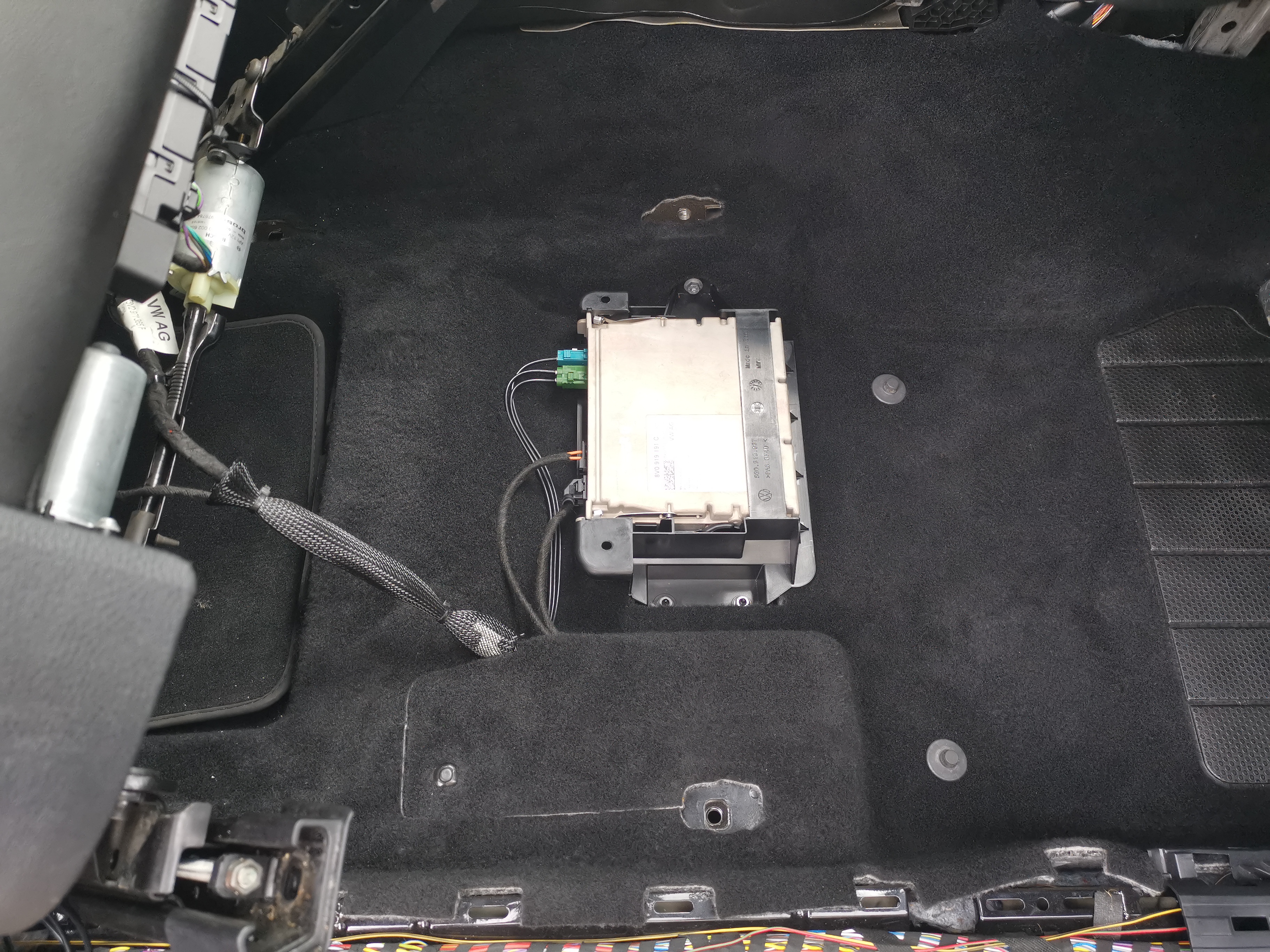
The Chinese antenna cables are all wrong so I used their harness but not their rf cables, and bought my own antenna cable and fakra connectors. For sound to work, the tv tuner had to be set to audio profile 3 in adaptations also. Tv1 and Tv2 already had the glass antenna wires for tv attached between the existing amplifiers and the glass, so only for the new TV3 antenna I needed to solder the new wire to the glass aerial. The TV is the solder point on the left, the one on the right is for auxiliary heating.
-
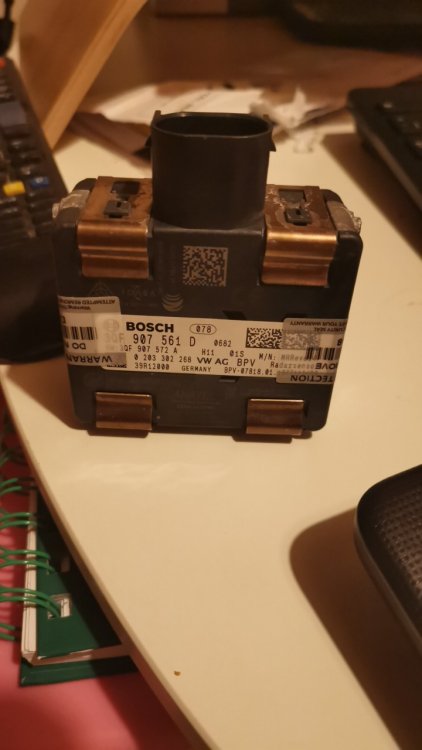
https://mibsolution.eu/#/1/9/pACC Has software resources to help you with pACC Let me know if you want access Cool.. I'm sure I notice you on the VAG/MIB telegram group too 🙂 they're a good bunchHere's what I bought for an upgraded radar and I will fit this a5 camera, as its the right version for pacc, after I change the windshield for one which supports pacc. It's possible abs needs some upgrades on some cars which could get messy, although some people say if you already have acc, abs is probably already a good version
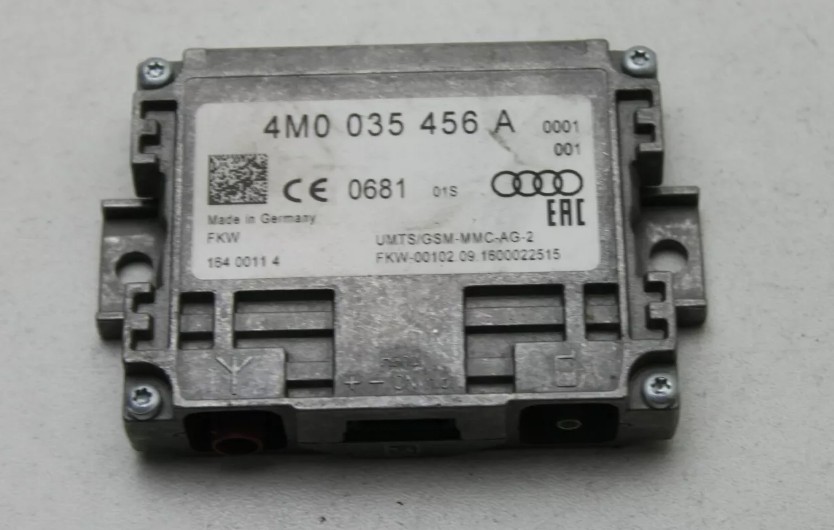
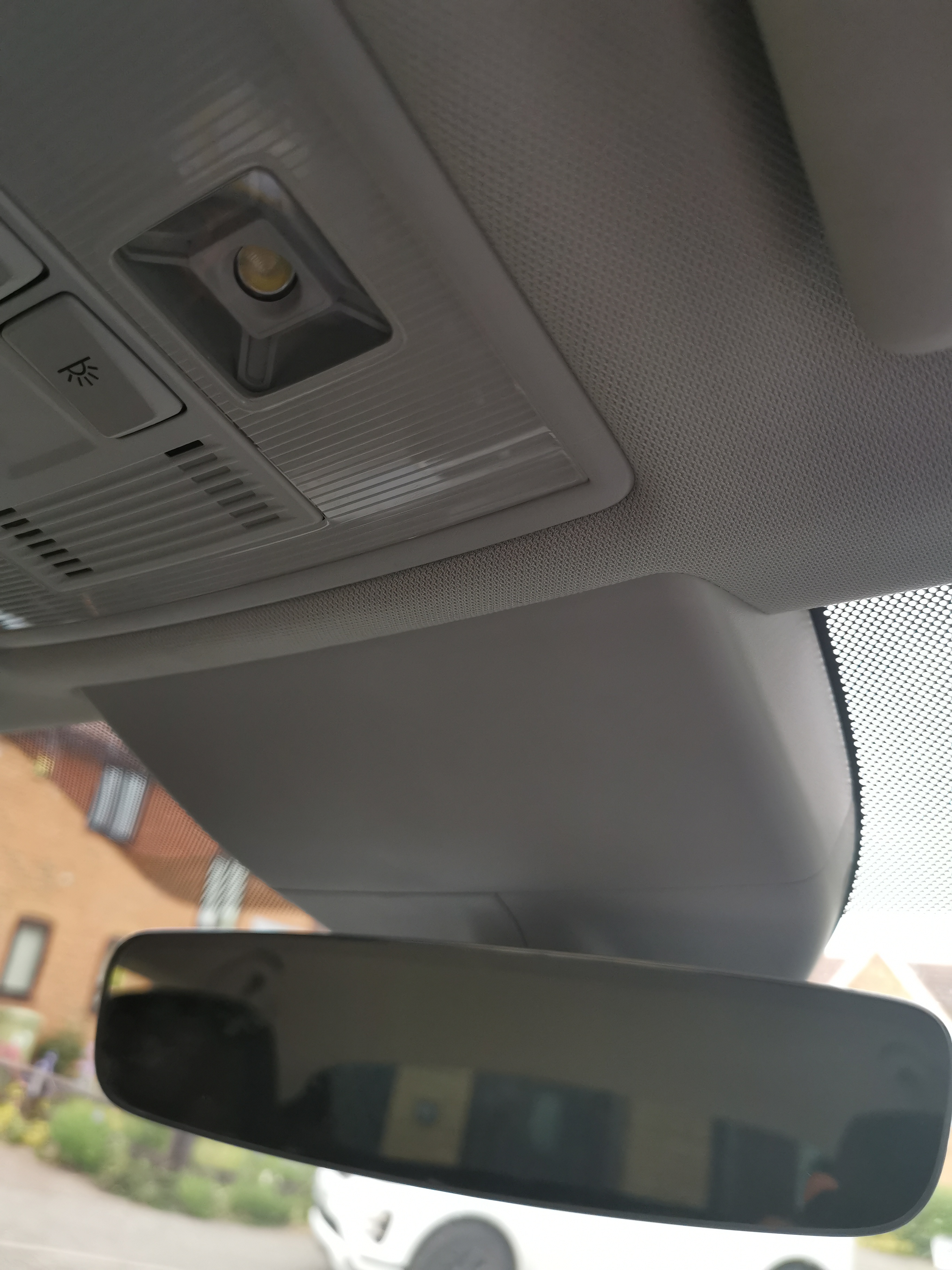
 I got this working myself today. it's not coding, it's not adaptation, it's paramaters, for which you need vcp with the correct zdc file , or odis-e with the correct xml paramater set. I have odis-e, and got my hands on the correct paramaters. You need a vas5054a and a copy of odis-e installed to use these paramaters they are marked for software version 261 hardware H13, my module (late 2016) was 'J' revision and had this software and hardware you can see your hardware and software versions near the top of a vcds scan of module 6d VCP try and catch these paramater sets during communication between VAG group and copies of ODIS-E, they try and grab them and save them, then encrypt them in their zdc format to stop them being freely shared around, but if you have the xml paramaters (i.e. native ODIS-E) , you can share them, if you have VCP and want the right .zdc for this, you can probably use a converter to convert these to .zdc Again, I used ODIS-E ( via my aliexpress sources vas5054a adapter) and this worked a charm superb close boot from inside.7zYes, I have bought an A5 front camera for retrofit, and also upgraded radar so that I can retrofit pACC, blind spot side assist, lane assist, TSR, etc. be very careful with the PR codes, the pr code descriptions that sound like heated are not - it's ridiculous. Tps is a good call in terms of pricing for the screen. Also had to buy a new rear view mirror and other bits to allow for the front camera retrofitNot to be confused with the wireless charger option that sits within the phone box in front of the gear selector, this is the unit that amplifies the phone signal inside the car. ETKA confusingly shows it located as an alternative to the canton amp under the front left seat, but I can't make any sense of that. Does anyone know for sure where this is located?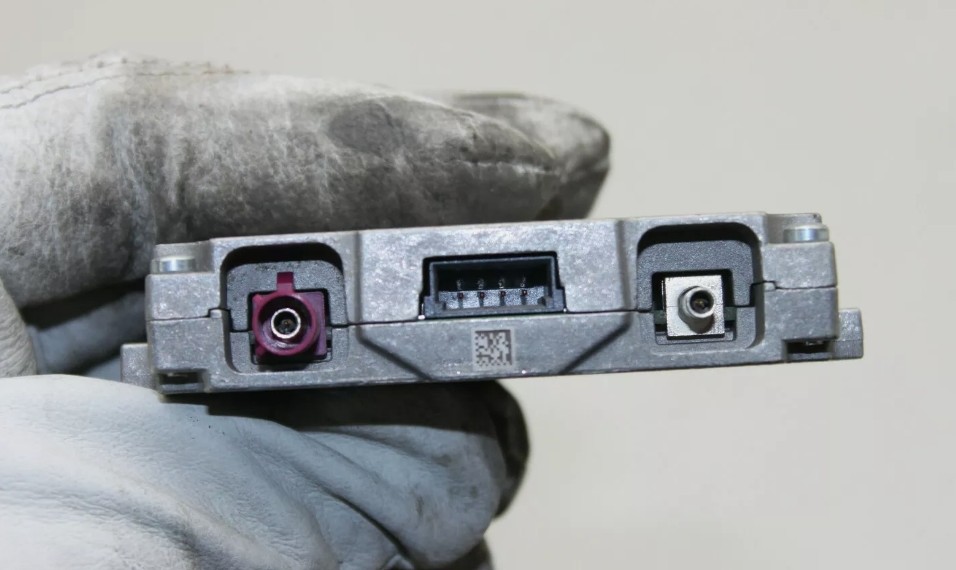
 I'm doing this right now, windscreen should arrive tomorrow. @gazz3000could you advise - could I switch over the windscreen first, and then do the wiring, or would it be too hard to access the connection points after the screen is fitted? I'm not sure I'll have the wiring prepared ready in time before the screen fitter will come on Weds.Either staging mode needed to be turned on on module 17 or some "ability to switch maps" setting needed to be off on 5f, changed those things after I was given a copy of admaps from a good factory oem vc superb to compare against.Got maps working on the virtual cockpit retrofit finally, and got the TV tuner retrofit finished with all the aerials etc properly wired cleanly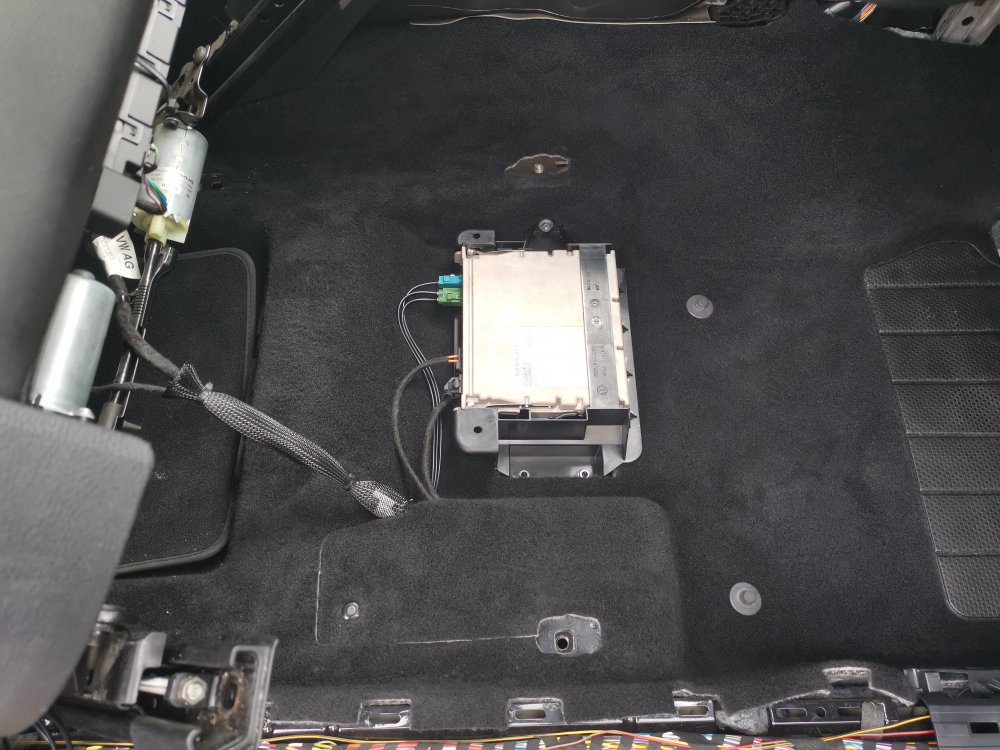
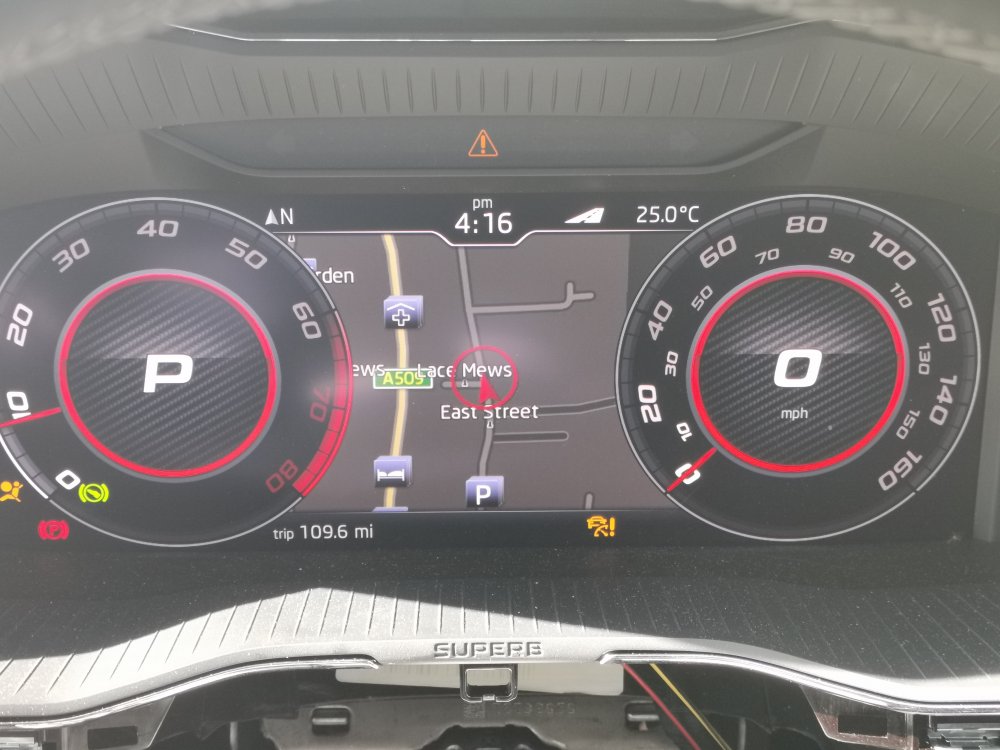 I did yesterday! I have done a lot of research and now know exactly where everything goes. My guides below are for sedan, maybe not for estate/kombi Replaced the top left black DAB antenna, taking out 3v5035577F, putting in DAB/TV antenna 3v5035577E. This connects using exactly 414cm of RG174A/U 50ohm cable (because the spec of this cable says it should be cut in multiples of 1.38 metres to achieve the best signal) to TV tuner socket Tv2, which is the green fakra connector closest to the brown fakra on the back of the TV tuner. This antenna also connects to the rear glass via the 3pin connector on its other end as follows: Pin 1 to “r183“ (DAB aerial on rear glass) Pin 2 to "R56" tv aerial 2 on rear glass Pins 2 and 3 loopback Replaced the top right FM/AM antenna, taking out 3v5035577, putting in FM/AM/TV antenna 3v5035577B. This connects again using 414cm of RG174A/U, this time to TV tuner socket Tv1, which is the brown fakra on the back of the TV tuner. This antenna also connects to the rear glass via the 3pin connector on its other end as follows: Pin 1 to "R11" AM/FM aerial in rear glass Pin 2 to "R55" TV aerial 1 Pins 2 and 3 loopback Added new 3v503557C antenna at the bottom of the rear glass, I used 552cm of cable to connect to Tv3, the green fakra furthest away from the brown fakra. Connects to glass like this: Pin 1 unused (auxiliary heater) Pin 2 r57 TV aerial 3 Pins 2 and 3 loopback I used vcds to turn on the measurement data adaptation on the TV tuner so I could watch the attenuation levels as I plugged things in. I have about 20-25db on Tv1 and tv2, and about 12db on TV3 which isn't connected to the glass yet. Today I need to connect Tv3 to the glass, and also check the 3 pin glass connections on Tv1 and Tv2, because they should both have pin 1 to the glass for radio, but also pin 2 to separate TV aerials in the glass, and if pin 2 isn't there, I will have to add it on those I will today also use Odis-s to remove component protection on the TV tuner. I have reception and channels now (no audio until I fix component protection), but I have to check all the glass aerials today to make sure I have the best reception.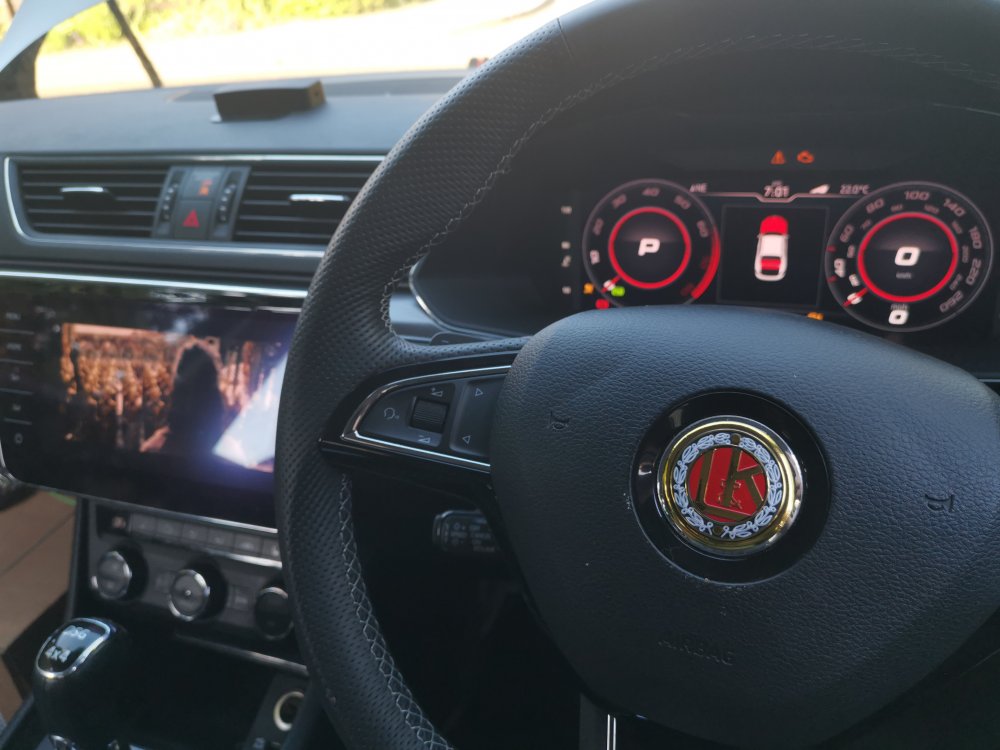

Important Information
Welcome to BRISKODA. Please note the following important links Terms of Use. We have a comprehensive Privacy Policy. We have placed cookies on your device to help make this website better. You can adjust your cookie settings, otherwise we'll assume you're okay to continue.