nickytheshaft
Members
-
Joined
-
Last visited
Everything posted by nickytheshaft
-
-
-
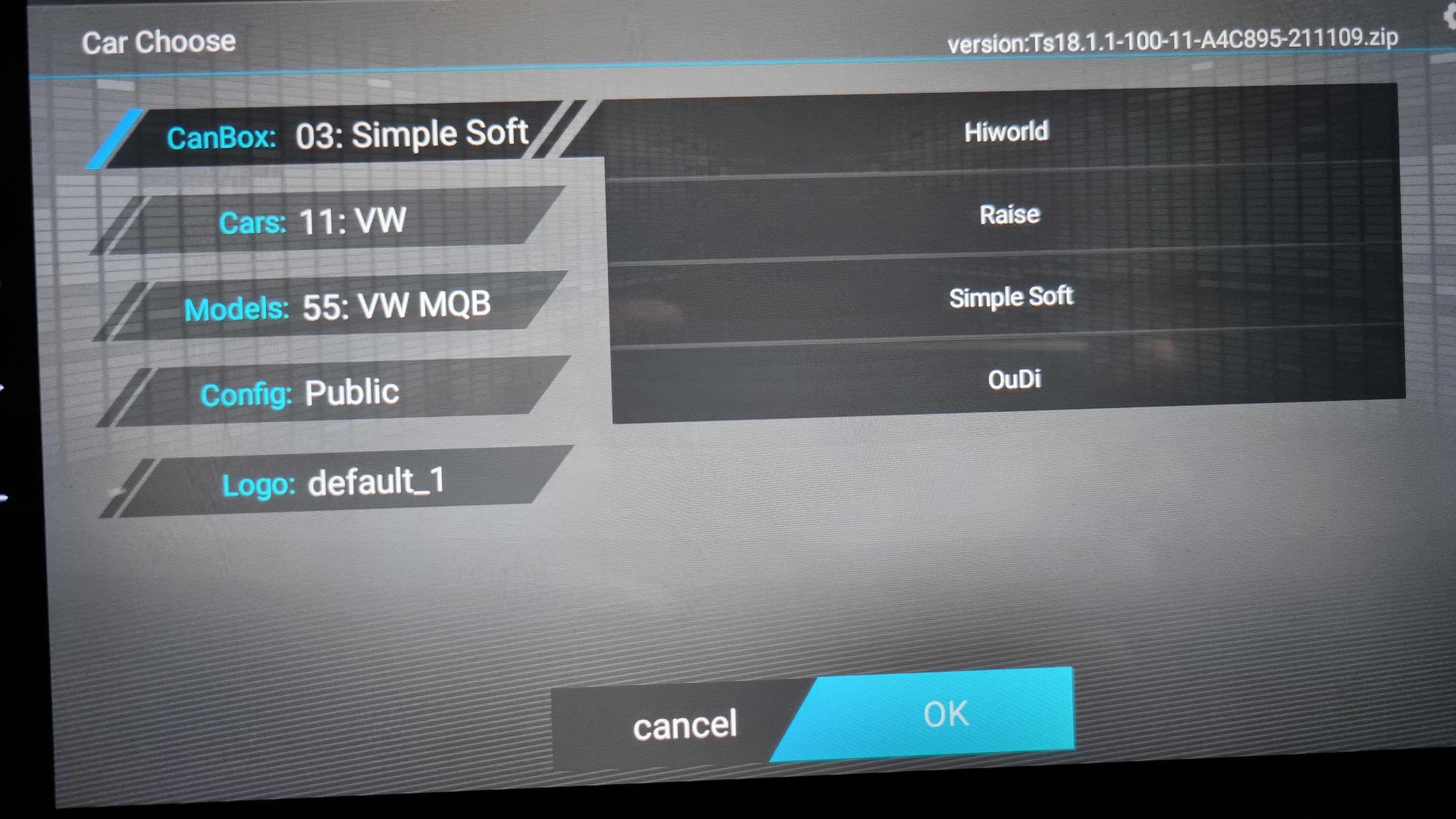
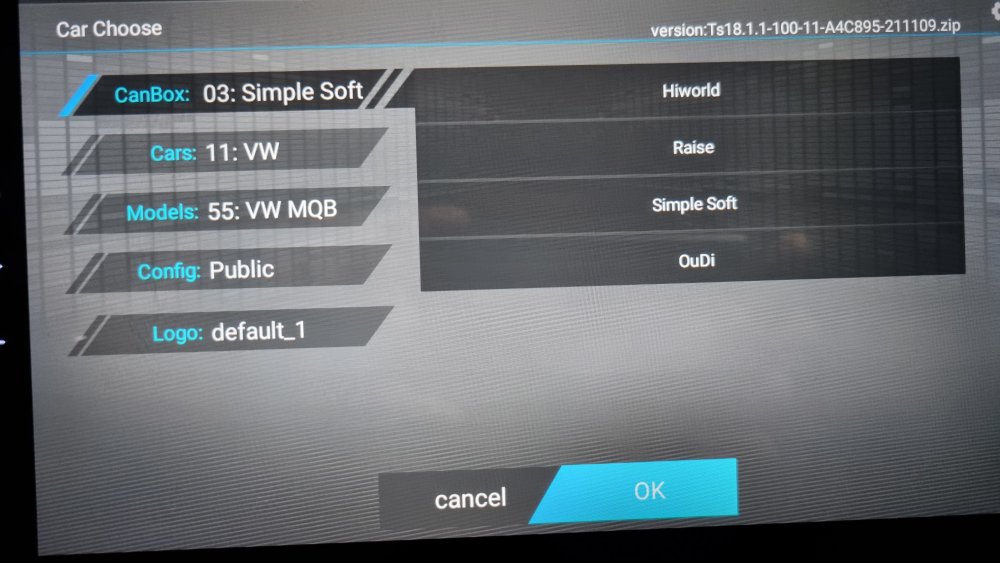
So after playing around with the settings, I noticed that simplesoft works better than Raise. Using it, all my parking sensors issues are gone. Next thing to settle will be the mic. The inbuilt one is sooooo crappy. I will try a' external one. Are they any settings for an external mic or just plugging one is enought?
-
Yes, why? In France it is illegal before 10 years. the octavia hase isofix in the rear wich will provide more safety for you child than just the front seatbelt.
-
-
-
-
-
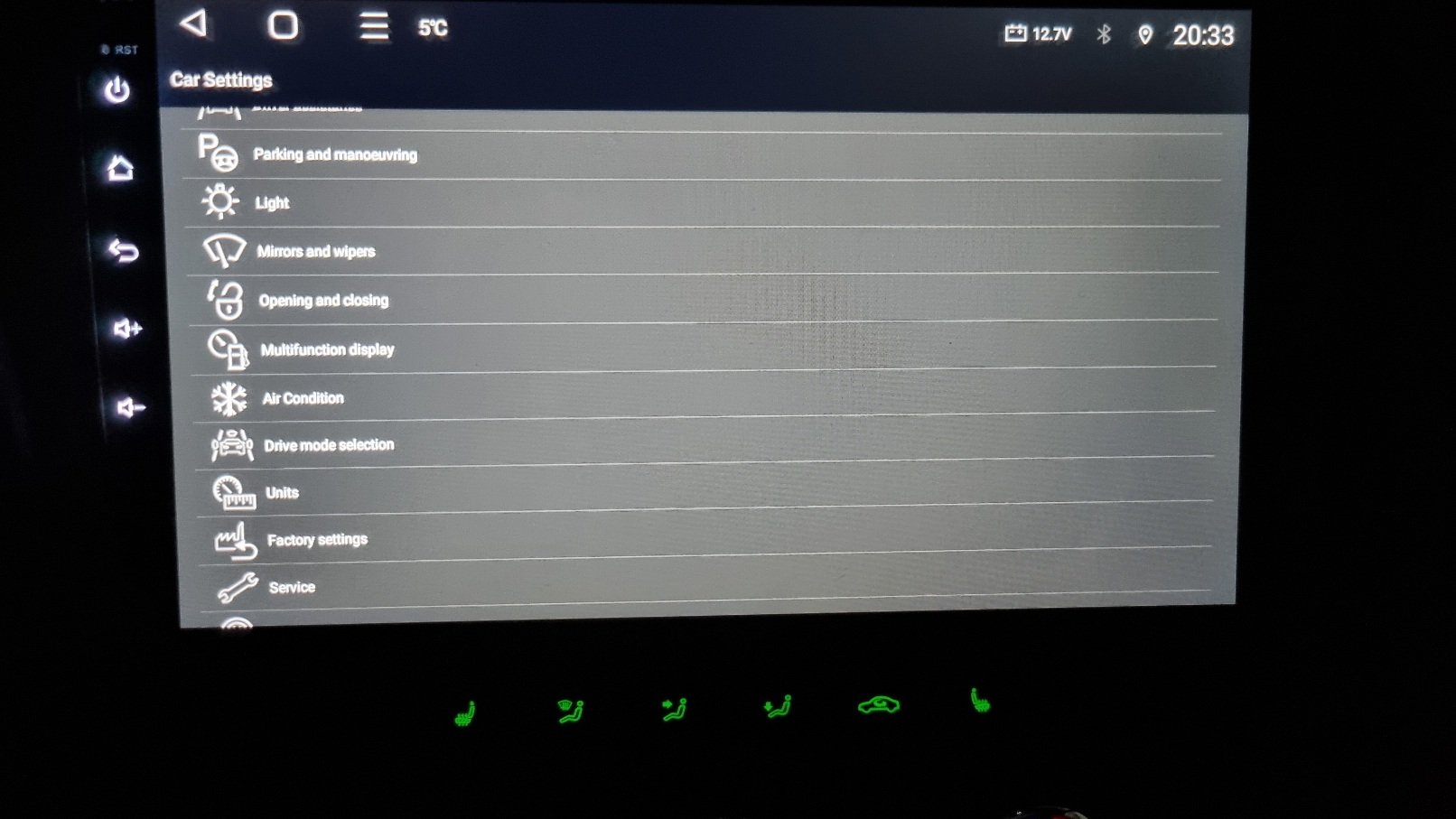
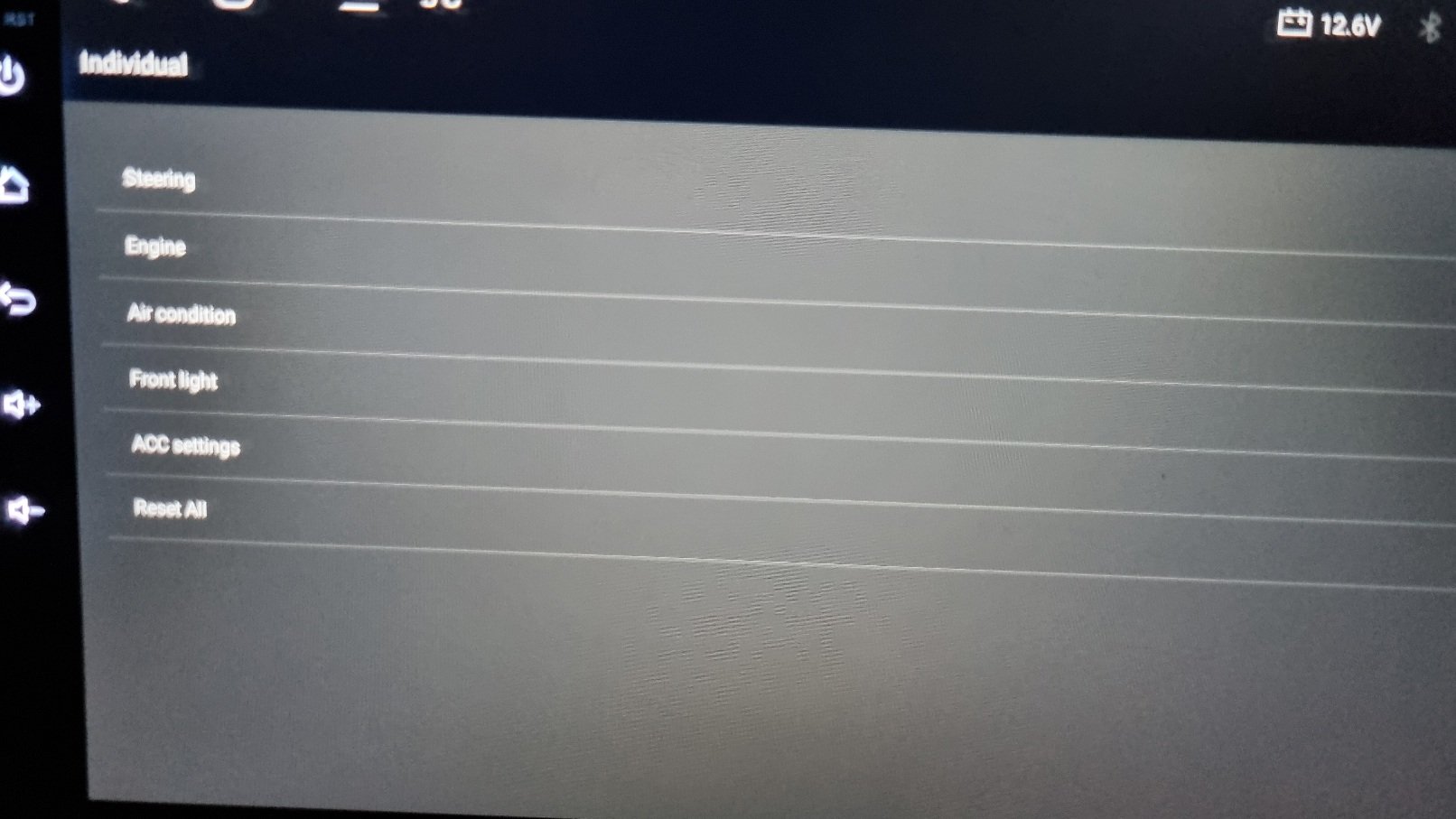
Hi, so for the german matrix language, you must change the language in the car setting menu and not the system setttings. For the drone, you can also check in the car settings if you have anything there. I would just put back the stock unit and deactivate it as I did for my factory bluetooth. Fot the canbus, have you connected the small 2 cable socket on the unit? (I missed that part on my installation and had issues) Frome the iso harness you must have 2 connectors to the unit. Have you selected RAISE in the settings before choosing you car?
-
-
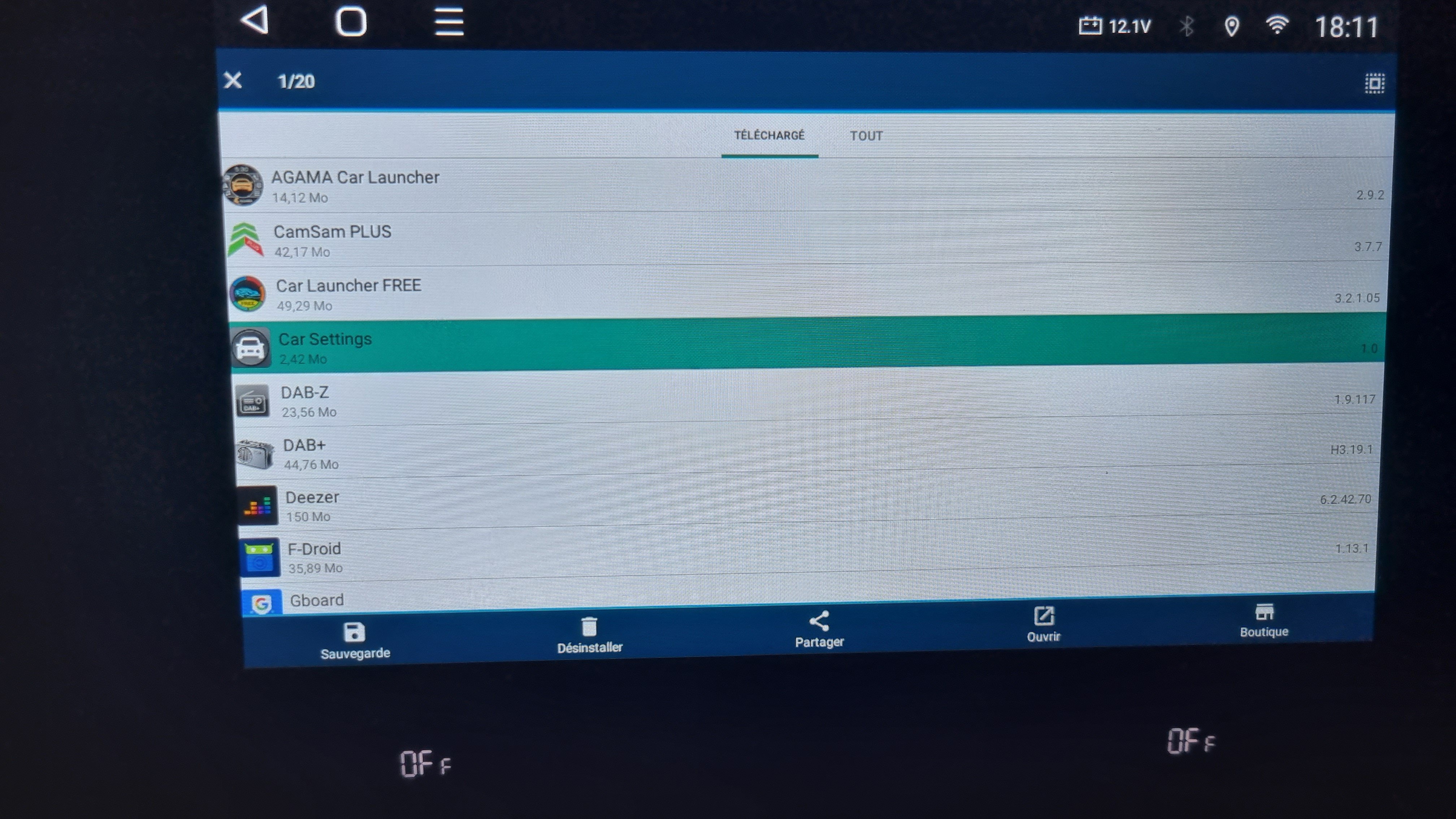
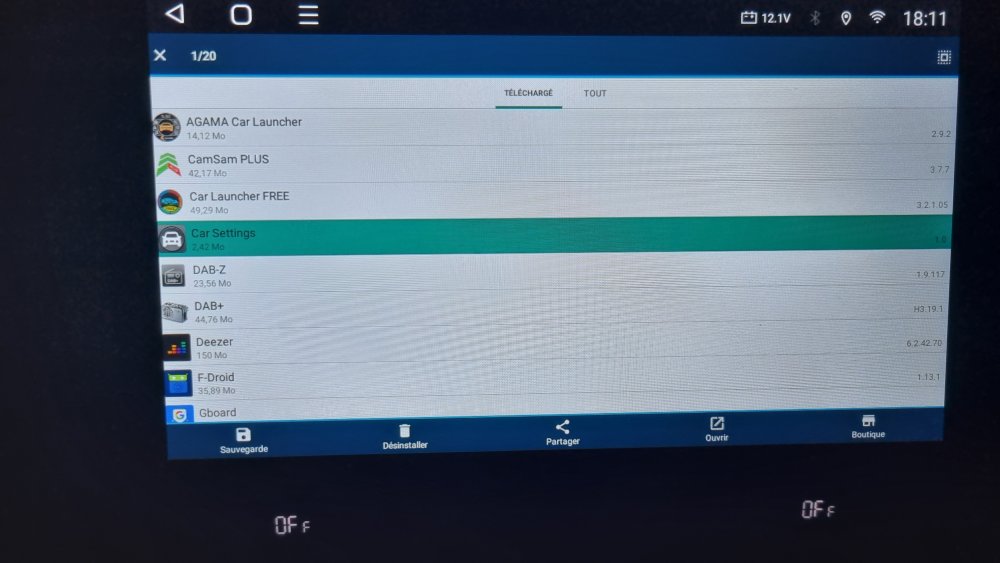
Can you guys check the version of your car setting app? Mine is 1.0 and really ugly. I checked mine with FILE MANAGER If you have a higher version, It would be great to provide it. Extraction is really easy with FILE MANAGER. https://play.google.com/store/apps/details?id=com.alphainventor.filemanager The application menu gives you all the info. To extract, Long press the app then select backup. The backed up file will be in BACKUPS folder
-
-
-
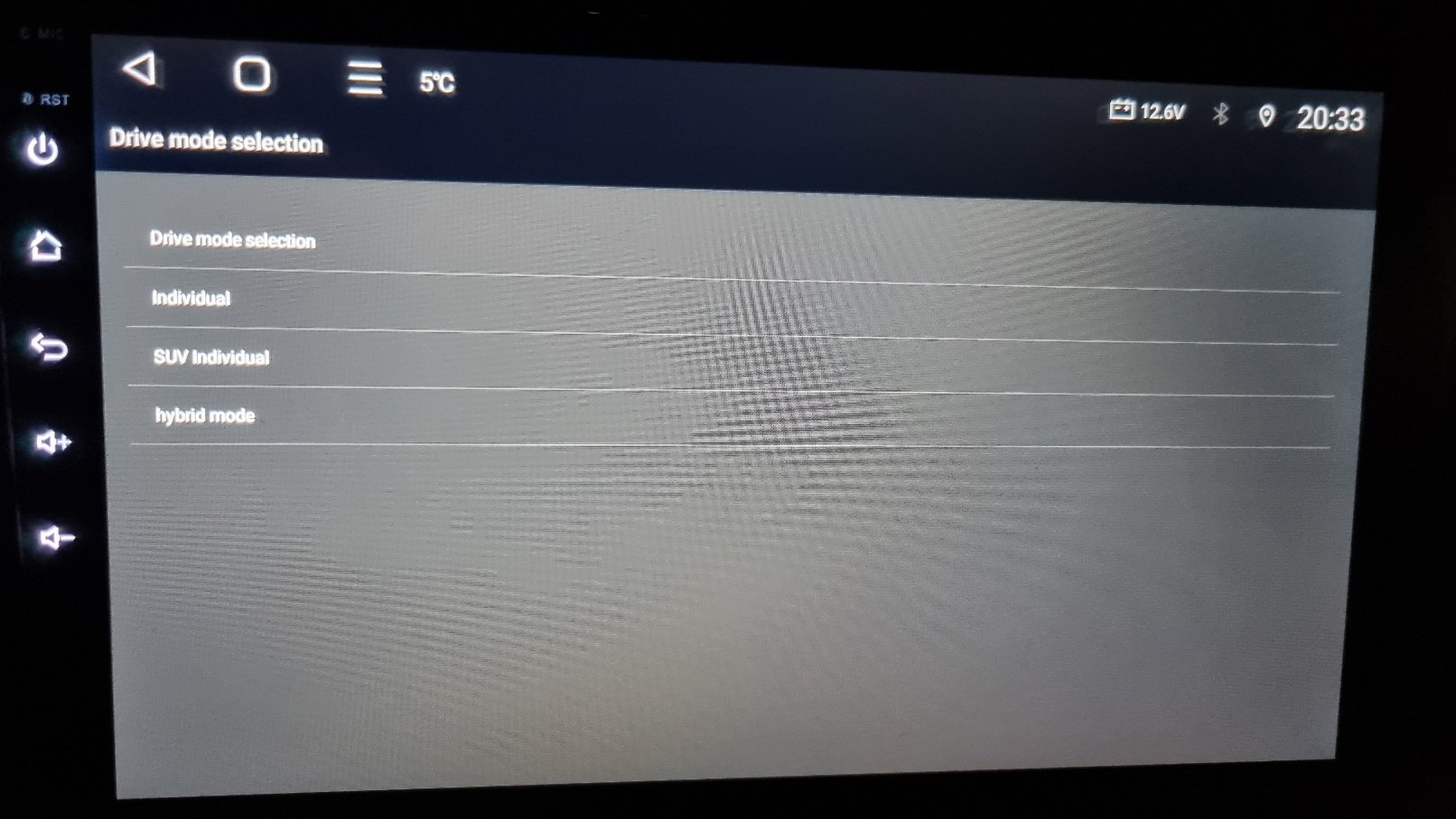
Most of us have the 4gb/64gb here so I can't pronounce myself for the other models. I have a friends 2gb sitting around. I juste played around quickly with it to see if it was working and extract some APK. I didn't notice much difference, maybe a little slower. I must wait for him to use it a little longer to have a straight opinion. Also I think only the 4gb model supports wireless Android auto and carplay, the others is wired. Others here also have the 2gb maybe they can give their impressions. The rest will work mostly the same. The only thing I noticed on mine is that the car settings menu is not pretty (but you go there juste once) and my ac mode setting doesn't work ,but I can set it the car settings menu (again you just go there once) Then if your bluetooth is activated, deactivate it with the stock infotainment before removing it. That's all, the reste is just how your taylor it.
-
-
-
-
Yes it is quite plug and play, except for the factory usb. Once I test and validate the custom câble the seller made for me then you can just ask for the same. The reste is really just getting the settings right. Read the whole topic, you will get many answers. Every one here is really helpful so you won't be left alone
-
-
-
-
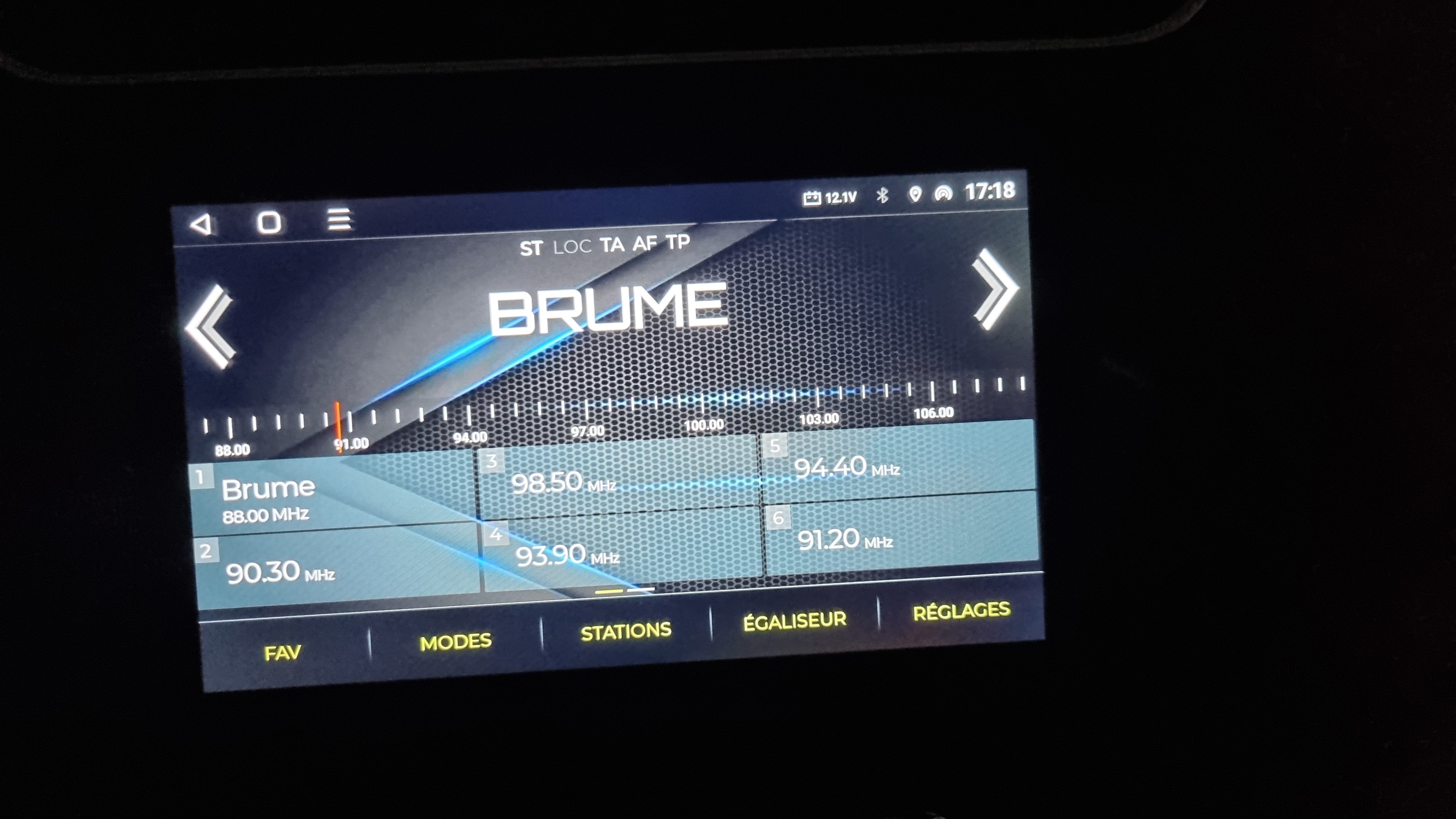
If you have dab, go to radio and select the type, you should have am, FM, dab. If not then you don't have it. Another option is remove the unit in the glove box and see if you have a dab antenna https://www.forum-audi.com/topic-729-audi-mib-et-mib-mmi-plateforme-modulaire-dinfodivertissement.html
-
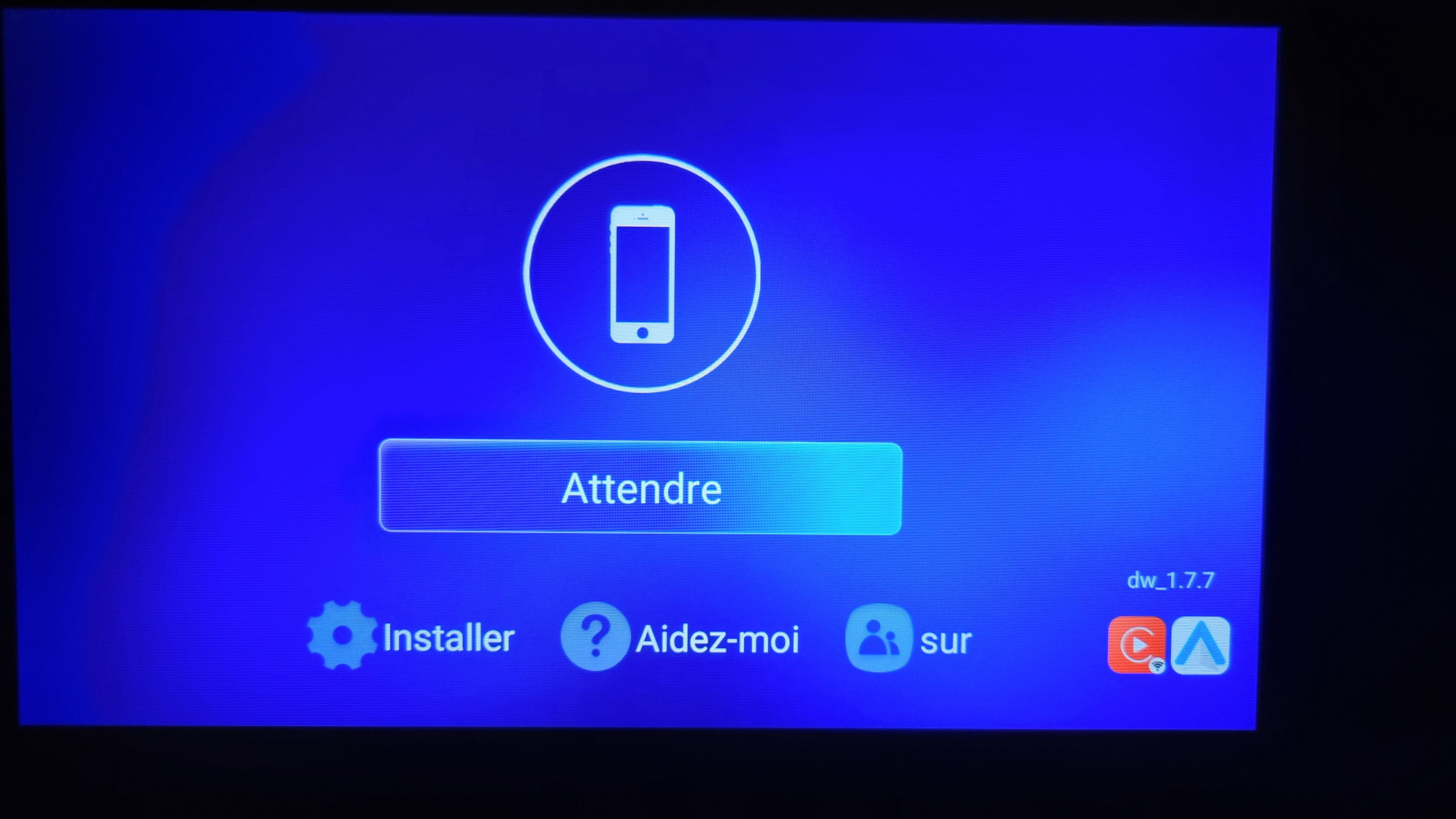
Wow good news. Have you tried android auto from the usb port? I tried the APK of tlink you sent me and it works. For the factory mic, have you tried increasing the gain in the settings? Your son is patient, my girlfriend won't pick up after the second call lol and my son is 7 so I guess the same thing... Too bad for the FM. I really think the tuner is so so because on my friends 9 inch Android 11 the same stations have better reception.
-
Ok then you have some wireing to do and I don't know how the car will manage the mirror leds are they work seperately from the othe lights, they go off befor the dome lights.
-
I did the led under the side mirror, no problem, it is just a swap. when you say warning red light, do you mean replace the door lignt with a led? If yes, then no problem. the car only scans the safety lights (licence plate, reverse and so on)