Dave77
FREEDOM
-
Joined
-
Last visited
Everything posted by Dave77
-
All the eBay ones seem to be M6, I'll try that.
-
I would've thought it would be a standard size for all Superbs. The thread that the plastic screw/bolt goes into looks to be factory fitted at the rear, unlike the front which just uses a metal screw into the bumper
-
Hi all, I've just switched my number plate to one with the UK logo and need to get a different colour plastic screw for the rear plate (OCD 🤣). Does anyone know the correct M size for the plastic screw on the facelift Superb? eBay sell single screw of various size, M4/M6 etc
-
I just got the AA triangle from Amazon, £8, probably triple that from Skoda. Mine does have the holes for the umbrella on both sides, at £30 each though I don't think i'll bother!
-
Do you mean near the spare wheel? I've just bought one so need to stash it somewhere. It seems the last owner stripped the car of everything, both umbrella's are missing 😪, left me a crappy road angel dashcam though 🤣
-
Mine came empty, no built-in warning triangle like the Octavia which is annoying as i need one for a Euro trip soon. I should've kept the one from the Octavia!
-
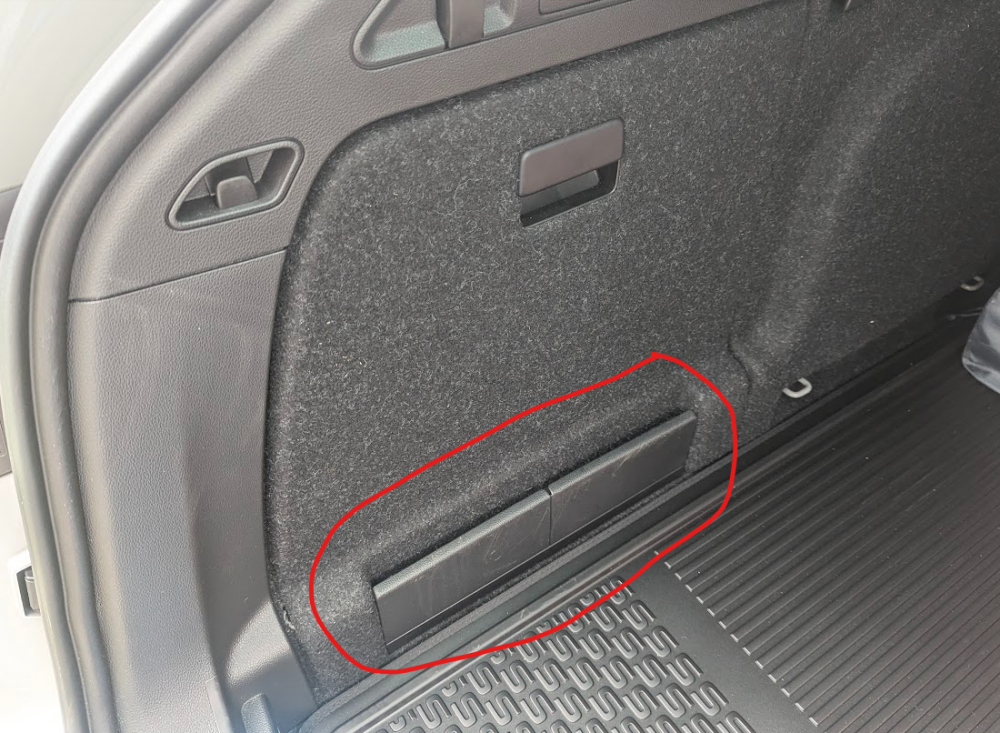
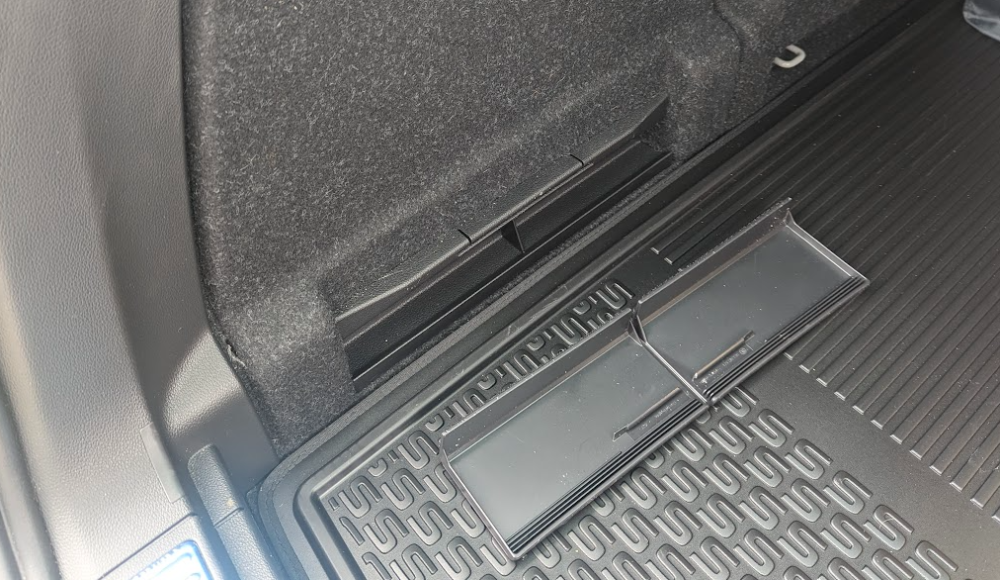
Ah I see, so there's nothing behind where that piece came off? Seems like a waste of space, on my old Octavia and the blue car above the side compartment goes down level with the boot floor.
-
Hi all, I picked up my Superb this week and was wondering if anyone know what this is for at the bottom of the side storage sections. Upon opening the storage the base is above this section, is something hiding behind it!? The plastic cover comes off to reveal nothing!
-
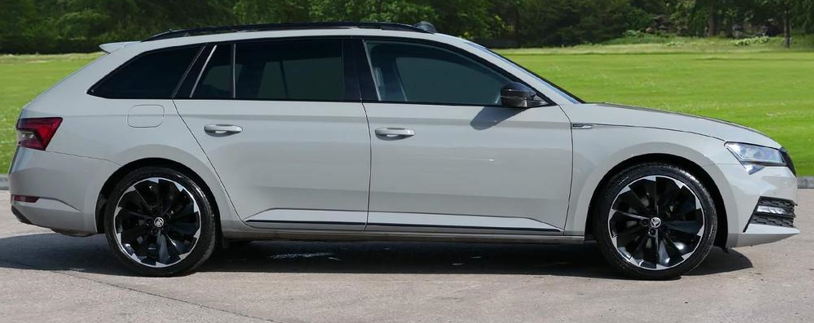
Picked up mine this week, moving from a 2014 Octavia VRS. 72 plate Sportline TSI with panoramic roof, DCC (can't tell what that actually does) and funky black wheels. No rear parking camera so that's getting fitted next week.
-
Got one! 72 plate Meteor Grey with pan roof and DCC 👍 Missing the reverse camera so that will be the first job 😄
-
The same you mean? Those are the ones I've ordered 👍https://www.ebay.co.uk/itm/296465914567?mkcid=16&mkevt=1&mkrid=711-127632-2357-0&ssspo=iEkp6CyTTNm&sssrc=4429486&ssuid=rhIsUV_hSdK&var=&widget_ver=artemis&media=COPY
-
Hi all, does anyone know if the mud flaps for the Superb facelift model are the same as the pre-facelift model? Some advertise them as 2015-21, some to 24
-
@leolito thanks for the link! Matrix lights look to be standard on the Sportline, at least 2021+ and almost all cars on the market at the moment have VC so should be okay with those 2. Personally, I don't like leather seats in cars so i'll be happy with the alcantara n the Sportline! It could be a long wait! There is a Meteor Grey 280 on sale at the moment which i'm tempted with but it has no sunroof.
-
I'm going to hold out for one with a pan roof, might take a while as I want meteor grey too. Only seen 1 for sale in the past 3 months.
-
Thanks, LED's and ACC look to be standard on the Sportline. Is the pan roof bad on the Superb? I had one on an A4 estate a few years back and loved it, unfortunately the car lasted 3 months before it was stolen
-
I'm on the lookout for a 21-23 2.0 TSI Superb Sportline Estate, I don't know much about what was standard spec at the time and what was optional. I definitely want virtual cockpit and preferably rear camera but not so fussed about that as it's a relatively cheap retrofit. Can anyone recommend any other options i should lookout for?
-
Hi all, I'm on the lookout for a used 2.0 petrol VRS Estate in Meteor Grey. They seemed to be very rare which led me to read up some posts on here and I'm a bit confused now so got a couple of questions! Was Meteor Grey discontinued recently on the Mk IV? I tried to answer the above myself by checking the Skoda website but I can't seems to spec a VRS at the moment, only the new Sportline, is it no longer available?
-
I have the same car, how do you get £30 road tax!
-
Hey, I'm considering a used Enyaq, probably a 2021 model. I'd be going for the 80 model for the extra range for Euro road trips. I'm a bit confused on the fast charging, was 100+ kW charging an optional extra back then, I believe it's standard now. Is it worth getting one with a heat pump? Any other options to look for?
-
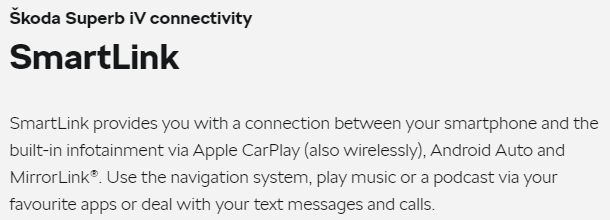
I guess I will have to keep my AAWireless adapter for a bit! The Skoda website itself just show wireless CarPlay. I wonder if they just don't advertise that it has wireless AA due to them not being able to guarantee compatibility with all Android phones https://www.skoda-auto.com/models/layers/layers/superb-iv-connectivity
-
Hi all, I'm currently looking for a use Superb iV (~20/21) and was wondering if it would have wireless Android Auto enabled. Most of the adverts say only wireless CarPlay. Does anyone know if it can be enabled with a software update and when it was available as standard?
-
Ignore above, I saw Octavia and read Superb, wrong topic!
-
I'm about to make the jump from an Octavia Estate to Superb Estate and am considering the PHEV for similar reasons, short trips during the week but also would be for holidays in mainland Europe. What's the 1.4 engine like in the Superb? My partner has the 1.4 in a 2017 Leon so presumably same/similar but that's ~500kg lighter than the Superb!
-
I don't think a 2015 Octavia would have wireless AA built-in. You would need to get an AA wireless adapter. https://www.aawireless.io/
-
Search for a local specialist, you should be able to do it for <£100. It won't affect your vcds changes