Dave77
FREEDOM
-
Joined
-
Last visited
Everything posted by Dave77
-
I have 332, wireless AA is fine with it. Have you not got a Primary User setup? I would start from scratch, delete all connections from your phone, eg Skoda BT/AAWireless, delete all BT connections from the car. Then pair your phone to the car via BT and see if you get the option to connect wirelessly to AA when going to the SmartLink screen. Make sure AAWireless is not plugged in! What phone do you have?
-
My '22 model has wireless AA, I didn't know it did when I bought it last year but after pairing my phone to the car via BT it popped up the option to wirelessly connect to AA. Now and then it does fail to connect to my phone and needs a reboot, maybe you could try that? Hold the power button down on the HU for about 10 seconds until it reboots with the skoda logo. Re AAWireless wired issues. I've had AAWireless since the original KickStarter release (my old car and partners car), wired issues are usually a bad cable.
-
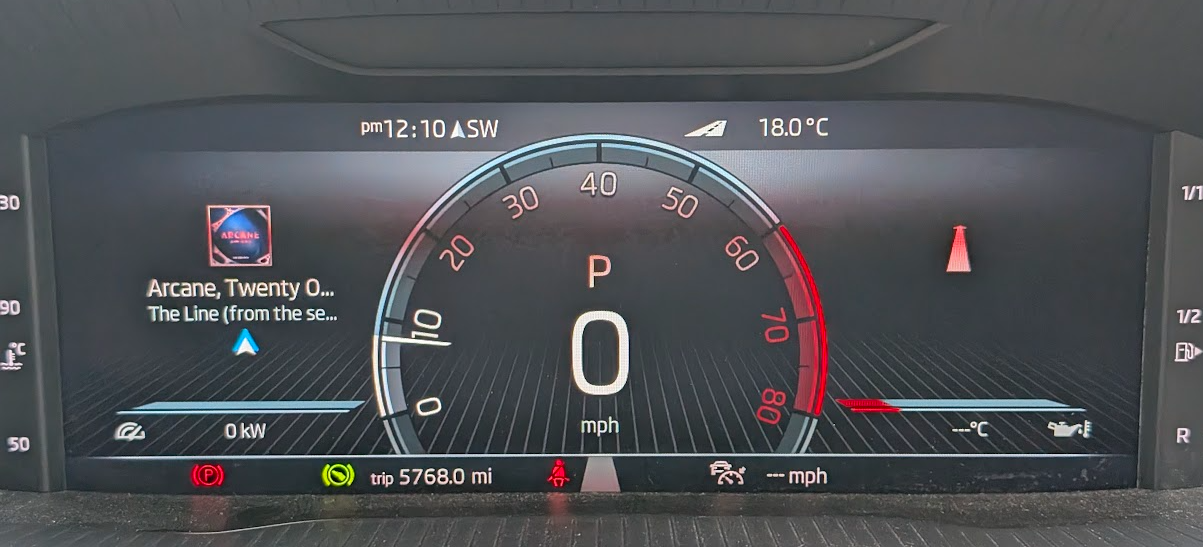
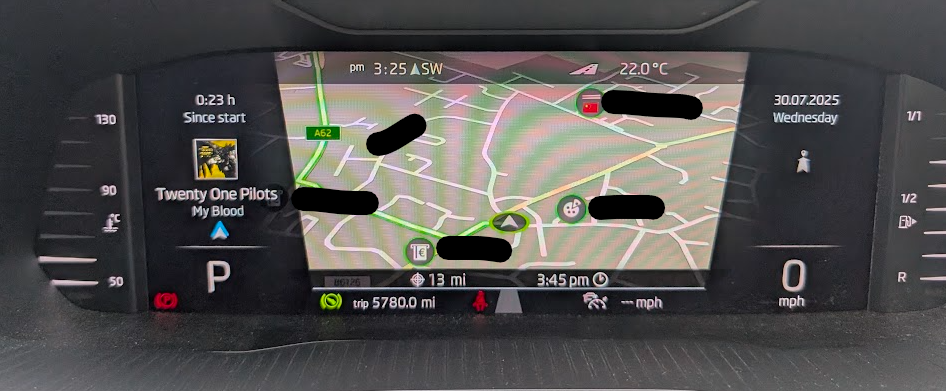
@acjy1985 are you sure you didn't have Skoda navigation running too? Skoda nav does show ETA and distance at the bottom.
-
Ah, I think I misread your first post 🤣 Google Maps ETA and distance, no I've not seen that before, I just get this direction data from Google Maps.... What version of Android Auto are you using?
-
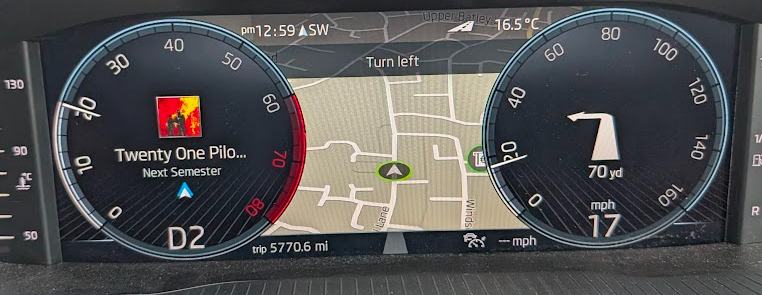
It should always do it on the virtual cockpit map as long as you are navigating somewhere using google maps. You can also change what is in the centre of your dials to show what your next turn should be including distance, eg mine below with the forward arrow. I have 3 presets set up so I can easily toggle what shows on the right, eg Preset 1 = Nav, Preset 2 = MPG, Preset 3 = Fuel range
-
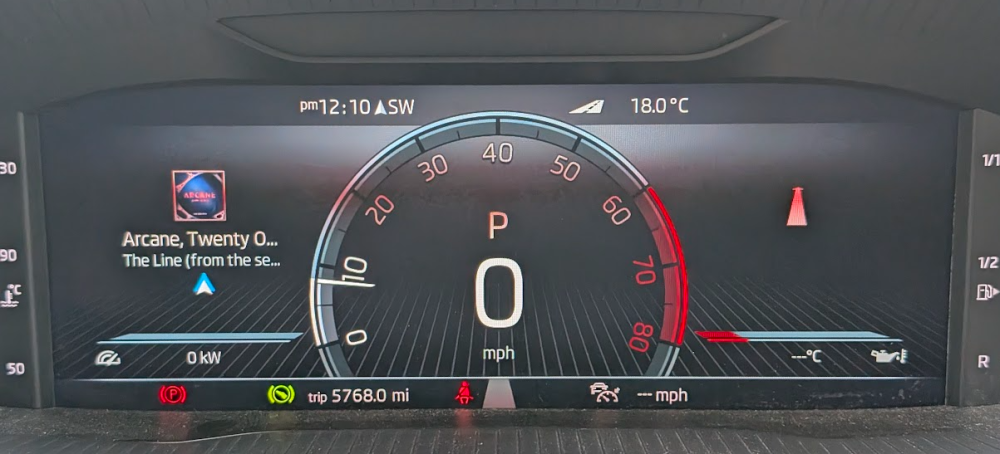
Were you navigating using Google Maps at the time? When you do it overlays the navigation data, like direction wording (and possibly distance), over the top of the Skoda map on the virtual cockpit.
-
I haven't got any on the Superb but had Heko on a few cars previously, £42 here
-
You would need to get hold of a removal tool like this https://www.amazon.co.uk/BGS-9203-Cigarette-Lighter-Removal/dp/B075DM7PKD I don't know if you can buy the cover separately though, you may need to replace the whole unit. There is a cover on here but it looks different to mine https://www.skoda-parts.com/spare-part/5j0864137c9b9-cover-skoda-36351.html It looks like the above just clips on rather than a flap, might be an easier solution for you!
-
I can't find them anywhere in my size 235/40 19", the Michelin website states 225/40 and 245/40 are available but the linked retailers only offer 225/40
-
Hi, I want to get a couple of bins for the rear as the grotty kids tend to leave half chewed sweet etc in the door card. Can anyone help with the following please?.. Do they fit in the rear door? I can find 2 part numbers, 5JA 061 107 9B9 and 5JA 861 369 C 9B9. Skoda-parts.com said the latter was for my car (2022) but it's substantially more money. Has anyone fitted a bin to the facelift model?
-
I saw an Elroq parked up earlier this week, it is a very nice looking car in person!
-
I've used these before for my VRS alloys on the last car. They're in Garforth, just off the M1/A1 link road https://www.thewheelspecialist.co.uk/locations/leeds
-
Ah, I was going to take mine in before the warranty ran out. What dealership was that?
-
I presumed it was a noisy relay as it is coming from behind the glovebox where the fuse box is. I just tried with the temperature and mine is similar, noise starts at 21/22 and if I drop to 20 it's gone/quieter. I'm sure I've heard the noise at lower temperatures too though
-
Mine does it too https://www.briskoda.net/forums/topic/530665-noise-when-interior-fans-turned-on/ Is it like this? Pxl 20250223 130606925.mp4
-
It's annoying, I have 5 Absolute Radio stations line up as presets (70's to 00's), looks crap with no logos! If you do a search on their site they do already have all the logos too https://www.phonostar.de/radio/radiosender/alle/liste?utf8=%E2%9C%93&sort_by=relevancy&keyword=absolute . It's the same for the Heart stations
-
That's better! 332 is the latest mentioned above but I doubt it would offer much, if anything, above what you have https://www.briskoda.net/forums/topic/506090-software-update/page/9/#findComment-5939301
-
Oh yeah you're right, I was on 306, I was reading about 5 threads at once and must have confused myself 😁
-
332 is mentioned a few posts earlier but 330 should be fine for you unless you're having issues. I've just updated mine from 270 > 330 this morning Although your software version looks different to others in this thread, eg MOI3_EU_SKMQB_P33000P_0330, and the spelling is all wrong?
-
All done, running 330 now, can't tell the difference 🤣 Thanks for your help @travs !
-
This reply says 270 > 308 is okay https://www.briskoda.net/forums/topic/506090-software-update/page/7/#findComment-5857298 I found this also, the 330 supported train "SupportedTrains": [ "*_?308*", "*_?310*", "*_?312*", "*_?314*", "*_?316*", "*_?318*", "*_?320*", "*_?322*", "*_?324*", "*_?326*", "*_?328*", "*_?330*" The 332 download is here https://www.briskoda.net/forums/topic/506090-software-update/page/9/#findComment-5939301
-
Great, I have 308 and 330 now then. I can see that I can go from 270 > 306 but not sure if I can go straight from 270 > 308
-
Ah, this post makes sense of it but not sure where to get that software train data for later releases with mibsolution offline https://www.briskoda.net/forums/topic/512288-update-my-car-from-0156-to-0306/#findComment-5746499 Also, this post has a link to 308 too, not sure how I missed all these when I searched before! https://www.briskoda.net/forums/topic/506090-software-update/page/7/#findComment-5838708 I'll have a read of those today
-
Great thanks! I see lots of posts saying you need to update 1 by one rather than go straight to the latest version, do you know how to find that out? I'll probably just leave as-is for now though if there no noticeable difference
-
I'm looking too, I think we're out of luck without that site