ItalianJob
Members
-
Joined
-
Last visited
Everything posted by ItalianJob
-
Sorry for the confusion, my car is a vRS TSI DSG so no ACT on this engine. Basically, it just shows the ECO symbol on the speedo when you blip the throttle. The revs drop and the car coasts. I just thought it was a strange 'function' that I only discovered by accident!
-
So, just driven home from work. Definitely in Normal driving mode and the ECO light still comes on when blipping the accelerator. Not that it really matters!
-
That's interesting, my car is always in 'Normal' mode but will have to go and check now!! I was wondering why the ECO light comes on in normal mode.
-
I think you are right, it's the coasting function but when you blip the throttle the ECO light comes on.
-
I've just noticed something, that is maybe/not a standard/documented feature?? You can force the car into ECO mode when coasting by blipping the gas pedal. Has anyone else noticed this or already aware of it? I can't quite work out why the car only goes into ECO mode sometimes, but itself, and not others.
-
For anyone that's interested. Shouldn't be too long before this is available.
-
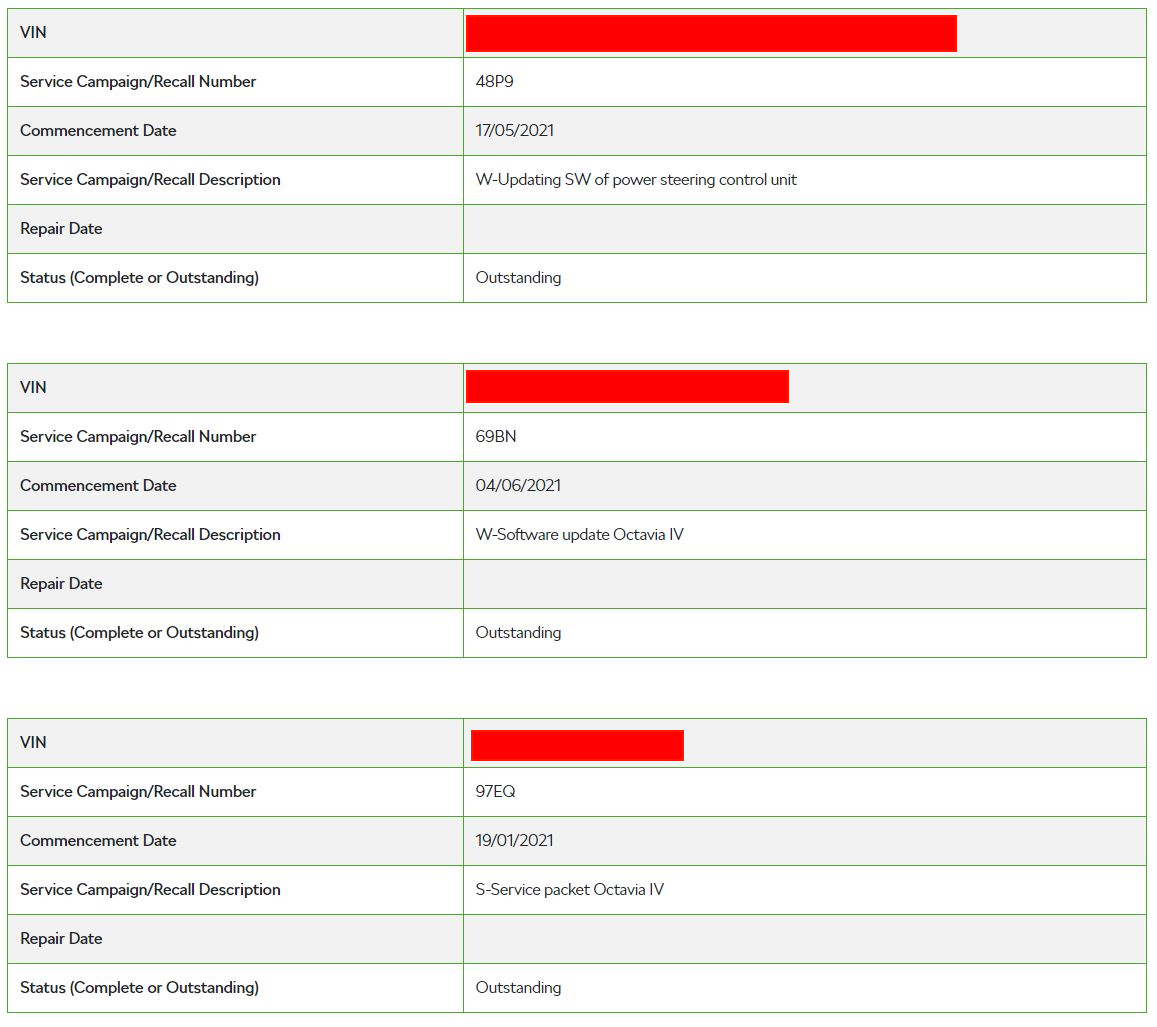
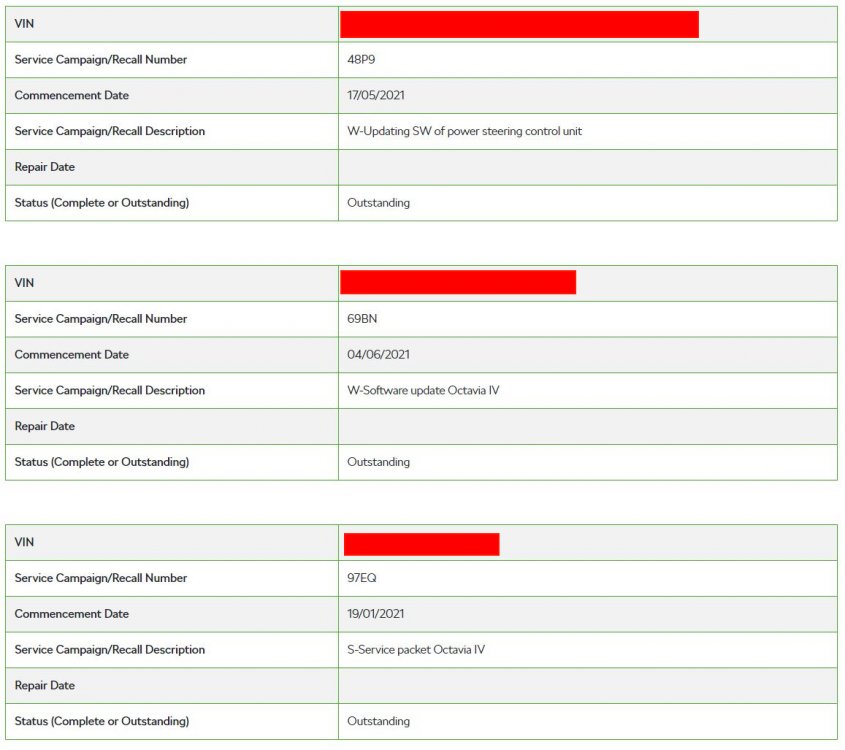
I've just put my VIN in the checker and got the following... Updating SW of power steering control unit Software update Octavia IV Service packet Octavia IV all outstanding.
-
Round ones.................. Eagle F1 Super sport, and I'm quite impressed with them. Glad I didn't have to bite the bullet and put PSports on.
-
I forgot to say, you don't need to pay retail prices for these cars - unless the new/used car shortage has messed this up! Carwow have been great for me in the past, my current vRS was from DM Keith and it was nowhere near retail price but it was a standard spec car.
-
I can't say if the vRS is a better car, but I would say it's more practical due to the boot size and slightly better rear leg room (I think?) and it's a lot cheaper. I've got 2 kids so makes a bit more sense for me as the boot is cavernous.
-
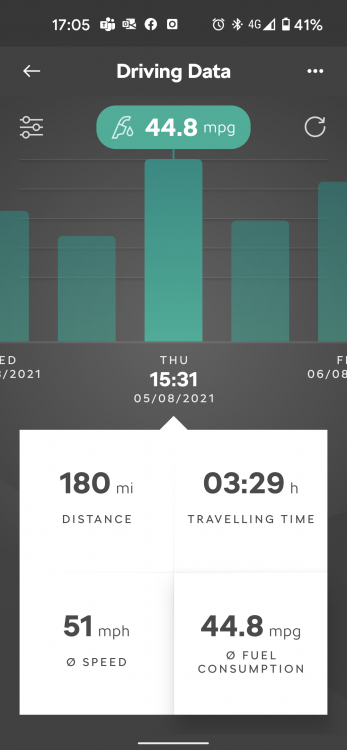
Not too bad I guess.
-
Can't remap the MK4 anyway?
-
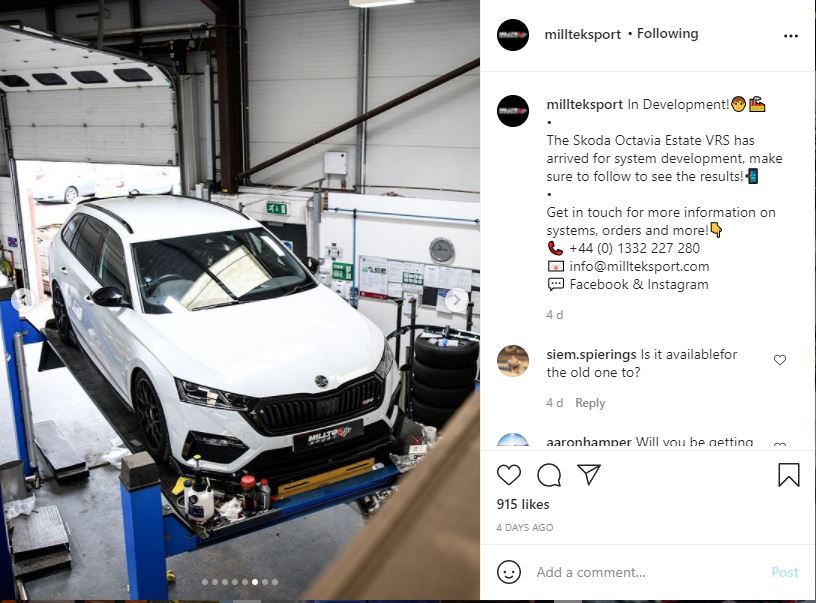
I've just seen a post in the MK4 vRS group on Facebook saying that they've loaned their car to Milltek for exhaust development. 👍
-
Looks like Supersprint now have an exhaust for saloon and estate... https://www.supersprint.com/ww-en/sport-exhaust-supersprint-skoda-octavia-rs-berlina.aspx
-
Carplay is for Apple phones Android Auto is for Android phones You can use Samsung phones, but it doesn't connect via Carplay functionality.
-
I don't think it's lost connection as it's reporting the consumption/range correctly.
-
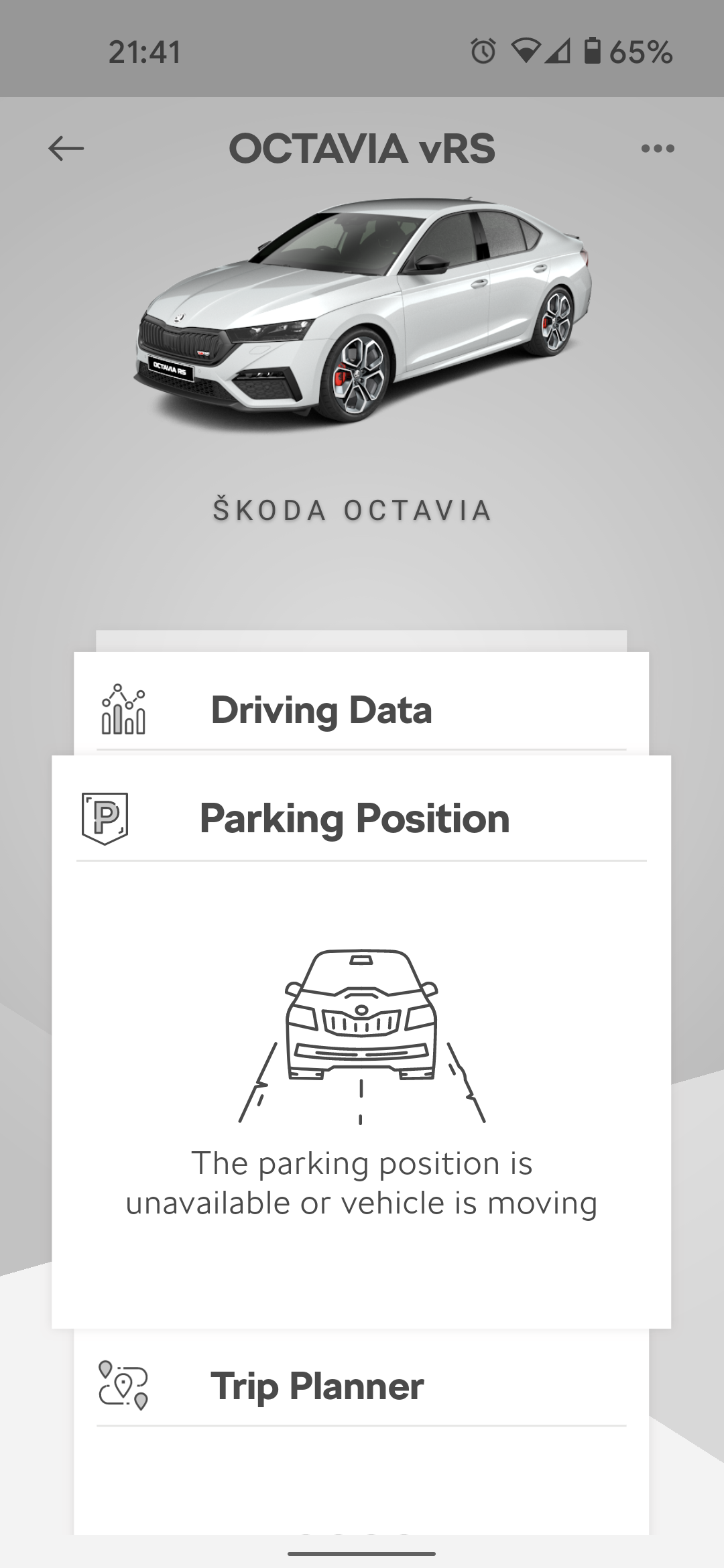
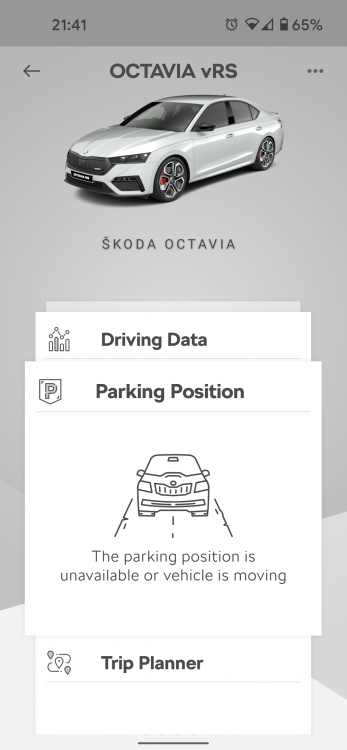
MySkoda app doesn't know where my car is all of a sudden. Has anyone else had this? I'm definitely not in my car and it's definitely not moving!
-
Why video it from half a mile away
-
Great to drive but terrible user experience. The most user unfriendly car ever from Skoda. In the back of my mind I'm already dreaming about getting another Superb, as my last one was literally superb.
-
It is super smooth but far too quiet, the sooner a decent exhaust becomes available the better!
-
Ignore the last post by me!!! The Milltek site/details are rubbish and not clear at all. The MK4 vRS would be a 2021+
-
So, is this correct for the MK4 VRs?? https://milltekshop.com/cat-back-resonated-quieter-ec-approval-coming-uses-oe-tips-octavia-vrs-2-0-tsi-245ps-face-lift-hatch-estate-opf-gpf-models-only-2019-2021-ssxsk020/ https://milltekshop.com/cat-back-road-uses-oe-tips-octavia-vrs-2-0-tsi-245ps-face-lift-hatch-estate-opf-gpf-models-only-2019-2021-ssxsk26/ The model years don't seem to add up as it says from 2019 to 2021. I think I will ping them a message on messenger.
-
It does indeed!
-
This really annoys me!!!!!
-
As a driver I find it comfortable but for the kids in the back it's a different story!! Drove to a theme park a couple of weeks ago and half way there all I could hear was what sounded like liquid being poured out of a jug - this ended up being a significant amount of sick all over the back seats of the car It was country/A roads pretty much all the way there so guess this was the contributing factor.