komoornik
Members
-
Joined
-
Last visited
Everything posted by komoornik
-
And you still have TA available?
-
Driving Mode is a SWaP feature that requires a FeC code in the 5F. So it's not an easy job as coding.
-
No, that's how it was re-designed when they implemented Travel Assist. You need to enable TA to have adaptive lane guidance.
-
0302 And that surely is not that old software, I don't recall people having CarPlay issues on something that new. Though at least 0330 is out there and can be applied manually.
-
"predictive speed limit regulation" Sounds like what Travel Assist can do - it can adjust to speed limits and it does it predictively - meaning taking speed limit data from navigation and slowing down to a speed limit before you reach it.
-
Since it's clearly a service you can execute remotely - it must be cellurar. GSM is dying, so my best bet is LTE.
-
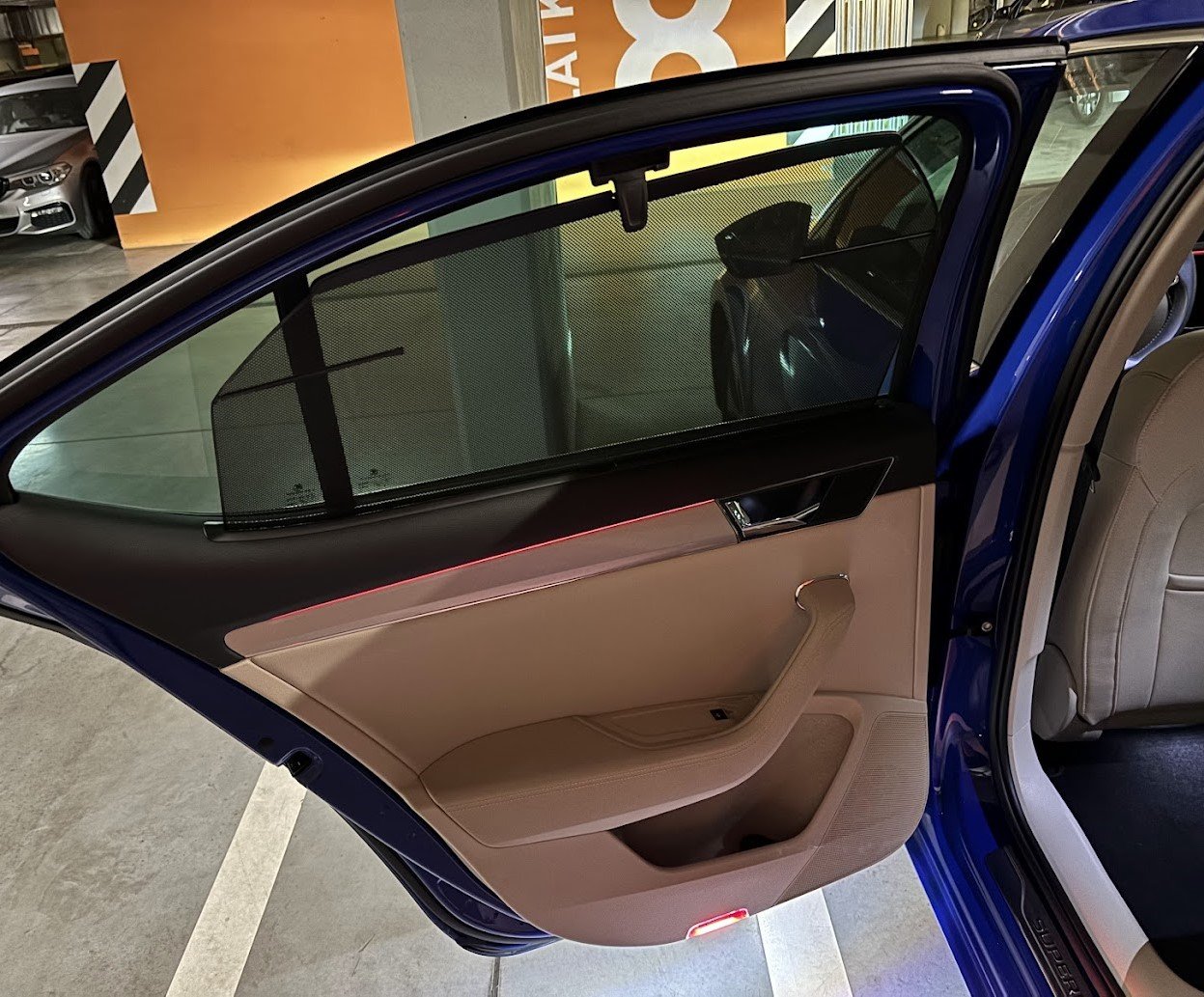
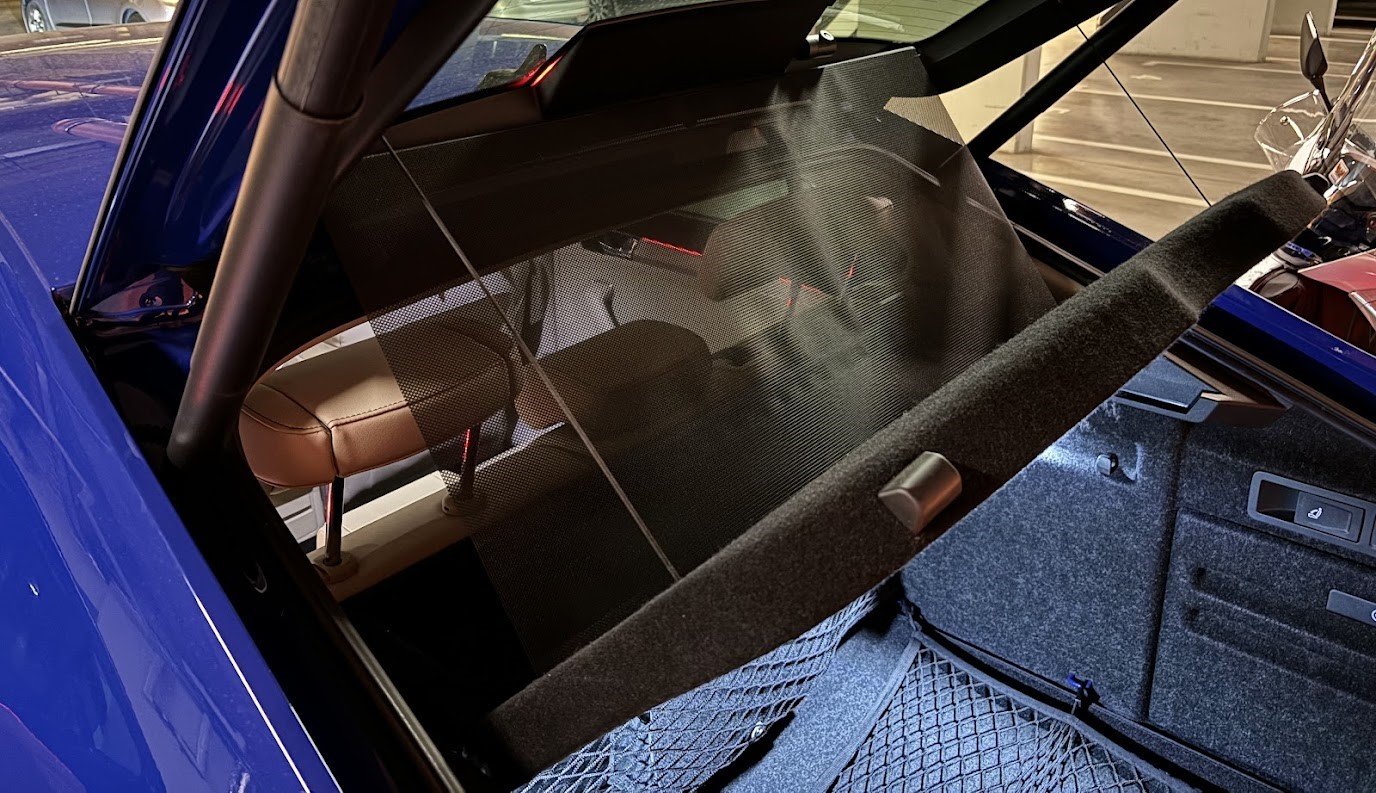
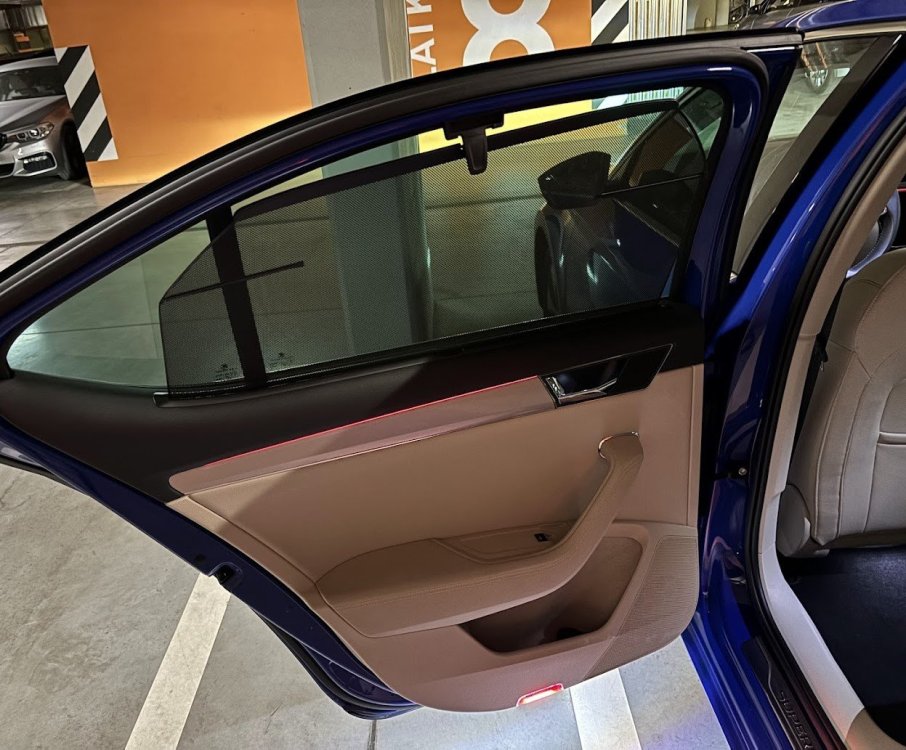
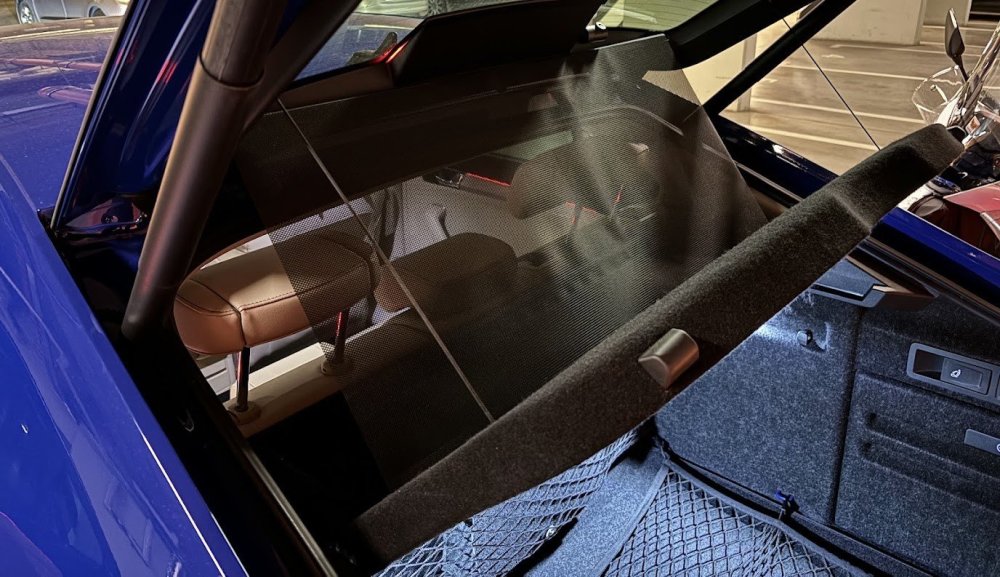
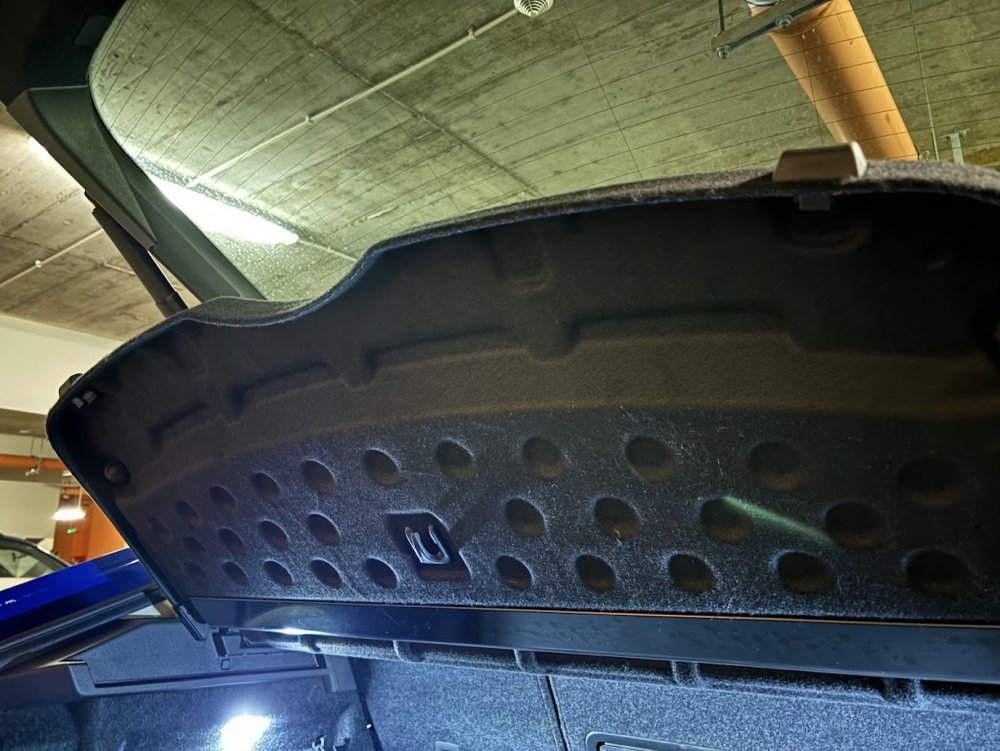
I have the factory fitted sun shades - both for rear doors and the shelf. I did not choose to order the shelf net, which was an option.
-
I have factory fitted sun shades but I don't have the net. It was an option I did not choose to pay for.
-
The hatch can have one which is retractable, but i guess a retrofit might not be so easy.
-
There was a discussion, I think even here on Briskoda that apparently offline updates are only possible in the countries where online updates are not available, like Russia (apparently it's locked in MIB3).
-
It was surely a factory option available.
-
Astonishing opinion. Octavia does not have multilink suspension in the rear, which makes it very harsh and noisy. That seems like a serious downgrade, also including how the whole interior is built (including materials). But good luck with it! 😅
-
Newest is 0330. Some info how to update:
-
The answer is: yes and no. Yes, this can be changed. No, this is not done via coding - but via changing parameters (quite a bit more complicated then coding with OBD11). I did this in my car:
-
The main beam or DRL indicator on the instrument cluster is gone for good in almost all the cars. Don't worry - compared to some other cars your chances of driving without main beam at night are close to zero. The car would give you a message on the cluster if you are driving on DRL at night. Besides that of course - just leave the light switch in Auto mode.
-
-
Eylashes coding is 100% not possible on a S3 FL.
-
Contacting Skoda support about coding? Good luck with that 😅
-
The dealer can restore the factory coding of the car - doing it "online". But that of course comes with a fee. A bit surprised that they didn't propose you that.
-
Post a picture. If the LEDs go bad they might change the color to yellowish.
-
Superb 4 will have the keyless autolock feature 😉
-
It's required to have 2 keys to become the primary owner. But yeah if you don't have another key - order one. I don't think it's possible to bypass this.
-
MIB3 started only with the support of wireless CarPlay. Wireless AA support was added via software update - which for older softwares might not be so easy, though doable. I don't know which exact software version enabled the wireless AA, but for sure something newer then 0156.
-
There's also this topic.
-
https://www.bosch-mobility.com/en/solutions/assistance-systems/trailer-tow-assist/ Otherwise, what would be the system based on? Also from my testing: 1. connecting and mounting towbar bike rack with 13 pin plug - Trailer assist won't activate 2. connecting and driving with a regular trailer with 7 pin plug (via adapter) - Trailer assist activated In both cases parking sensors were disabled.