
Sofo
FREEDOMLite
-
Joined
-
Last visited
Everything posted by Sofo
-
Welcome, You'll find many gruntled Skoda owners here (and a few disgruntled ones). 😉
-
Most Kits have a trim removal item (usually coloured orange) that you can use to gently pry the edge of the headlining off and tuck the cable under that. I ran the cable from the camera along the top of the rear trim then fed it down the plastic gaiter that hold the electrics for the wiper motor. Then carefully feed it down the "A" pillar. I say carefully because a lot of car have air bags in the "A" pillar and you don't want to disturb or place it in the way of the air bag. If you don't want to chance the "A" pillar then take it as far as the "B" pillar then down the trim (avoiding the seat belt run) along the lower trim beneath the door sill and up behind the side of the glovebox (or side panel) then to the camera itself. And save a hundred quid (plus) ! 😊
-
Even with the advances in engines these days I think you'll find that if you ever travel fully loaded with passengers and luggage the car will struggle. A car may appear nippy when it's just yourself driving (the default situation for many cars) but if you have the opportunity, try a test drive "fully loaded" to see how suitable a workhorse it may be.
-
It's a good forum full of knowledgable people..
-
Is it worth that?
-
What a polite person. Then I'll say a big HELLO! back to you.
-
I really can't remember. I did a search on ebay for GPS antenna and chose one. Never pick the cheapest, never pick the dearest but go in between. Although these days they all originate in China. 🙄 Maybe I got lucky in that I've had no issues since installing it but for a tenner you really can't complain if it had a finite life.
-
I had a similar issue. Copious amount of WD40 around the antenna did bugger all. A new GPS antennna from eBay (approx £10) did the trick. I just attached it to the top left of the winscreen and ran the cable inside the trim and behind the glovebox to the unit. All sorted ! 🙂
-
Now gone.
-
The guys are on the Ross-Tech forum (makers of VCDS) are pretty clued up and would probably have more in depth insights about codes. Might be worth giving them a looksie ( as long as you have a kosher versions of VCDS). 🙂
-
-
This is the norm on my own 2011 Octavia too ....... 👍
-
-
Hey there !! 🙂 You'll find that once your initial queries are answered you'll stick around for the plethora of info about all things "Skodaish" ..... 👍
-
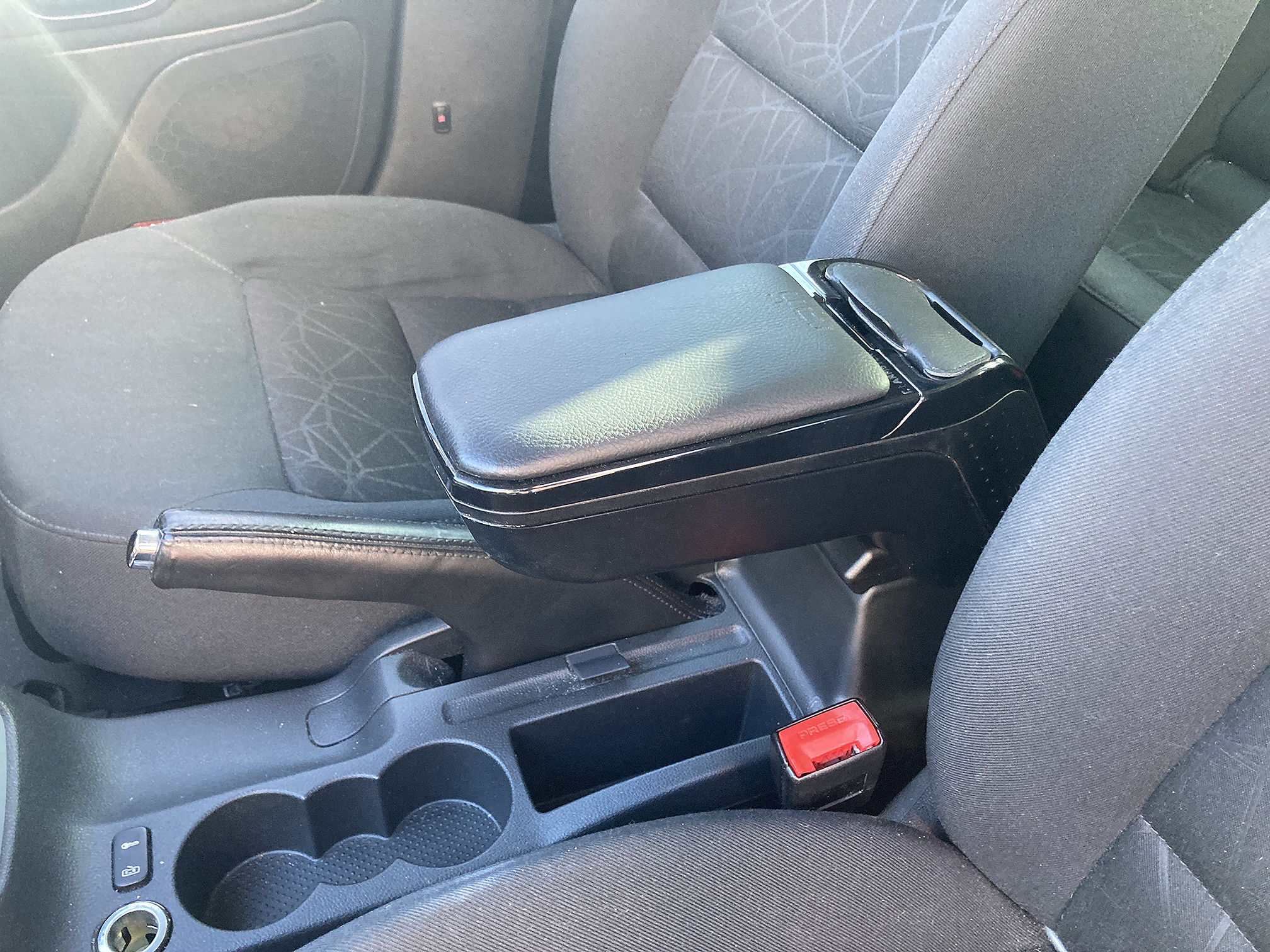
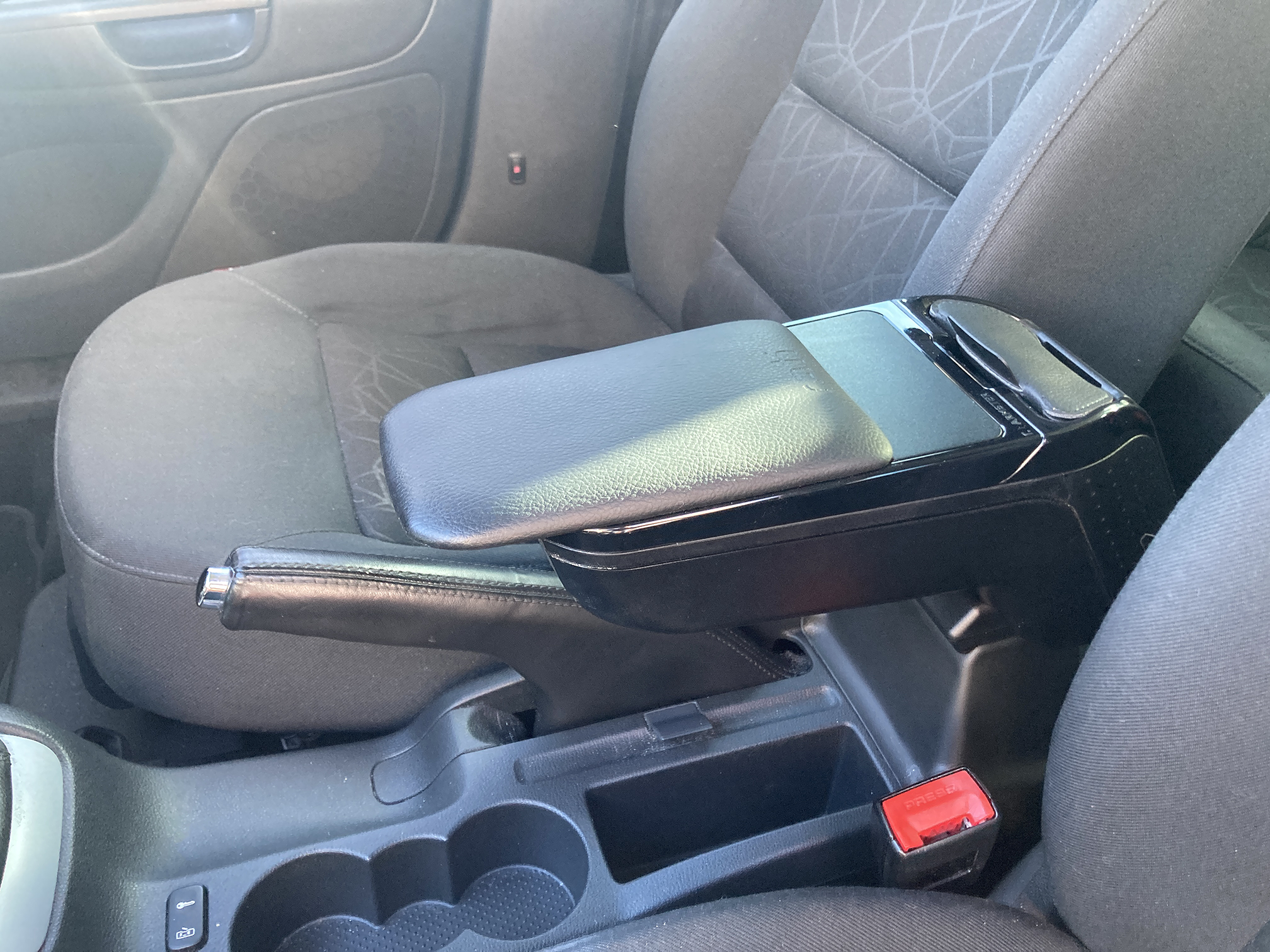
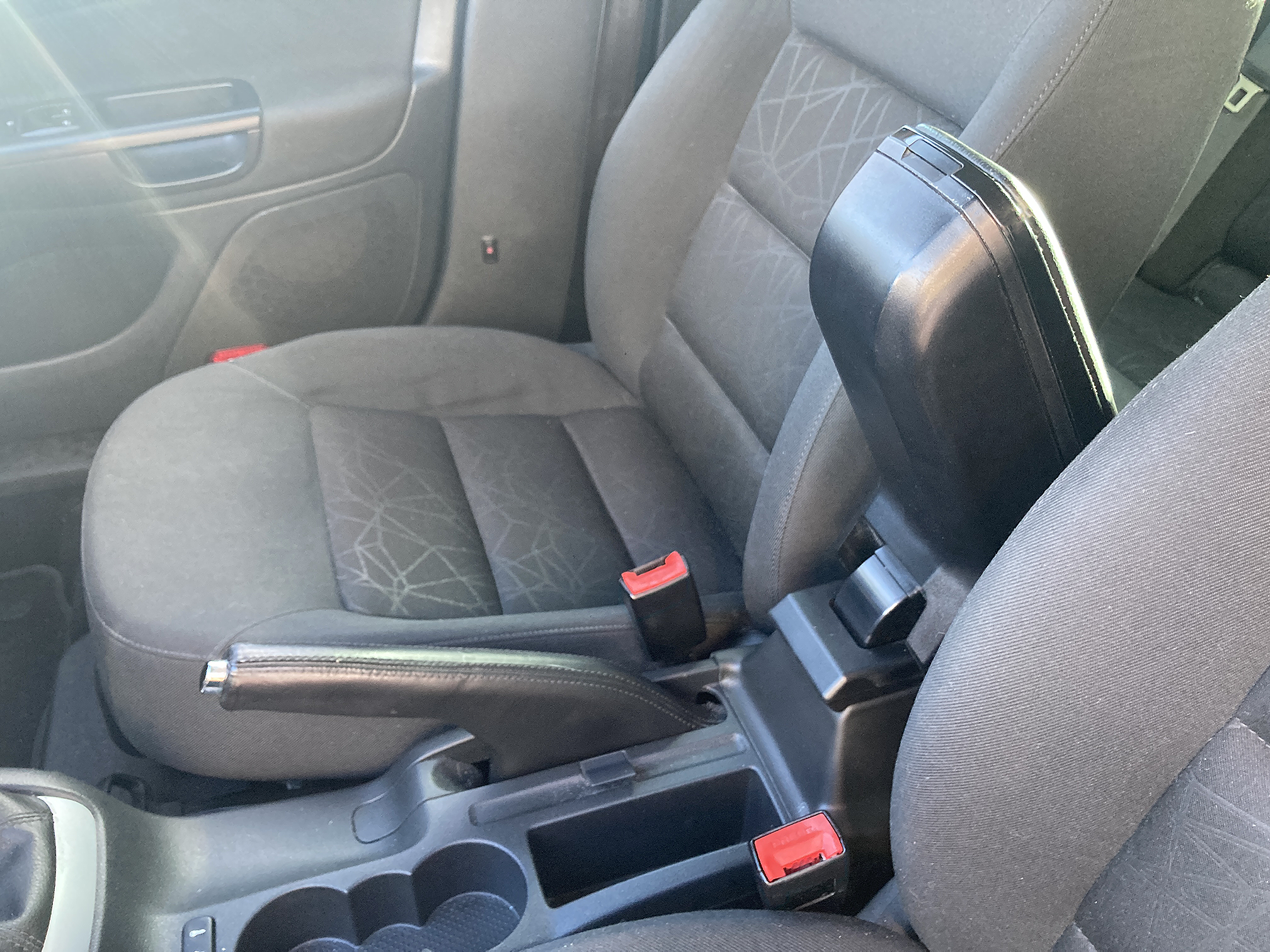
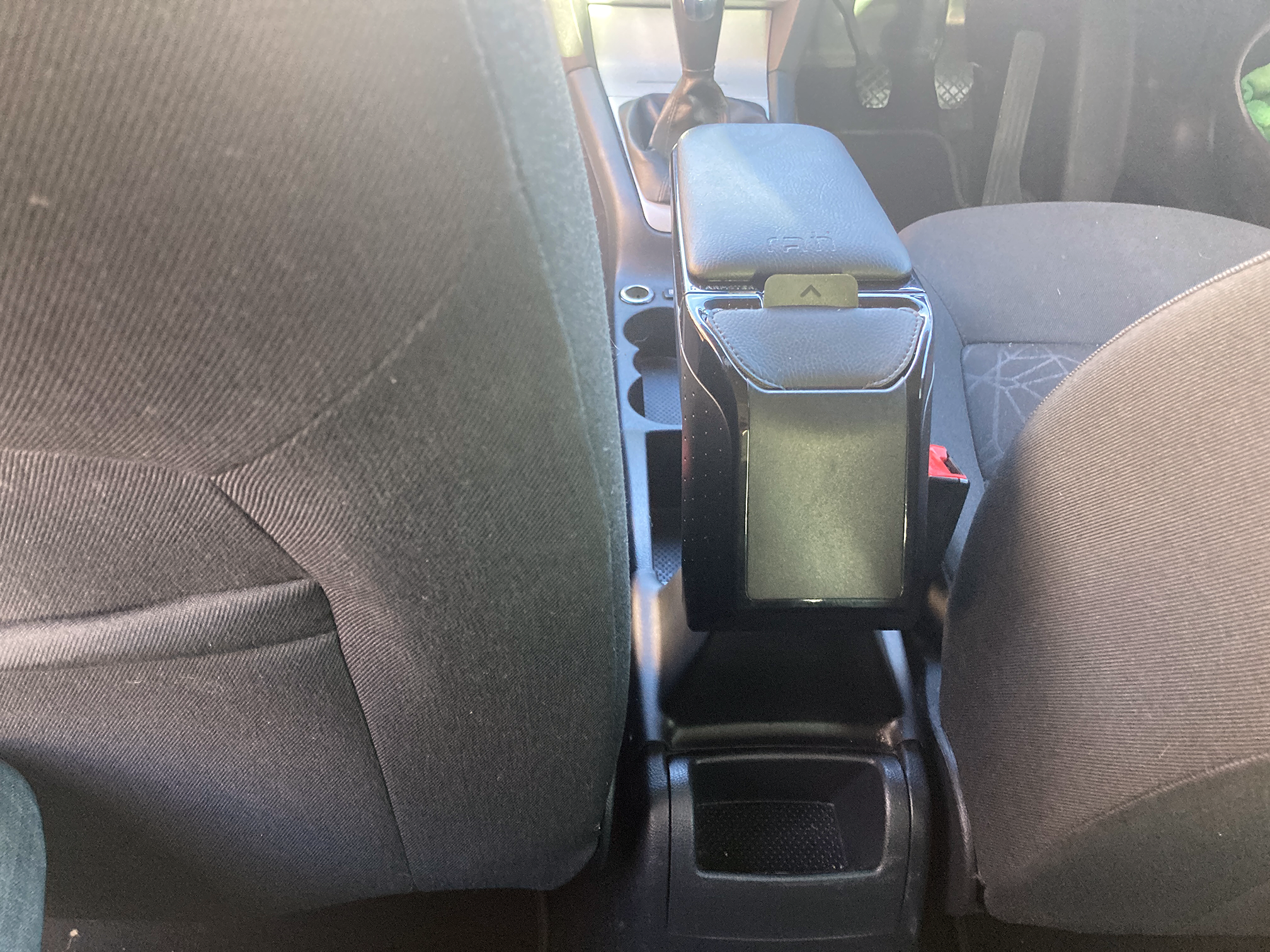
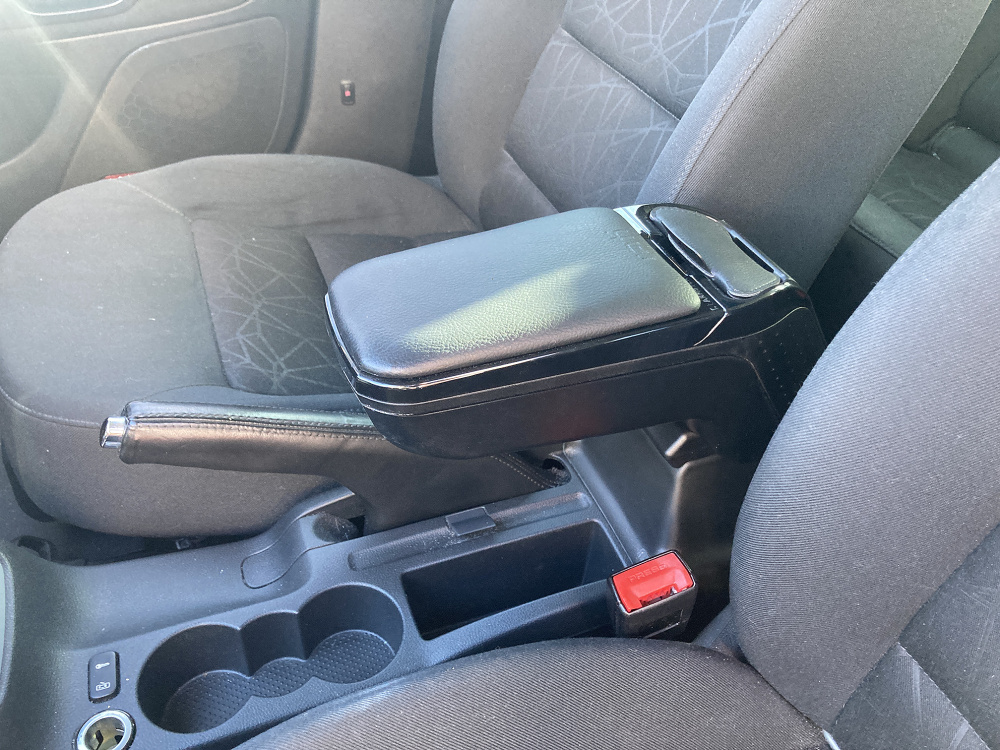
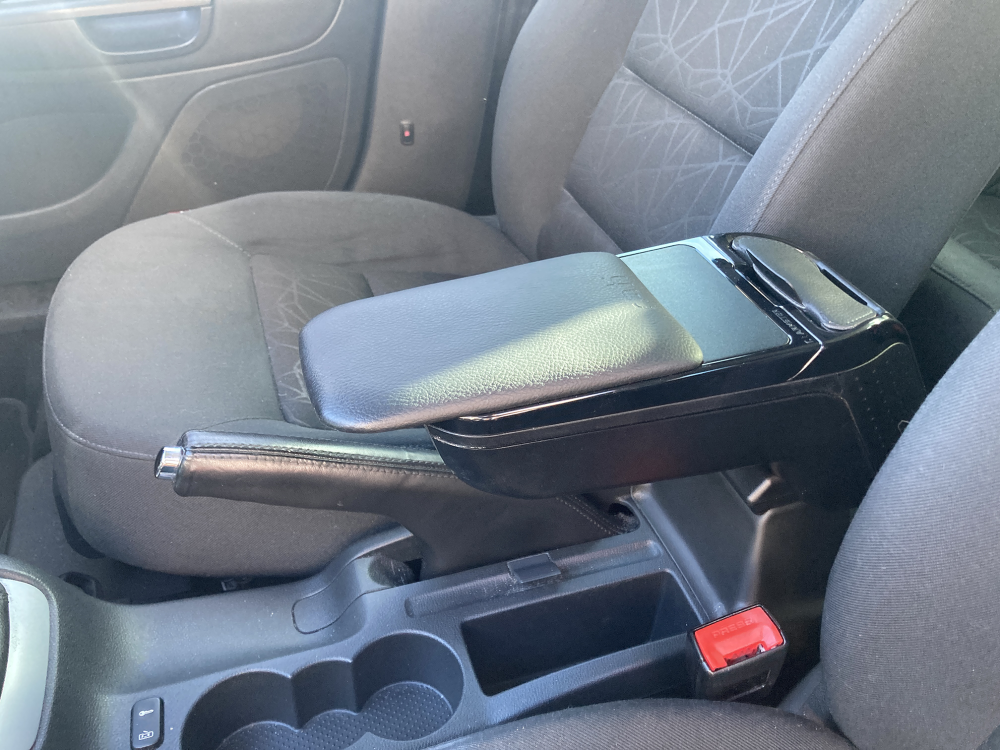
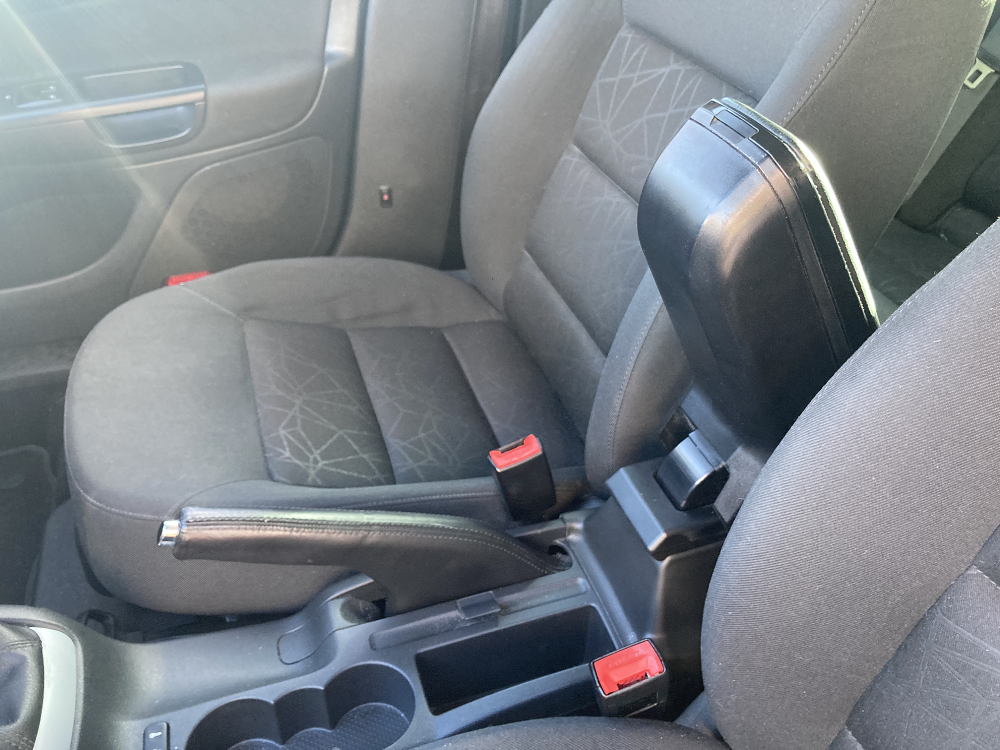
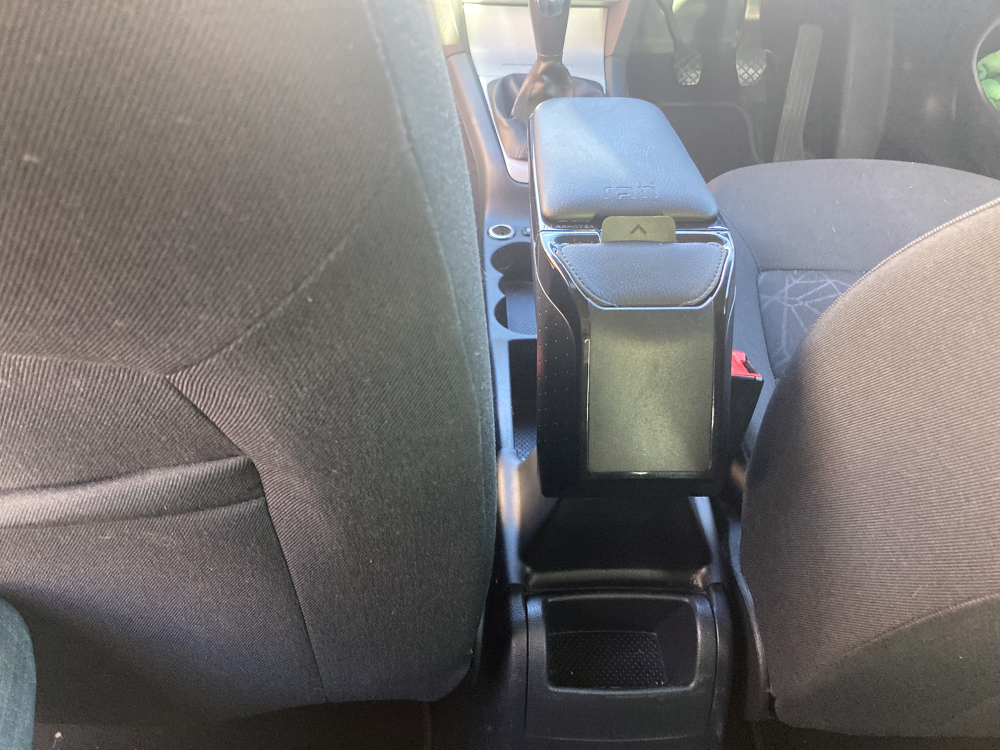
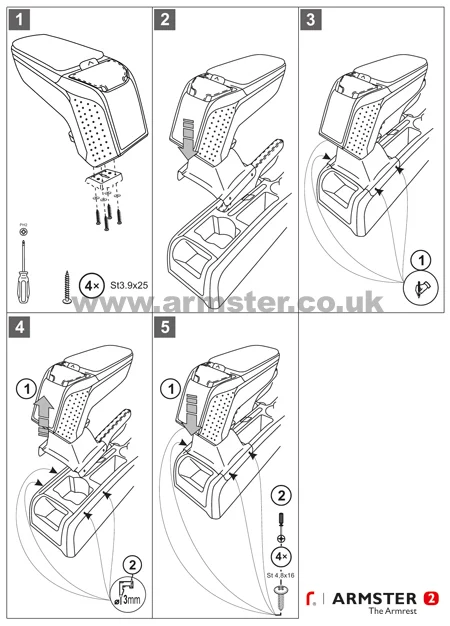
I am selling my Armster 2 Arm rest which will fit any Skoda Octavia II 2004-2013. This is the Armster 2 model in Black Leather that comes with a sliding padded extension, detachable pocket (with belt clip) and raises up when not required. It's a doddle to fit with only 4 screws required. Adaptors are available on the Armster website to fit it to other models. Currently available on the Armster website for £109.95 Collection preferred from the West Midlands. Price: £30
-
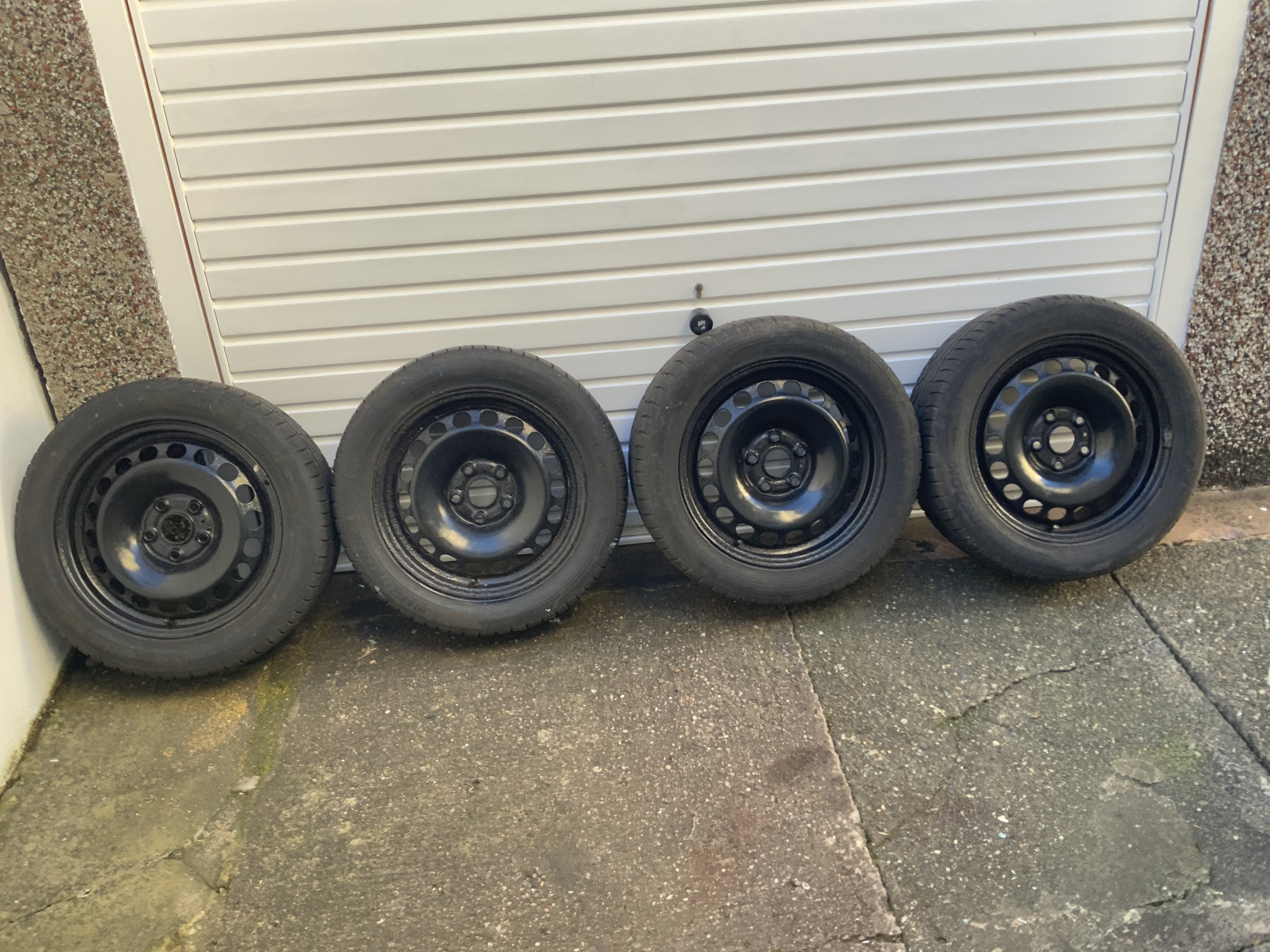
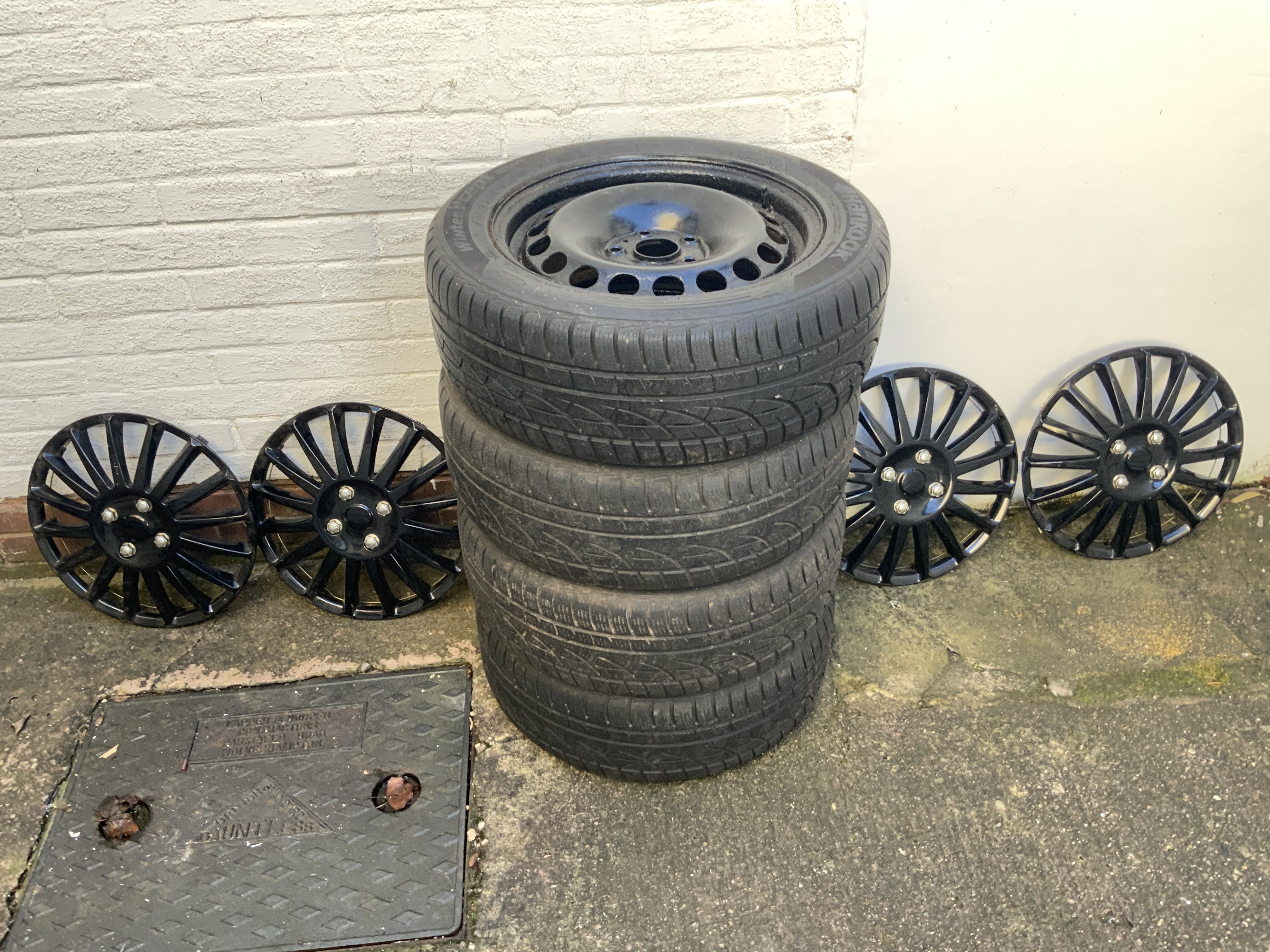
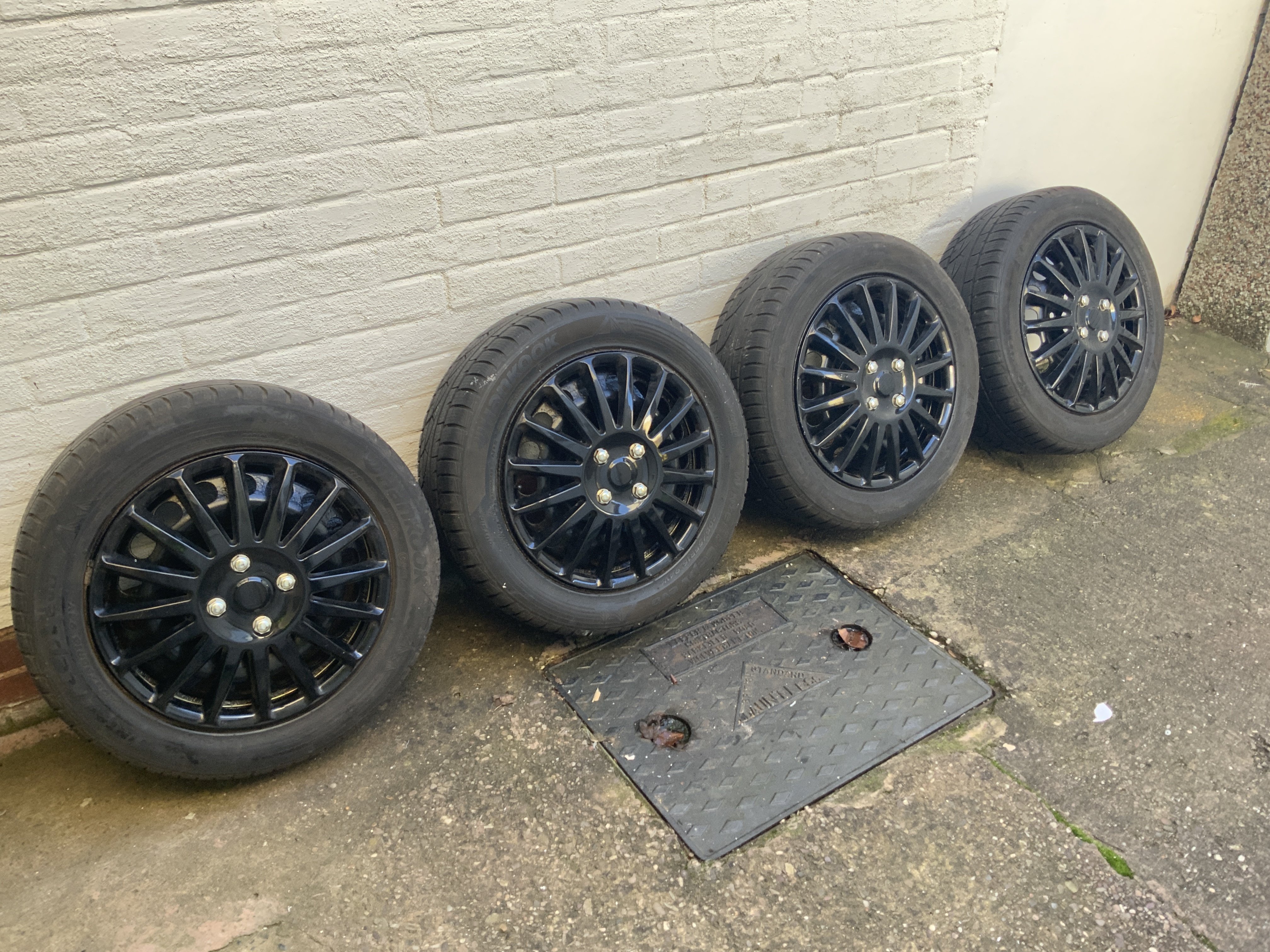
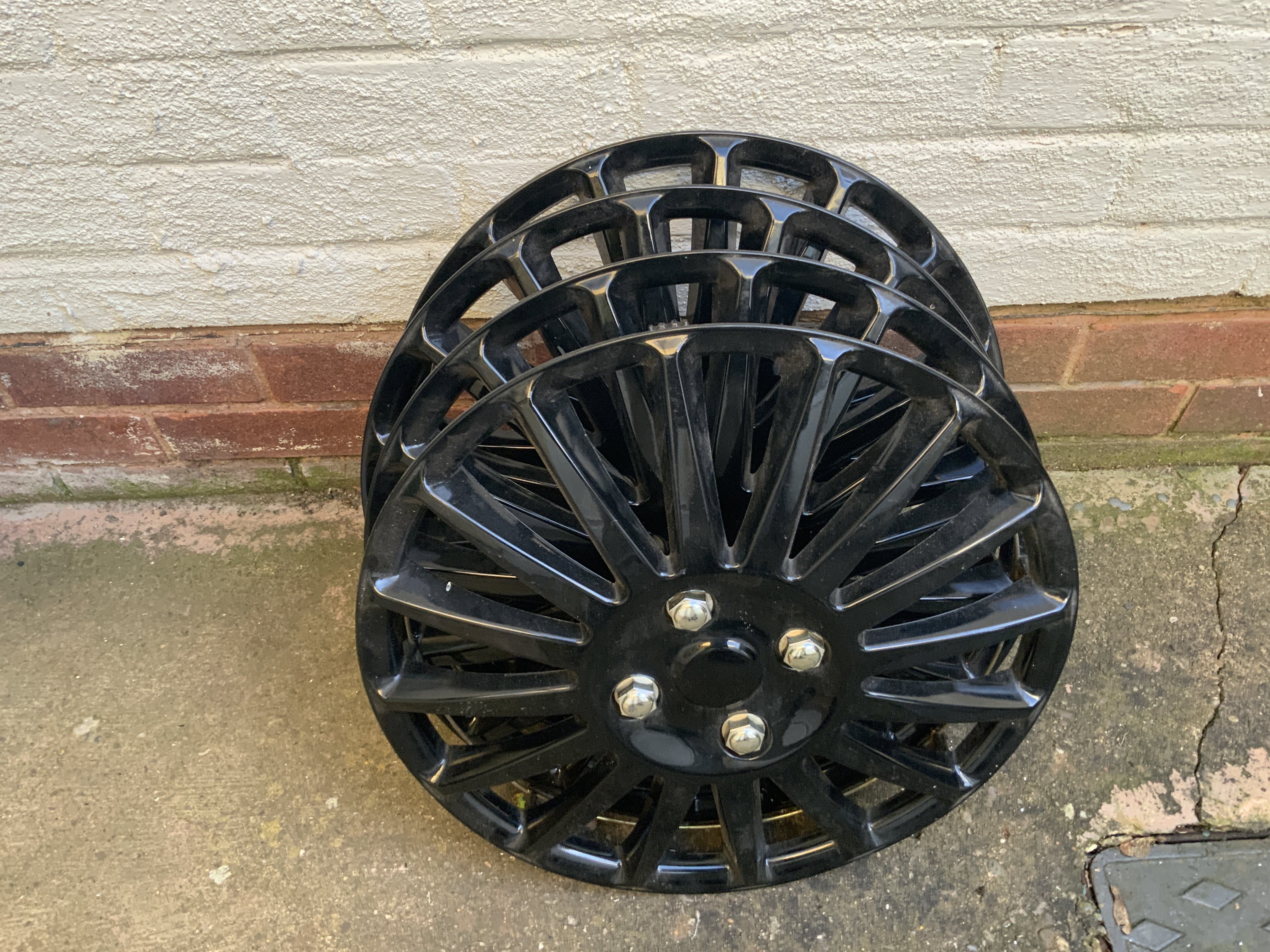
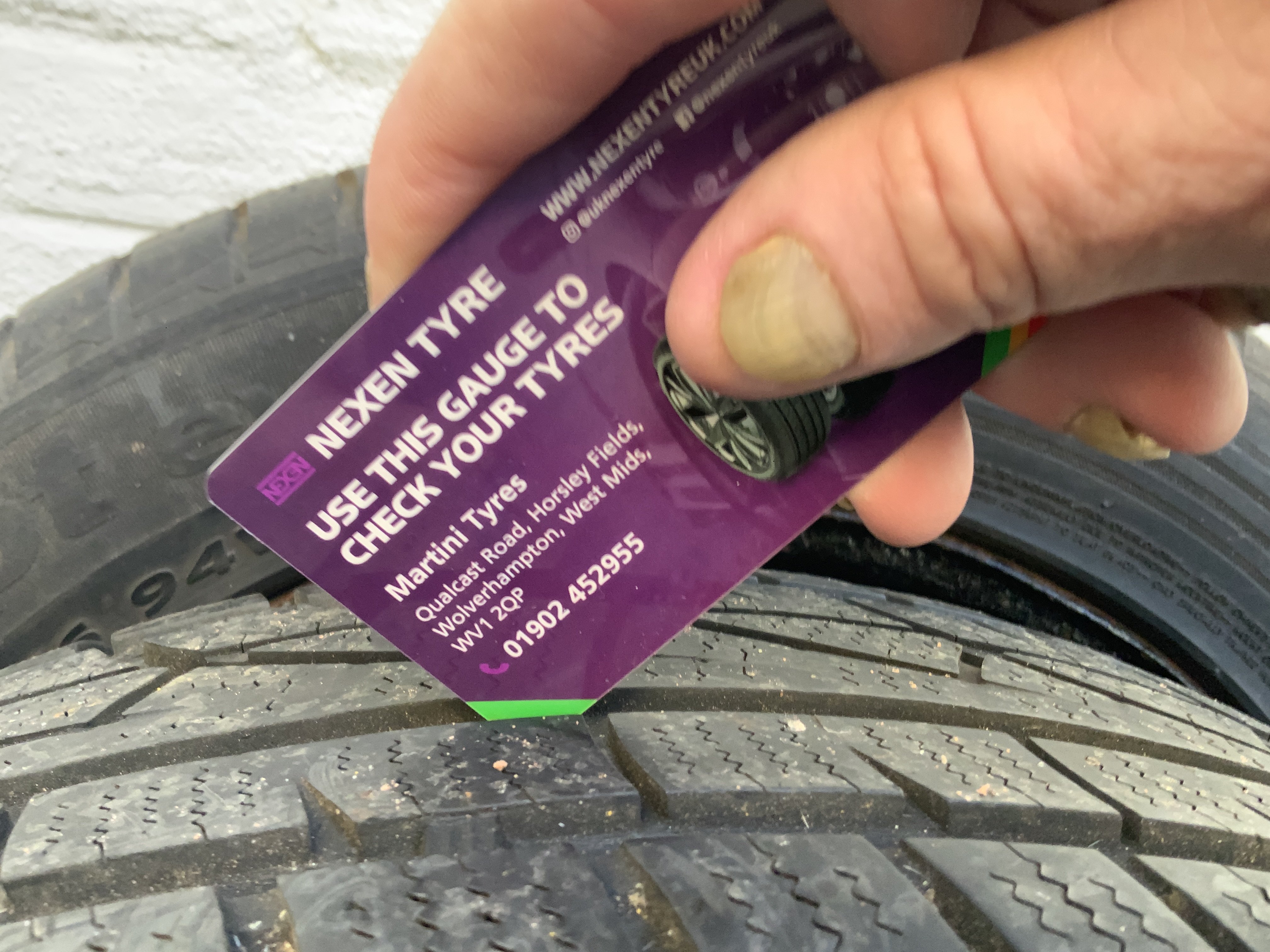
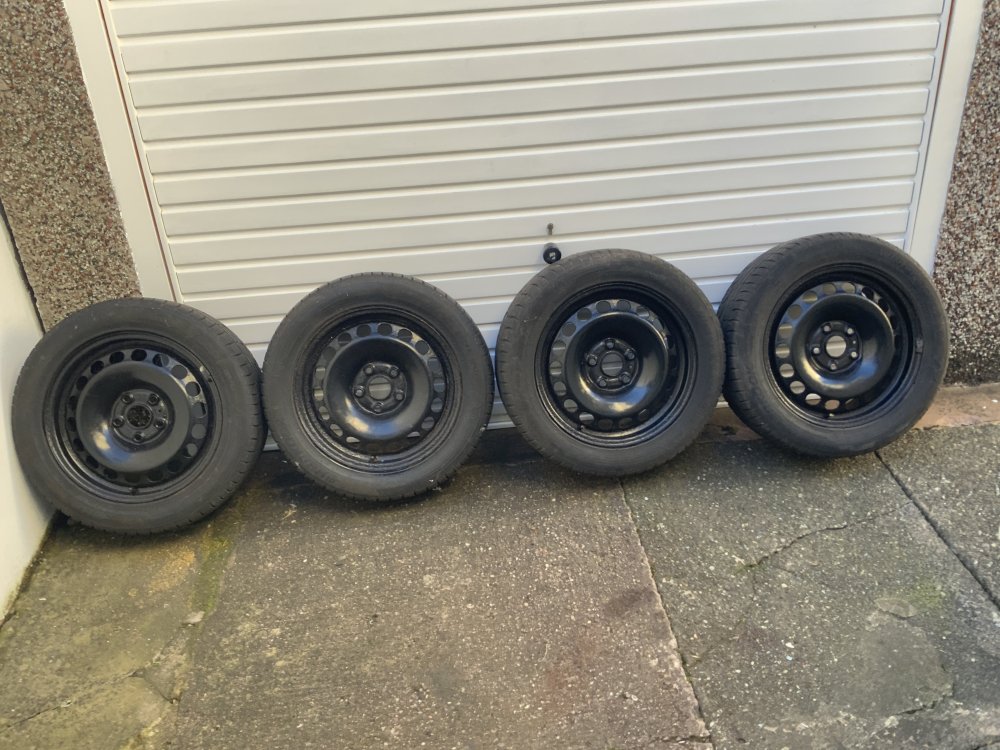
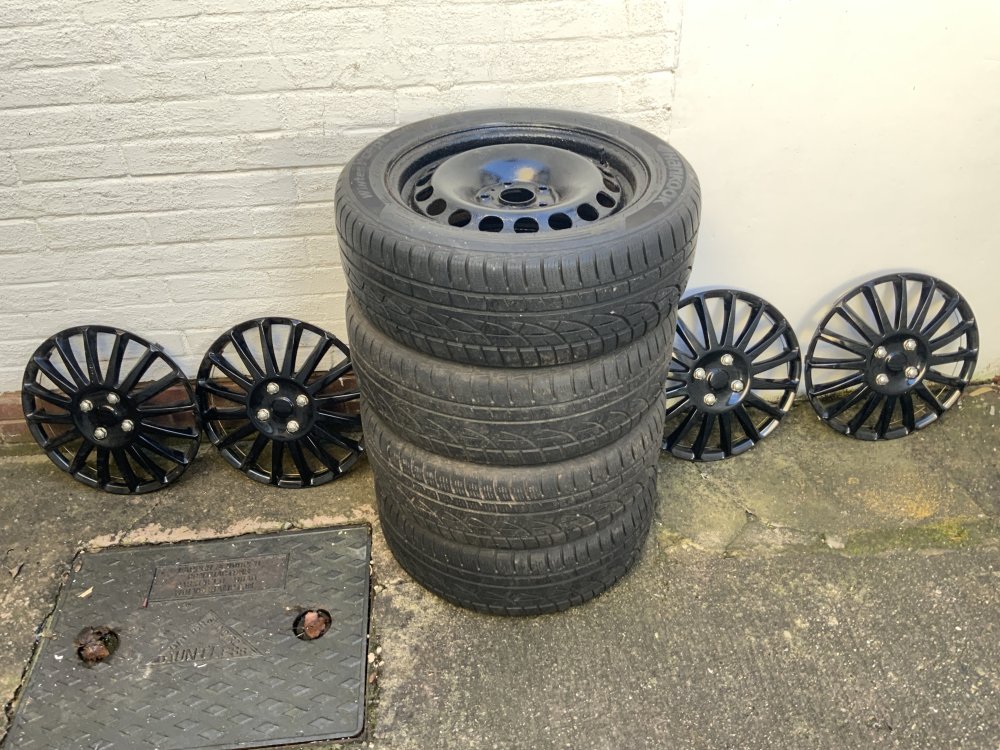
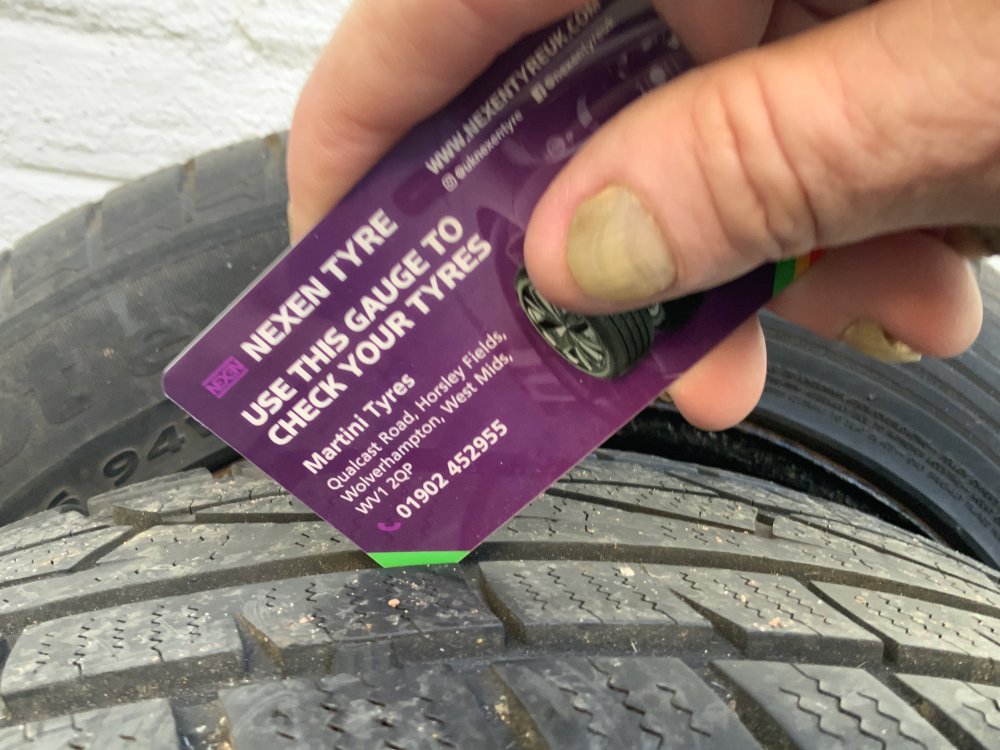
I have 4 x Hankook Winter i*cept Evo tyres for sale on 16" steel rims. The size is 205/55/R16 94V. Although they are used there's pleny of tread left on them They were fitted to my 2011 Octavia but are also compatible with BMW's or any 5 lug wheel with the following specification. Centre/Hub Bore: 57.1 mm Bolt Pattern (PCD): 5 x 112 Thread Size: M14 x 1.5 I am also including 4 wheel trims (as pictured). Collection from the West Midlands. Price: £80
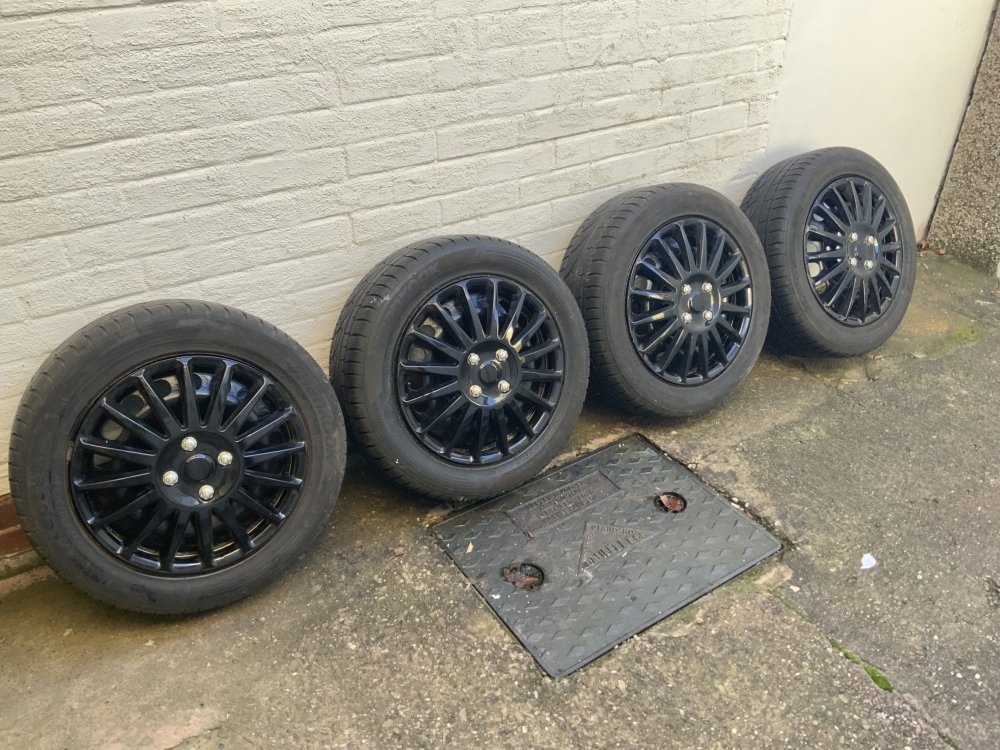
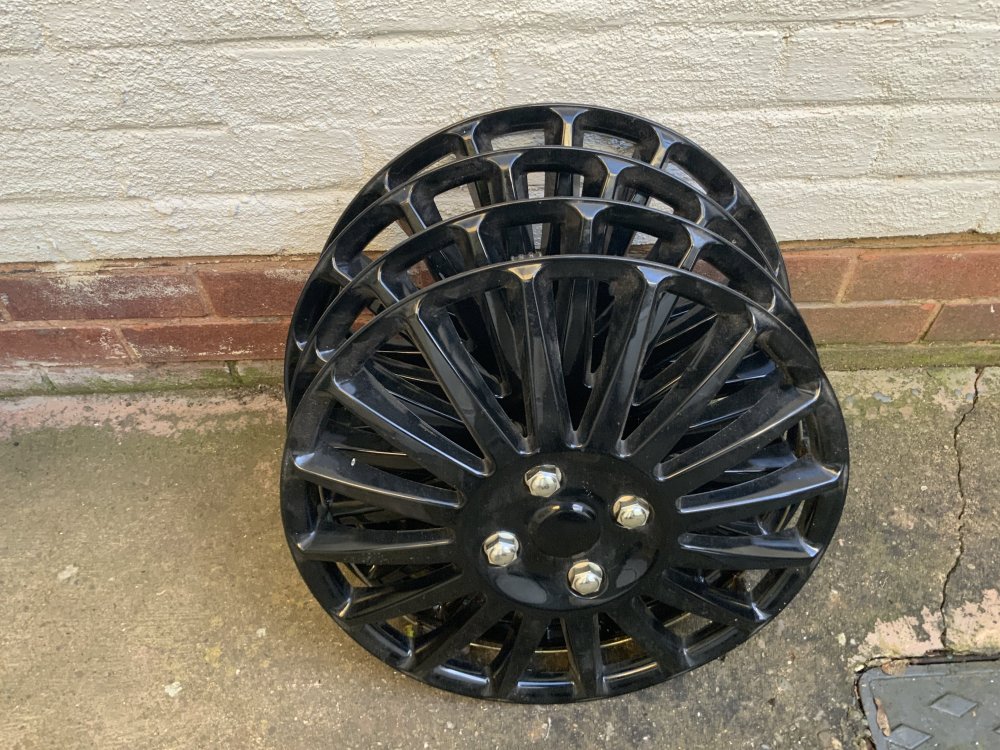
-
You sure do seem to be unlucky. ☹️ You can't have anything nice these days ...... 😥 Mebbe invest in a Dashcam with Parking Mode. 🤔
-
I've had to purchse two sets off ebay so far. The first set operated all windows correctly (until it failed after about a year) but they would only open without finesse. i.e. operating any switch would open the window either fully or until you gave it a short jab in the opposite direction to stop the operation. The second set I purchased (same price) operates with finesse. i.e. If I push the switch with a light pressure the window will only operate until I let go. Much easier to just crack the window open a tab. A firm press will open the window fully. Both look identical but I guess it's pot luck which one you get unless of course you get an official Skoda one (if you could souce one, that is). 👍
-
You can pick up a replacement set of switches from ebay for about a tenner. Just one connection once you've prized the bugger out. Easy peasy ! 🙂
-
I'd wager this is the reason. Maybe they should recommend changing the air in the tyres too. You know, just in case ...... 🙄
-
Read up on Hypermiling. 🙂👍
-
Interesting and timely touch on the whole Digital ID palaver too ! 😐
-
There's a lot to be said for cars "of a certain age". Less technology to beep and boop at you as you travel, easier to find spare parts at "Scrappies", you're more in control of your vehicle and the driving experience rather than relying on electronic gizmo's to "nanny" you along, good old fashioned switches that turn things on and off etc. I say keep it until it gives up the ghost !! 👍
-
By the almighty power of Google I have ascertained an answer !! 🙂
-
I always reset the trip computer and manually check my MPG at every fill up Divide mileage by litres, times result by 4.546 (No. of litres per gallon (UK)). This shows you the actual MPG. 👍 Computers? We don. need no steenkin' computers ....