Patent
Members
-
Joined
-
Last visited
Everything posted by Patent
-
Oh i also set up and logged into the my Skoda app in advance too. You can connect to your house or phone hotspot by going to menu > settings > wlan. It did take several days to work and even now it's temperamental and will sometimes refuse to load any profile that's not guest
-
Mine did this for a while when I first got it. Connecting it to the house WiFi and starting off with one key (then fetching the other when prompted) did work eventually
-
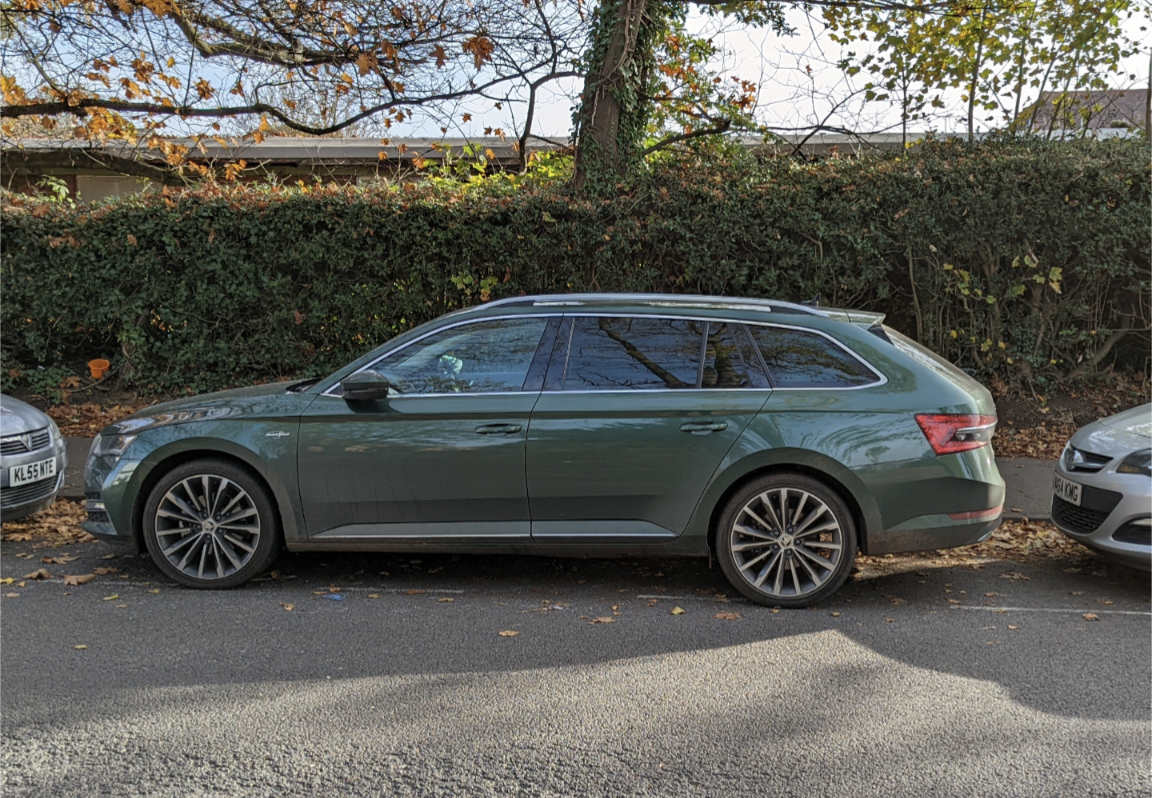
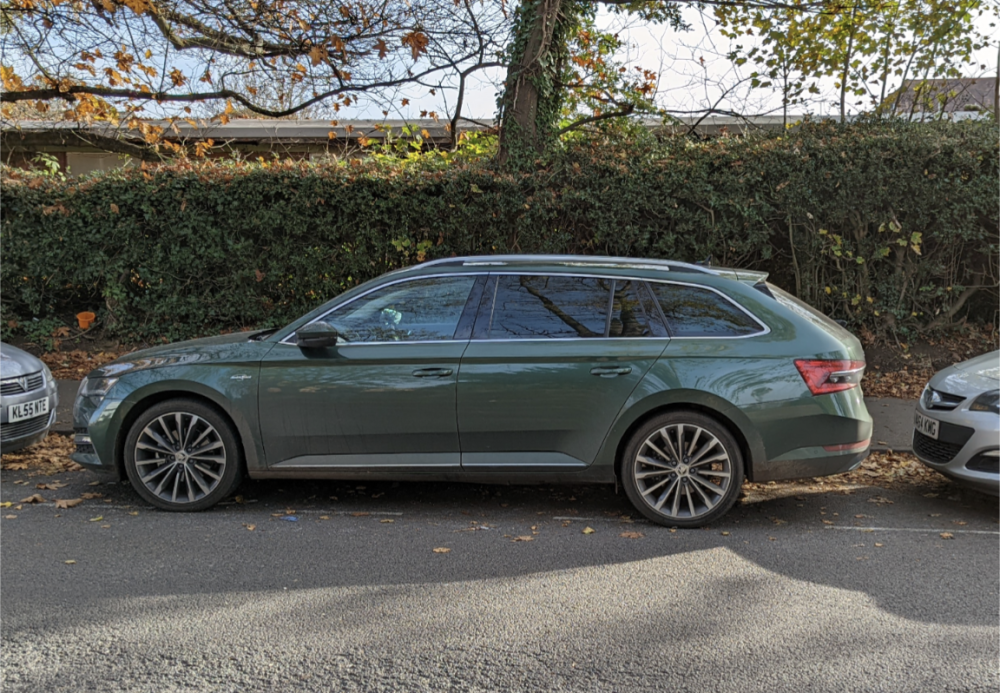
It's Emerald Green. They've stopped offering it in the UK but I think it's still available in mainland Europe
-
Agreed, but most people tend to park with generous gaps so it's never been an issue. I wouldn't wedge the car into a spot where someone else would be trapped
-
I don't think it's clever enough to this, unless the vacant spot on your driveway is very close to the roadside. It needs the parking sensors to identify the gap to work each time. I really rate the system though, it definitely gets you into spaces you might not ordinarily attempt
-
Unless your car has had some issues in the past it will probably be running the factory mix coolant. Check the tank shown in @langers2k when the engine is cold. If it's full of pink liquid you'll most likely be fine
-
I don't have the fancy active version, just the basic one, maybe there's a difference there? I don't find it too obtrusive anyway, I was expecting to have to turn it off every journey, but it rarely kicks in
-
I thought white meant it has picked up the lanes. Orange means you're driving to close to the line?
-
How big is the tank on these?
-
Yeah it's an Octavia on the ACC display. In VWs it shows a golf. I imagine in seats it's always a Leon? There is a way to load different parameters as above, but you'd probably have to design the image of the superb yourself? Have you noticed on the vehicle status screen on the infotainment, the cartoon car flashes its indicators when you use them? Completely pointless but amusing!
-
Sounds to me like it's on fixed services. They've serviced it in December when it's come into stock, but reset the clock in April when it left the forecourt?
-
In the car menu, go to settings and then lights / lighting. There will be an option to switch to "right hand traffic" or similar
-
@Berisford mine was partially built in may, sat for months then boarded a ship in late September. I've had zero build quality issues. You don't know what chips were missing, but I reckon the second stage QC is enough to make sure it's screwed together properly when it finally leaves
-
Have you tried the manual interior release and someone kicking / shoving inside simultaneously? When my Passat battery failed, the manual release didn't 'pop', I had to have someone lift the tailgate at the same time.
-
I was hoping it would bring fixes for the satnav which regularly thinks I'm 3 miles away, it did not!
-
You can restart by pumping the brakes too. It recognises the drop in pressure and starts the engine
-
This is right iV is a DQ400e (guess what the e stands for) 40k fluids on those too
-
The under tray is quite big and may be holding a lot of coolant so be careful when you drop it!
-
You'll be glad to know this is normal. I think in my GTE it would eventually switch back to e-mode. I can see the logic in both approaches, but a double tap of e-mode button will flick it back to electric once the ICE has finished it's mandatory run-time after it's first start. Conversely I've been pleased to see that the superb is much better in sports mode. It doesn't switch off the ICE as readily when cornering / braking which is a definite bonus
-
If it helps, whilst the top end of the 1.4 engine bay is crammed, it's quite open underneath. If you can safely raise the front and get the under tray off, you should hopefully be able to spot where its coming from
-
Thanks all. I only noticed it today when I went to override ACC and the brake pedal wasn't where I expected to find it! @aerofurb agree this iteration of ACC is very clever, it seems able to spot pedestrians too; my Passat wasn't that good.
-
Hello, New iV owner here. I've noticed that when using ACC, my brake pedal physically moves as the brakes actuate. It's most noticeable in towns with stop start traffic. It appears to make almost the full range of motion (like there's a ghost pressing it) I've come from a B8 Passat and had a MK7 golf before, neither of those moved the pedal when ACC was in use, so I don't know if this is a new 'feature' or whether I need to get it looked at? FWIW the brakes at other times work as expected with the exception that every now and again they turn noticeably spongy
-
I've never had more than about 12k out of a set of fronts on my last 4 cars so the OP seems normal to me ETA. If you take your own tread depth gauge I'd wager you have 4mm+ on those "amber" tyres
-
As someone who has an estate with the camera, I'd recommend you try driving the car without it for the first month or so. Mine has a camera and it's a bit rubbish frankly. The resolution is poor, its useless at night and the guidance lines are not accurate. However the parking sensors are pretty decent, as is the auto dipping left mirror in reverse. I only look at the camera now if I know there's a bollard behind me
-
I have a MY21 MIB 3 unit and native Android Auto Wireless works flawlessly. I have the opposite question though. When using wireless AA it absolutely obliterates my phone battery and there's a small amount of lag on the keyboard entry. If I plug into one of the usb ports (ashtray or armrest) , will it switch back to the wired connection, or will it still connect wirelessly but use the usb for power?