




dinamo1975
Finding my way
-
Joined
-
Last visited
-
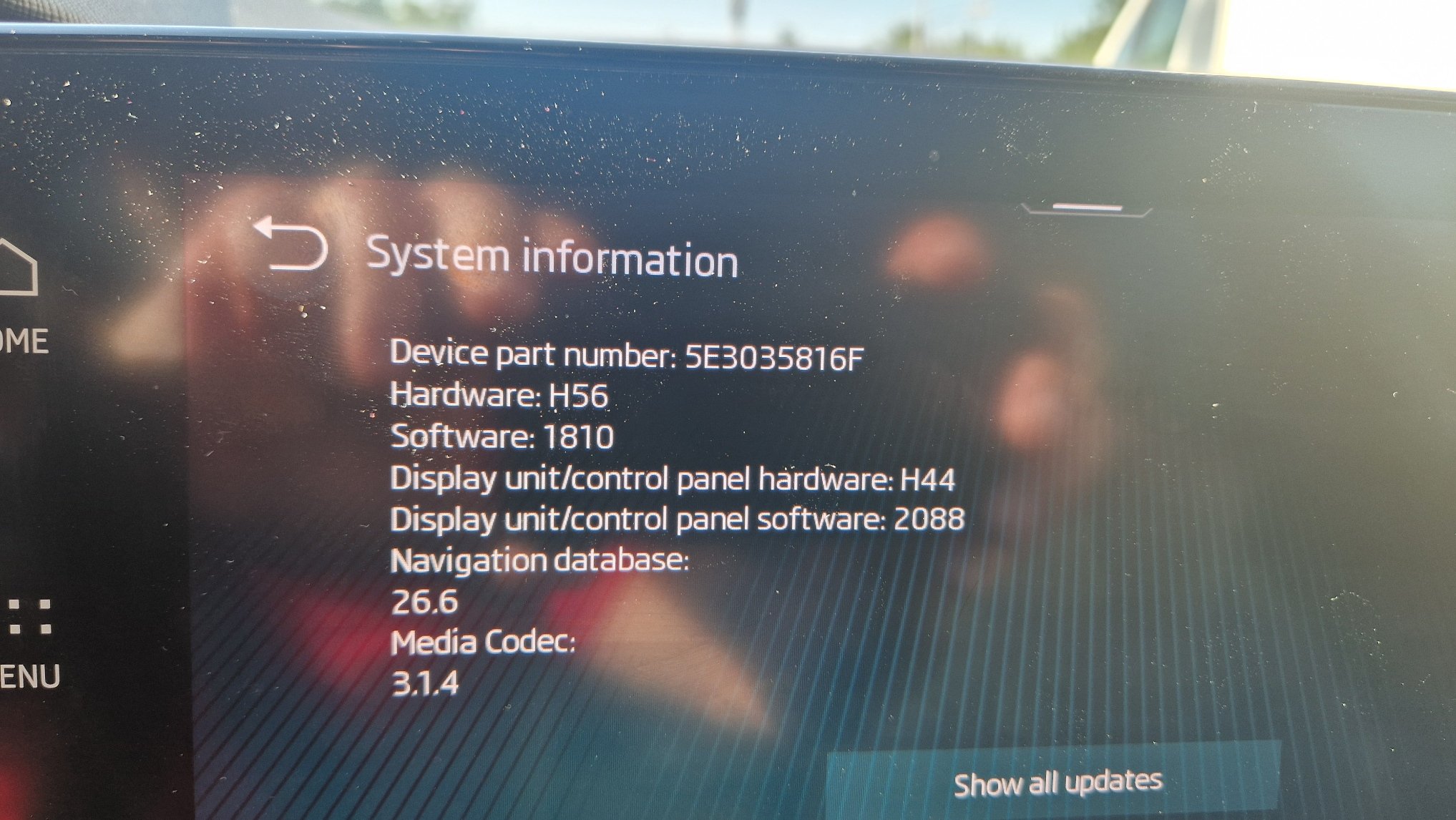
Same issue for me after update to v1985 via USB...Is a factory reset mandatory after the update? I suspect that all settings / primary user etc are lost and must be started from scratch.I want to do the same steps! Did you manage to update according to what you wrote? Can you share the update files? Thanks,I want to do the same steps! Did you manage to update according to what you wrote? Can you share the update files? Thanks,Hello! It has probably been discussed before, but an update of the information is welcome... My problem was as follows: - recently, I had a problem with the MIB III, a defect appeared on the motherboard (diagnosed at the SKODA service representative) which led to the fact that the image of the reversing camera disappeared; - the conclusion of the SKODA service representative was the need to replace the MIB III; - the price offered by the SKODA service representative was exorbitant; - the defective MIB III had the following characteristics: PN 5E3035816H Hardware H56 Software 1985 (from USB) What I did: - I bought a MIB III from a dismantling center - I went to a dedicated center and replaced the MIB III unit - the components were transferred ONLINE via ODIS and other software applications Result: - the old MIB III successfully replaced - the components work correctly - the new MIB III has the following characteristics: PN 5E3035816F Hardware H56 Software 1810 Now, to bring the new MIB III unit to a software version that is as current as possible, can I do a gradual update? If so, what would be the safe steps and possibly some links for those updates, that would be welcome! Thanks in advanced!
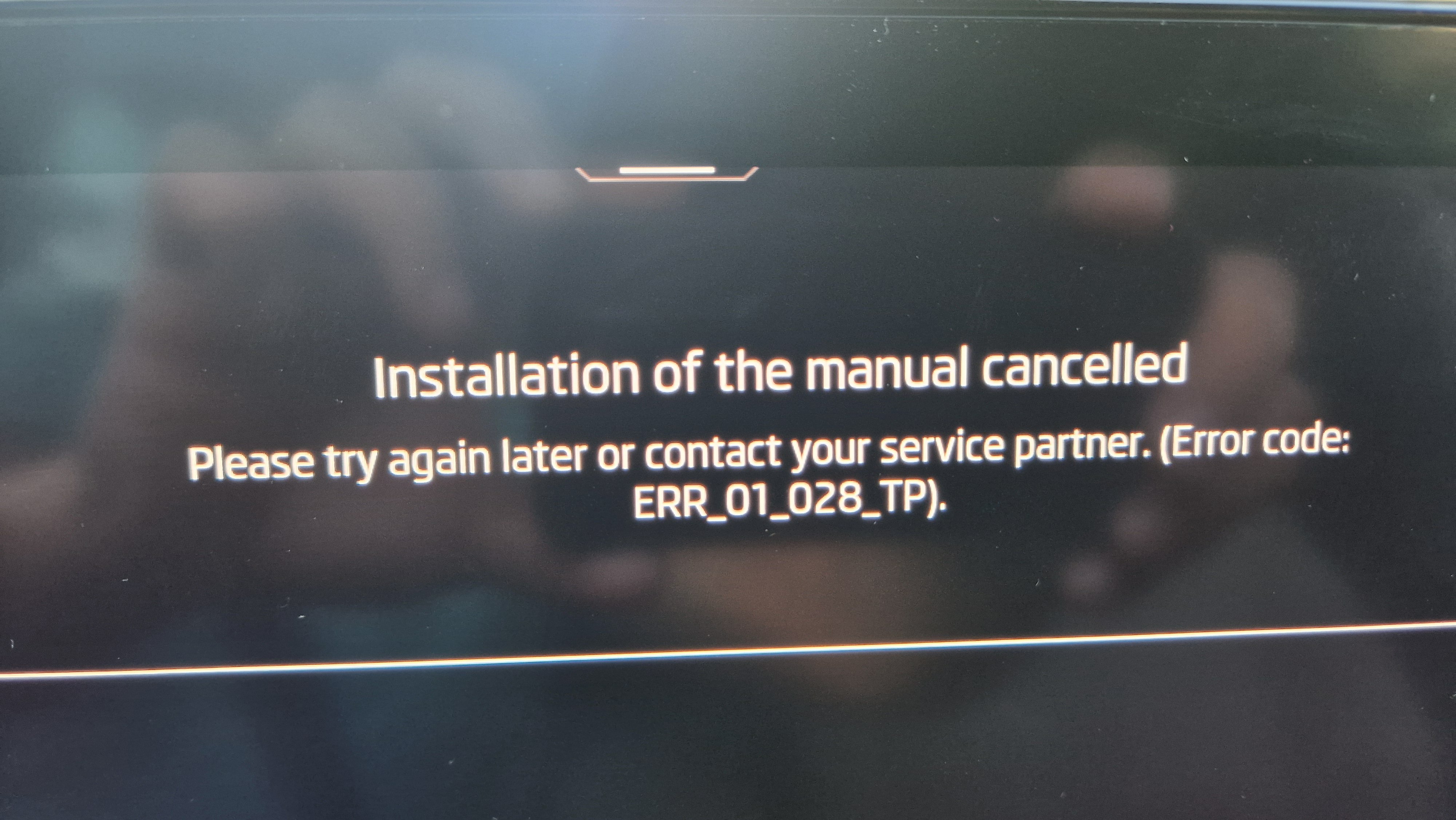
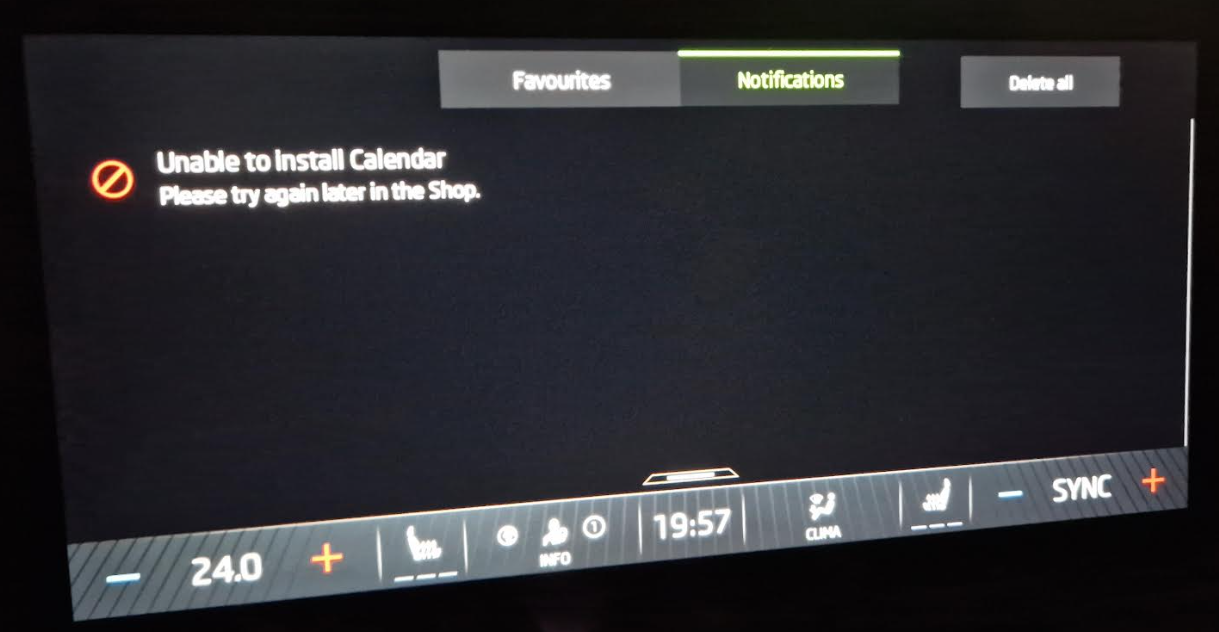
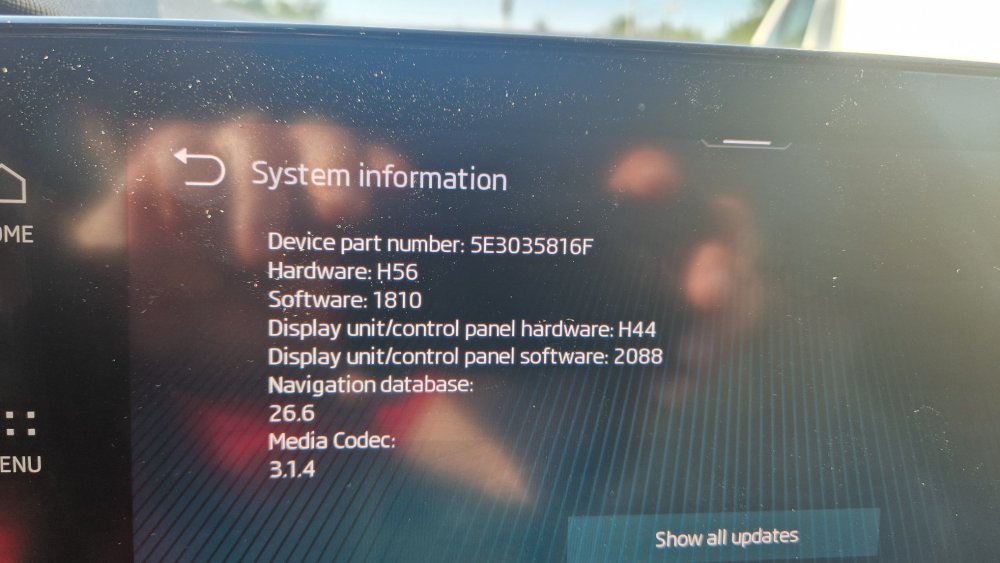 What are the differences between 1985 and 1989?OK, I understand that, but the car doesn't update to v1896... that's why I was thinking of doing it myself but I can't find this version to download. (v1896)Above, another user ("vran22") suggested that I should first update to v1896 and then I could barely update to v 1985.I know that but at this moment, my car has sw 1803I read all the posts but I don't find a LINK to 1869 version...
Important Information
Welcome to BRISKODA. Please note the following important links Terms of Use. We have a comprehensive Privacy Policy. We have placed cookies on your device to help make this website better. You can adjust your cookie settings, otherwise we'll assume you're okay to continue.