Lutz_91
Members
-
Joined
-
Last visited
Everything posted by Lutz_91
-
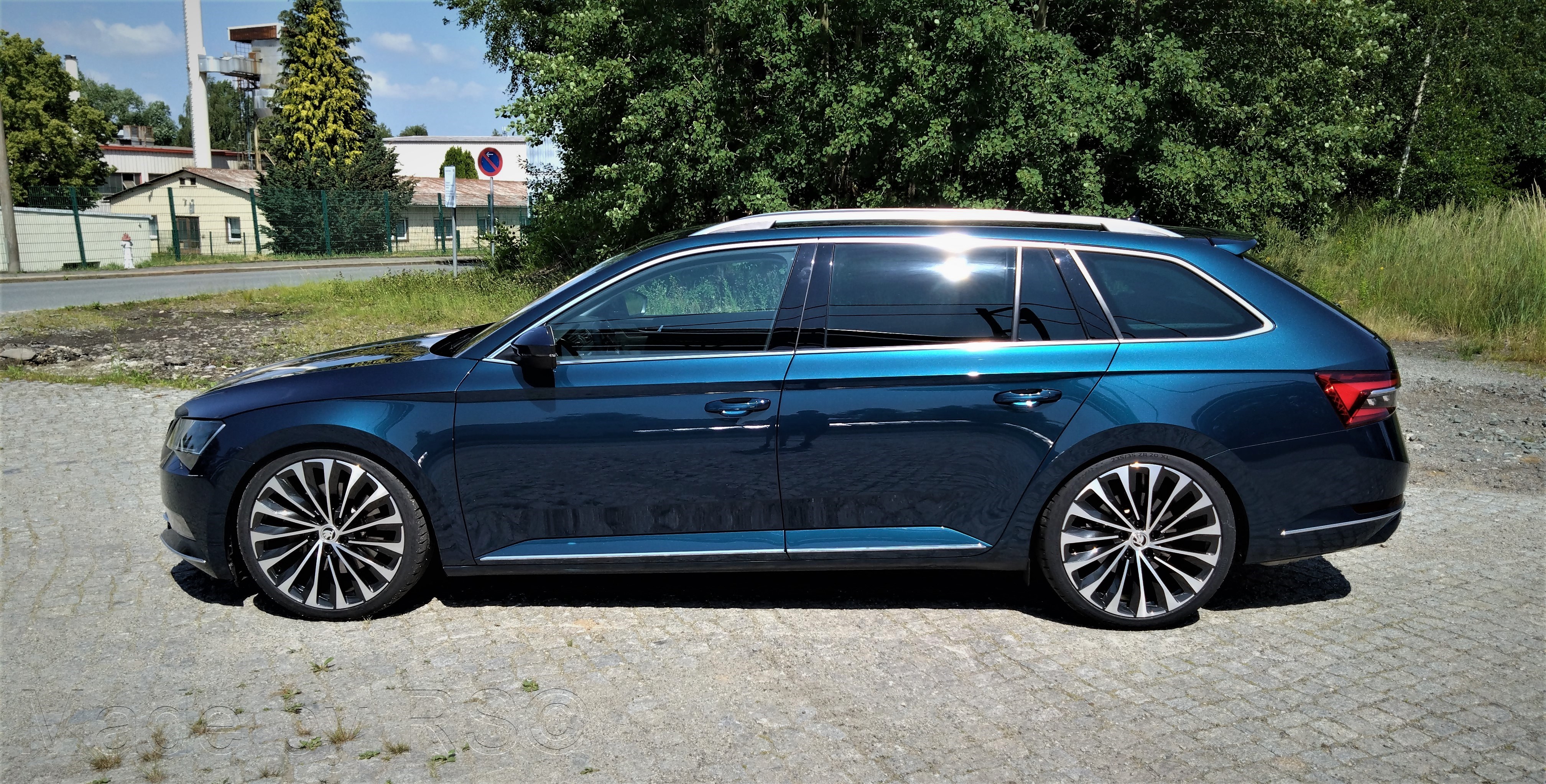
Yes, KW DCC is installed. There is nothing with penetrating or the like. Of course you have to slow down a bit in some places, but it is perfectly suitable for everyday use. There is also residual thread, so it could even be a little deeper. But that's enough for me.
-
Nothing changes at the back. All lights are the same channels as the vFL. You don't have to change anything. I don't know beforehand.
-
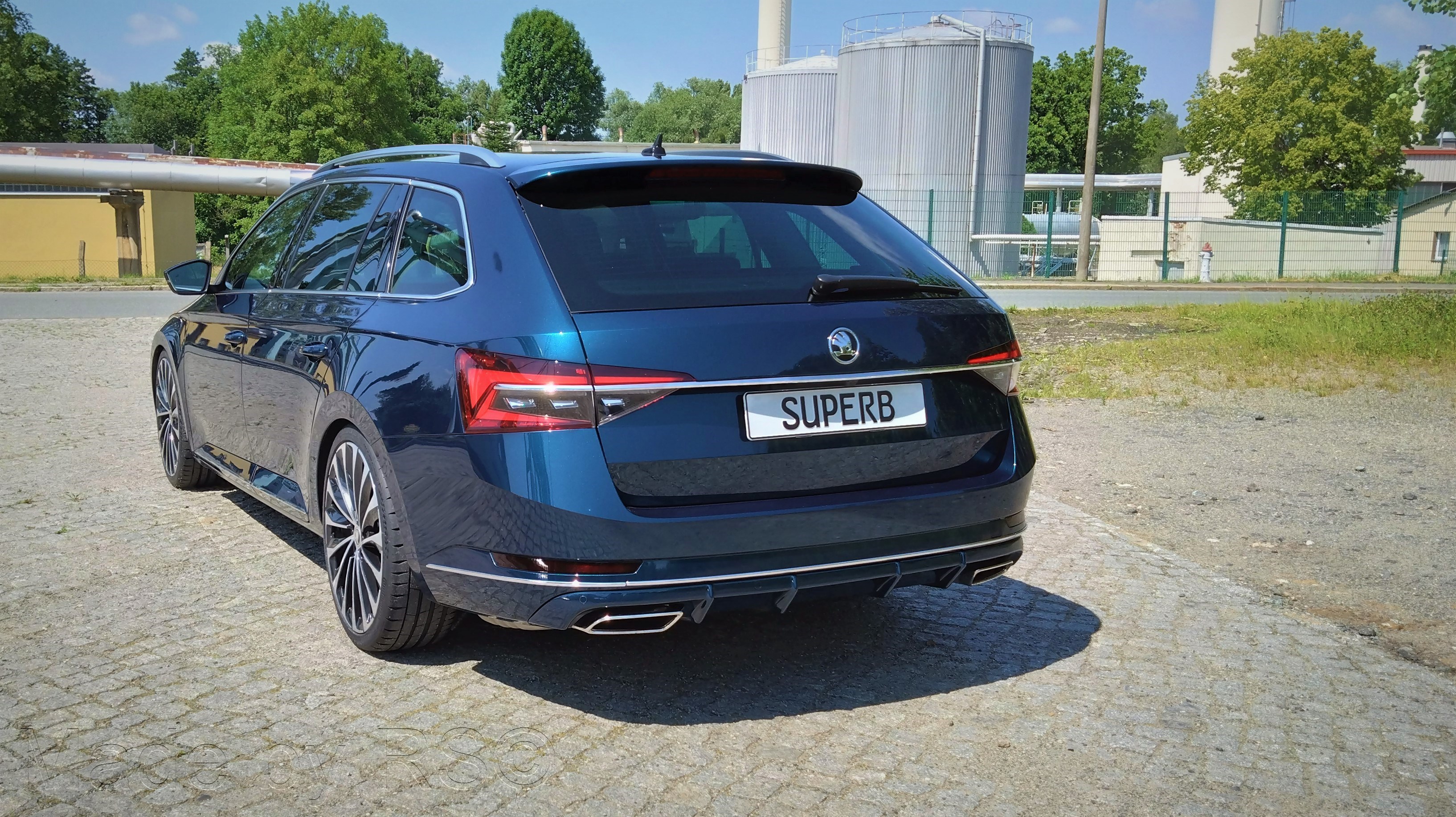
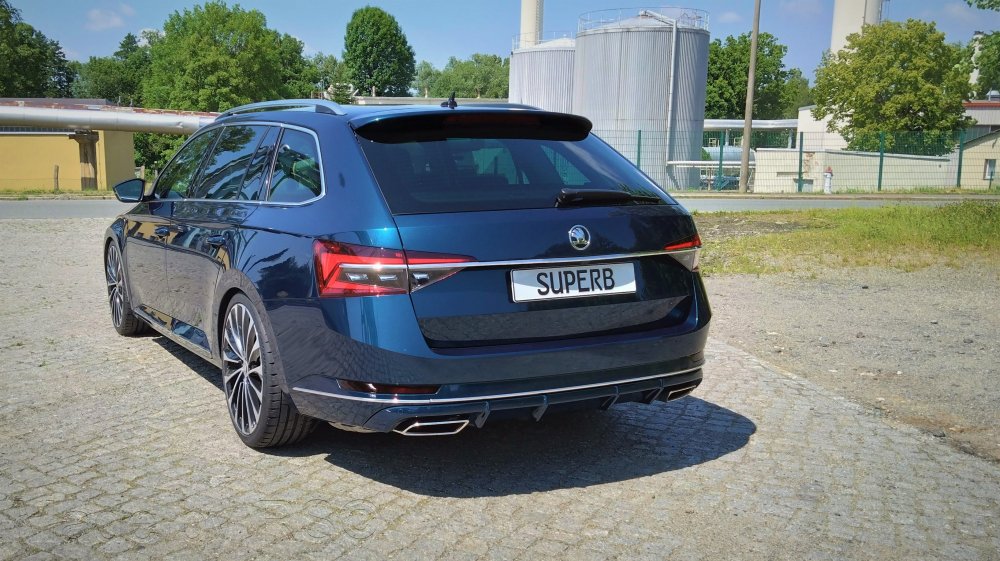
It's nicer that way. I also removed all of the lettering on the outside.
-
Probably not in Germany, almost everyone likes it clean. Also, it cleans up better. I also removed everything on the outside of my L&K. Inside, it's still on the dashboard and the leather seats.
-
DCC mode is all well and good, but the Arteon data set is not optimal for the Superb either. There can sometimes be problems, since there is more to it than that in the gateway. If the data set came from the Passat, it might be better. But the fact that it works that way is good - I also know that from Octavia drivers. I would only have been interested in what the APR module can do more/better than the original DCC STG.
-
Do you have any experiences with this? But you don't automatically have the DCC slider either
-
Many also drive 20" from the Kodiaq. So it's nothing rare in Germany. Of course you have to be careful, but it's no worse than at 19".
-
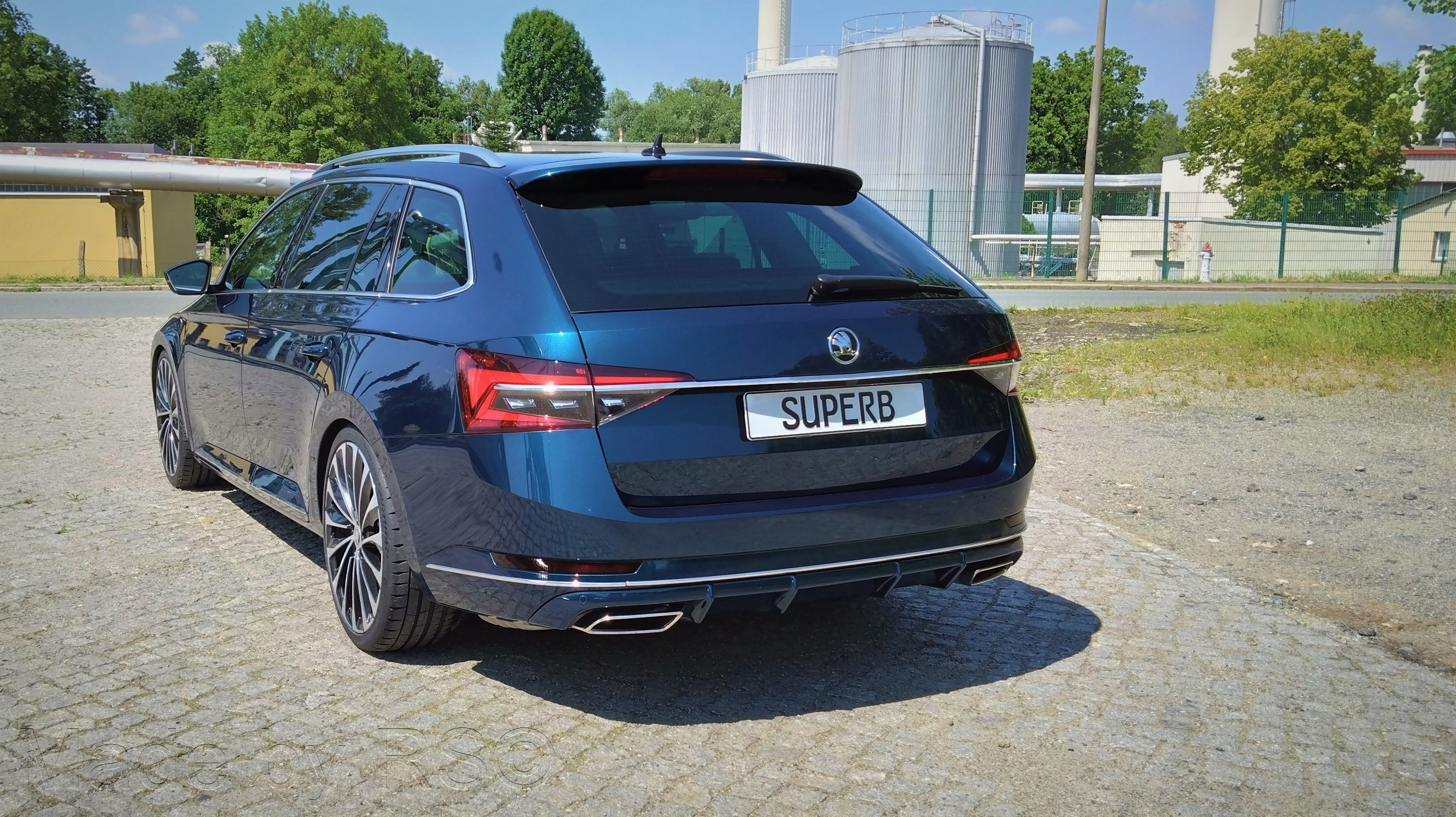
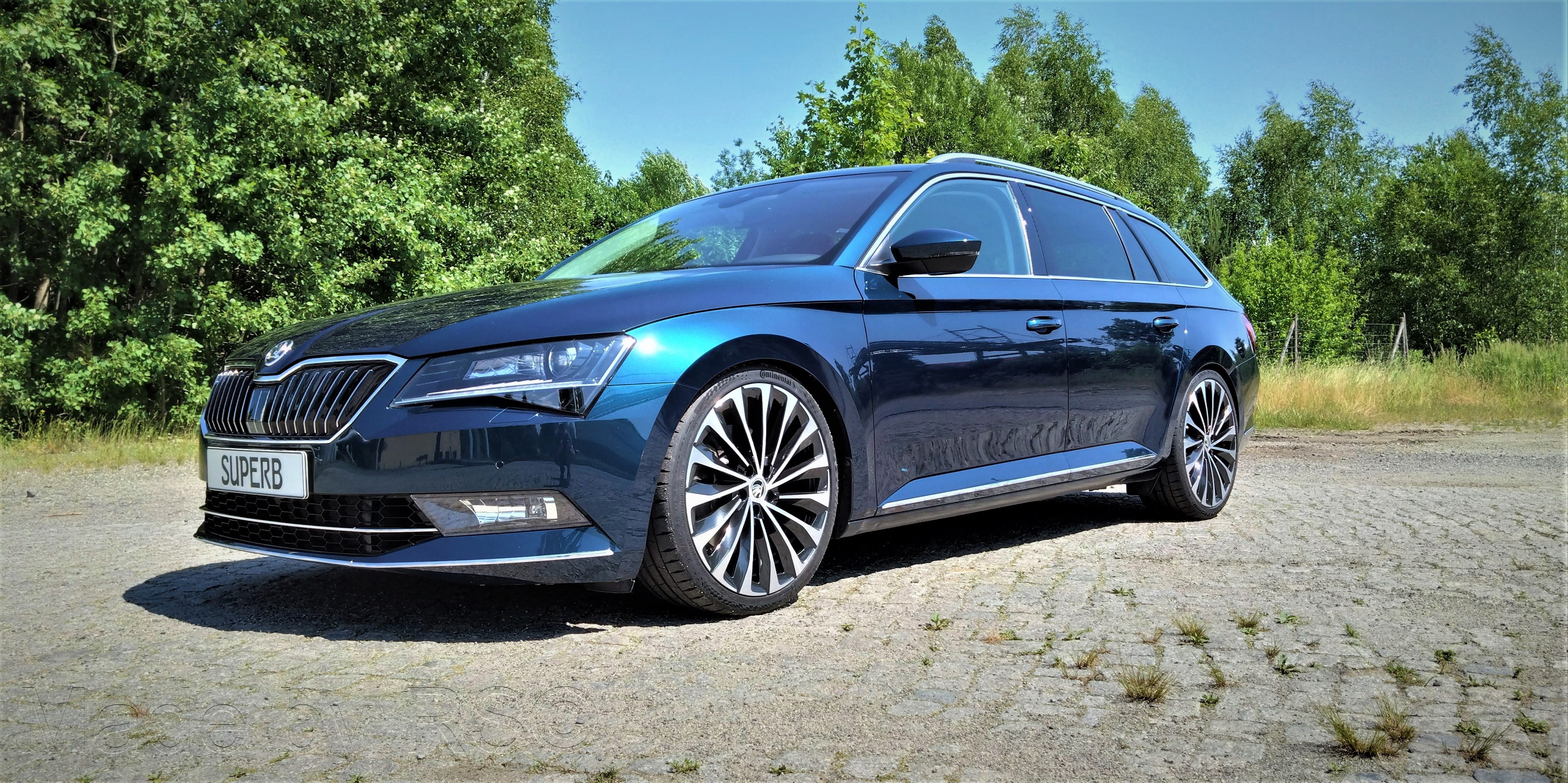
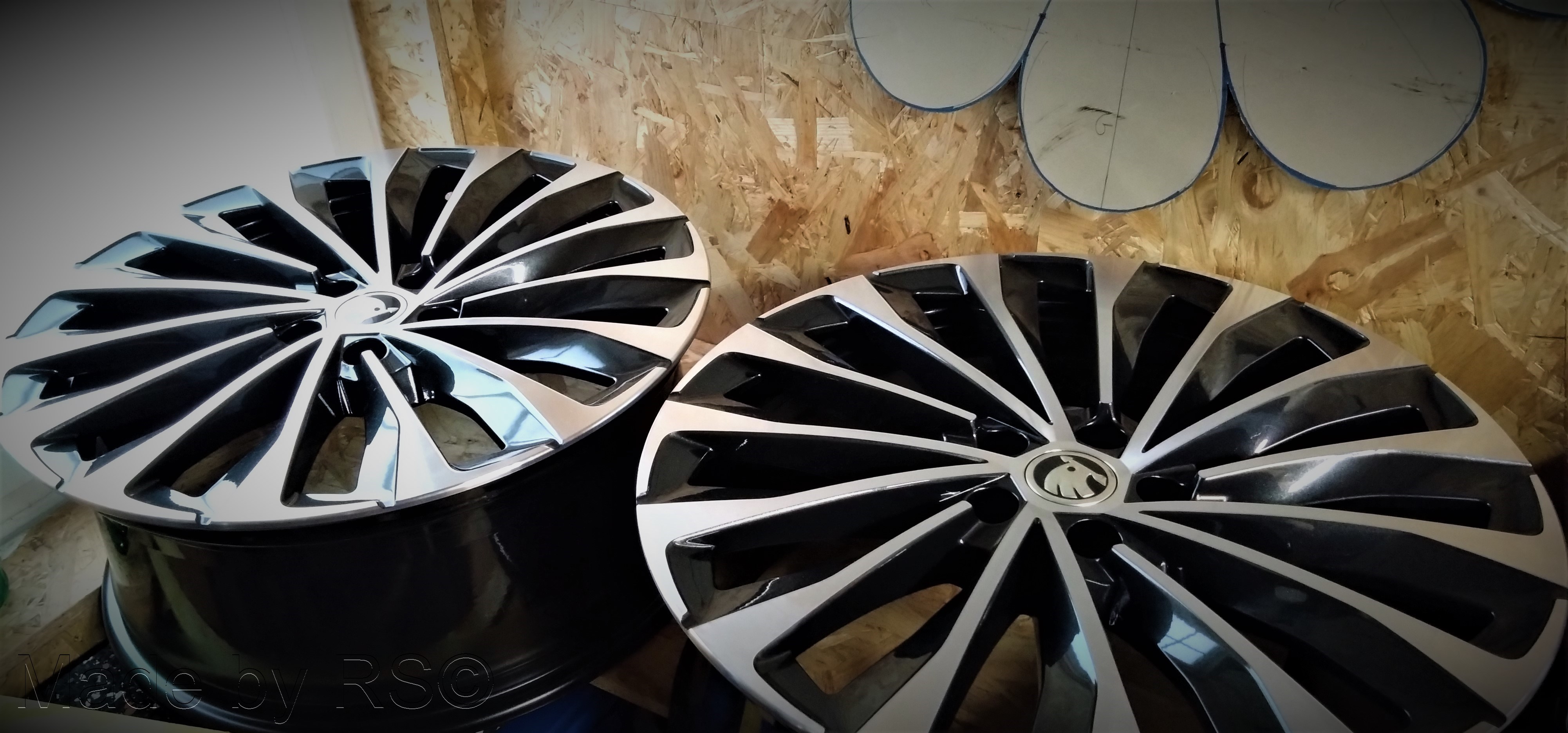
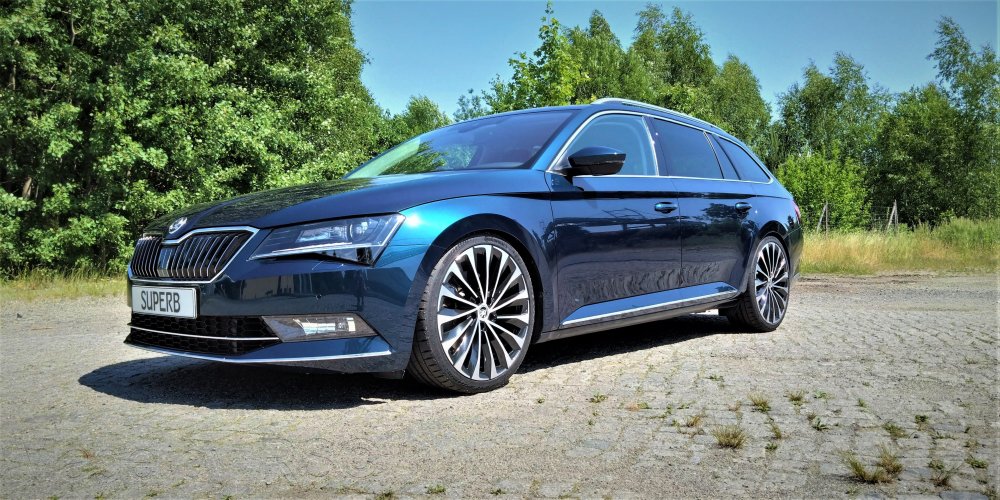
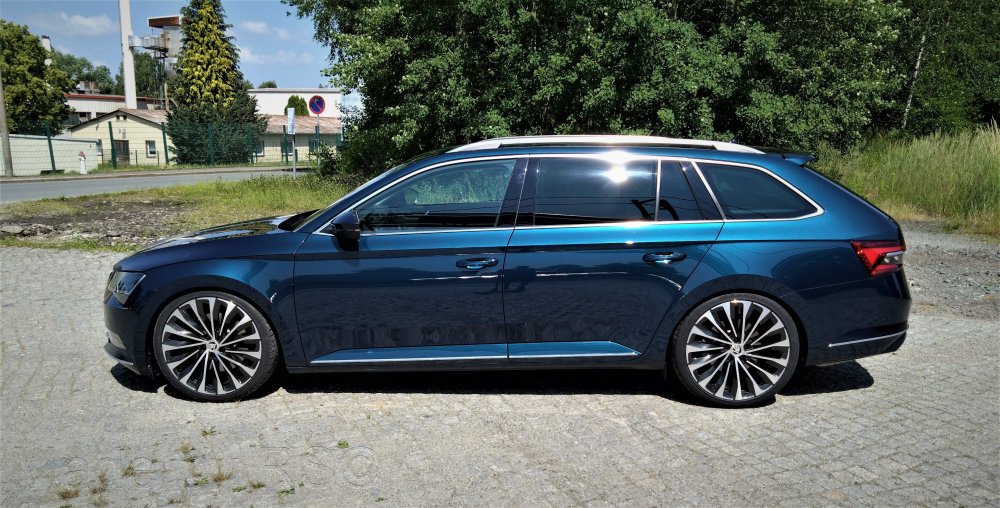
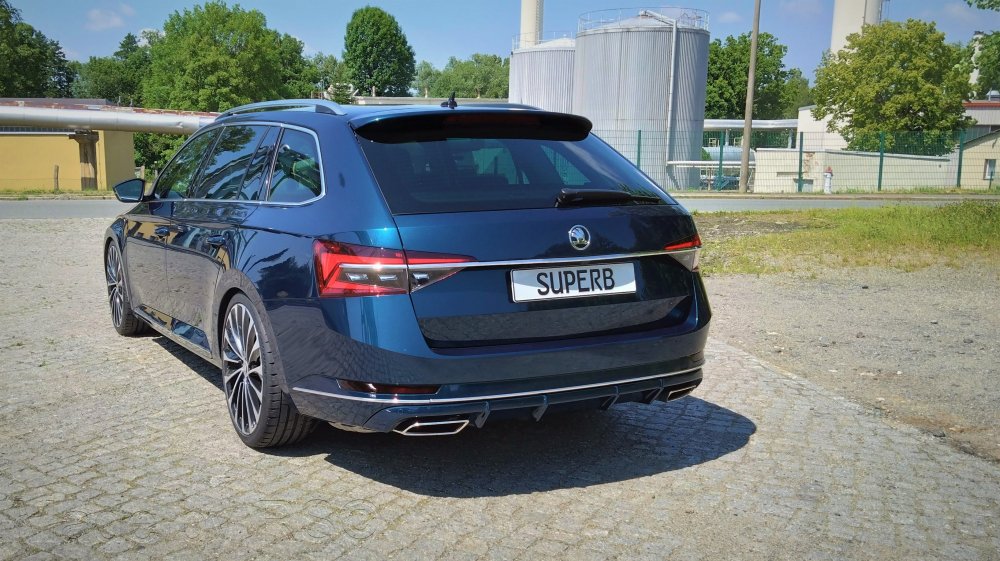
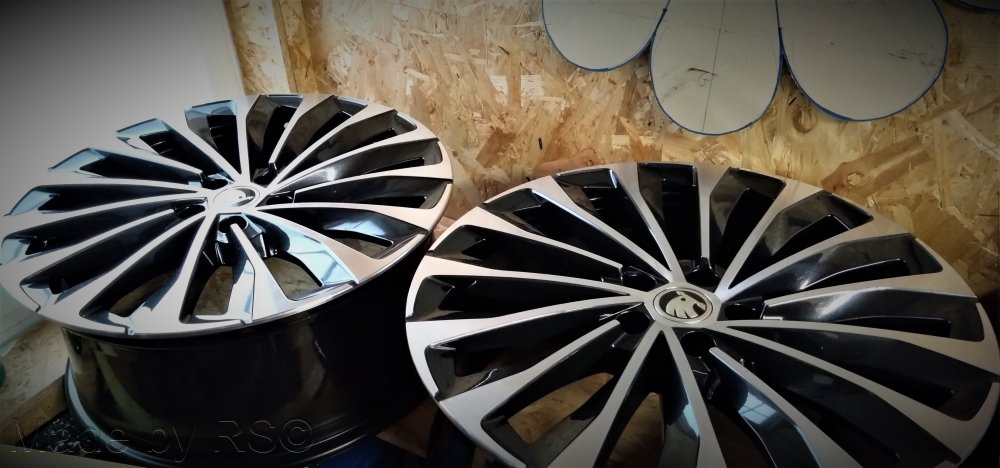
Rims are from the Enyaq. 8J with ET45 Tires are Continental 235/35R20
-
It's not much worse than with the 19" before. It's just as suitable for everyday use as with the others. Of course you have to pay more attention to holes, but that's what you do with the 19". Otherwise, the rolling noise is a bit louder than with the 19". 21" on the other hand wouldn't be for me. That's when it gets hard to drive.
-
The 20" are on it now.
-
Lava blue was already on the Superb 2 I had before. At least in Germany. There may have been other colors elsewhere.
-
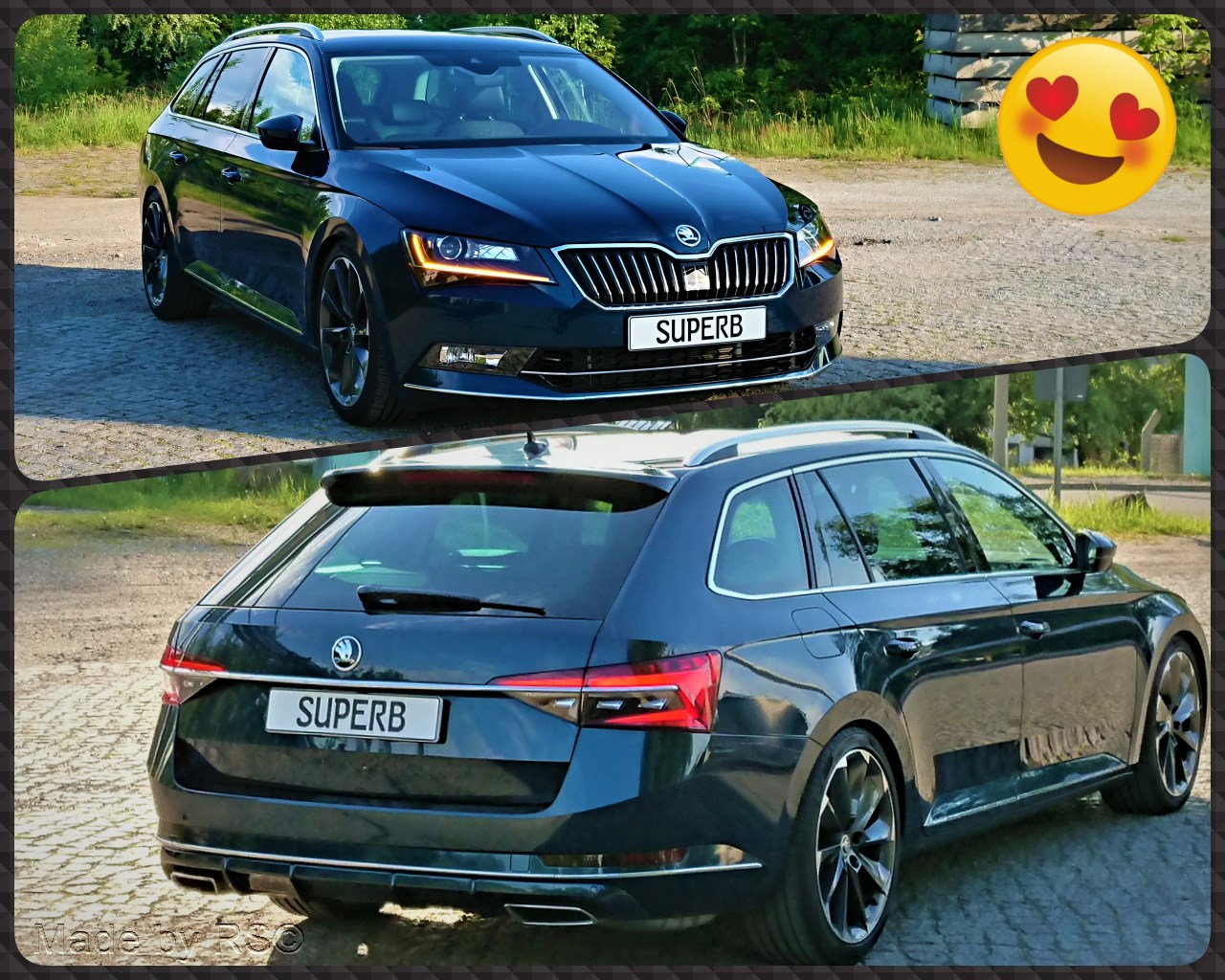
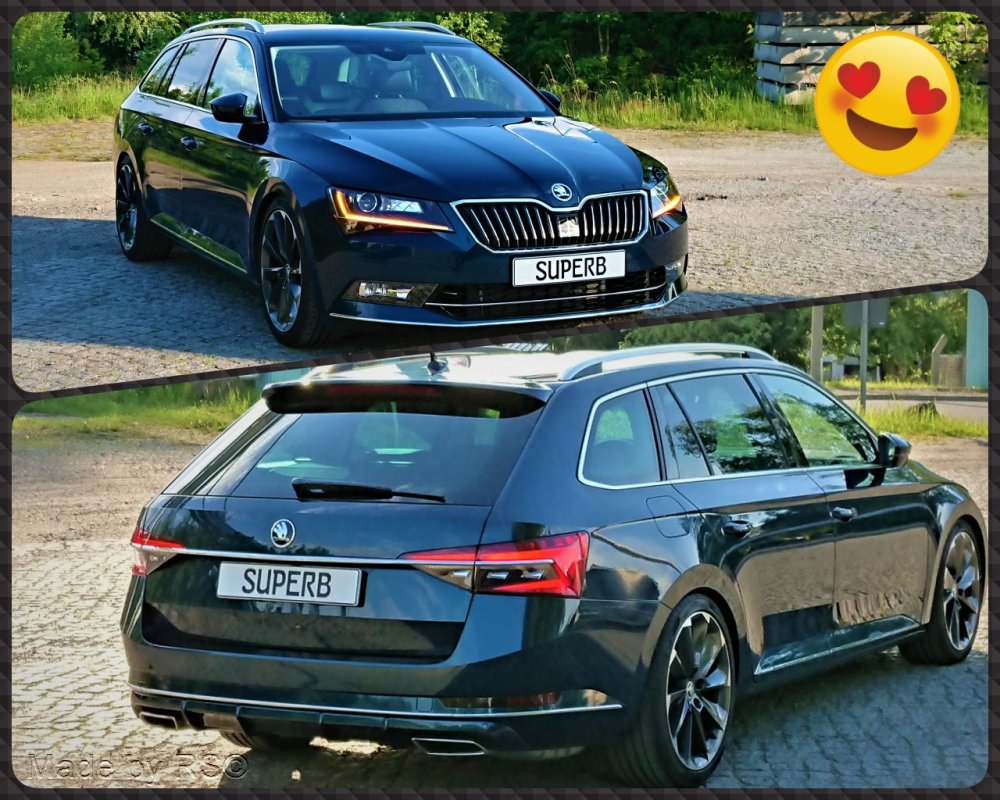
Lava blue is mine too. Simply the most beautiful color as long as the car is clean.
-
The screws and clamps are not available individually or are not individually included in the ETKA. Because it comes with the set of mud flaps. But should be the same screws as from the wheelhouse liner. https://www.skoda-parts.com/spare-part/3v0075111-mudguard-flaps-front-skoda-25866.html
-
Not today, but got the new rims a few days ago and cleaned and sealed them beforehand. Let's see how the whole thing will look on the Superb.
-
Doesn't help much with the Superb, since the O4 has a different BCM. And even if so, what or where should the coding be?
-
At least it's not 100% correct for the facelift. It's already a facelift BCM, but probably not with all functions.
-
It's a BCM with DQ at the end. I'm not familiar with that, my source names another BCM, which also works. Like I said, it's not easy to code. The animation is in the BCM and if you would have to change the EEPROM.
-
Gladly, I would be interested to know which BCM you have installed. According to others, however, it is not coding to have the animation even when closing.
-
That the animation only works when opening is normal. If you also want it when closing, then you have to replace your BCM. There is no coding for this.
-
What do you mean by that? You haven't had a facelift yet.
-
With "A" you have no DLA and also no eyelashes.
-
Unfortunately no part number awarded. Part number must end with B, then DLA should be installed. So are the eyelashes. Just turn on the low beam, the eyelashes light up as standard.
-
Encoding eyelashes as with a vFL is no longer possible with the FL because the channel is missing. Eyelashes only work with vFL with DLA.
-
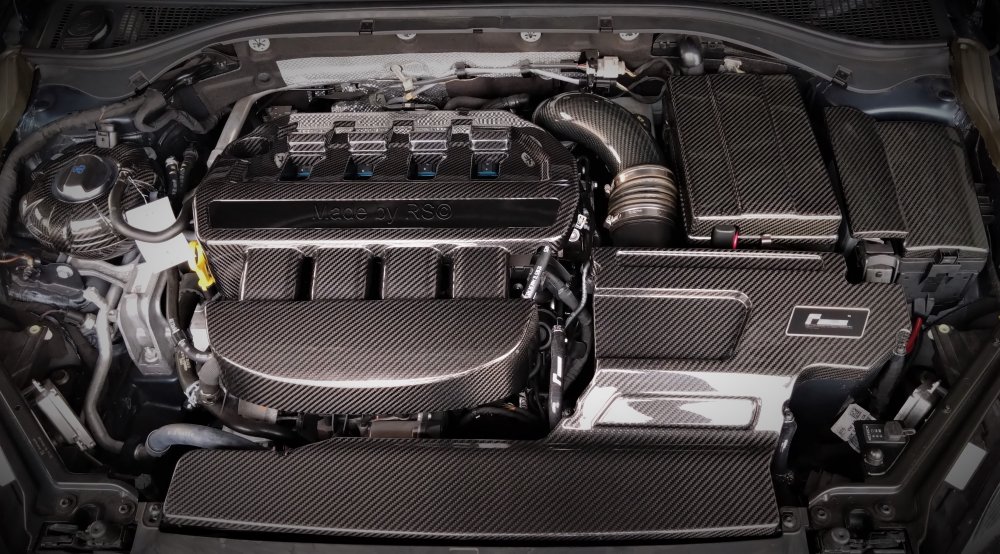
It only affects the covers that are made of this rubber/foam. Just throw everything out, that plastic stuff.
-
Perhaps he means the DLA system when he says automatic high beam. This is only possible with the right headlights. The high-beam assistant has nothing to do with the metal clip in the headlight.