
Joey83
Finding my way
-
Joined
-
Last visited
Everything posted by Joey83
-
Congratulations on the new car.
-
Just found this thread, my 2.0L TSI CCZA has done 119.091 miles (198486 km) and is working perfectly so far!
-
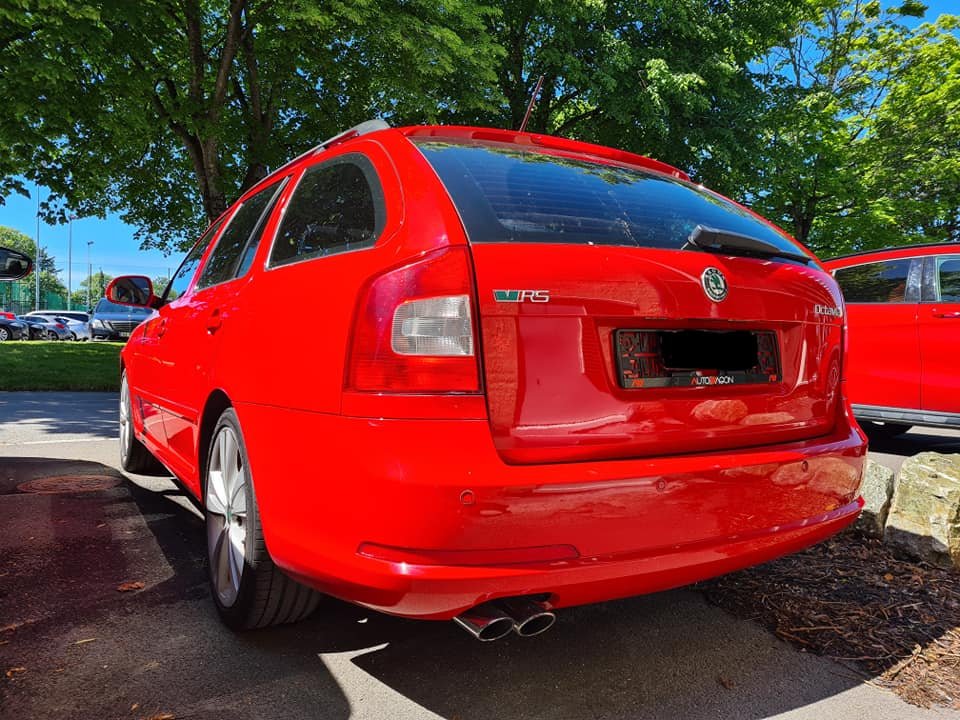
Updated the badges on my mk2 fl Octy, bought them from kopacek.com
-
I agree, they seem like great people.
-
Can't you use lower offset wheels instead of spacers?
-
A Yeti with a 60mm lift? That I want to see!
-
Hello and welcome from Norway
-
I'm sure you'll be happy with that Skoda, I'm also a first time Skoda owner.
-
Check out spaccer.com for a strut top "liftkit" thing, I think they build them based on your VIN and are avaialable in 12/24/36/48mm height.
-
Does this count as a nice backdrop?

-
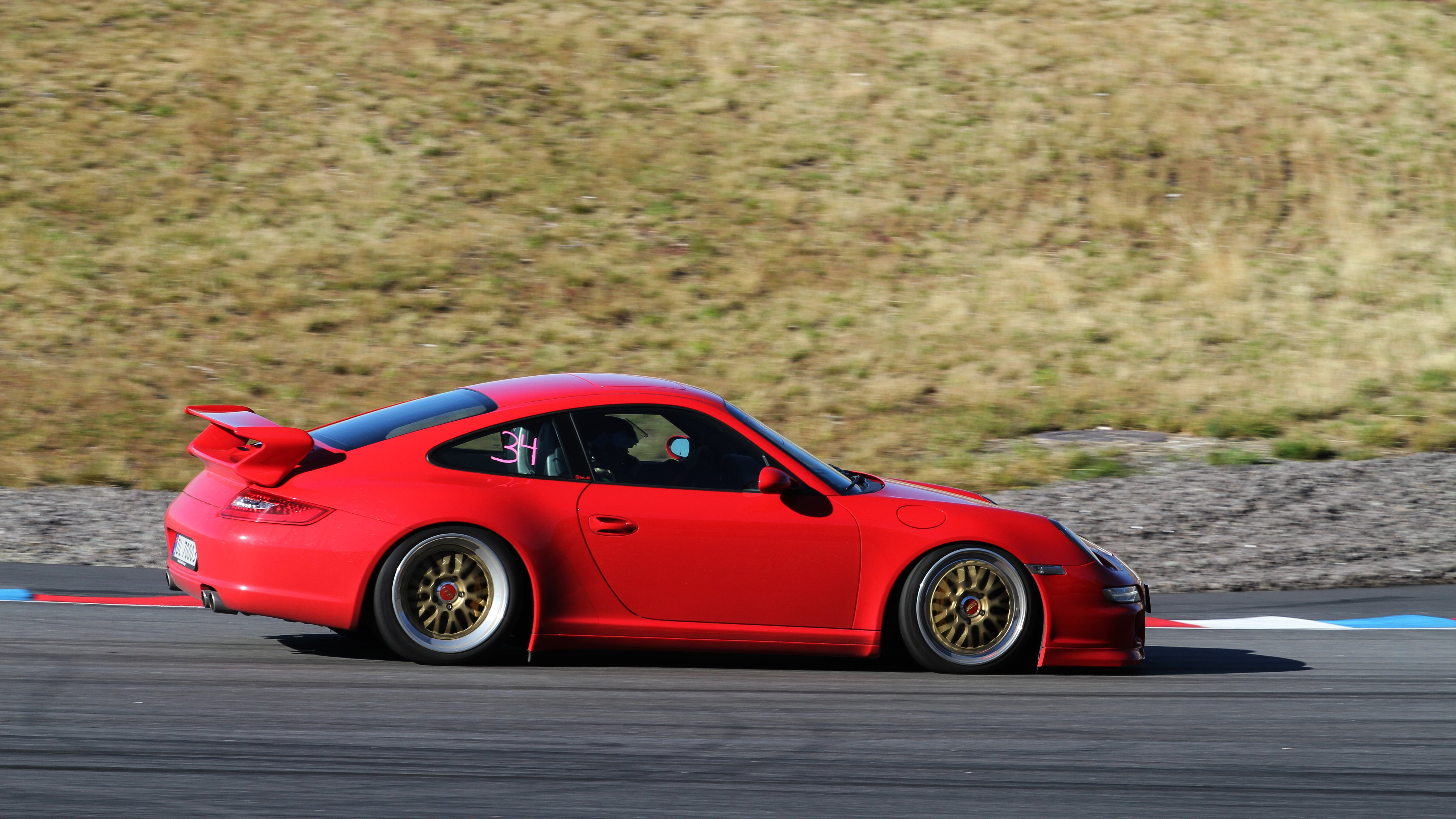
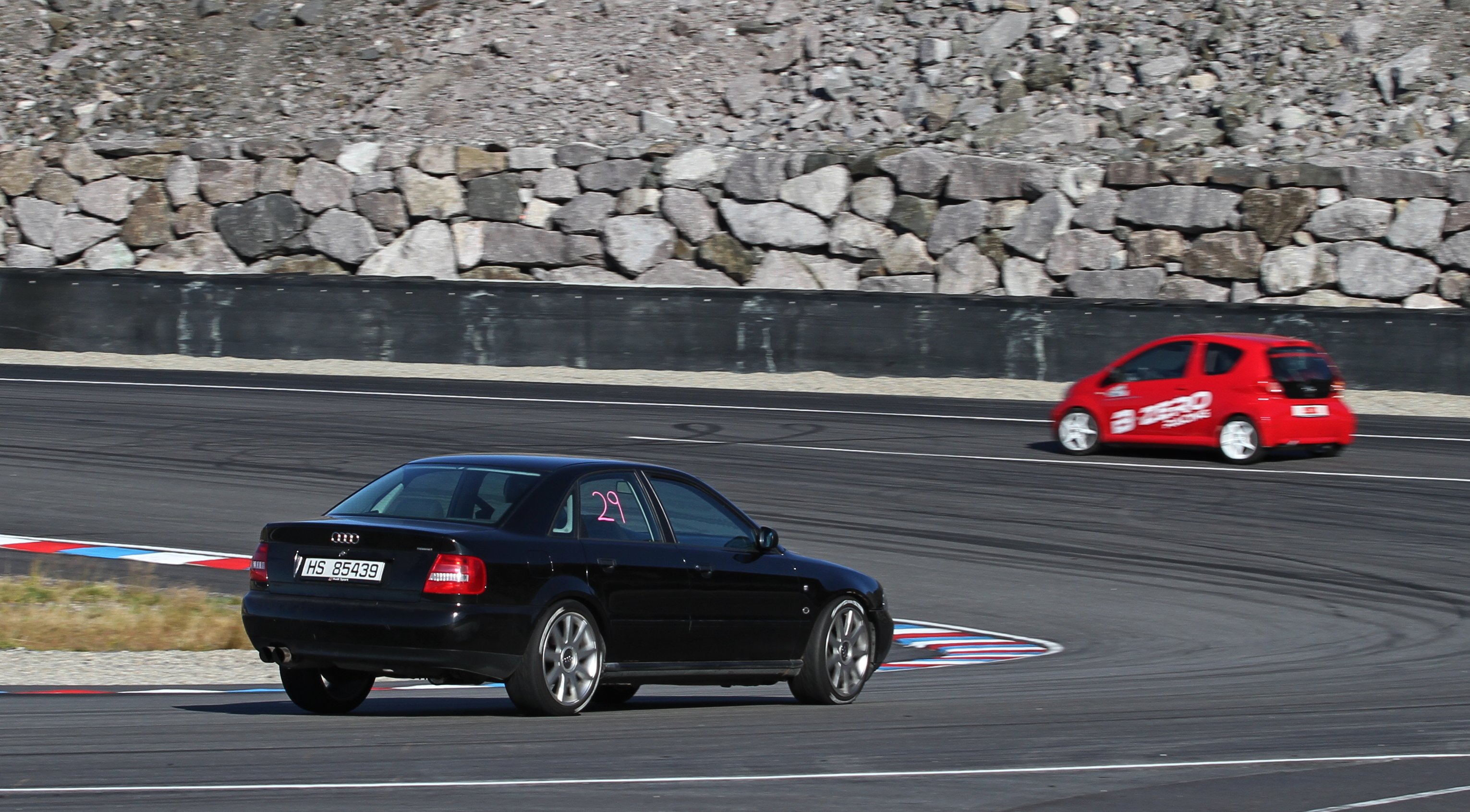
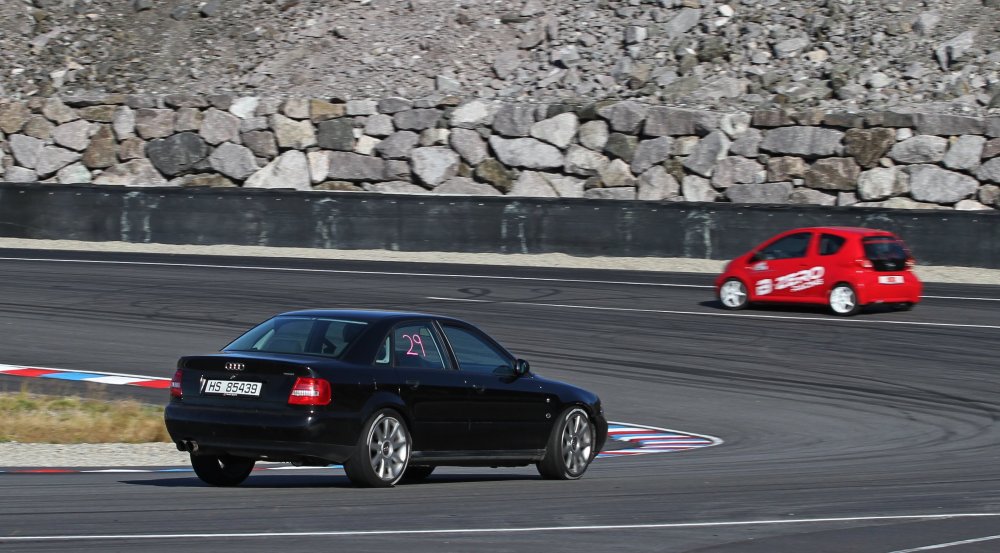
I'll share a few of my shots here, all of there were taken with an old Canon 7D and a Canon 70-200 f/4 lens.


-
It does? Those look like factory Skoda parts to me
-
That will look good with the Rieger Tuning kit, if you can find it.
-
Hello and welcome to the forum.
-
Hello and welcome to the forum.
-
Hello and welcome to the forum.
-
Hello and welcome to the forum.
-
-
Hello and welcome from Norway
-
Hello and welcome to the forum
-
Hello and welcome from Norway
-
-
Press and hold the button for a couple seconds until "TCS Off" is displayed? That's what I have to do in my fl vRS (not that it actually works in mine, but that could be because of bad sensors)
-
Have 2.5 bar pressure in my vRS
-
Gotta love the headache cars can give us owners sometimes, but in the end its mostly worth it.