




igrozan
Members
-
Joined
-
Last visited
-
No problem... https://www.drive2.ru/l/587595782509559952/
-
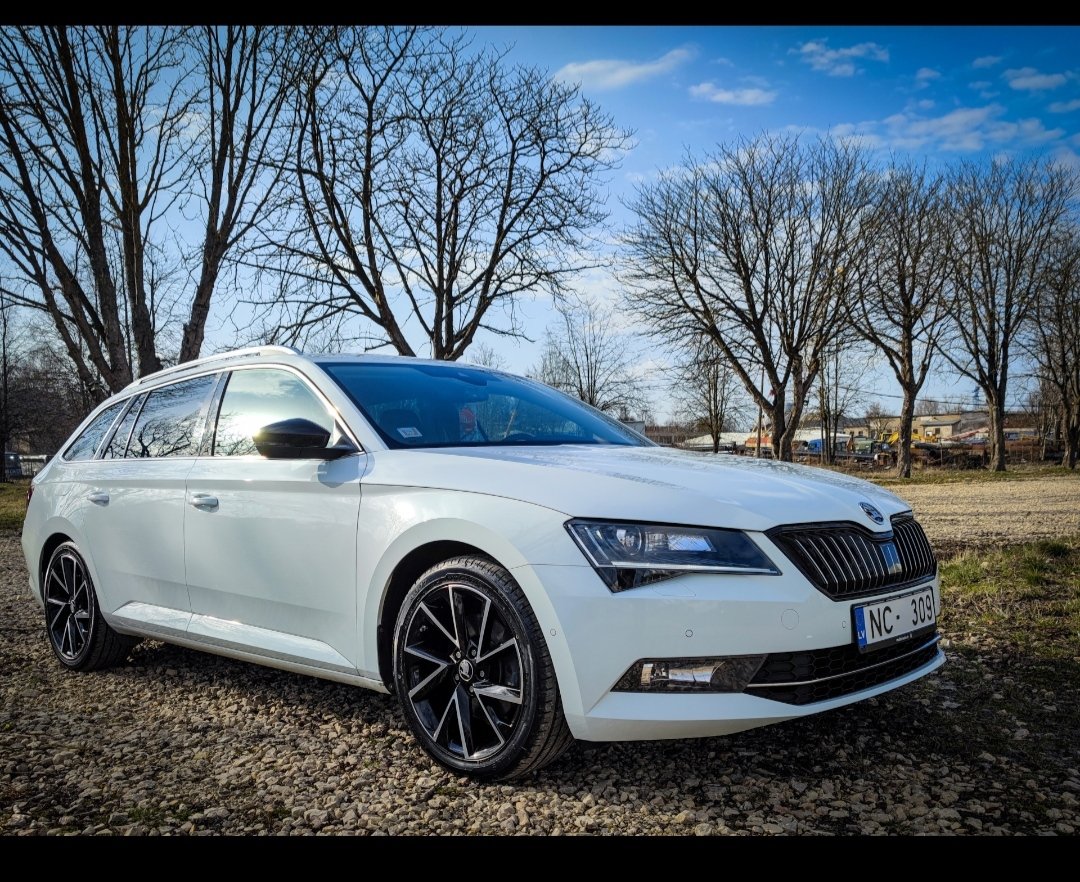
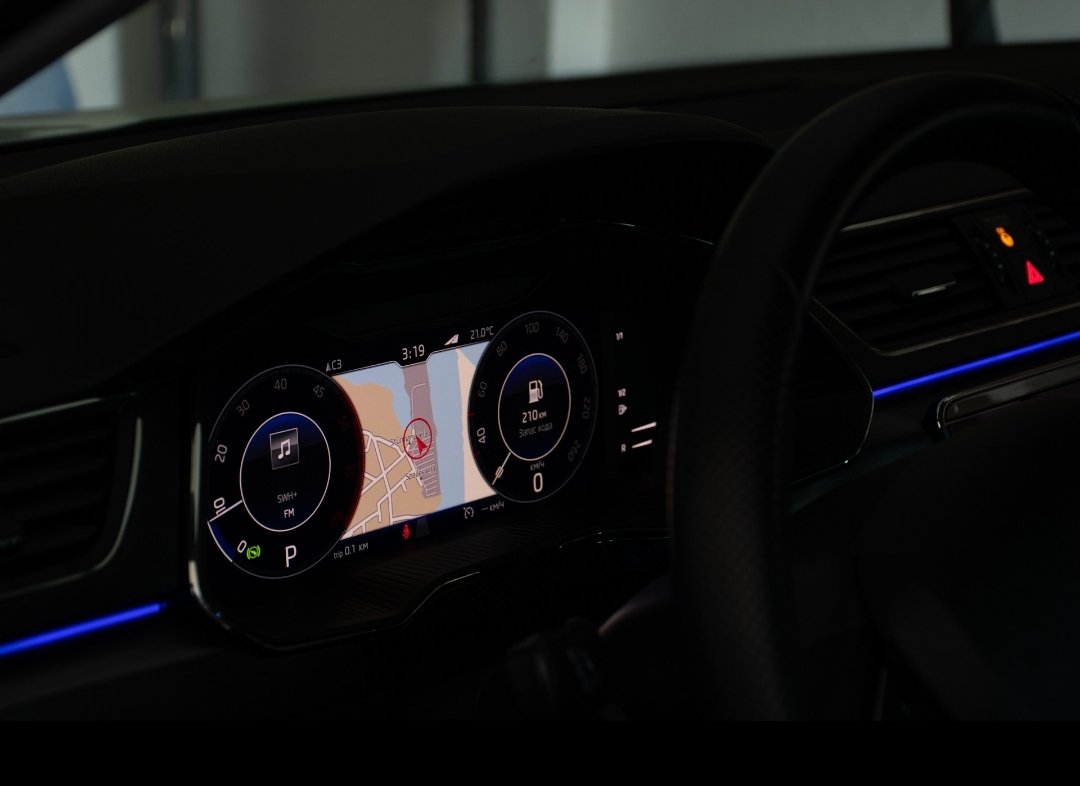
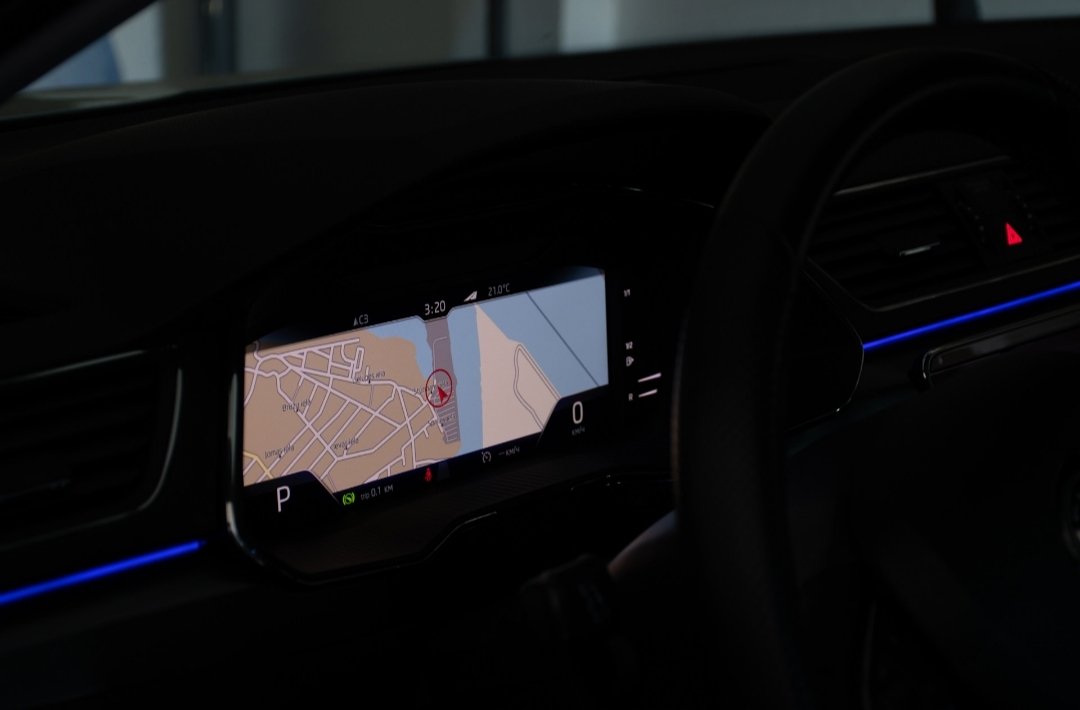
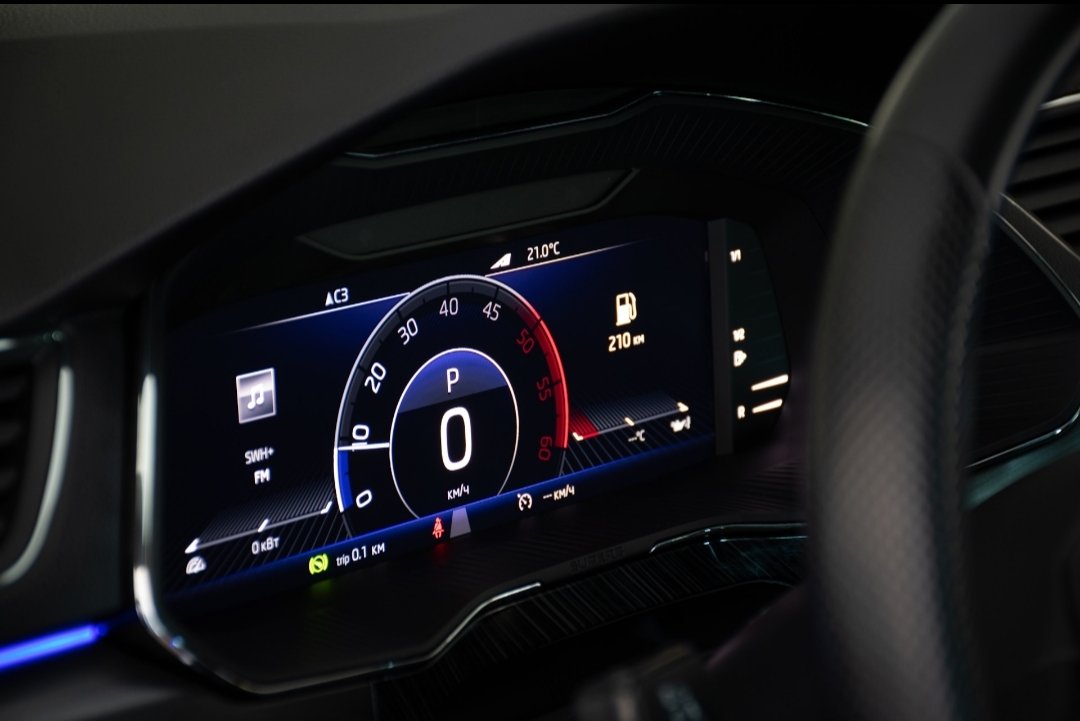
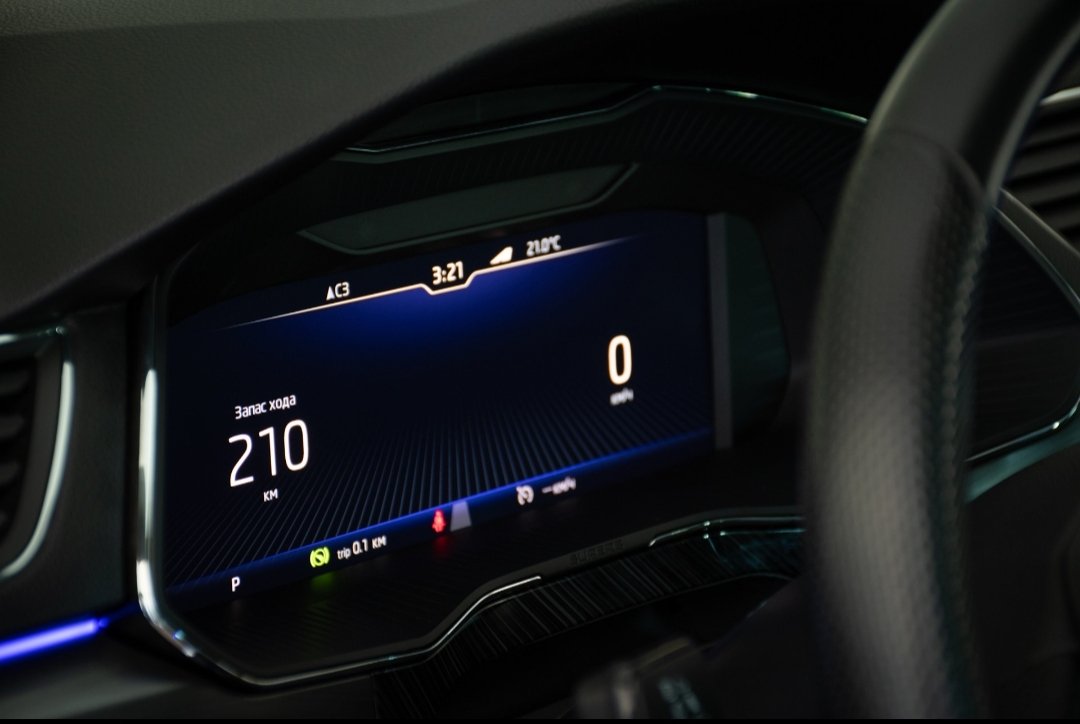
Everything can be done/changed. But honestly, I don't remember all the details... I can send you a link to the instructions, but they're in Russian. The image was adjusted to match the car's appearance.
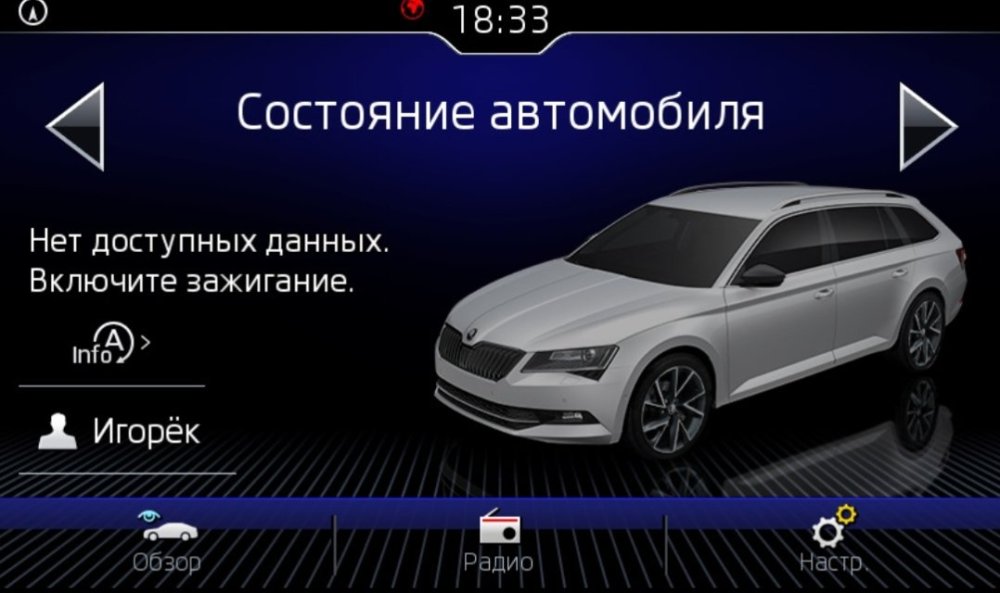
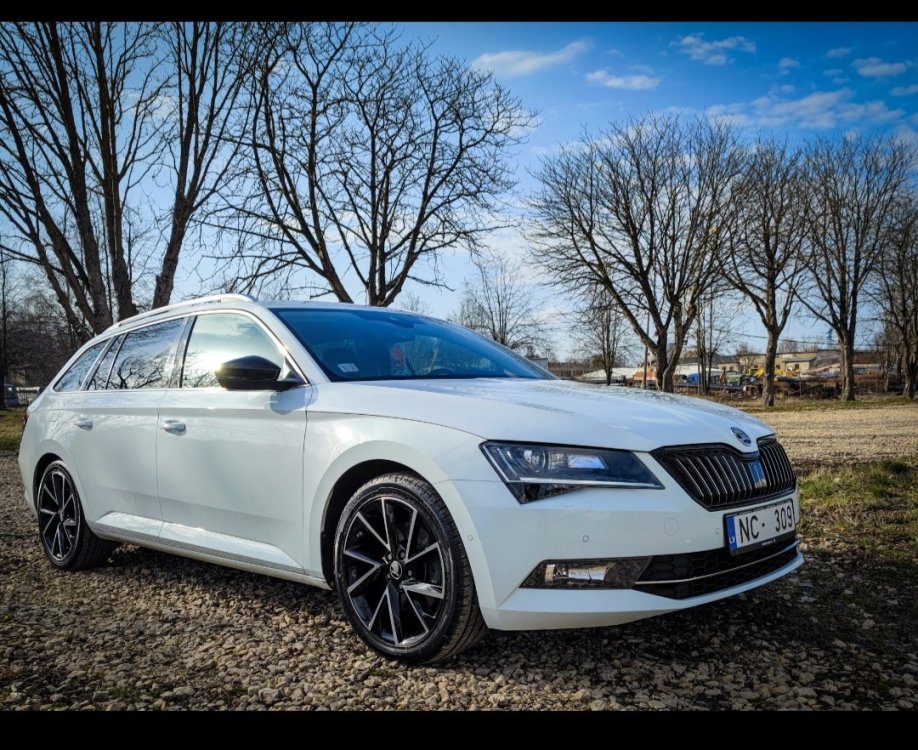
-
I did the same thing
-
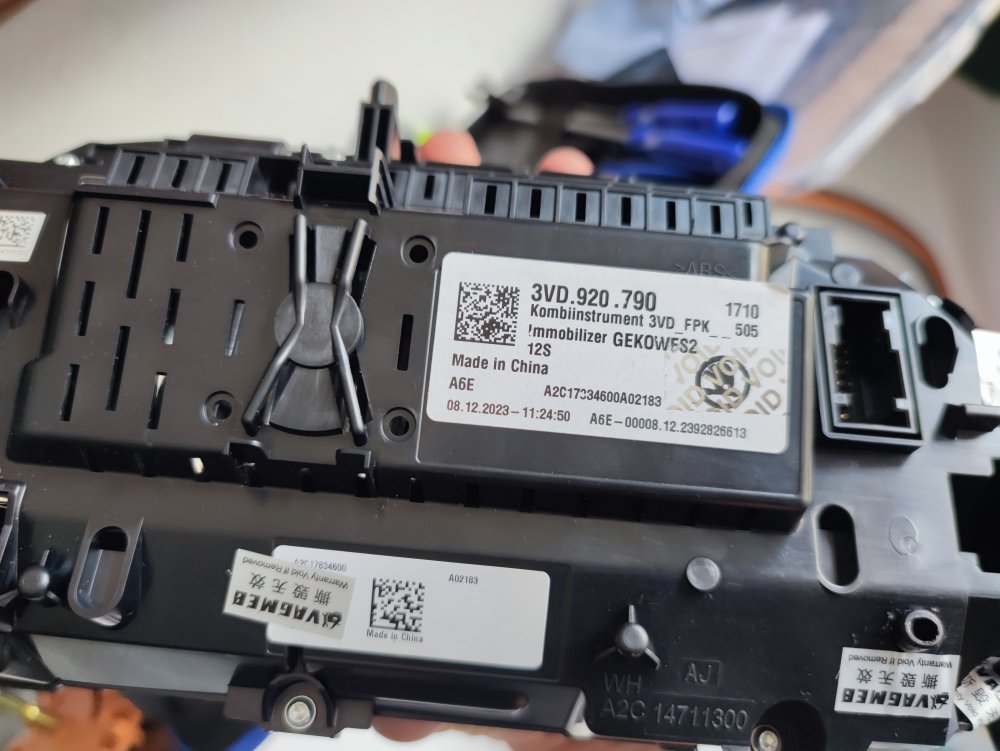
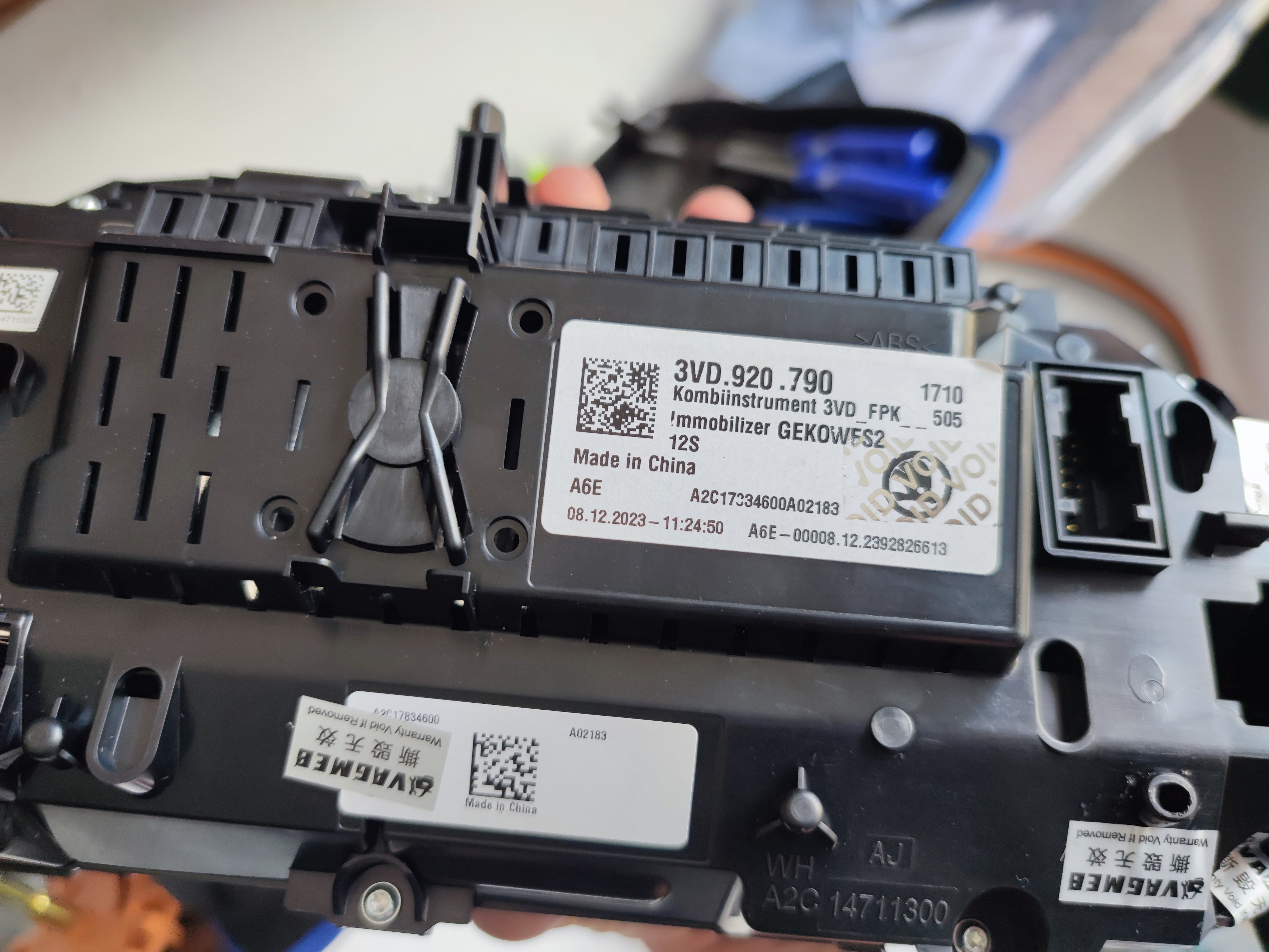
Before 2019 AID is 3VD920790, without a letter. After 2019 comes 3VD920790A! It is very important. There will be a different immobilizer. This is what I bought, a 2018 model year car
-
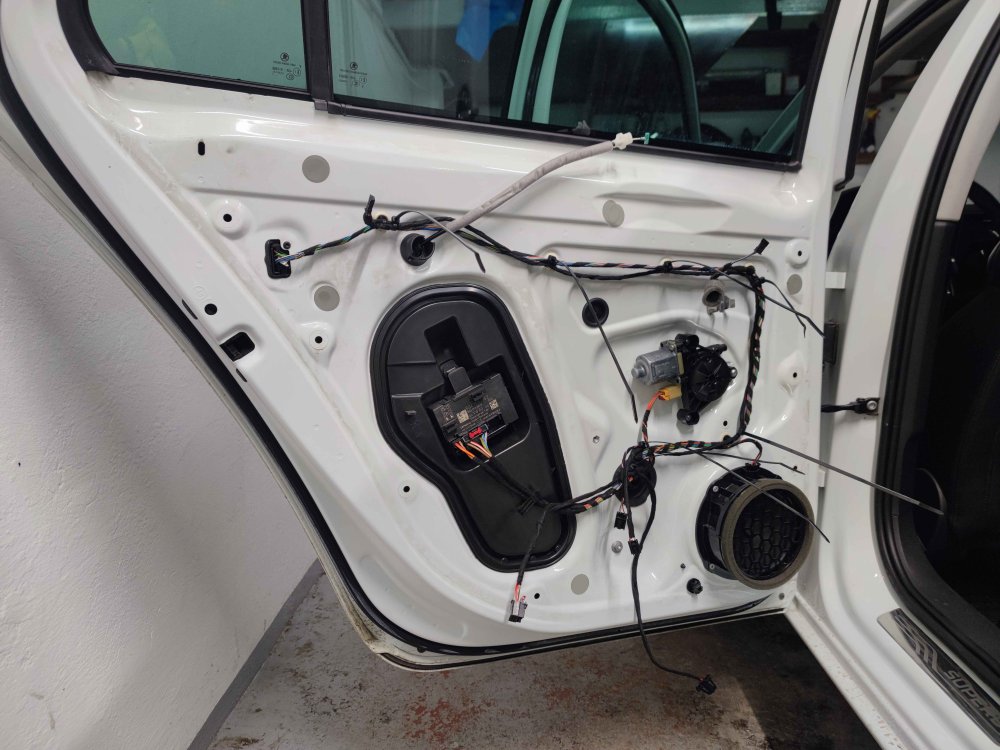
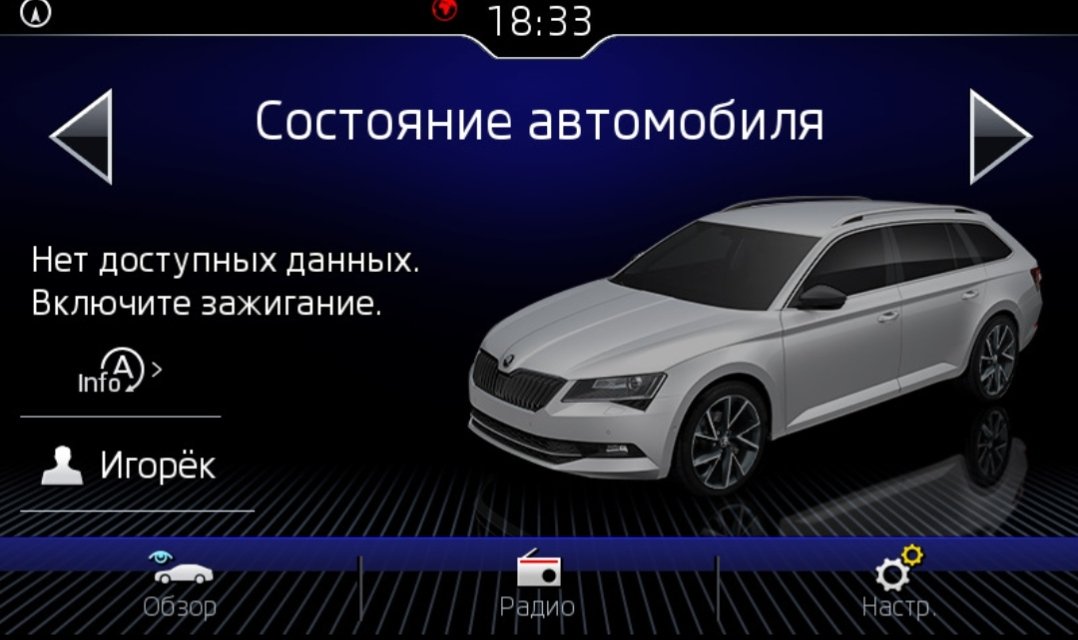
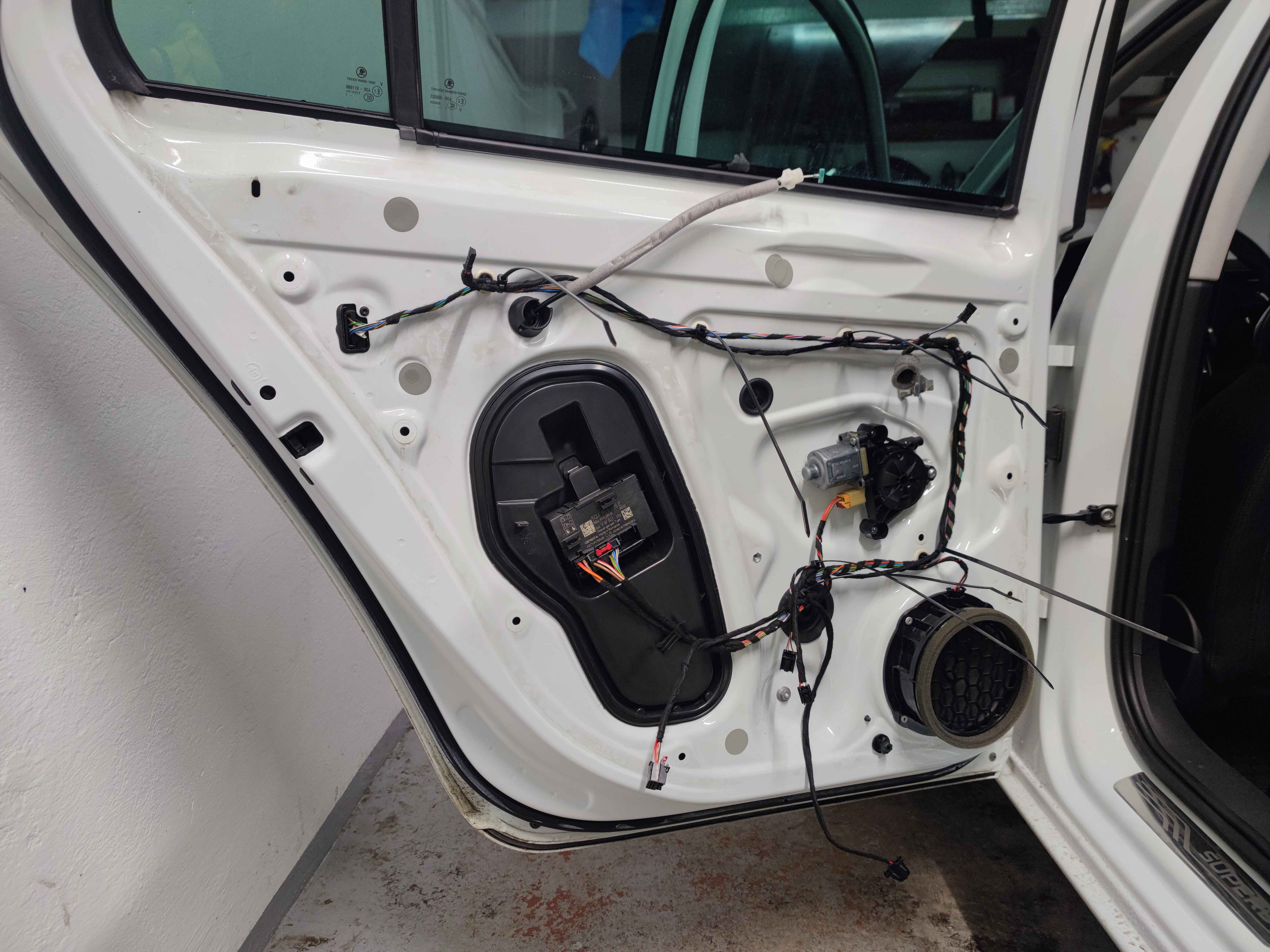
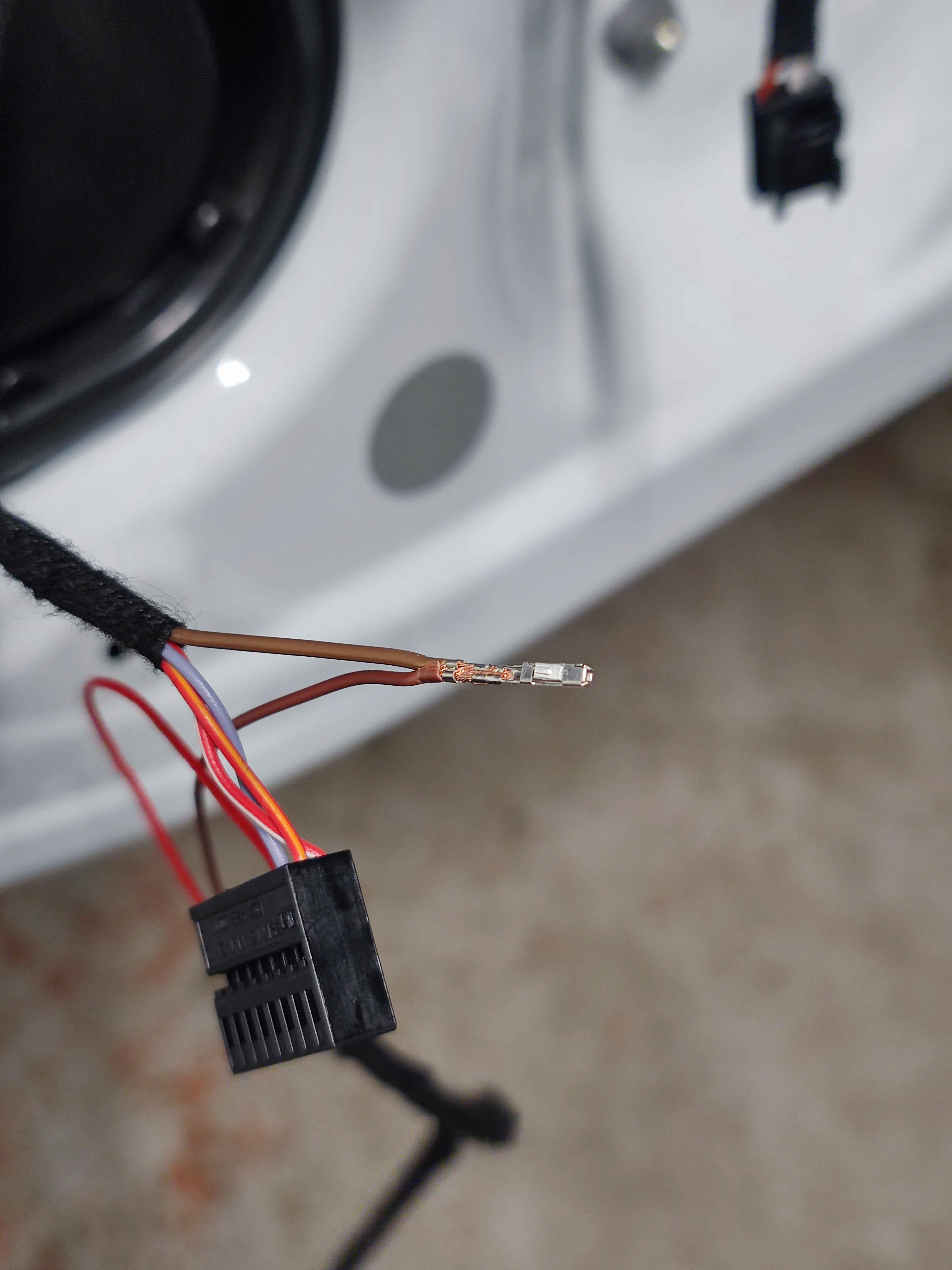
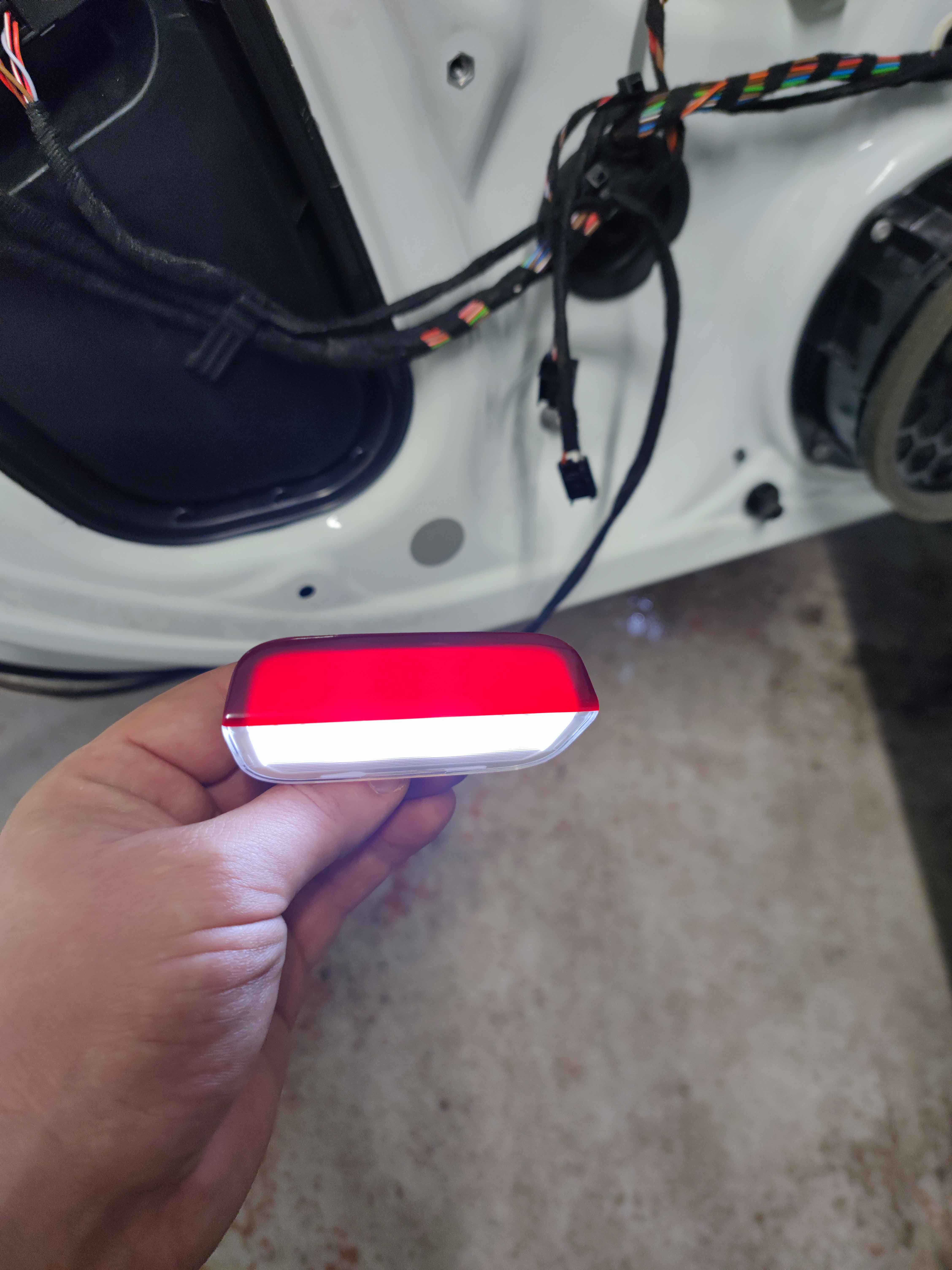
Unfortunately, I have no information on the F block. If this parameter does not have an effect, then I cannot help. For block 5Q4959593E Software version 0032 Odis: (Vcds will be similar) Block 09: Adaptation: Code: 31347 [LO]_Signalisierung_Spiegelanklappung - [VN]_not_active OBD11: On-board network control unit 09 → Secure access (Login: 31347) → Coding: Access control - Signalisierung_Spiegelanklappung: Activate I haven’t tried it via OBD11!!!I activated it on these blocks, but haven’t tried it on others. 5Q4959593E Sup 2017, 5Q0959593E Tiguan 2018, 5Q0959592K Tiguan 2020Yes, yes, I understand, if you are not afraid to cut the door trim with a knife and you understand at least a little about auto electrics, I can give you all the links to spare parts.What version do you have for 42 blocks?I bought flashlights, connectors, pins on Ali. I did the wiring. To install, you need to remove the door card and, worst of all, make a hole for the light. At the same time, cut into the ambiline wiring and code it. Nothing complicated😁 If there are blocks in the rear doors, then you can easily illuminate the passenger exit area.
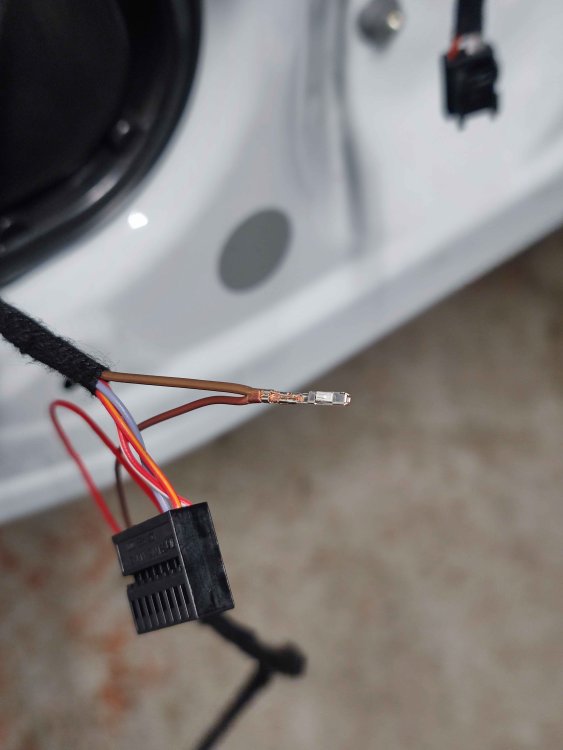
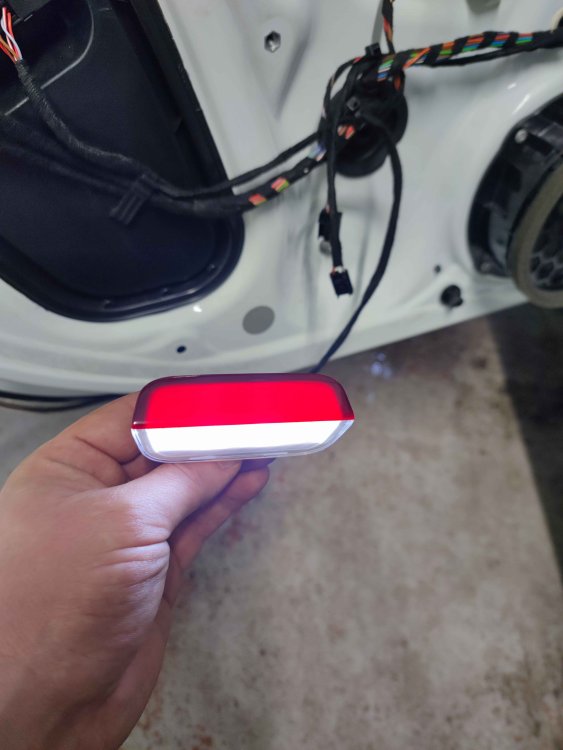 On all S3 mirrors open after the alarm is removed, they can easily be changed to open after ignition.Can be enabled only if there is a 360-degree camera viewIf this is about the trunk lid, I made my own 2018 modelgot it from here https://vi.aliexpress.com/item/1005005345672636.html?spm=a2g0o.order_list.order_list_main.51.2cab1802TWBNo7&gatewayAdapt=glo2vnm + connectors, wires and pins


Important Information
Welcome to BRISKODA. Please note the following important links Terms of Use. We have a comprehensive Privacy Policy. We have placed cookies on your device to help make this website better. You can adjust your cookie settings, otherwise we'll assume you're okay to continue.