JamesK
Members
-
Joined
-
Last visited
Everything posted by JamesK
-
Good luck with that conversation. The dealer told me it was an all day job, which didn't make sense to me given the OTA process seems to be around an hour. However, a friend put me in touch with someone who's carried out the OCU update process and they agreed with the dealer: So you'll probably get into a conversation about who's going to pay for tech's time... Let me know how you get on. You may have more leverage given the message that @SiWaiting translated on his infotainment stating the update needs to be done to ensure correct functioning of the vehicle going forward...
-
My car is due to go into the dealer to have the OCU updated in the next few weeks. They put me on 1941 a couple of years ago, and I never received any further infotainment updates. Similarly, since they put me on 1985, it hasn't ever prompted to install 1989, or for the OCU update to 0311 that this forum thread is discussing. I've spoken with another forum member who had their OCU update to 0144 a while ago, and they never received any pushes to take their infotainment up from 1985 to 1989. I'm thinking that maybe Skoda have a database of the capabilities of each vehicle as it left the factory. So even though an OCU maybe updated by a dealer to a newer version, which should enable additional features. It seems in reality this isn't happening. My guess would be that Skoda's own database would need to be updated to reflect the features available on a specific vehicle after an OCU update, and this isn't happening. This would be one explanation why after an OCU update infotainment updates aren't being pushed, remote lock/unlock and sending destinations via the app to the car are still not available.
-
-
-
-
-
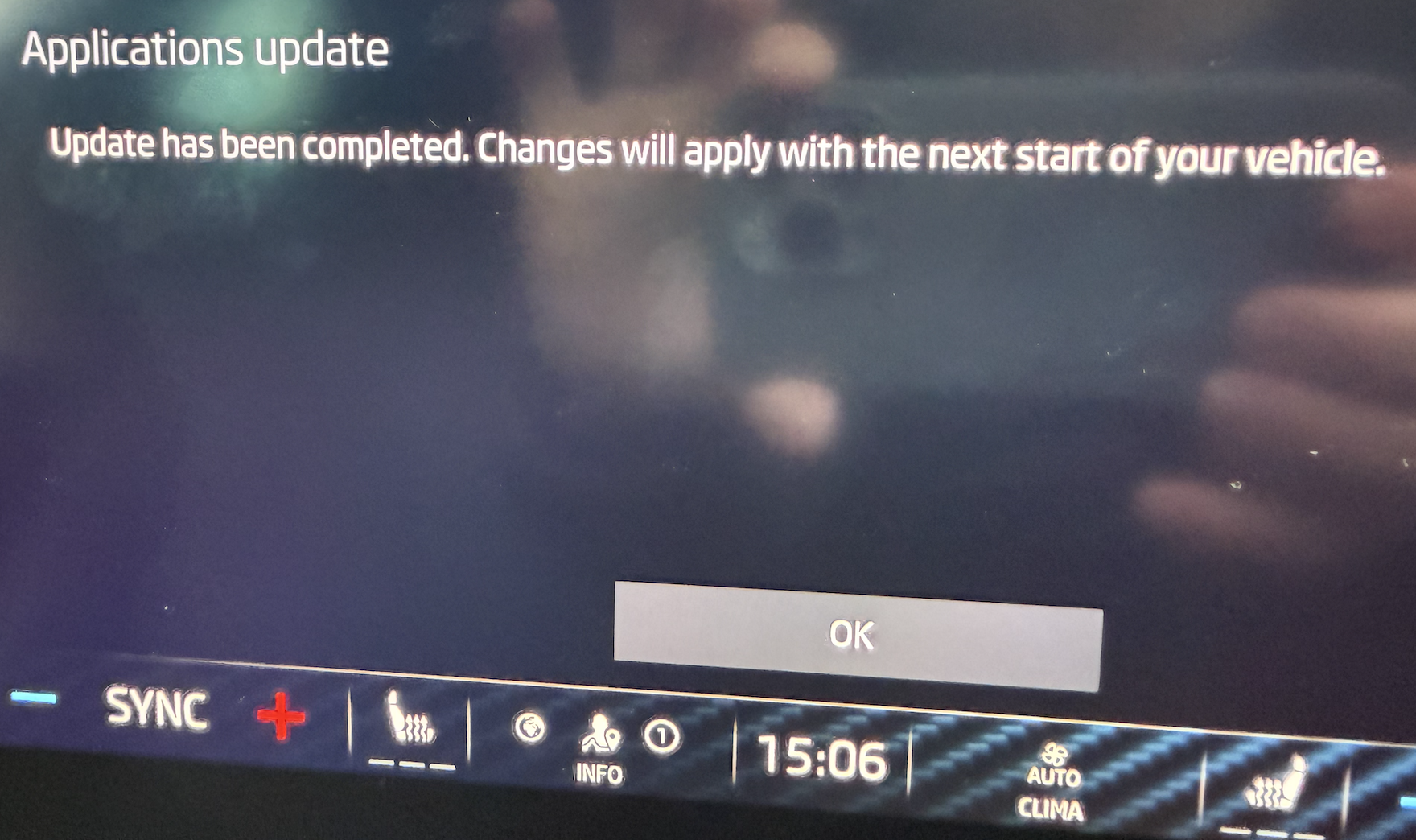
Probably just laziness on the part of the support representative sending you this e-mail. I think what they really want is just a photo of the infotainment system prompting to install the update. I've now sent them 4 e-mails with a date/timestamped photos (1 photo of the prompt to install, and another of the 'successfully install' message) over the past 4 days like they've asked, and not had a single response from them. Also from the wording it looks like they're taking all of these reports as separate things, rather than joining the dots and realising that all of a sudden they're getting a few complaints relating to the same update being pushed.
-
Skoda promote their service plans quite heavily in order to bring the overall price down. I recently had similar quotes from Skoda and a local independent garage. However, with the service plan If you take the basic plan which covers 2 services at £22.50/month over 24 months interest free, then the cost of each service comes down to £270. Worth looking at what each service plan includes if you need things like spark plugs, etc. In the next 2 years I don't, so the basic plan worked out best for me.
-
The notifications will be difficult to remove if Skoda are actively pushing this update every day. My guess is that our vehicles report their software status back to Skoda centrally every day. Skoda must then run some kind of overnight report, and for whatever reason it continues to flag that the software update is not installed and therefore it gets pushed to the car again. I think it's clear the update isn't applying as I've seen no change in the UI, graphics and icons that we should supposedly see after a restart of the car. So it is strange the car reports a successful installation. I went out in the car earlier this morning, and was again prompted to install the update. Ultimately I think this is for Skoda to resolve centrally. This was a question I asked my dealer a couple of years ago .... "What happens if Skoda push an update OTA that goes wrong when a vehicle is out of warranty?".... I think we now have the answer. At the moment, Skoda don't do anything!
-
@East_Yorkshire_Retrofits I’ve been meaning to come to you for the past 3 years to have a reversing camera and possibly a towbar fitted! It’s just the 400 mile, 8 hour round trip that’s been putting me off. But if I can finally get all the modules updated on my car then maybe I need to reconsider! 😀
-
-
@scotthugh3s How did you get your dealer to upgrade all modules? My dealer is very reluctant to do it. I'm really pushing for this to happen. The car went in for service earlier in the week and they updated the infotainment to 1985. Their hope was that it would then update OTA to 1989. After they updated it I got the "manual has been updated" message once. Suffice to say it hasn't subsequently updated OTA to 1989 as I'm 99% sure they need to update the OCU. However, 2 days after they updated the infotainment it's now started pushing the daily update again.
-
It's started appearing for me again over the last two days. Skoda support asked me to provide pictures with date/time stamps on them of when it prompts. So I've taken photos and sent them in the past 2 days... but not had any response. Might be worth everyone who gets this to e-mail them at [email protected] to raise awareness that it's a bigger issue affecting many people.
-
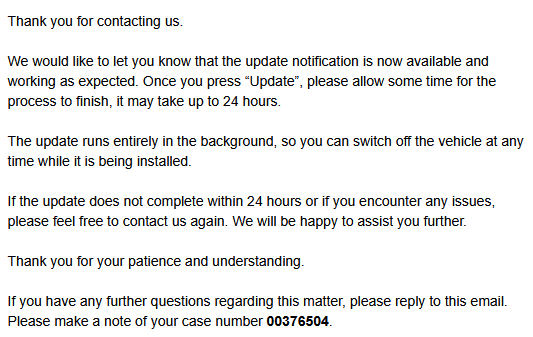
I received an e-mail last night from Skoda Customer Services stating they've checked my vehicle and the update has now successfully applied. It hasn't prompted to install again so far today. That being said, my icons look no different - so I'm not convinced that it has applied, or that they've just stopped it from trying to apply to my vehicle. @TheWanderer Any chance you can post a picture of how your infotainment icons look so I can compare against mine?
-
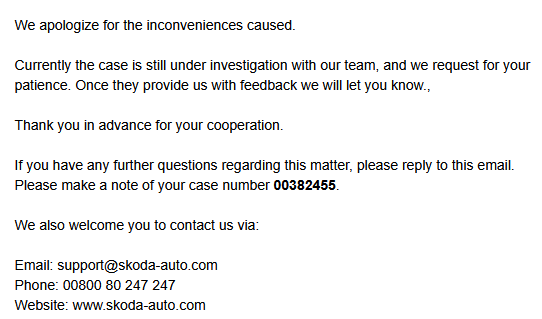
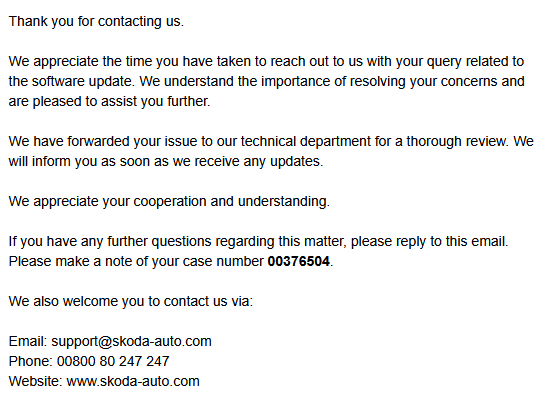
I had a response from Skoda late on Friday afternoon stating that they'd forwarded my e-mail and screenshots to their technical department. So whether they've seen that, or noticed themselves and large increases in pushes of specific updates to vehicles... @TheWanderer is it immediately obvious with the sharper icons, etc if the update has applied? Are they the main infotainment screen icons such Radio, Settings, Vehicle, etc?
-
I suspect the solution will be for Skoda to investigate what they're trying to push and why it's not applying and stop it from their side. I've sent an e-mail to [email protected] with both sets of screenshots. Maybe if they start getting a few e-mails like this they will realise it's a widespread issue.
-
-
When I got my car in early 2022 it was still on version 1668. With that software to get Bluetooth/CarPlay to connect automatically you had to get in the car and close the door. Then start the car and open and close the drivers door. If you didn't do it, it made no attempt to connect to the phone and you had to do it via the infotainment screen.
-
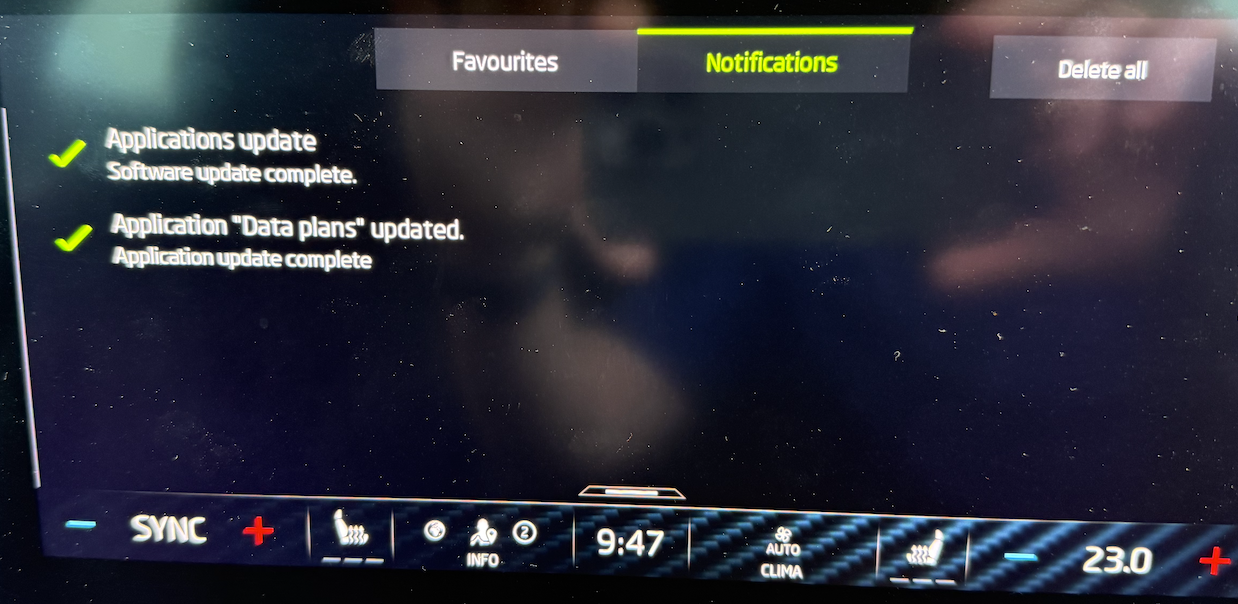
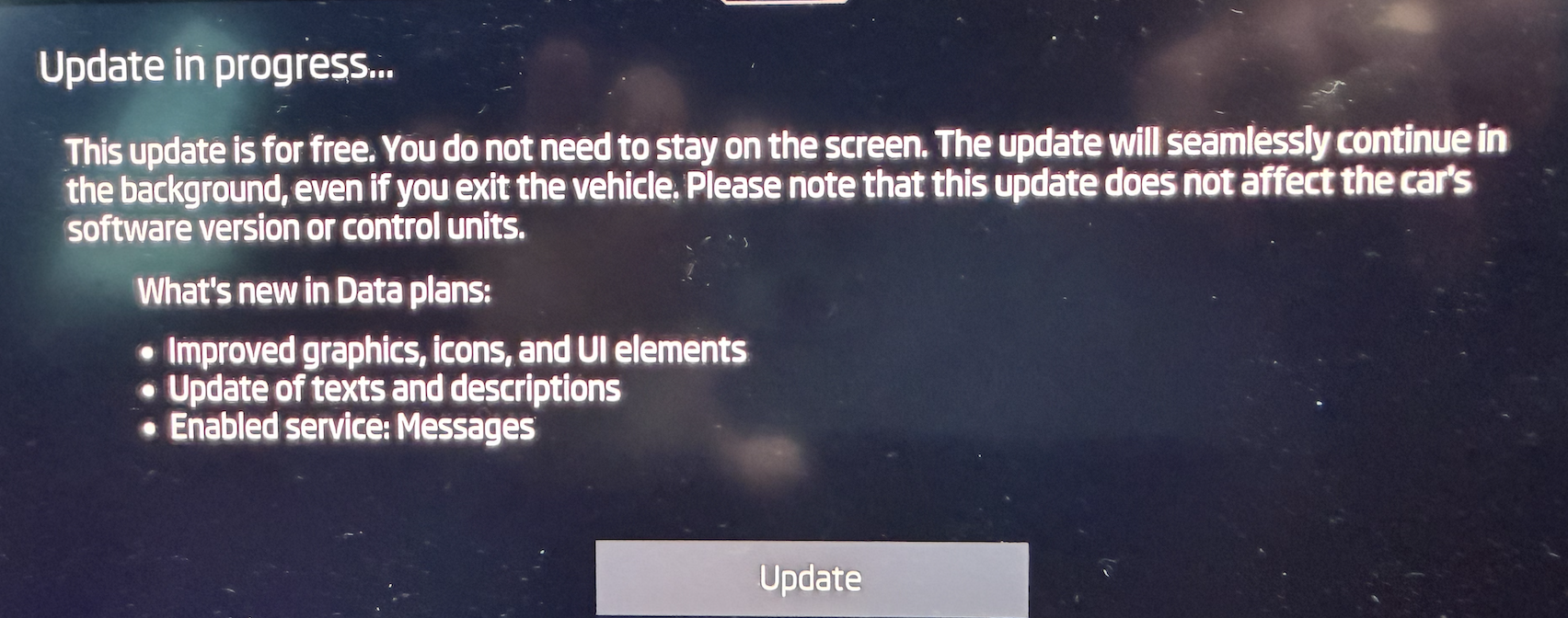
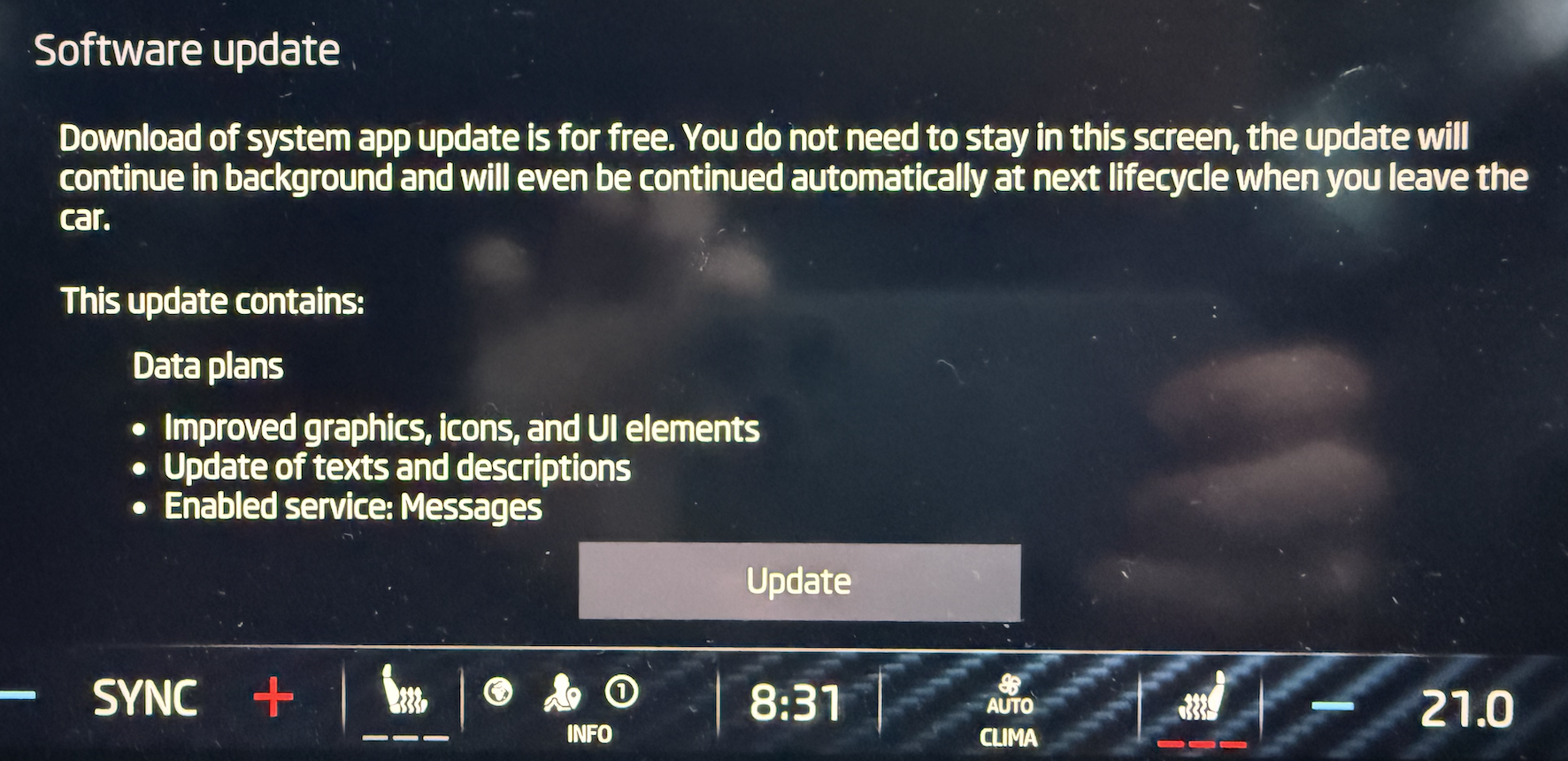
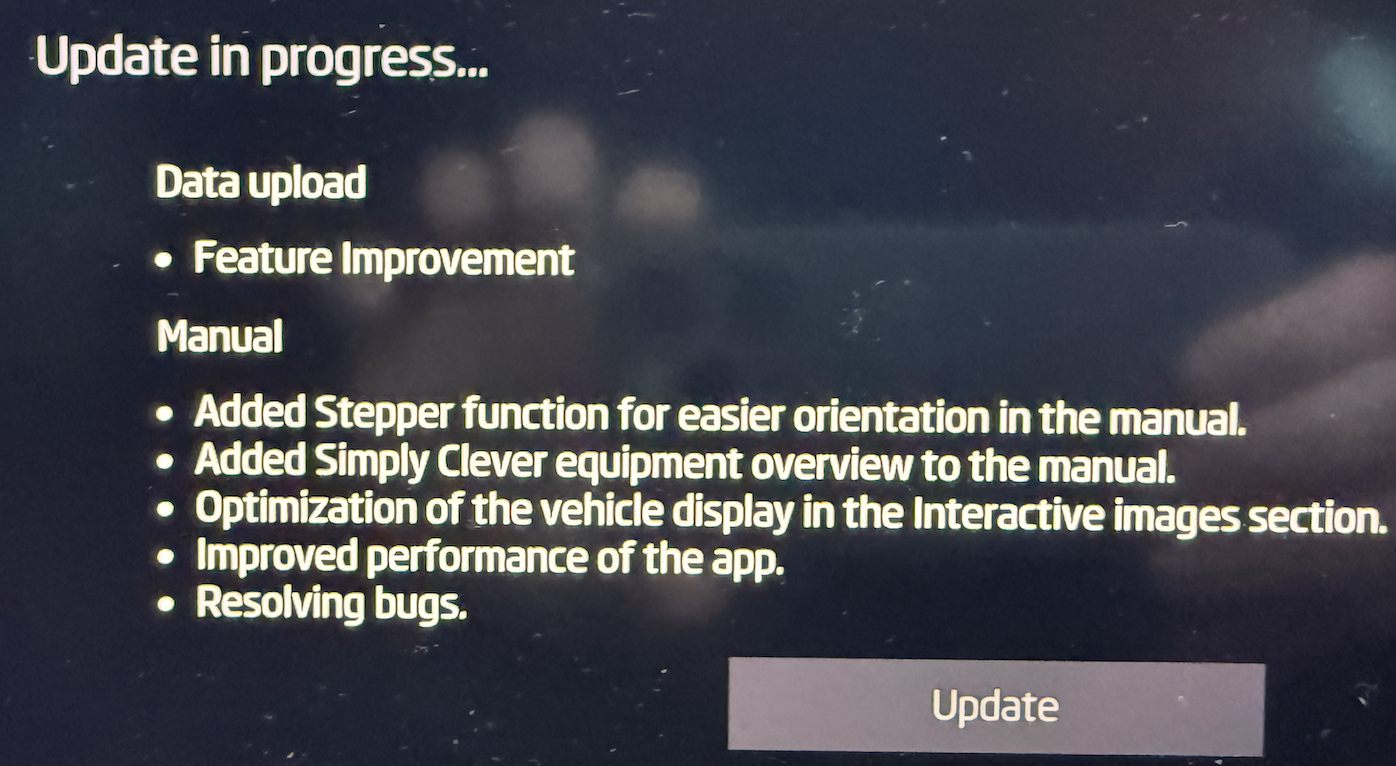
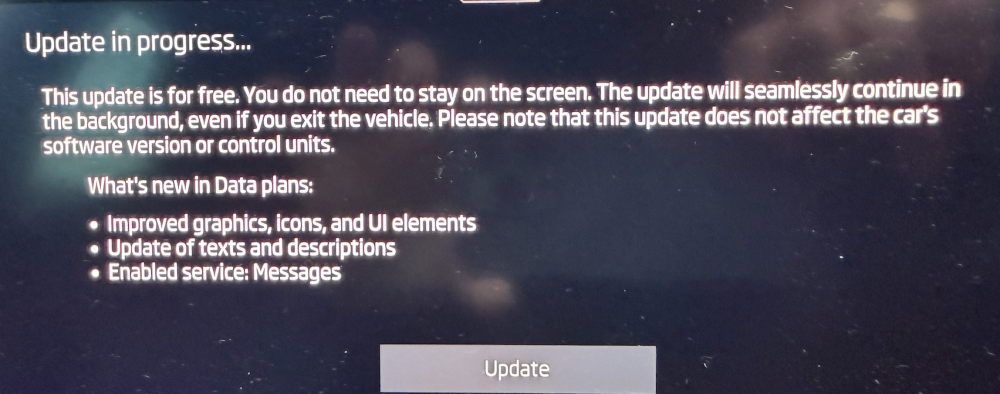
I am wondering if it's two updates that are conflicting. The text on the update message is different today: It only mentions updates to data plans, and says that the update does not affect the car's software version. Yesterday there was far more components being updated. It'll be interesting to see when I get the message to install tomorrow if it's back to the more extensive update.
-
I wonder if this is an update that requires the infotainment to be at a 'minimum' version that is higher than 1941. @Edela Is your infotainment still on 1941? I'm going to raise it with Skoda and see what they say. I imagine it'll be the same "take it to your dealer" and the dealer will say that software is not covered under warranty. However, this is different because now Skoda are actively pushing something every day and that is not ok.
-
Hi All, For the past week I've been receiving a nortification of a software update to install. I've immediately started the upgrade, and it reports a successful installation. However, the next day it prompts again for the update. I go through the same procedure., and the following day I'm prompted again. My car is currently on infotainment version 1941: Has anyone else that this issue? Can anyone tell me what this software update could be for? As I've never previously had an infotainment upgrade I'm not sure what the screens look like for that. Part of me is hoping that it is an update to the infotainment, but I'm not convinced. Many Thanks..
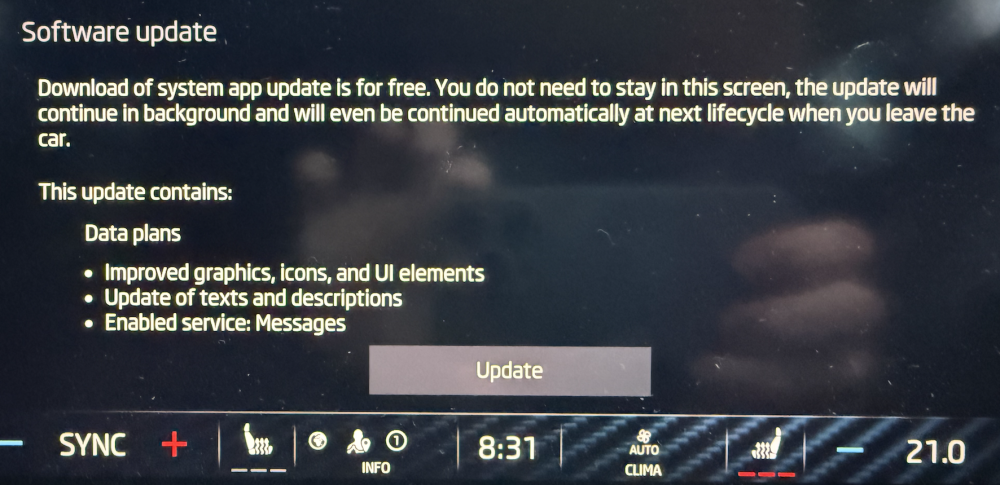
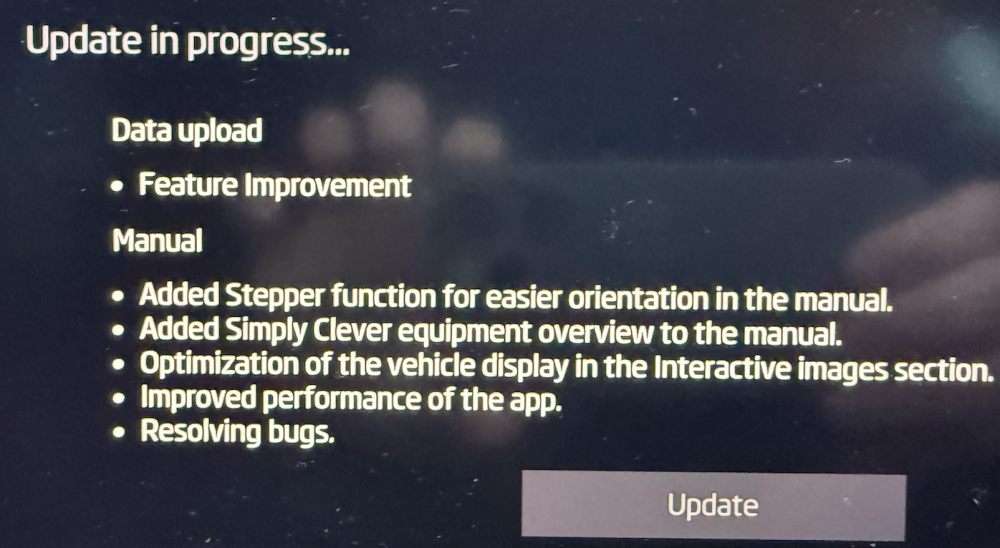
-
Sorry to hear about your problems. Unfortunately issues such as this seem to come up time and again on this forum with Approved Used Skoda. The car has a built in eSIM, so should download updates OTA via that. There's no cost to you, and you don't need a data plan with Cubic in order to do it. Nor, do you need to connect to your home WiFi. The fact your car has a red X suggests there's an issue with the eSIM module. So the dealer need to fix that... it's probably another software update. If your software really is on version 1891, then it's miles out of date. I believe the latest version of software is 1989. It really is worth getting the software update issue sorted out while you're in warranty, and have picked up the vehicle very recently. Bear in mind there are a lot of other modules in the car which may require updates. The only software version you can see in the car is the infotainment. If you search the forum you will see this subject come up many times, and most of us with early cars that persevered had the following updates: telematics, OCU, infotainment, virtual cockpit. I'm sure there's some others I've missed. I'm in the situation with my car which is currently on infotainment version 1941 where it doesn't update the infotainment automatically. Other app updates do get pushed OTA. As per another forum thread, a menber got Skoda to update the OCU to version 0144. Once this was done the car started getting the bigger infotainment updates OTA. I've now raised a question with Skoda and they agree my car should be updating the infotainment automatically and want to install some updates on it (they've not divulged exactly what). My only question to the dealer is who will pay as typically out of warranty they want to charge, so that's a discussion that needs to happen with the dealer and Skoda. Don't give up. The early vehicles are fine, if you can get over the hurdle of getting the software set-up correctly. It may also be raising the issues with the Skoda Executive Office. Their e-mail address is: [email protected]
-
Was it 1985 that introduced a CarPlay bug with audio track information not updating in Virtual Cockpit? You would hope that a further update would be released to address that issue.
-
It's been several days since I used the silicone spray on the dampers, and it's been completely fixed. So might be worth trying that first before ordering a new set of dampers.
-
This started on my car a few days ago, and it really is annoying. I found this thread on the forum where it's discussed extensively: Link to forum The first thing mentioned was to spray the spring loaded dampers on the boot lid with silicone spray, and that seems to have fixed it for me, for now. Who knows whether it will last. Apparently there was a recall on these parts, so I don't know if mine were previously replaced, but the comments were that on the new part the sprung loaded part seemed to move much more freely than the part it was replacing. So perhaps they start to seize up over time.