Benja77
Members
-
Joined
-
Last visited
Everything posted by Benja77
-
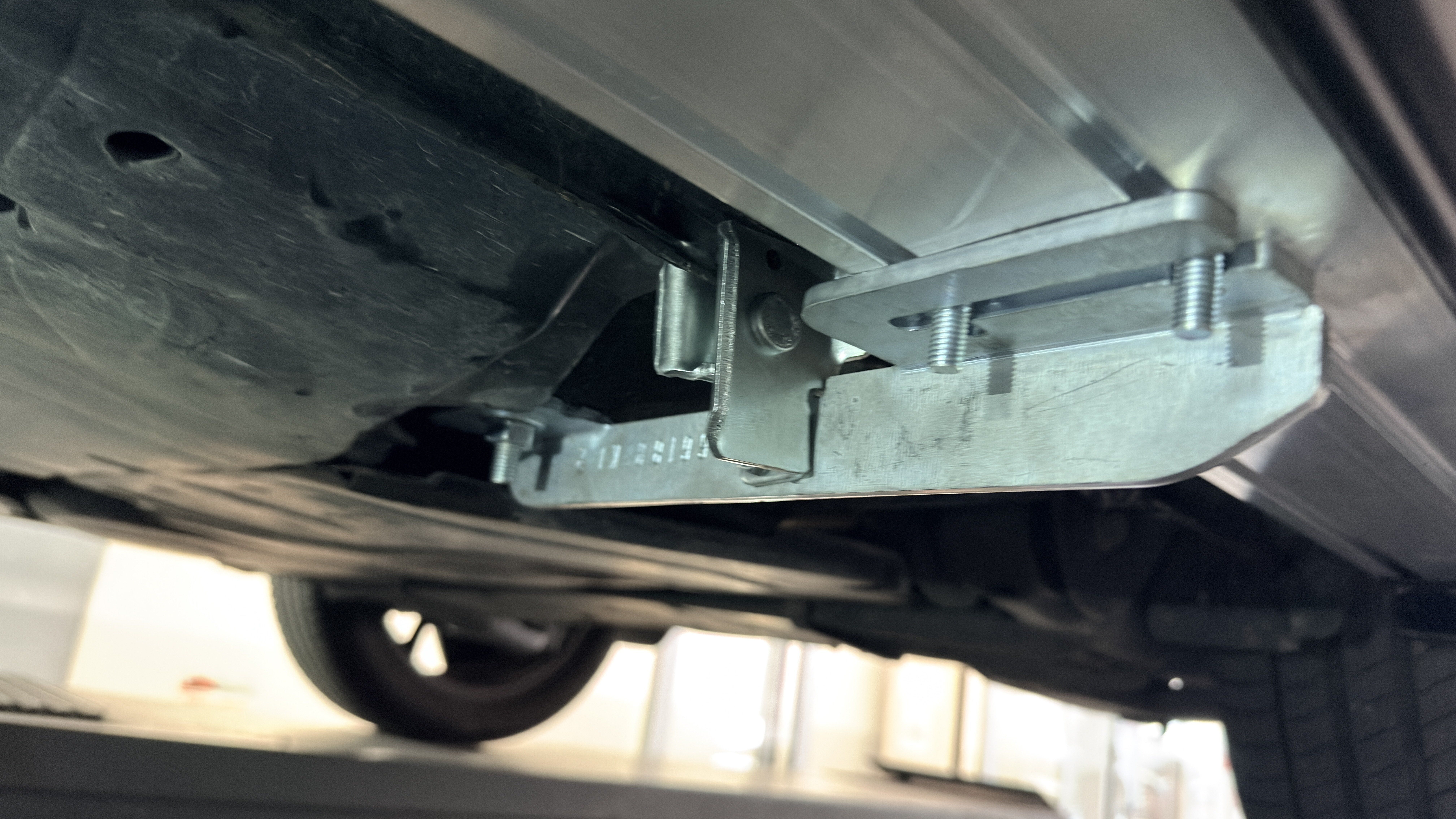
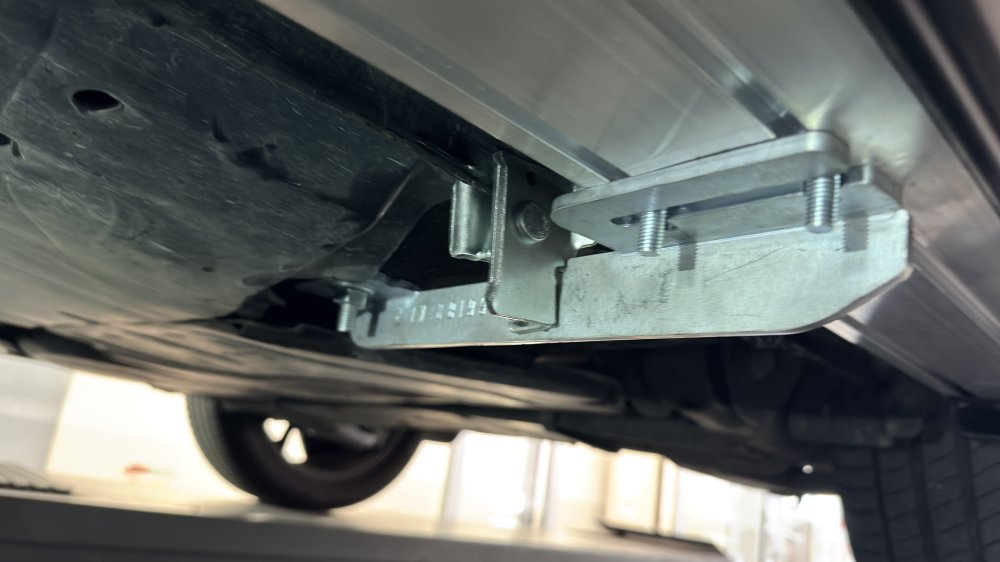
As above: did anybody fit them? I’m having trouble while fitting the lower supports: can someone help me, better if taking pics from below! I do have a 22 FL
-
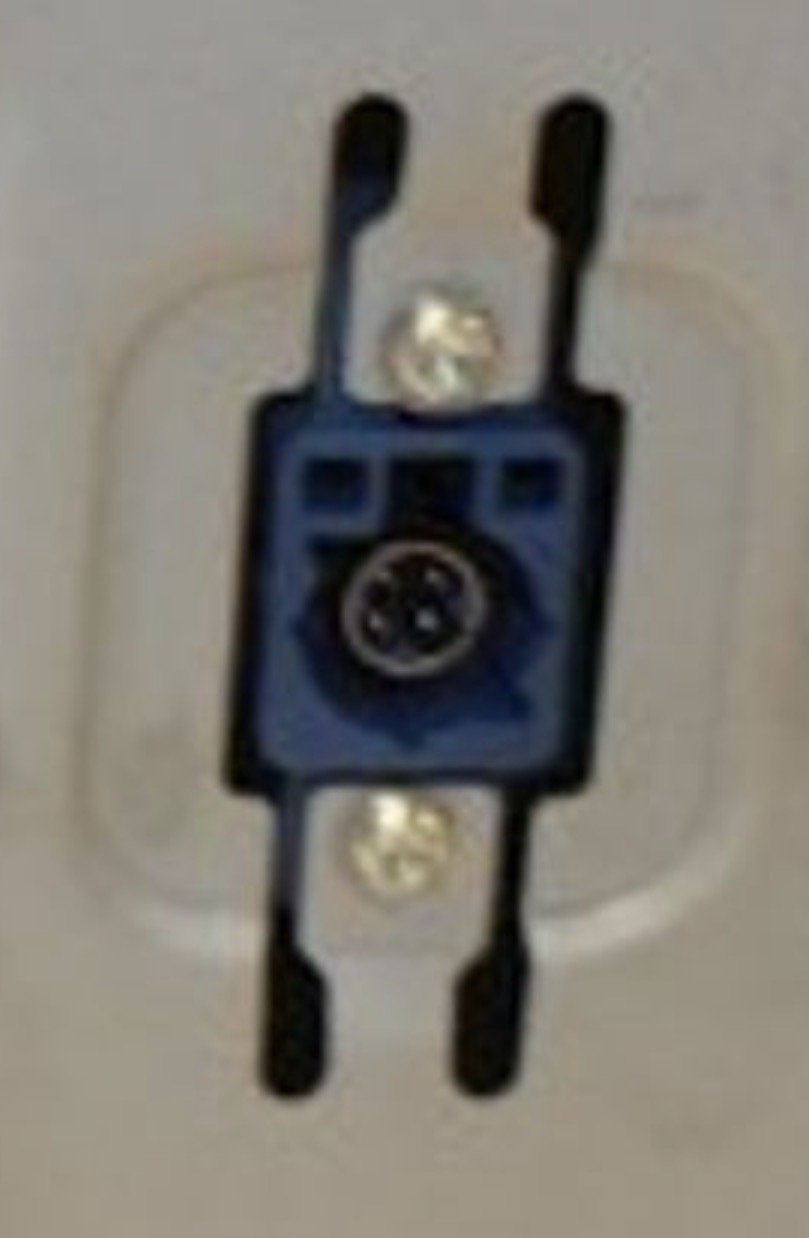
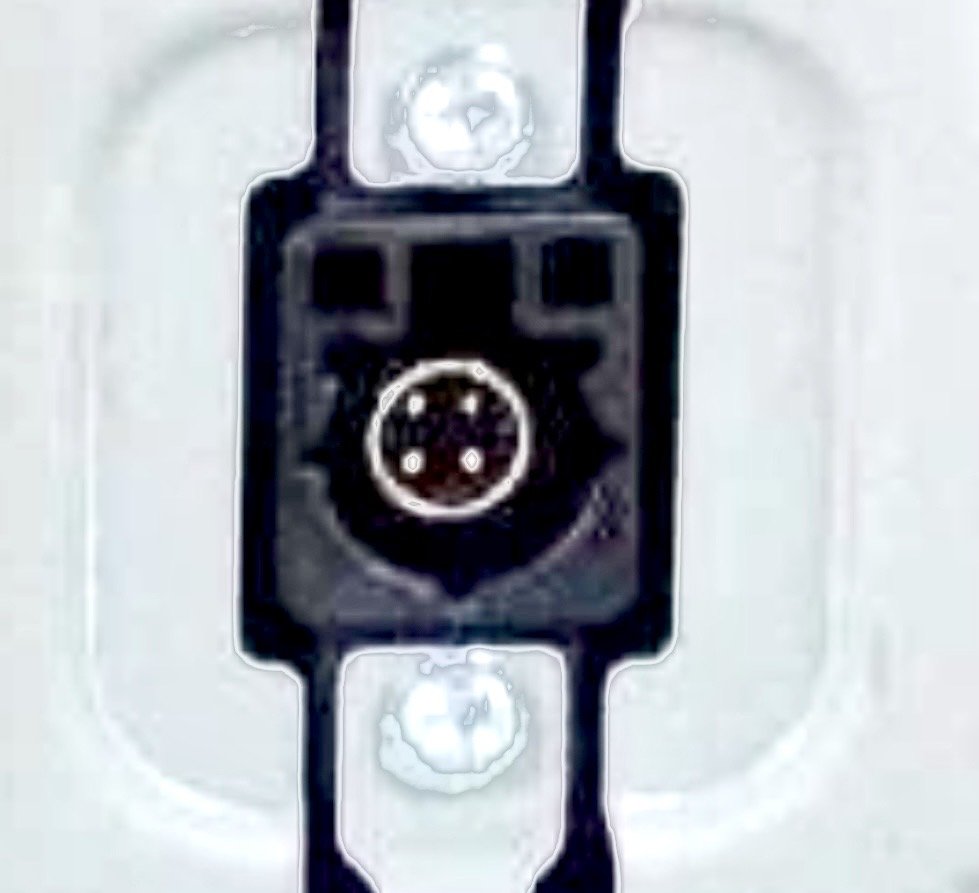
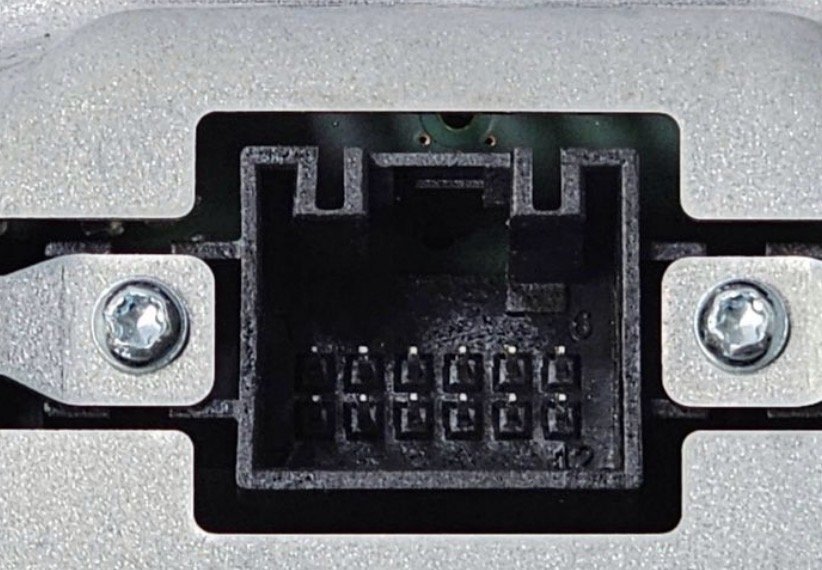
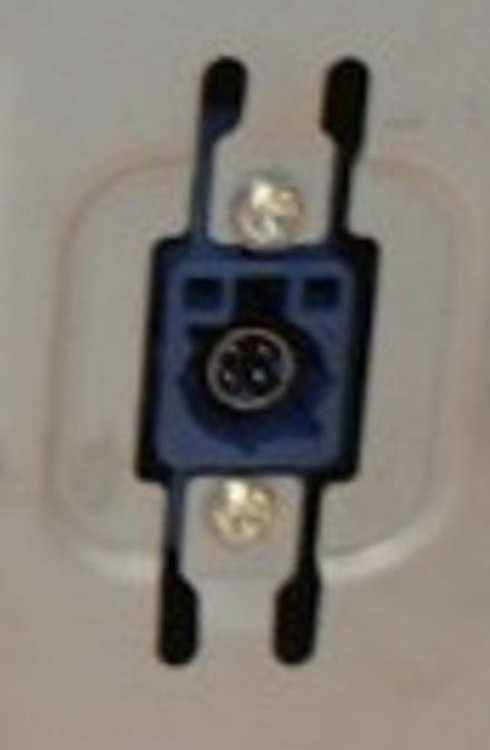
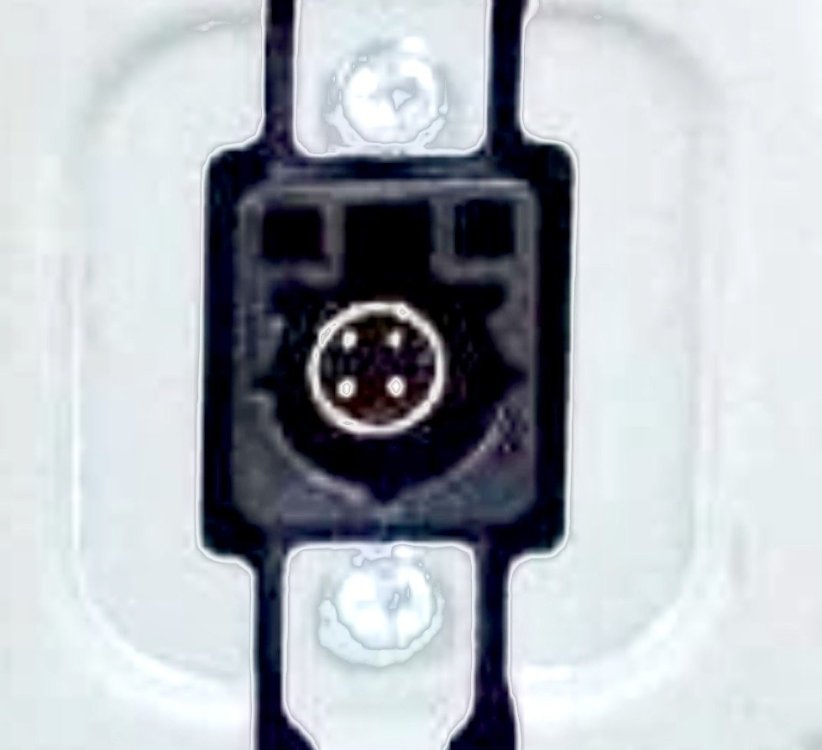
Hi there! As many of You know, among the several retrofits I’m doing on my Karoq, there’s the screen update, from Amundsen (8 inches) to Columbus (9,2). While the rectangular connector fits perfectly (audio works and buttons turn on), the screen remains black due (according to mechanic) to the different Fakra connectors, blue on Amundsen and Black on Columbus) as they have a small tooth in a different position (top on one, bottom on the other). According to You/Your experience, replacing the cable can solve the problem?
-
Can You show me/us how the seat look like from the inside, meaning with the door open, front 3/4? Are they power seats too for regulations?
-
Still available? fits on a 2022 FL?
-
How much just for the wheels shipped to Italy? Do they fit on Karoq?
-
-
About the coding for the seats, is there any particular procedure? About instead the steering wheel, installation and coding, instructions were provided with harness
-
Of course if the upholterer, installed the driver side on the passenger side and viceversa, the connections must be inverted, apart the brown/white, isnt' it?
-
Thanks
-
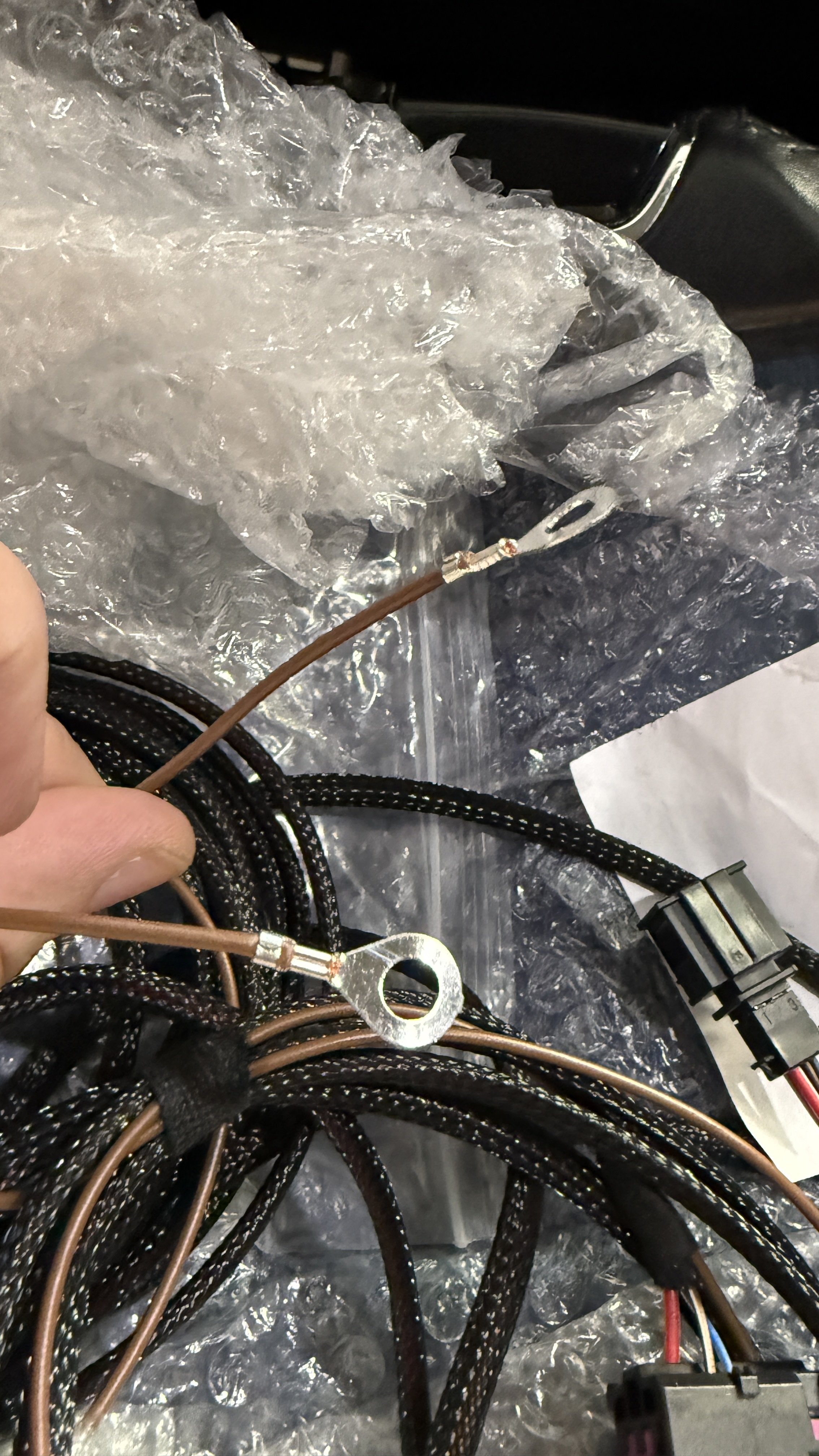
2 Brown/White: where? 2 Brown (Mass): it doesn't matter where?
-
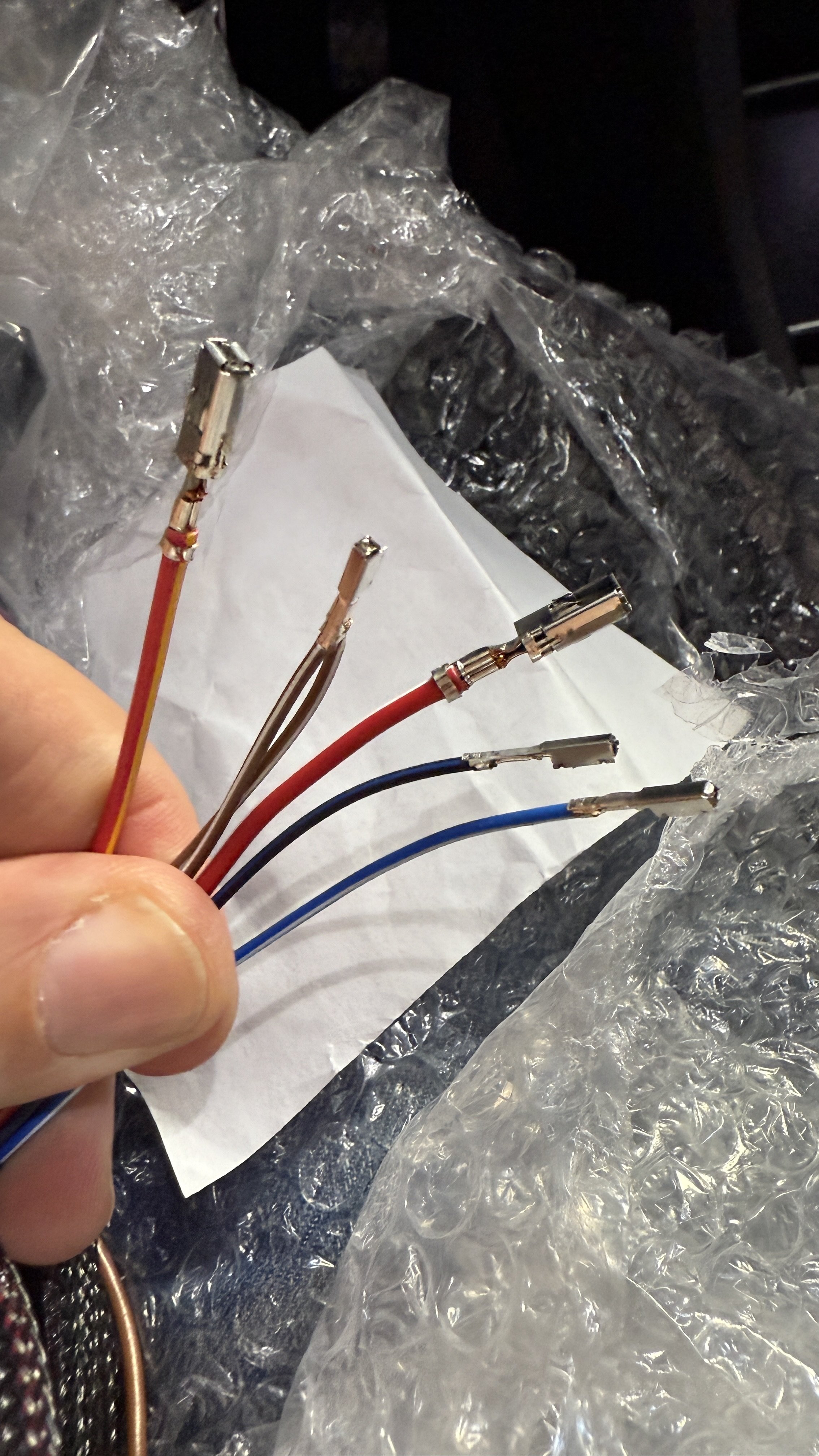
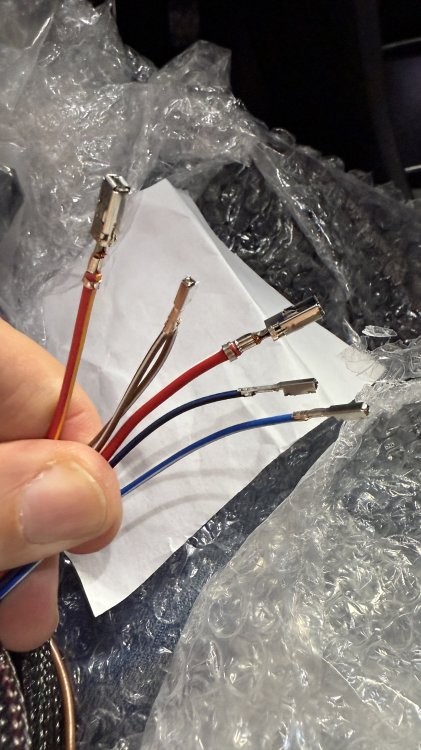
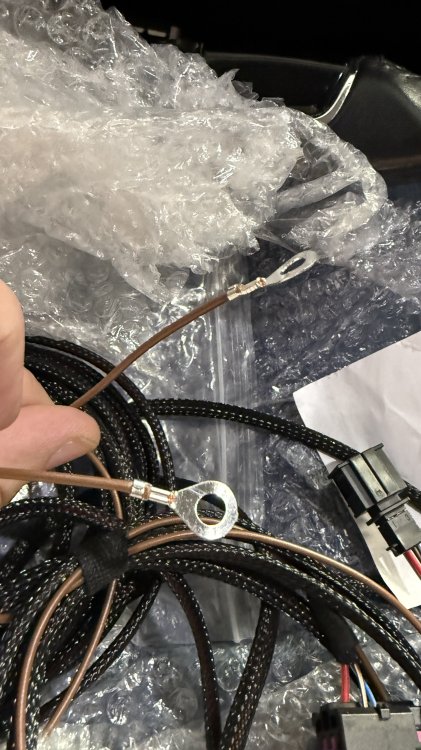
An update, This morning I went to the upholsterer in order to make pass the resistences for the heated seats: while connections between back and seat these two and main harness Were pretty hease as the connectores matched perfectly, once the job will be done, I'll have to connect the main harness to the ac control unit which I propoerly bought, replacing mine with another one with the heated seats buttons. The main harness thas the following wires 2 brown with eyelet which I suppose are the mass (1 for each seat) 1 red and white for one seat + 1 red and yellow for the the other seat, each with big terminals 1 blue and white for one seat + 1 dark blue (almost black), each with small terminals 2 brown and white which join at the end in a unique small terminal Where do I attach this wires? Attached You can see the photos
-
-
I have the opposite problem, after retro fitting the area view 360° and Park Assist: I wanna see it but I cannot: can anybody help me?
-
That frame that surrounds both of the torch and the 12v is NOT available as spare part or at least is why my dealer told me!
-
Mine is 22
-
About TA problems
-
Karoq 1.5 TSI
-
@wellaflex @mr25 : luckily I ordered the right one: https://ebay.us/m/YI1uTT
-
Travel assist came as standard on mine and I love to use it, except when I got mistake of "temporary unavailability" but I know it's and old issue by Skoda and service will fix it!
-
Is it mandatory replace the combination switch if my car has all of the other features?
-
I did it on my on my Karoq: once everything is installed You need to parametrize ADAS from beginning, otherwise side mirrors will show a distorted view
-
You mean the coding in this post: https://www.briskoda.net/forums/topic/488740-my17-superb-retrofitted-with-direct-tpms/page/2/#findComment-5628396
-
Undertstood: my screen is similar to Your, ony difference are the keys which are part touch panel on mine and where You have TRAFFIC I have APP. According to what You say I can read the value on each tyre and on infotainment as well on virtual cockpit: are the coding of these two (infotaiment and virtual cockpit) made via ODIS or VCP? As long as I find the referrement values for each condition, I'll make a set with all of the conditions and export as VCP o ODIS format Furthermore I'm trying to swap from 8 to 9.2 infotainment screen (both based on MIB3 so it should be pretty easy), but do I have to code the infotainment screen again?
-
You're right... still sleepy... 😅
-
Hi there! I'm going to retrofit the following parts: Front seats, installing the resistences that go inside the seats themselves Steering wheel, I also bought the heated crown that goes behind the wheel itself and harness; While the for the wheel seller provided detailed coding (but any suggestion is appreciated), same is NOT for the seat: any idea/suggestion?