Benja77
Members
-
Joined
-
Last visited
Everything posted by Benja77
-
-
-
-
-
-
-
-
-
As far as I can see, in the linked post there's everything I need to make them work/replace
-
Question for those who have standard ambient lights (it doesn't matter if 10 or 30 variations): do Your footwells change the color too? In my car, which has ambient light standard (it's a 1.5 Style, equivalent to a SEL), according to the infotainemnt screen footwells change color BUT in reality they keep on staying white! Instead, if anybody replaced with those RGB, can please tell me the part numbers and if I need other parts?
-
-
That’s what I heard too, but 4x4 cars have it! I believe I should coding something more, like simulating the presence of a 4x4 traction, changing parameters of abs, traction control etc. too risky imho
-
-
Hi! I tried but nothing; any other suggestions?
-
-
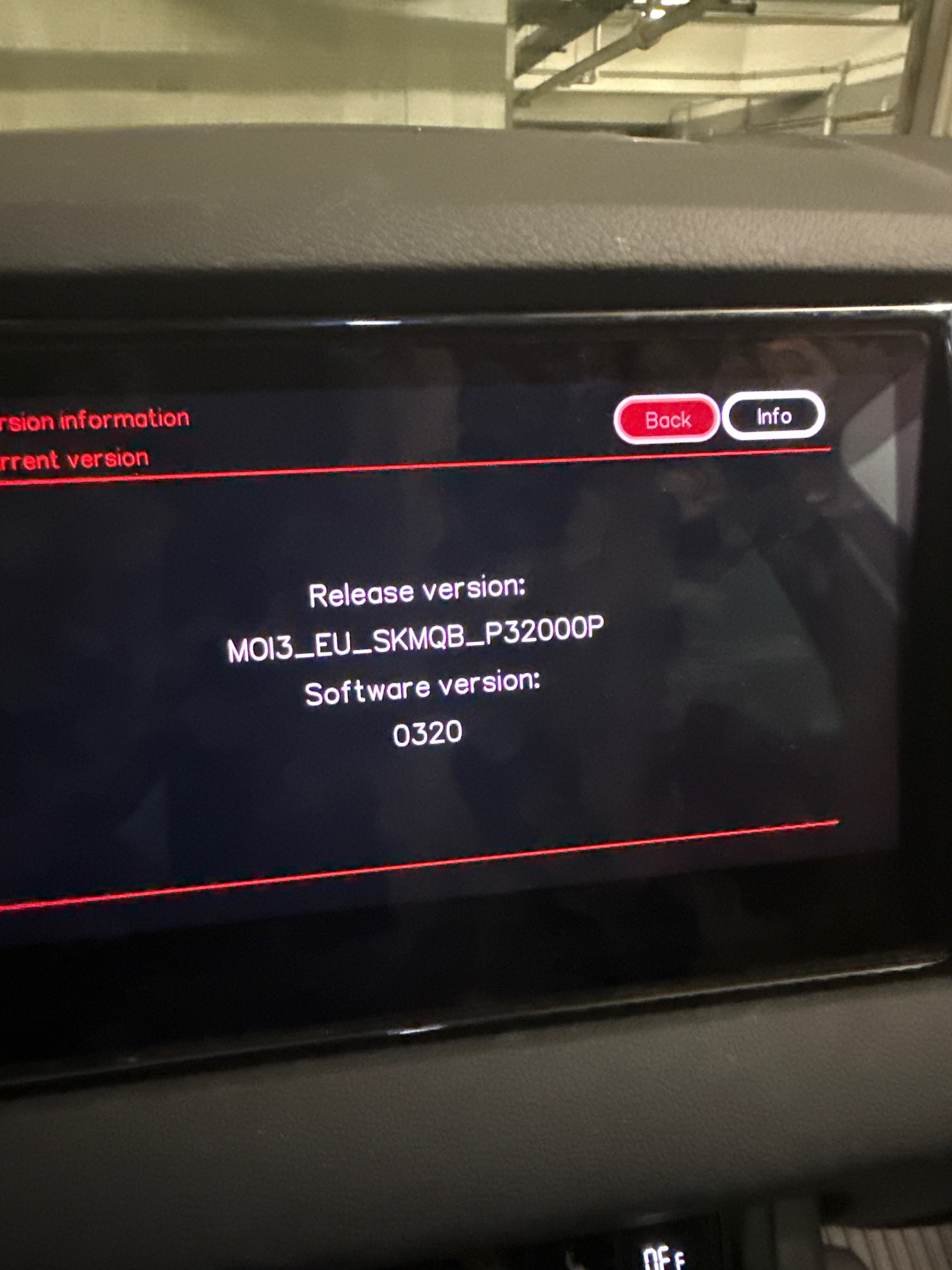
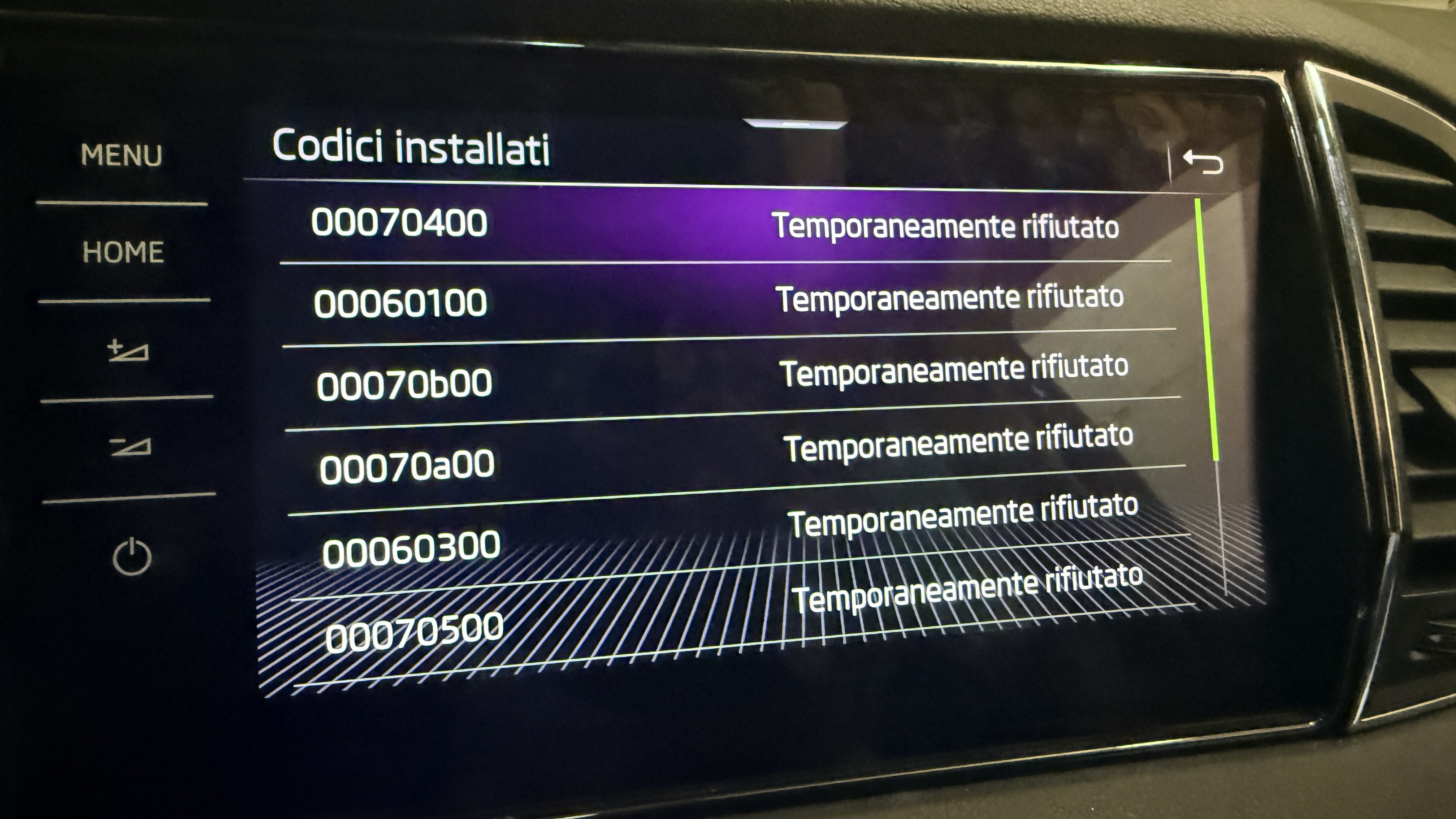
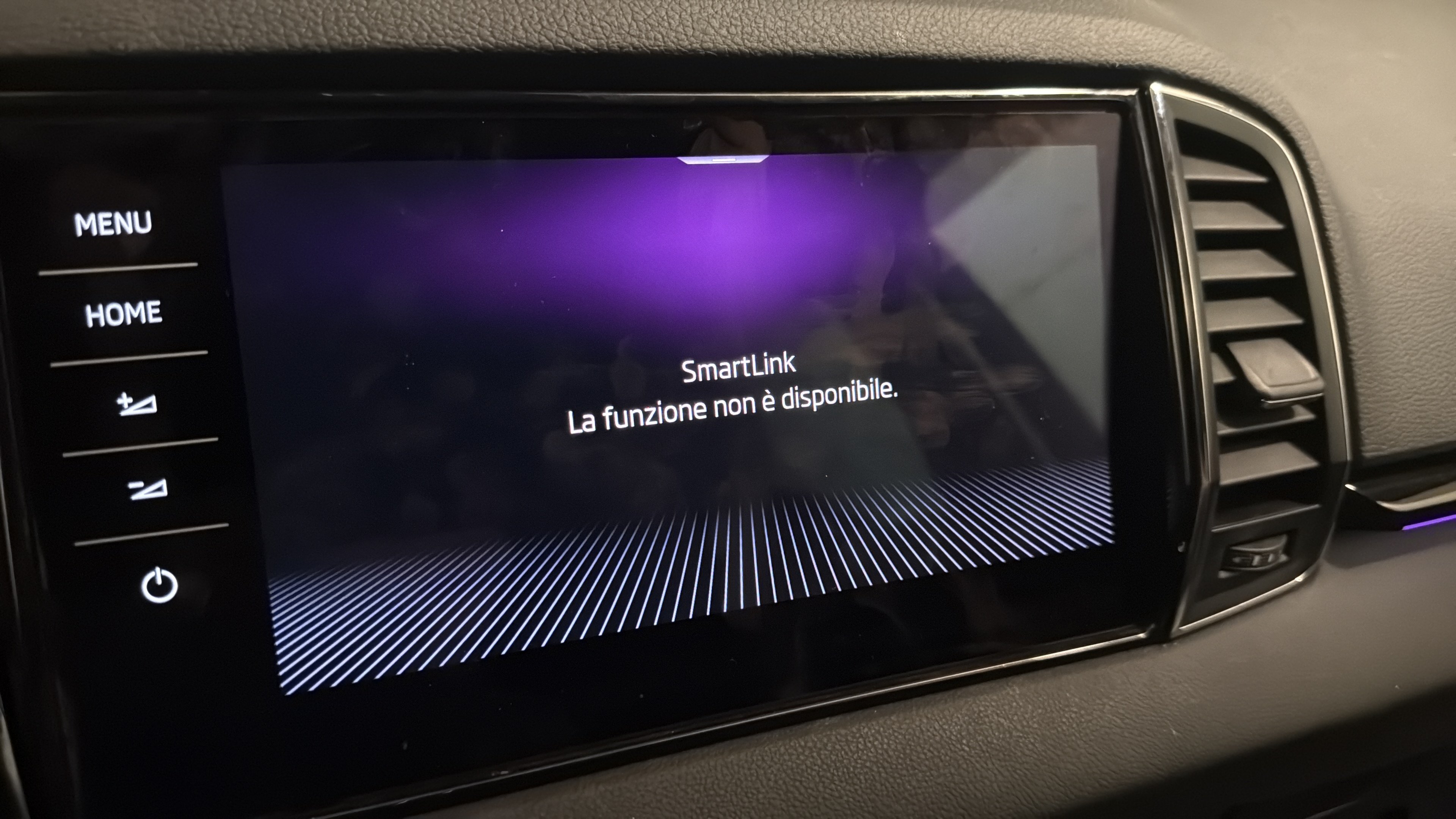
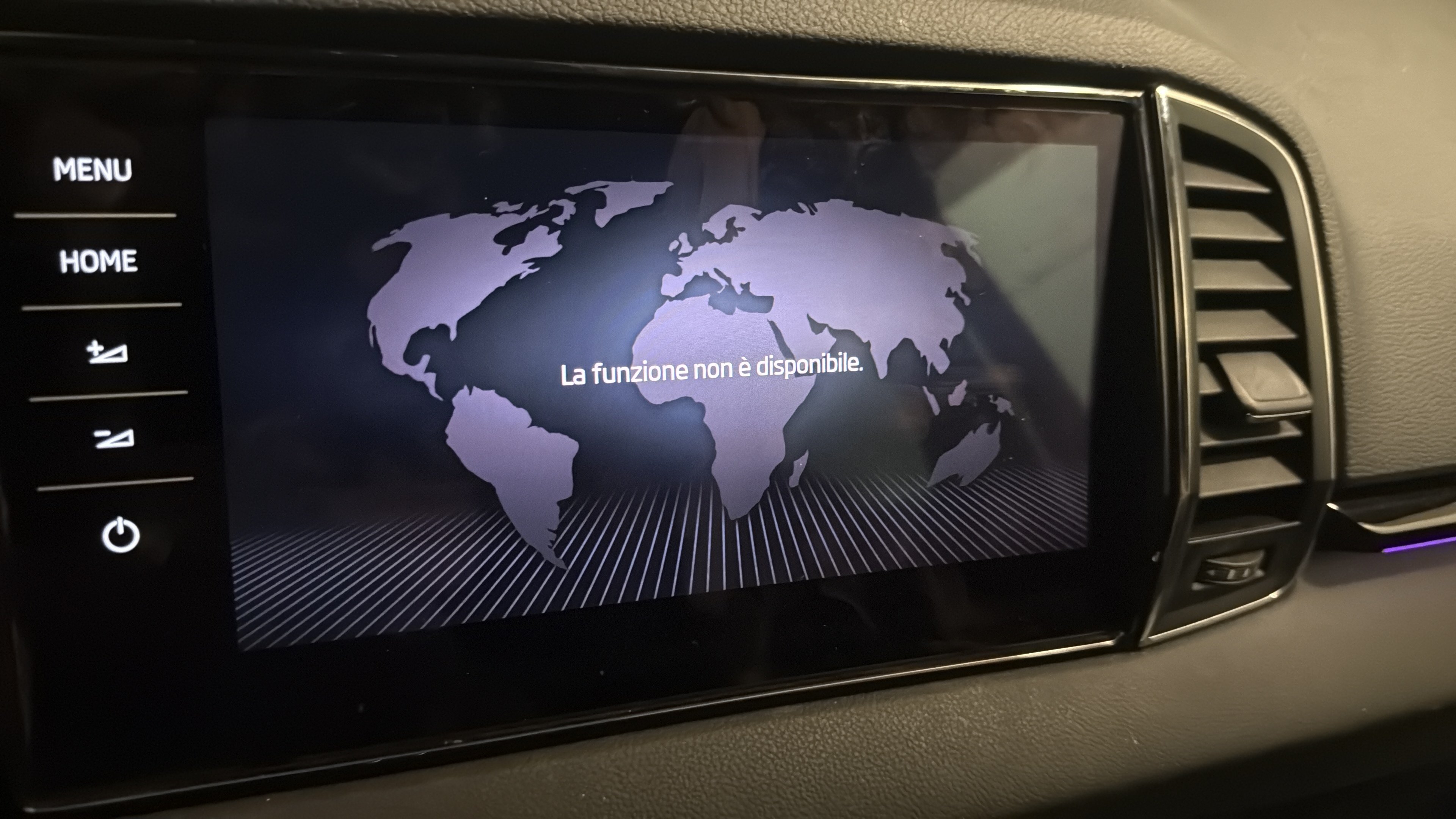
This morning I brought car to Skoda Dealer to replace the factory Amundsen screen with the Columbus one (part n. 565919606D) and factory Amundsen navigation in the glove box with the Columbus one (part n. 3V0035816K); I also replaced the cable what connect the two units. Of course I brought with me the purchases invoices to witness the parts were regularly purchased from a wreckage shop in order to remove legally the component protection. One hour ago Skoda contacted me saying they gave up as the screen doesn't turn on: can anybody help me saying me what else can I do?
-
-
Can You visualize the OFF ROAD menu having the PERFORMANCE/SPORT menu activated? I mean can You visualize both of the options OR have You to choose one of them?
-
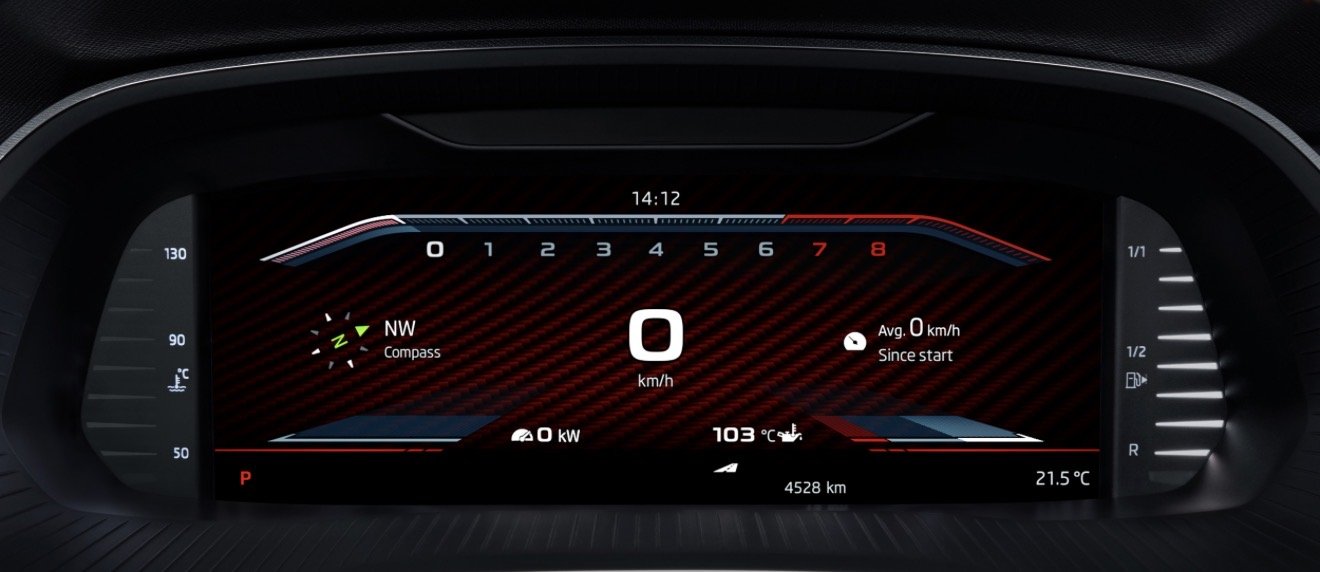
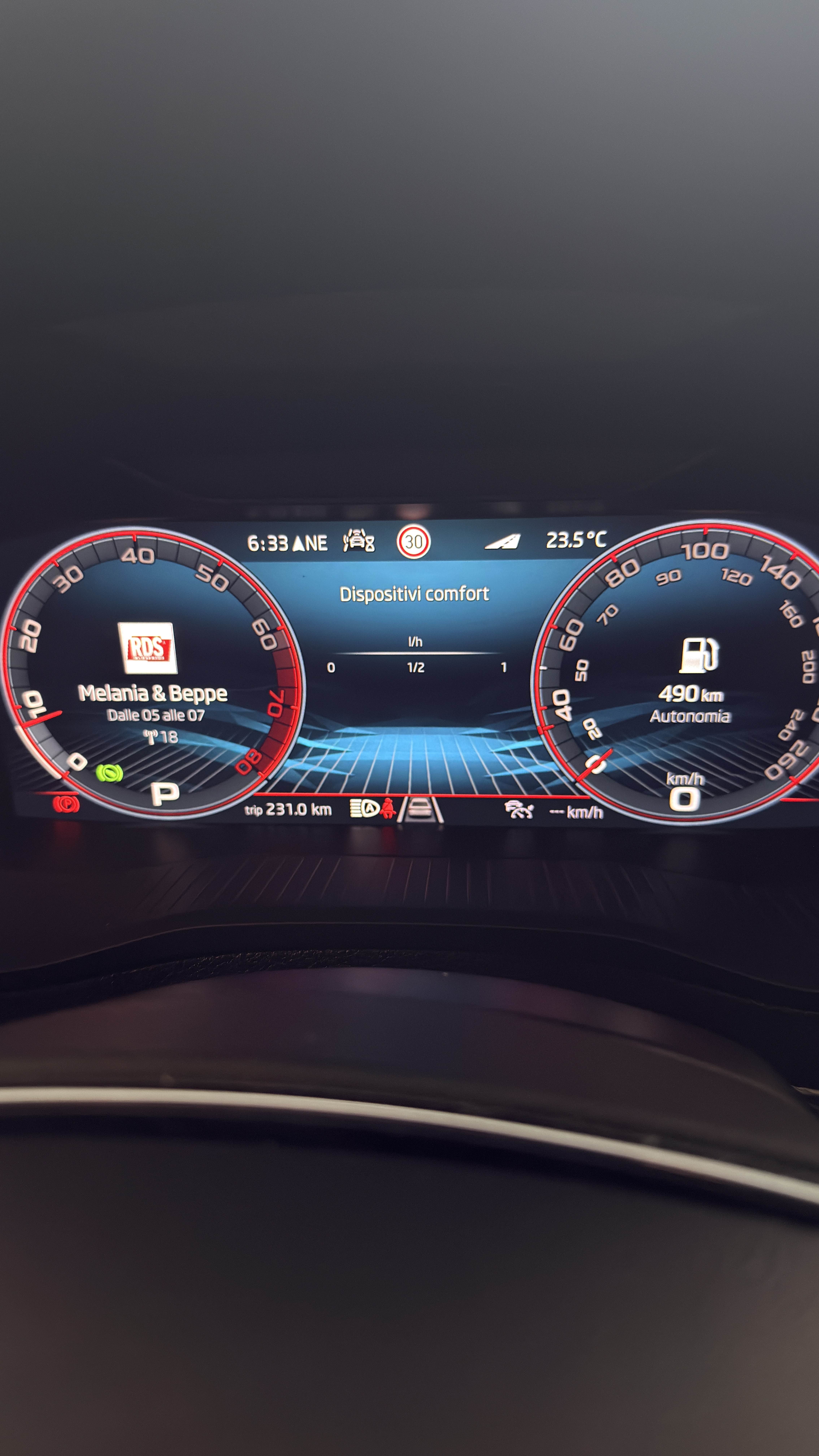
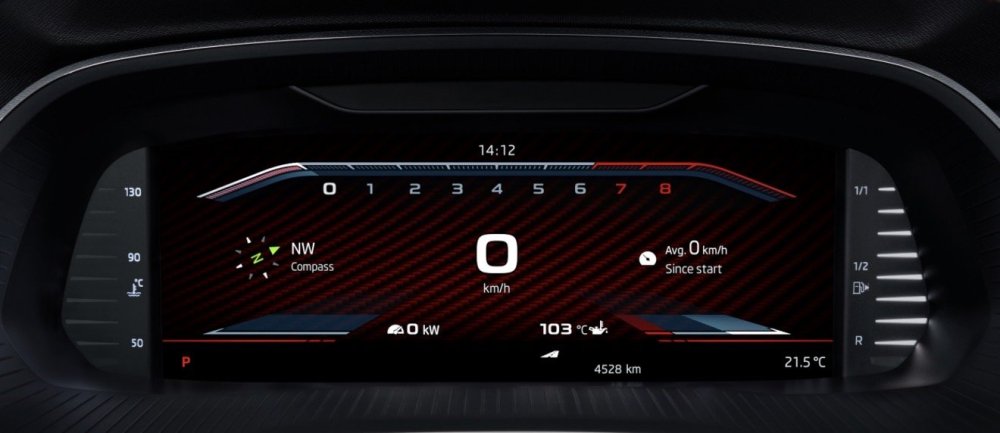
Hi there! Looking around forums and tube I saw some Audi and VW guys upgraded their Virtual Cockpit with sporty layouts (like RS Audi or R for VW), where the rev counter is definitely more awesome than standard and You can see also all the sport info You want, from Turbo pressure to oil/water temp, kw available etc. (actually I activated only performance monitor on infotainment). So my question is: is possible to activate/upgrade Skoda RS cars layout on my 1.5 car (as the one in the pic, which is the one for Octavia RS)? The only thing I was able to do was putting RED rings around rev meter/speedometer. The most sporty layout I actually can see is like the one attached BUT rev meter is available only as circle behind the speed and not as the one attached (which I like more). Any idea how to code it?
-
-
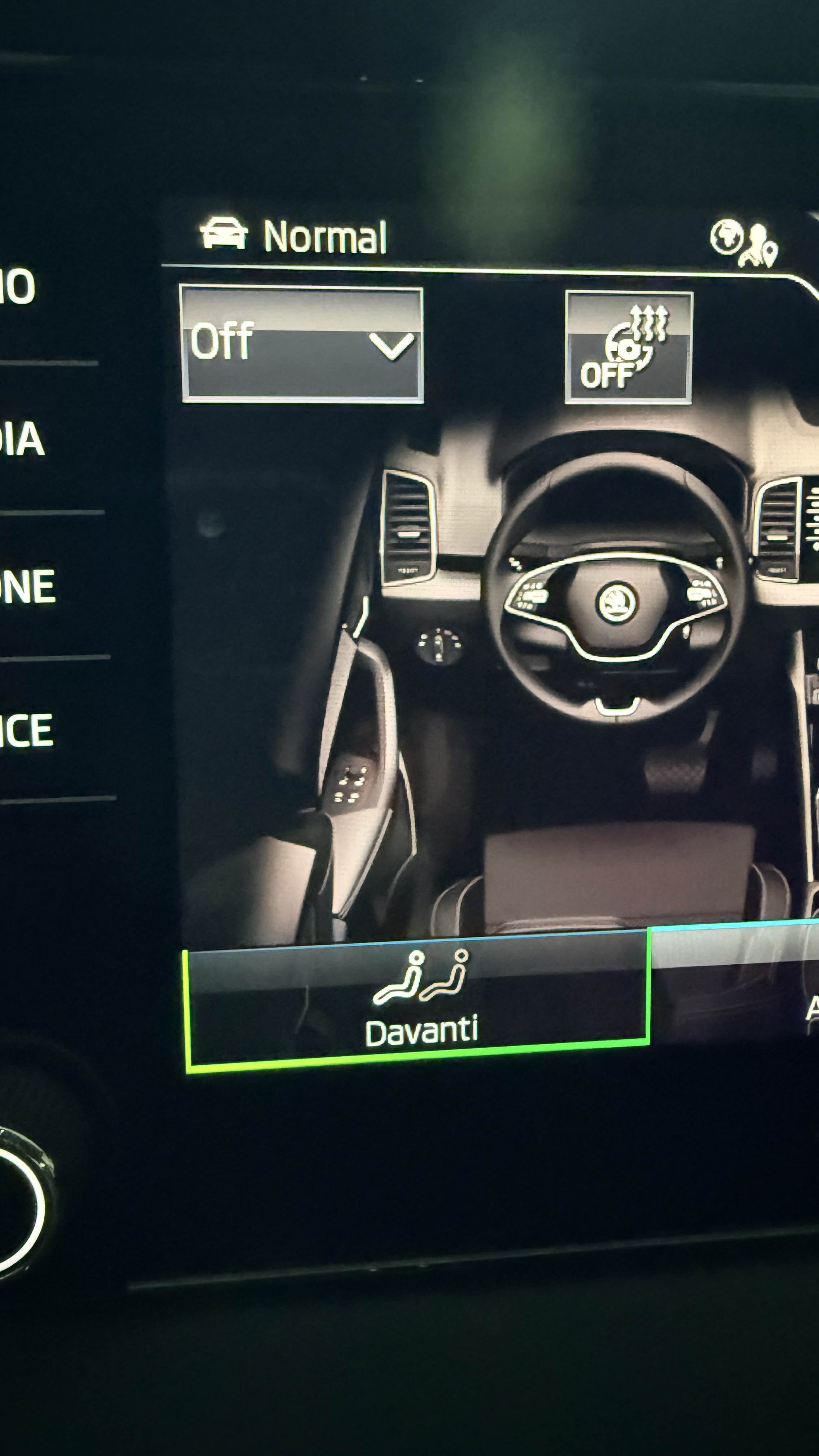
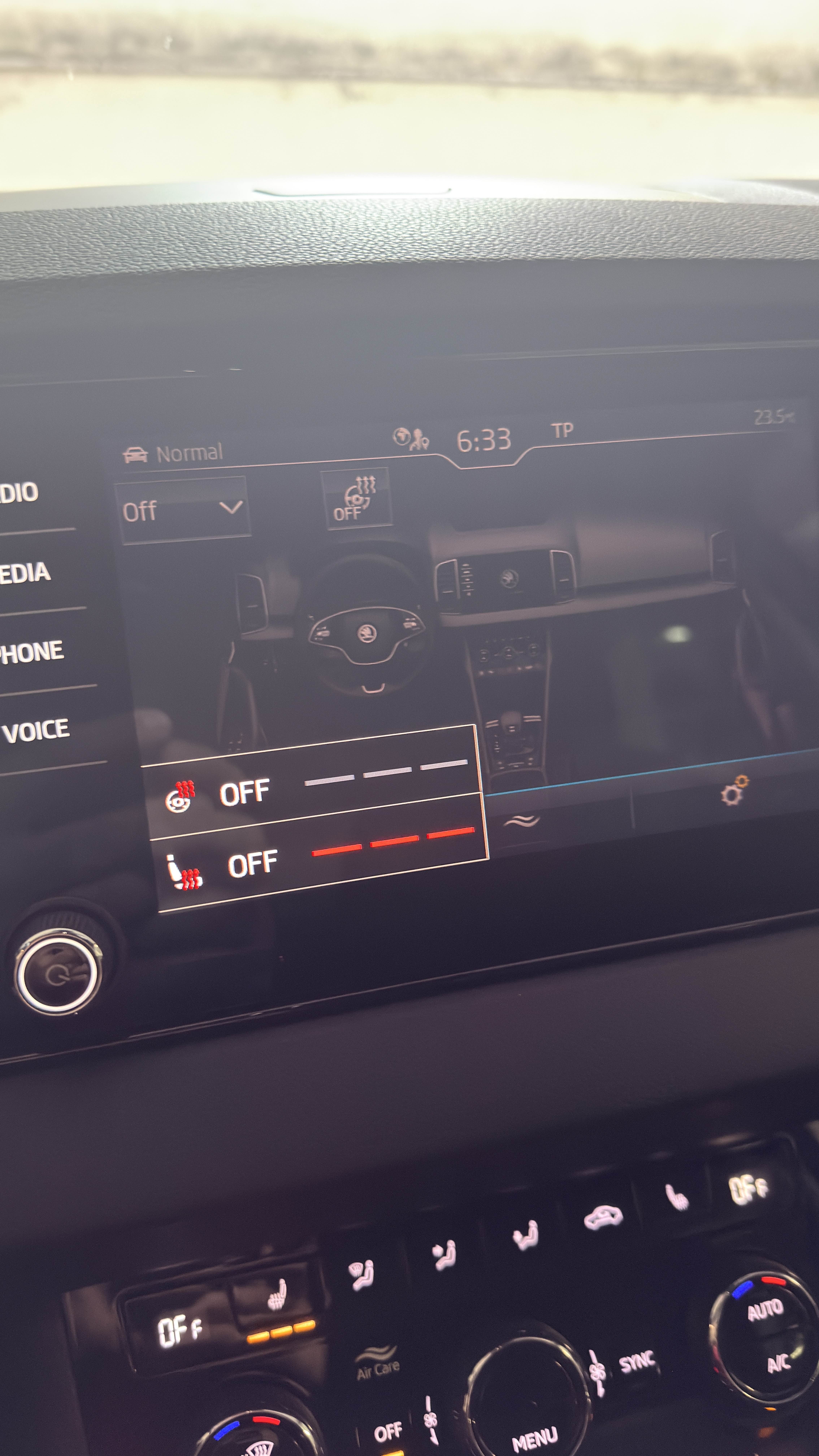
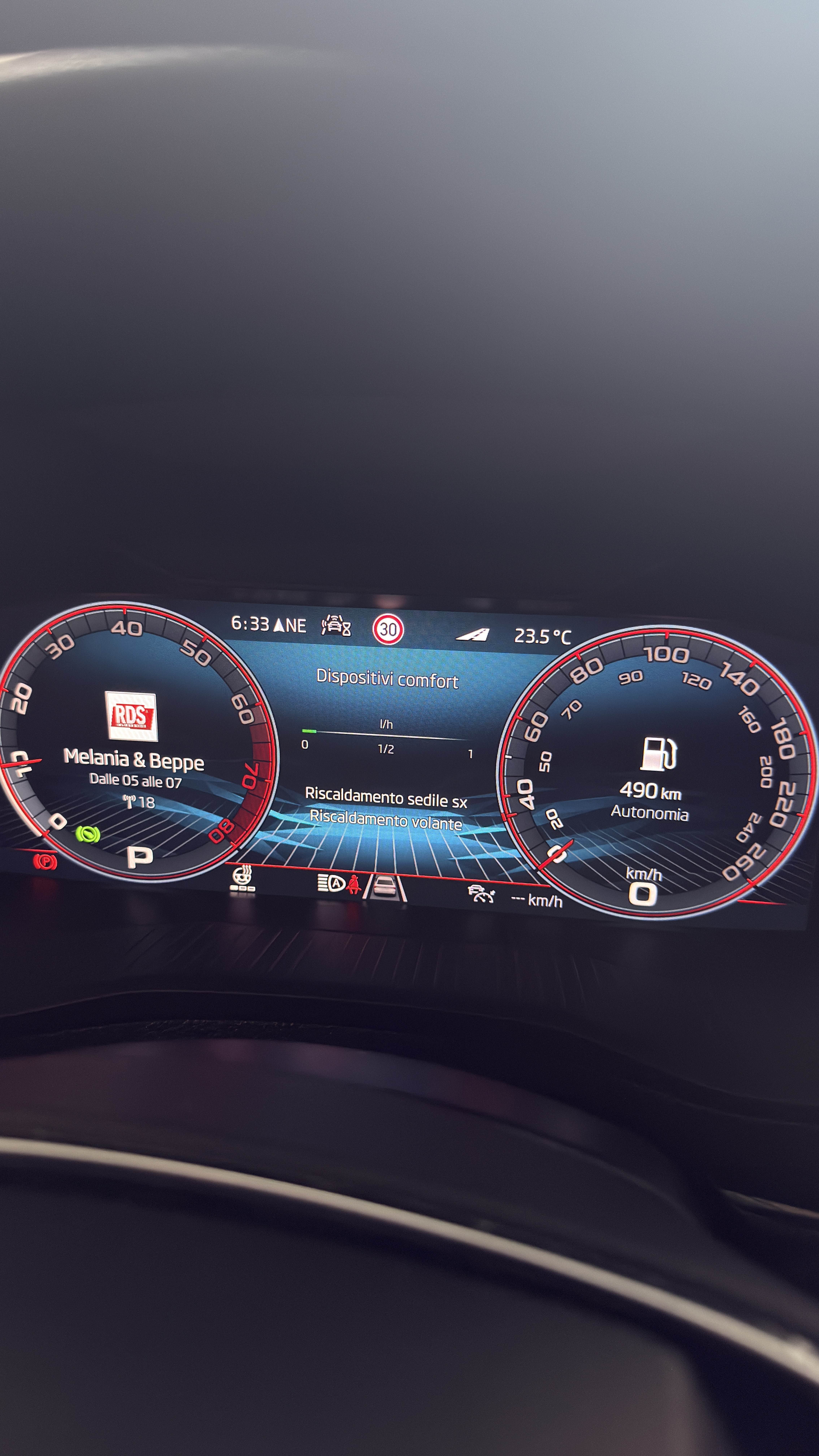
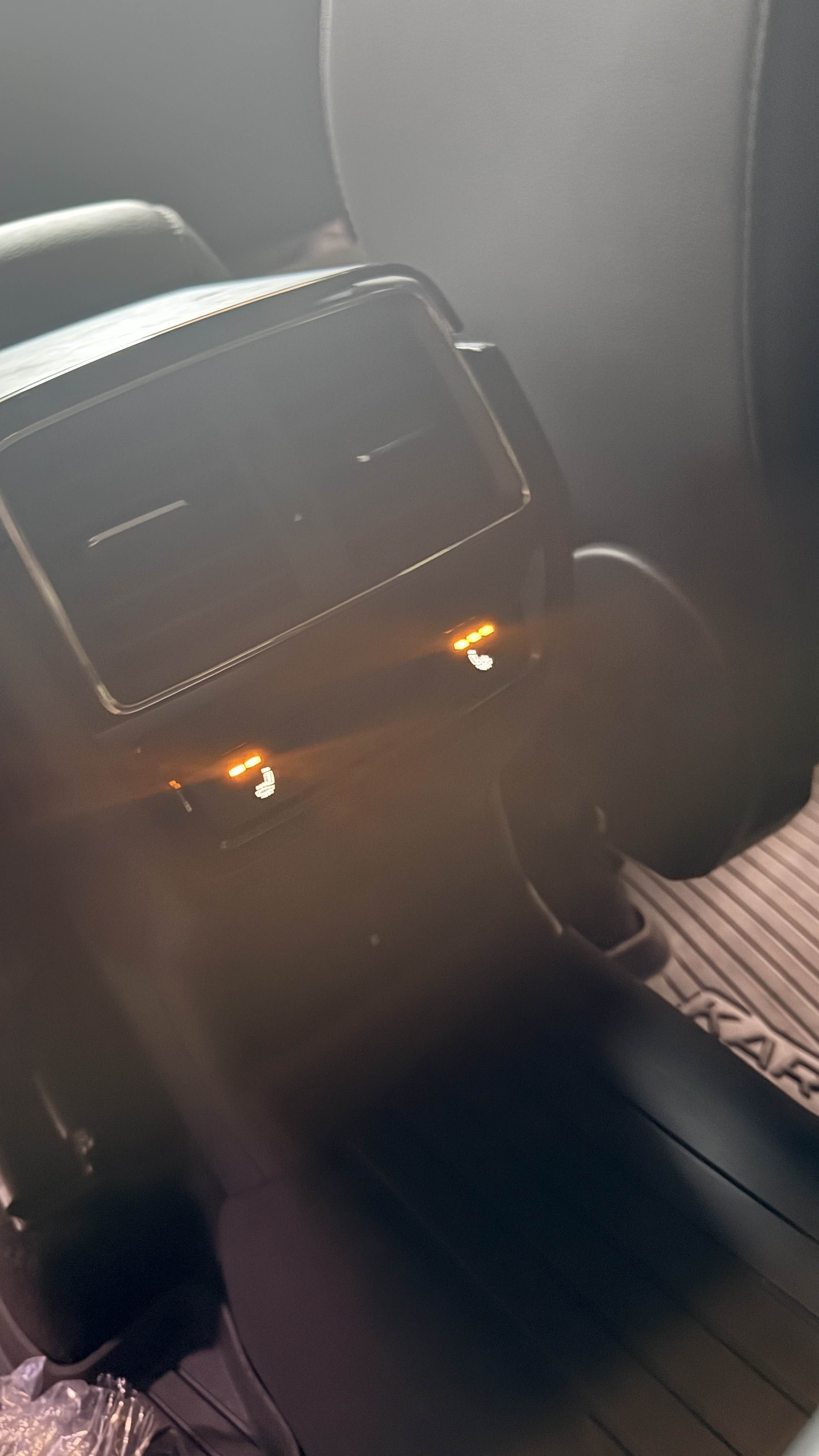
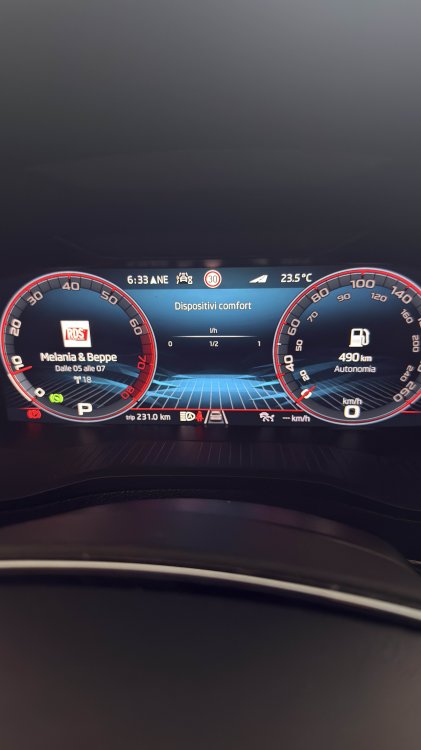
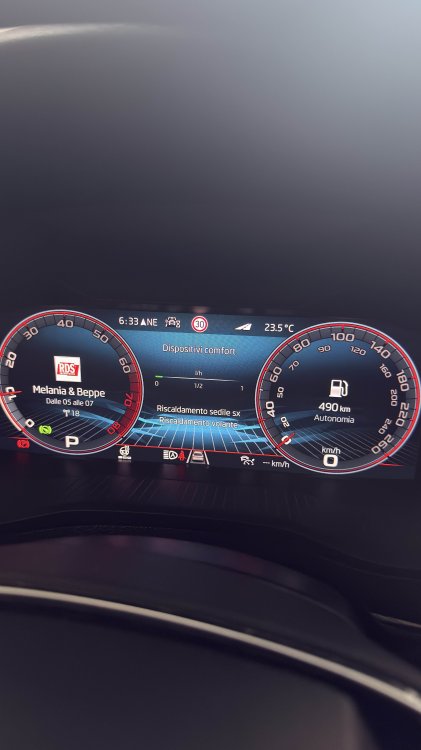
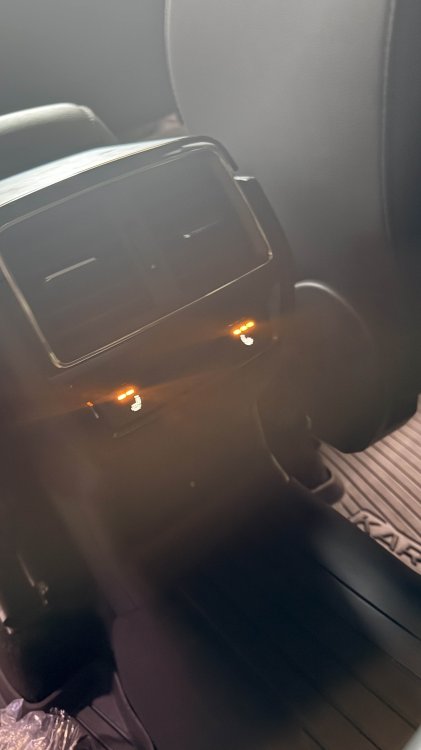
Hi there! As many of You know I retrofitted the heated REAR seats: they work fine pressing the button on the tunnel except I cannot visualize them on the infotainment (pressing REAR button) and on the comfort devices on the vrtual cockpit, both of things I see instead for the front ones and steering wheel. Probably I'm too fussy, BUT since I'd like to visualize on both of screens: can somebody who has them as standard (factory fitted) if he/she visualizes them? and can any coding expert, telling me what's the coding I need to make? Of course, before You ask, the climatronic panel which I replaced when retrofitted the front seats/steering wheel, supports the rear theted seats! Thanks! Ben
-
hi there! does anybody know if it is possible to replase standard phone charger with a vented one, possibly with button operating (as for Toyota)? the day before yesterday I put my iPhone 16 Pro Max on the mat and when I took it off, almost 40/mins later, it was very hot! Charging with cable it wasn't! So I'm wondering to know if it possible to replace it! Thanks! Ben
-
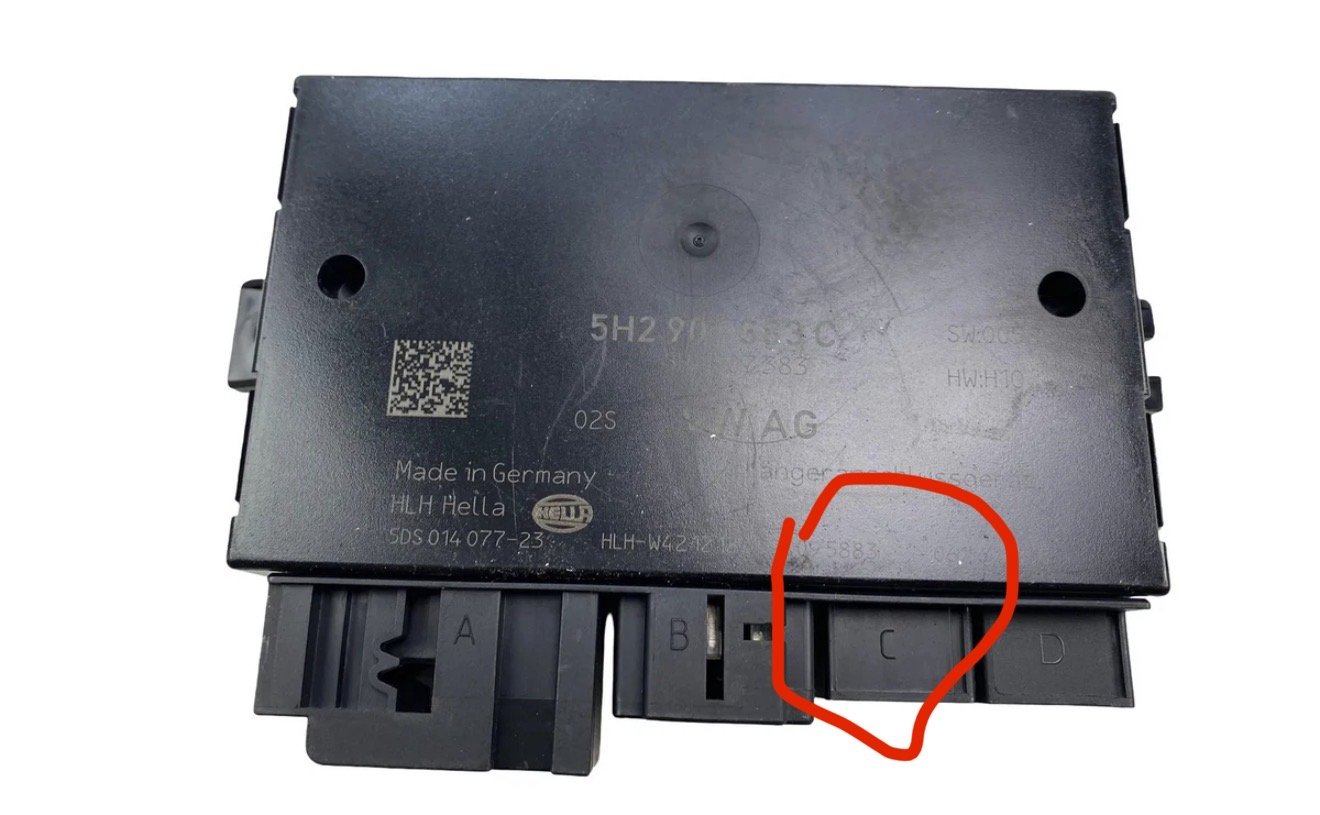
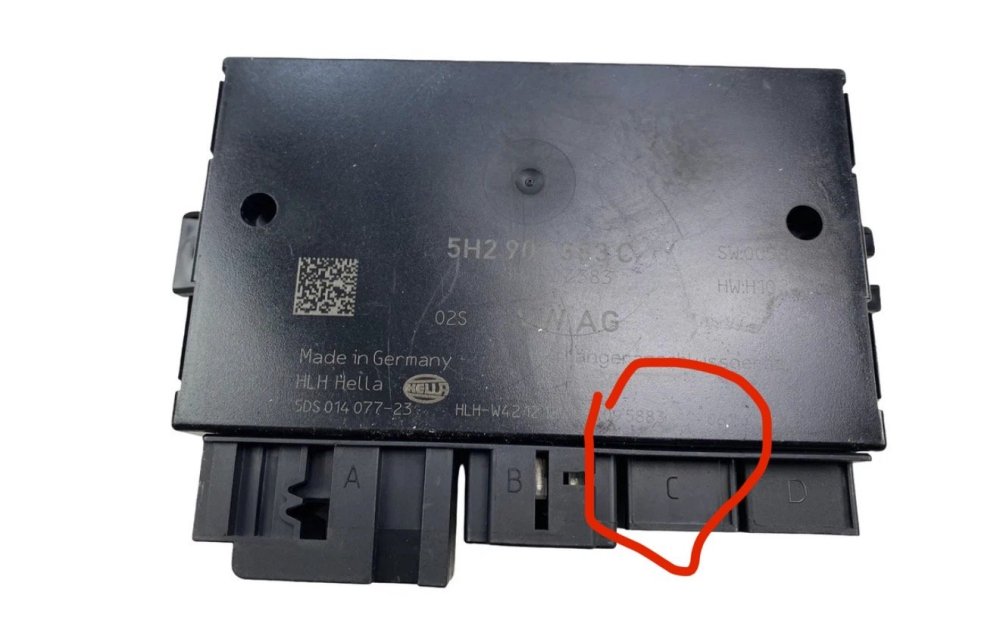
It powers but it does NOT communicate at all! Are there specific pins where connect the module? However the connector I’m talking about is the one circled
-
I know but if I cannot access to the module, how can I upload the correct dataset in the module itself? Once the module is visible on the installation list I should see as RED but at least I can access to it, am I wrong?
-
Yes, I bought the 57A092160N kit When I ordered the kit from Carsystem, he included as Control unit the one with part number 5H2907383B —> according to the Skoda Service that installed the kit this Control Unit is specific for Electric cars (Elrpq, Enyaq etc.). Investingatong on ETKA the one I need is the 5H2907383C, so I found one from a totaled car and Service told me the tow icon on the switch that goes in the trunk (once they connected) enlightened but hook didn’t move from its place. Yesterday, with the friend (with whom I restored the aircon) we saw the tow in the list but when trying to access to upload the correct dataset we got a message reporting wrong connection. We inverted the 1st and 4th pins on the third connector of the control unit but nothing changed, so now (after restoring the pins said above) I believe the problem is in the connection on the front