john999boy
Honorary
-
Joined
-
Last visited
Everything posted by john999boy
-
So @Bertie90 have you tried this cable on another computer with newly downloaded software yet as that should prove it one way or another?
-
The actual cable and advertised cable have different serial numbers.
-
Another thing you could do is try the cable on another computer with freshly downloaded software. Could it also be that the cable has already been registered and that's why you're being denied forum access? IIRC reregistering requires an additional fee.
-
Fake cables usually come with cloned, non updatable software on a CD. Yours looks to have been installed. Make a backup and try updating if that isn't the latest version - I haven't checked!
-
The unlimited cables have been available for about £450 ish but I think that your inclusive price tells the whole story.
-
Did it come with a CD which had the software on and how much did you pay?
-
Yes you can.
-
I had to download it and also install VLC to see just how impressed the heron was with the 'pillock with a phone'.
-
@gregoir Any chance of a photo?
-
As Damo is no longer around to update this, @JGrindel has started a new thread which will incorporate and take over from this one.
-
That shows as my installed v18.8.6 - not the v20+ that Android Auto requires! As you both can download a newer version than I can see, I presume that @Cakemonster is also a beta tester? I've also uninstalled/re-installed to see if that sorts anything - it hasn't...... Looking at this further it also seems that Sygic operates a Staged Rollout system so maybe my name isn't yet on the update list?
-
@Kenrw8Are you 100% able to join the beta programme as it's showing that it's full to me?
-
A bit of an update as I can't even see this version in the Google Store. As a holder of the World + Traffic lifetime licence, I'd have thought the update would have been available (and free) but it just doesn't show up for me. Perhaps other UK people could have a look to see if it's available as there's certainly some reviews about it (not too good though) but I didn't notice where they were from.
-
I didn't think that this version (20.04) was available (outside of the beta programme) in the UK yet?
-
That's standard in your country. But there may be a way to sort it........
-
I've got an induction hob after having a gas one and it's so much better. Apart from the clean lines, the best feature is that individual areas can have separate timers.
-
If you do feel the urge to change then also consider having an oven which incorporates steam cooking too. That way you can use the extra facilities as a reason for the upgrade. No idea if it's more efficient but the food tastes nicer.
-
Showing the car some love now that you're getting rid of it?
-
You just have to press reset and don't need any special sensors on your winter wheels.
-
Now moved.
-
What is this Skoda specific key?
-
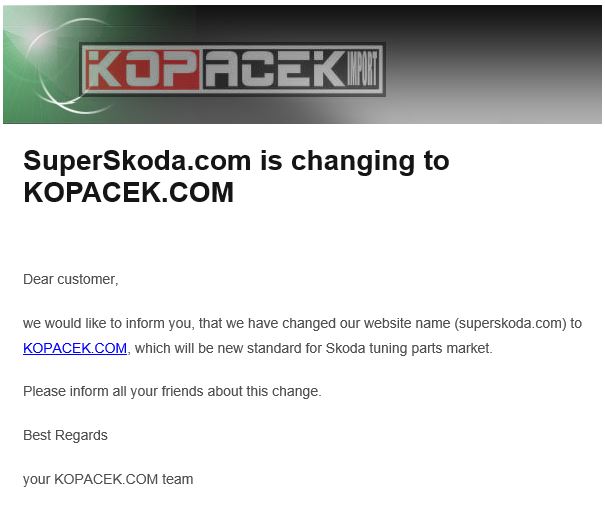
Just received an email from Superskoda saying that they are now to be known as Kopacek. Hopefully their customer service changes (for the better) too?
-
Funnily enough I've now checked on my desktop/Firefox and it plays as an audio file there whereas before I viewed it on my Android phone with Chrome. Maybe @UndertheRadar can re-upload to Youtube or somewhere similar to allow the full shiny experience to be seen by everyone?
-
It looks like you need to download before playing and it is a video.
-
@Gizmo had this applied to his Superb.