




Tech1e
Honorary
-
Joined
-
Last visited
Everything posted by Tech1e
-
-
-
-
-
Very tricky to see the terminal numbers on the engine ecu plugs, wouldn’t be surprised if one wasn’t correct
-
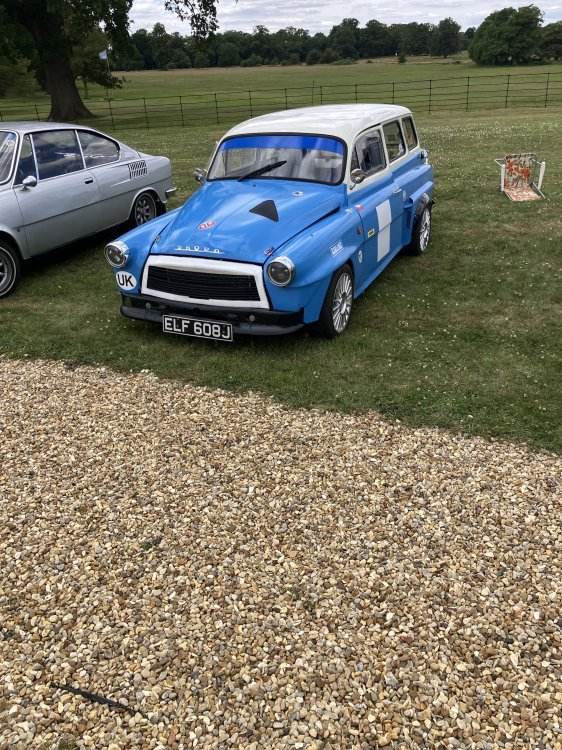
My mate Jay’s Mazda Octavia.
-
The only one there, shocking.
-
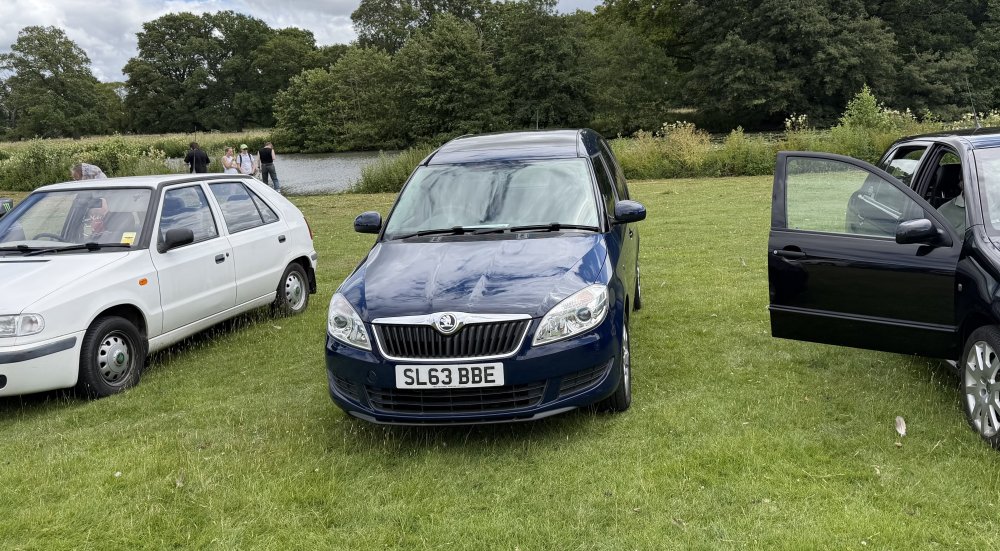
We brought our Roomster along.
-
Yes, I took the photos :)
-
Yes, but not with an Altea gearbox.
-
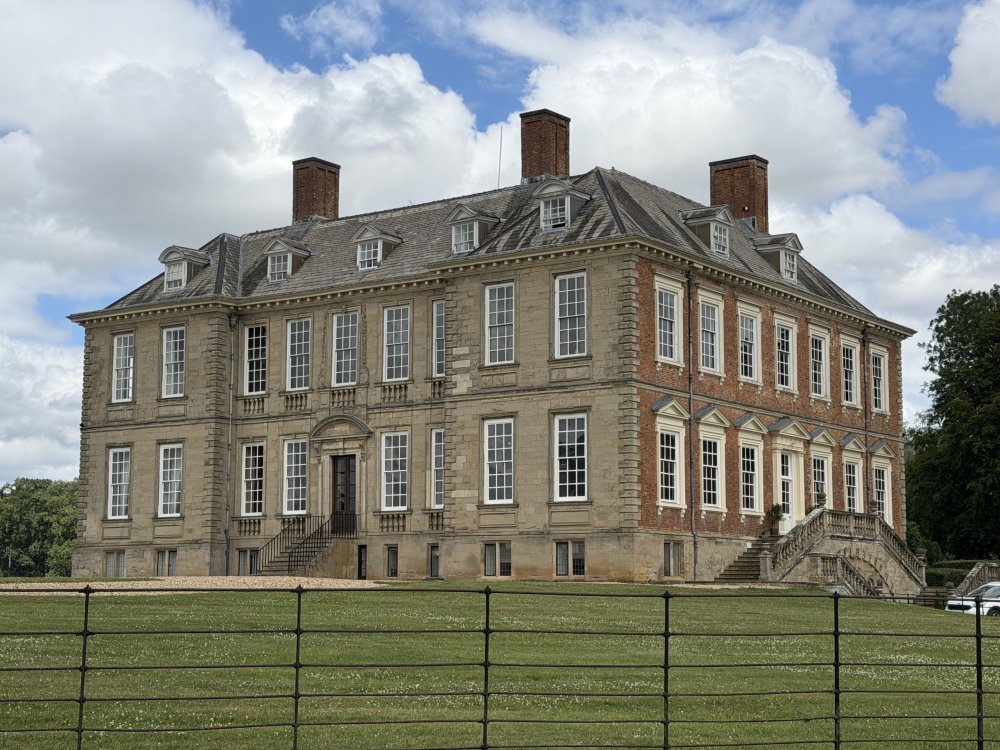
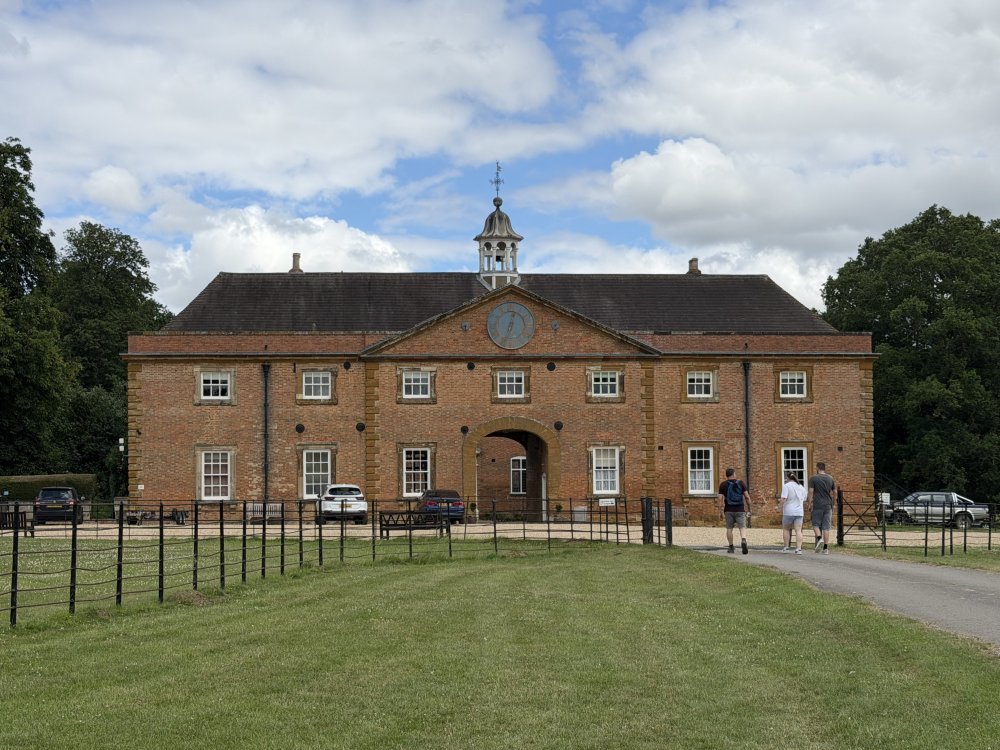
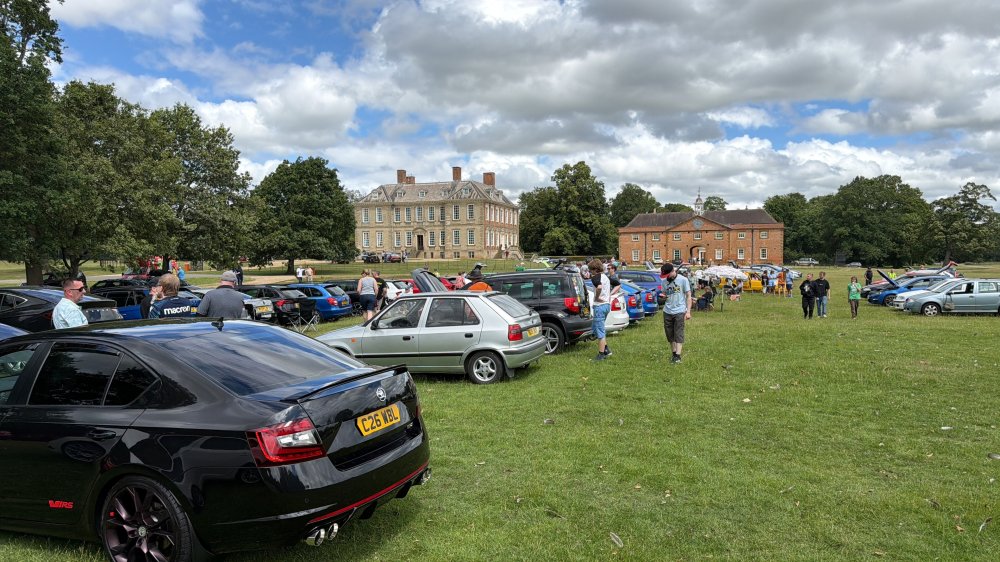
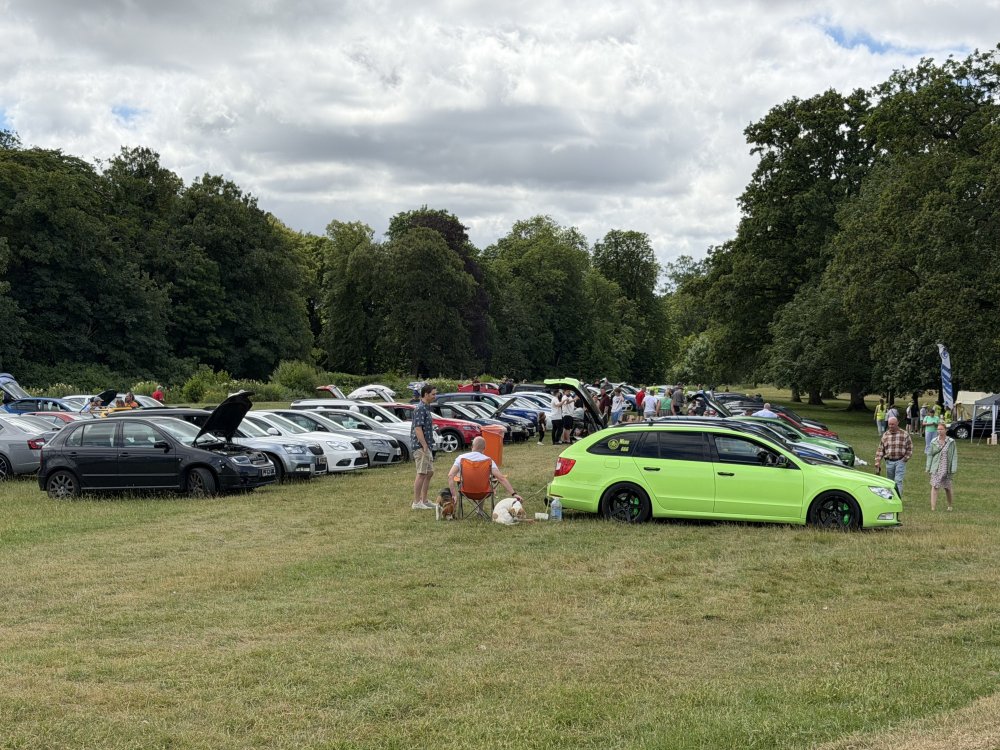
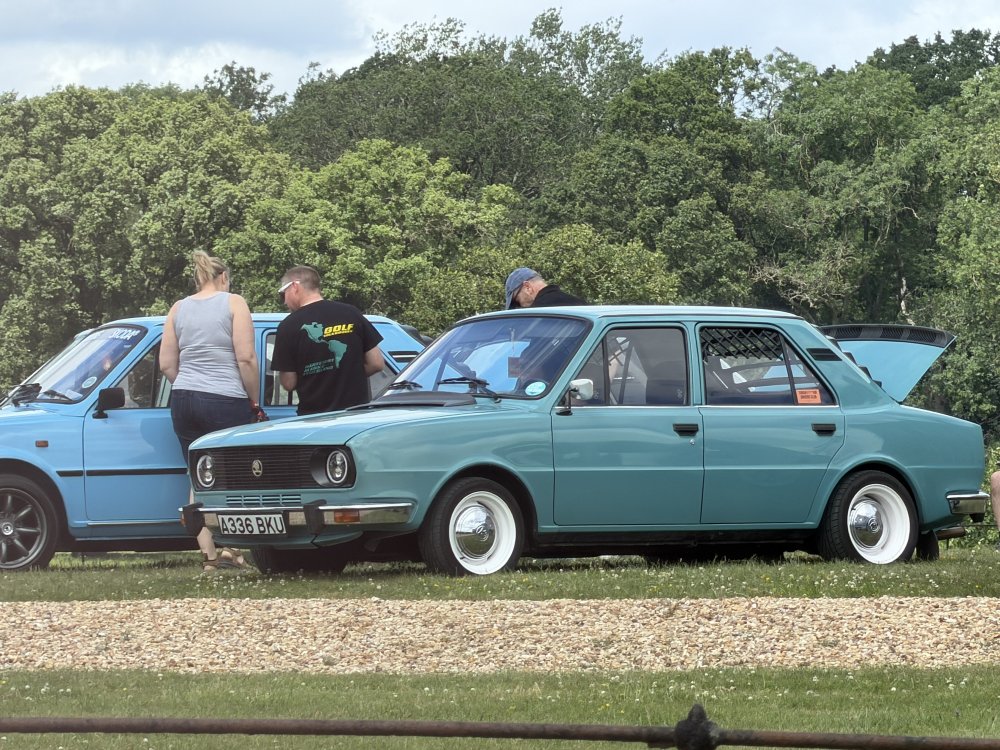
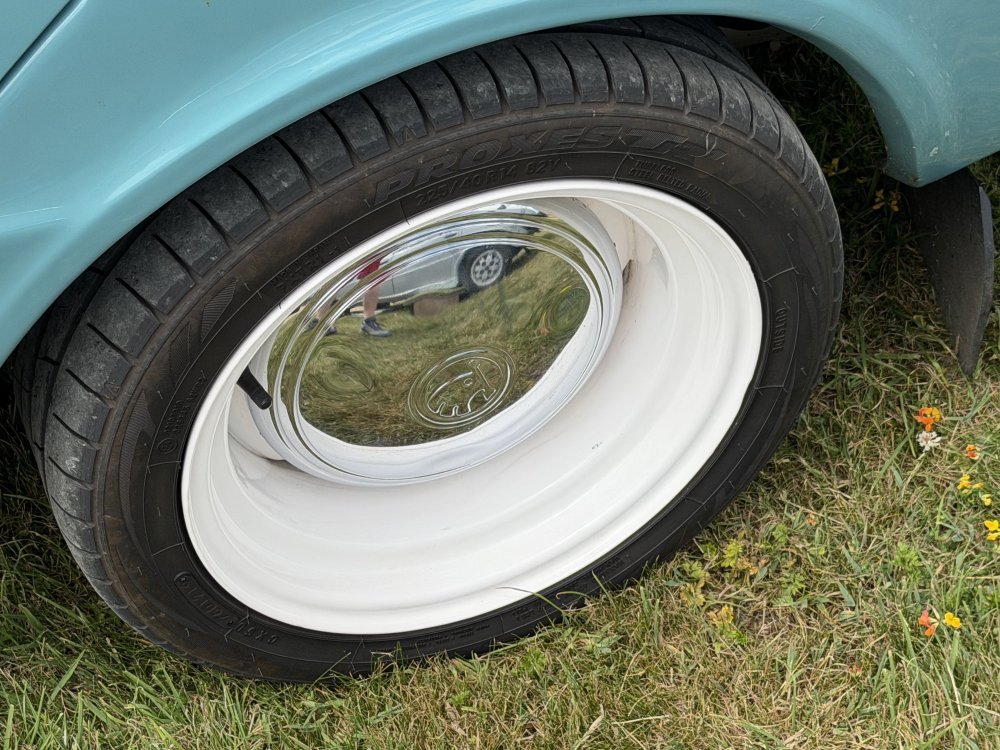
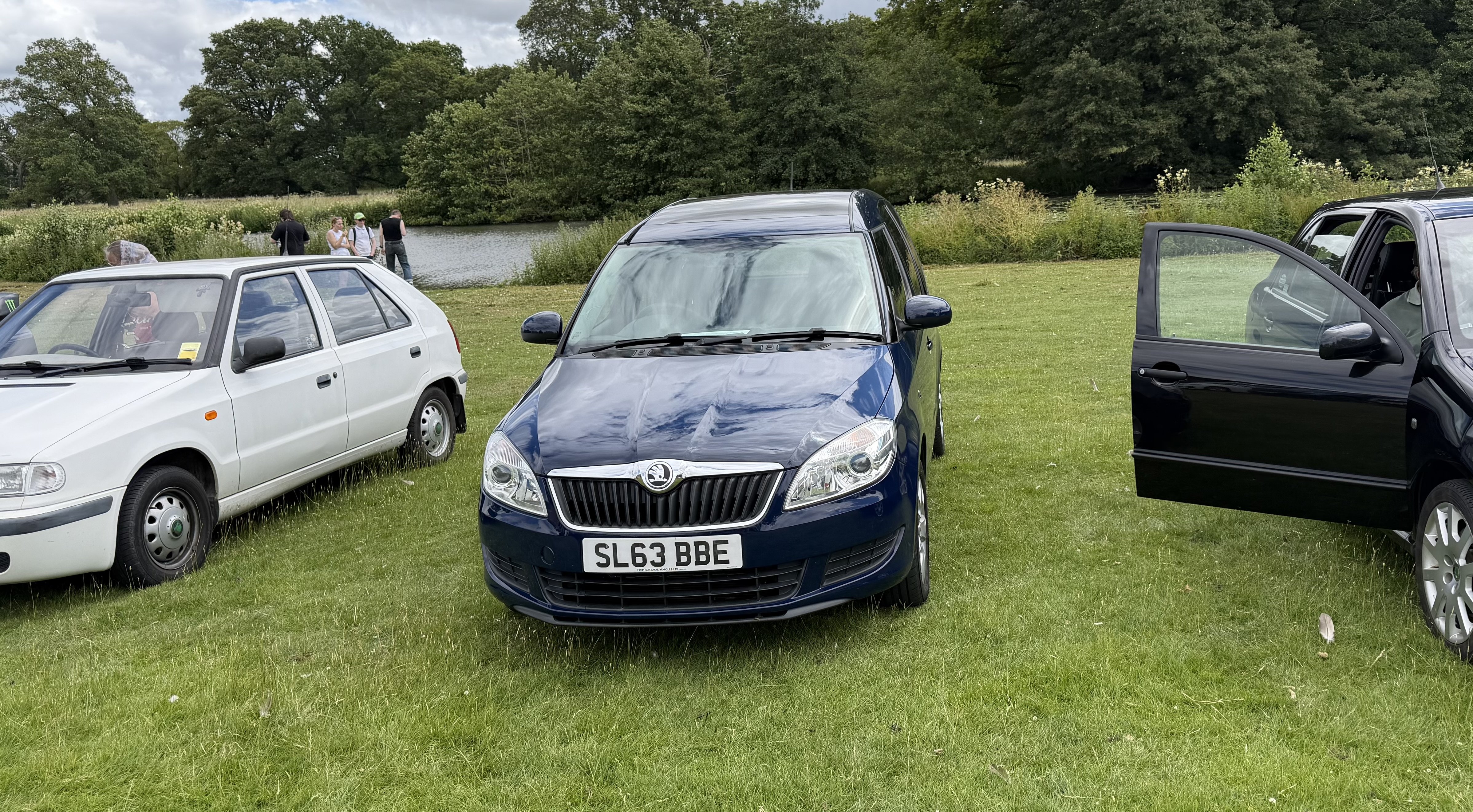
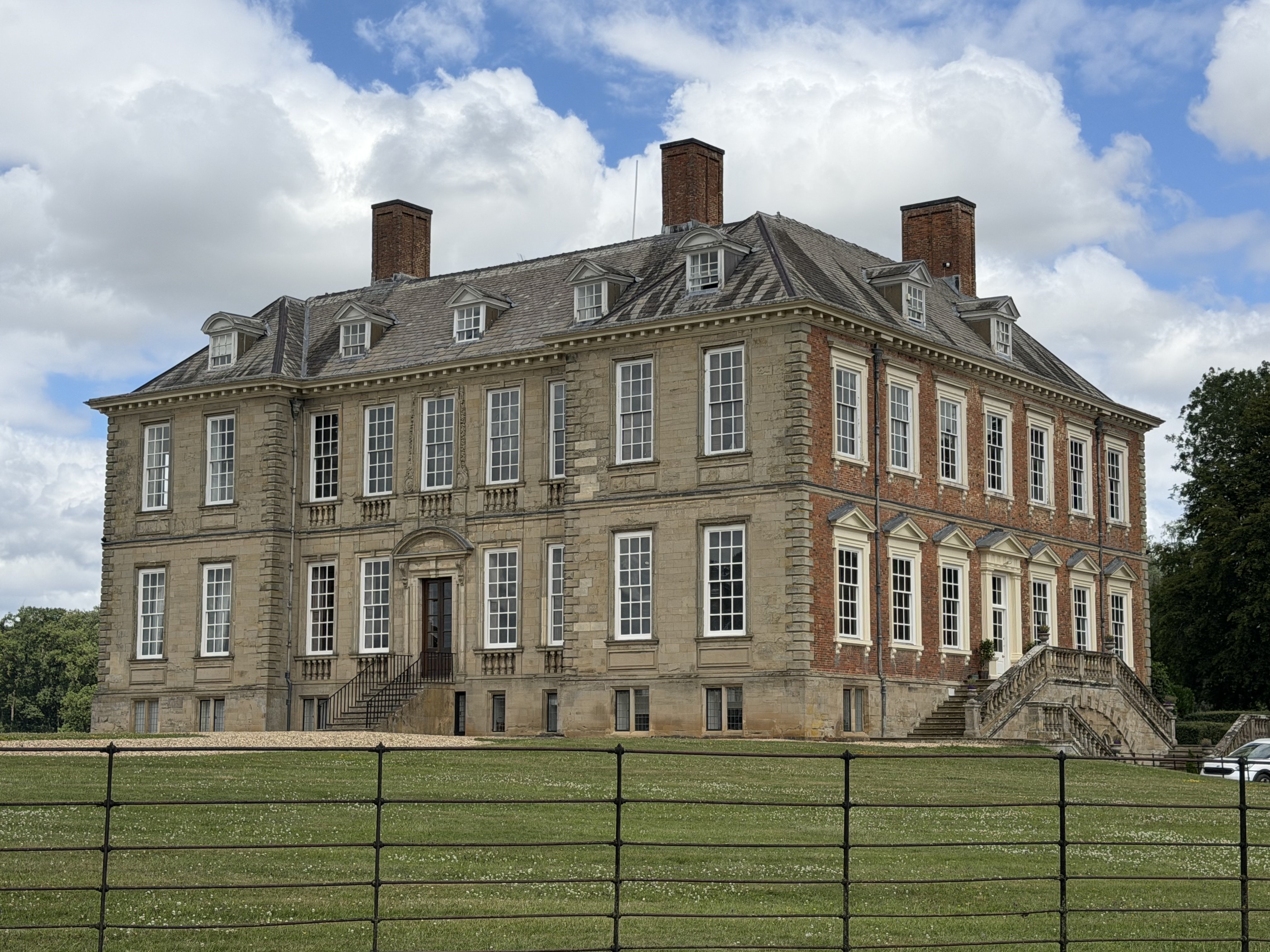
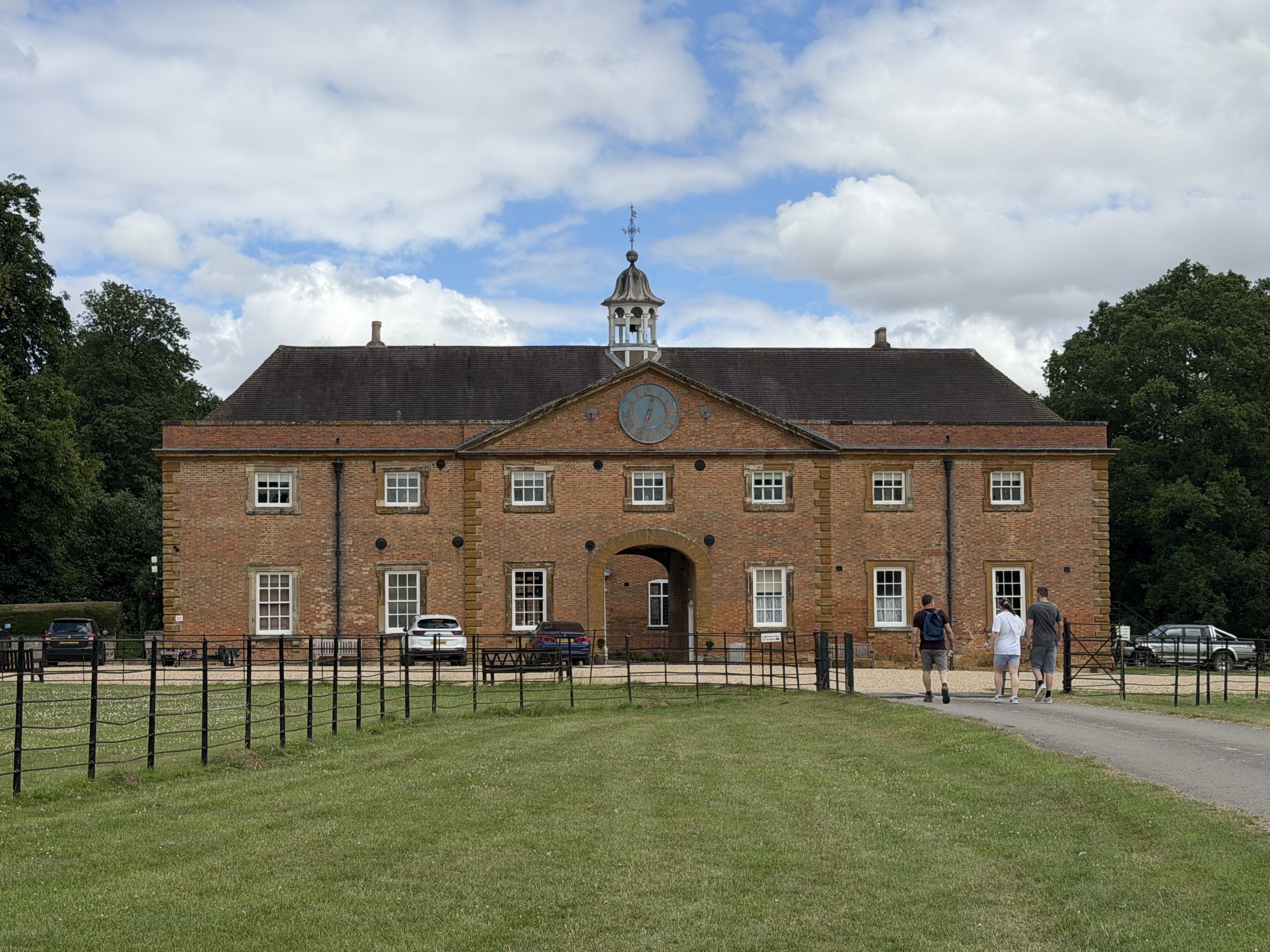
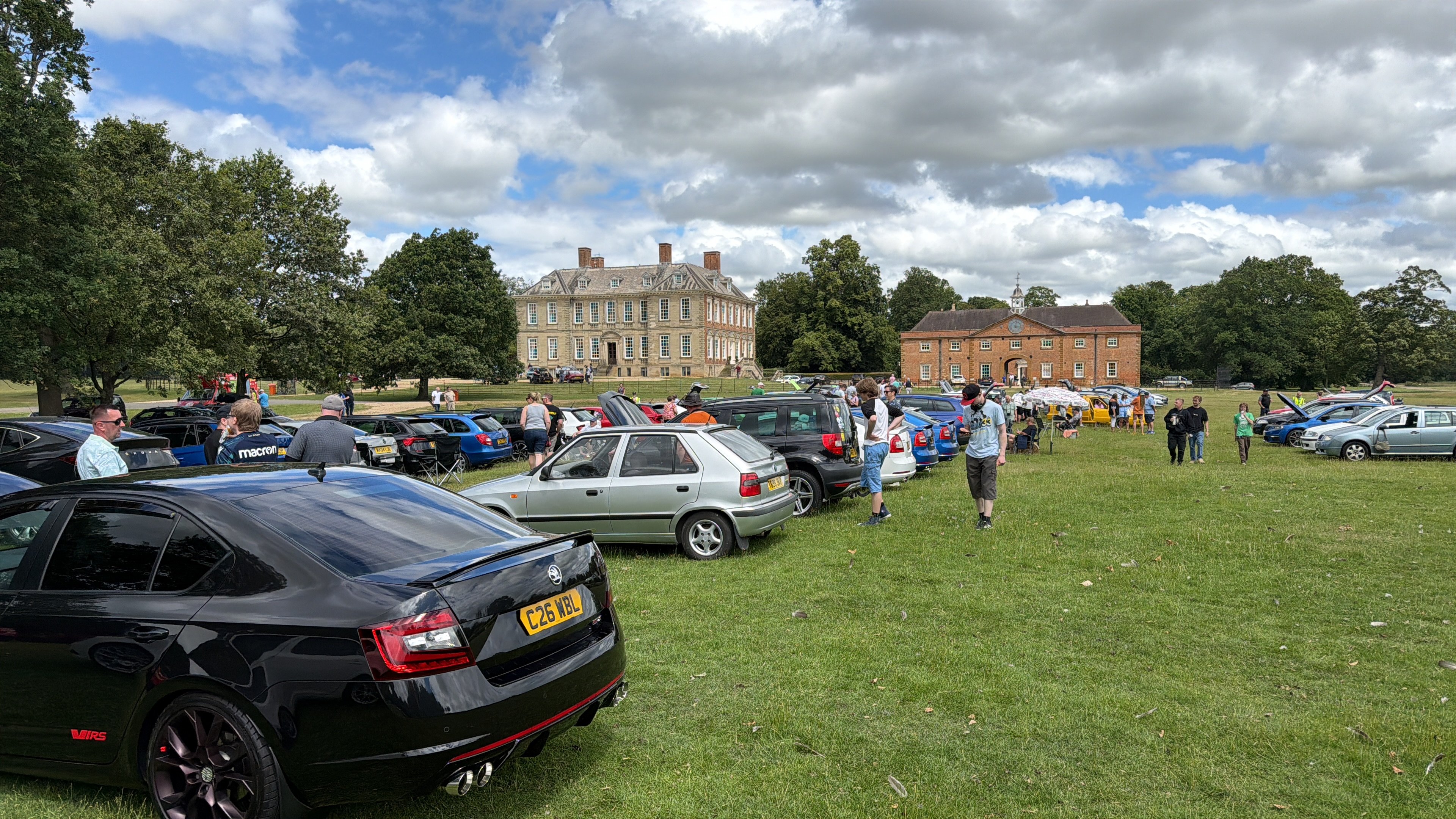
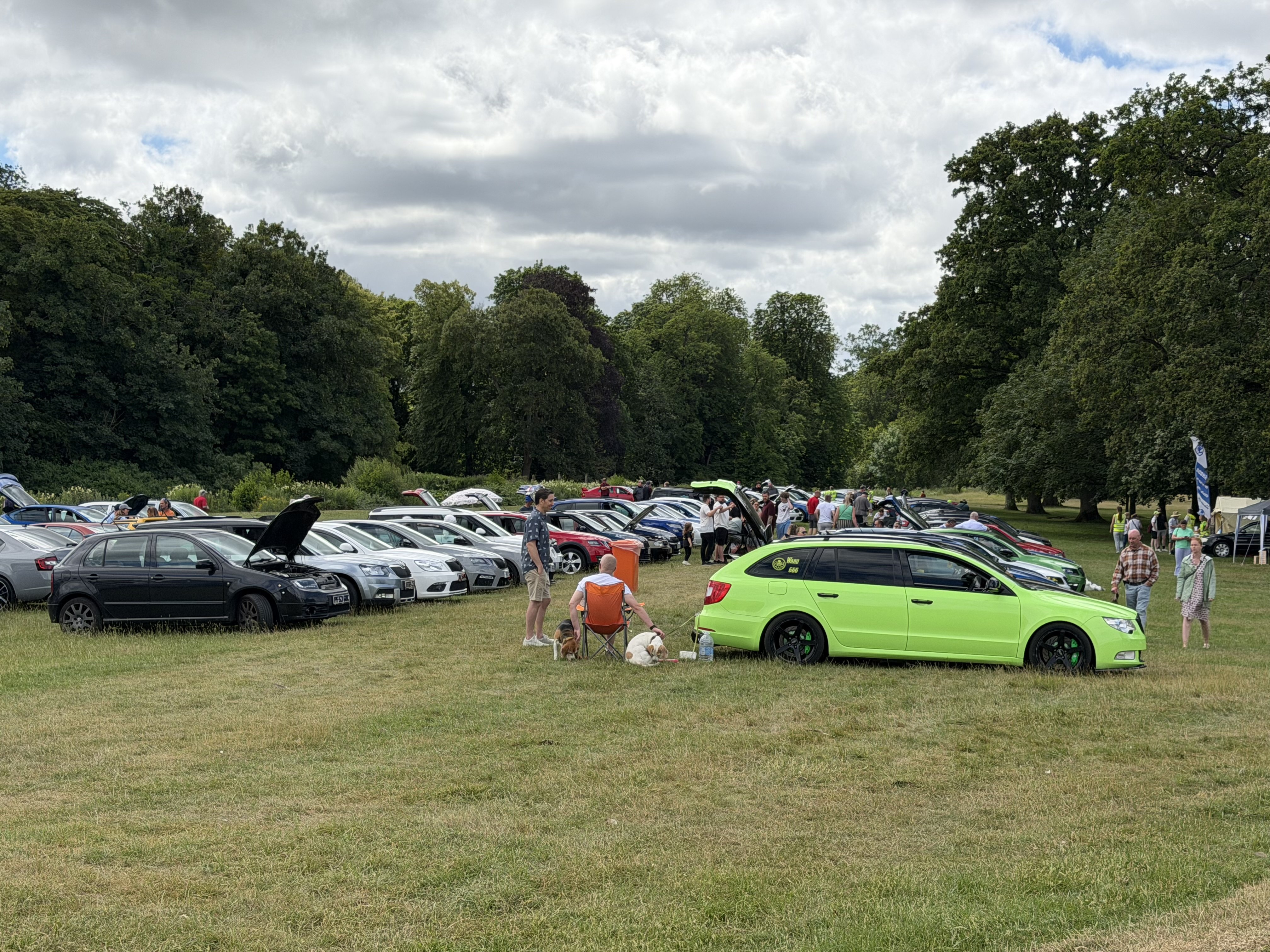
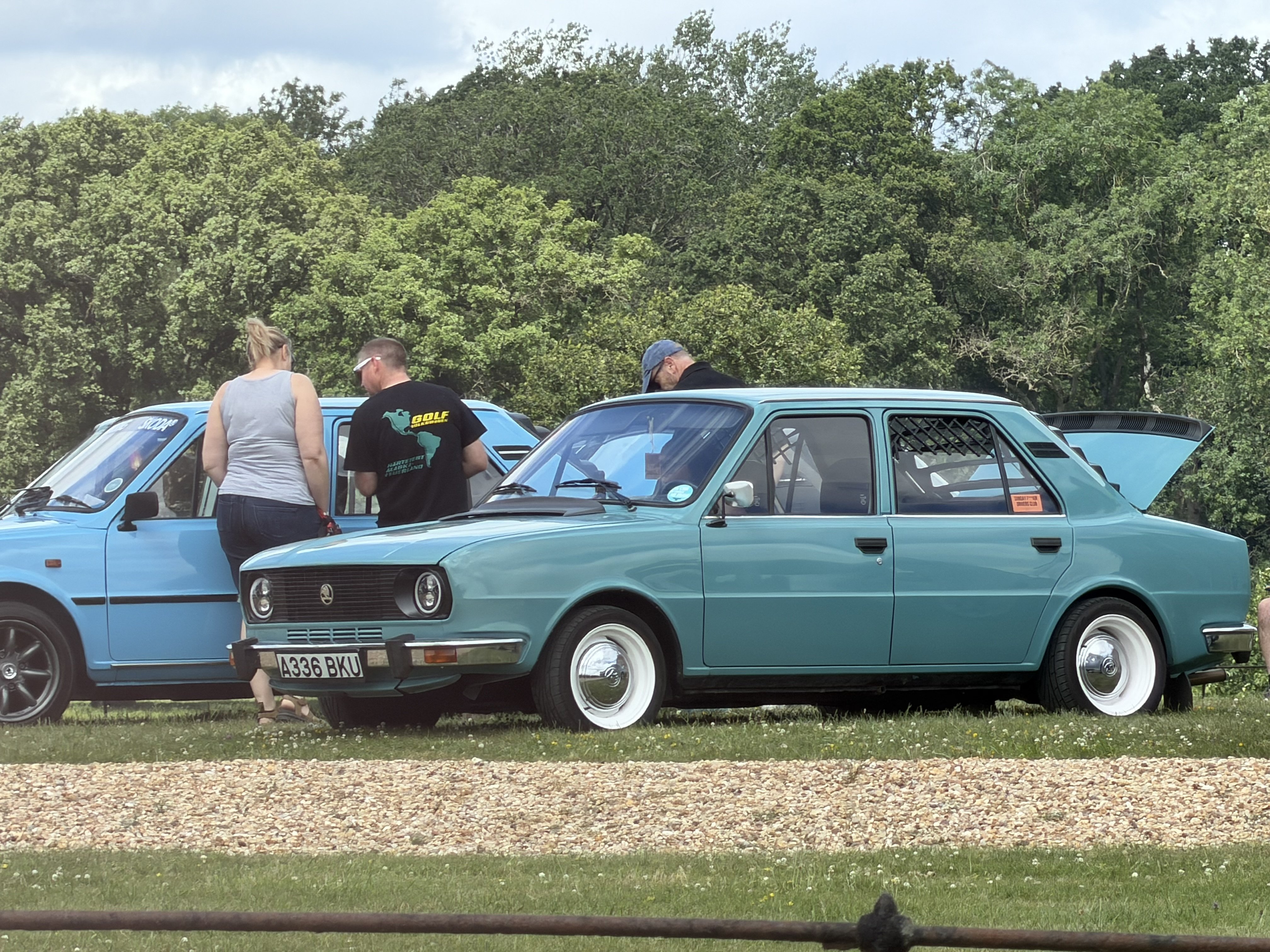
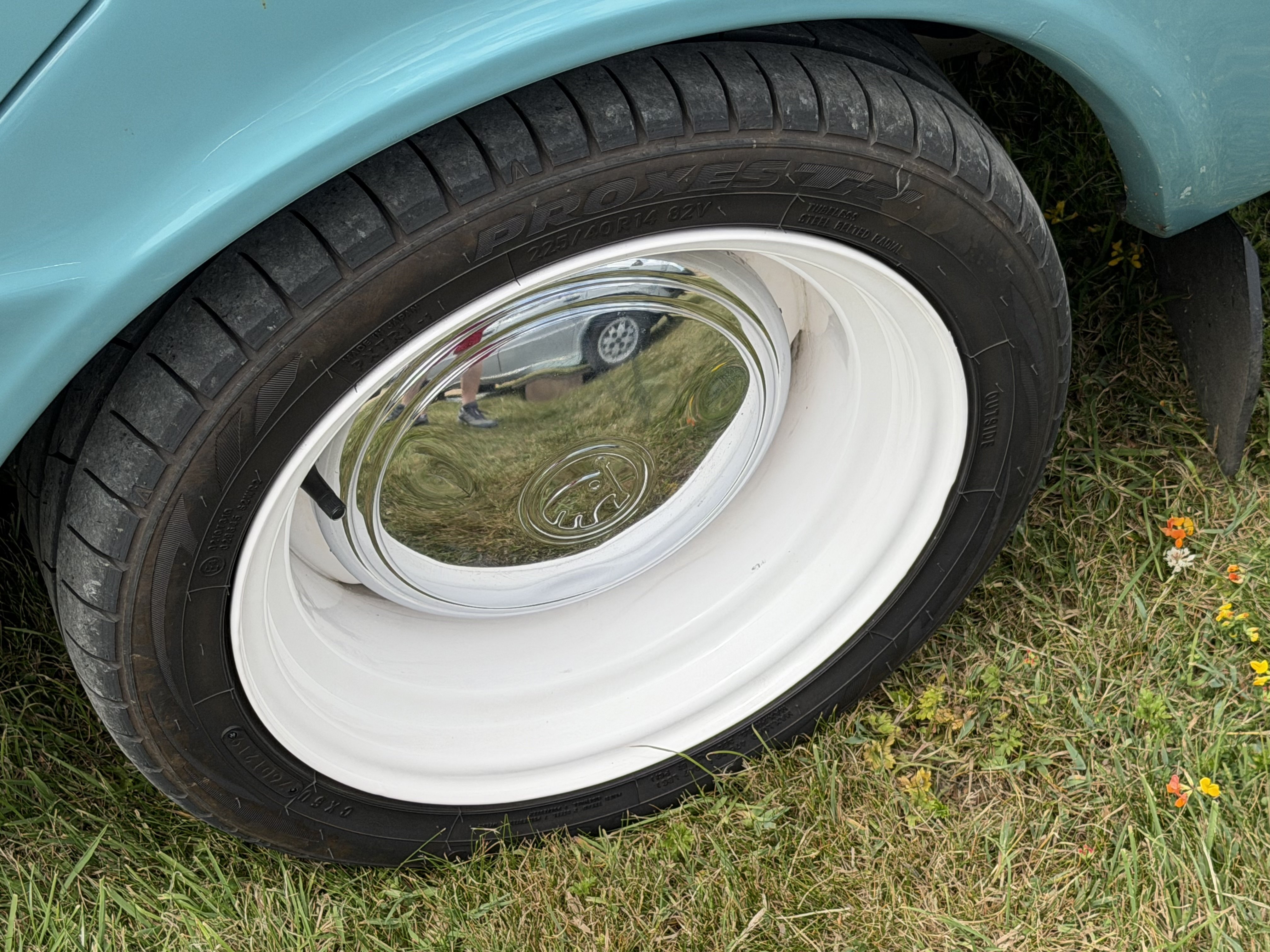
Lovely setting and lots of great Skodas on show.
-
-
-
-
I sure do
-
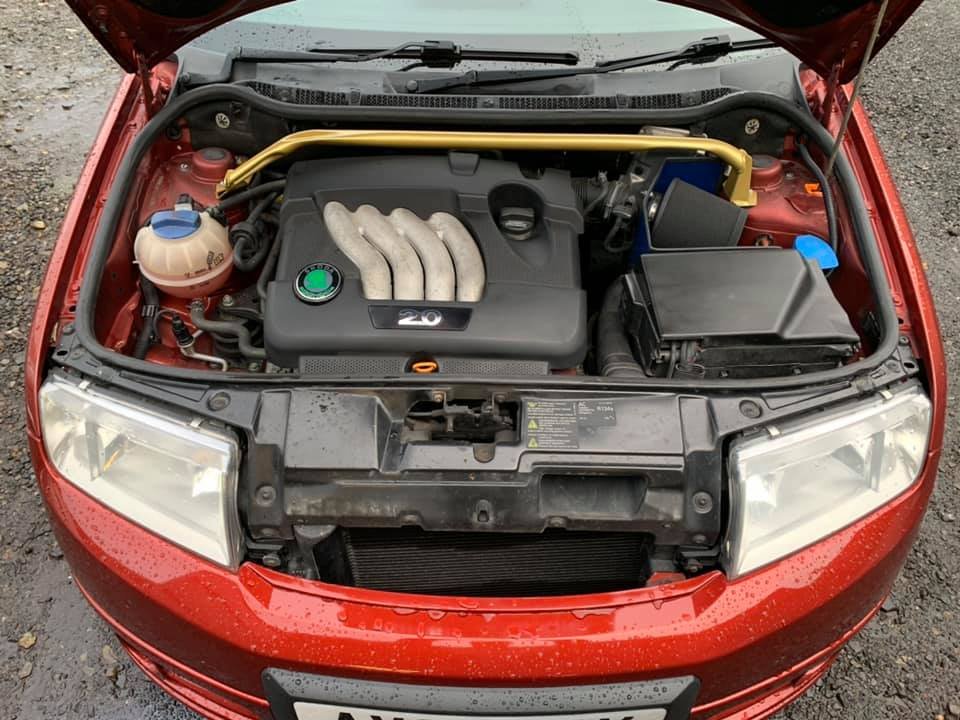
I didn’t fit the 1.8T in the end, I built it and put it in my saloon.
-
https://www.briskoda.net/forums/topic/471644-tech1e%E2%80%99s-%E2%80%98new%E2%80%99-fabia-slayer/Yeah that’s my old car, I did lots of work on that.What a pleasant fellow you are. As I have said, both here and in reply to your message on LinkedIn, I left Skoda in 2012, so my dealer experience stopped then. Both the MK3 and MK4 have required dealer level diagnostic equipment to program it so I have not been able to offer retrofits for those vehicles.I must admit having left Skoda in 2012 I have no idea about what is or isn’t possible to retrofit on the MK4. Is just cruise control even a factory option, or does it have to be ACC?I enquired about the loom, no UK stock and not on UK price file.Sounds sensible. I paid £500 for mine lolThat looks like it would be suitable.






Important Information
Welcome to BRISKODA. Please note the following important links Terms of Use. We have a comprehensive Privacy Policy. We have placed cookies on your device to help make this website better. You can adjust your cookie settings, otherwise we'll assume you're okay to continue.