JR RS
FREEDOMLite
-
Joined
-
Last visited
Everything posted by JR RS
-
With my Android Auto, "ok google" won't hear me unless I've played some audio through it. So mine is set to autoplay music upon connection, hence when I give my command - it listens no problem.
-
as long as u don't have the 280/272 Superb, it will b fine, as they require minimum 17" rims to clear the disc brakes.
-
Wat does this do?
-
there is no way u can damage the ACC radar unit without damaging the front radar cover. on top of that, the cover doesn't even touch the radar in any way shape or form, so u'd have to do some extreme bumper bending before it does any damage to the radar or its bracket. the dealer is being lazy, and charging u to replace the unit, plus to do an ACC radar calibration!!
-
V1.5 would b for the newer facelift models, which have the second gen A5 camera and also have predictive-ACC.
-
No, there is no TJA that can stop for 13 secs. U r getting confused with the adaptive lane guidance which can steer for 13 secs, hands free, before ur asked to put ur hands on the steering wheel. If I don't put ur hands on the wheel, u get another warning another 13 secs later. If u don't listen again, it will get ****ed off n slam on the brakes to "shock" u. It keeps going.......
-
TJA active or not, ACC won't automatically resume if the car is stopped for more 3 secs. U need to resume by tapping the accelerator or pulling the cruise control stalk to resume. As I said in a previous post - if u have TJA, the adaptive lane guidance will continue to work with ACC even if u drop below 65km/h. If u don't have TJA, the adaptive lane guidance will stop working below 65 km/h and only ACC will continue to b active.
-
The rear parking sensors r clipped onto the black lower diffuser. No need to remove the whole rear bumper. Once the diffuser is removed, check the sensor connections, and if necessary, replace faulty sensor.
-
If u do have TJA, the car will continue to do adaptive lane guidance even below 65 km/h, all the way down to stop and go, with ACC. If u don't have TJA, when u drop below 65 km/h, the lane assist will cease to function. ACC will continue to work though, down to stop and go.
-
Very misleading as that was done on a Kamiq, which has much newer hardware like a newer multi function camera (gen2) and MIB3!!! The pre-FL Superb does not have this hardware. pACC is an option for the FL Superb because it has the necessary hardware like the Kamiq.
-
Cause it's an aftermarket, after thought stuck on protector.
-
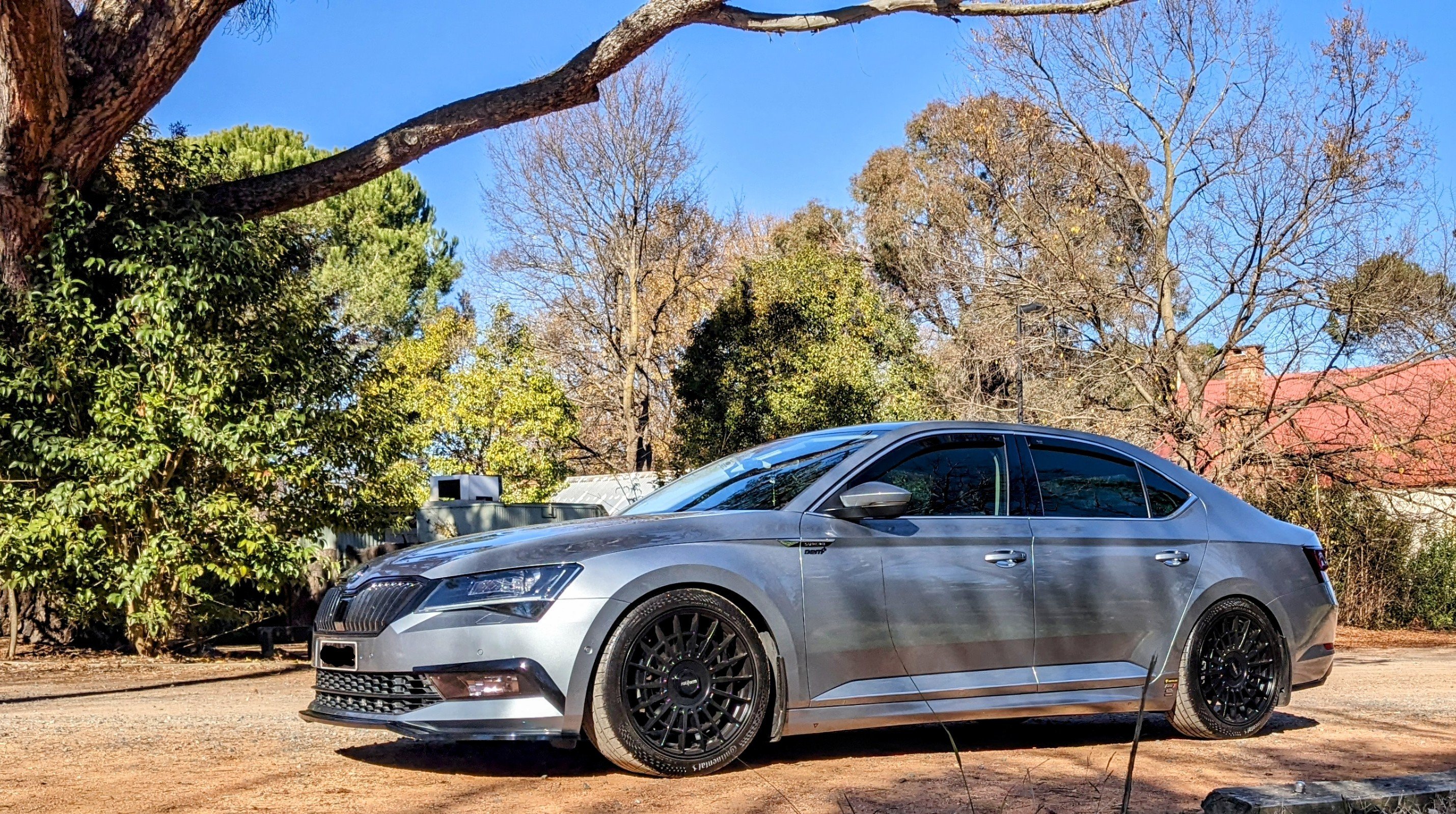
I've got the 19" Phoenix/Trinity wheels on mine, also Business Grey. I think the machined/polished finish look works well.
.thumb.jpg.c83000f784de99d462a8289ea432c2e5.jpg)
-
It's a feature activation mechanism called SWaP (SoftWare as Product). By entering an FeC (Feature enablement code), VW techs can provision your vehicle's infotainment system with new features. Features, like pACC, can only be enabled by having a legitimate FeC code and PIN. These are registered to the vehicle using ODIS with an online connection to VWAG. That implies there's an association that happens on VW's servers that ties that registration code to your vehicle's VIN.
-
No it can't be retrofitted. Needs to be SWAP activated which can only b done by HQ.
-
That would make urs a mk2.5 Superb, not a mk3, which is this part of the forum. Nonetheless, road noise is problem with our ozzy roads. I've put sound deadening in the boot well and wheel arches. Made some difference. My next move is to change from the factory 235/40/19 to 245/40/19 tyres. This will give it more rubber and a slightly taller side wall profile.
-
I purchased an item last week, during their 20% off sale. They emailed me the next day with a clarification on my shipping address, and the goods were dispatched a day after that.
-
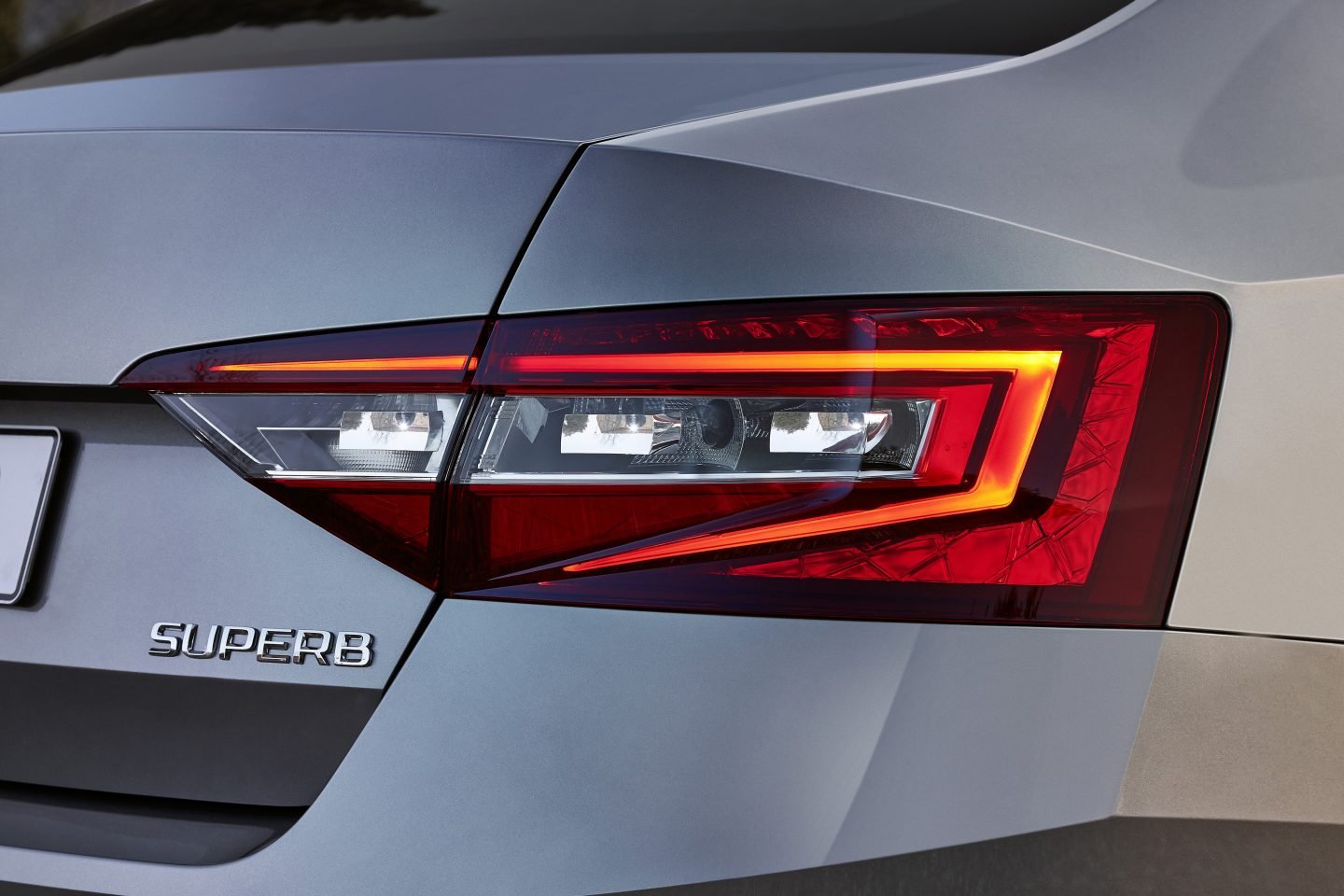
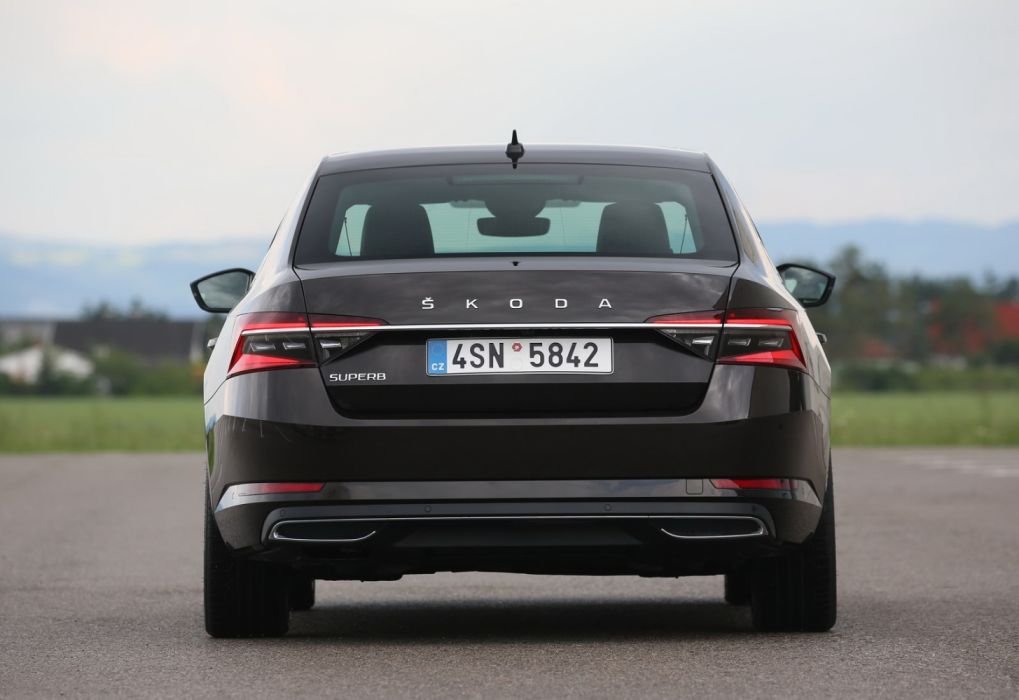
i think its still early days, but wat r the chances of sourcing a set of the new FL Superb tail lights and retrofitting them to my pre-FL Superb? why? two reasons:- 1. i like the chrome strip that goes across the tail light and boot 2. i like the sweeping indicators physically, the tail lights appear to be the same shape & size. i'm not sure if the chrome strip above the number plate can b "bolted on", or if they changed the boot design, including the rear view camera position. i however do doubt this. maybe i'll have better luck in 6-12 months time when more FL Superbs r running around. pre-facelift look:- facelift look:-
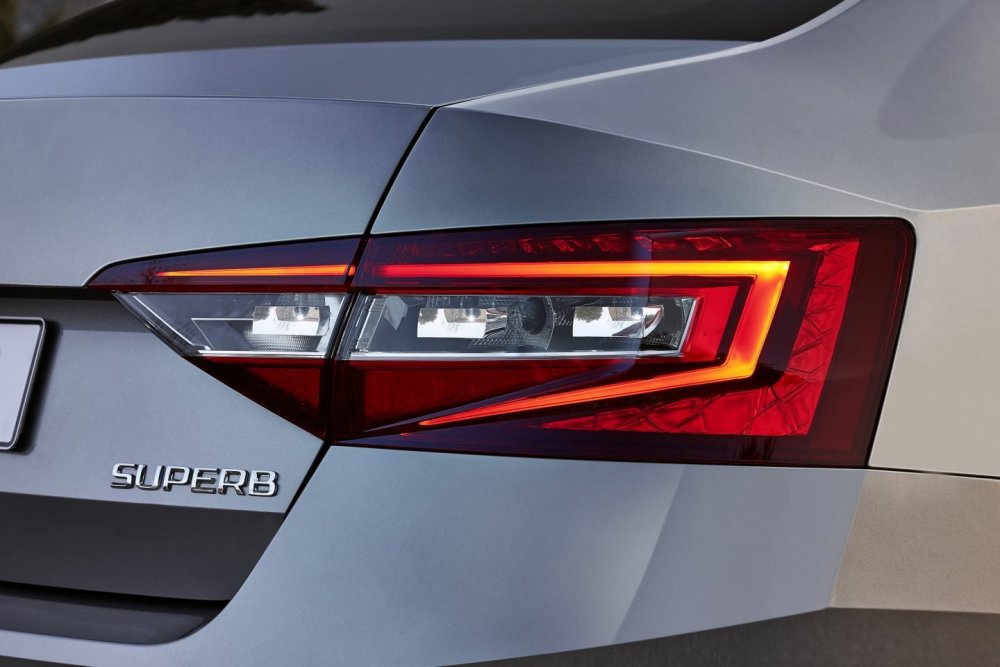
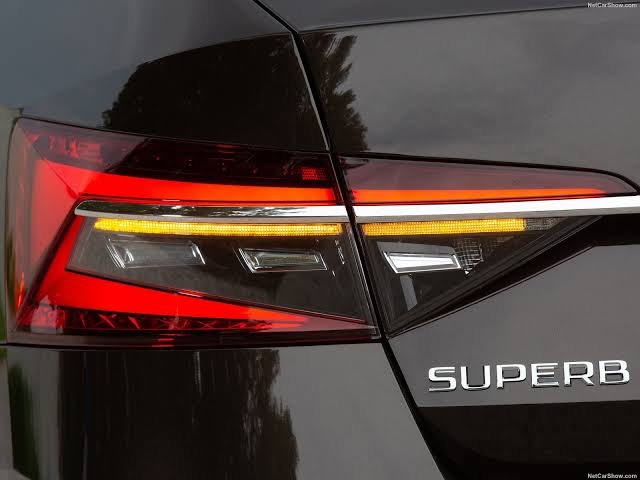
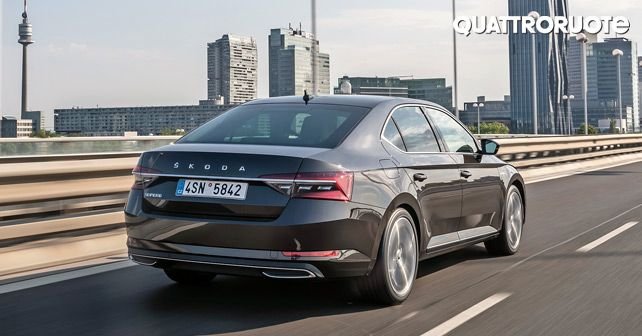
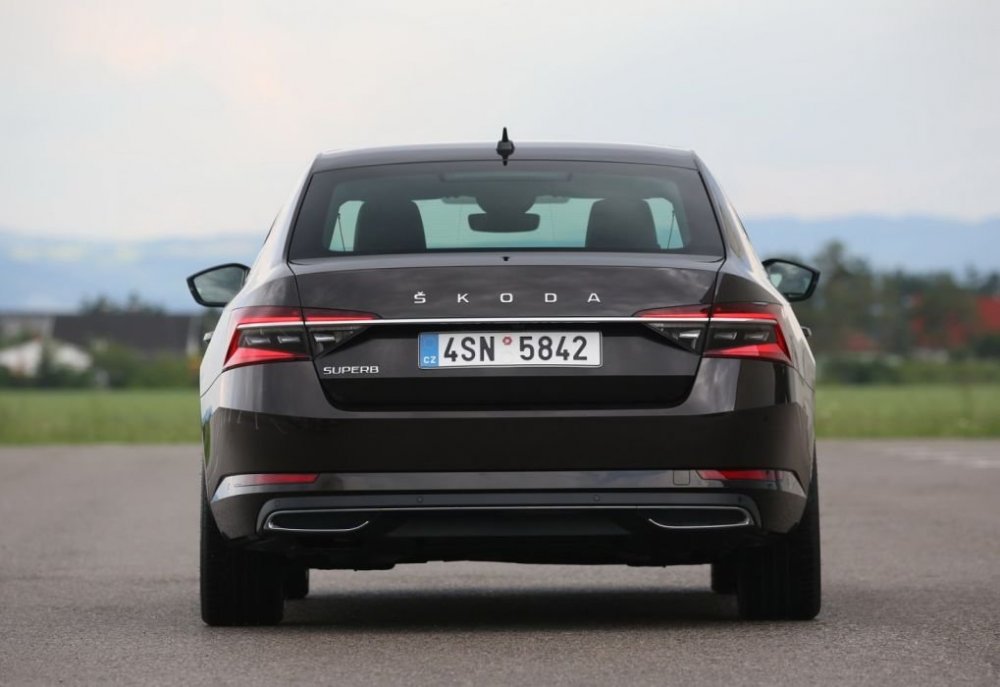
-
looking to see if i can get suggestions on how to "activate" by retrofitted SLA headlights. essentially i'm getting an "cornering light (AFS)" error, meaning the high beam fancy masking/patterns (rollers) aren't working, let alone the shutters (HBA on/off). vcds autoscans show 2 faults in module 4B, saying the controllers are "Not coded". it looks like we need to upload (via ODIS/VCP) some parameters to the 4B module, telling it's now got SLA and how to use it. not sure, how do get this bit done.


.jpg.998dcefbc0d86a6e3c081a3b3bb02c7b.jpg)