.jpeg.24e3fbc45a8dee520fbfd773e7559058.jpeg)
Jonboy984
Members
-
Joined
-
Last visited
Everything posted by Jonboy984
-
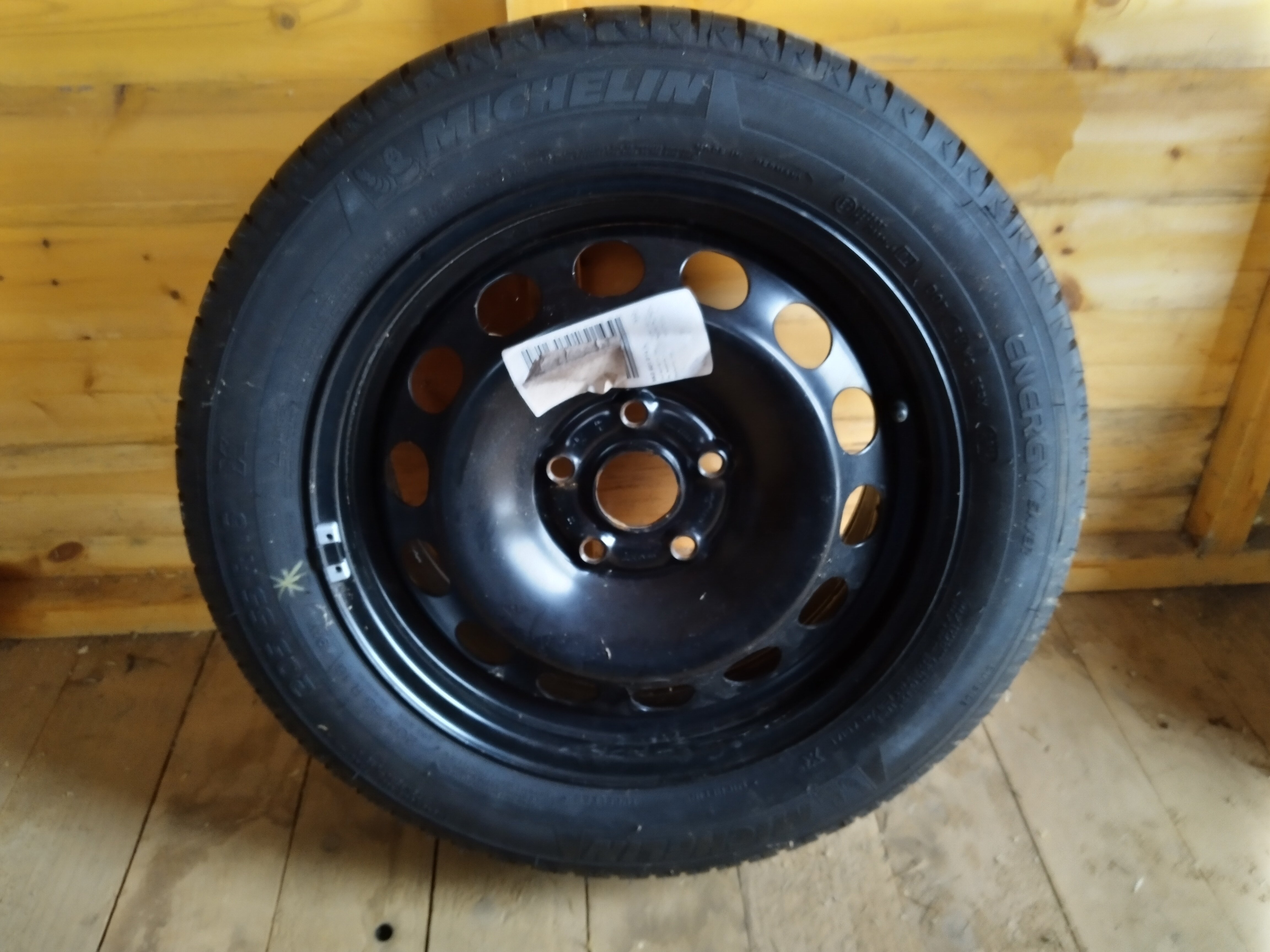
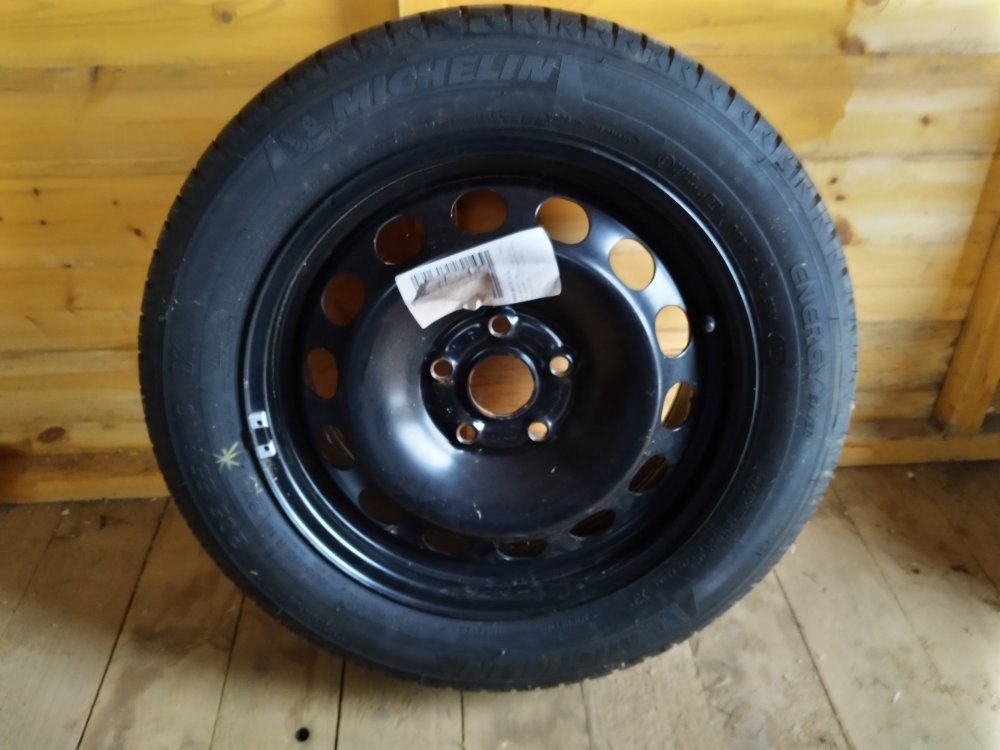
Date code on tyre is 2812 so week 28 of 2012. Tyre still in very good condition, no signs of hardening or cracking but can be replaced if need be. Obviously the wheel is genuine VAG part. Open to offers of course.
-
For sale is this genuine spare 5x112 wheel. It came out of my old mk2 Skoda Octavia vRS when I replaced it with a spare alloy. It is fitted with a Michelin Energy 205/55/R16 tyre with almost full tread. It has an ET50 offset and is stamped with part no 1K0 601 027 K although the sticker claims the part no is 5K0 601 014 S. Collect only from Rubery, south Birmingham. £55
-
I hope my Superb continues to run perfectly too. I was looking for a white hatch but when I saw the corrida red, I couldn't resist. My first Skoda, a MK1 Octavia vRS was corrida red and I fell in love all over again ❤️
-
Thanks for checking. I had looked myself last year but couldn't find anything. It's not essential, more intrigue really but thanks all the same 👍
-
This is really informative freelunch, I don't suppose you have a link to March 2017 brochure by any chance? Thanks either way.
-
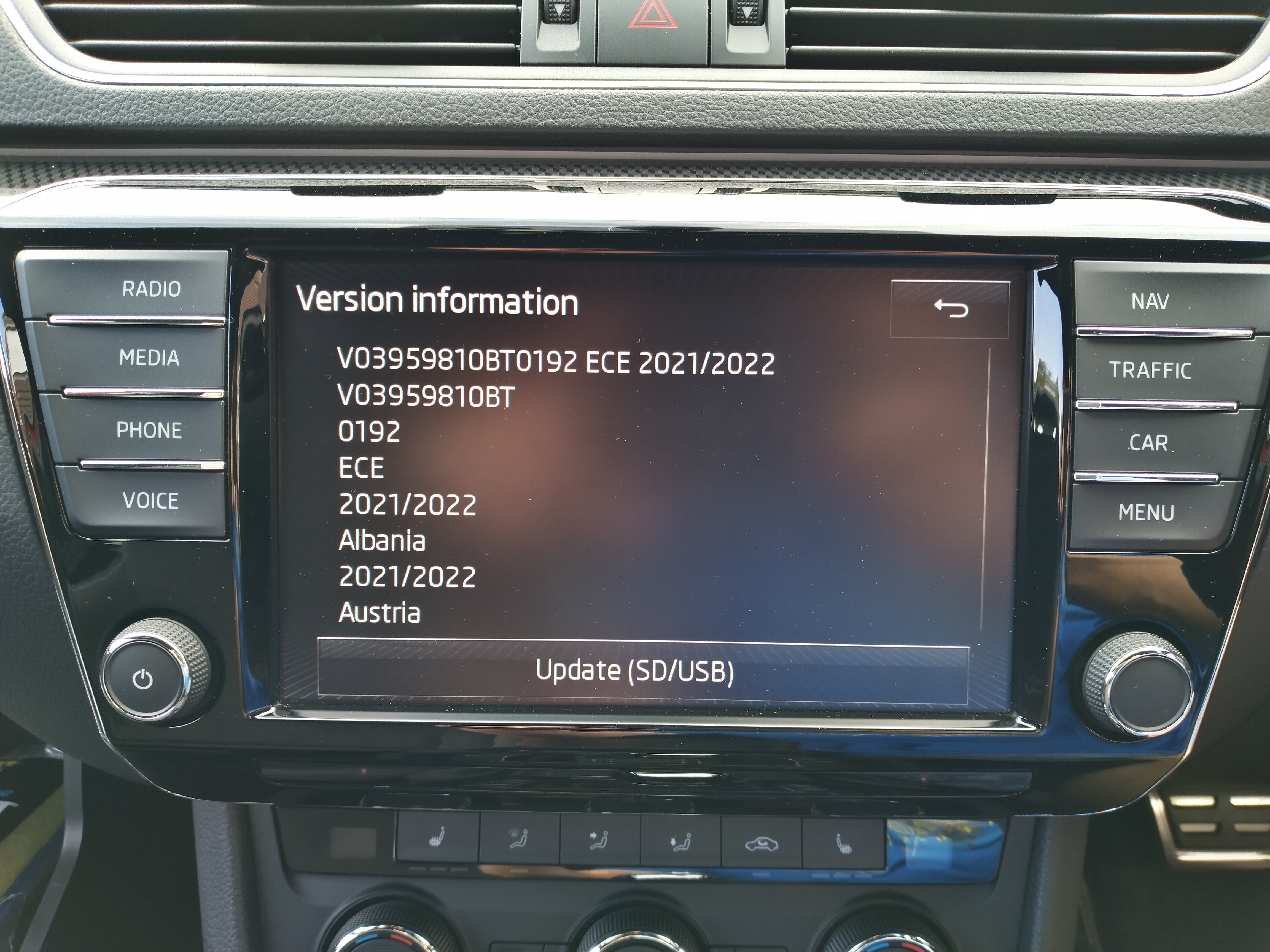
When updating 2021/2022 maps earlier this year my usual 32gb SD card which I had used previously was not big enough anymore. This card was reformatting to 28.9gb which was too small but I found another 32gb card which reformatted to 29.7gb so was big enough. Clearly not all cards are equal. I used the same card for the 2022 update but a 64gb card is not too expensive so I will order one when I get round to it. Good luck with your update 👍
-
Well I bit the bullet and signed up for this today. I wasn't sure at £32 per month over 2 years but at £25.60 per month it certainly seemed better value. I decided it was worth it for me as I wanted to keep up the full Skoda service history, require European breakdown and liked the idea of extending my warranty. All of this while been able to pay monthly suits me. I had to book the car in for a while you wait eligibility check which took about an hour. They checked everything was in fully working order but once complete, I signed on the dotted line. Only time will tell if I have made the right decision.
-
Thanks MartiniB, 195 maps downloaded today, fitted on a 32gb card and successfully updated
-
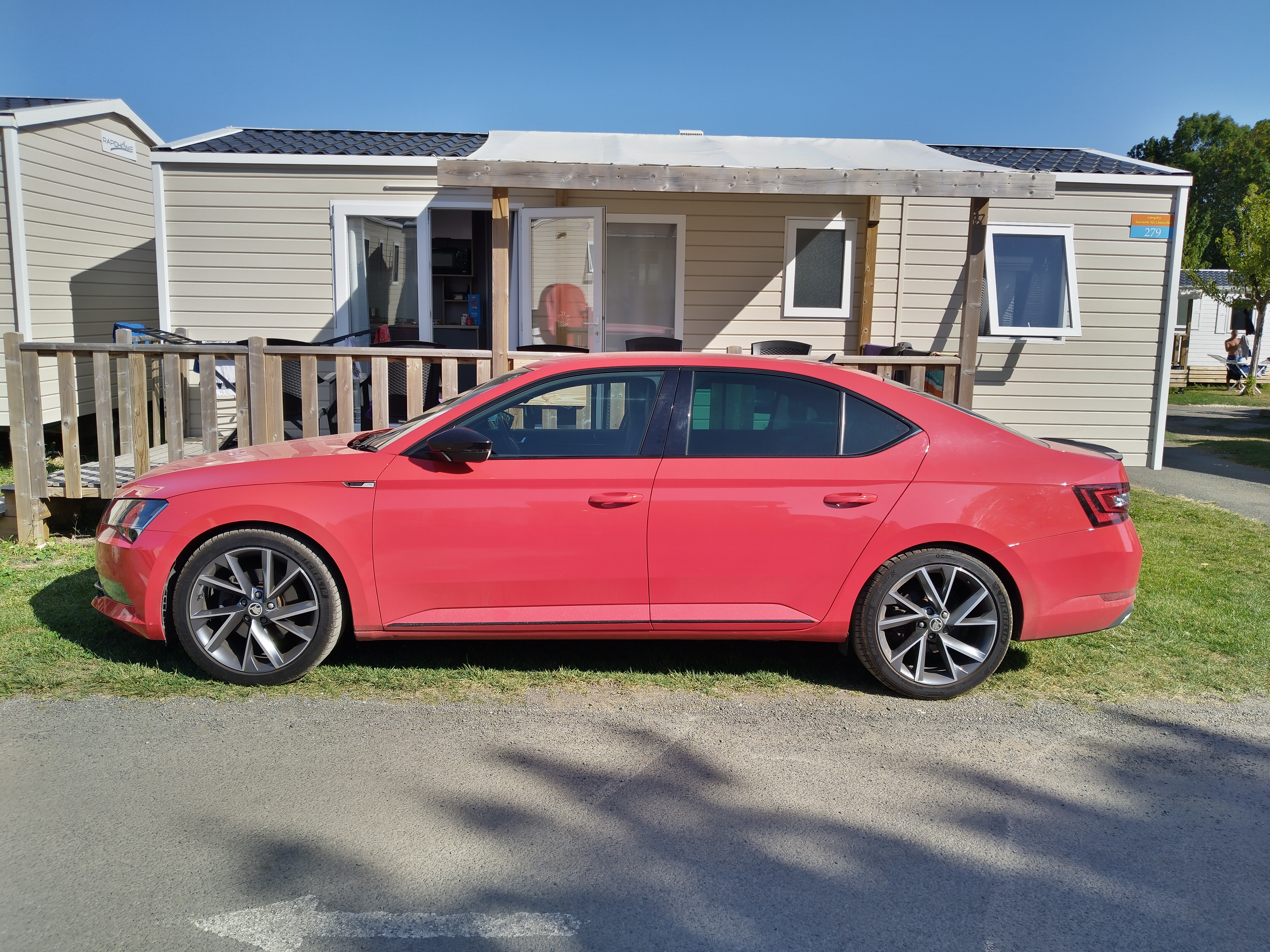
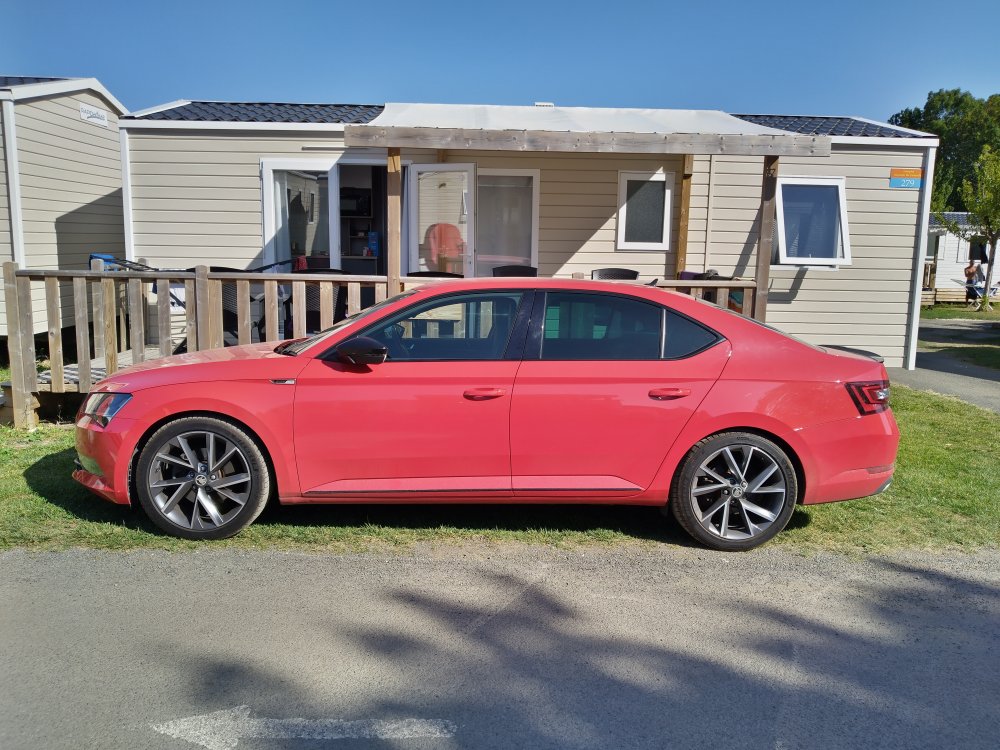
A quick pic of my corrida red Sportline outside our holiday accommodation. It's a bit filthy after a 650 mile drive but it will get a good clean when we're back home 😀
-
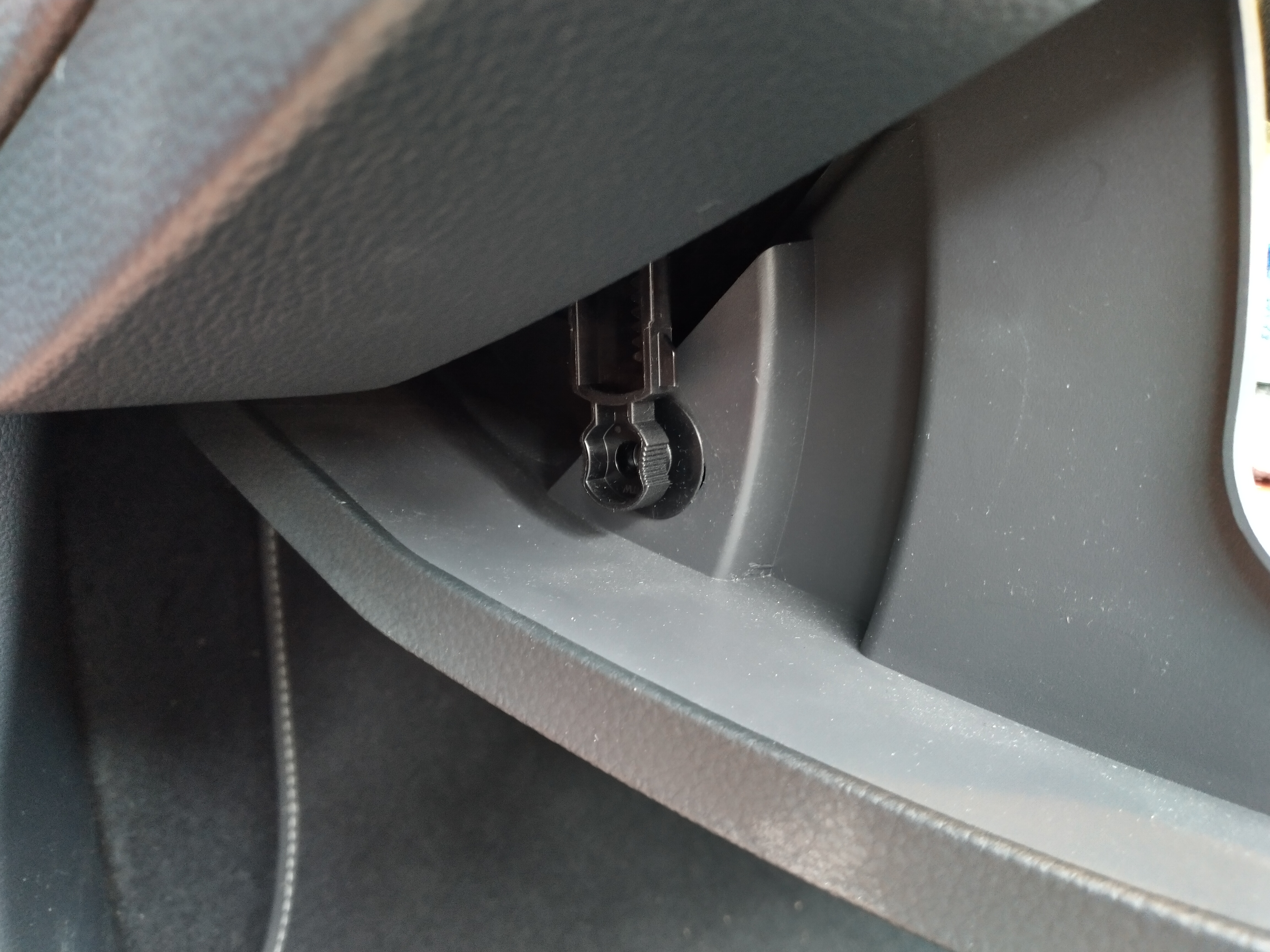
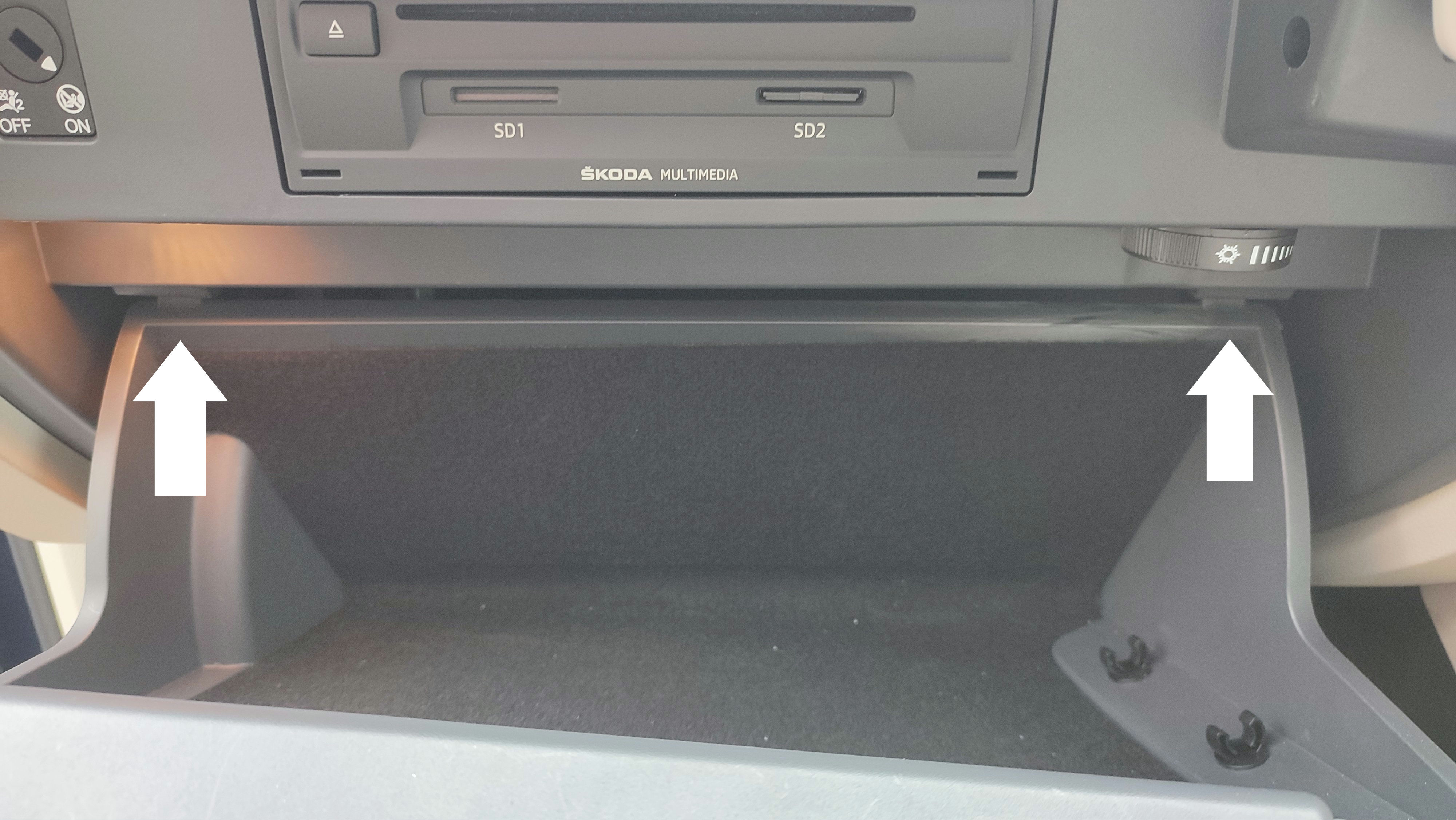
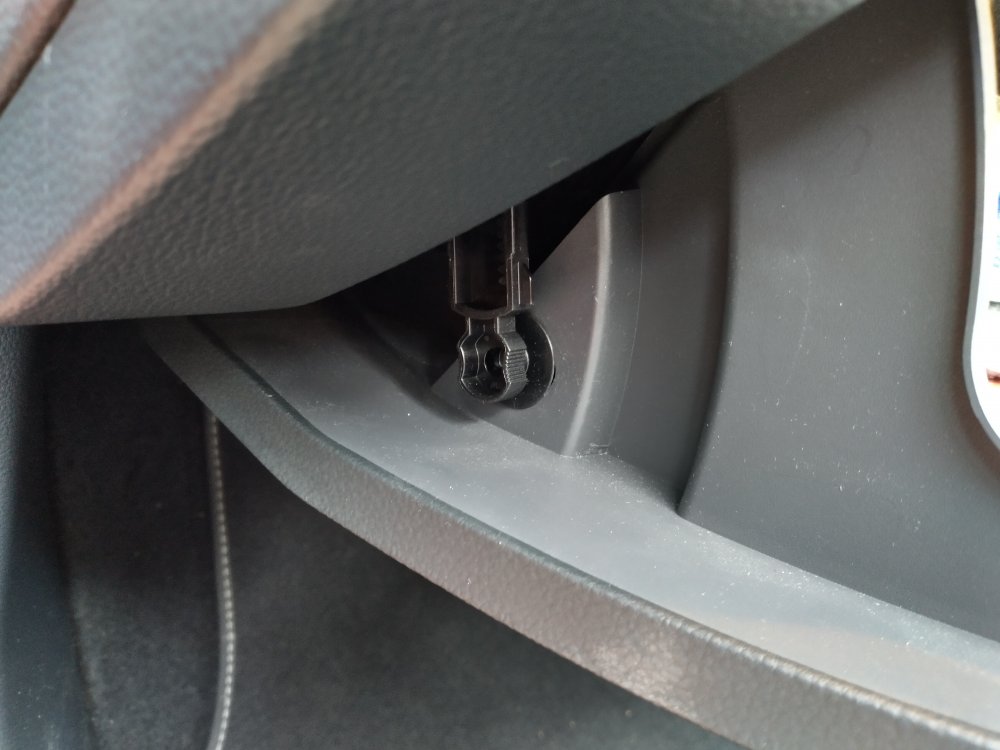
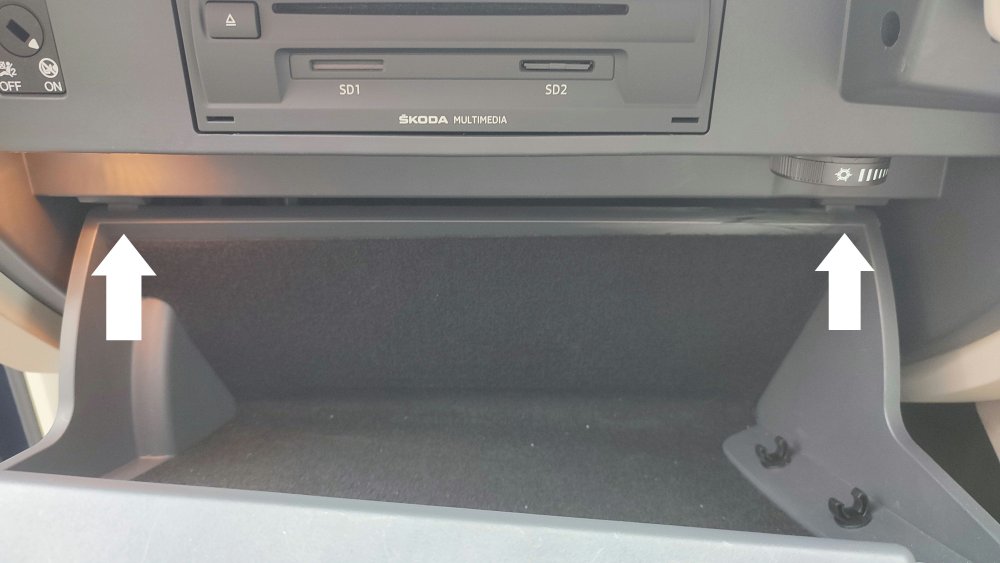
I had to access the fusebox recently to hard wire my dash cam. Open the glovebox and locate the clip in the left side. Pull this towards you to unlock. Once unlocked, find the two tabs and push them up and the glove box will drop. Once complete, push the glovebox back up and push the clip back to lock.
-
-
-
-
-
I have to say I was initially disappointed at not having a rear wiper but I hardly notice it now. I am still torn though over the practicalities of having one over the aesthetics of not having one. Maybe why it's a free option here as ultimately it's down to personal choice when buying a new car.
-
Likewise
-
More details here:
-
-
-
-
-
-
-
-
.thumb.jpeg.94e70ca799af41a23d28202540d38088.jpeg)