.jpg.1e6cc2528d6af29b9c34678e4b44f896.jpg)
Lee01
FREEDOM
-
Joined
-
Last visited
Everything posted by Lee01
-
Mike and Elvis did a 2CV Fourgonette. Very rare four seater version @pinkpanther https://www.youtube.com/watch?v=Li5rggTtFEY
-
Northern lapwings I think. Not yer soft southern lapwings
-
Is it possible at all to remove the one from the other side and get a copy 3D printed I wonder?
-
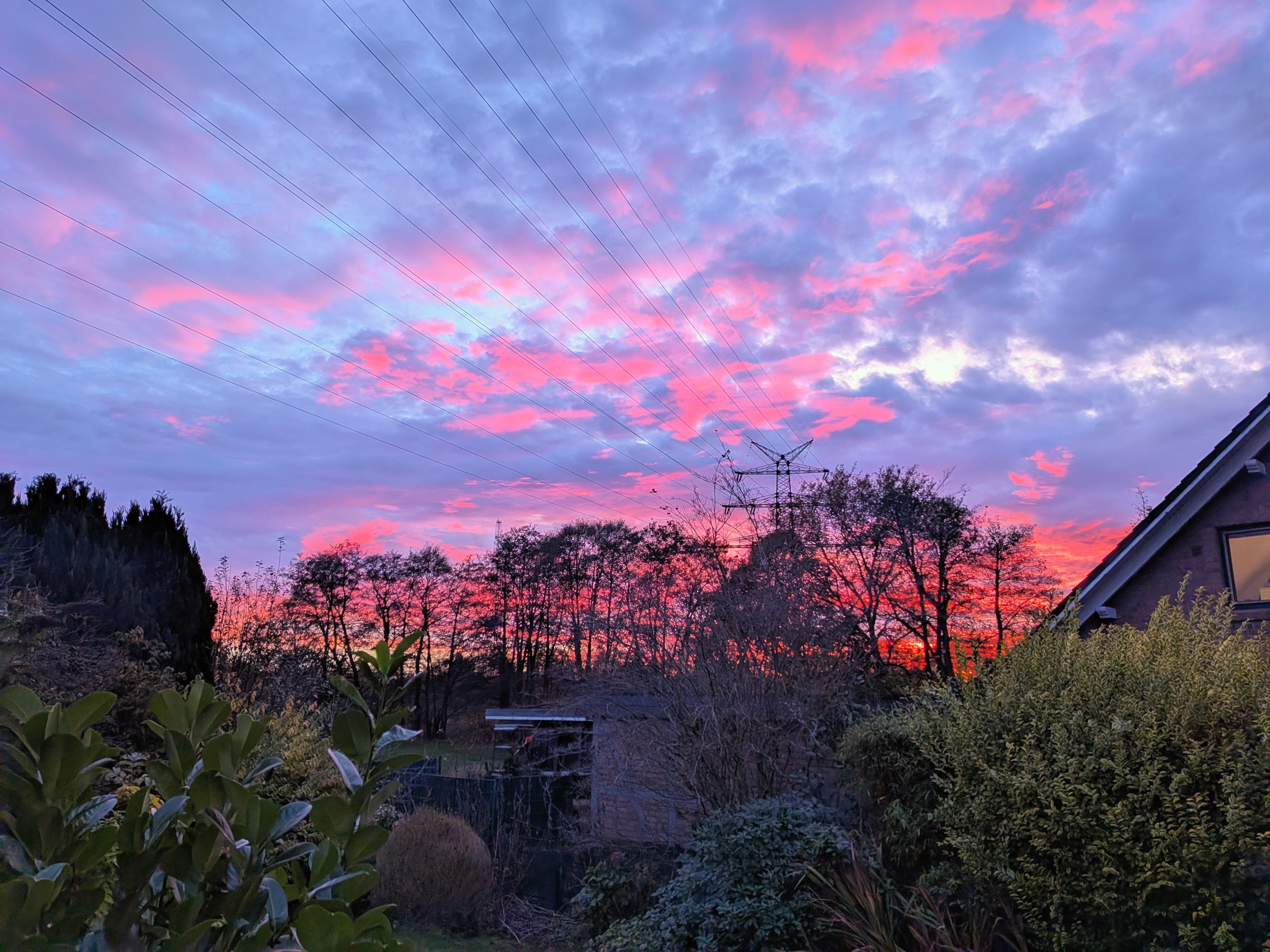
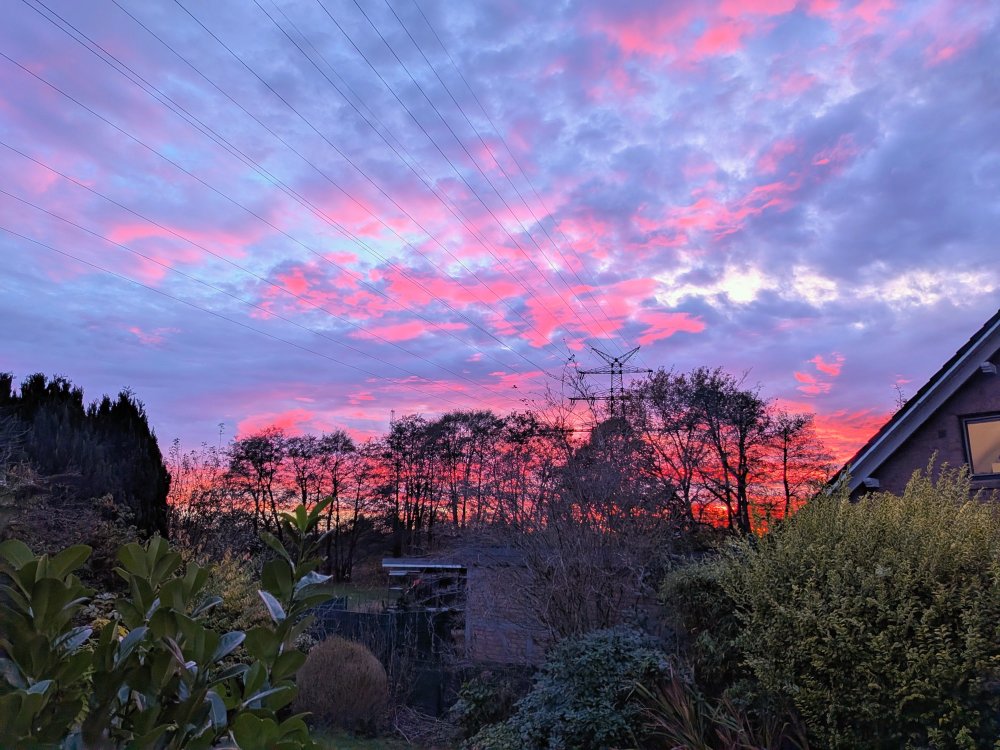
Lovely sunset this evening.
-
3 pack on the Bezos UK https://www.amazon.co.uk/PNY-3-Pack-Elite-X-Type-C-Flash/dp/B0DSLQQLGC?th=1
-
If there is I believe it would be on it left from when it was moulded/ formed in the factory.
-
Good evening @Shultzy and welcome to Briskoda 👍
-
A thousand times that!
-
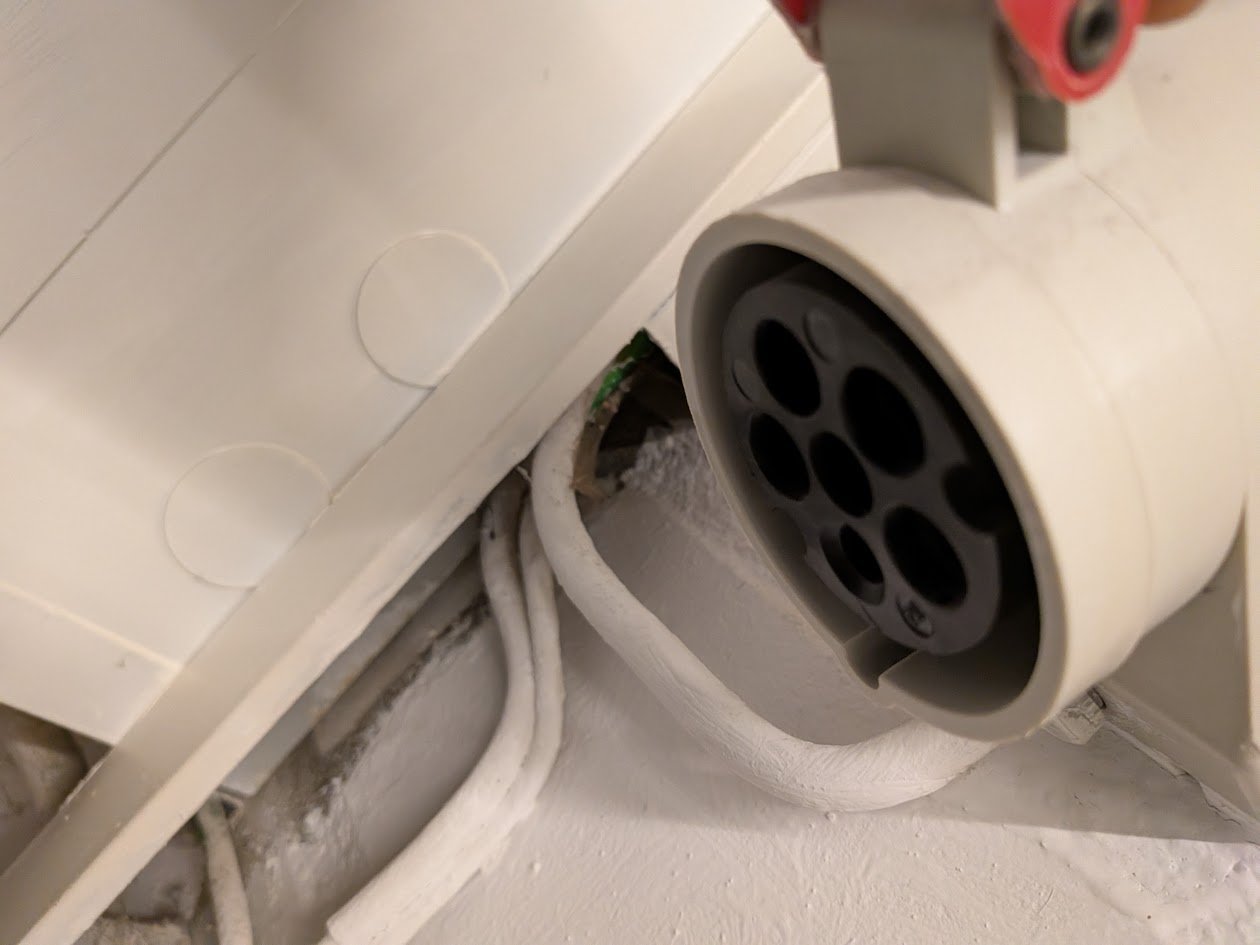
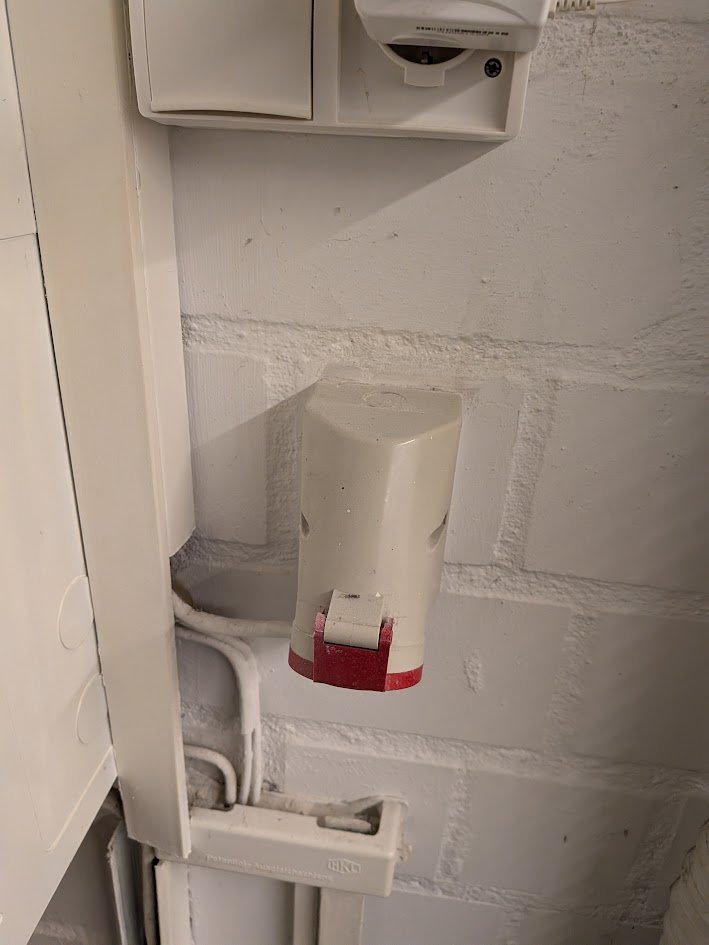
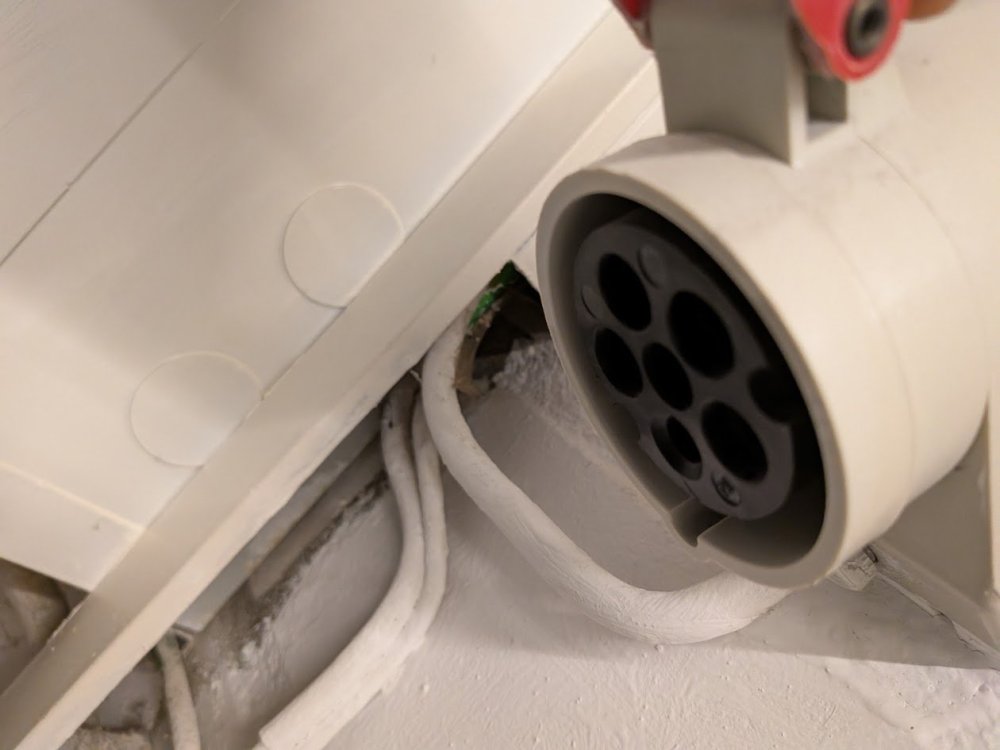
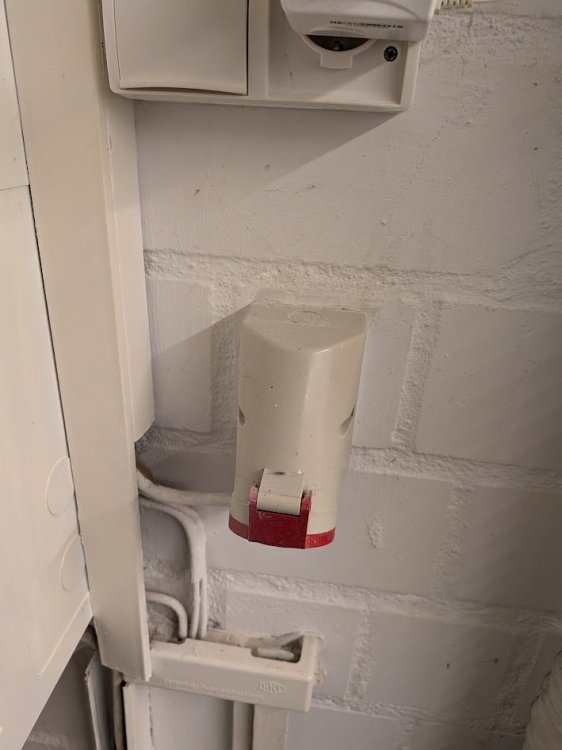
Got a 3 phase socket in our basement. Not installed by us but I suspect from when the house was built in the 80s. Fairly common AIUI
-
I don't know but I suspect removal of the wheel arch liner will be needed.
-
That's because they weren't a very popular model to have in the first place though some claimed them to be faster than a MkI Fabia vRS which they weren't by any means. If it must be petrol, far better to plump for the 1.4 16V (the 100hp version) IMO and avoid the 1.4MPI. Old Briskoda folklore 'I took him like a King'. Those who know will know.
-
I've already shown the OP that in the third reply to this topic - 'aerial base with integrated amplifier' 🙄
-
Gearbox code might be on the sticker under the boot carpet next to the spare wheel well. Should also be stamped on the gearbox somewhere.
-
Good evening and welcome to Briskoda @VitesseEFI
-
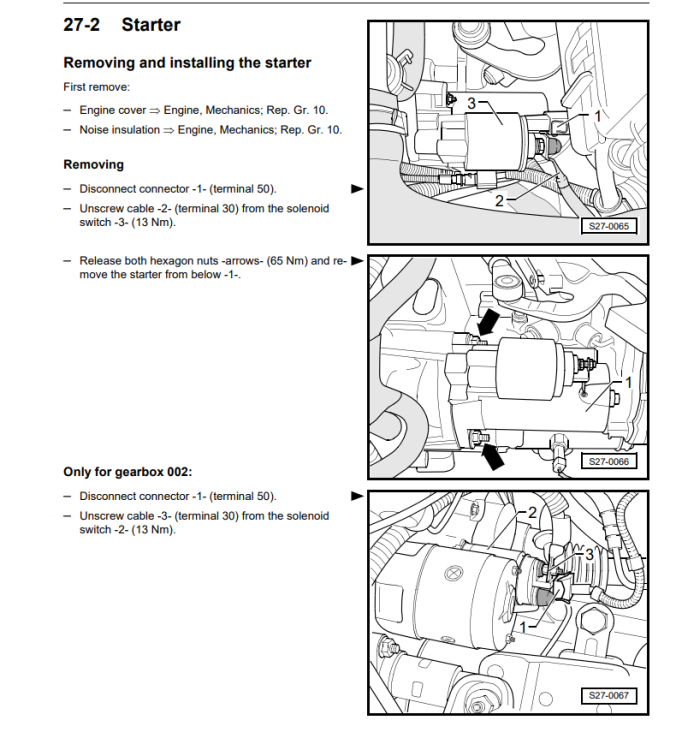
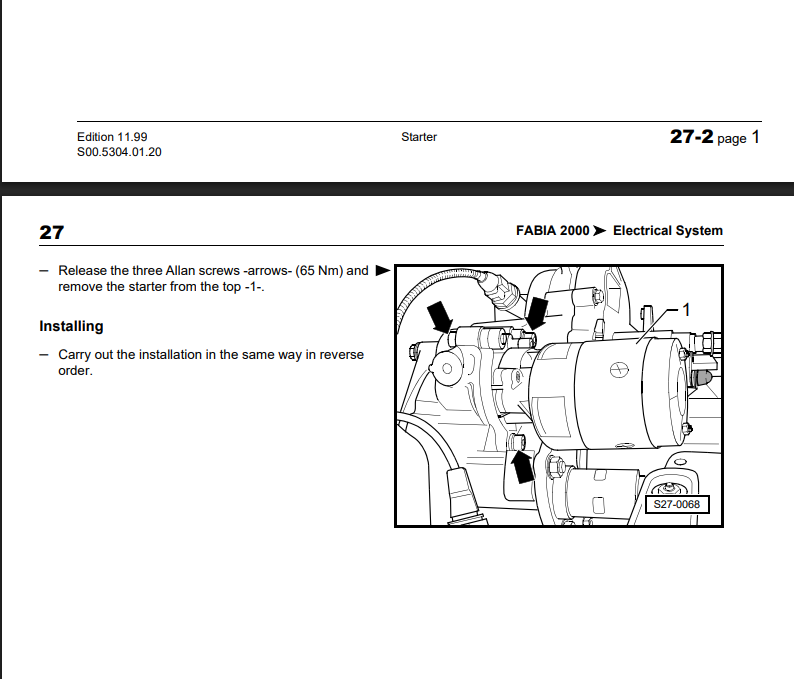
@wodgey Clickable PDF to download as well. Electrical system.pdf
-
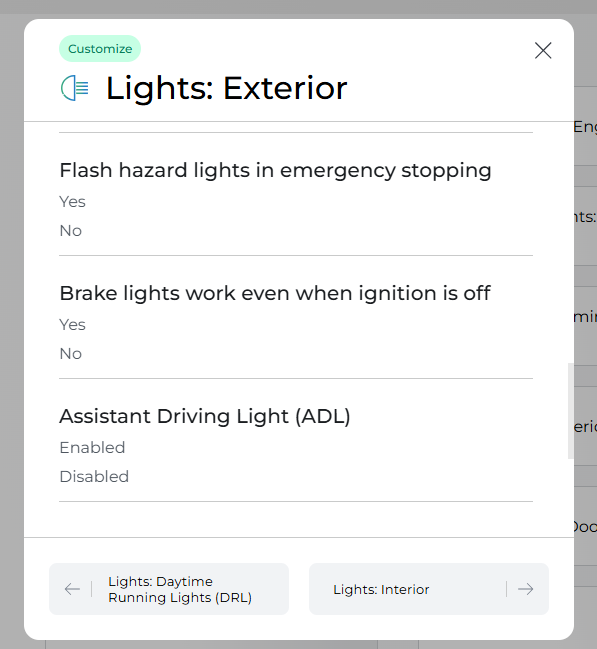
You're right, Pete. I was stupidly thinking aboout the option on my Rapid rather than the OPs Fabia!
-
It's normal. I think you can change the setting using something like Carista but I wouldn't bother.
-
Hi. Welcome to the community and thanks for joining us 👍
-
-
I think that virus thingy in 2020 - 2022 killed off the meets. Like you @RockyVRS I organised a well attended monthly meet darn sarf. Another chap took over the reins after I left the UK and it was still doing well until Covid hit then nada ☹️
-
@pab567 can PM you first to start the chat
-
Moin moin und viele Grüse aus Hamburg (well, a little bit more north) @Viktajef 👍 Hope you find the resources to help you out
-
Some advice on staying comfortable in the car in winter. Some advice is basic common sense but still worth a read. Škoda StoryboardIn winter, heat up your car, but don’t overdo it - Škoda...Driving in winter not only requires increased attention but can also be a challenge for the health of both the driver and passengers. The right cabin temperature, sufficient hydration and regular m...
-
-
Hello and welcome to Briskoda @Davemorgan👋
.thumb.jpg.9dd3f612ba7f13d10be5c518d3c8d255.jpg)