Urrell
Resident Member
-
Joined
-
Last visited
Everything posted by Urrell
-
Should that not be never go to anybody that cannot diagnose the fault and just changes expensive parts until they get it right.
-
The mecatronics unit can be repaired, I dont know why VAG don't use that option, perhaps their mechanics can only swap units over instead of knowing whats inside. http://www.blueengines.co.uk/mechatronics.html
-
-
Either, Westfalia are the towbars fitted at the factory.
-
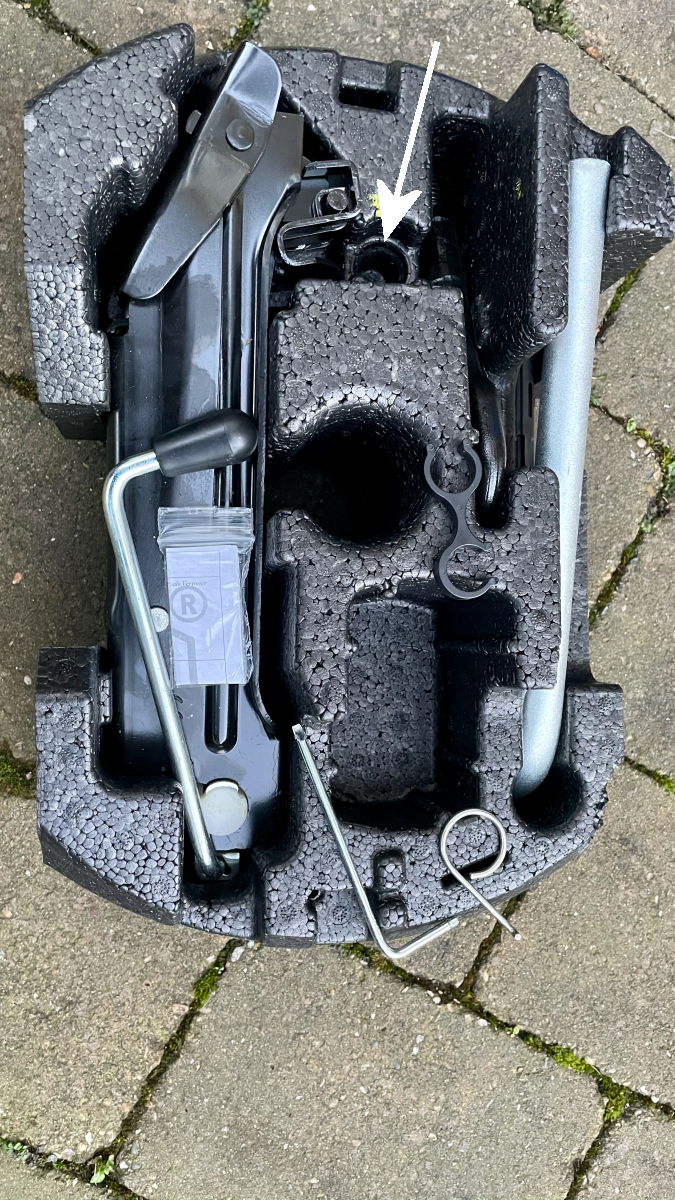
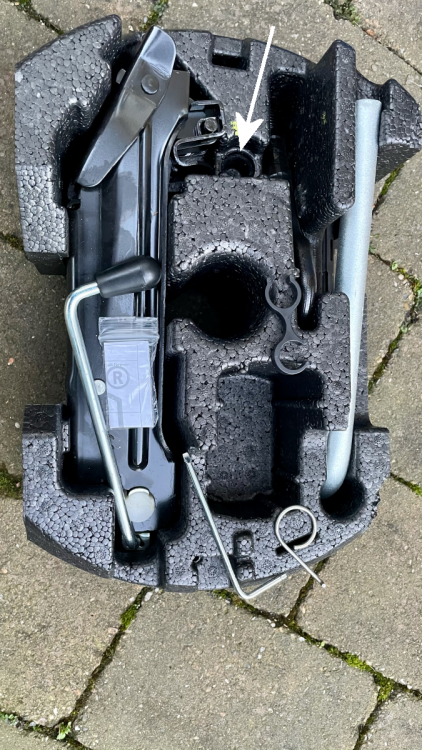
Looks like the locking wheel bolt key should be here.
-
Metal clip is for removing the fog lights and for removing wheel covers for cars that have steel wheels. Is the allen really screwdriver one end and Torx the other end, if yes its a cheap replacement for the screw/Torx driver used to remove rear light clusters and other jobs.
-
Is this thing there to remove the wheel bolt caps? Also a double ended screwdriver with Torx on 1 end?
-
Close the window and release switch, then hold the switch up again for 5 or 6 seconds. That will reset the force limiter.
-
You should just be able to tell them your VIN (at bottom of screen passenger side) for them to order the correct part.
-
Mine is a January 2015 car, from November 2015 the infotainment systems changed, mine has the Amundsen II with sat-nav and DAB, still with the beesting aerial.
-
Is the no1 antenna not the one for DAB reception in radios that need 2 antennas. What are you trying to listen to on AM, is anything broadcast on that any more?
-
Is there not a backup saved within VCDS, usually anything that can change values will save a backup first.
-
First thing to check is resting battery voltage. When battery was replaced was it replaced with exactly the same battery, if not was it programmed to the car?
-
Could it be the clockspring?
-
To be able to enable the nearside wing mirror tilt down in reverse the car needs electric seats. I used the Carista to do a few things including putting a large MPH display on the Maxidot and needle sweep amongst other small things.
-
How about running a hose over it during dry weather to see if a leak occurs. When mine was replaced I was asked if I wanted an OEM screen but agreed a Pilkington one would be fine, so it may be a replacement.
-
I changed that on my Yeti with a Carista OBDII dongle in a few minutes, cost me about £20 and it has full functionality for about a month included in the price and after that even if you do not want to pay more it is still an excellent fault code reader. https://caristaapp.com/
-
How can you tell it's the original screen? When I had mine replaced even though it never leaked the fitter commented and showed me a 2" gap in the bonding.
-
Difficult, but the most likely suspect if not the sunroof would be the windscreen.
-
It has the same force limiter as the windows, if anything obstructs it, child's hand etc it will back off a bit. If nothing is stopping it closing fully the closed position on the force limiter needs resetting like the windows.
-
Is anything stopping it closing fully, even grit.
-
So if the service interval is set to fixed the oil temperature will not be displayed on the Maxidot? I find that hard to believe.