fox2319
Members
-
Joined
-
Last visited
Everything posted by fox2319
-
Anyone had any more progress? I saw there was an "Error fix" software update the other day but it didn't seem to do anything. Aside from bugging the local garage, is there anything else that we can do to get this fixed?
-
I've got the 30cm and have my camera on the passenger side (UK). The cable fits (and no more)
-
Traffic sign recognition is an option. Part of a pack that comes with lane assist and a heated steering wheel. Did your car come with it spec'd? I've heard somewhere that you might be able to add it later either via the shop / garage or by finding someone with a VCDS (or whatever it's called these days). I'm waiting a bit but I'd like to get it added at some point.
-
It can be a handy way to change temperature, turn on heated seats etc. but it was triggered by things playing on the stereo more often than by me so I just turned it off too. besides, the shortcut button on the steering wheel is better anyway. You can also long press it to trigger Siri or google assistants.
-
Anyone had their kph/mph fixed yet? Could be a safety issue if I have to take it overseas as there's no kph on the standard dash.
-
Nope. after going through all the steps to set it up again it’s still a problem but I can’t seem to set myself as primary user, it just hangs there saying please wait.
-
I had a look at a car in the showroom this morning and it changes units without a problem. It was in transport mode apparently (says TRA at the bottom of the left hand dash display. I compared the HW / SW versions on that vs my car and everything is the same except for the map version (showroom car was an older version). Next step will probably be to reset to factory settings and go through initial config again.
-
Nothing there in mine.
-
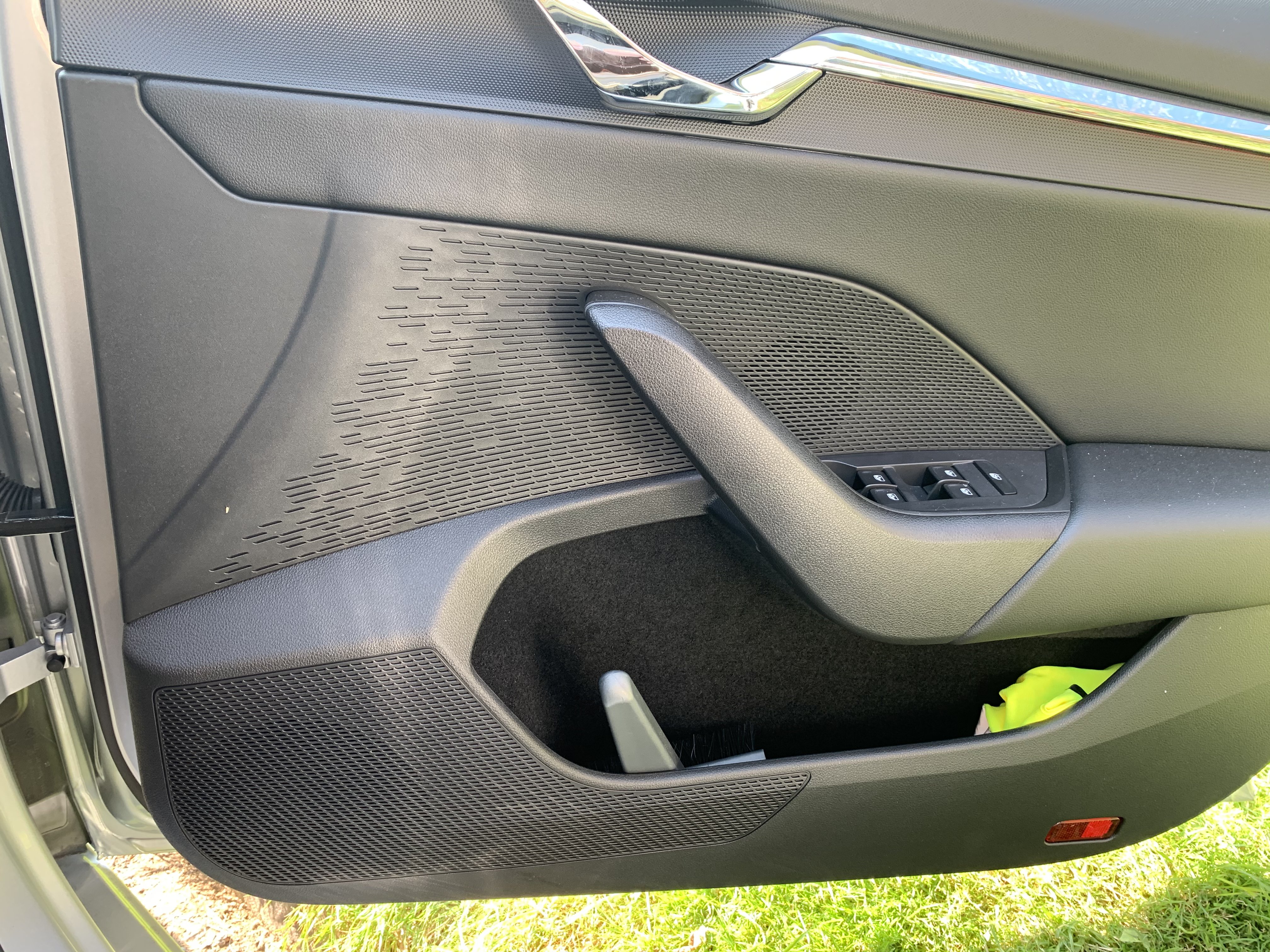
I've got an SE L First Edition and it has a manual boot. I can't say that I've noticed a boot release button on the door, that might just be with the power boot
-
I had a brief moment of hope when the car announced it was updating the software earlier today. However, it turned out to just be an update to the electronic manual.
-
https://www.amazon.co.uk/gp/product/B07C7SDHM6/ref=ppx_yo_dt_b_asin_title_o01_s00?ie=UTF8&psc=1 This is the one I bought in the end
-
Just to give people a quick update. I ordered a rectangular Anker wireless pad and gave it a try but it was a little too big by the time the cable was fitted in the end. I looked again and found a shorter one by Chotech for £13.99 which was around 3cm shorter (11cm vs 14cm) and this one fits just right. I also bought a 30cm USB-C to micro-USB cable which tucks everything away quite nicely. I'm not sure what the rules are about posting links here but am happy to put more details in if anyone is interested.
-
Yeah, I popped in there today to see 2 of the salesmen looking over the display cars to try to figure it out. They reckon it'll be fixed by software update and say they will keep me posted. (Although they are in a bit of a huff with me for other reasons so we'll see)
-
Did he get the km display thing sorted? Mine seems to be stuck on that too.
-
Yeah, I was going to follow up. Mine is stuck on km again now and Apple Carplay has stopped working. I was using it wirelessly but plugged a cable in to charge it. Since then, nada
-
Have you registered the car online with the skoda connect app and set yourself up as the primary user? I had this when I picked the car up and drove it round for the day before registering etc. I was then able to sign in and change a lot of the settings in my user account which seem to have become permanent (or at least associated with the key)
-
I picked up my SE L 1st Ed hatch yesterday and am still learning the ropes. To get the mirrors to dip, I think you need to put the adjustment knob over to L and it should do it (you might need to adjust it while in reverse the first time though). I love the wireless carplay too but found my battery was almost dead after a 3hr or so trip but I was streaming music and maps most of the time. I've ordered a wireless charge pad to rest my phone on in the little nook and will see how that works when it arrives. If you find out any other tips / tricks then let me know
-
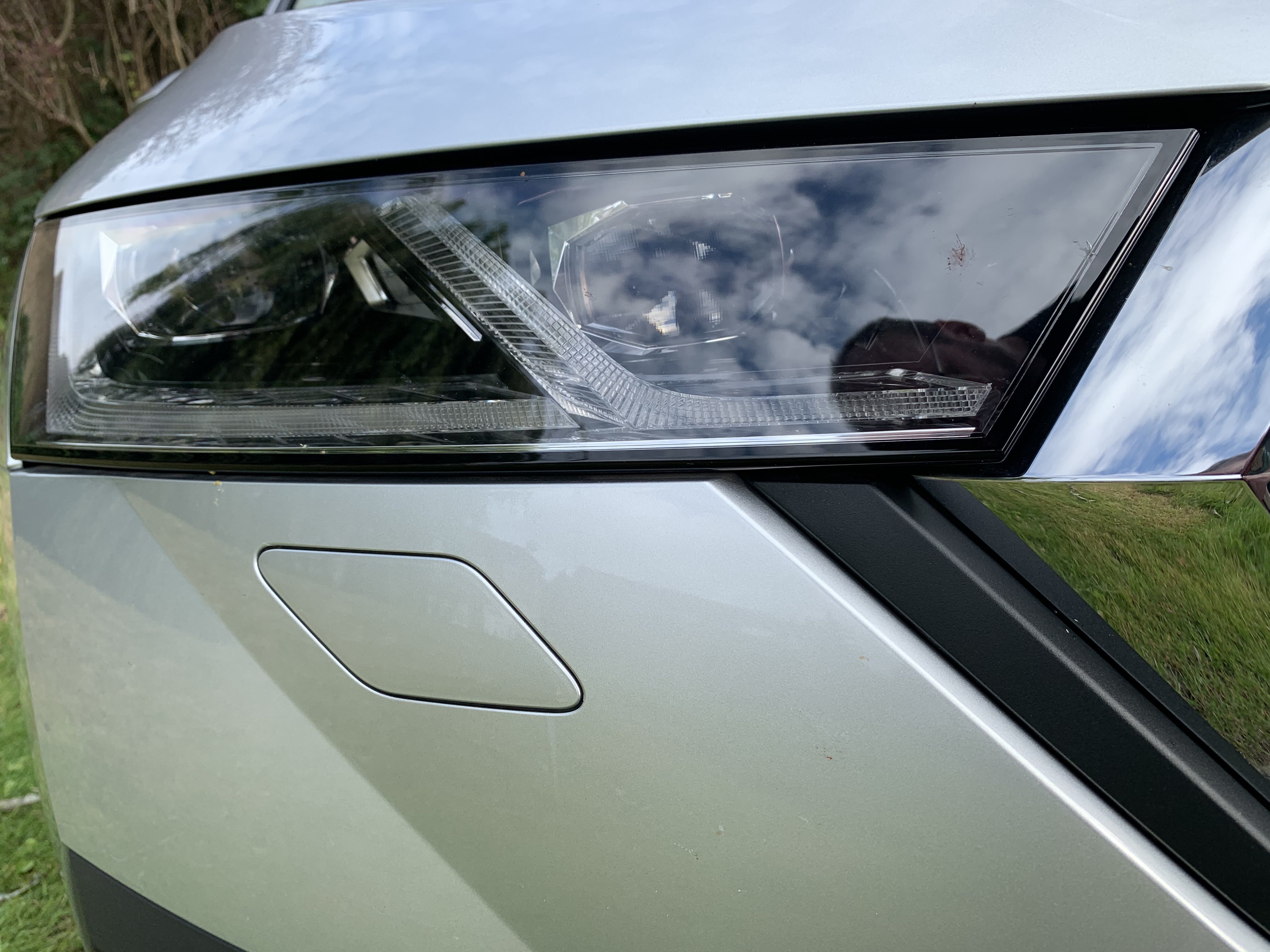
Thanks. mine has the hockey stick DRLs so I guess that’s sorted. I was expecting to see more elements in there but I guess I should notice the difference when I go out at night some time.
-
Just had my new car a day or so and I was wondering how I can confirm that the car is fitted with the matrix lights it’s supposed to have. Does anyone have a photo of the standard light units and the matrix units? Is there anything in settings that will confirm things one way or the other?
-
I'm picking up my SE L First Edition in a couple of days which has most of the options I wanted but one thing I think it's missing is the wireless charger.I just couldn't justify spending £325 on it. Given that the phone tray is next to a couple of USB C ports, I was wondering if anyone had found a wireless charger that could be used there or if there were any options for retrofitting the original charger.
-
I've been driving Yetis for a while now, currently got a SEL Drive Diesel which I've been quite happy with but got invited to an "event" at the local garage. I went along not expecting to be tempted but I thought I'd have a look at the Karoq and new Octavia. Took the 1.5 SEL First Edition out first and I really liked it. Took a good 20+ mins on everything up to motorway speeds and it was pretty nice. Then took the Karoq out on the same run. It's a nice car but, if I'm honest, it just looks like a Yeti with a bunch of new bits stuck on. I didn't really feel it as much as the Octavia. Soooo after a bit of negotiation, I'm picking up the 1.5 SEL First Edition on 1st Sept (when the new plates come out in the UK)