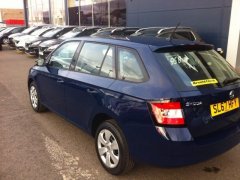
# Octavia Estate
-
- 5 comments
- 1,095 views
-
- 4 comments
- 1,135 views
-
- 35 comments
- 6,132 views
-
- 10 comments
- 6,147 views
-
- 2 comments
- 821 views
-
- 1 comment
- 3,674 views
-
- 5 comments
- 969 views
-
- 3 comments
- 678 views
-
- vrs
- octavia
- octaviavrs
- octavia estate
-
Tagged with:
- 50 comments
- 6,902 views
-
- 9 comments
- 1,297 views
-
- 12 comments
- 2,186 views
-
- 12 comments
- 4,466 views
-
- octavia estate
- laurin&klement
- L&K
- TDI
-
Tagged with:
- 4 comments
- 4,455 views
-
- 7 comments
- 1,202 views
-
- 2 comments
- 2,054 views
-
- 4 comments
- 1,536 views