Leaderboard
-
Lady Elanore
FREEDOM15Points25,084Posts -
Lee01
FREEDOM12Points36,950Posts -

xman
Resident Member10Points7,537Posts -
gadgetman
Honorary8Points26,889Posts

.thumb.jpg.9dd3f612ba7f13d10be5c518d3c8d255.jpg)


Popular Content
Showing content with the highest reputation on 11/03/20 in all areas
-
2 pointsThere are lots of conflicting reviews regarding Skoda claimed MPG figures and what it's like in the real world. I felt confused and wasn't a 100% sure I would see a good MPG with the battery flat on a relatively long return journey. This is the reason I thought some stats from my first descent run would be interesting for prospective buyers. 116 miles with a 95% full charge from beginning I managed 62.8 mpg. Lots of traffic and an early morning start. The return Journey was 109 miles with a 1% percent battery and after initially feeling a little anxious, I returned 55.4 mpg, which is far better than I expected. Clearly, everyone's driving style is different and I drove conservatively about 65mph on the motorways in the ECO setting on the driving mode selection. The car automatically switched to electric only when close to the destination and used what charge there was stored to help maximise the efficiency. The car uses the navigation route calculation to workout when to kick in the battery, innovative thinking from the German engineers. The verdict is you can achieve a good MPG on a flat battery when driving longer distances. This is because the combustion engine is continuously charging the battery through out the motorway stints. How does the above compare with the economical diesel versions of the superb? My colleague drives a Passat that is a few years old and the quoted MPG is 50. I wonder if this figure is close to a typical driver's experience..2 points
-
1 pointhi guys, I managed to open my amp because I want to use other speakers. So made some pictures. Please administrator take some of them and put it on the forum, because the link will be available 5-10 days. I see that I can upload 10mb max, pictures are 250 mb. Thanks in advance ! Waiting for some commends http://dox.bg/files/dw?a=2c7edc9788 you must check the box of Canton amp.rar and push "Изтегли избраните". If you want to upload them on some other site, please just say.
 1 point
 -
1 pointI have recently taken delivery of a Superb III in Australia, which has electric seats in the front, including lumber adjustment and memory. I noticed that in some markets, the Superb now has the massage function on the drivers seat, which replaces one of the three memory buttons. Just thinking out loud here - is the memory function just cycling the movement of the lumber motors? If so, is there any way this functionality could be enabled via software?1 point
-
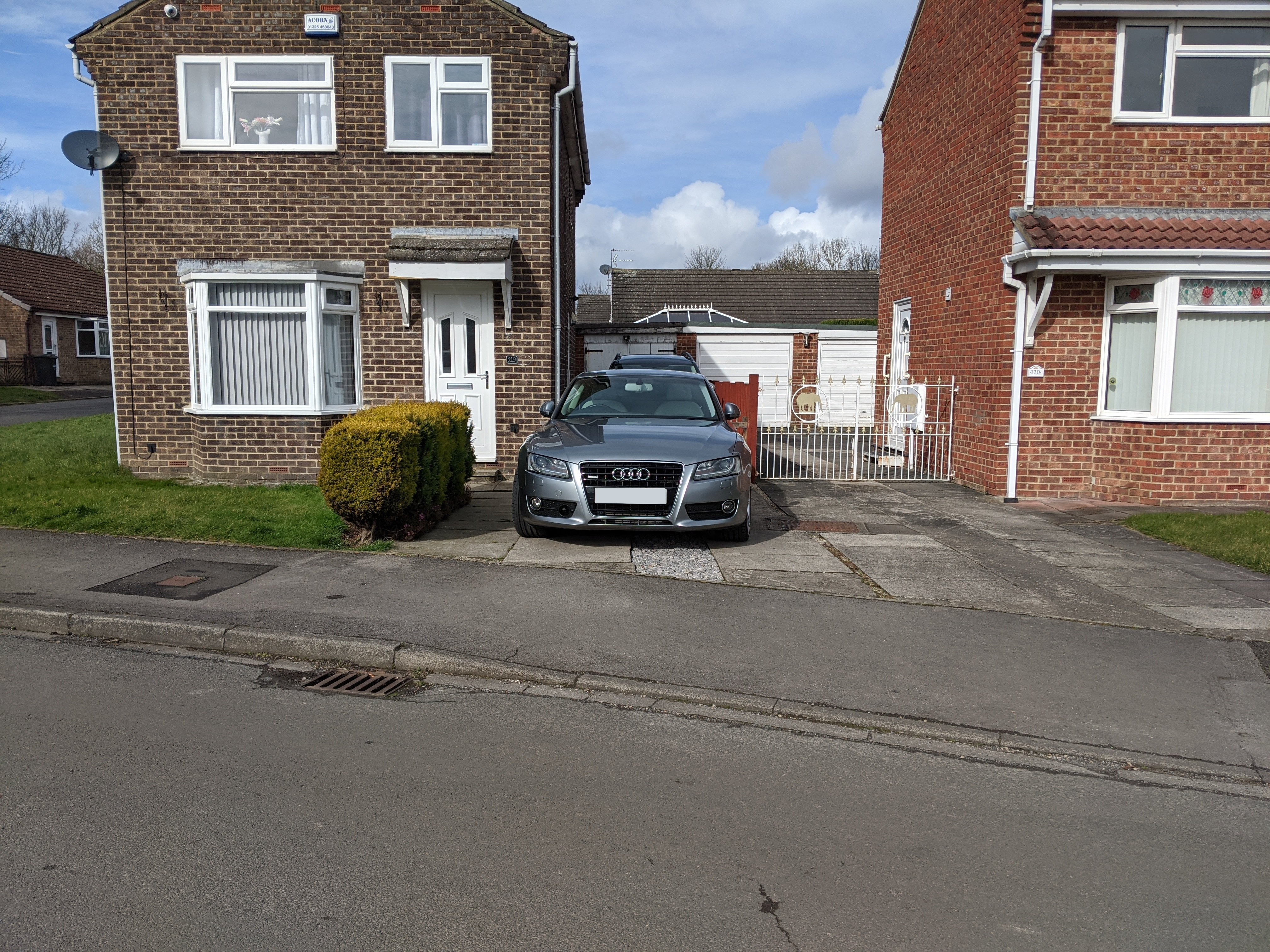
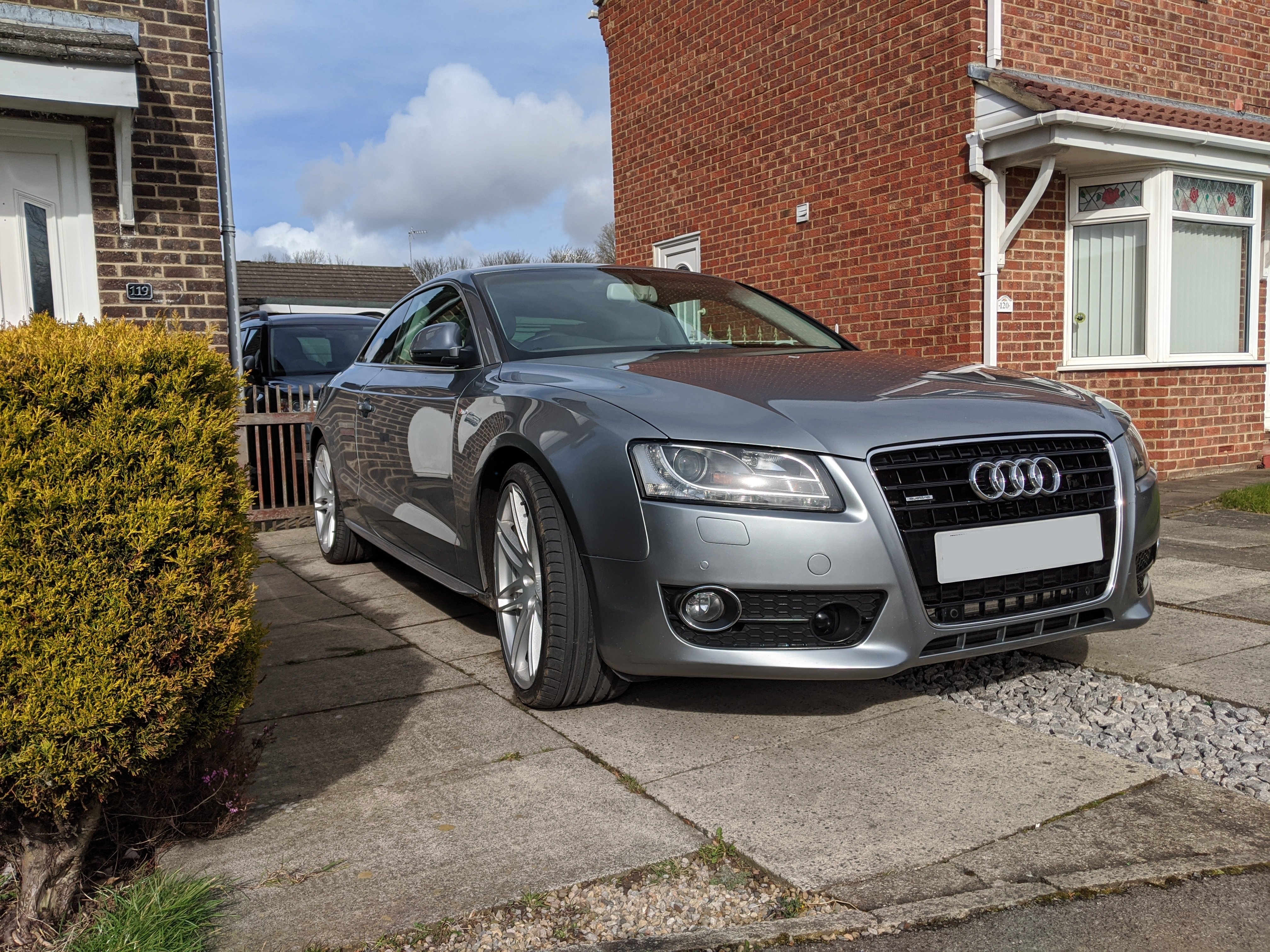
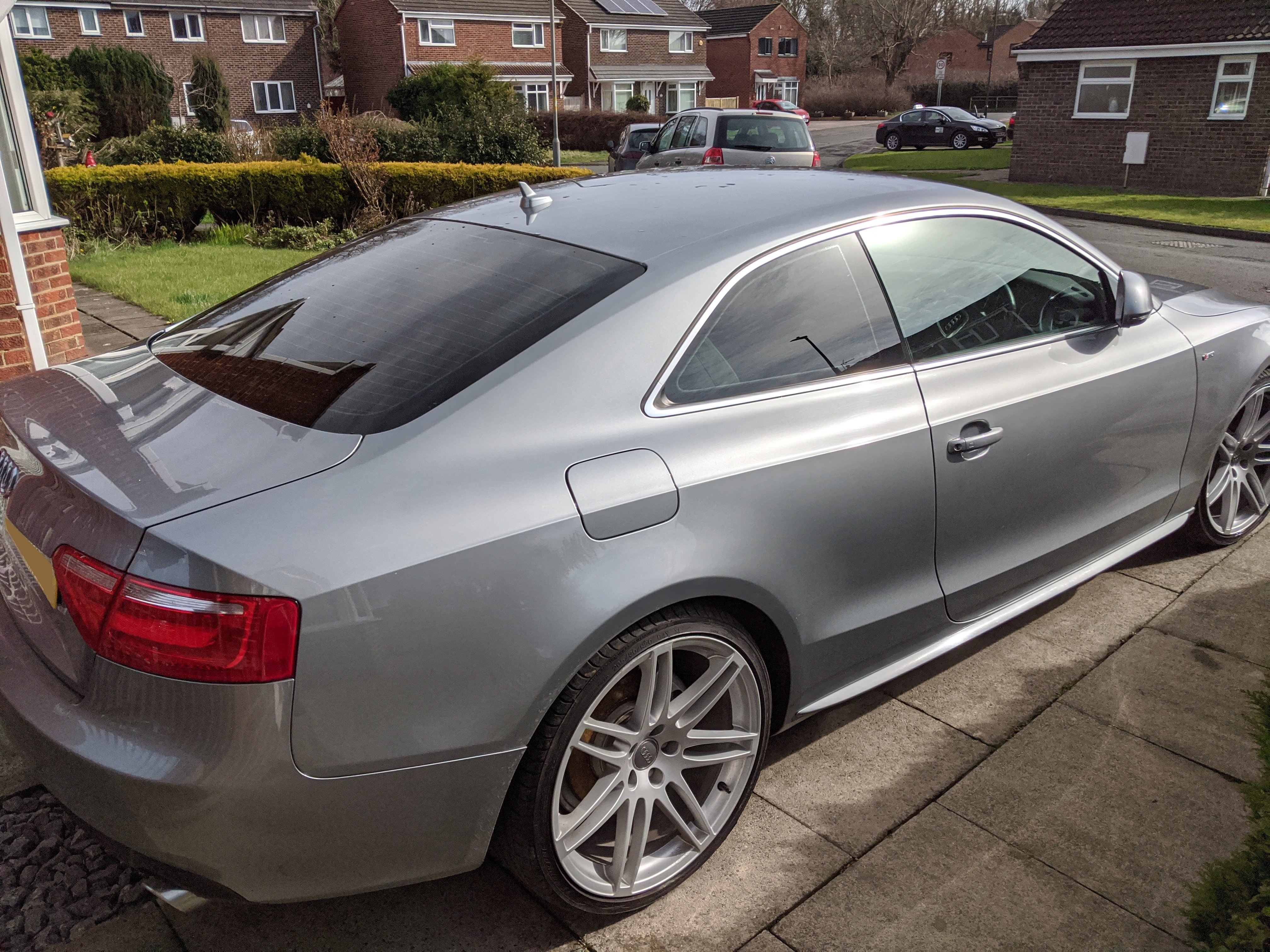
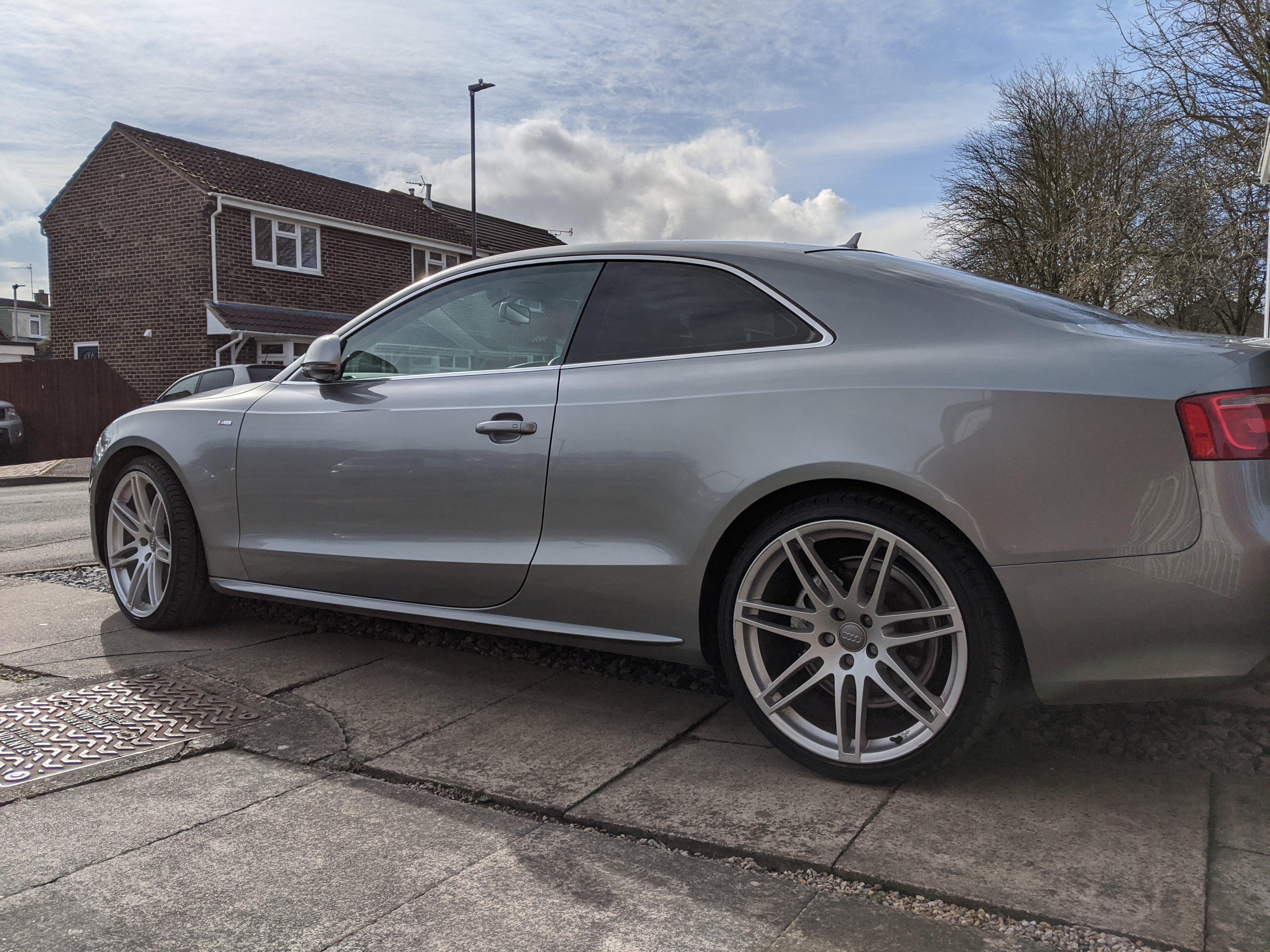
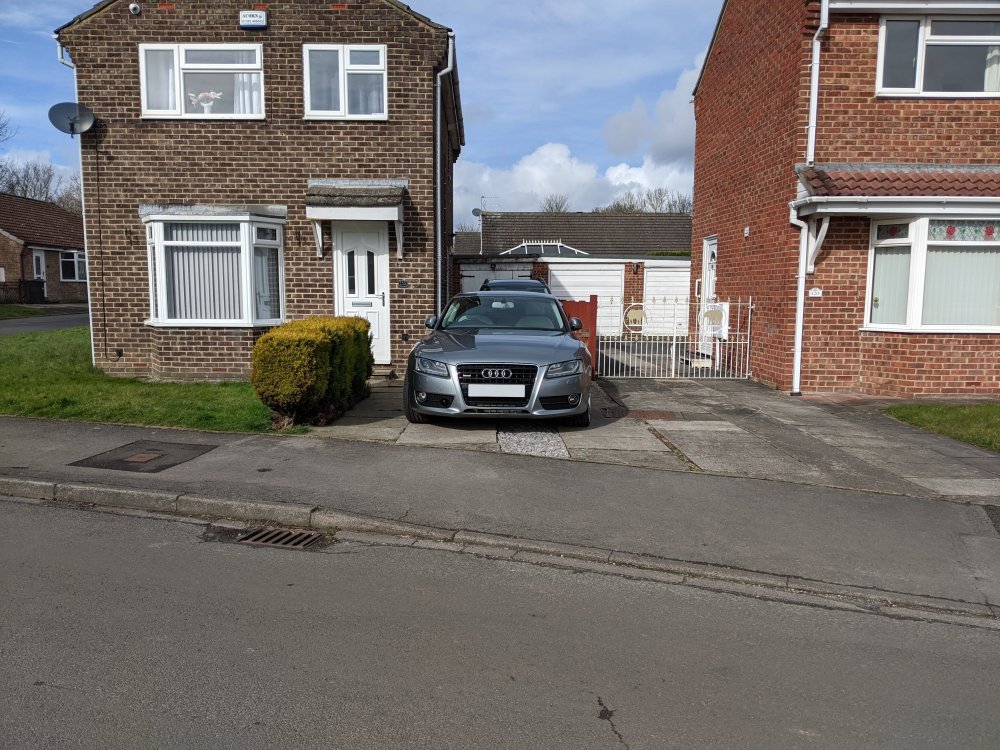
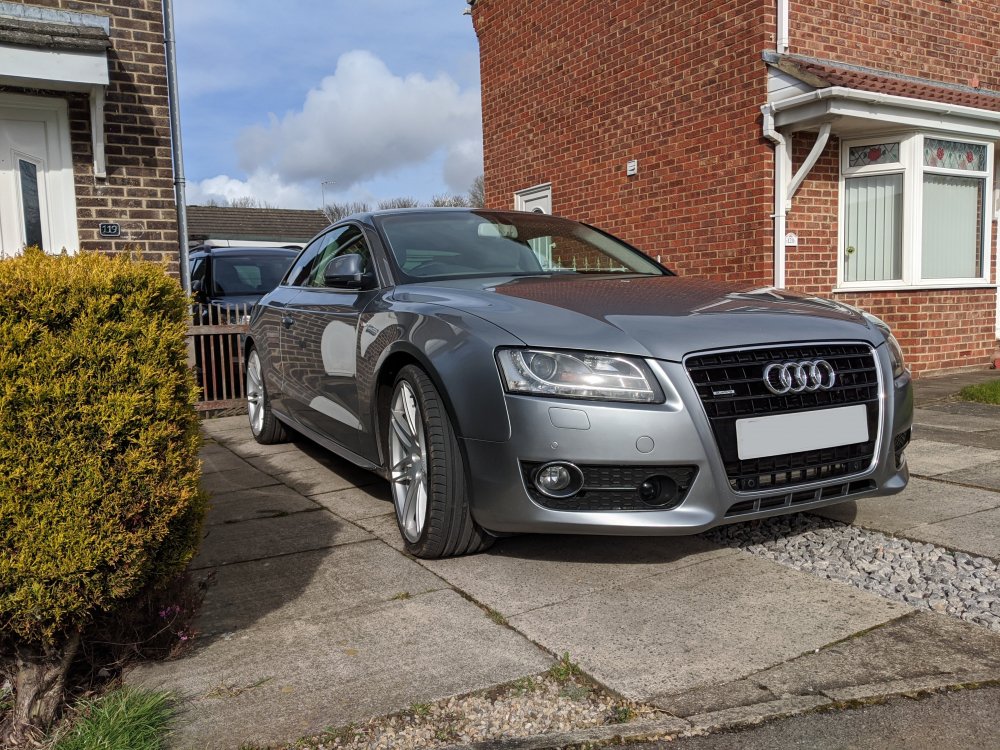
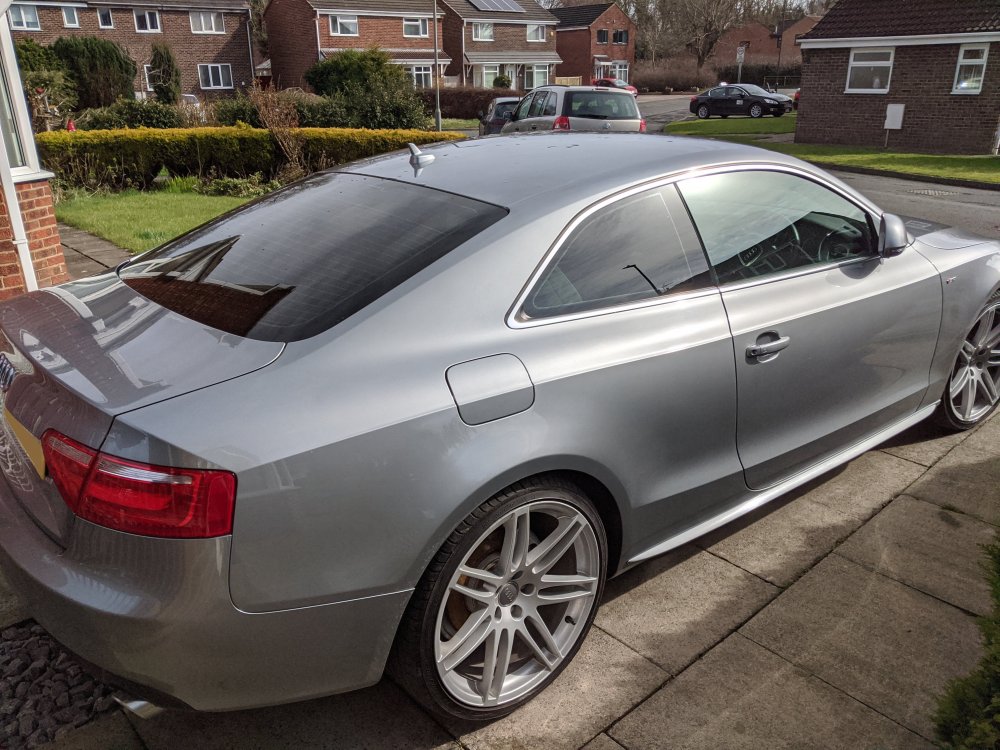
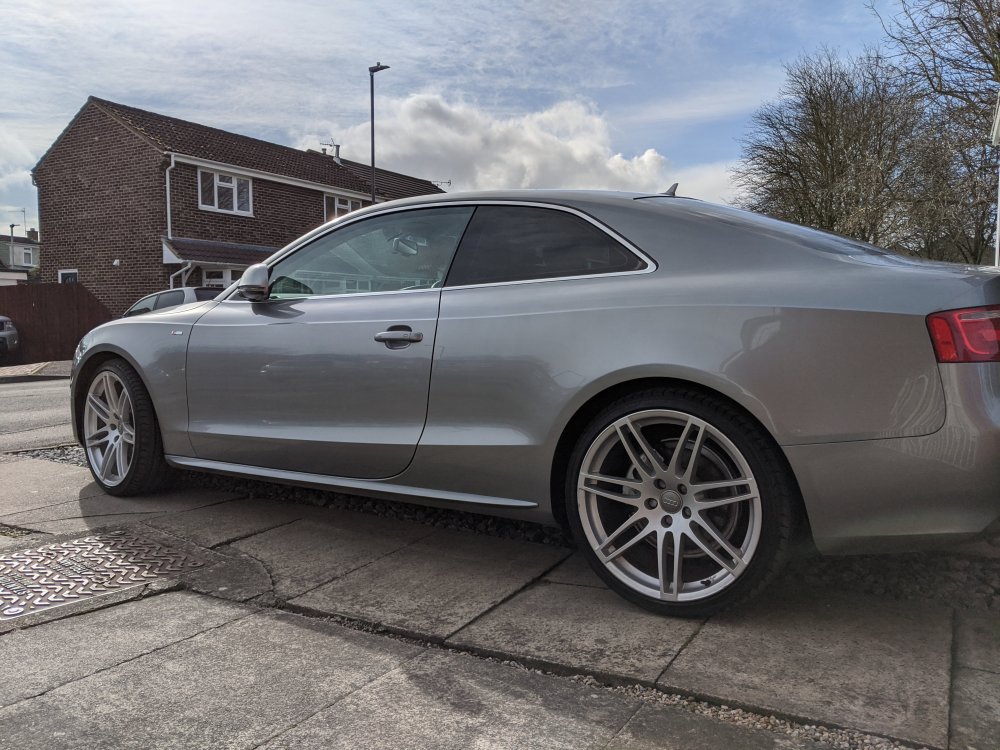
1 pointFollowing on from the wife leaving and taking the Tiguan (just to rub salt into a very open wound), it dawned on me that I could now buy myself a car, rather than buy her one. Don't fret too much, I'm keeping the Yeti as the works car and I've been looking for my ideal weekend / personal enjoyment car. This weekend I found it... It was a little more expensive than I wanted to pay, but it was the best colour I'd seen (Quartz Grey) and the spec list was immense. Front & rear parking sensors, adaptive cruise control, B & O Sound System, Multimedia package (DVD drive and 2 sd card slots, ipod/usb connection), full cream leather, electric adjustable seats with drivers memory function, paddle shift on the steering wheel, rear window electric blind, front AND rear heated seats, folding and auto-dimming door mirrors and auto-dimming interior mirror, and probably some other stuff I've forgotten... It's the 3.0ltr TDI Quattro but it's not the S Line. Someone has thoughtfully added S Line badges to the wings and installed an S Line steering wheel though, just for a nice touch. Happy motoring.
.thumb.jpg.eb4f343255f38b37eecee29cb4e176ab.jpg)
 1 point




.jpg.2efd3ef472bbcb1defa25cee42f2dfb6.jpg)