




ords
FREEDOM
-
Joined
-
Last visited
Everything posted by ords
-
I didn't know the siren had its own battery. This looks promising I can only speak from experience with my own car that starting it after 2 or 3 months is not a problem.
-
The doors won't unlock with the remote until the battery is re-connected. Before disconnecting the battery, have the bonnet open, lock the car with the remote, disconnect the battery but don't secure the bonnet completely. Re- connect the battery when you're ready and unlock with the remote. If the battery is flat you can unlock the drivers door with the emergency lock in the door handle.
-
Agree 100% about the car starting after 2 months storage. Mine regularly stands for 2 or 3 months without being used and always starts. That's with the original nearly 9 yr old battery.
-
Did you or a passenger take the photo?https://www.carshades.co.uk/shades-skoda-octavia-2013-c-2729_3662_3676_6157.htmlStill won't play for me. Can others play it?I can't get it to playOP says it's not water as it's not evaporating.Post a file of the noise.I think the ignition has to be offI'll bet he's used Google translate.Easier to see.
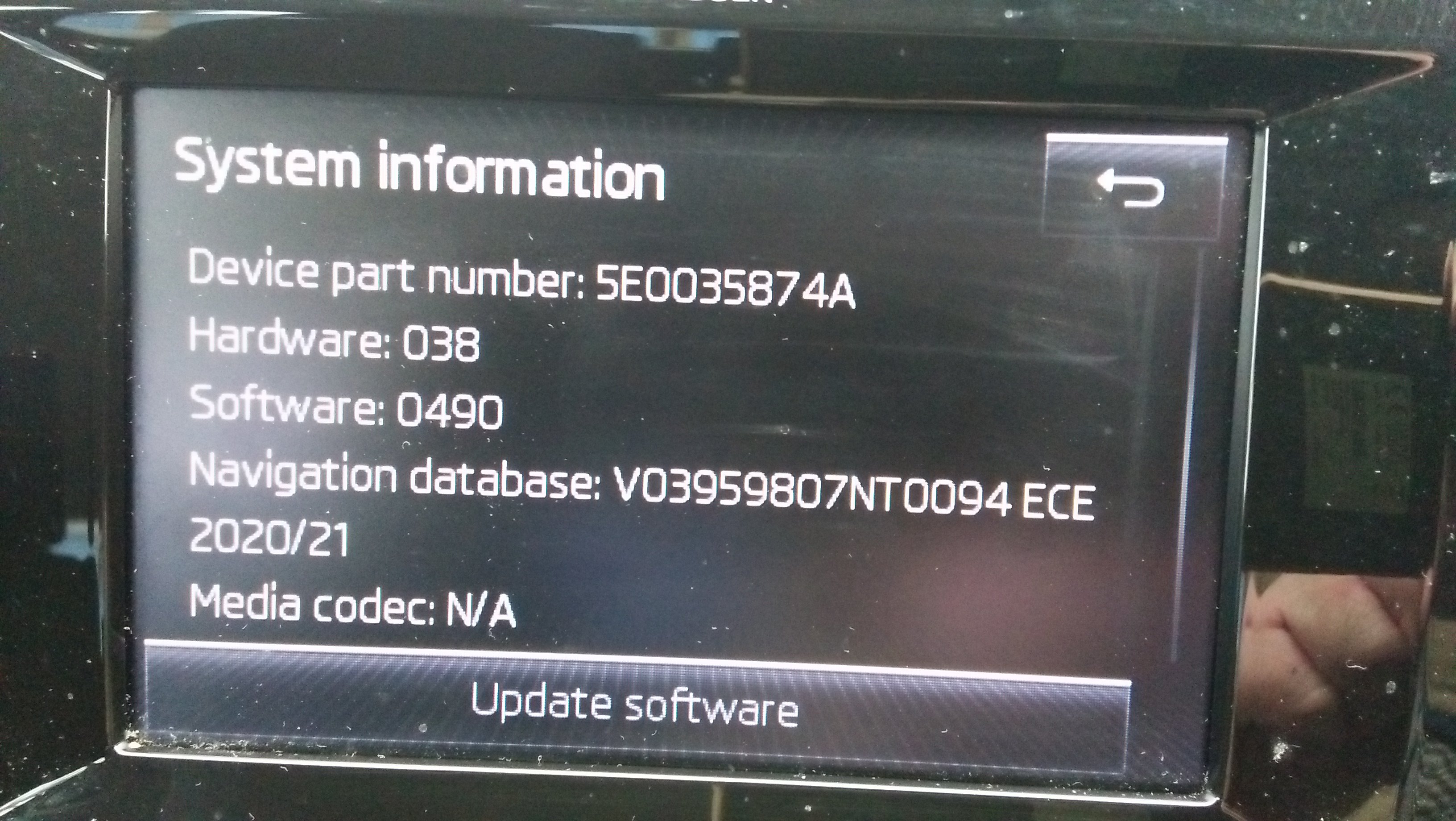
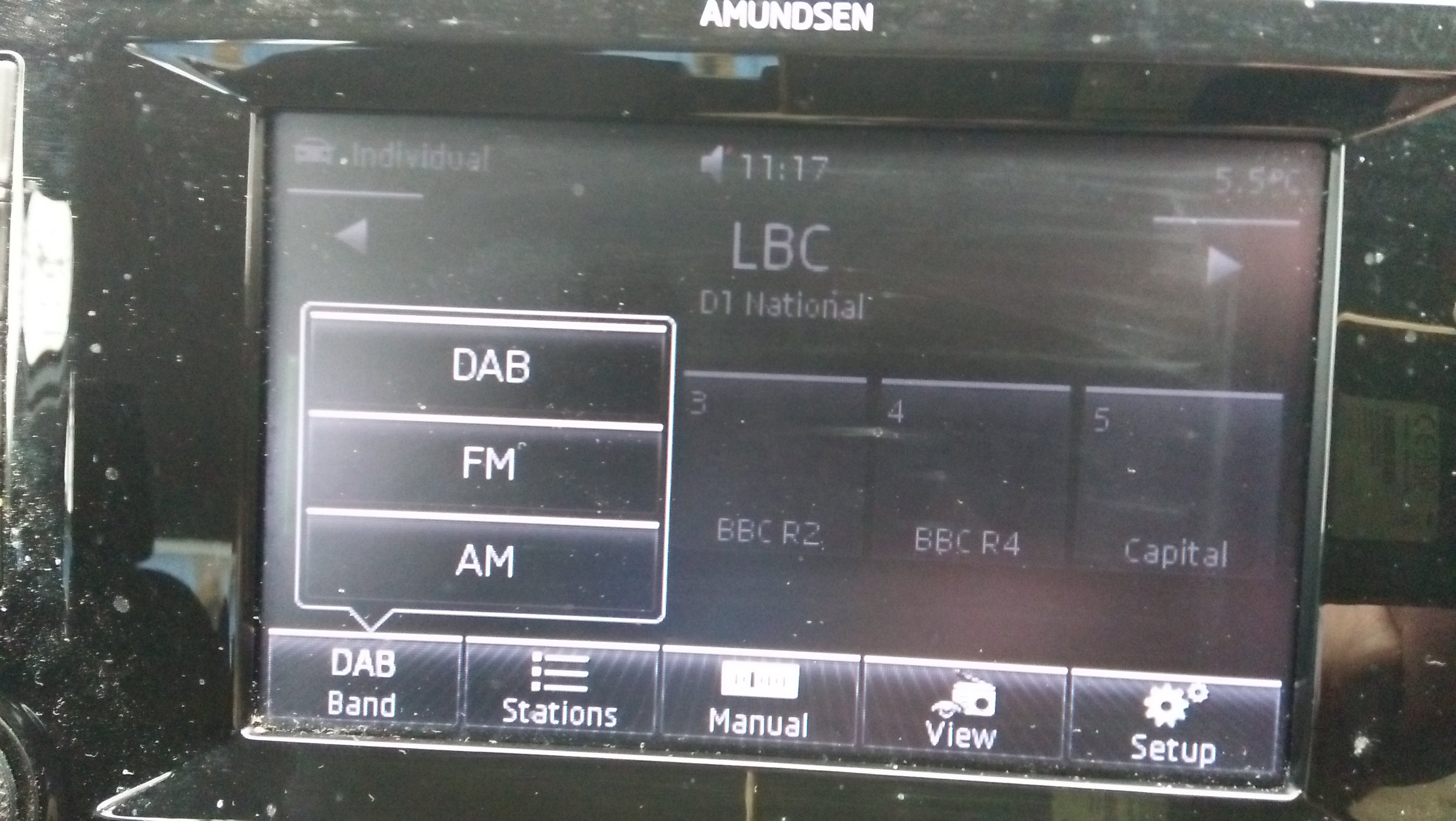
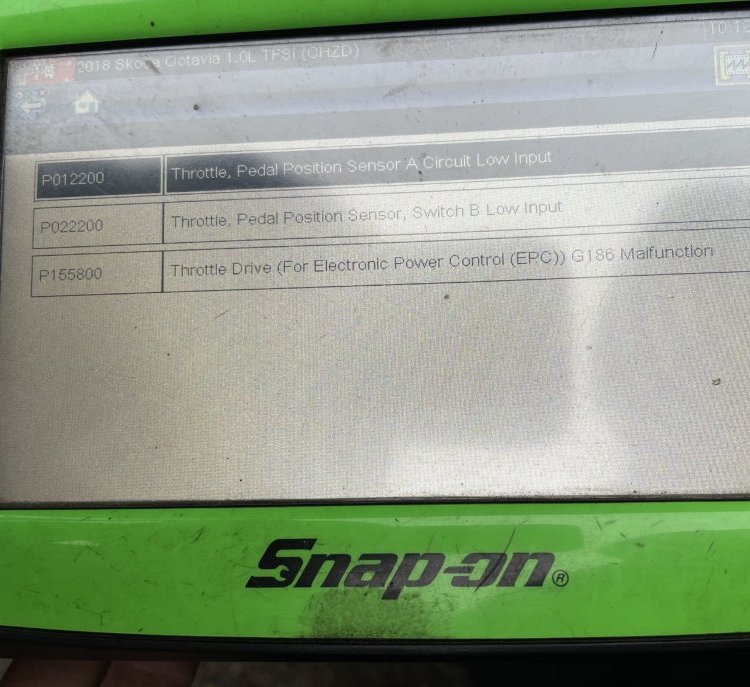 Which it what it says in the manualNo. I never have to enter the countryDoes the OP have Amundsen or Columbus? I don't know if the Columbus also has 2 SD slots.If you do get the card out and it's damaged, you have to replace it with an original Skoda SD card . An ordinary SD card will not work.Mine "free wheels".This is my version and the DAB option
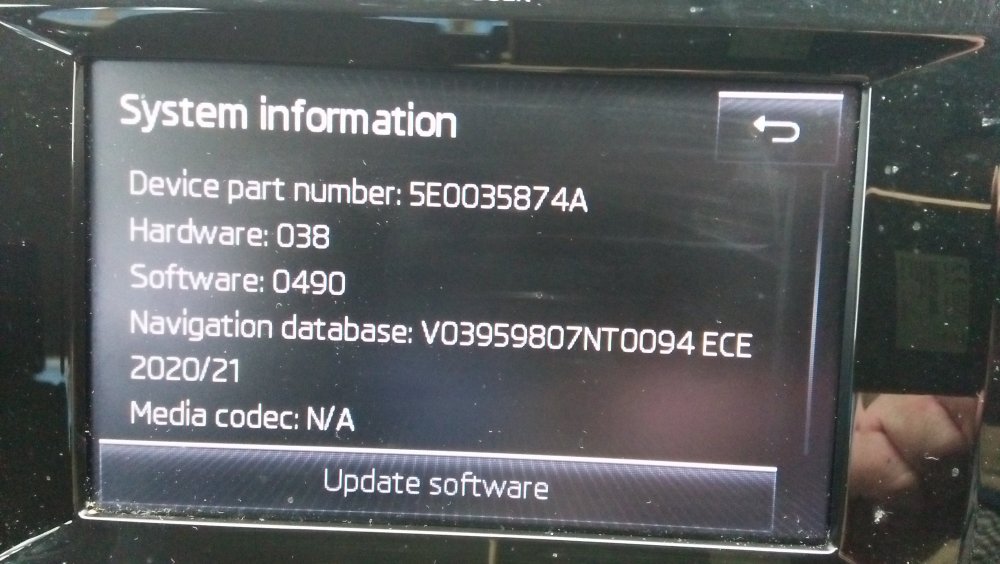
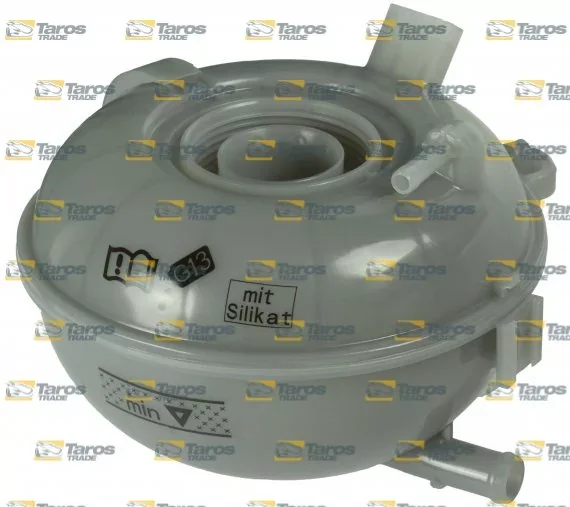
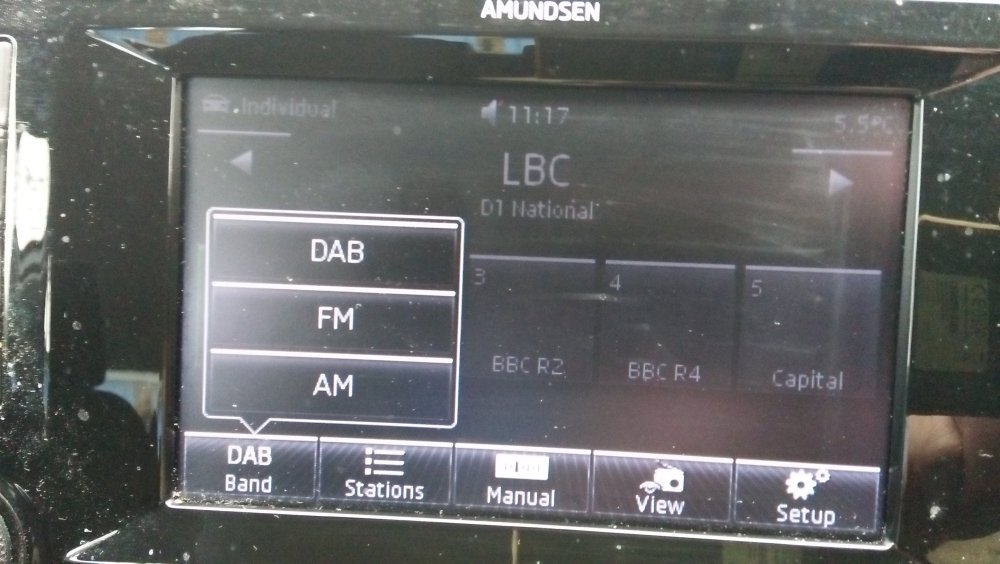 Mine has the DAB option and it had it before I updated the software. Bluetooth speaker quality is also ok.Can you explain that in more detail? I'm confused by what you mean.Modularer Infotainment Baukasten or Modular Infotainment SystemSee if the expansion tank has the wording "mat silikat" on it. If it has then your car is fitted with it
 Are you in eco mode? If not try it. It's far less sensitive to gear changes.



Important Information
Welcome to BRISKODA. Please note the following important links Terms of Use. We have a comprehensive Privacy Policy. We have placed cookies on your device to help make this website better. You can adjust your cookie settings, otherwise we'll assume you're okay to continue.