Everything posted by djmartzian
-
This is Experimental 🙂 As I mention earlier I've been thinking to remap one of the existing steering wheel buttons (e.g. "Voice" on long press) to activate Sport driving profile without MIB3 UI interaction. Is this going to work? OR a dedicated LIN adapter is needed?
-
Happy New Year! Can someone was able to identify the HEX code for the buttons on the steering wheel from Skoda Octavia Mk IV? I would like to tweak 7208 FPA dataset in [19] - Gateway to activate "Sport" mode with "Voice" button (OR another button) like the "R" button from Golf MK VIII? @Cairus , Can you help me with such details? All the best.
-
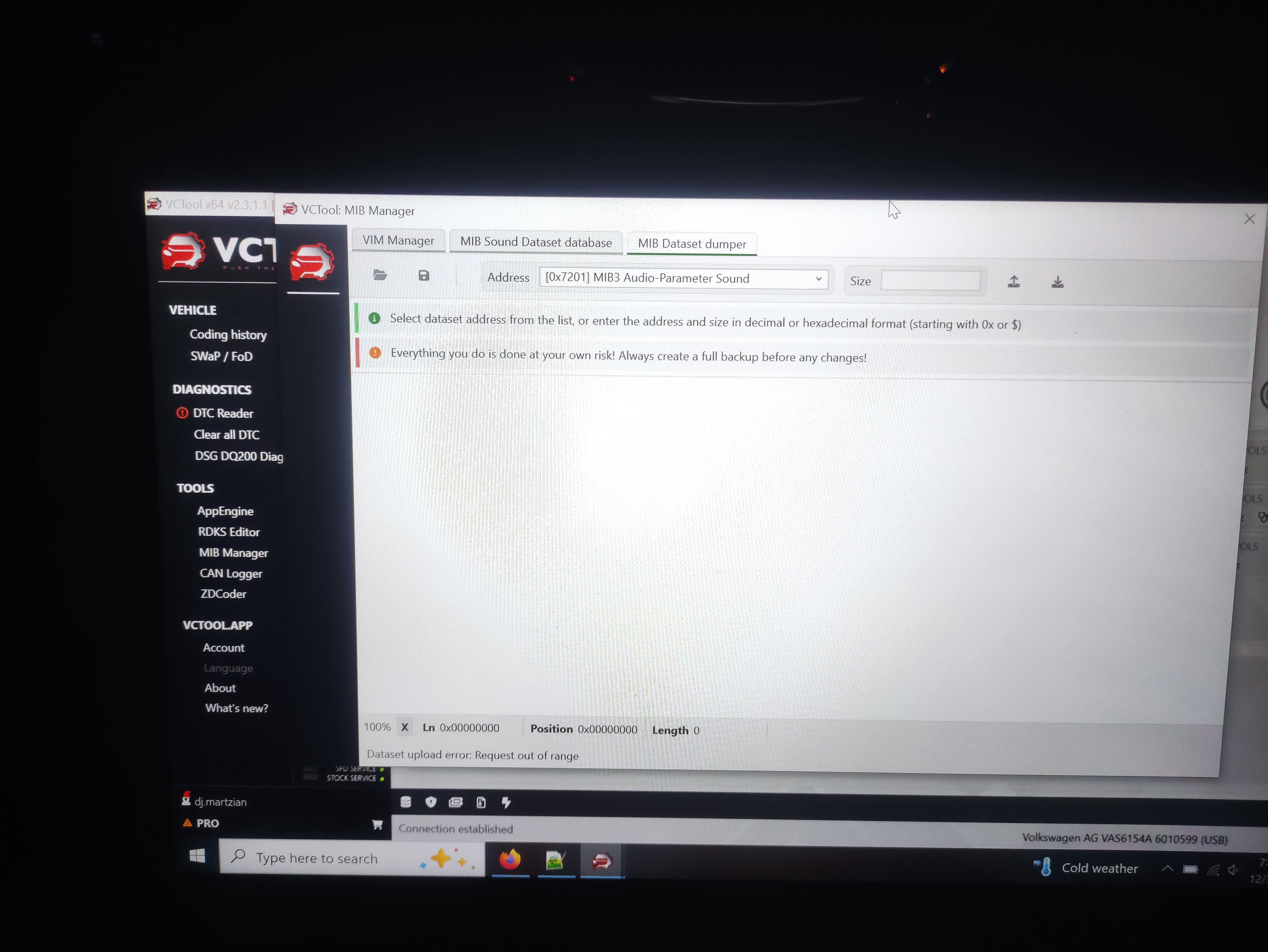
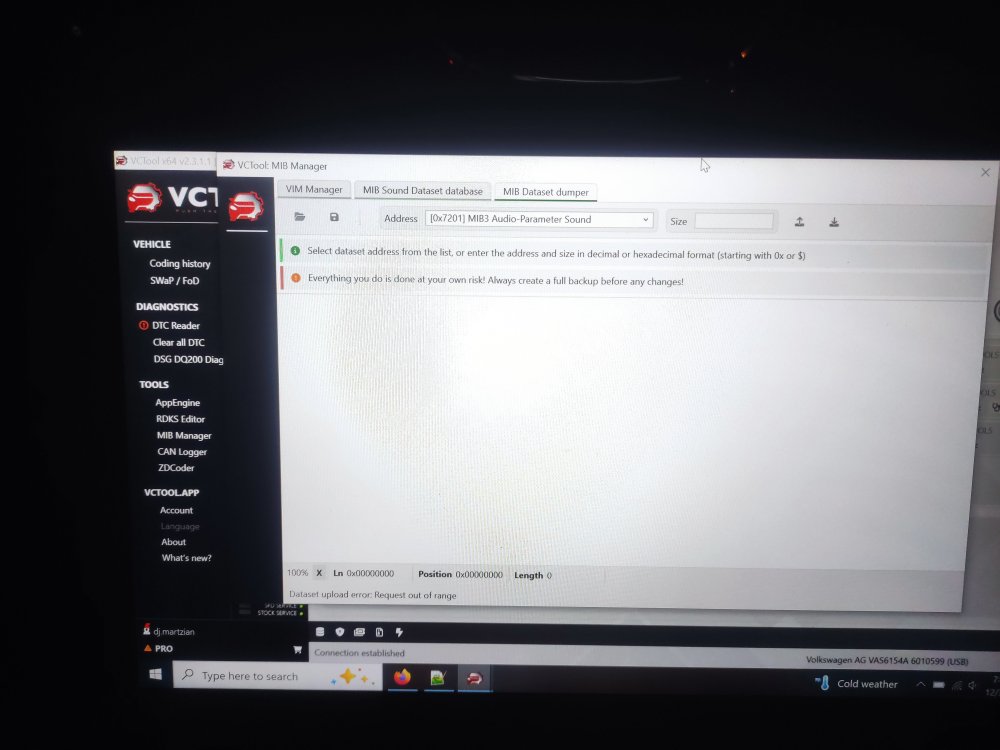
Hello, Updates on the above: I've tried the Presents/Options in Car Scanner PRO, without any luck on SK MkIV! I've also tried, but didn't manage, to read and save 7201 dataset with MIB Manager(VcTool). The only option that worked is activation of VIM option. Happy New Year!
-
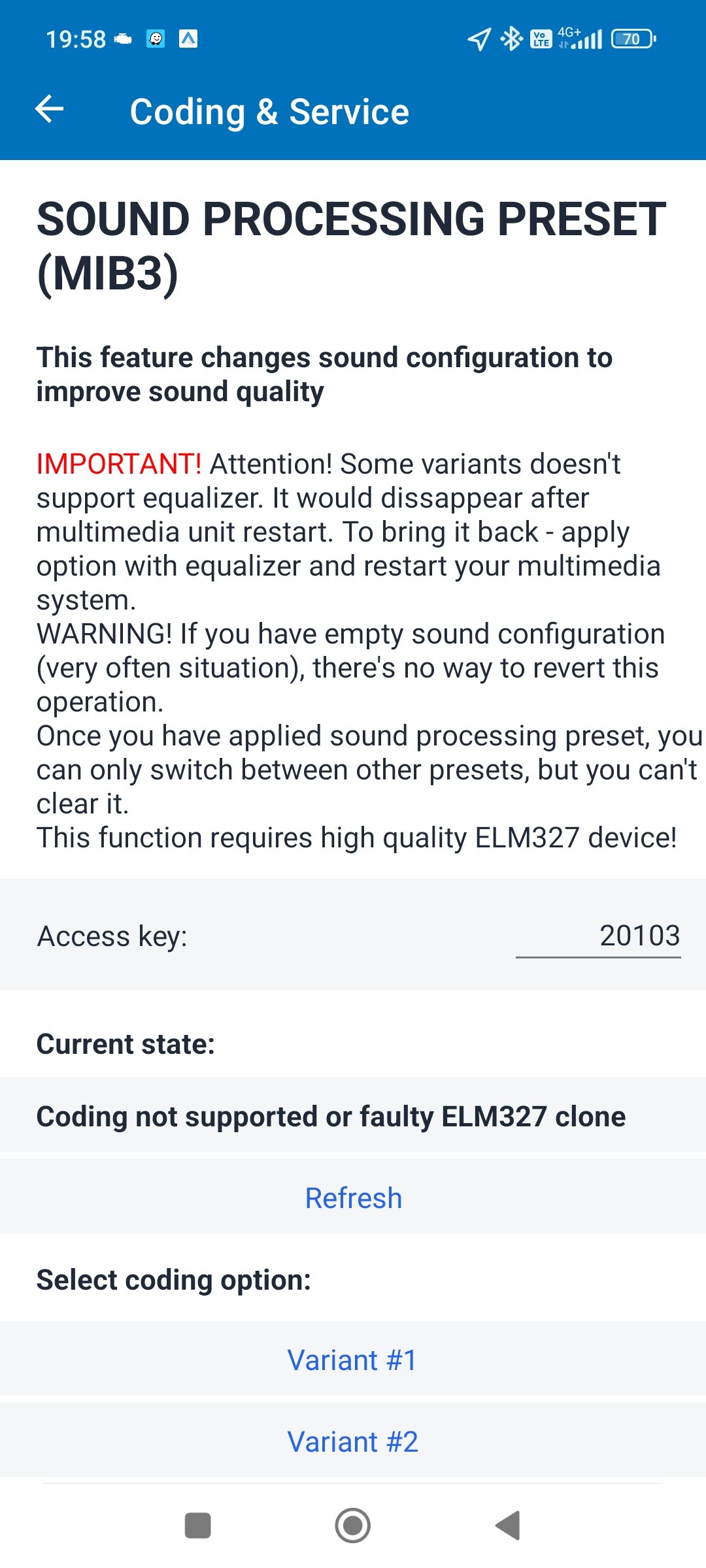
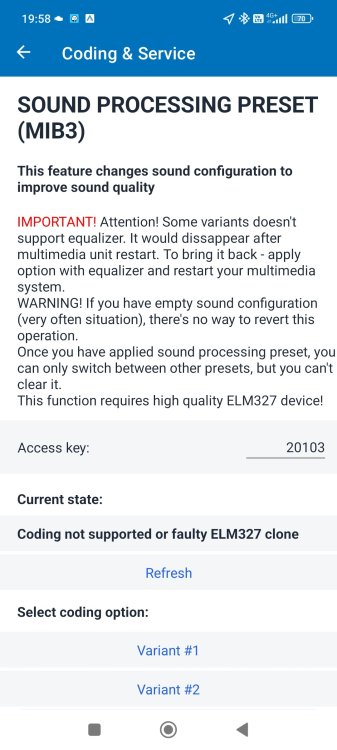
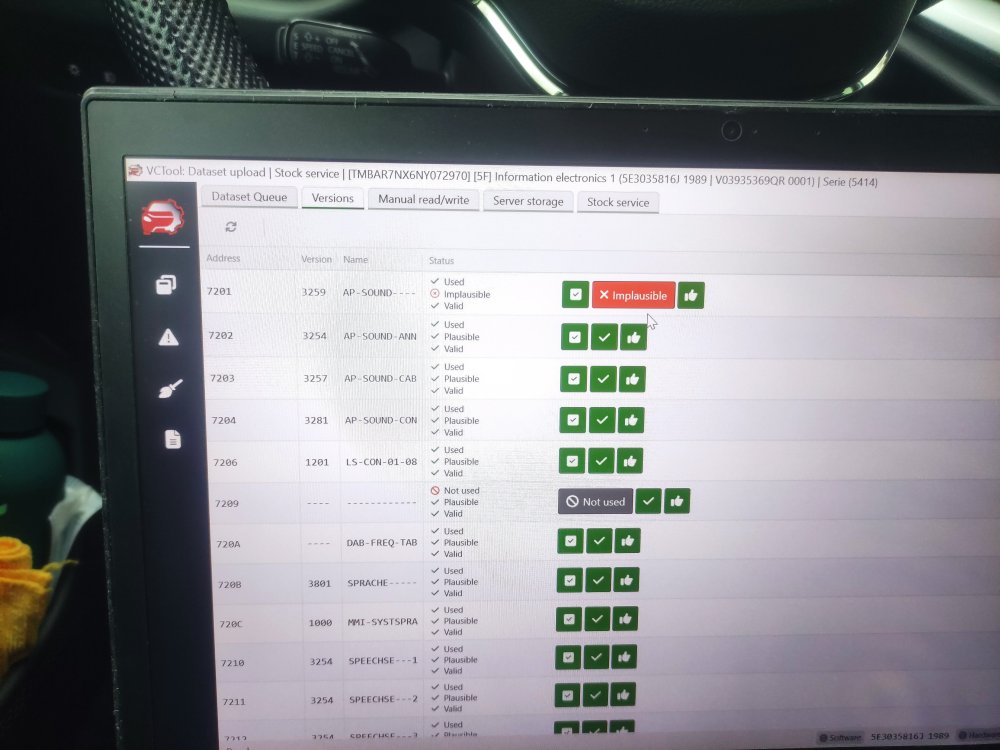
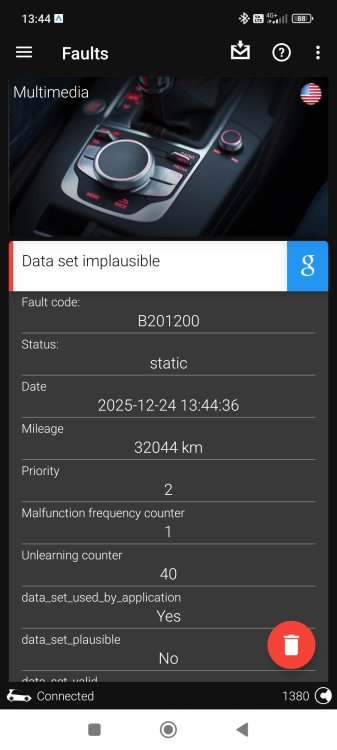
Hello, Short update on ^^: With great support from VCTool guys, I've managed to restore Stock data set. I've also tried 2 more presets/options: #17 and #18, I can't say the sound is much better that Option #16, with stock speakers. All 3 options are generating B201200 DTC, so I've reverted to Stock audio for now. I've also been looking for alternatives and I've found the following option in Car Scanner PRO: 8. Sound processing preset (MIB3) This feature changes sound configuration to improve sound quality https://www.carscanner.info/coding-mqb/ Has anybody else tried it? Happy new year!
-
-
Hello @Cairus , Can you please give more details? What do you mean by Diagnostic Mode? Do you have a procedure how to change it in OBD11 or VcTool? In this way the error is going to be deleted? OR, is there any option to delete DTC and keep modded 0x7201 dataset? Cheers
-
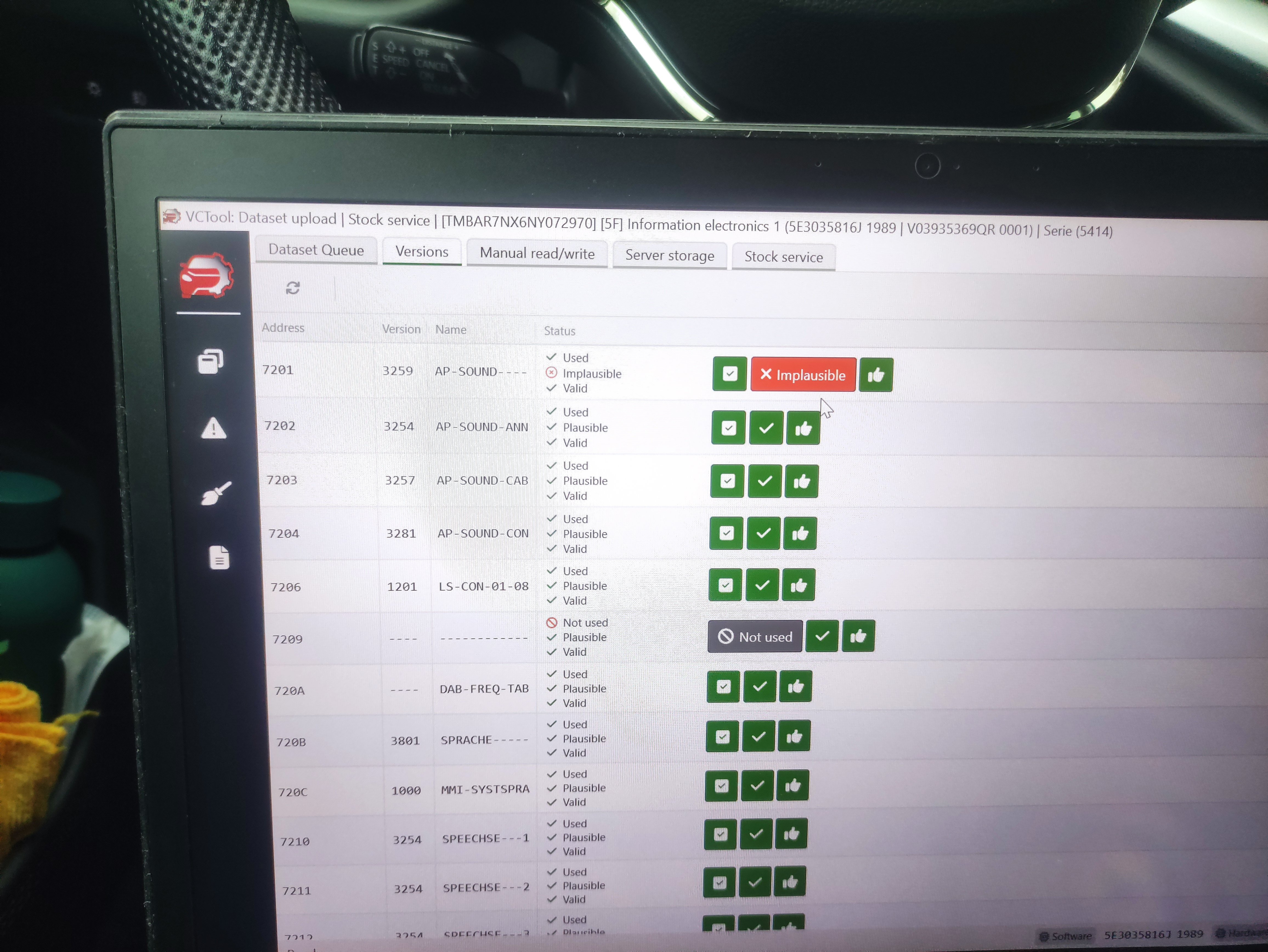
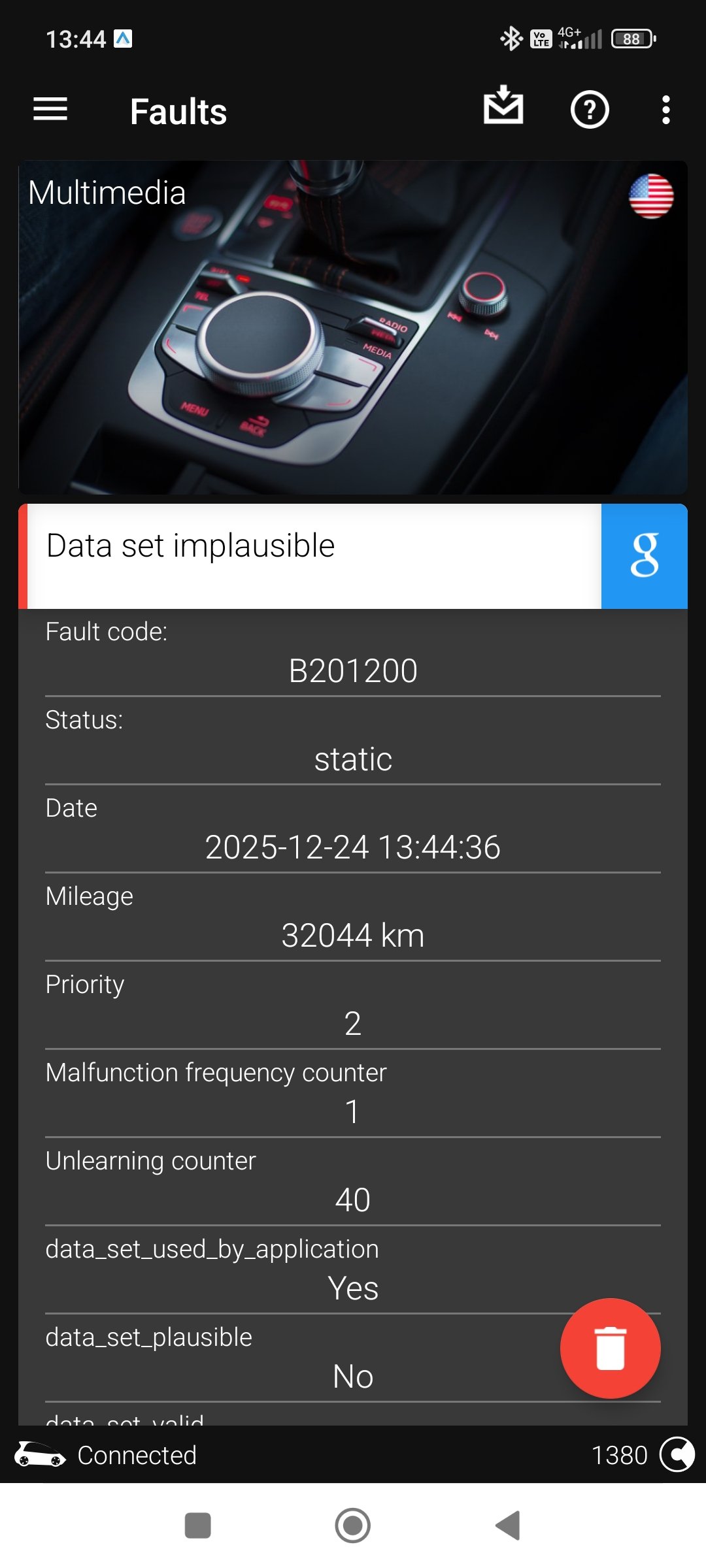
Hello @trinajstich , I've uploaded Dataset #16 from VcTool. The sound is indeed better than stock one. I've also tried to restore on Stock dataset, but I wasn't able due to: "Requested out of range!" error. Beside this, a static/permanent DTC "B201200: Dataset Implausible" is generated and can't be deleted from [5F] - MIB3. Can you please check for errors in your [5F] control unit? Bear in mind, that I have a valid PRO subscription and I did a backup on [5F] before changing the audio dataset. Thank you Happy Holidays!
-
Thx @trinajstich , I'll give it a try with Option 16, tomorrow, maybe. I still have a valid Pro subscription till the end of the year. I can also try to revert on Stock option to see if it subscription dependent. All the best. Happy Holidays to all of us!
-
Hello @trinajstich , Can you provide more details: What option did you finally keep? Have you managed to restore the Stock option ? Have you tested with a valid VcTool Pro Subscription active? Thank you
-
Hello, Has anybody tried the newly added OCA app? Cheers
-
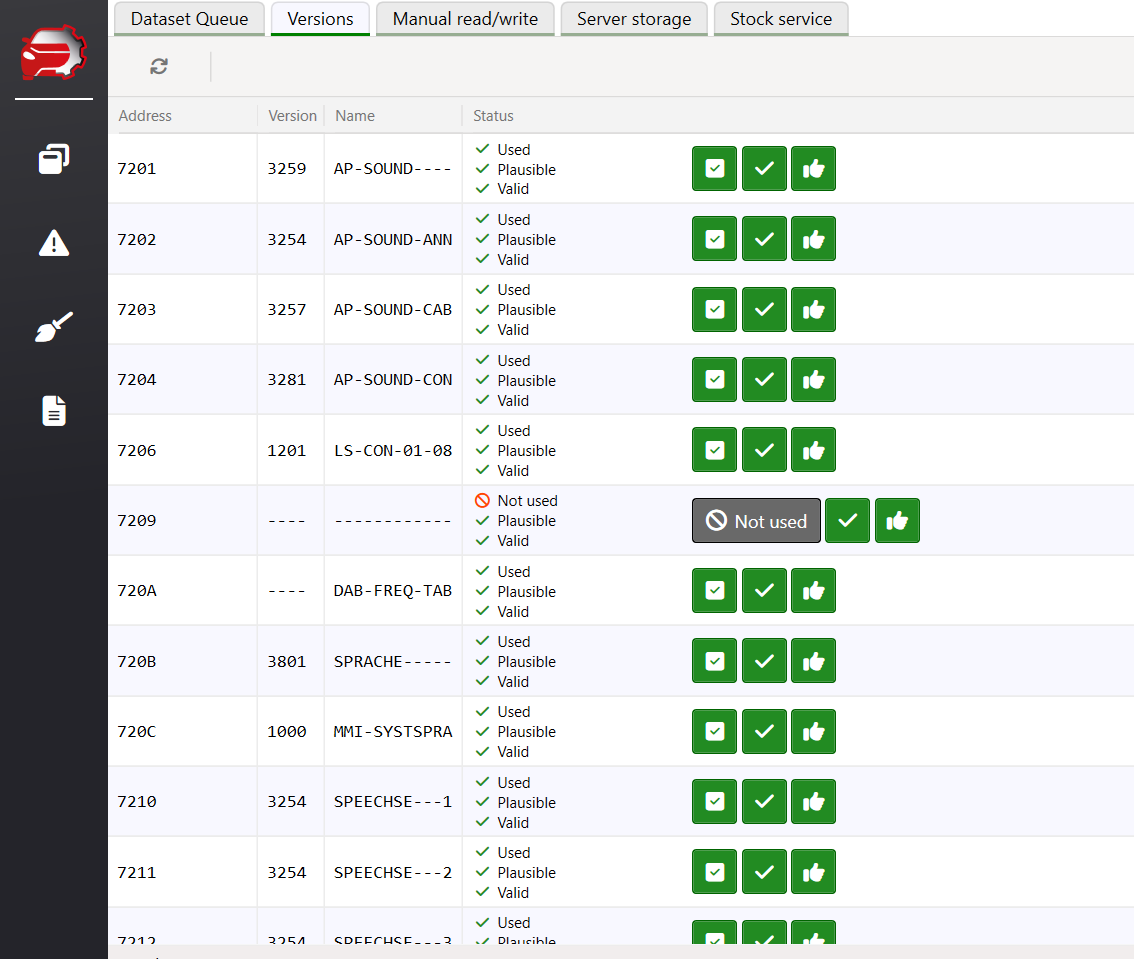
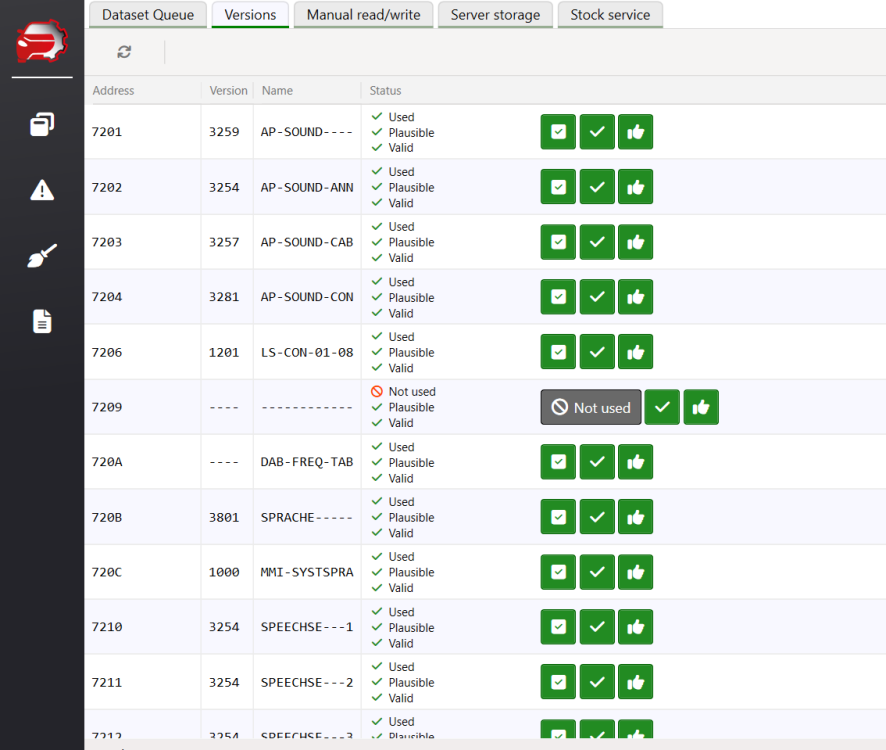
Hello @pepeEL , What is not working/correct in the info that I've provided above? HEX address? Bear in mind, that I also don't know how to extract them from the MIB3 unit! From VcTool:
-
Hello @pepeEL , Is this the information that you are looking for? https://github.com/NumberOneBot/mqb-mib-sound-datasets/blob/main/5F_MIB3-datasets.txt Cheers
-
Hello @catiav5 , Please read the below thread for upgrade instructions + link to the file: https://www.drive2.ru/l/692089794200617469/ Good luck
-
@MaxvdP , You can try the below coding: Controller 42 – Driver Door - Long coding Rear_window_heater_trigger not active ---change to-> active Controller 52 - Passenger Door - Long coding Rear_window_heater_trigger not active ---change to-> active Original source: www.drive2.ru/l/6937616016 30644332/ Good luck!
-
-
-
Have you check the trunk left&right stoppers? Known issues on the hatch model: https://www.drive2.ru/l/710781491872801294/
-
@Lukas_2611 , did you soldered on the OEM ambient light? Thx
-
Hello @Lukas_2611 , Congrats for this upgrade. Can you share the LED type that you used? Maybe a link with the new LED model it will be very helpful. Cheers
-
Have you tried to disconnect the battery for couple of hours?
-
Hello @lamiricore , I'm so sorry to hear that you soft bricked the MIB3 unit. Every update must be "secured" with an external +12V power supply OR engine running. The only option left for you is to re-write the EEPROM memory with a CH341 programmer. For more details see the following thread: https://www.drive2.ru/l/706606921100048503/ Where are you located? Maybe you can find someone nearby. Good luck
-
https://www.phonostar.de/download/vw/MQB3_LGe_Europe_v1.31.58.zip @Kgarv , Good Luck
-
@tim1709 , You can find instructions and pictures in below thread: https://www.drive2.ru/l/647457318694294449 Hopefully this will give you some ideas how to start with. Good luck
-
It's a known fault. See related thread for more details and the quick/easy fix
-
Hello @petrbazant , You can use DoIP interface! Both Sk Mk4 and VcTool support this protocol. https://a.aliexpress.com/_EINwq3c Can you share more details how did you find and changed the sound datasets with VcTool? Maybe if you have some spare time to create a DYI/video tutorial? Thank you Cheers