Everything posted by djmartzian
-
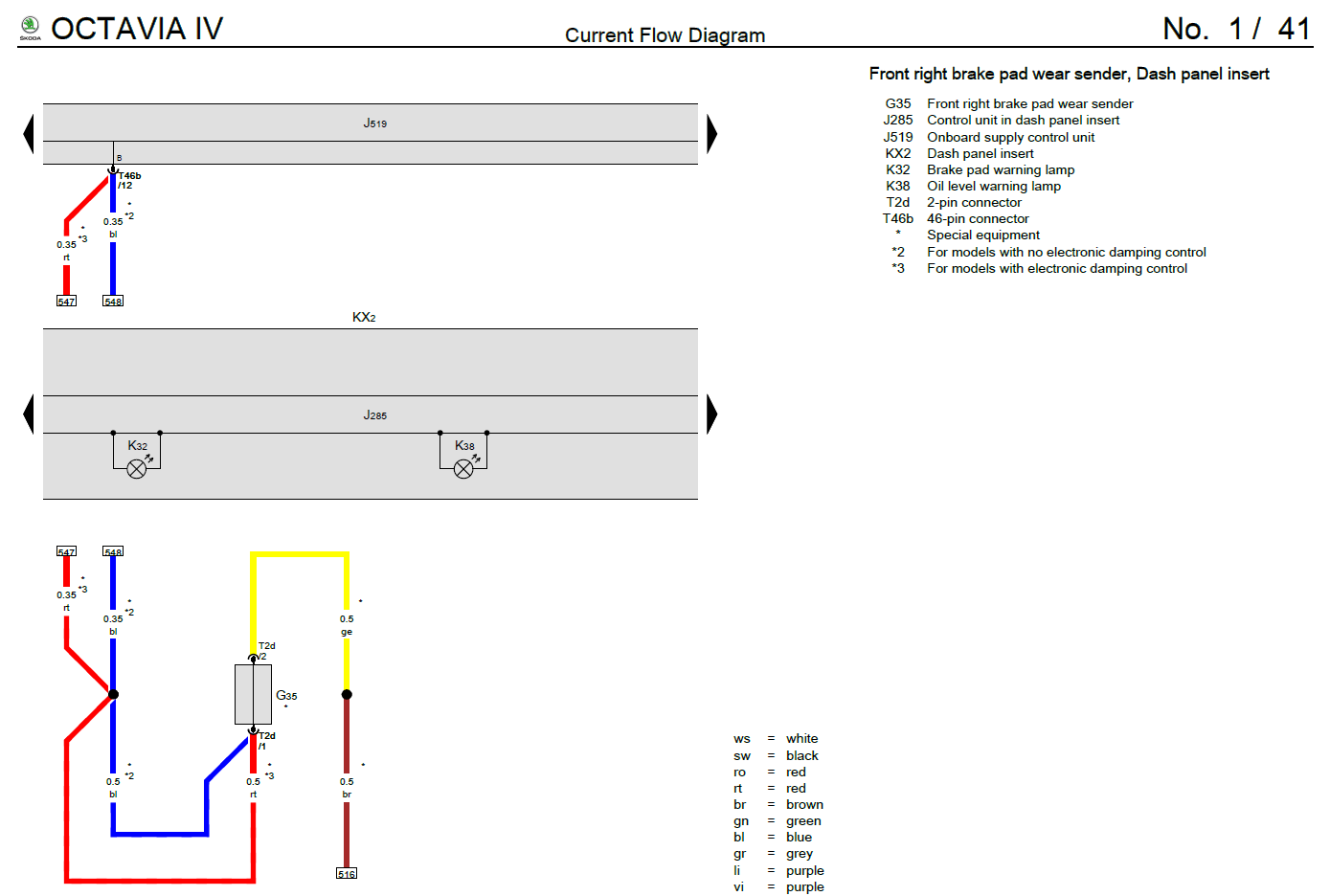
Hello @Giannis20, Since you already did some research, you might know what pin types are used in BCM connectors? Can you please share this kind of details? I'm an interested to know for the Brake Pad Wear indicator retrofit which is not present on my car, T46B/PIN 12 especially. Thank you
-
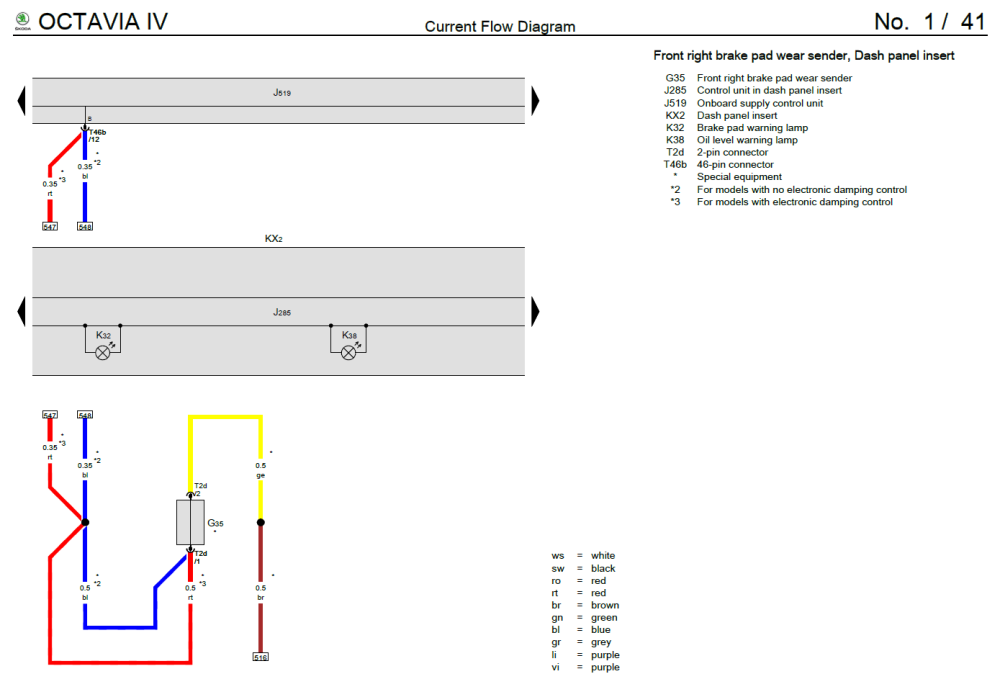
@mangio85, I'm now a bit confused. Are the above pictures taken in your car earlier OR their are from someone else?
-
@mangio85, Can you please share 2 aspects: 1. what software version are you running on A5 camera? 2. does you car is equipped with Side Assist/RTA? Thank you
-
Hello @mangio85, For LCA function to work you need: software update(to 3403) and dataset parametrization for A5 camera. More details: https://www.seatcupra.net/forums/threads/lane-change-assist.472570/ Cheers
-
The following flag change did the trick on my car (MIB3 running on 1941 firmware): Control unit: 5F Multimedia - Adaptation Summertime-automatic: Europe BUT, I'm based in EEST region.
-
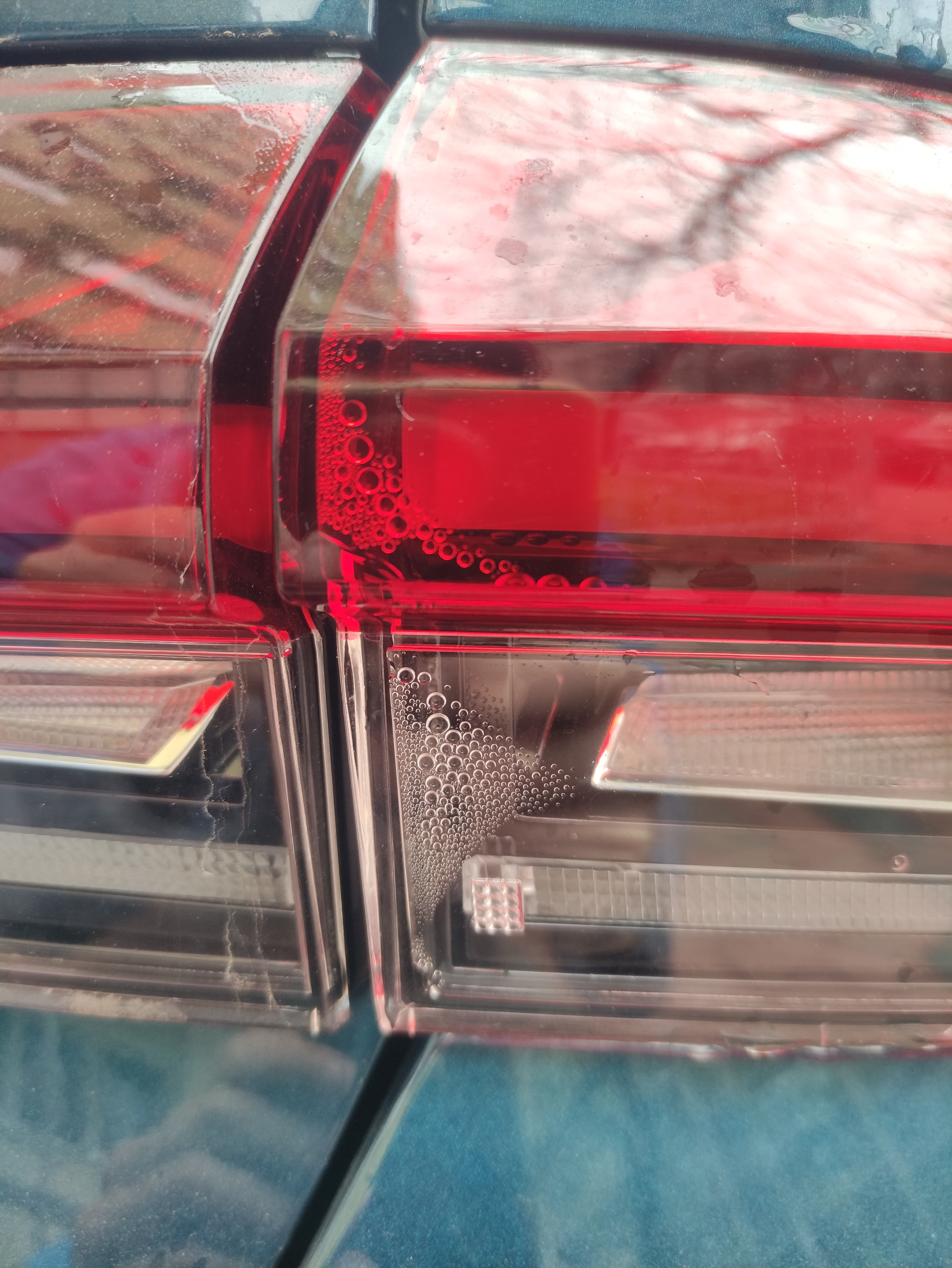
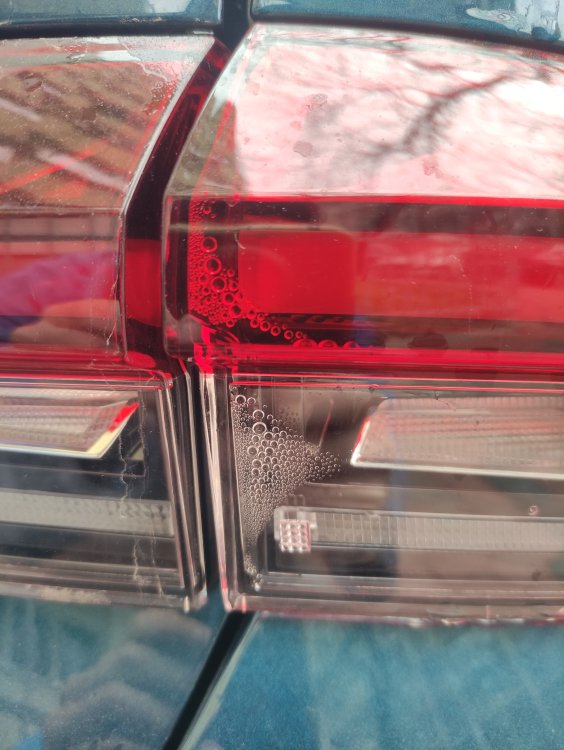
Hello guys, I have the same issue with Right Rear lamp, photo attached. I've also had an warning on the VC in this morning related to "Faulty Lights!" that magically disappear after cycling the ignition. I'm planning to open a new case with my dealer! A bit disappointing
-
Hello Giannis20, First of all, congrats for your achievement. Can you help me with some hints related to the dashpanel Trims removal(both: short and longest)? For the longest one, is it necessary to remove the MIB3 touch screen? If yes, have you disconnected the +12V battery earth strap, as a prerequisites? I've took a look in the Body Repair manual, and the full procedure is as above, but maybe there is a short/simplest one. Any details/advises will be highly appreciated. Thx
-
Same for Golf Mk8: https://www.golfmk8.com/forums/index.php?threads/infotainment-hardware-and-software-updates.391952/page-96#post-8034579
-
Hello @matrix2020, Just visit your dealer with TPI No.: 2068282/3 which stands for Digital instrument panel (FPK) - flickering indicator in your hands, and ask them to update the software version on the Instrument Cluster (module 17). I've had exactly the same problem that has been fixed one year back with the update to version 5370 for my car. Good luck! 2068282.3 Digital instrument panel (FPK) - flickering indicator.pdf
-
@spcdust, You can find all the details about the offline update for the navigation database in the thread below: Cheers
-
EPB deactivation (Not Tested) Original source: https://forum.obdeleven.com/post/83526/thread https://youtu.be/pFod6KI8Zks Connect battery charger Switch on ignition Control unit 03 (ABS) Basic settings Start lining change mode - Start The brake cylinder should now open. The brake cylinders are only fully open when there are no longer any noises (a clear whirring can be heard) coming from the rear brake cylinders. When this process is complete: Select process Stop. The ignition can now be switched off and work on the rear brakes can begin. After completion of work Ignition: on Control unit 03 (ABS) Basic settings End lining change mode - Start The brake cylinder should now close. The brake cylinders are only fully closed when there are no more noises (a clear whirring can be heard) coming from the rear brake cylinders. Select process Stop.
-
Hello, Just plug-in the USB pen and I drove to the destination using Waze as "Sat Nav". It's all I did. Cheers
-
Hello guys, In this weekend I've been in a journey for ~ 50mins, when I took the opportunity to "install" the latest Sat Nav DataBase from SK. It's version 23.6. Cheers
-
For the Radio Database update you will find the MoP in the below thread:
-
For offline maps updates please read the below thread:
-
Hi @Rad1sh, Have you tried with Ignition ON & Engine OFF? Maybe it worth trying with Engine ON, because I only tried the above. Br
-
Thank you @Tell for the details. But, prob I'll give it up for now, and I'll update the maps on the next long trip (when it comes). Br
-
Update on ^^: I've found this tool to check the content of the archive: https://github.com/pschlan/vw-mib3-map-validator Everything looks good!
-
Hello @Rad1sh, I don't know if you are aware but Skoda already released a new version of the maps (November 2023). You can check by VIN number here: https://updateportal.skoda-auto.com/en-GB/Updates/TMBAJ7NX5MY023717 I'm using Windows 10 to download and to prepare the USB stick. In the past, I used to just insert the stick in one of the front USB ports, leave it there in a long trip (more than 1h), put the car into sleep, then check the new map version in Infotainment system. I also remind you than I don't have an active Subscription for the Sat Nav, basicaly my system is Bolero, same HW and SW spec as Columbus, both MIB3 units. Can you please check if the the update procedure proposed by your dealer is still working for you with the latest version? Thank you
-
Hello @Rad1sh, I've just tried the above procedure, BUT it did NOT work for me: MIB 3 SW:1941. I've been able to access the Engineering Menu (been there done that before), but both USB slots(USB1 and USB2) are gray out. I'm using an 64GB USB-C stick formatted as ext-FAT. Can you provide more details? Thank you
-
I changed the below parameter on SK Mk4 MY22 and the clock(in both VC and and MIB3) is switching automatically (at least in Romania): Control unit: 5F Multimedia - Adaptation Summertime-automatic: Europe
-
Based on the information that I've found on the German forum, only those cars with MIB 3, Hardware Version H61, Software Version 1900 will receive OTA update to v1941.
-
Hello @Filip222, Does the procedure apply to all DSG boxes? Can you share the step by step process that you followed? I'll like to know if this is applicable for my car from the signature (DQ200 G2.1 box). Thank you
-
Hello @WiziPok, Which hardware version are you running on? H61? Thx
-
@R0Mario, Please find below the details of Module 08 from my car: --------------------------------------------------------------- Backup Control unit: 08 Air Conditioning System description: Climatronic Software number: 5WA907727AD Software version: 0440 Hardware number: 5WA907727AD Hardware version: H02 Serial number: -------------------- Bear in mind that I'm not suffering of the Climate Sync issues! Maybe this will help you to ask the dealer for a software update to the above version! PS: If you don't mind, are you fine to exchange our telephone numbers via PMs, to sync-up on dealers or other issues? Thx Br.