




Esseesse200
Members
-
Joined
-
Last visited
-
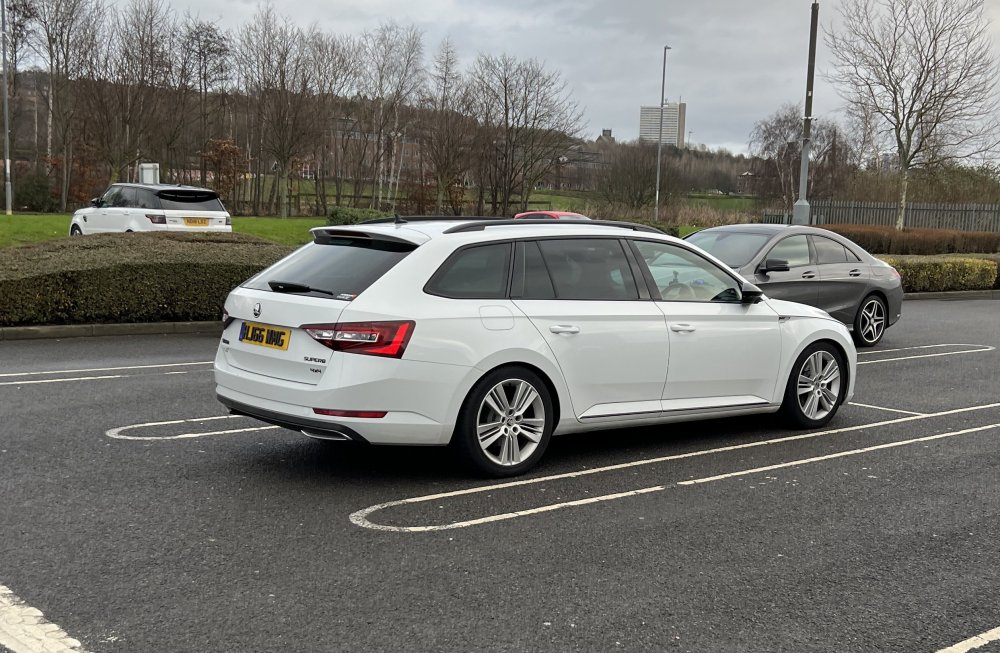
I can vouch for both as I’ve had both Racingline and TVS. The TVS tcu and ecu was brilliant in my superb 2019 model. 380bhp 560nm for 150k miles no issues. Also had Racingline software on my previous diesel and also have it on my wife’s up gti. When they unlock the ecu on my new cupra 333 ill go Racingline ecu and tvs tcu. Main reason is that once you have the Racingline ecu tune you can buy their PDM module and you have the facility then to change maps for fuel grades and torque requirements via obd port. So Basically you have access to upload and change to any map that has been written for that engine. Talk to them about it, it’s pretty cool. I’m not associated with them but I do know Ben their software director as I have dealt with him when he was shark performance before he worked for RL. Many years ago. Their support is also excellent. And the TVS map for the tcu is epic, their support is also superb. Do the tcu first then Racingline would tune the ecu to suit the gearbox torque limits set by tvs
-
The rear camber is totally adjustable if the bolt isn’t seized or they get a couple new bolts The rear camber is pretty equal side to side however that’s a lot of camber for a standard road set up. I used to run that degree on my old superb 4x4 Octavia for fast road/track day use. It needs to be about 1.5 negative for a good road set up and minimal inside edge tyre wear
-
Nope but the superb is.
-
You can read the gearbox mileage on obd eleven. If it’s been clocked it’ll show original gearbox mileage
-
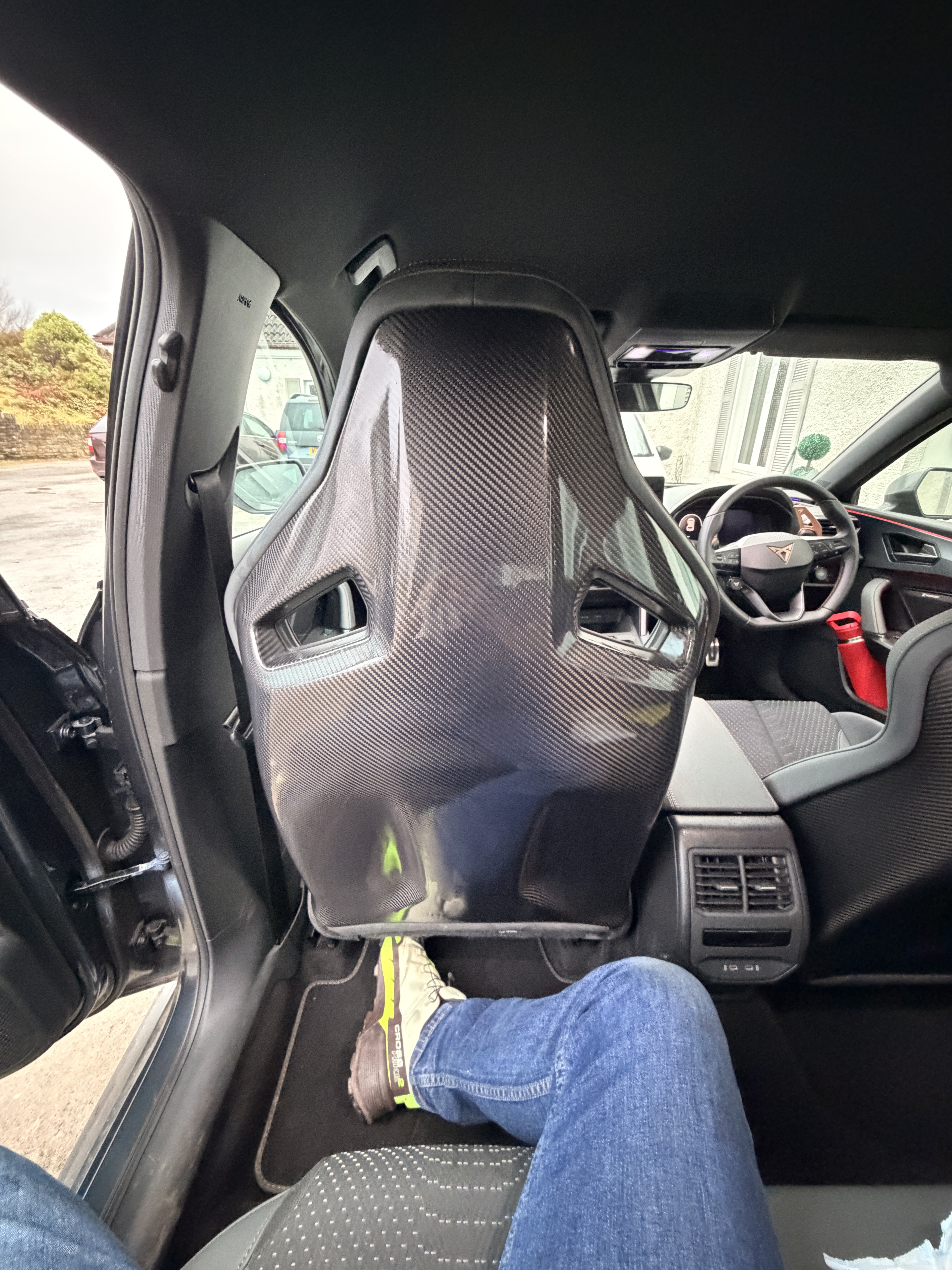
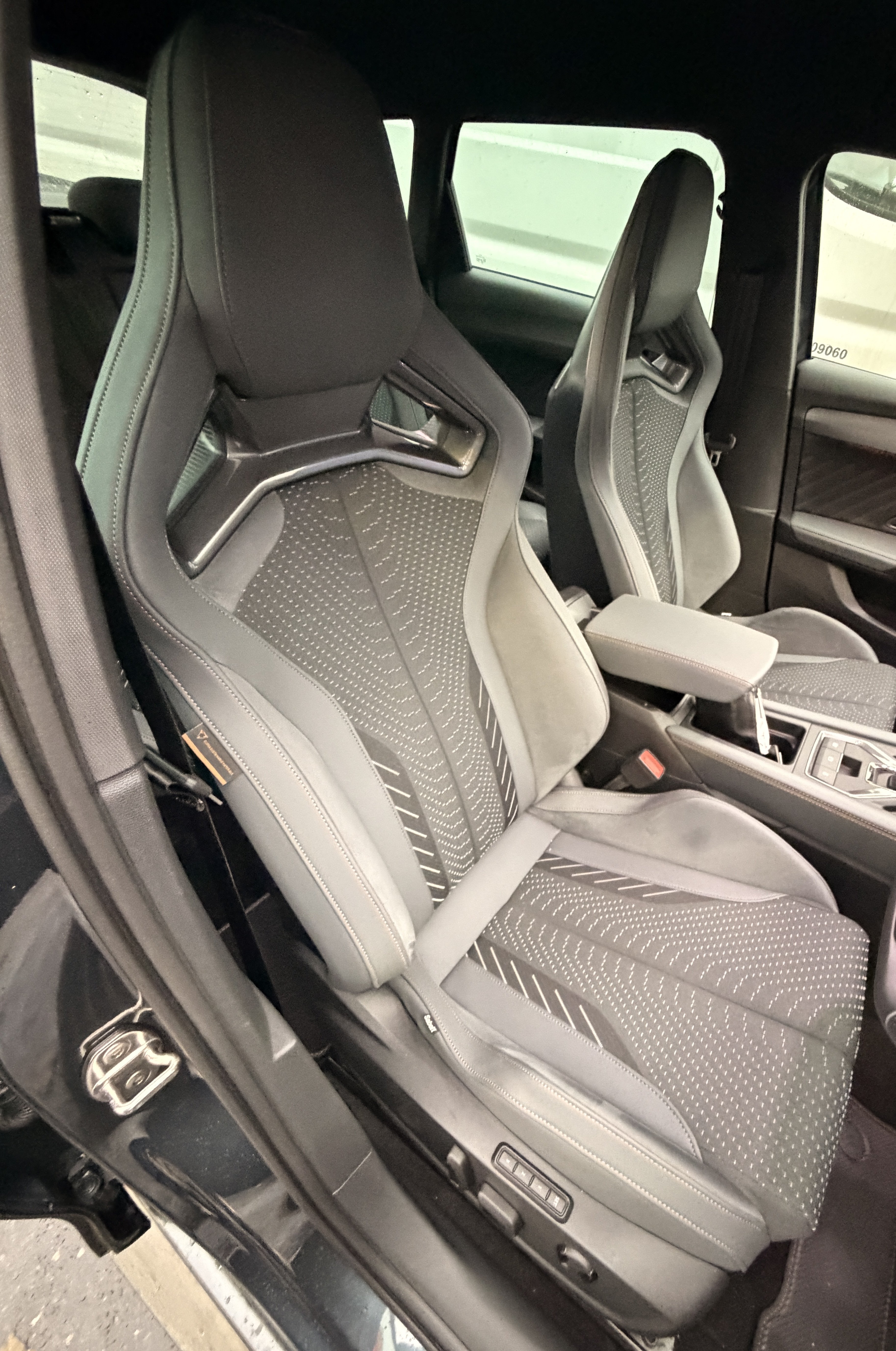
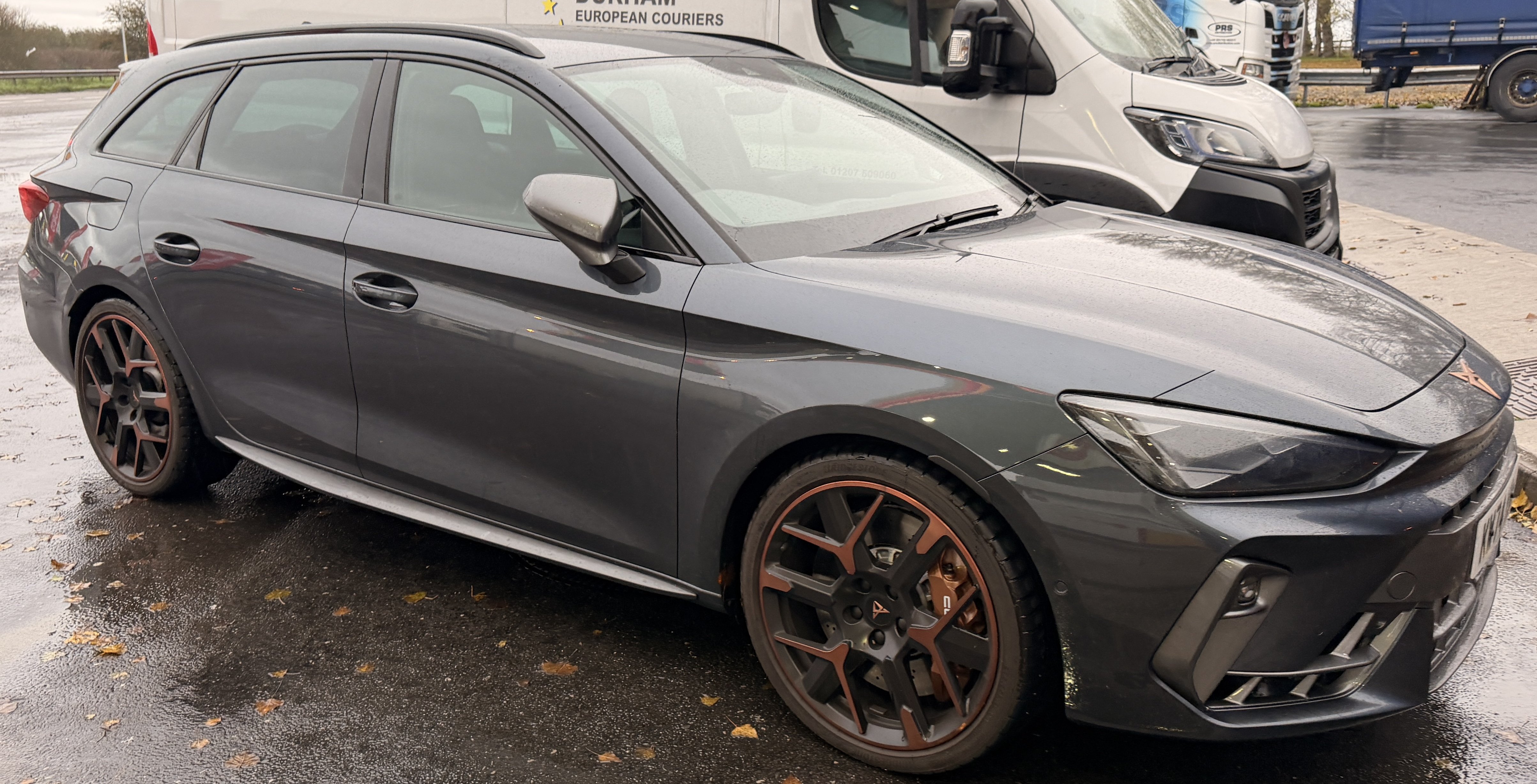
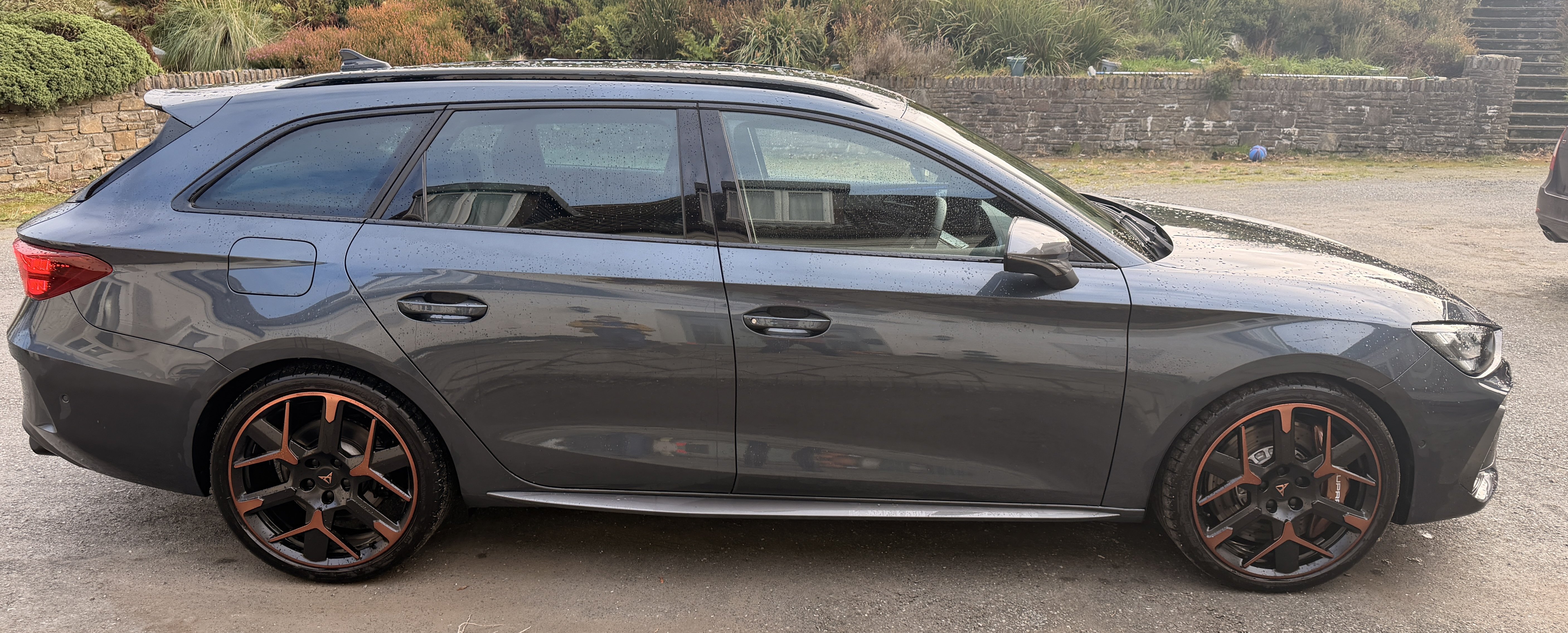
I wouldn’t worry about that centre screw looks impossible to fit and remove when you do the filter clean. Pics of the cupra st. Vz3. 333hp. Carbon sabelts and 6pot akebono calipers 374mm disc
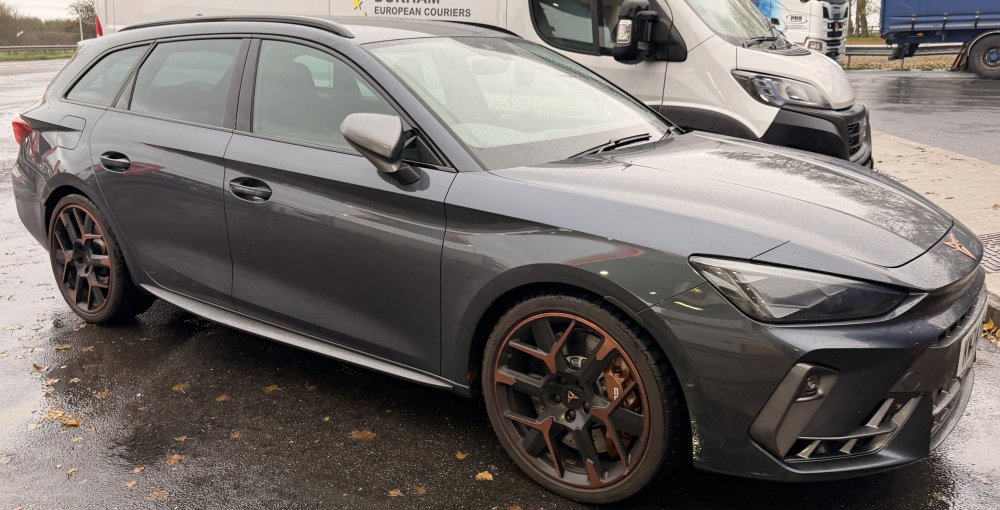
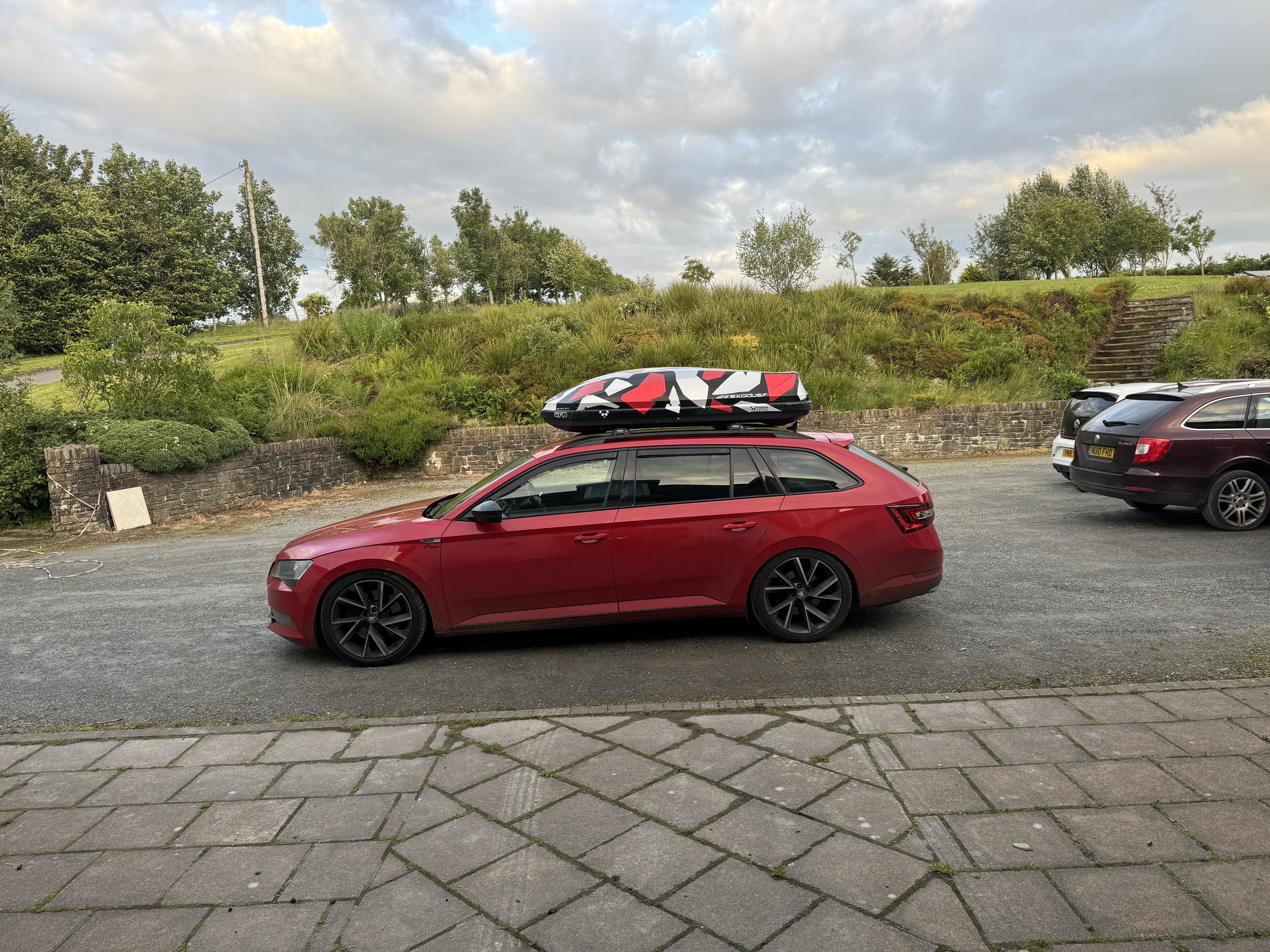
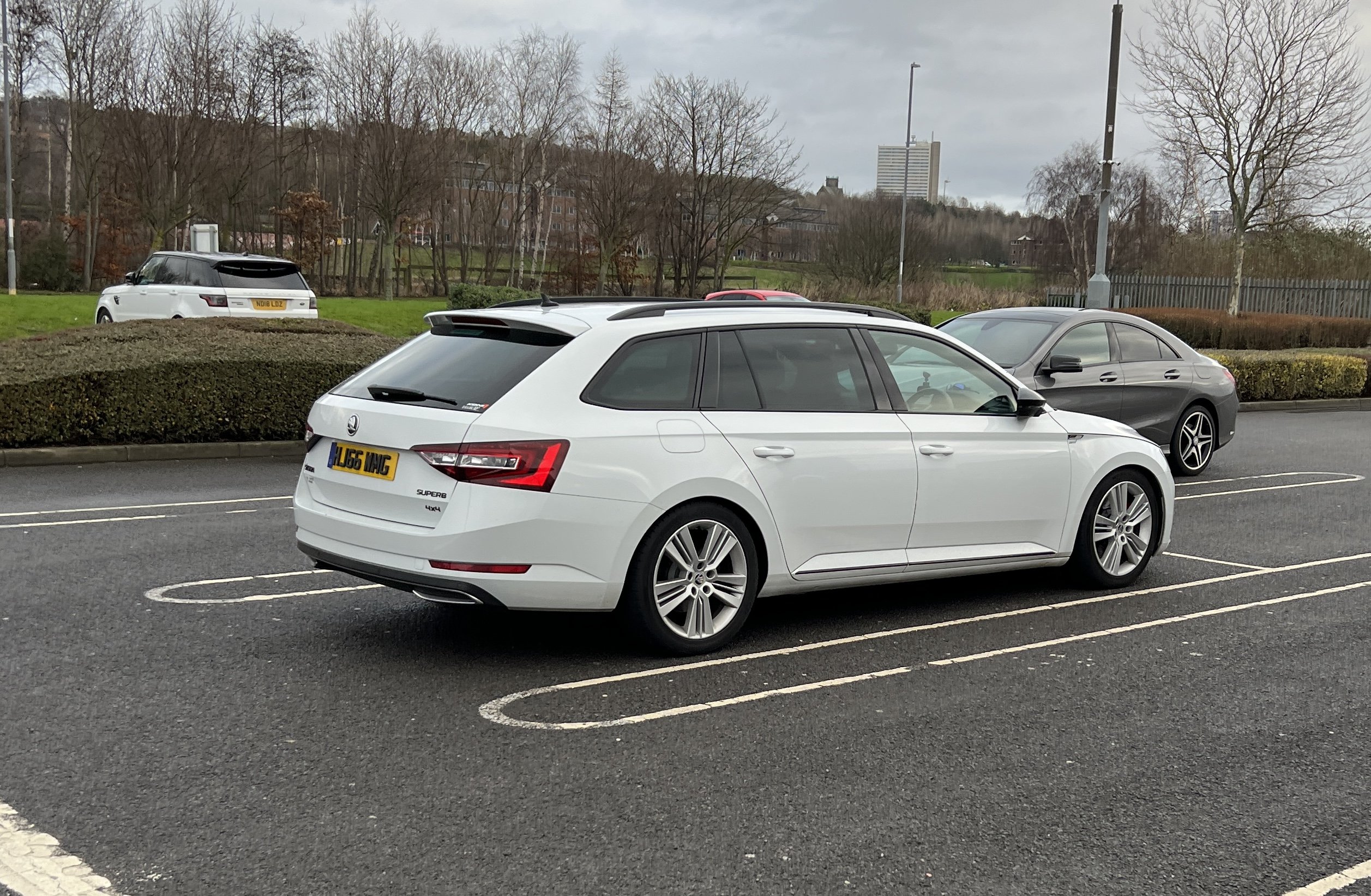
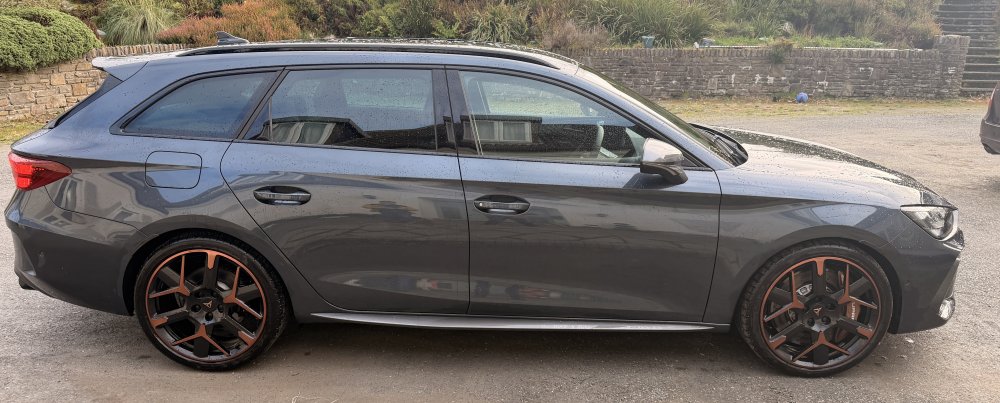 Yea I’ve had 1 on a superb and now the new cupra. What’s up mateJust try a Racingline dealer. My previous 2 diesels did in excess of 100k miles each with their maps on. Trouble free.. They are very reliable and the service has been spot on so far. And if it’s the 2016 onwards 190hp engine then the map they sell and show on their site was done as development on my superb 4x4. Twas rapidJust to add my 10p worth. I’ve ran both my previous diesel 4x4 (white one) and my current 272 (4x4) with koni special actives and h&r springs for many many miles and never had an issue. The konis are a great shock and ride is way better then standard sportline spec. Fully loaded still really good ride and my current set have done over 120k miles with no issues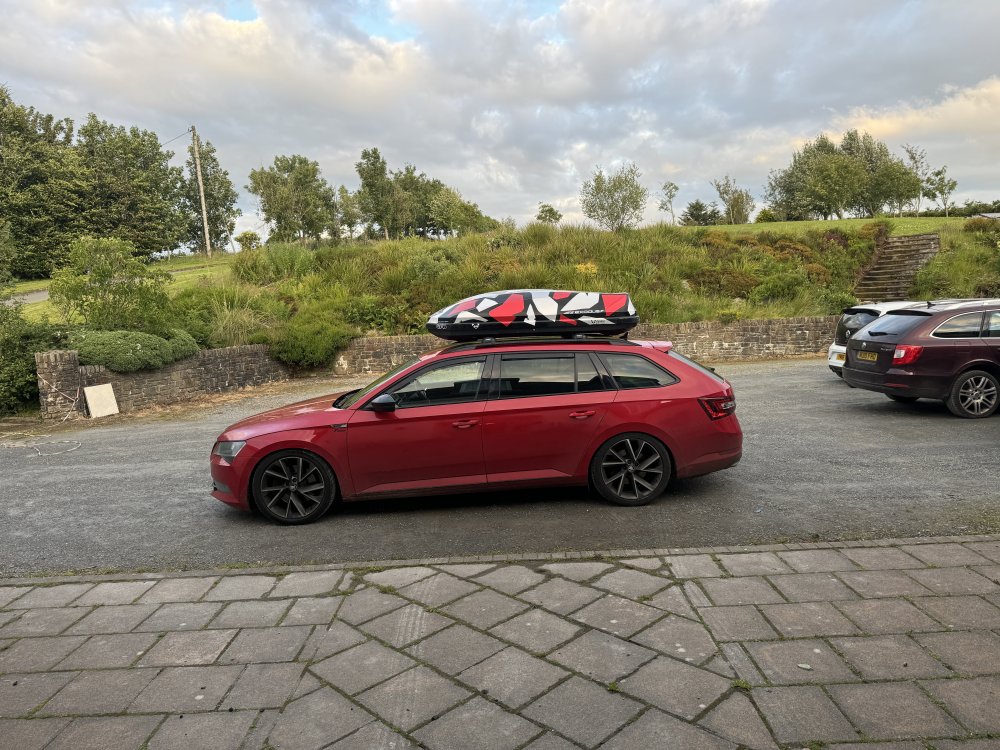
 Sorry meant 5/30 not 5/40 I use that in the super superbGo onto Opie oils and just put you reg in. It’s supposedly a 0w20 or something ridiculous. I have an up gti with the same engine and it’s quieter and I use a 5w40 ee oil fo m millersI run vredestein ultrac pro on my 19’s on an 4x4 superb and they Are really quiet. The noise could also be to do with your geometry/wheel alignment on the back. Worth getting it checked and you might be surprised. Knock a bit of negative camber off and a bit of toe adjustment: Did you notice the inside edges worn on your old set like a serrated wear pattern ?Most of the time the remap will just enhance every mode. Not sure if any companies have managed to remap just one of the modes whilst leaving the others standard. as long as the map is a nice smooth one without the chasing numbers’ maps it can also depend on the gearbox map too if you are dsg. You’ll just learn to drive with a little less right footJust get the box mapped. TVS or racingline . I’ve had the TVS stage 2+ on mine for 3 years and is faultless



Important Information
Welcome to BRISKODA. Please note the following important links Terms of Use. We have a comprehensive Privacy Policy. We have placed cookies on your device to help make this website better. You can adjust your cookie settings, otherwise we'll assume you're okay to continue.