Ivan8192
Members
-
Joined
-
Last visited
Everything posted by Ivan8192
-
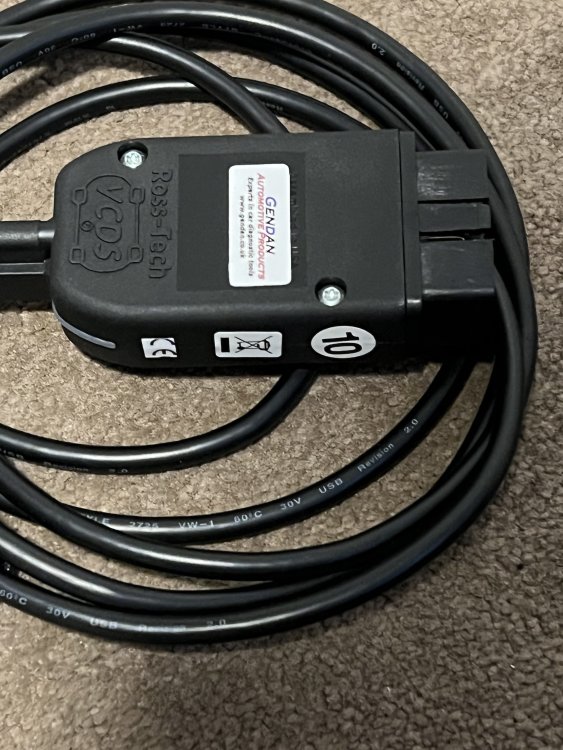
In case anyone is thinking about doing some coding, I’m selling my VCDS interface in the Marketplace:
-
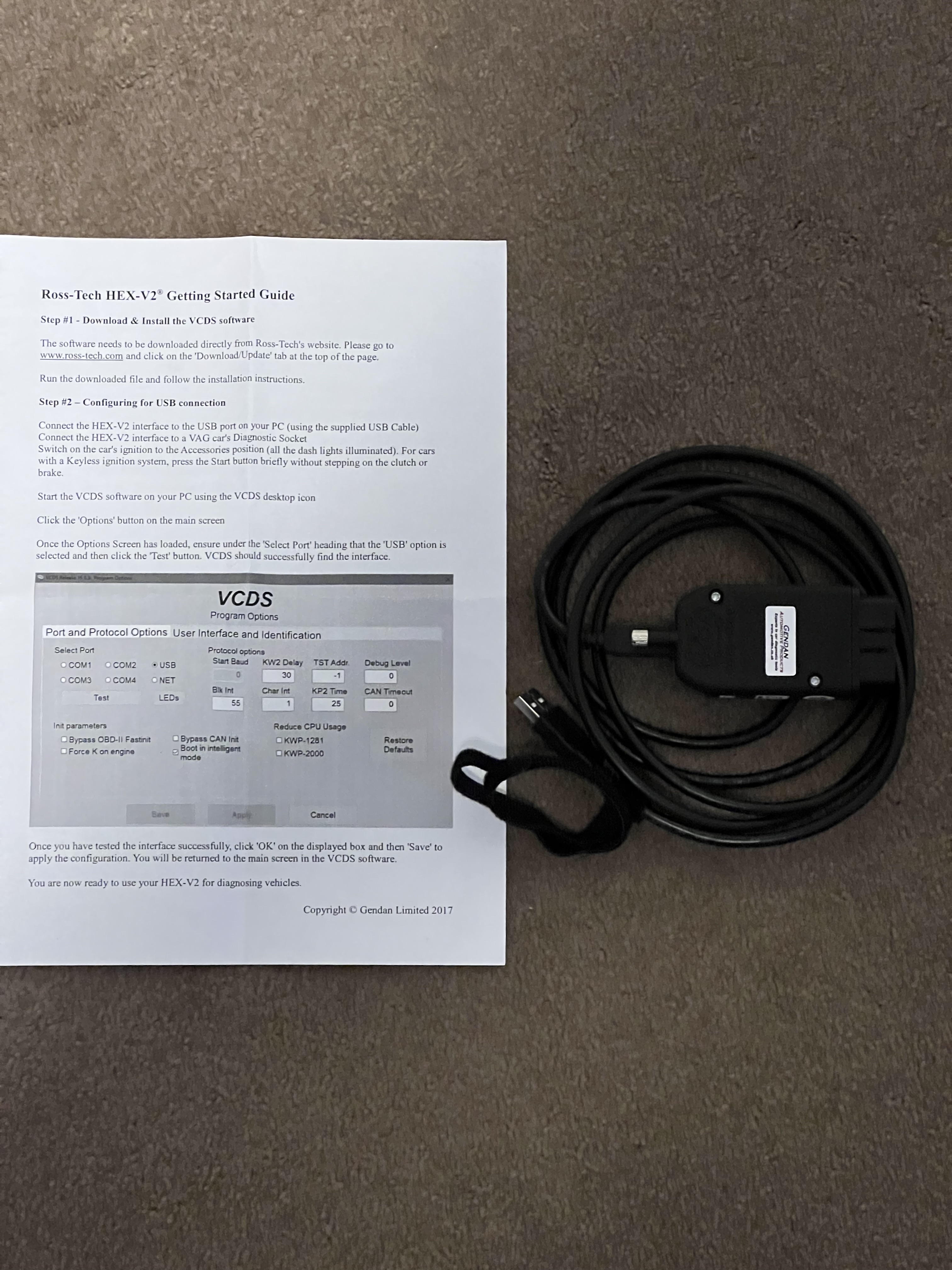
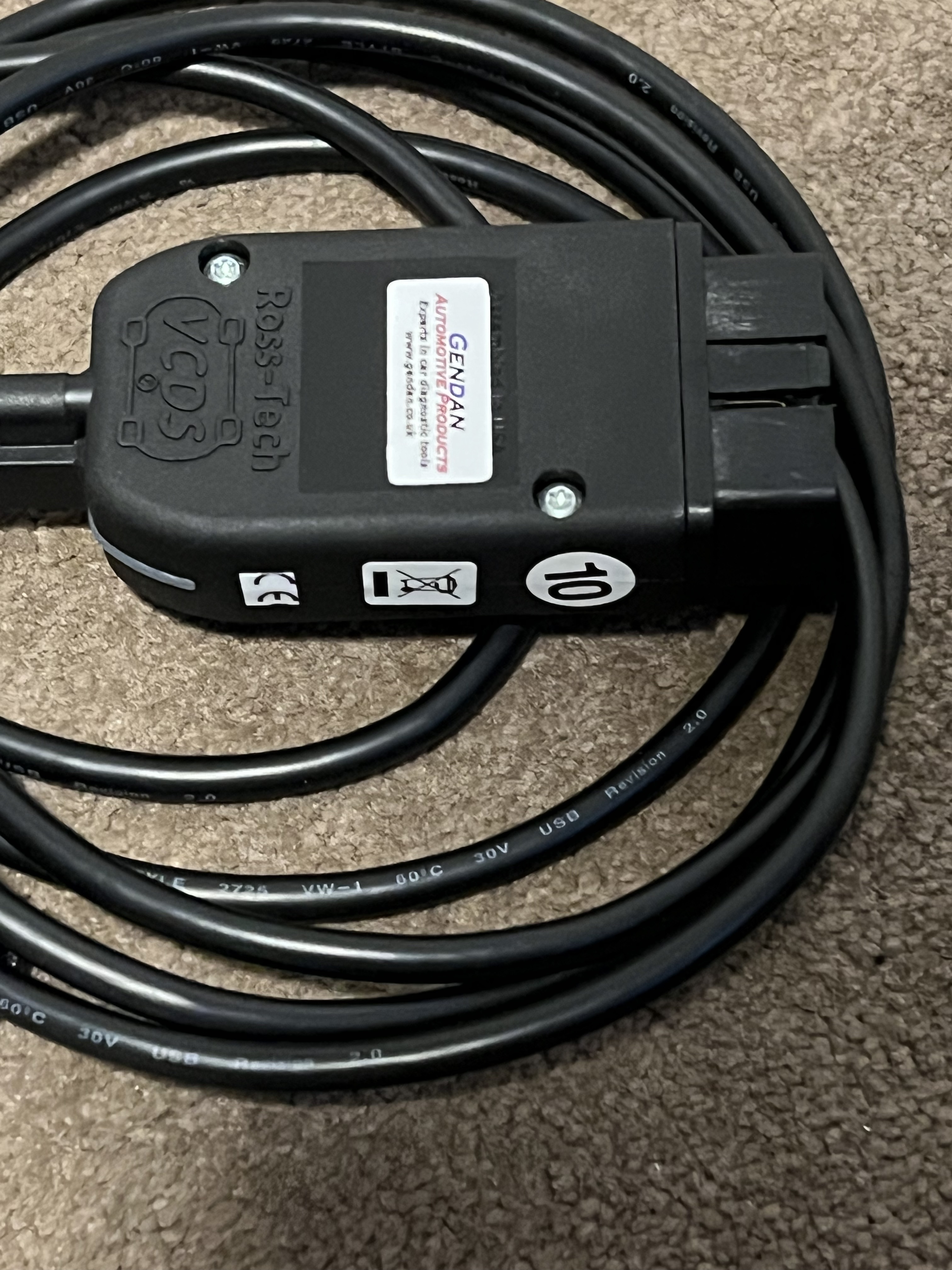
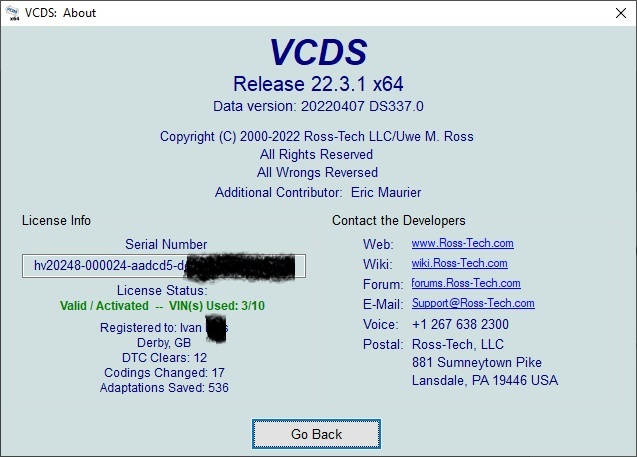
Hi, As I no longer have my Superb 😢 I'm selling my genuine VCDS interface. It's a 10 VIN version, 3 have been used so still 7 VINs free to use up. Bought direct from the UK distributor Gendan. A VIN only gets used up when you do some configuration/code change. It doesn't get used up when just scanning and clearing fault codes, see Ross-Tech Forums. You get a prompt when a free VIN will be used, to make sure you don't accidentally lock another VIN on the interface. To be clear, as with any second-hand Ross-Tech VCDS interface, you can download and use the VCDS software (direct from Ross-Tech, regularly updated) but the "support" is not transferable to the new interface owner, i.e. you can't email Ross-Tech and ask them how to do something unless you pay them an Ownership Transfer fee. Plenty of VCDS help on Briskoda though 😉 £180 plus whatever the postage is (or you can collect).
-
Isn’t this what is shown when you turn the ignition off at the end of a journey?
-
@Bap33 Fahrprofil_0 is the colour you want when the coming home lights are active. I think there is provision for 15 modes to cover VAG vehicles that have different drive mode numbers. I haven’t tried doing this yet, but what you have done is what I would try.
-
When you say “passenger interior light” do you mean the rear passenger lights or the front passenger light, or all passenger lights?
-
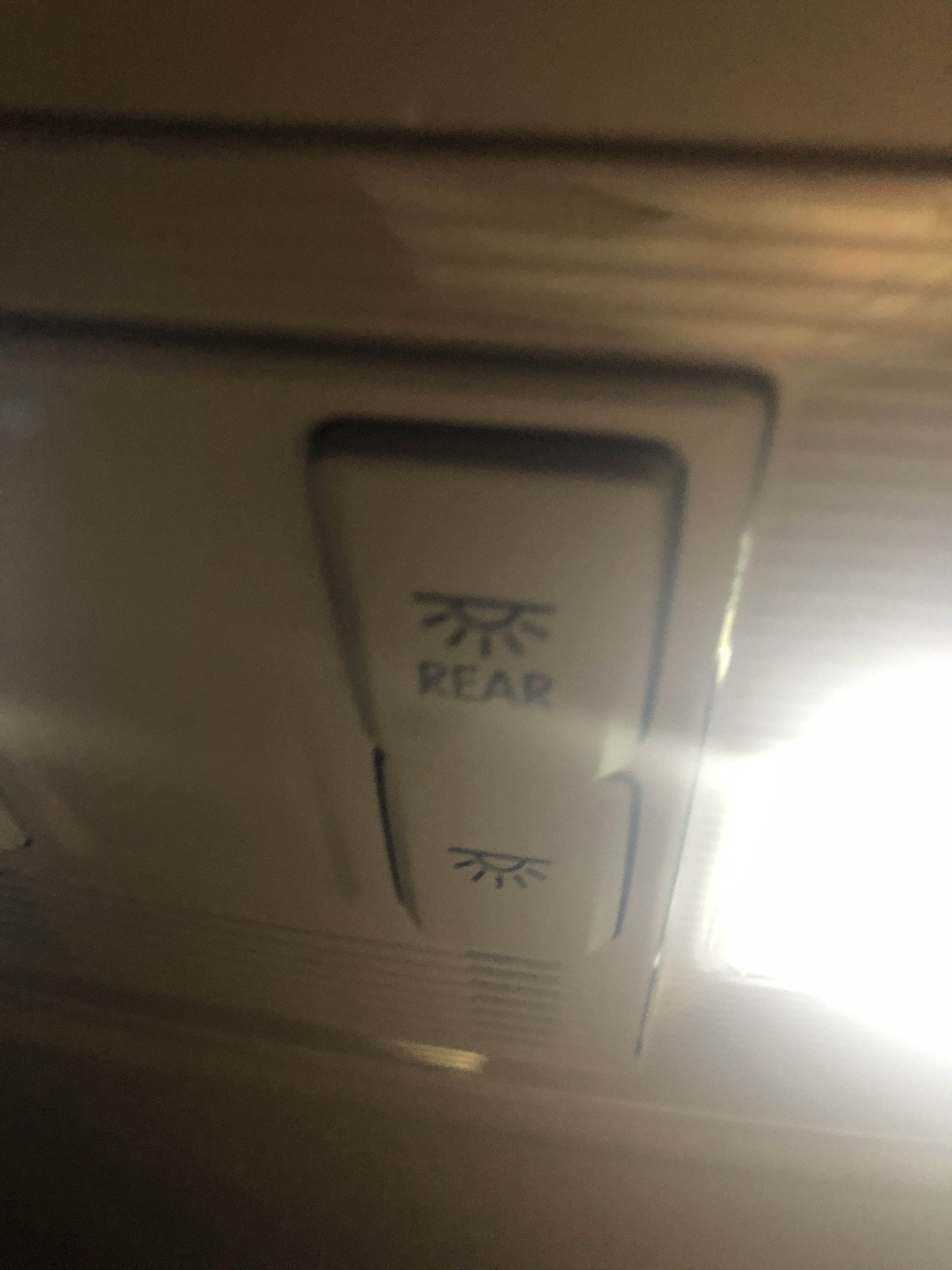
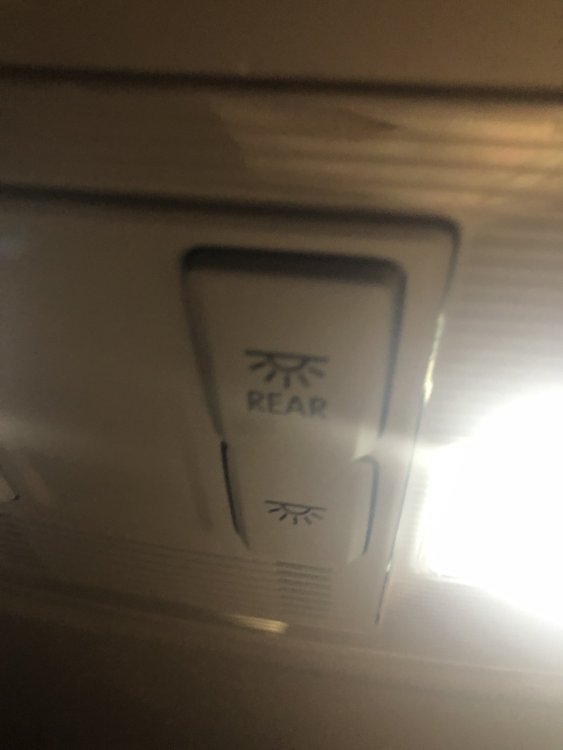
Check both the button on the rear lights AND the button above the rear view mirror (this allows the driver to turn them on).
-
Ask him for a loyalty discount.
-
Yes, you need (to find someone with) a coding tool. I’ve only done it with VCDS but I expect the alternatives do it as well.
-
Depending on how you feel about it, you can code out the bleeping when the tailgate is closing. Also is nice for late at night when unloading the car, don’t feel like you’re going to wake the neighbours.
-
Technically, yes, spacing the wheel out will put more load on the wheel bearing compared to when the wheel is in the stock position. Practically speaking though, there will be a lot of margin in the wheel bearing load capacity that it is unlikely to have much effect on bearing life, especially given the range of wheels and tyres that can be fitted normally. I supposed those that have fitted spacers will just accept it if they get early bearing wear, but that just might mean 50k miles instead of 80k miles.
-
No direct experience myself but how about using something like this: https://smile.amazon.co.uk/dp/B07RS2CQMV
-
Mmm, yes it does sound like there is a fault. The only time I’ve had multiple actuations was when transporting something a bit long and couldn’t close the tailgate. The car would keep trying to lock it.
-
Are you saying that your unlocks automatically at low speed? Never seen that, once locked mine stays locked even when come to a stop, until opening a door or pressing the door lock button.
-
You can press the right thumb wheel to acknowledge the “take over steering” warning.
-
The tyre condition at ~40k miles may just be because the owner was still on the original tyres. Is there any info in the service history of new tyres being fitted then? Cracked number plate is likely due to some front impact but it can be hardly anything to cause that, e.g. low speed contact in a car park, someone else’s bad manoeuvre. If the damage was more major, I’d have thought the number plate would also have been replaced when other work was done. But ask the seller if it has had any insurance work? If DSG auto, does Service History show it had gearbox oil change at or just prior to 40k miles?
-
The lock stops the rear seat heaters being able to turn on. If the rear seat heaters are on when the lock is activated, they stay on but can be turned off by the rear controls. But you can’t turn back on again. Can’t check the last question, wife is driving at the moment 🤣
-
That’s what I do, with the non-indicator version that came with my CTEK charger.
-
@MunsterScot Did you manage to get to the bottom of this? Superbs usually have 3 keys – the nice metal one and the two plastic ones. If you bought pre-owned, maybe the third key was “lost” inside the car somewhere.
-
Also, in each of the drive profile values that are actually relevant to the Superb, I think you change the zero to be the colour you want in that drive mode (from your 10 or 30 colour palette). Trying to remember as it is ages since I did this!
-
@Bap33 Should be in 09.
-
Very good of Nextbase to include one, although highly unlikely to be needed (so they say here). Did you find you needed it in your Octavia then?
-
I have a text file that says the following: ; Ambient colour profile individual: IDE09731-ENG154511-Int. light: 2nd generation-Ambiente_Fahrprofil_Individual,1 ; Ambience color list HMI (History Memory Information) with color transformation: IDE09731-ENG154512-Int. light: 2nd generation-Ambiente_Farbliste_HMI_mit_Farbtransformation,active ; Coupling the ambient colour choice to the driving profile selection (FPA) IDE09731-ENG154513-Int. light: 2nd generation-Ambiente_Farbwahl_FPA_waehlbare_Kopplung, active ; Coupling the ambient colour choice to the driving profile selection (FPA) Status HMI (History Memory Information) default (gives the option of automatic in the colour selection) IDE09731-ENG154514-Int. light: 2nd generation-Ambiente_Farbwahl_FPA_waehlbare_Kopplung_Status_hmi_default,active ; Switch on the interior light with the trunk lid open: IDE09731-ENG116596-Int. light: 2nd generation-Innenlicht bei offenem Heckdeckel einschalten,not active ; Ambient light Assignment of the color to the driving profile ambience - no voltage requirement: ENG153712-ENG154510-Ambientelicht Zuordnung der Farbe zum Fahrprofil-Ambiente,Keine_Spannungsanforderung ENG153712-ENG154602-Ambientelicht Zuordnung der Farbe zum Fahrprofil-Fahrprofil_0,0 ,23 ENG153712-ENG154603-Ambientelicht Zuordnung der Farbe zum Fahrprofil-Fahrprofil_1,0 ,23 ENG153712-ENG154604-Ambientelicht Zuordnung der Farbe zum Fahrprofil-Fahrprofil_10,0 ,23 ENG153712-ENG154605-Ambientelicht Zuordnung der Farbe zum Fahrprofil-Fahrprofil_11,0 ,23 ENG153712-ENG154606-Ambientelicht Zuordnung der Farbe zum Fahrprofil-Fahrprofil_12,0 ,23 ENG153712-ENG154607-Ambientelicht Zuordnung der Farbe zum Fahrprofil-Fahrprofil_13,0 ,23 ENG153712-ENG154608-Ambientelicht Zuordnung der Farbe zum Fahrprofil-Fahrprofil_14,0 ,23 ENG153712-ENG154609-Ambientelicht Zuordnung der Farbe zum Fahrprofil-Fahrprofil_15,0 ,23 ENG153712-ENG154610-Ambientelicht Zuordnung der Farbe zum Fahrprofil-Fahrprofil_2,0 ,23 ENG153712-ENG154611-Ambientelicht Zuordnung der Farbe zum Fahrprofil-Fahrprofil_3,0 ,23 ENG153712-ENG154612-Ambientelicht Zuordnung der Farbe zum Fahrprofil-Fahrprofil_4,0 ,23 ENG153712-ENG154613-Ambientelicht Zuordnung der Farbe zum Fahrprofil-Fahrprofil_5,0 ,23 ENG153712-ENG154614-Ambientelicht Zuordnung der Farbe zum Fahrprofil-Fahrprofil_6,0 ,23 ENG153712-ENG154615-Ambientelicht Zuordnung der Farbe zum Fahrprofil-Fahrprofil_7,0 ,23 ENG153712-ENG154616-Ambientelicht Zuordnung der Farbe zum Fahrprofil-Fahrprofil_8,0 ,23 ENG153712-ENG154617-Ambientelicht Zuordnung der Farbe zum Fahrprofil-Fahrprofil_9,0 ,23 Hope this helps! Edit: Not really sure why "Switch on the interior light with the trunk lid open" setting to not active is in there.
-
Did your dashcam also come with a cigarette lighter plug cable? If so, you could try that just to see if the DAB is okay then.
-
I don’t have problems with DAB reception and my BlackVue dashcam. I haven’t fitted any ferrite core on the cable, I don’t remember reading needing that on the instructions. I thought they tended to be fitted to dashcams at the cheaper end of the market. Have BlackVue updated their installation instructions then?
-
Hands full of shopping, carried into the house and can’t be bothered to go outside again 🤣