Tell
Members
-
Joined
-
Last visited
Everything posted by Tell
-
Once the VW release is out in the next period worth trying with that in case there is something defective in that download. You would expect the download that worked with that menu option would still show the drive invitation which you saw when you checked it again after getting home from the dealer to write you piece up earlier. Like for like test.
-
Reckon best not to use the Skoda ones at this time since you can't till they sort the issue out the zip issue and the Skoda mib3 on the other thread seems to have people having issues with it. That needs more people to look at it to see whether they are just head unit difficulties or a duff file. Feels like Skodas QA on map files has gone a bit off.
- 142 replies
-
- columbus
- discover pro
- maps
- mib
-
Tagged with:
-
Sounds good. I'm assuming the file is unzipping fine now since you did the comparison.... eh no just checked.
- 142 replies
-
- columbus
- discover pro
- maps
- mib
-
Tagged with:
-
That's Mib2 high only on the Mega link. Works fine.
- 142 replies
-
- columbus
- discover pro
- maps
- mib
-
Tagged with:
-
See how that goes. I'd be interested to know whether anybody can find the drive in the engineering menu which you couldn't.
-
Generally, if the file is corrupted during download the zip file won't un zip. That check is on the integrity of the VAG work itself. I did find this one which suggests if you can't get the offline to work see your dealer: I'd be interested to know whether the kickstart method works for other people.
-
Possibly doesn't need any special enabling unlike the mib2 high to get the engineering menu in mib3. Found a video:
-
I'm wondering whether they unlocked the developer's menu. This thread touches on it but doesn't say more... someone saw a video: https://forum.obdeleven.com/thread/18949/mib3 In mib2 the developers menu is locked down, you unlock it. Whether there is an enhanced level of unlocking which they did for you. Either way, it does take the updates. Your menu just kick-starts it off quicker. My understanding. Needs further research. It could be it isnt finding a valid update ?. That would be the MAC business and Cleanmydrive.
-
Best to if you want to listen to radio or recorded music. It's the poor man's version of traffic unless you are interested in rail delays whilst driving 🤔. That's why I turned it off in the car, no need with TMC. Its a scanner rat thing.
-
TMC will re-route the car on the sat nav if it's shown as blocked. TP just breaks into radio stations with a transport report. I've had it turned off for 6 years, TMC does the job instead better. See an issue in front on the map, tap the icon and it tells you the issue in the text. Yes TP and TMC are different. Thread started off as TMC not woŕking and finished with solutions. Traffic announcements is something different.
-
UK only. A "cross" on TMC channels being received over air means it's not working. The broadcaster that VAG used stopped the service. Solution on the thread are to pick up the other UK broadcaster Inrix that VAG doesn't use but can be got. Clear as mud. We say broadcaster but they run the service and transmit the data piggy backed on other broadcasts.
-
If you are close to Yorkshire you couId always contact East Yorkshire Retrofit they are well known for their quality of work. Any DIY will follow along the lines of the VAG sister cars. You might find it against those brands posted up.
-
As far as the VC is concerned I believe you can toggle it between showing the map or the next turn like mib2. Map on that display up front is too small but next turn with lane assist at eye level and distance to go is useful. There will be a mib4 circa 2024 so that will be interesting to see how they improve the design of mib3. Mib2 to me feels like a proper sat nav system (POI import, decent favourite and last destinations store) whilst mib3 they embarked on making it more Google maps like but didn't manage to do it.
-
Another theory I've seen posted on this is that the exploit to get access to the infotainment system via adding additional code to the backend of POI updates as per MIB2 high was deleted that took out the logo import. Early documentation of mib3 shows both logo import and user POIs in the design process, they got dropped, although it is in the PDFs. The radio logos are transmitted, the missing stations aren't transmitting those, so you use to back fill with MIB2... which obviously you can't since it's mib3 and no import menu. Buck passing. I tend to think it was the security concerns why the logo import was dropped.
-
Beware of Macs messing up the process. That's where you use cleanmydrive app as per mib2 high. Macs put additional characters in that cause the signature check to fail. There is a VAG Mib3 map update document if you are doing it offline. You register on the VW site with an email to get access to the map updates. https://www.volkswagen.co.uk/en/myvolkswagen/navigation-map-update.html?---={"myvolkswagen_navigation-map-update_featureappsection":"/?{\"selectedCarId\":\"tiguanFrom2021\",\"selectedNaviId\":\"mib3OiHigh\"}"} Attached file in the VW how too. discoverProGen3-en-202045.pdf
-
Good it had been reported that 14 did the trick on mib1s although not sure whether that was a standard or high. I'd have to go back and read where that came up. These systems were engineered to give flexibility least in mib1 and mib2 high. Mib2 standard old maps and Pcbbc code module for that as covered. On the mib2 standard settled on old maps with TMC working (Pcbbc fix with Inrix built into the fix if it's not a Delphi) rather than new maps without TMC. Mib2 high current maps with TMC working with the re coding to Inrix, 14 if you don't have connect services or that other code covered above with connect services. If you have not got Obdeleven or similar coding device with a mib2 high unit, you can make the changes with the mib2 high toolbox as Pcbbc pointed out on the other thread recently. The other fix to add to the fix list. Green menu tinkering. https://github.com/jilleb/mib2-toolbox That one is for the cost conscience who don't want to spend money on a coding device or find someone to do it for them. Horses for courses.
-
Mind you I still think for the "average user" I.e. one with limited technical knowledge not to hack the mib2 high map files around. We might be dependent on you or whoever has access to the Audi servers if the mib2 high map files are continued to be rolled out beyond 2025 as you suggested re the TT ?. Then some clever "cool" soul to rework mib3 to mib2 high. I'm sure that possible.
- 31 replies
-
- columbus
- discover pro
- maps
- mib
-
Tagged with:
-
That would fail the SLA1 signature.... Well I reckon. You cant mess with the contents of those directories without resigning them and nobody knows the private keys. You can shuffle the files using that back door trick used on the AIO software but you would be redoing all those checksums ($). Clever people that do that unless they got it automated. $ assuming you can do that on the map files. That's where I'd like someone to take mib3 maps and make mib2 high ones if / when they pull the plug on mib2 high updates. Suggested that to Chillout who said it would be "cool". We may need a cool person in the future to keep mib2 high updates going. Hands up.
- 31 replies
-
- columbus
- discover pro
- maps
- mib
-
Tagged with:
-
About the same time as before accept cartography grows so you just have that factored in. The mib2 directory has a steering file in it. The previous release had a steering file in the mib1 directory as well now gone. They have just dropped the files it doesn't need to touch for mib2. That's my interpretation of what's been done.
- 31 replies
-
- columbus
- discover pro
- maps
- mib
-
Tagged with:
-
Indeed it is. Previously it was a joint release for mib1 and mib2 high. It danced between the two directories extracting the bits it required having sensed whether it was being installed on a mib1 high or mib2 high. Now it's been split into two releases. One for mib1 and one for mib2. The Russian link gave the mib1 version as well as mib2. You can see why it's been done since it had out grown a 32gb card. It was marginal last time around on how the card was manufactured. Now it does definitely fit on a 32gb SD card formatted to fat32, the defacto Vag standard. If you do use a bigger card or usb keep in exFat. Note just to complicate matters mib2 bits were stored in the mib1 directory... it's still like that so you just install as is... no clever user operations are required. Take that download, unzip, copy across. Do that CleanMyDrive operation if using a Mac. Btw... I feel it's like that movie that was released before Xmas when the North Koreans didn't like the movie so they gave it away. Got the feel.
- 31 replies
-
- columbus
- discover pro
- maps
- mib
-
Tagged with:
-
At one stage people board the dongle from Amazon on fast delivery and Pro license online direct. Isnt Black Friday sometime 🤔. Currently direct https://obdeleven.com/products Online for the whole lot hasn't changed much but Amazon + pro direct was quicker.
-
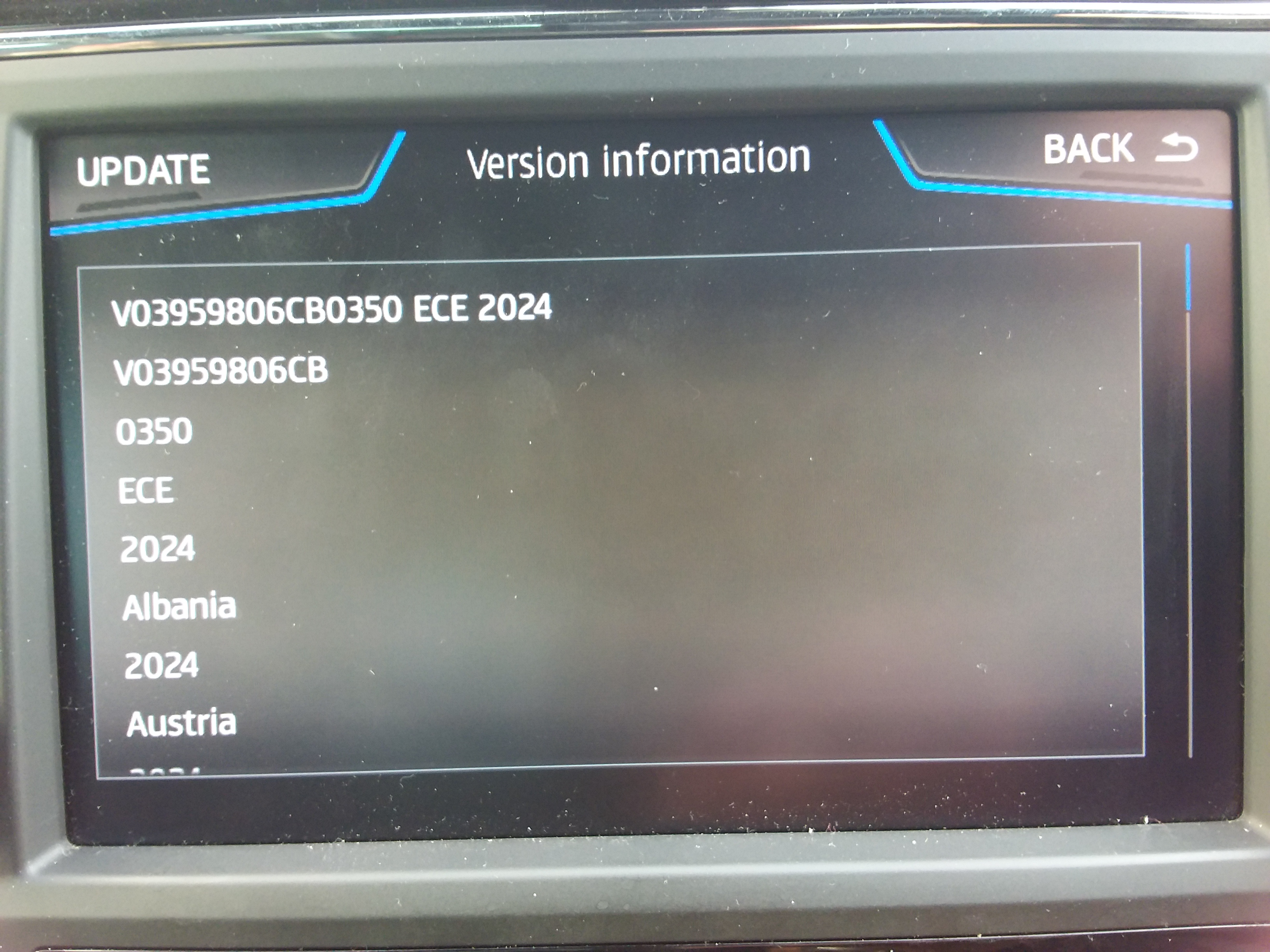
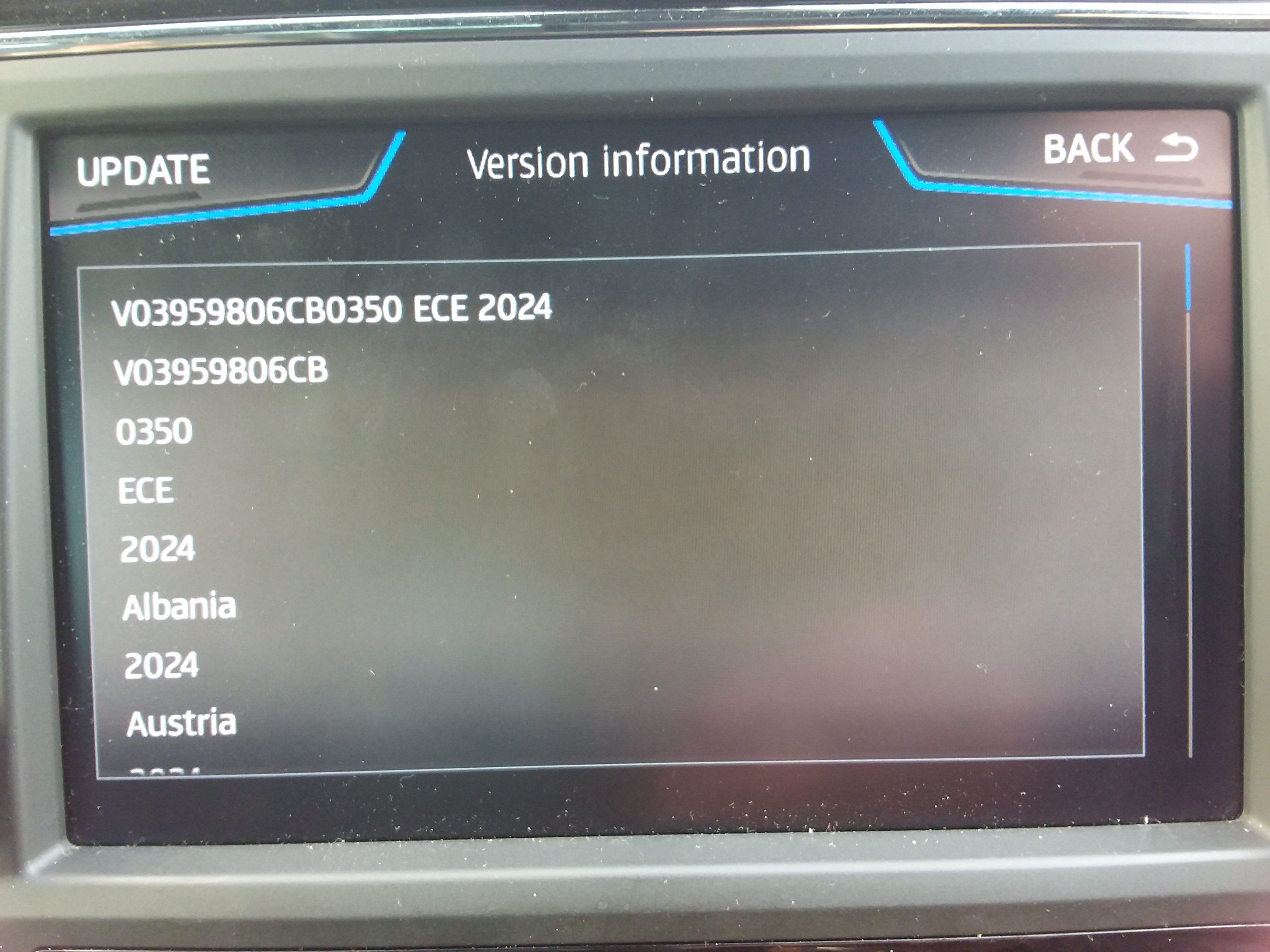
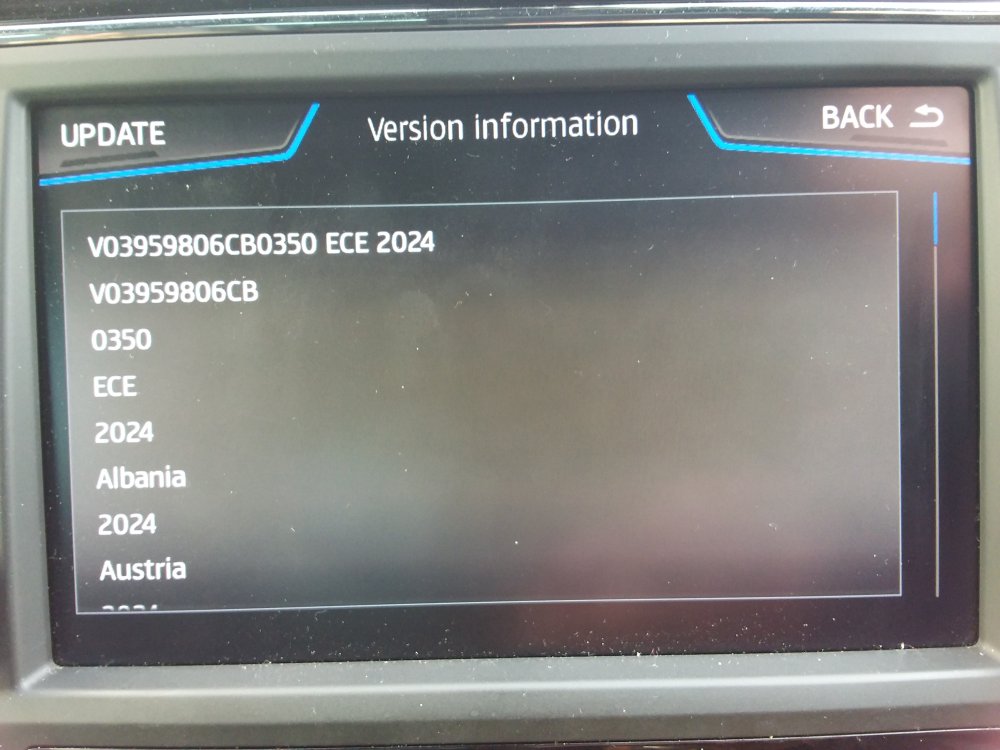
It will go fine. There is a validation check made on the sla1 signed files which stops rubbish being loaded into the unit. Then the normal process has a roll back if interrupted so restarts from a restore point. You normally drive about and after 30 - 40 mins you get the update. The other way is to start it off and open and close the door every 15 minutes. That allows the process to run through without interruption. The infotainment unit keeps live by opening the door. Power goes on for 20 minutes. 15 minute period gives you a grace 5 minutes. I do mine on the backend menu but that isn't for beginner. Just shows you what is happening. The units have a built in SSD so like modern PCs, laptops etc designed to be updated. I wouldn't worry. As posted I got the latest installed without issue (350): From Vag PDF Same for all VAG cars. Installing the map material • Insert the SD card into one of the SD card slots on your vehicle until it audibly clicks into place. • Now select the “MENU” button on the Discover Pro. Click on “Update software” in the “Setup” menu under “Version information”. Now follow the instructions on the display of the Discover Pro. Unzip, copy across then above.
- 101 replies
-
- columbus
- discover pro
- maps
- mib
-
Tagged with:
-
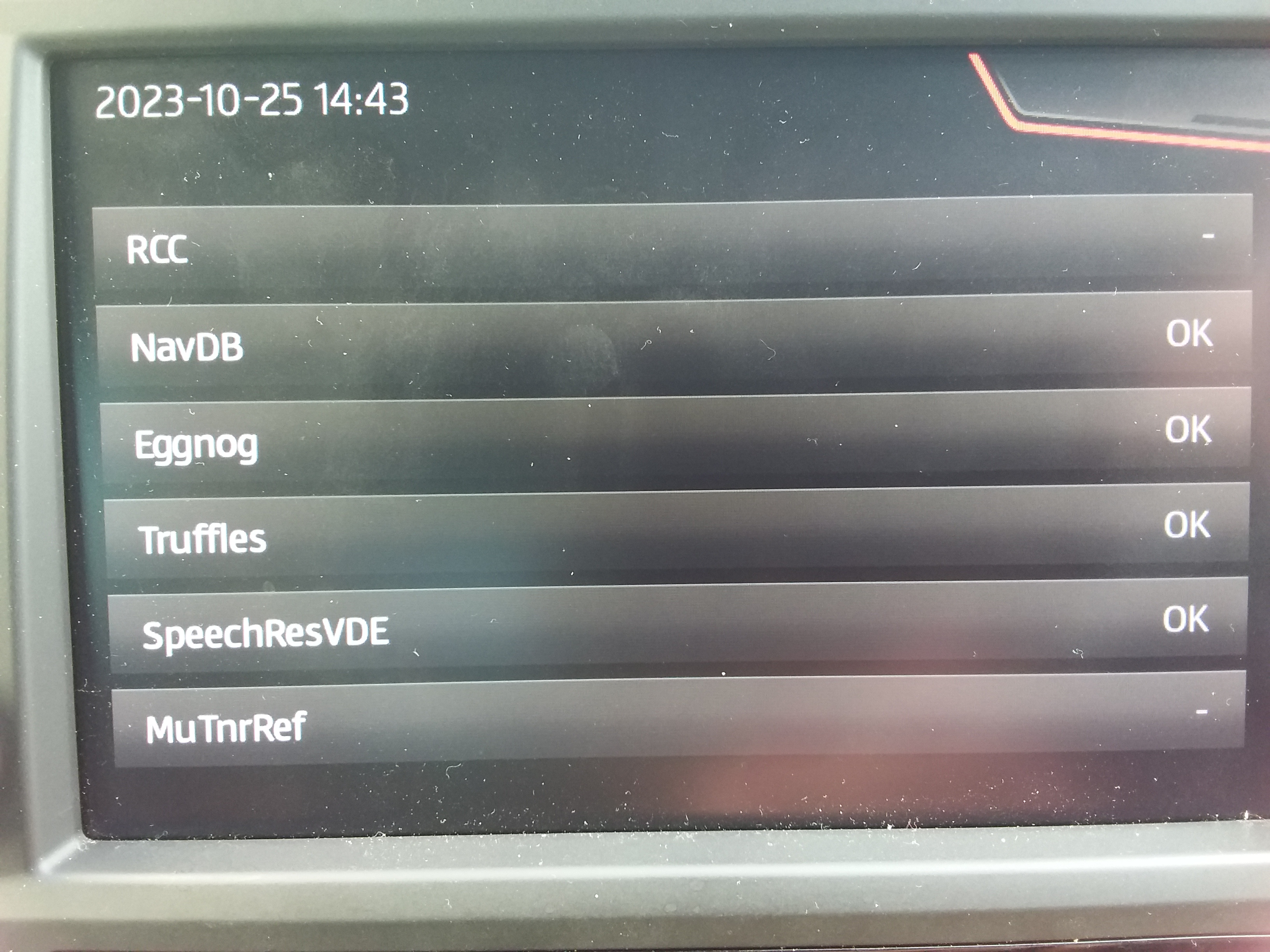
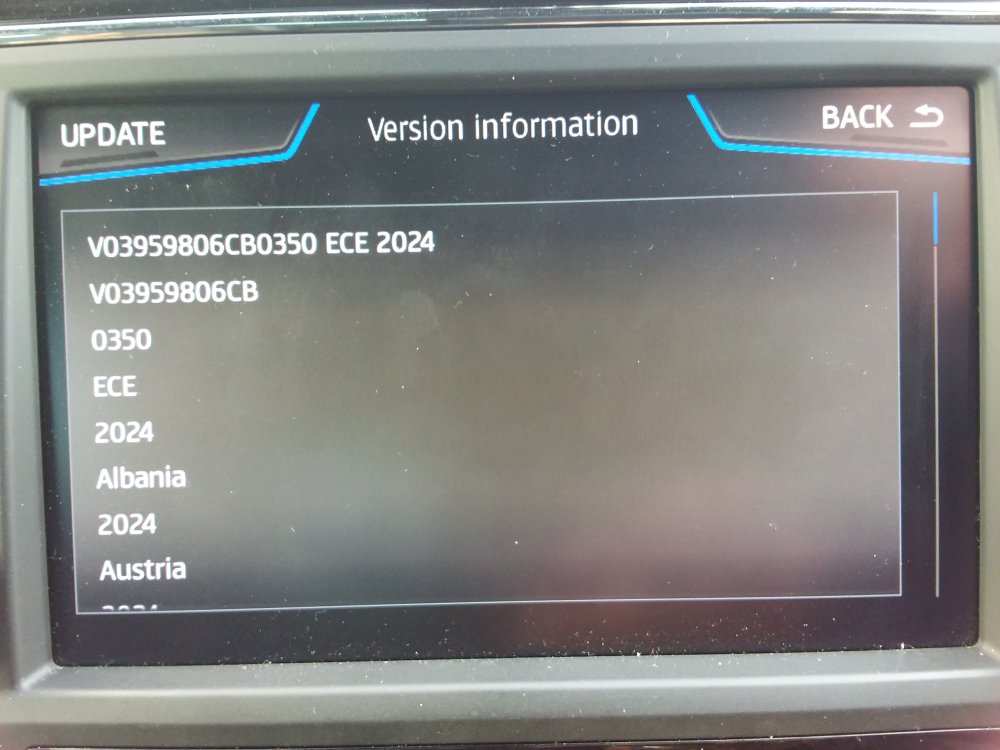
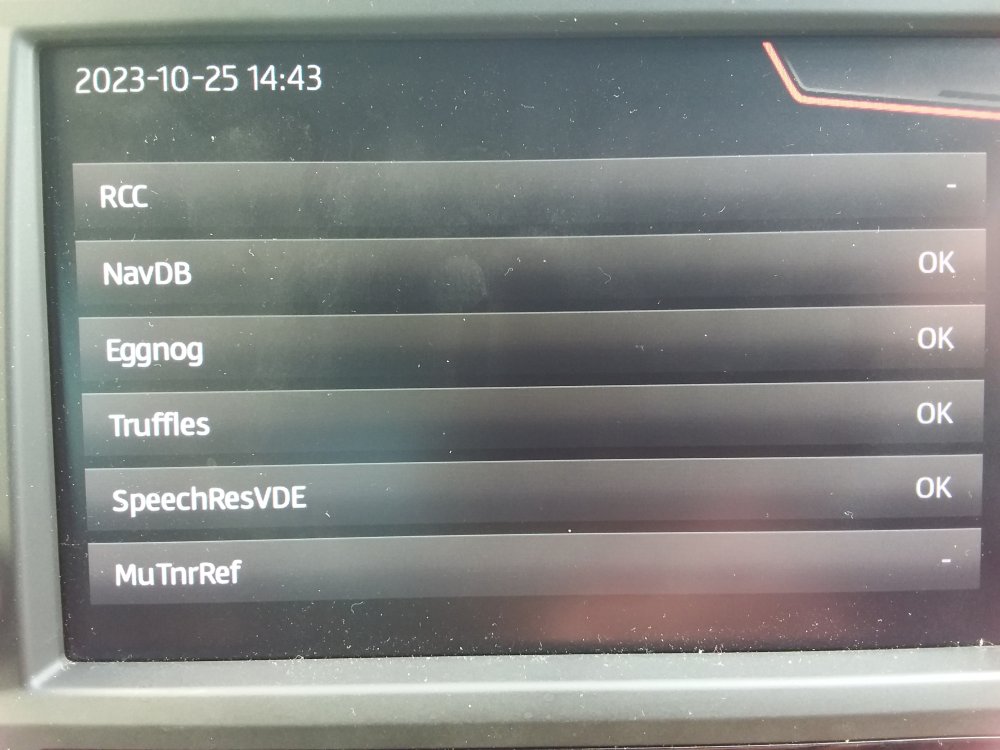
350 via the Mibsolution website loaded fine on a Seat: The components loaded fine as per the SWDL screen: Put it on demo and took a run... No problems.
- 31 replies
-
-

- 1
-
-
- columbus
- discover pro
- maps
- mib
-
Tagged with:
-
You do assuming you have as you say a Mib2 high which is the Columbus MIB2, click update or whatever.... the confusing thing is the mod who pins these map update thread hasn't pinned the June 2023 release which was published in April 2023 by MartiniB: and then to add to this if you want to go experimental and use the November 2023 release which has been "found" then it's here Guest and guest is the login and password on the mibsolutions link. 330 is the last official release, 335 is the one being talked about recently on bottom of that thread at the moment.
- 101 replies
-
- columbus
- discover pro
- maps
- mib
-
Tagged with:
-
Files are dated April on that one above which feels about right. If it's a beta there would need to be a range of alternatives builds with that date so we'll see what comes along on the final release. I'll try loading it into a Seat tomorrow. BTW still impressed with Inrix TMC UK solution pulling up traffic issues.
- 31 replies
-
- columbus
- discover pro
- maps
- mib
-
Tagged with: