Viorel_92
Members
-
Joined
-
Last visited
Everything posted by Viorel_92
-
-
-
-
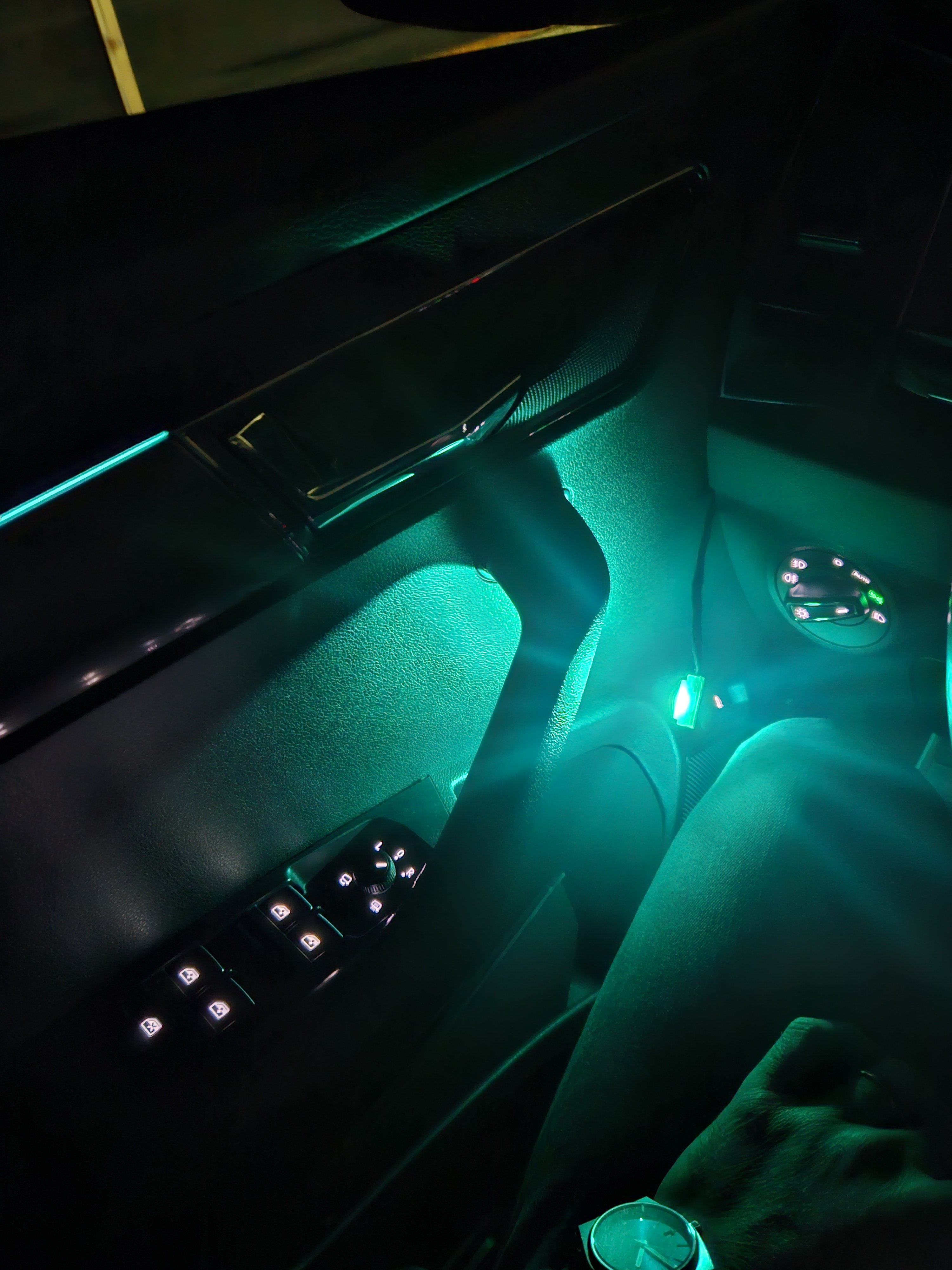
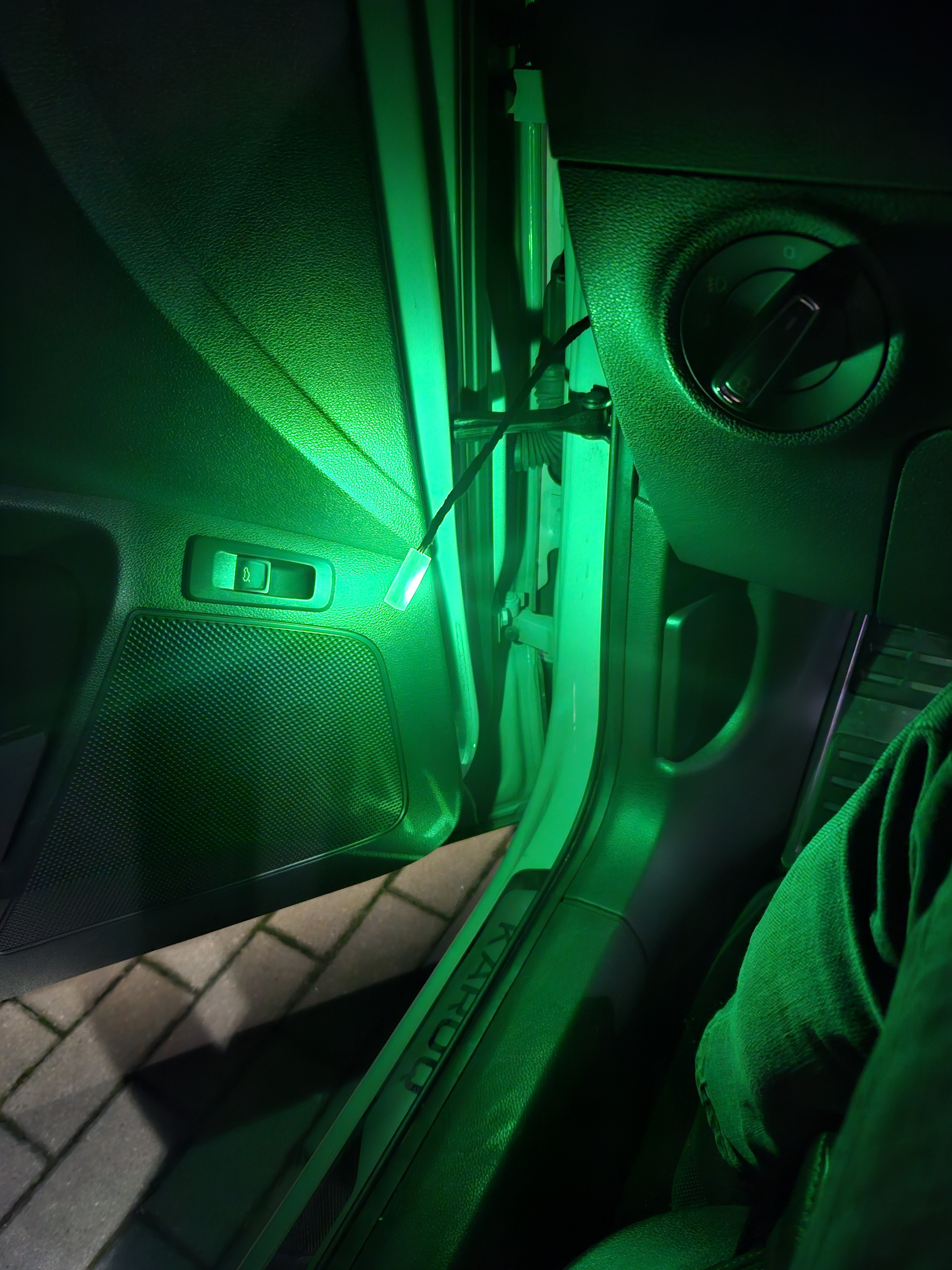
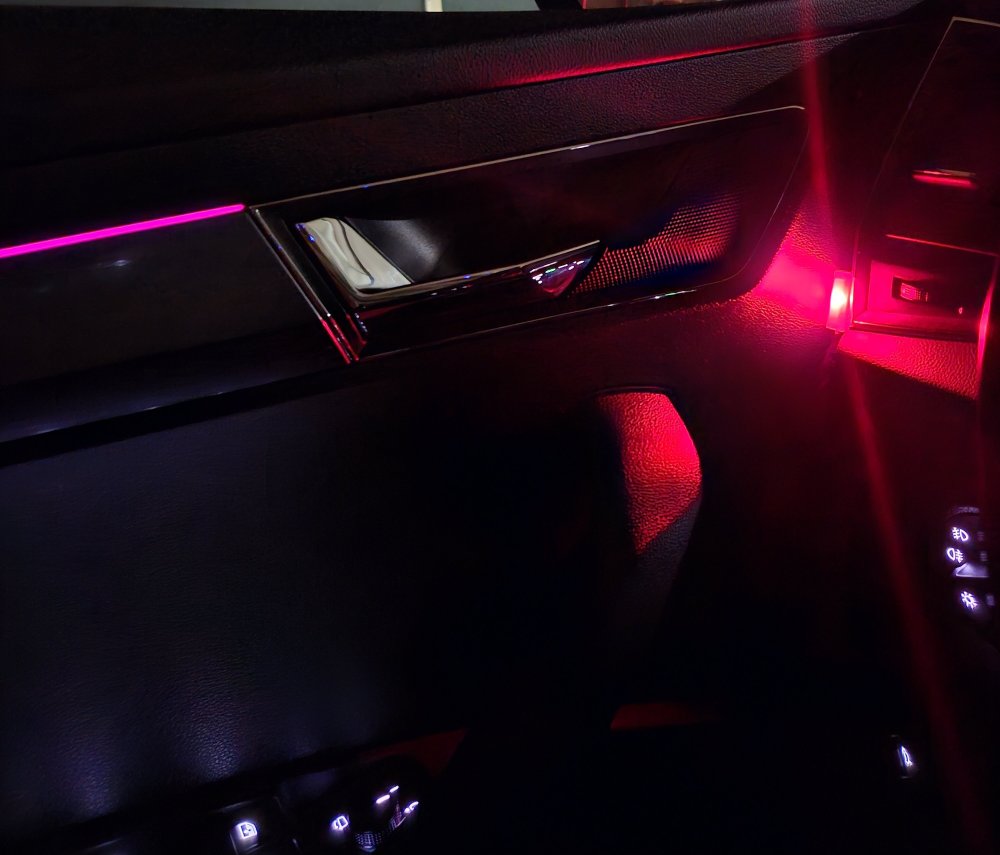
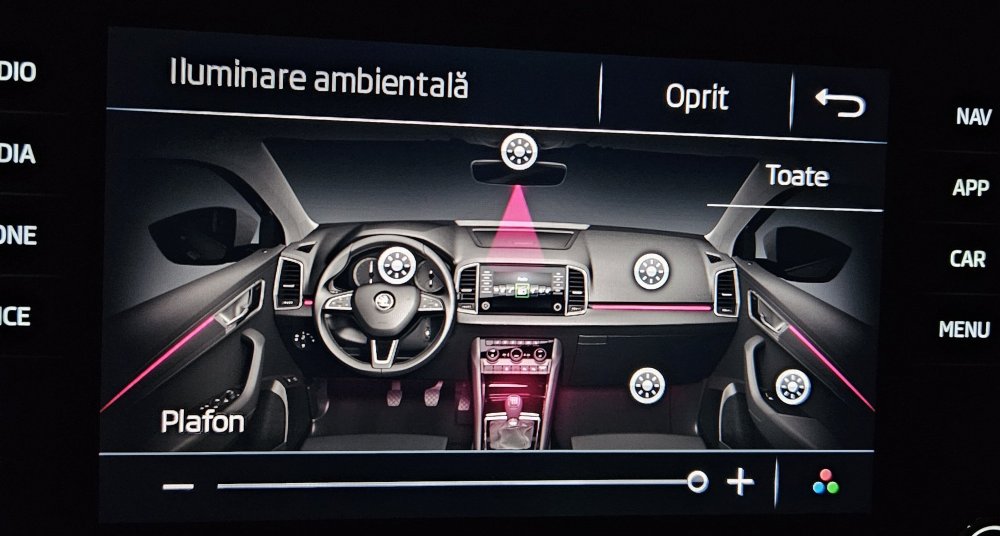
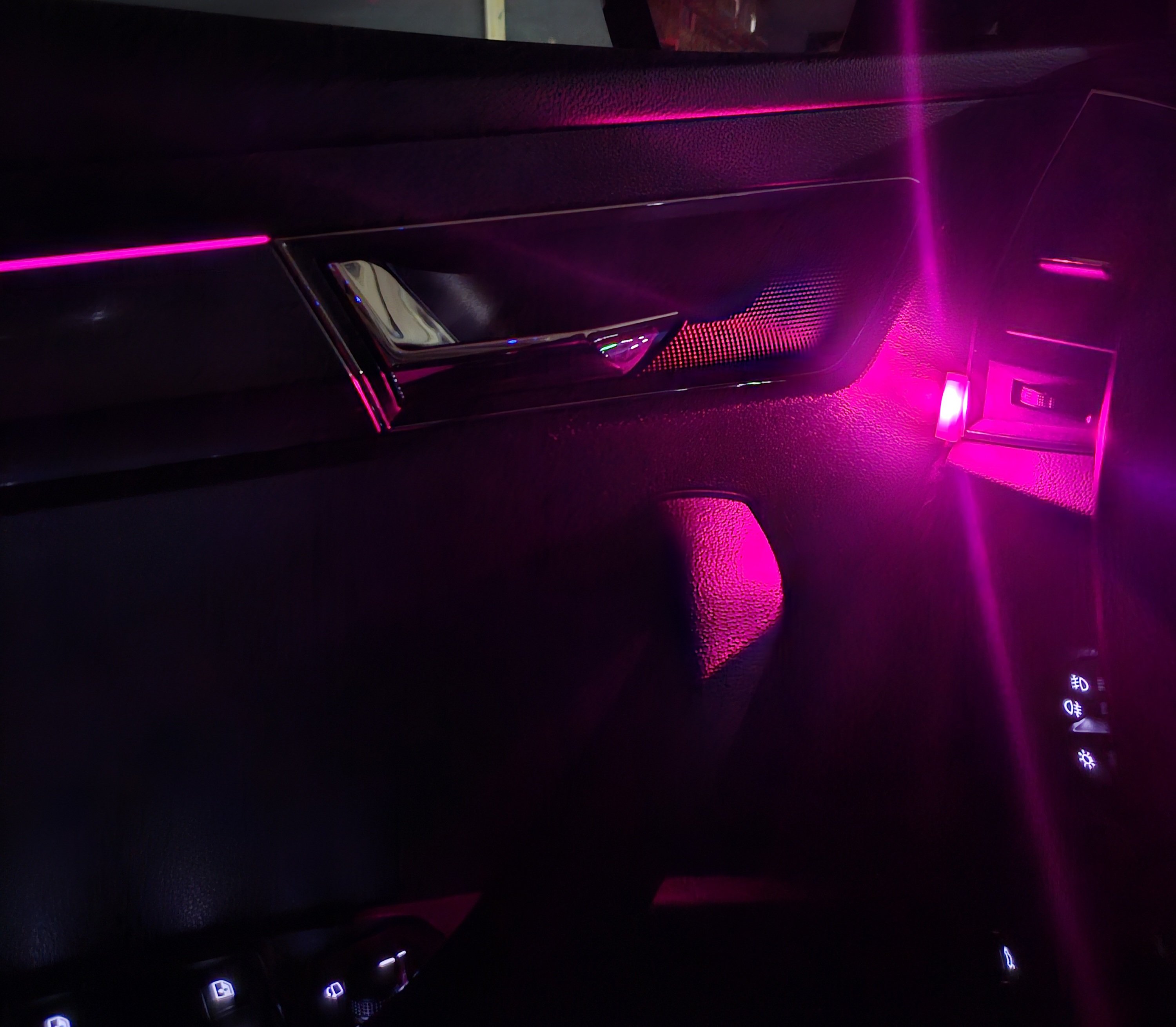
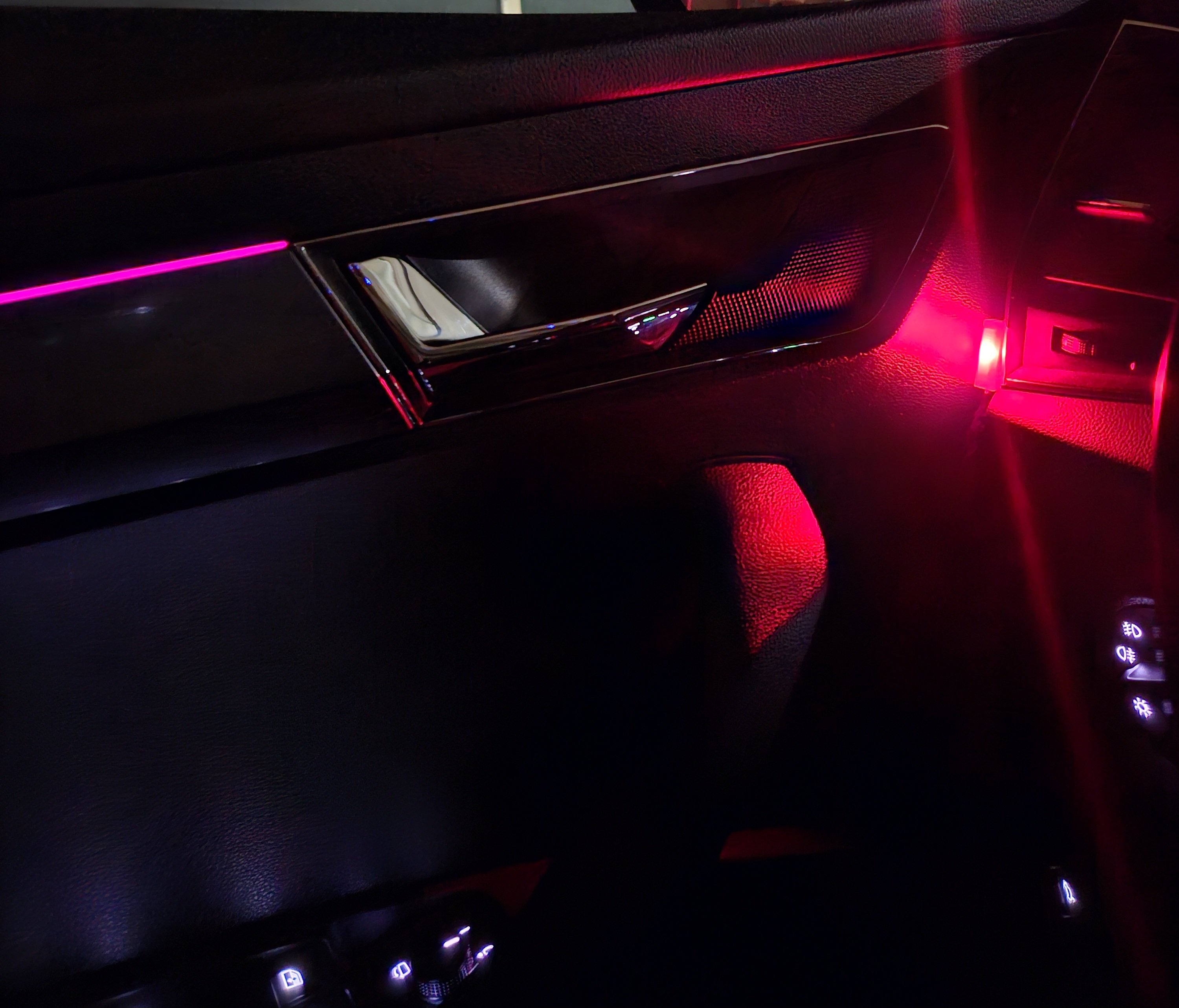
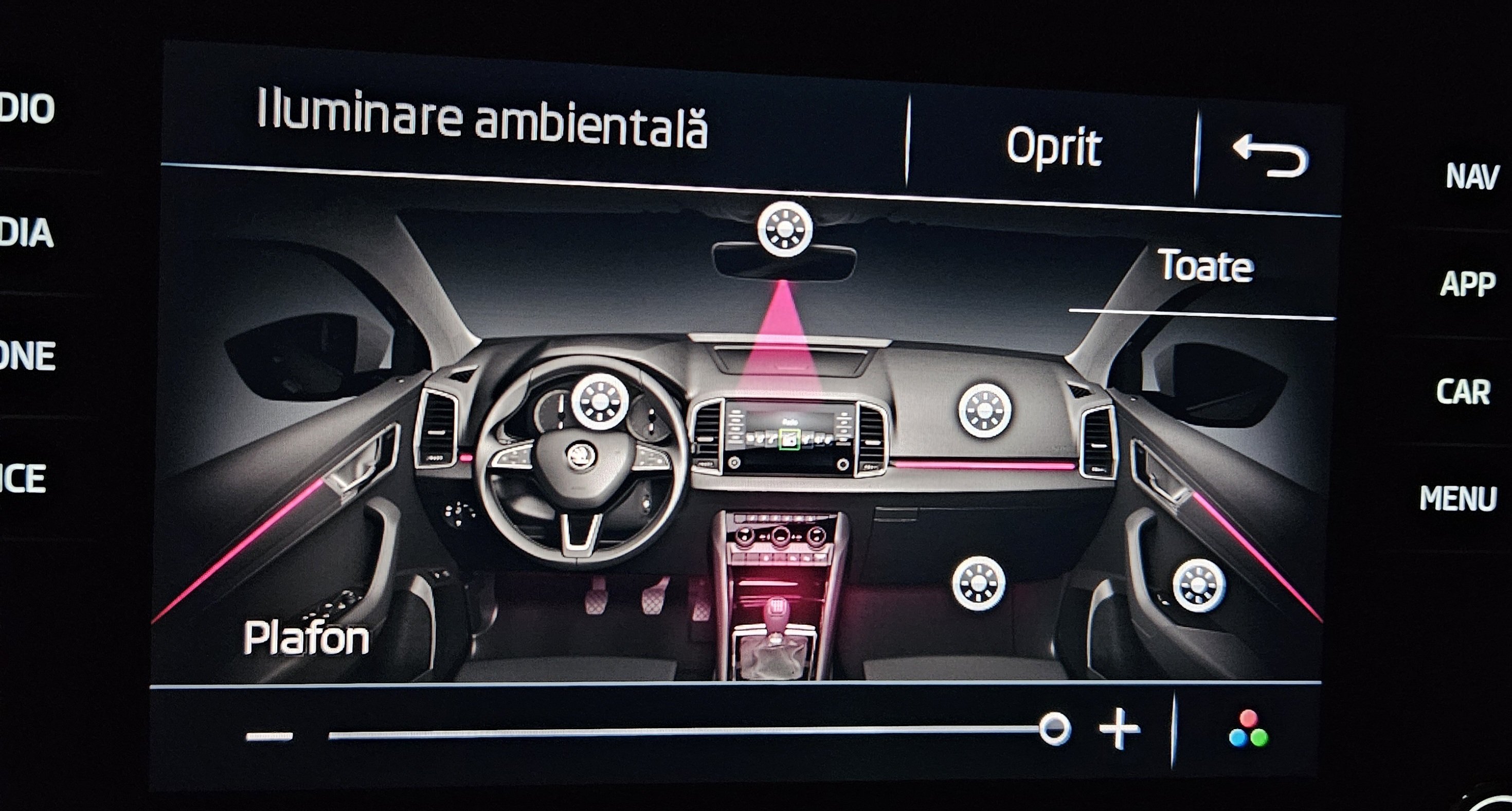
After some reading over forums and trying different codings, turned out the issue was the fact that even after I did all the changes for the "sun" to be displayed, it won't be displayed until I add the new led to a specific gruppe. Once I did that I was able to see the new "sun" as shown in the picture. Now, I still can not control the brightness from the new sun(interior mirror), but I can control it from the doors slider and here I have the biggest problem 😂 the china led will display a different colour once is very dimmed(see the pictures below) so I will not be able to use these leds as I was planning to, they are too bright for my taste.
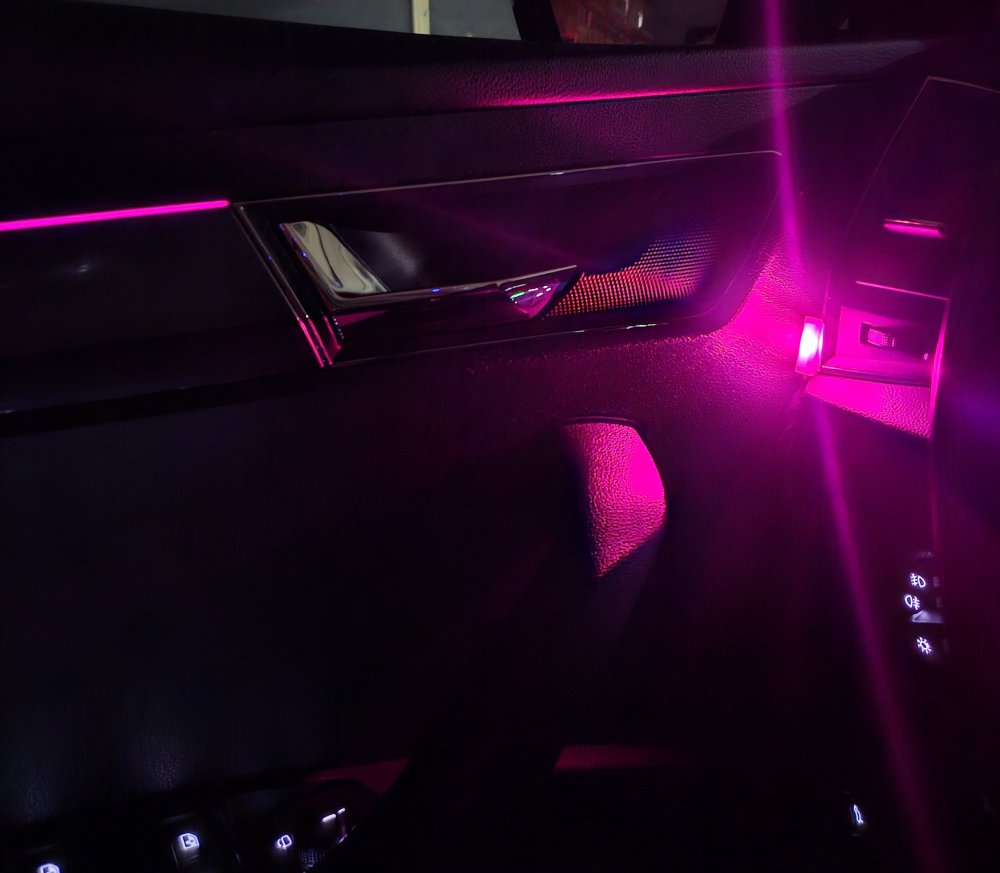
-
Ok, so I continued my research and I think the ambienteumfang_mehrfarbig is used to define if an area is colored or not, it explains the fact that after I set bit 3 in one of the channels, I made the MIB unit to display the footwell light as RGB. So, now I will focus on ambientelicht_verbauinformation_HMI which it should activate the extra "sun" on my MIB unit. I will give it a try and come back with an update 😼
-
So, I tried as a first step to show the new "sun" on the MIB by setting all the ambienteumfang_mehrfarbig to 11111111 to try to show all of the possible controllable areas, but no extra "suns" were shown on the MIB. All the changes were done on the 09 controller BCM, and after the coding was done, a reset of the MIB was performed. Do I need to code something of the 5F? Could it be that not adding the new LED to a specific group, the sun not being shown? I have also added the map file. Thank you! adpmap-09-5Q0-937-084-DD.CSV
-
To be honest, I did not do any coding. I am expecting that once I assign the new led to a specific group, I would be able to dimm it otherwise, this amount of light is too much for my taste 😂 I will have a look tonight with vcds and see if I can dimm it. Should I be able to assign the new led to a specific area and enable a proprietary "sun" for them?!?! https://a.aliexpress.com/_ExpooNe
-
-
-
Hi guys, I recently bought 2 RGB LEDs for the door handles from aliexpress. I have connected them to the car(using a Y cable and taking the power and LIN data from the dashboard RGB light) and the color changes as it should but I am not able to do any dimming of that LED. I assume I need to do some coding, maybe to assign the new LED to a group maybe, or something. Does anyone has any idea? Thank you!
-
Hello @Crapula , First of all, congratulations for the very well explained how to. I have a Skoda Karoq 2019 and I already have the welcome and emergency lights from factory but now I am thinking to install the interior door handle light. I don't think it was ever an option for the Karoq but I think I can adapt something from the Skoda Superb/Octavia. I already have the light module(basically it's an LED with a housing) and I found the coding in the door module(42 & 52) with VCDS (interior door handle light installed) but I don't know which are the pins that I can use from the door module, I mean I have found some Karoq manuals but I don't see the desired pins. I was wondering, maybe you could help me with the pin numbers? Thank you!
-
-
-
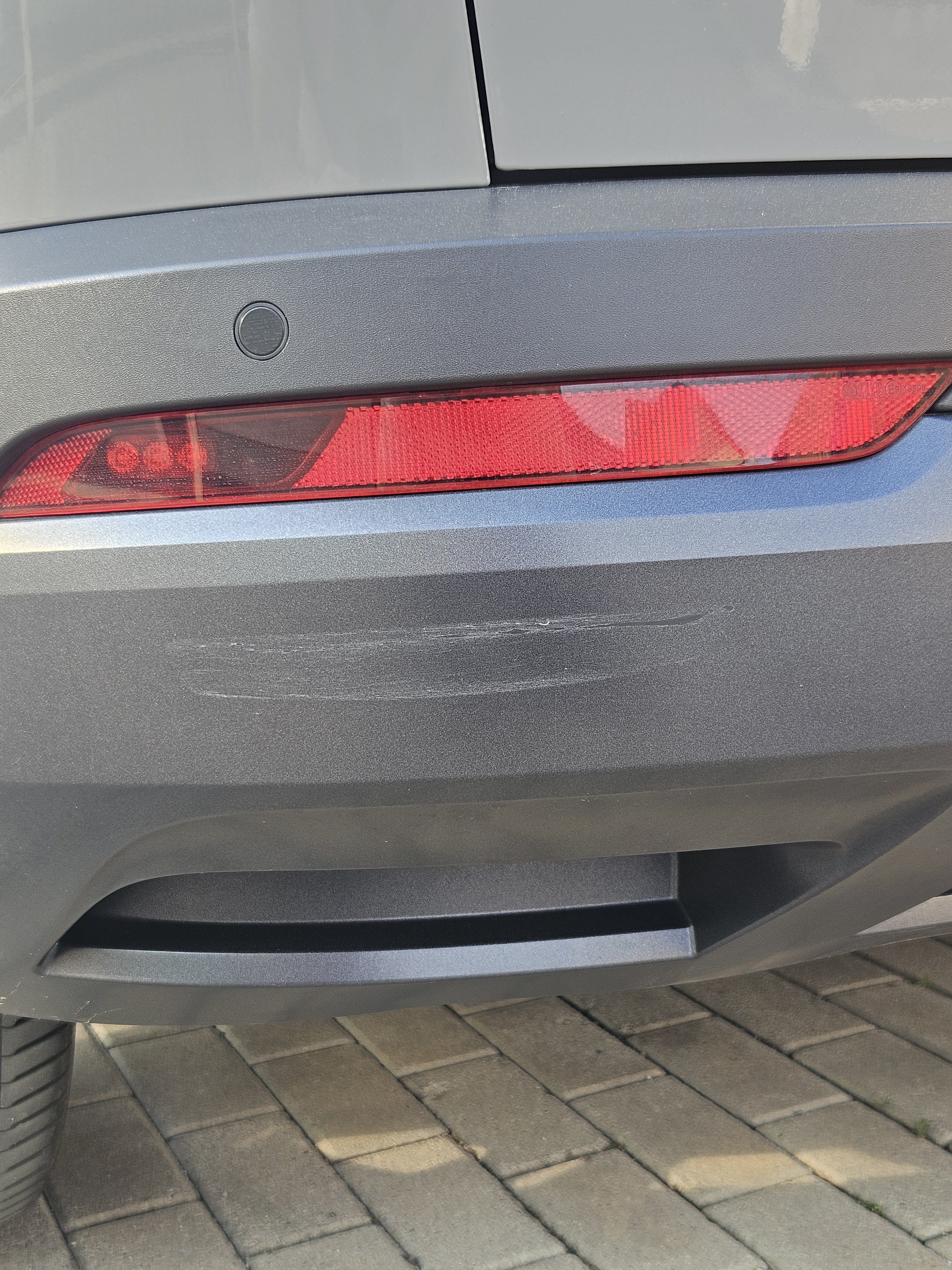
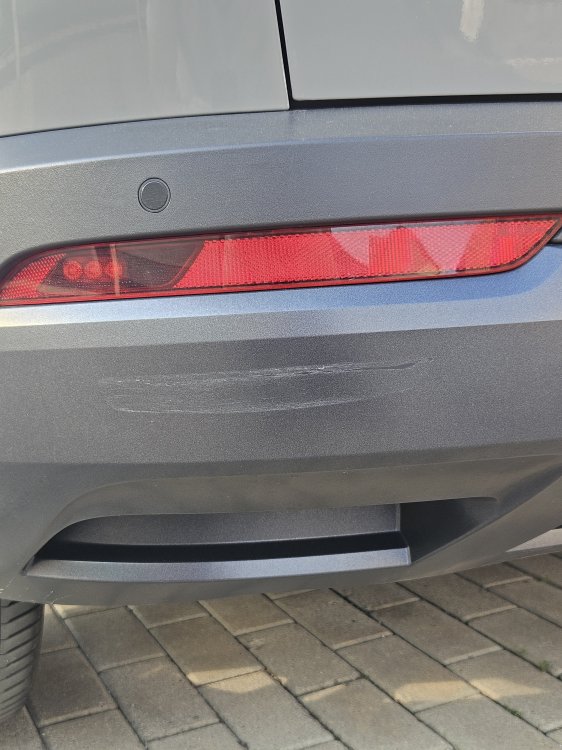
So, what's the color code of that area? I found my car scratched in the parking lot and I don't know what's the code color for that area!
-
High Beam Assist (for cars with Lane Assist Camera): Ensure light switch is in the OFF position, wipers not on auto, doors closed and ignition on, before starting 1. Control Unit 09 - Central Electrics 2. Control unit Long Coding 3. Byte 02 4. Bit 0-2: "03 Lighting Bi-Xenon with Light Assist" 5. Control Unit 09 - Central Electrics 6. Security code - 31347 7. Adaptation 8. Assistance Light Functions-Menuestuerung Fernlichtassistent 9. New Value: Present 10. Assistance Light Functions-Menuestuerung Fernlichtassistent Werkseinstellung 11. New Value: Present 12. Control Unit A5 13. Security code - 20103 14. Control unit Long Coding 15. Byte 02 16. Bit 0-7: "01 coding_Light/High_beam_assist" Optional settings 17. Controller A5 18. Security code - 20103 19. Adaptation 20. High beam assist urban detection area – Switch to No 21. Speed that HBA active set to 20kph 22. Speed that HBA deactivate set to 10kph 23. Change lux code to 10 Finally, go into the vehicle menu on the head unit, go to light settings and select ‘light assist’ Push the left stalk towards the front of the car, it should show the HBA logo at the bottom of the Maxidot. Remember to select the green tick at each stage of the adaption, otherwise the changes you've made won't stick.
-
Component protection is ON. I don't think the update is the solution for your problem.
-
-
Honza179, you need to make sure that your tester(vcds) is installed correctly and that it supports cars after 2016
-
I am thinking to take the same approach but I think it requires a High Line reverse camera that can be activated from the button and just switch between the 2 cameras. My car only has a low line reverse camera and I believe that once I switch to first gear, even though I switch the camera to front, the radio will not display any video. I will still give it a try as I hope that once the radio has an video signal at input, maybe it will display it, but it's a long shot.
-
Hi there. I had a similar issues, and it turned out to be 2 broken wires in the sleeve. You can easily check by pulling the sleeve down and have a look at the wires. You can also use vcds and read the errors
-
Have a look here, maybe it helps I bought everything from www.kopacek.com, OEM like quality
-
Maybe the intensity is set to 0 even though the ambient lights are ON?!
-
Hi there 🫡 https://www.briskoda.net/forums/topic/522026-boot-led-replacement/
-
Hi there, They are divided in 4 zones, one for each door, one for the light above the glove box and one for the area from the steering wheel(2 + 1 +1). I don't know exactly what goes where in term of chanel but you easly find out by modifying one o them and see the result. Also, you cand set it to 127 which is the hight possible value but the dimming from the multimedia system won't work anymore and the lights will stay lit to 100%. Hope this helps.
-
Engine [01] Coding, byte 9 bit 2 - tick for normal operation, untick to keep them open



.jpg.937f7a7c656ed4216069255f24dd7ac1.jpg)