




Viorel_92
Members
-
Joined
-
Last visited
Everything posted by Viorel_92
-
Mine are white and I can only change the intensity of them. The reason that you see them colored on your MIB is due to a faulty coding. To make sure that your footwell lights are RGB, check the wires that plug into them. If you have 3 wires, then the lights are RGB, otherwise(2 wires) they are monochrome. Further infos can be found here https://www.drive2.ru/l/591707406241650380/
-
-
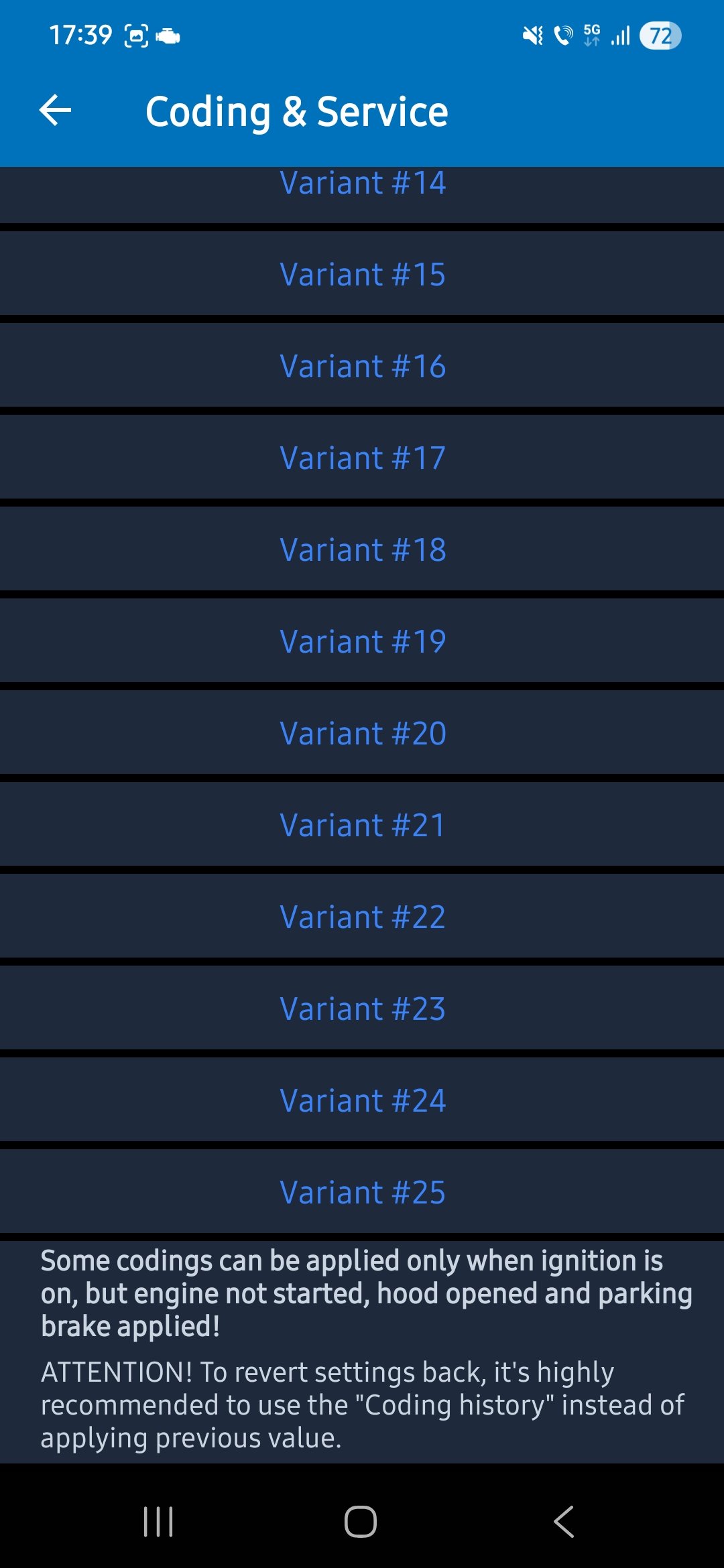
I search a lot regarding this topic, I also want to get rid of that but I don't think there is a way. I found something which I tried on my car but without any success: 💻 Hide parking sensor image overlay by default 5F → Long Coding → Byte: 16 → Bit: 7 → enable (hide sensors overlay by default)
-
-
@Pete_Ger did it work? I am planning to do the same on my skoda karoq, yesterday I've retrofited a highline reverse camera and I was thinking to activate the relay with the reverse signal from the BCM. Does it throw any error? Thank you!
-
@Shahoff were you able to remove the media unit from the glovebox without removing the entire glovebox? Mine seem to have short cables or something because, I can pull the media unit out for about 90% of it and I can not access the quadlock. Thank you!
-
Hello, Quick question: were you able to access the quadlock connector from the back of the media unit without removing the glovebox or it's only available with the glovebox removed? I have managed to remove the media unit but not entirely, just about 90% of it and I can not access the quadlock connector. Thank you!
-
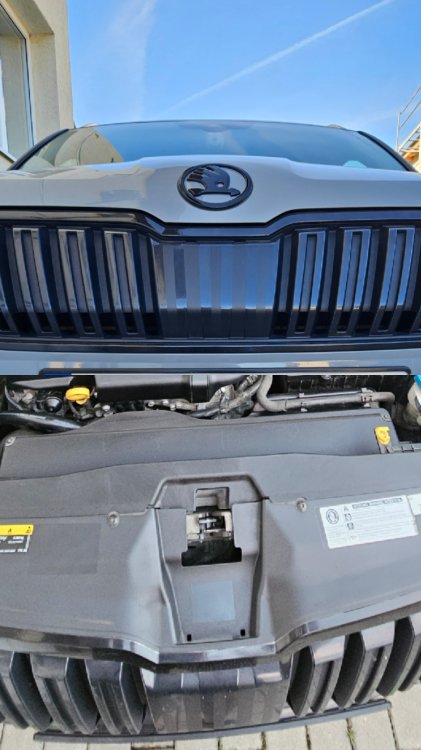
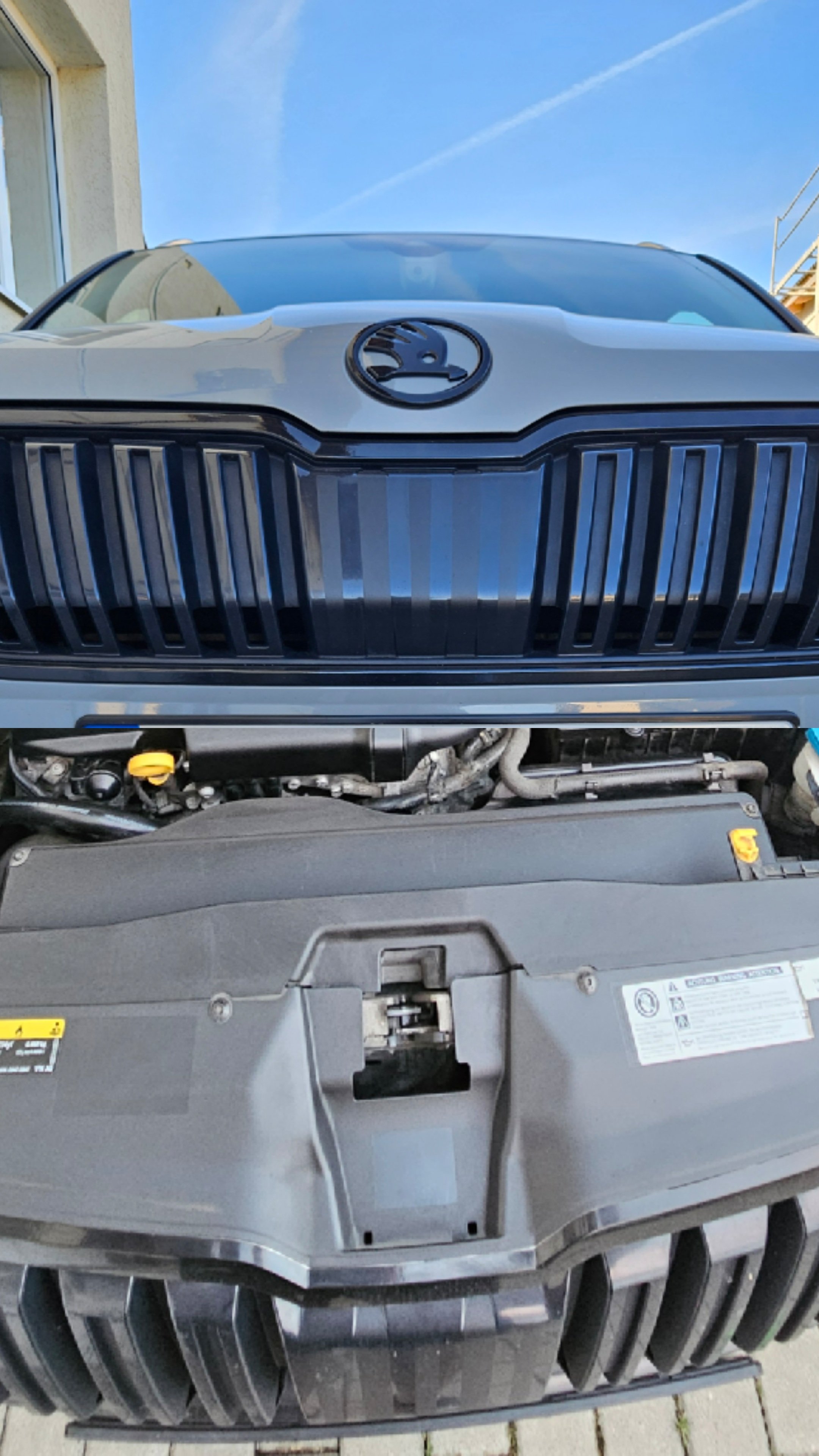
For me, I want to remove this cover just to be able to mount a front parking camera and I want to make it look like OEM but I think I have to remove the entire front grille.
-
I do have the 2 screw holes but I don't think there is a cover there, I believe that for me, in order to access the radar, I need to remove the entire grille. Searching over the ethernet, I found no radar cover for the Karoq, only for Kodiaq 😔
-
Hi @Camarao69 , I am planning to remove this cover on my 2019 Karoq. I am guessing that after removing JUST the cover I will not have to calibrate the RADAR again, right?
-
Hi guys, I am planning to remove this radar cover on my car to retrofit a front parking camera. Are there any chances to do something to the radar that would require a calibration afterwards? Thank you!
-
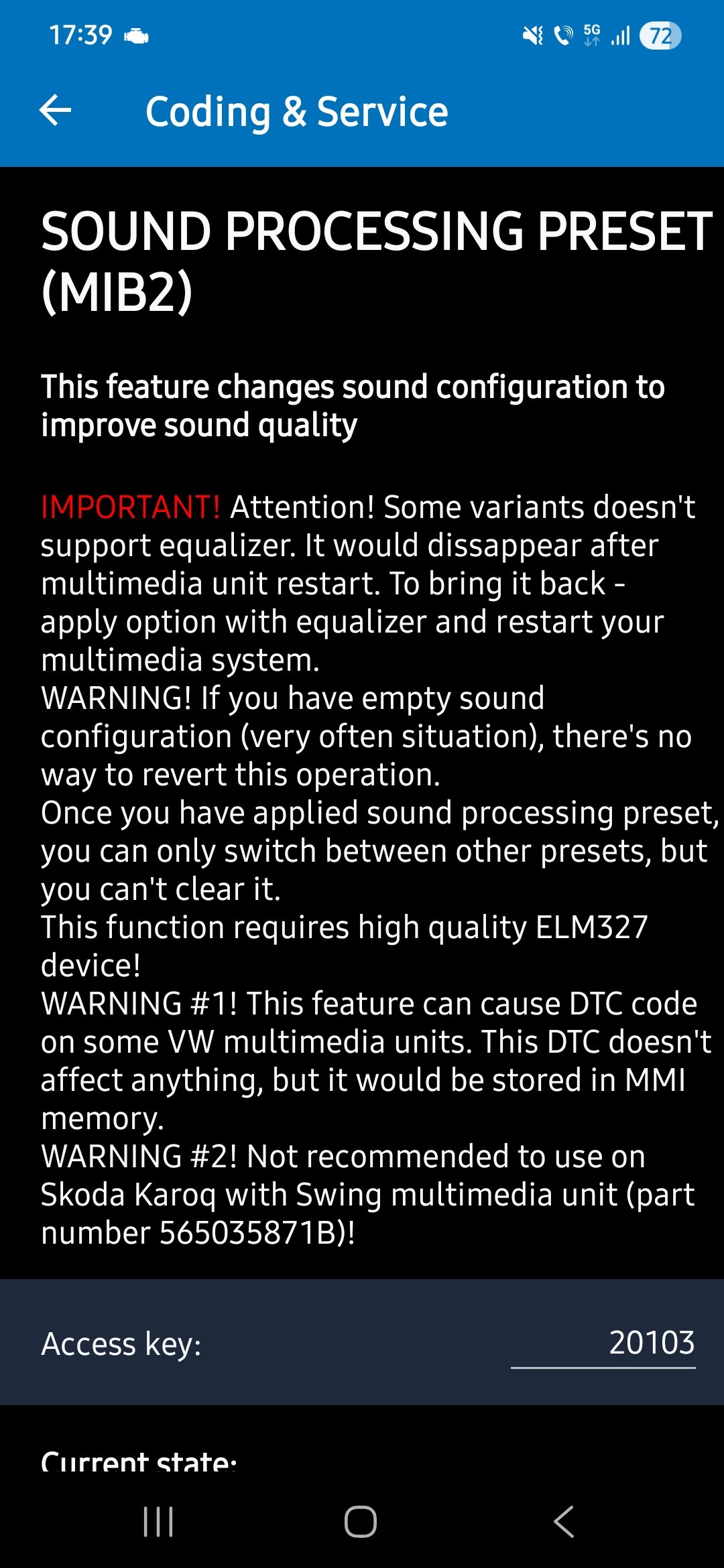
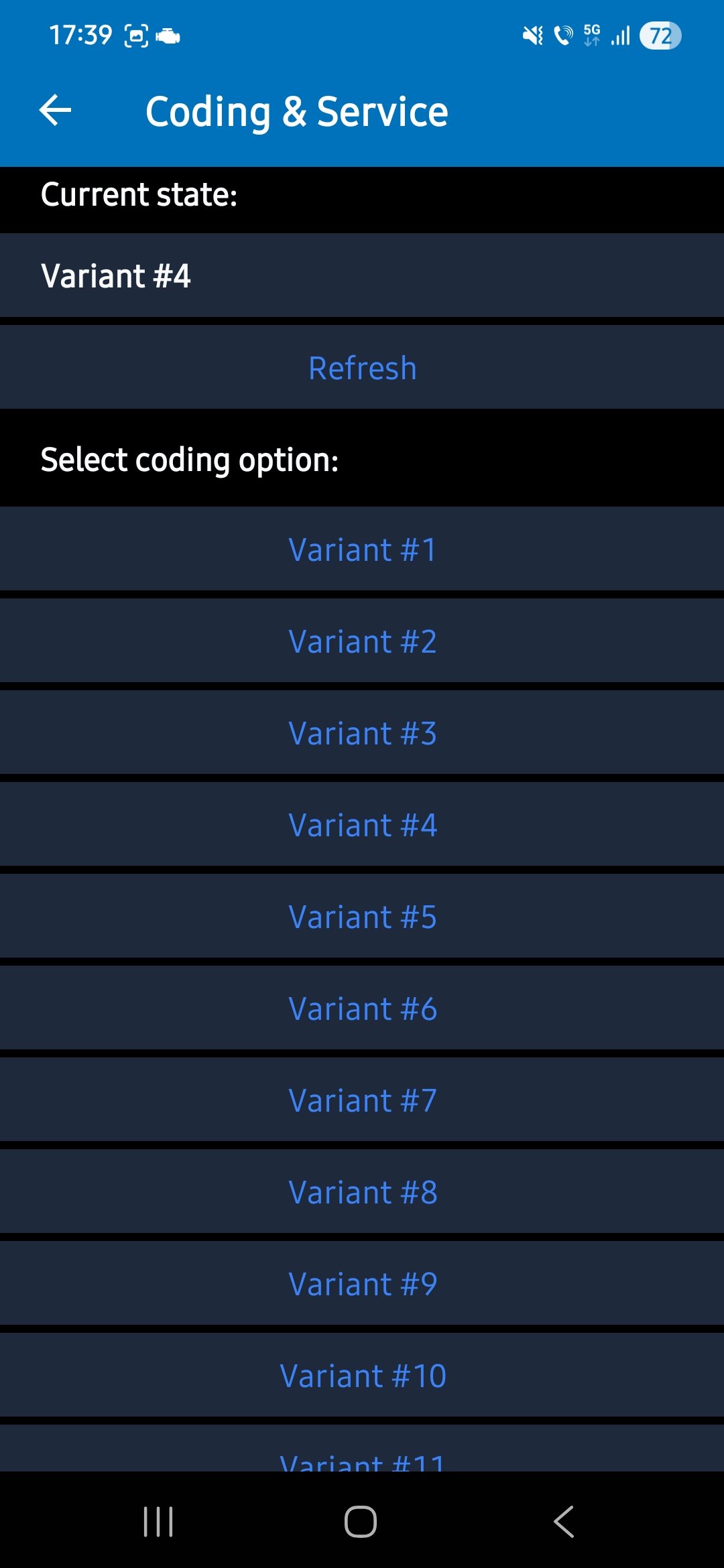
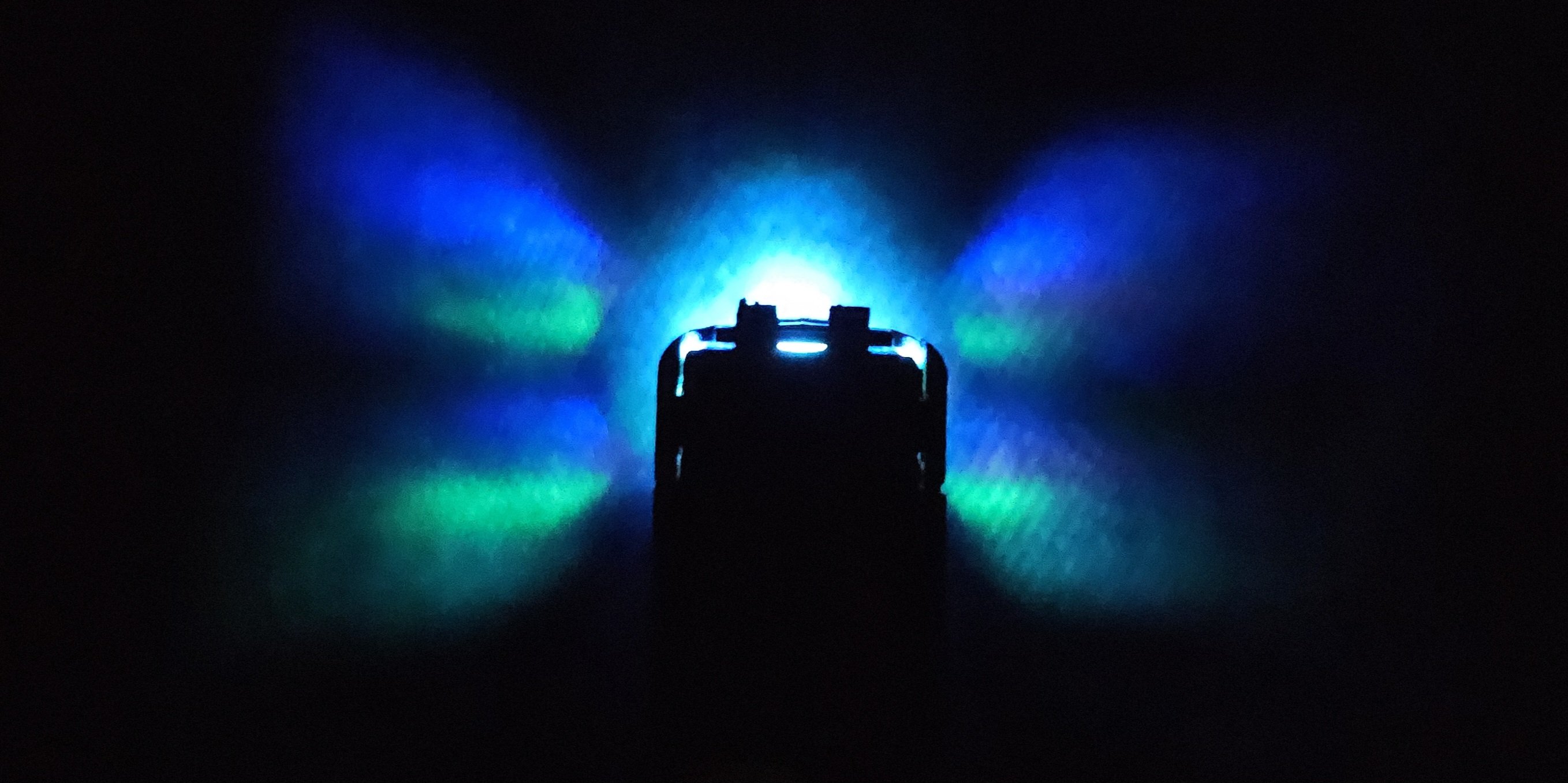
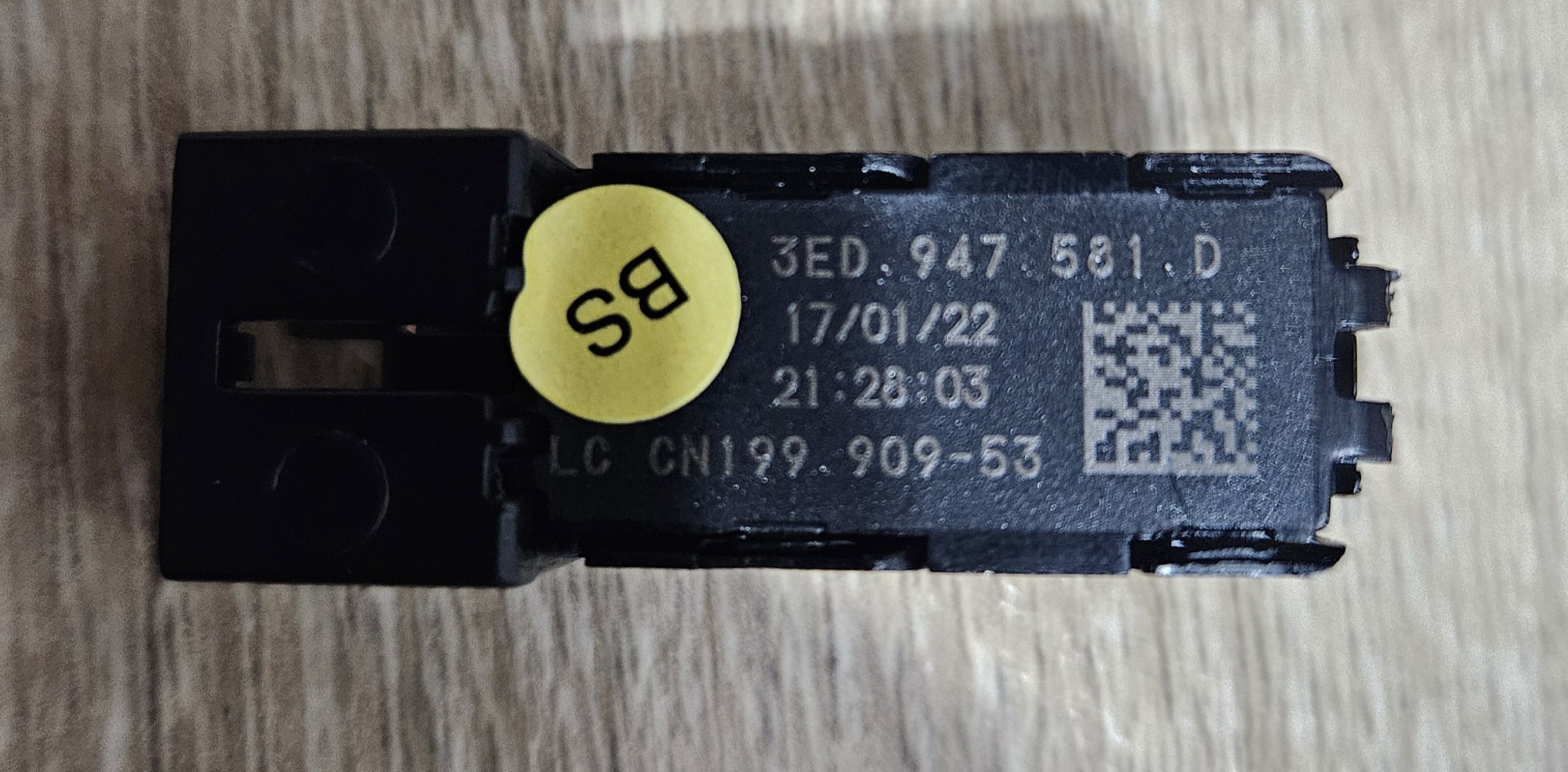
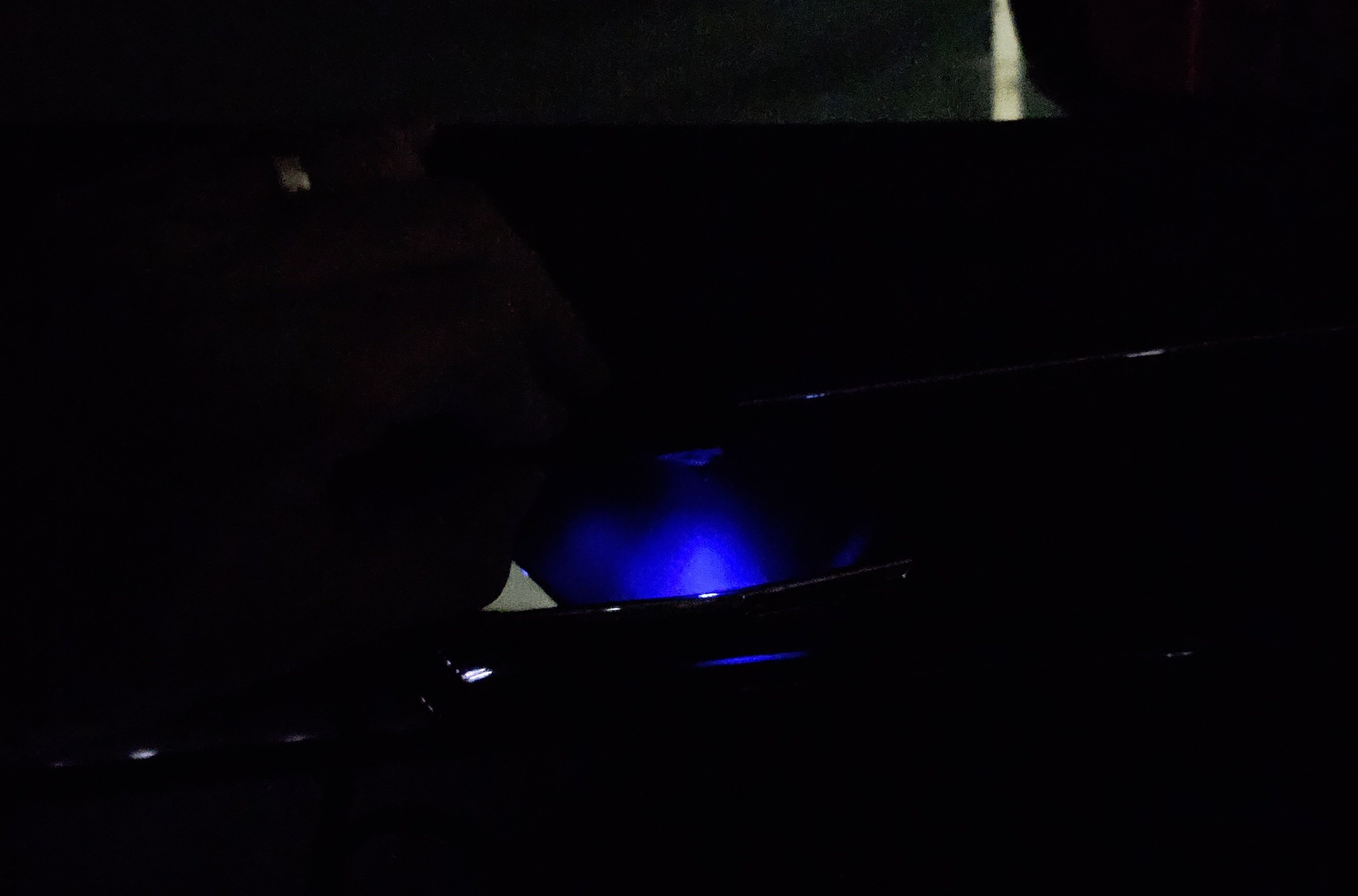
@JR RS can I add another set of sensors afterwards because I have 4 wheels for summer and another 4 wheels for the winter??Yes, on CarScanner appHello guys, Do you have any idea about the TPMS kits that are being sold on Aliexpress? Are there any good or there is a big chance that I end up buying a fake OEM module? I am thinking of retrofitting this on to my Skoda Karoq 2019. Thank you!JFIND JF327Hi guys, I know that the Skoda Karoq is not the same as the Skoda Octavia MK4 but I just wanna say that, using an ELM327 and CarScanner app, I successfully read the dataset and I have also tried some presets and I can say that for sure, the sound is a lot better, I mean, a lot better than the stock: deeper bass, higher volume. First I did a dump of the current dataset(the stock one) and later I have tried to modify manually the dataset using the tutorials from mqbsound but for some reason the dataset was rejected and an error code was present in the 5F module( I guess the CRC was wrong). Then, I have tried the option #4 from the presets and now it's like my sound system came alive 😅 Now, I am planning to soundproof the door cards.If your talking about the one that I have post it above, there was no sun activated there. I will activate the sun again on my car and make you another map file so you can se the changes that I made. I will also try to explain from my memory what and each of the coding does but I will come back with a reply later since I am away from the car at the momentNo, the sun is available once I add in vcds a new function to a new group. If I remember corect, all the groups have the doors assigned to them, so once I change group 14 to celling light(or panorma) I was able to see the new sun. I don't have anything(no led) connected as a celling light but the sun is still there. I am unable to control any rgb light using the celling sun because all the leds that I buyed are doors intended(there are specific led codes which goes to the celling)Hello guys, I am really interested in this topic as I read on different forums that updating the sound datasets will "bring my sound system to life". I don't have ODIS or VCP, I bought myself an ELM327 adapter but I think it's a cheap version as it doesn't have a pic18f25k80 uc and it's showed as a "BAD ELM327" so I did not risk it to do any reading/writing with it. My main question, I guess, is : for you, who made a successful reading and writing of the dataset, did it really made a big improvement of the stock sound system? Is it worth the work? I am also thinking to buy a VCP, but I don't know what to buy; you guys have a link? Thank you!Today, I've received a new rgb led module from aliexpress. This one seems to be oem, the light is dimm and nice even though in some situations I can see the component colors, I think I can solve the issue. For the moment, I did not make any coding but I am able to control the colors and the intensity. Now, that the light is so nice and dimm, I am planning to use it for the door handles. Now, I have(which I will not use) 2 rgb lamps for the door handles, and antoher 2 modules, 2 color(white and red)also for the door handles 😂😂
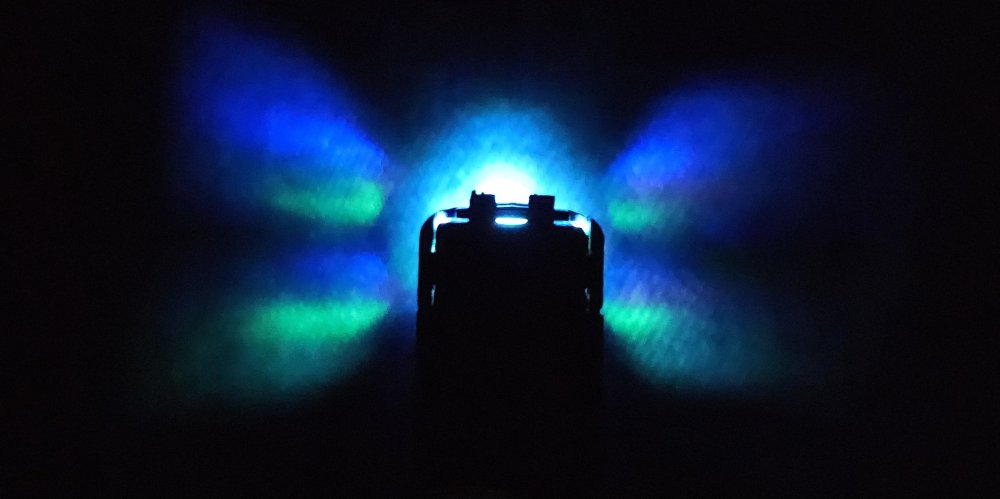
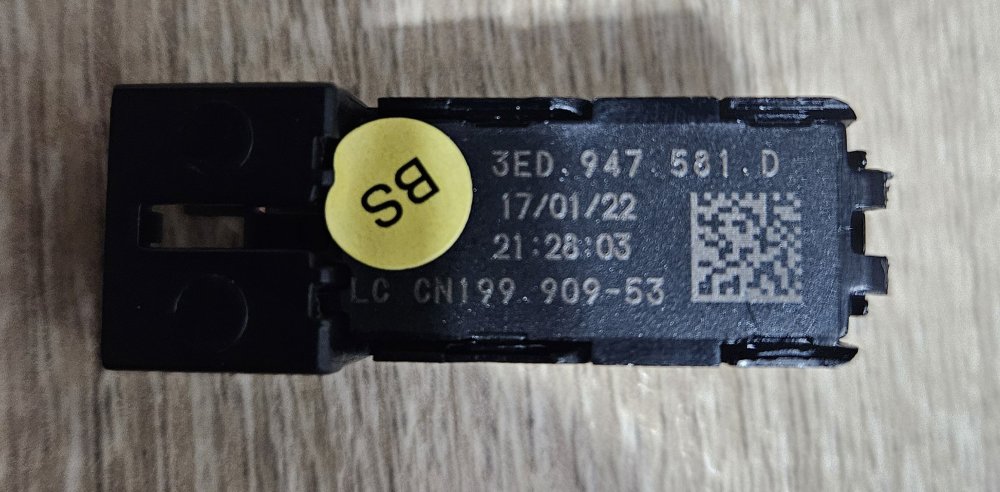
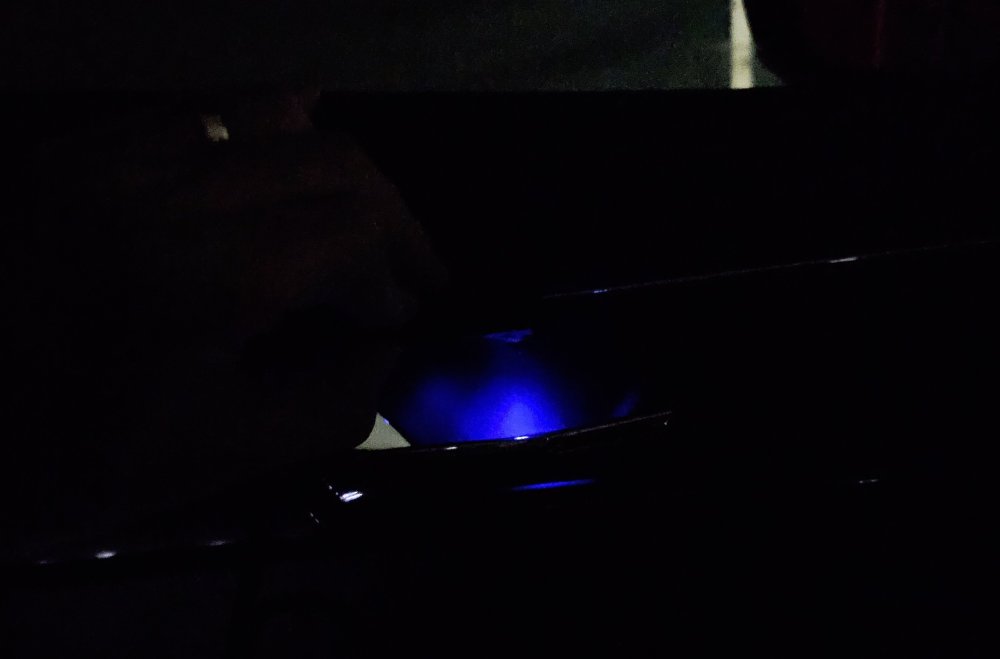 Well, you can either take 12v from different pins from the door module(you will need to check the datasheet of your door module) or you can tap a 12V wire, for example the one which provides light to the door buttons . I would say the easiest way is with a multimeter and check for a 12V wire.


Important Information
Welcome to BRISKODA. Please note the following important links Terms of Use. We have a comprehensive Privacy Policy. We have placed cookies on your device to help make this website better. You can adjust your cookie settings, otherwise we'll assume you're okay to continue.