Binx1310
FREEDOMLite
-
Joined
-
Last visited
Everything posted by Binx1310
-
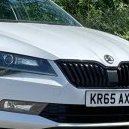
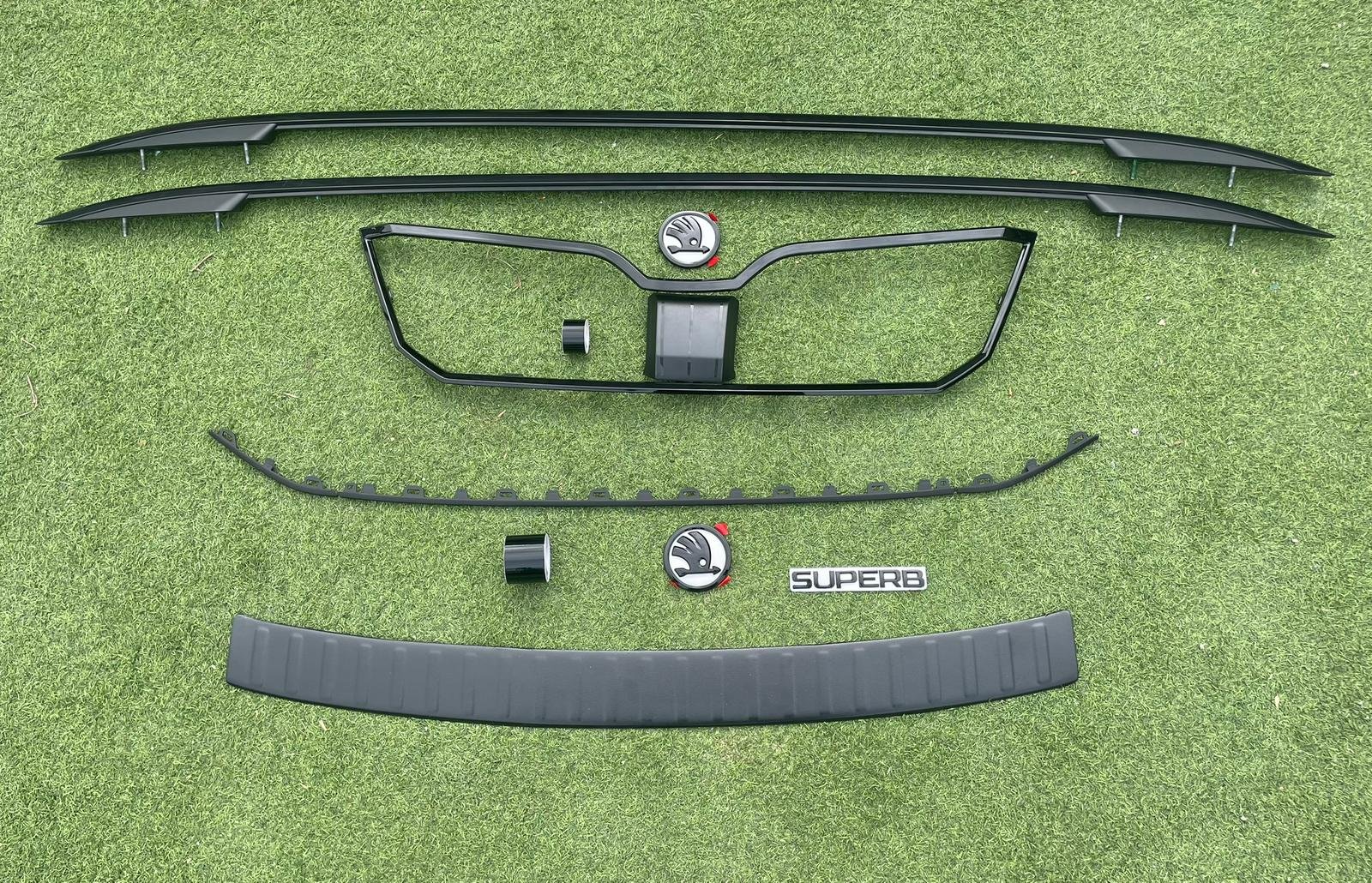
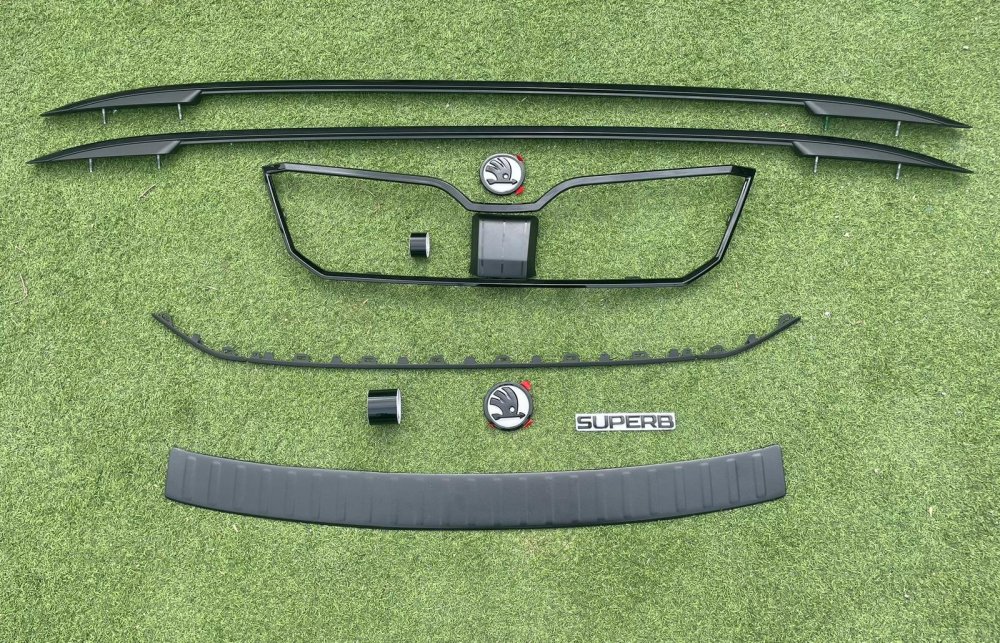
I now have nearly all the parts for the chrome delete project. Just need to find the time to fit them all! Grill Surround https://www.ebay.co.uk/itm/177879476697 Lower Grill parts https://www.ebay.co.uk/itm/177879048390 https://www.ebay.co.uk/itm/157695824834 Radar Cover https://www.ebay.co.uk/itm/305273235761 Black/White badges https://www.aliexpress.com/item/1005009424974993.html Black Superb Badge https://www.aliexpress.com/item/1005003980570506.html Black Bumper protector https://www.ebay.co.uk/itm/377061941246 Roof rails were from an autosalvage on eBay https://www.ebay.co.uk/itm/267450005368 Chrome Delete tape for Window surrounds and grill bars https://www.aliexpress.com/item/1005005051534918.html Black Wheel centre caps (Awaiting delivery) https://www.aliexpress.com/item/1005009034228022.html
-
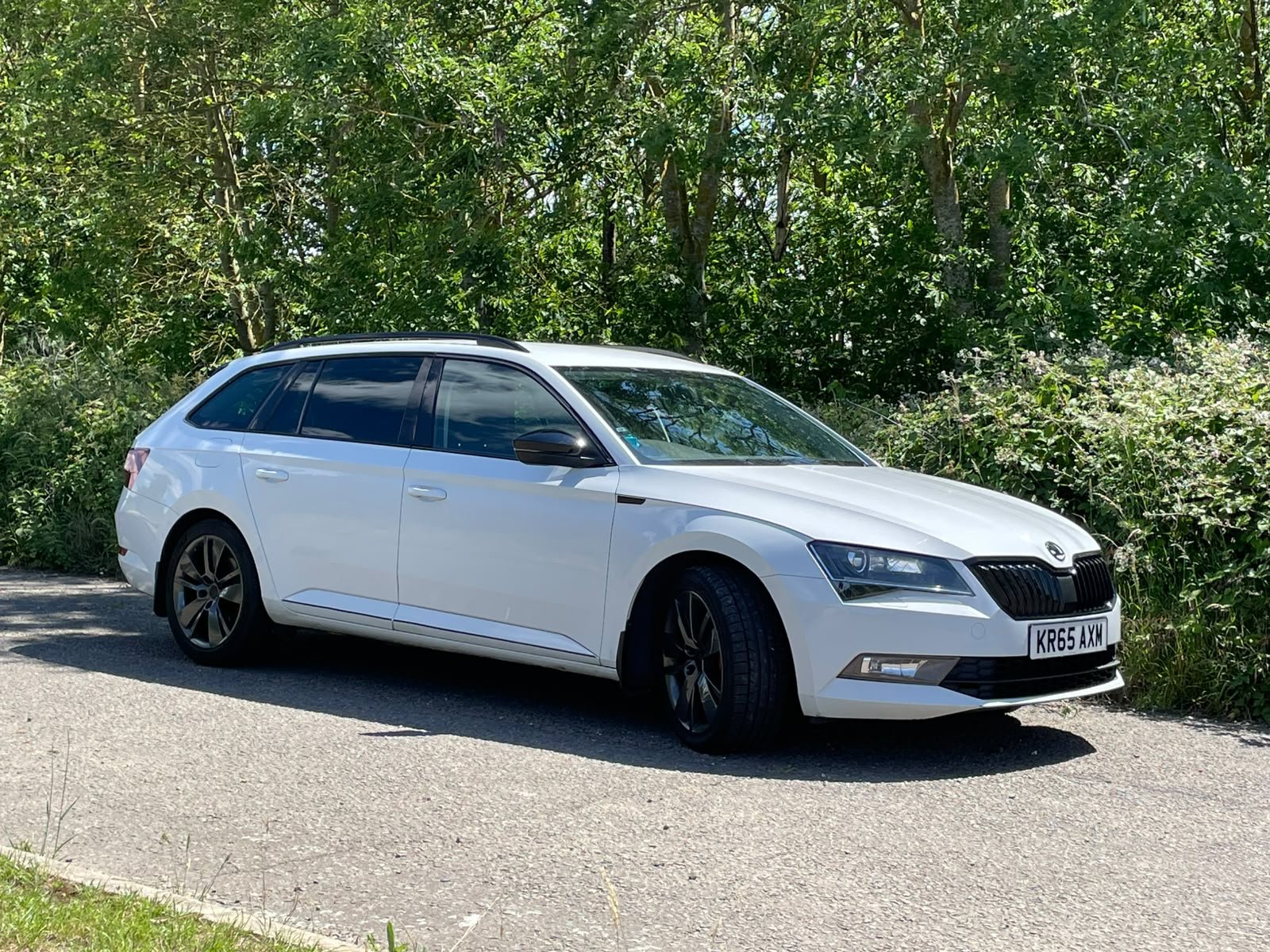
I now have nearly all the parts for the chrome delete project. Awaiting delivery of the black wheel centre caps. Just need to find the time to fit them all! Links to parts are in my project thread: https://www.briskoda.net/forums/topic/537947-superb-mk3-estate-190ps-tdi-dsg-my2015-se-l-executive-moon-white/
-
-
Im pretty sure for mib3 you have to change BCM and many other components. MIB2.5 is the same menu screens as mib3 so that would give you the look you are after. The unit stays the same just with software update and you change the screen for the larger touchscreen one. Again @JR RS has a guide for it. I would like the upgrade but I prefer the physical buttons of the mib2.
-
Yes thats what i was thinking. I know they ahve ODIS and VCDS so they will definitely be able to do it.
-
It would probably be cheaper to get yourself a decent app and obd reader and clear them yourself. Also has the benefit of being able to look at things in future and do coding.
-
-
-
-
Found this post in the photo thread of a problem @MartiniB had with chrome trim coming off. Shows how it is pushfit/glued on around the front windows. Not sure on the bottom of the front windows. https://www.briskoda.net/forums/topic/367311-the-superb-iii-picture-thread/page/148/#findComment-5681074 I also found it in the repair manual for exerior trim. I can send you a link if you are interested.
-
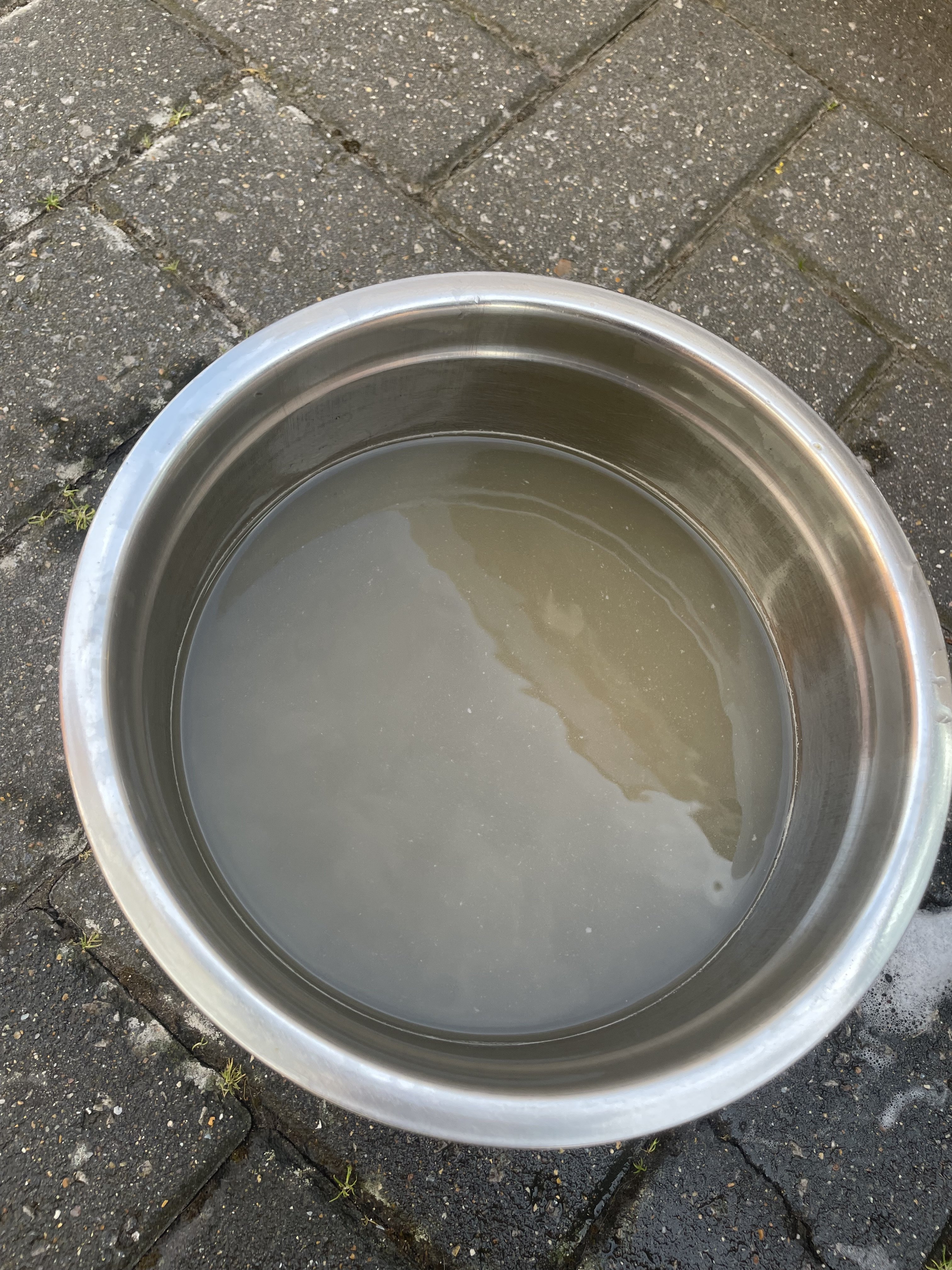
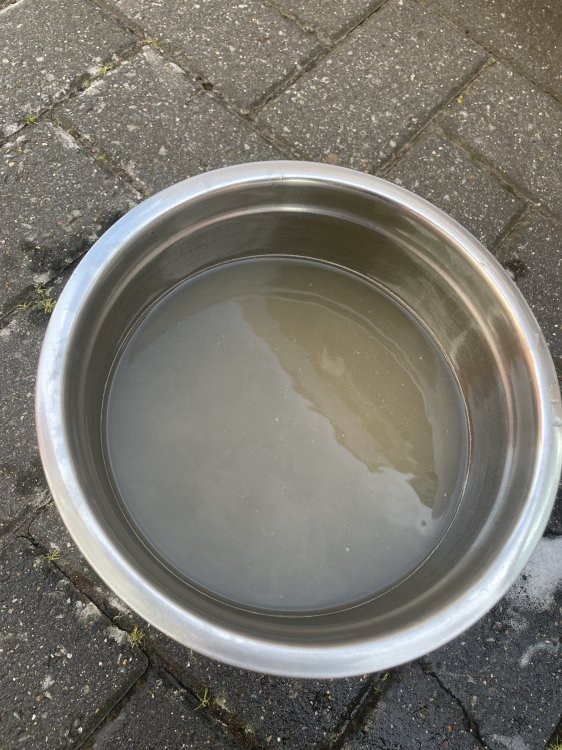
Cleaned the drivers side seatbelt as it was slow to roll back in. Two sponges and some hot soapy water to clean with a going over with clean water afterwards. Juding by the colour of the rinse water it was desperately needed! @leolito Recommended a quick spray and wipe with silicone spray to help lubricate them too. I didn't have any so used GT85 PTFE spray which worked wonders, although now my seatbelt smells like GT85! Luckily I like the smell of it but I might go over with some isoprpyl alchool to take a bit off as it does get a bit overpowering after an hour or so of driving!
-
I think door ones are pressed in to the rubber and possibly with some sealant. Rear quarter one is integral to the window bead and is a window out job. Mine are a bit tarnished but going for sportline look so planning on wrapping them
-
I did wonder about this. Any risk in doing it? It drives fine otherwise and got a few airport runs to do in the next couple of weeks so need the car. I use carscanner rather than vcds but assume it’s the car doing the adjustments you just initiate it with the tool. It’s in for dsg service next month anyway.
-
This worked an absolute treat. It now flies back into position like new! Thanks for the tip!
-
Great I’ll give it a go thanks
-
Cleaned the drivers seat belt to try and remedy the slow reeling in that it suffers from. I used a strong bulldog clip to keep the seatbelt out. The Soapy water and two sponges did a good job judging by the colour of the rinse water! Left it laying out for a couple of hours to dry in the sun. It seems a bit better but not perfect.
-
40,000 mile service today including brake fluid and spark plugs. Also new brake discs and pads at all four corners using Pagid parts. Done at the nearby independent garage. Very reasonable labour rate of £60/hr and all in 5 hours charged. Parts are comparable price to euro car parts discount price but with the vat then added on so parts about 20% mark up. All in an eye watering £980 inc vat but prices seem very reasonable considering the brake down of costs.
-
Just done a scan and got a code related to tcu P173400 - starter release from the selector lever sensor system From a google (but now can’t find the source) it said something. About shifting out of P too quickly before the starter had finished its full sequence. It cleared fine and has stayed gone.
-
Yes that’s exactly it. It’s on “early” on autohold and direct throttle response (Audi mode) already. I think it’s that it’s on autohold that it needs a little throttle to release and then as it moves off a bit quick I’m off the throttle and the race drop at the same time as then getting on the brake I think it’s stalling it as the revs are at the bottom of the “bounce” before it stabilises. Sounds like it’s relatively normal and not a gearbox issue as a there’s more than one of you describing the same thing. I’ll try disabling auto hold for a bit and see if it does it over the next few days. And hopefully I don’t forget autohold is off!
-
Suspension is more likely to be all the time. If under hard braking it’s likely to be brakes. Discs and pads sorted it for me.
-
Thanks. That’s reassuring that it’s unlikely related to poor servicing!
-
No will give it a try. I think it’s probably done it 5 times in the last 4 months so definitely not frequently. Normally when I’m in a rush so I wonder if I put it into R too quickly after starting?!
-
It was changed in Moldova by previous owner at ravenol service centre using ravenol brand. Edit: just looked at invoice. It was this one. Which appears to be right for dq250 https://www.ravenol-direct.uk/ravenol-dct-hv-transmission-fluid.html It’s going to VAG specialist next month for a full day service so I know it’s done with the right stuff to the right standard.
-
Yes just changed rear discs and pads. But it’s done it since then. Although they aren’t bedded in yet. It’s already set to early. I wonder if accelerator set to linear might have some effect too.
-
I wonder if someone with more knowledge of DSG can tell me if this is Normal or a potential problem? My car is a 2016 190tdi dsg with a questionable dsg service history (just one oil and filter change at 110,000 miles when flywheel was changed) and now at 130,000 miles. It only ever happens on my drive (flat and level) when starting from cold and only now and again. Start engine Shift to R Touch accelerator to release autohold Light touch on brake to slow speed a little as it takes off a bit lively A little jerk of movement and Stall It’s as if reverse is a little highly geared and tick over isn’t enough revs to drive against the brake slightly to control the speed. I’ve not owned a dsg before so may well be something I’m doing wrong. I’ve tried letting it idle a little longer so it warms up a bit more and I think it improves things but it’s not consistent enough to know for certain. One solution is to reverse park on my drive so I’m starting off forwards but that puts my drivers door against the wall of the house so it’s a bit awkward. No fault codes on tcu. Any tips gratefully received!