
Modders
Members
-
Joined
-
Last visited
Everything posted by Modders
-
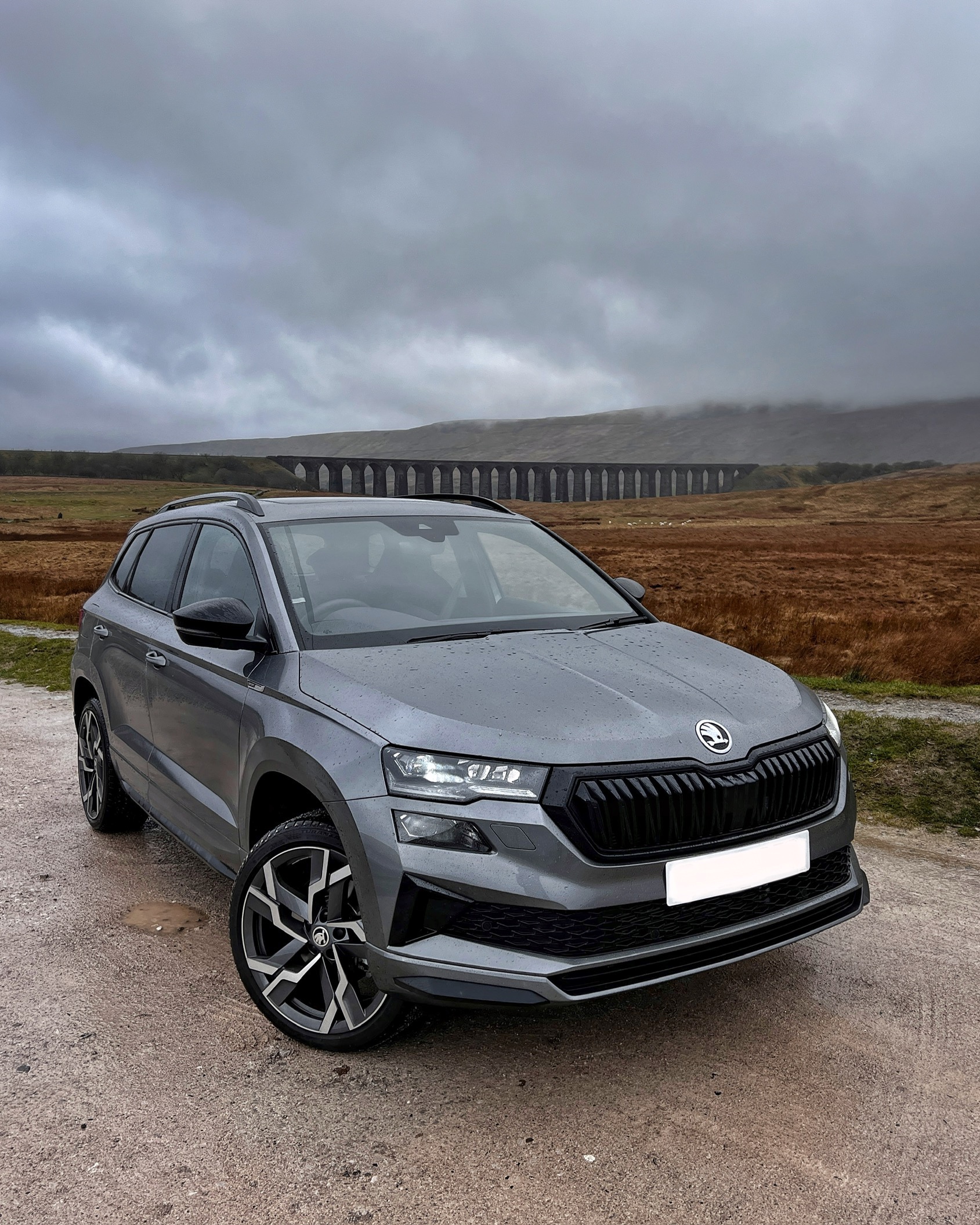
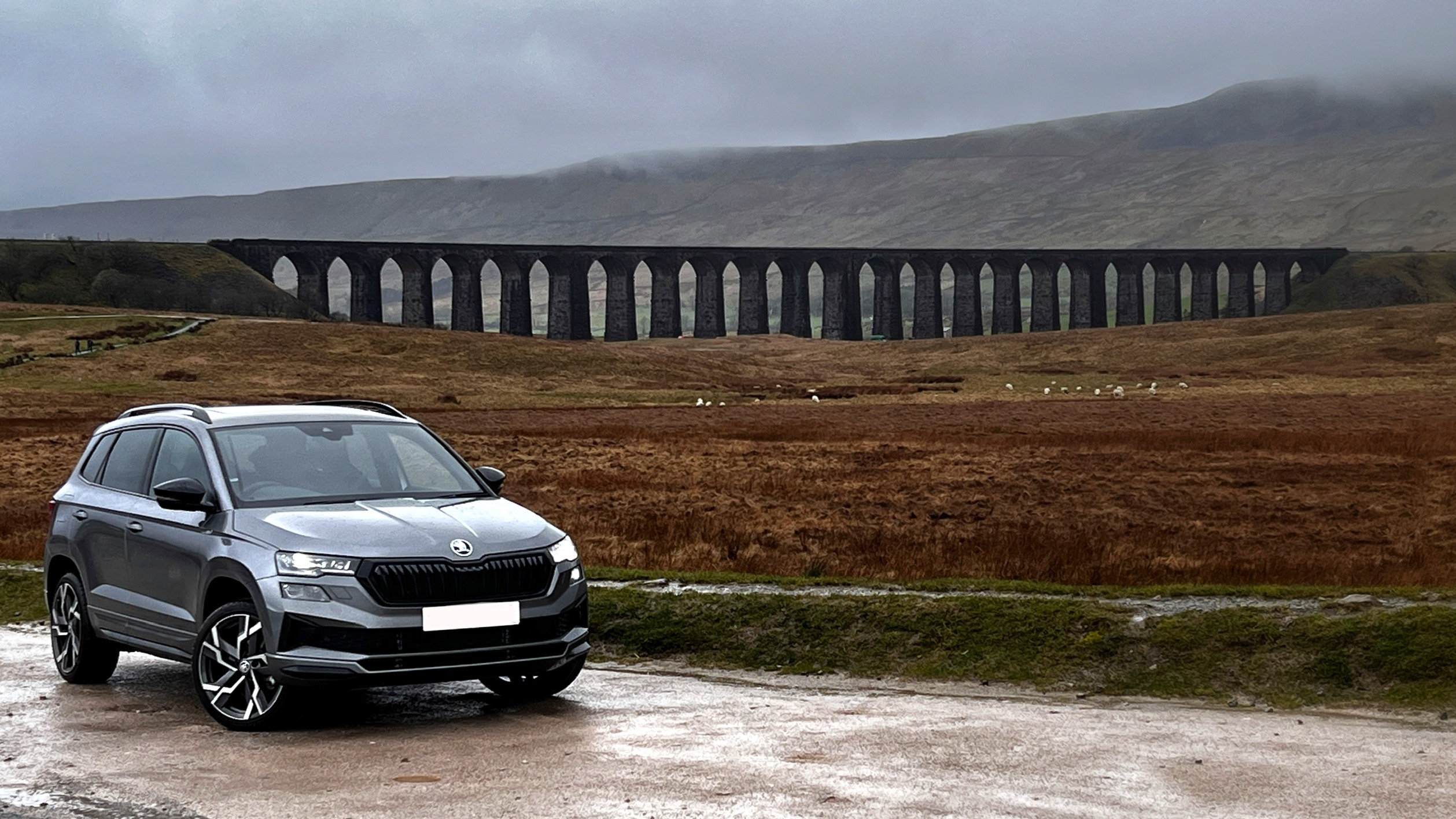
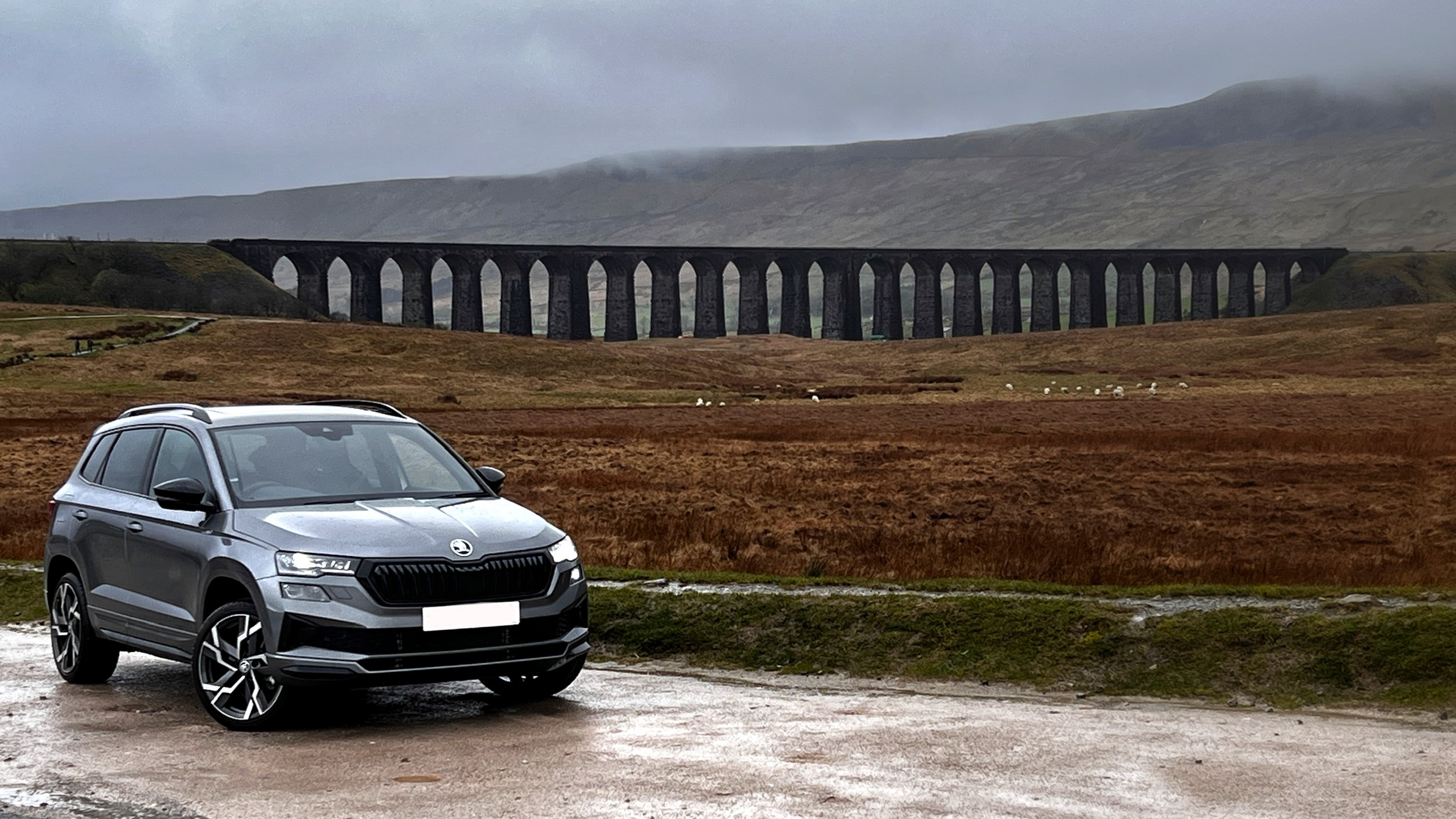
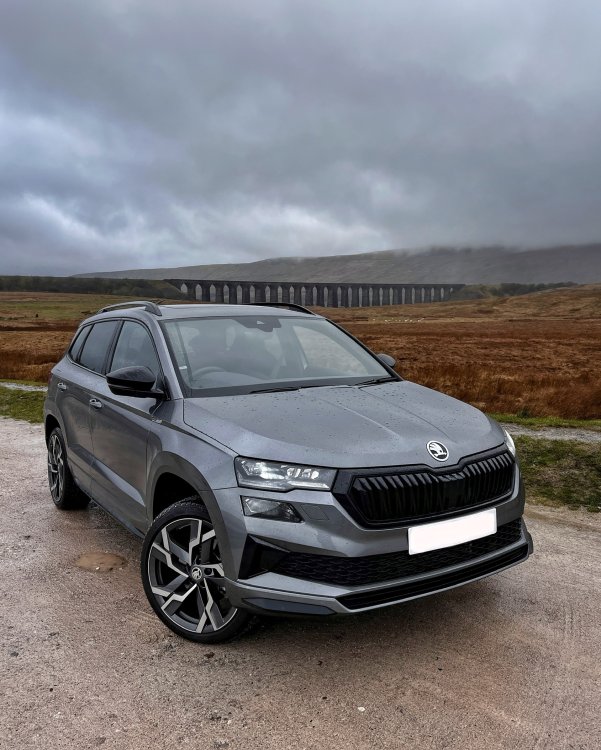
Taken today up at the Ribblehead Viaduct between the rain showers.
-
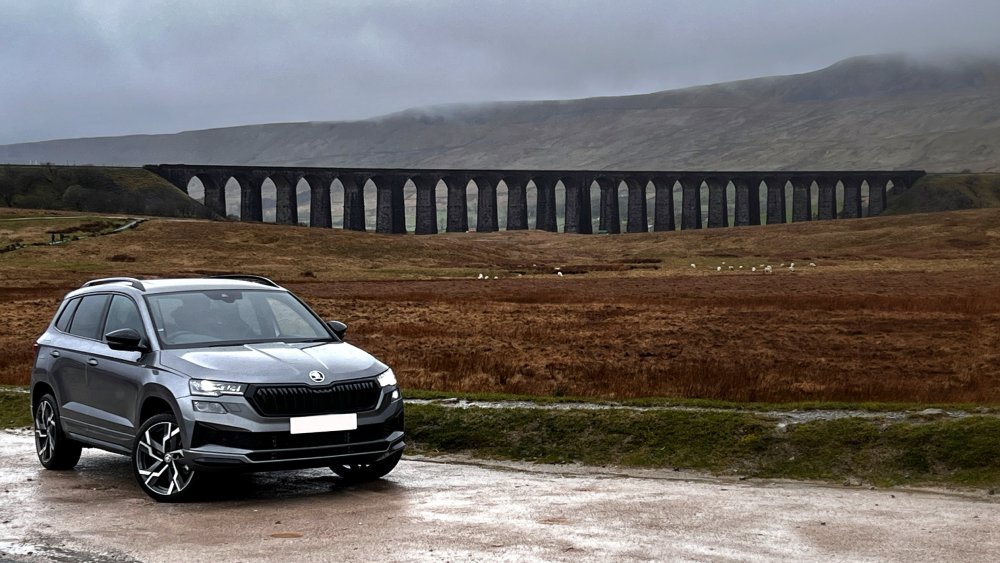
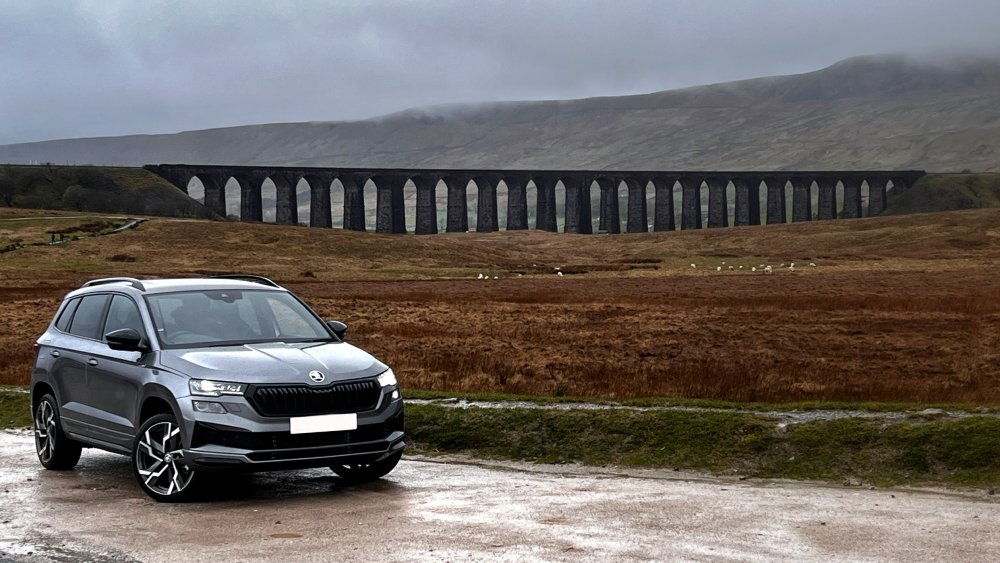
Here’s an example of some impressive engineering, oh and some old viaduct in the background…😆
-
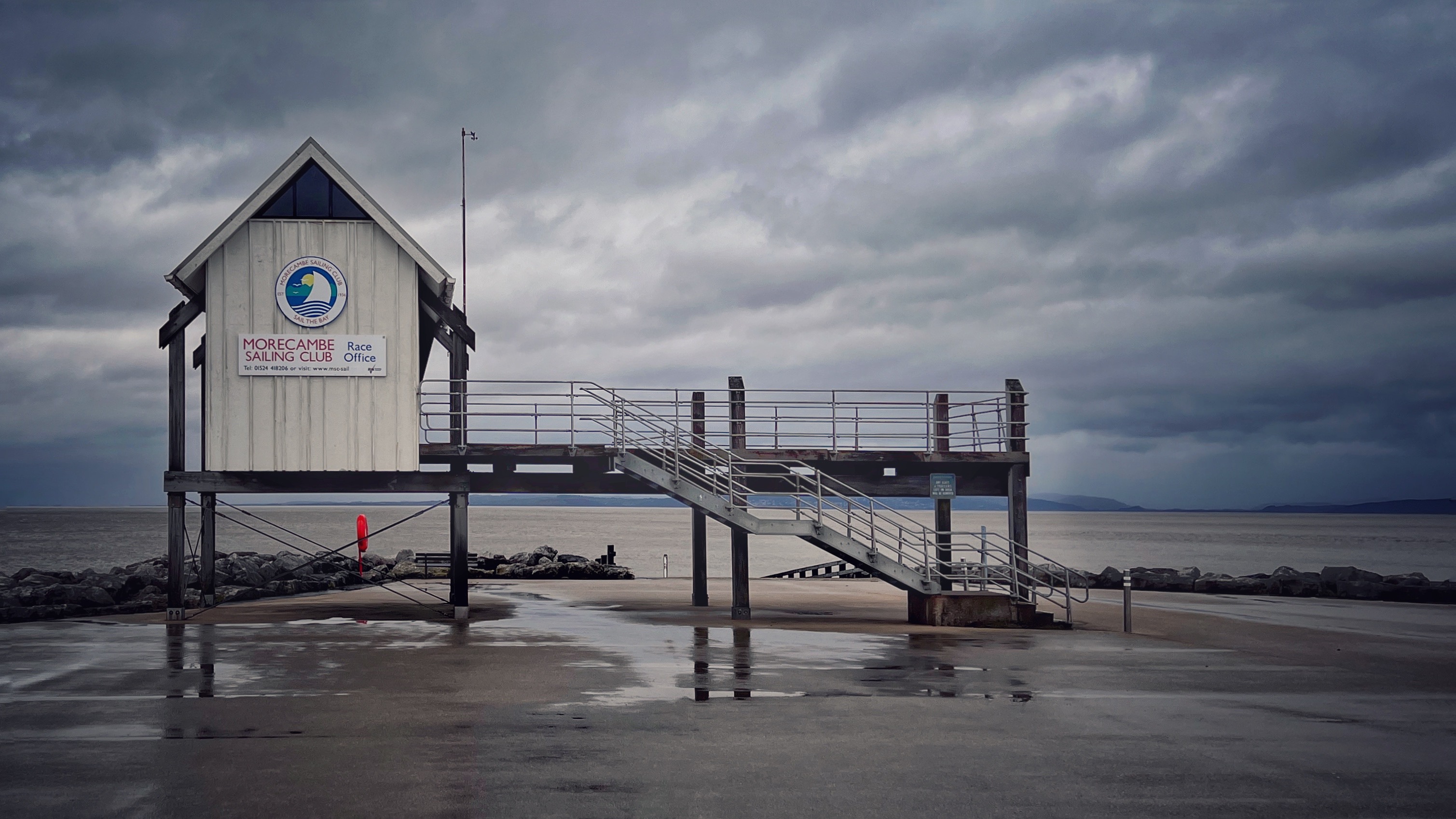
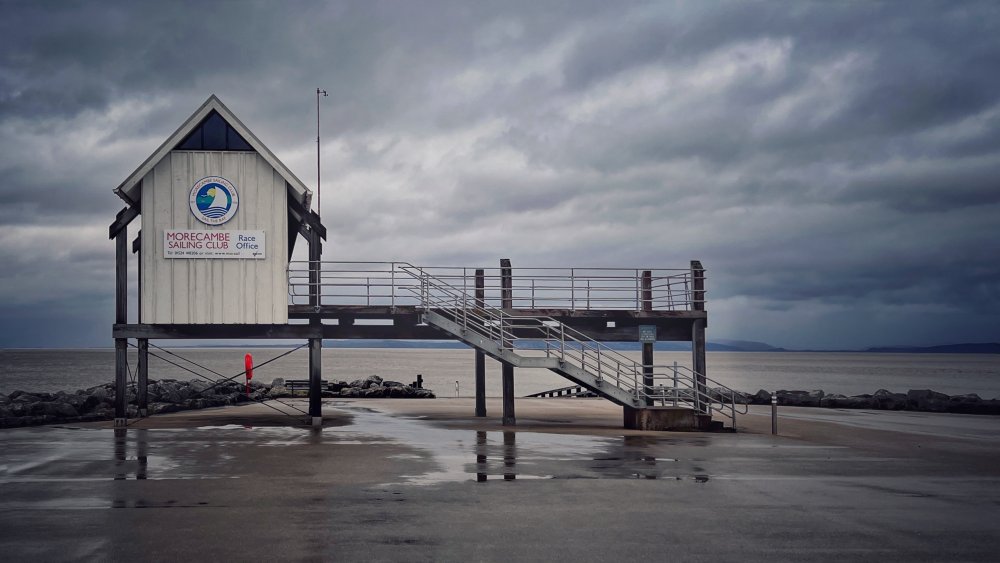
Lovely British seaside weather 😂
-
The first thing I did was go and spec the exact car I wanted on Carwow and go from there. We then found two dealers that wanted our business and played them off against each other, saved about £4K on ‘list’ price 👍🏻
-
😳 I paid £76 for a full set of 5.
-
@pinkpanther I’ll be even happier if I get to that! 😁
-
@Dazm First thing I did was get rid of the stupid inserts, awful things.
-
I got the space saver too (as part of the deal when we ordered the car) but hopefully I’ll never need it 🤞🏼
-
This is what I’ve found too after a month of use, in fact my biggest shock initially was just how quiet the engine is, almost imperceptible at tickover. My best economy to date is 49.5 mpg and that was without trying, just pootling around a mix of A and B roads, I’m impressed so far.
-
I was quite disappointed when I found out this had been dropped from the Karoq 😆
-
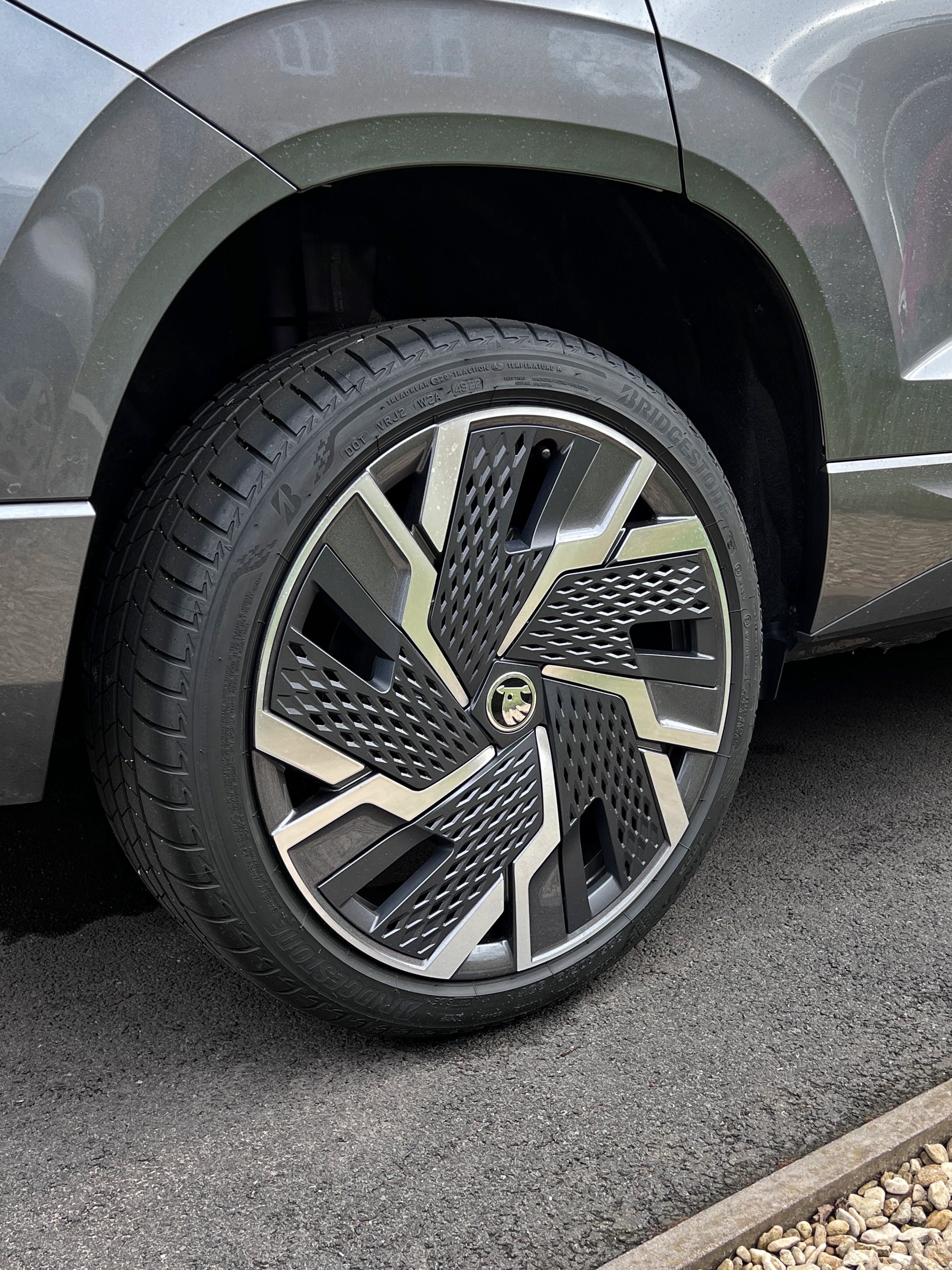
On the SportLine they’ve dropped the 19” Sagittarius alloys (with the ‘orrible cheese grater inserts) and gone back to 19” Vega’s, even though most of the photos of the SportLine in the brochure show it with the Sagittarius alloys & inserts. Still no option for 18’s from new on the SportLine unfortunately. I see there’s still no photos showing the smaller 8” virtual cockpit, it’s a pity they’re not more specific about showing what comes as standard rather than always showing optioned items such as the 10.25 “ virtual cockpit. I like how they say in tiny smallprint “that the vehicle shown is not UK spec” it’s a brochure for the UK market, come on Škoda!
-
I ordered my SportLine back in November last year and I collected it from the dealer 14 weeks later, obviously Christmas and New Year fell in between so not too bad really, pretty much what @Dazm said.
-
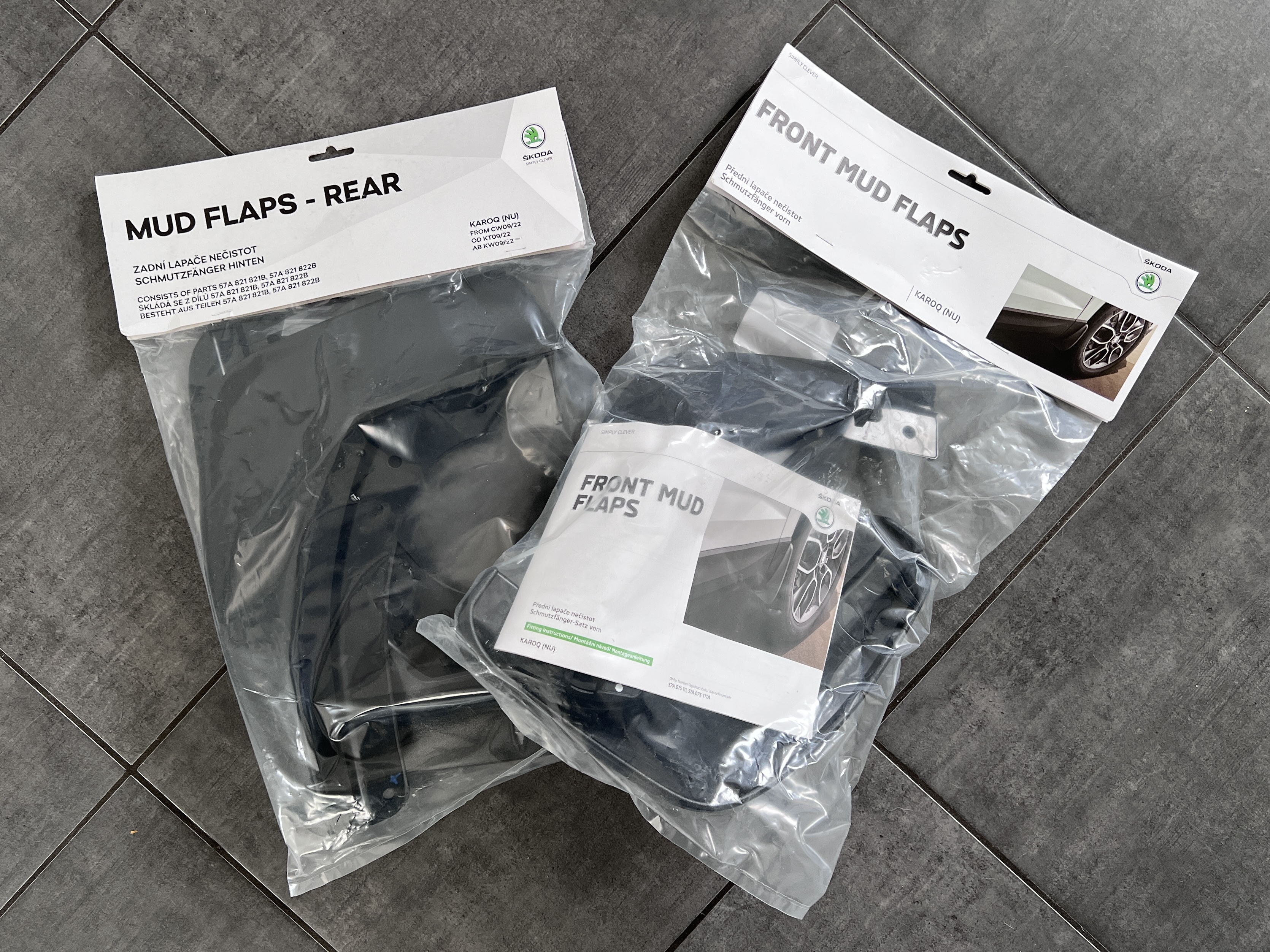
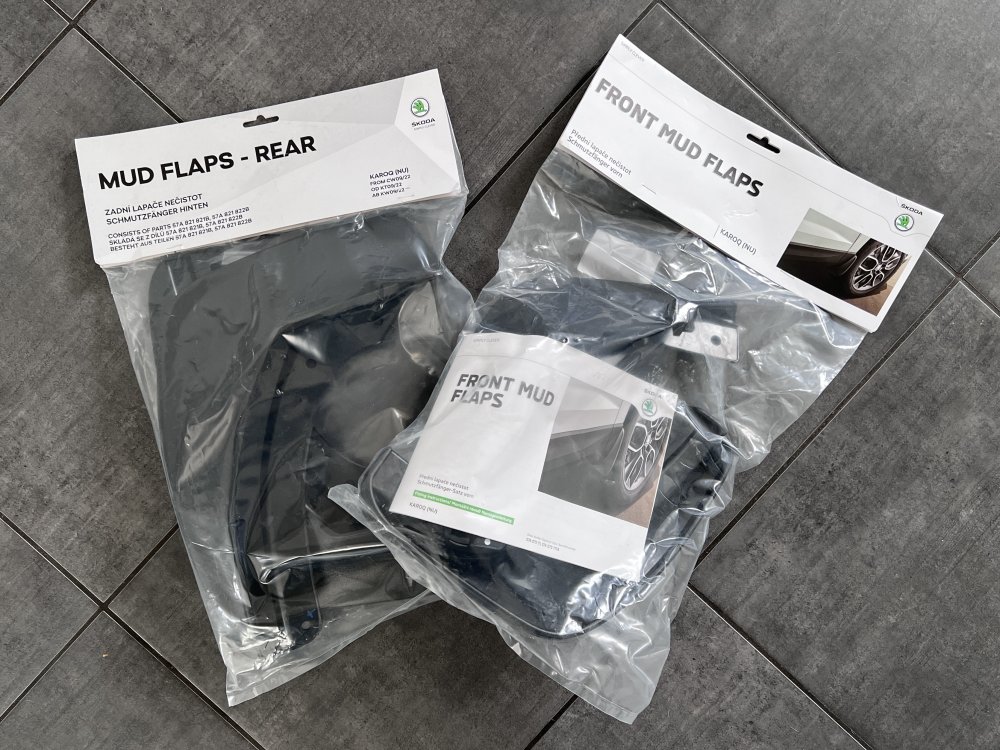
So the mud flaps arrived today and I’m quite surprised at how rigid they are compared to other mud flaps I’ve fitted to previous cars which gives rise to the only reservation I have about fitting them. I’m wondering if over time they’re going to rub/damage the paintwork; has anyone else got any long term experience of this style of mud flap?
-
Same here (except I’m 6’1”) and also have a dodgy back and the ease of getting in and out of the car was one of the deciding factors over getting a Octavia. I can’t speak from experience about rear kids seats but online reviews seem to suggest the Karoq works well for large isofix children’s seats.
-
Very nice! 😎
-
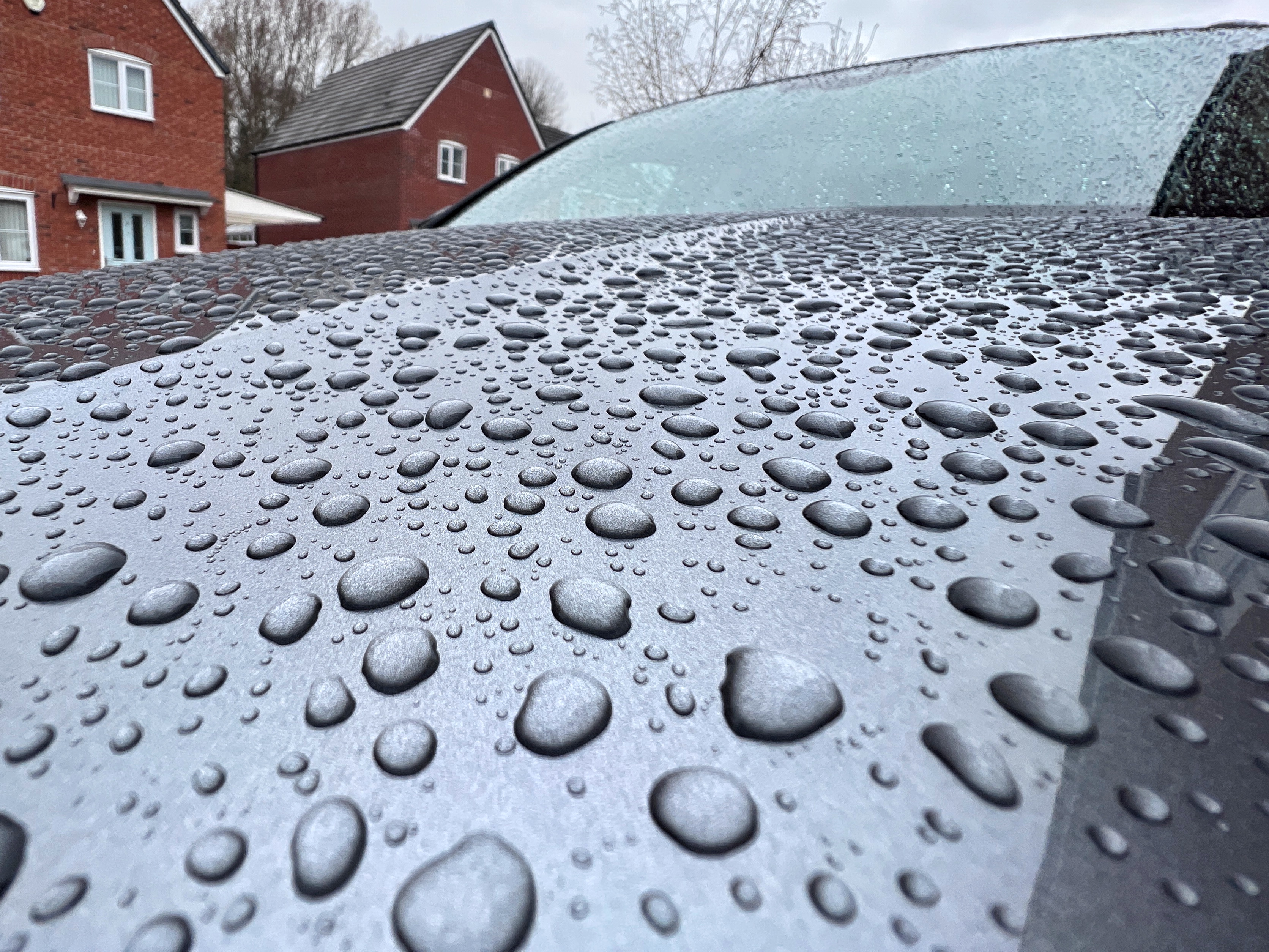
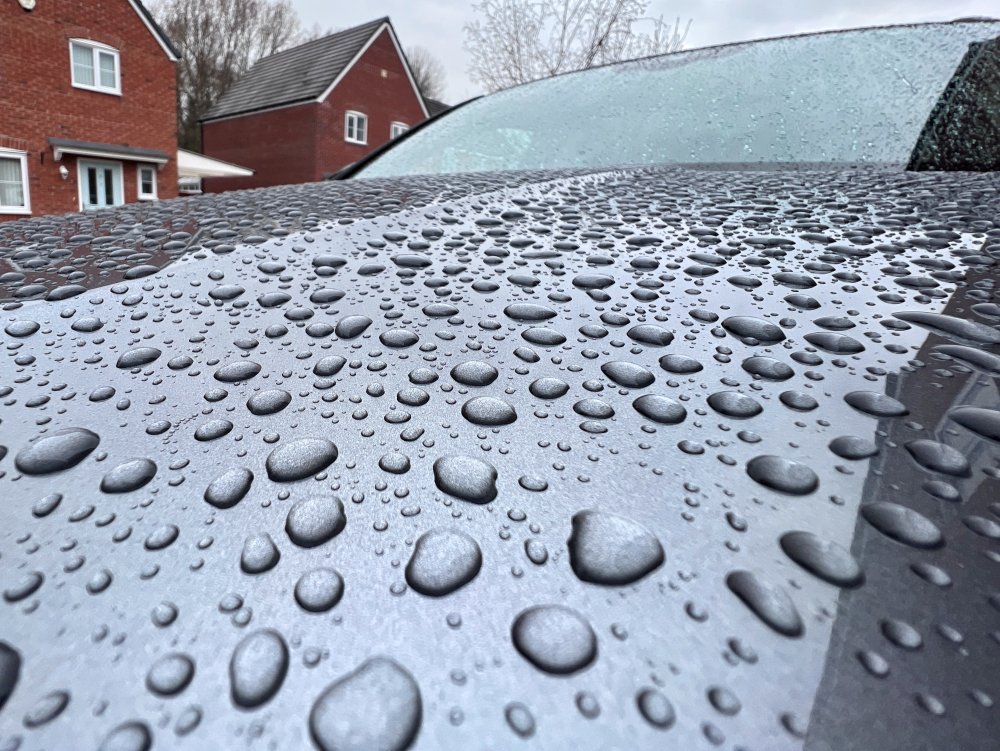
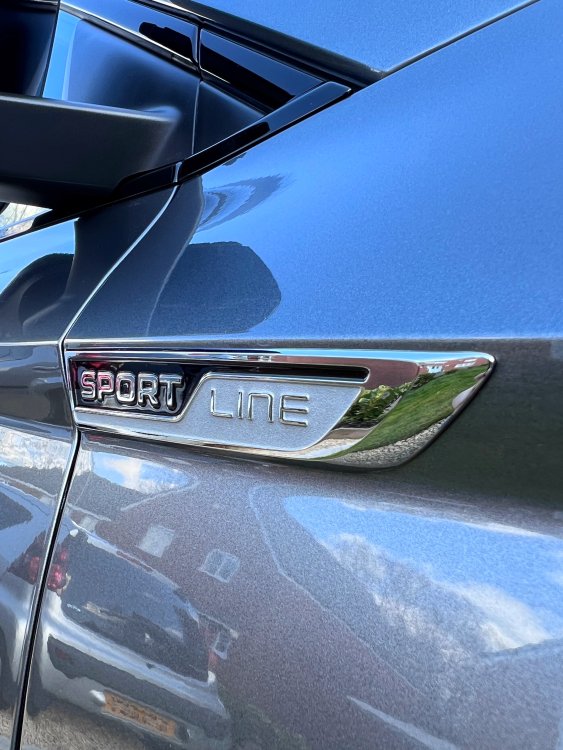
Following on from yesterday’s post in “recently washed” it’s obviously rained less than 24 hours later so…
-
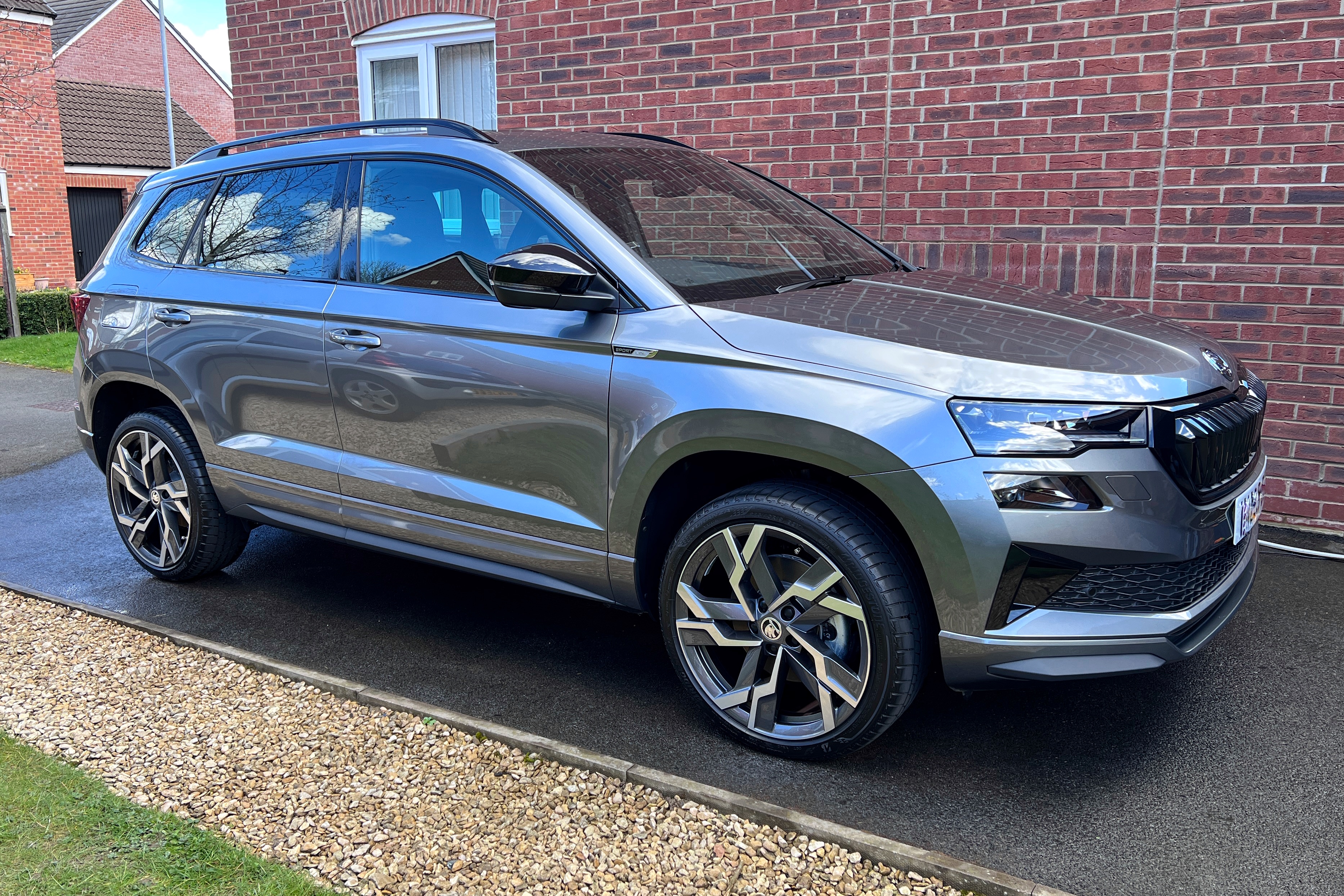
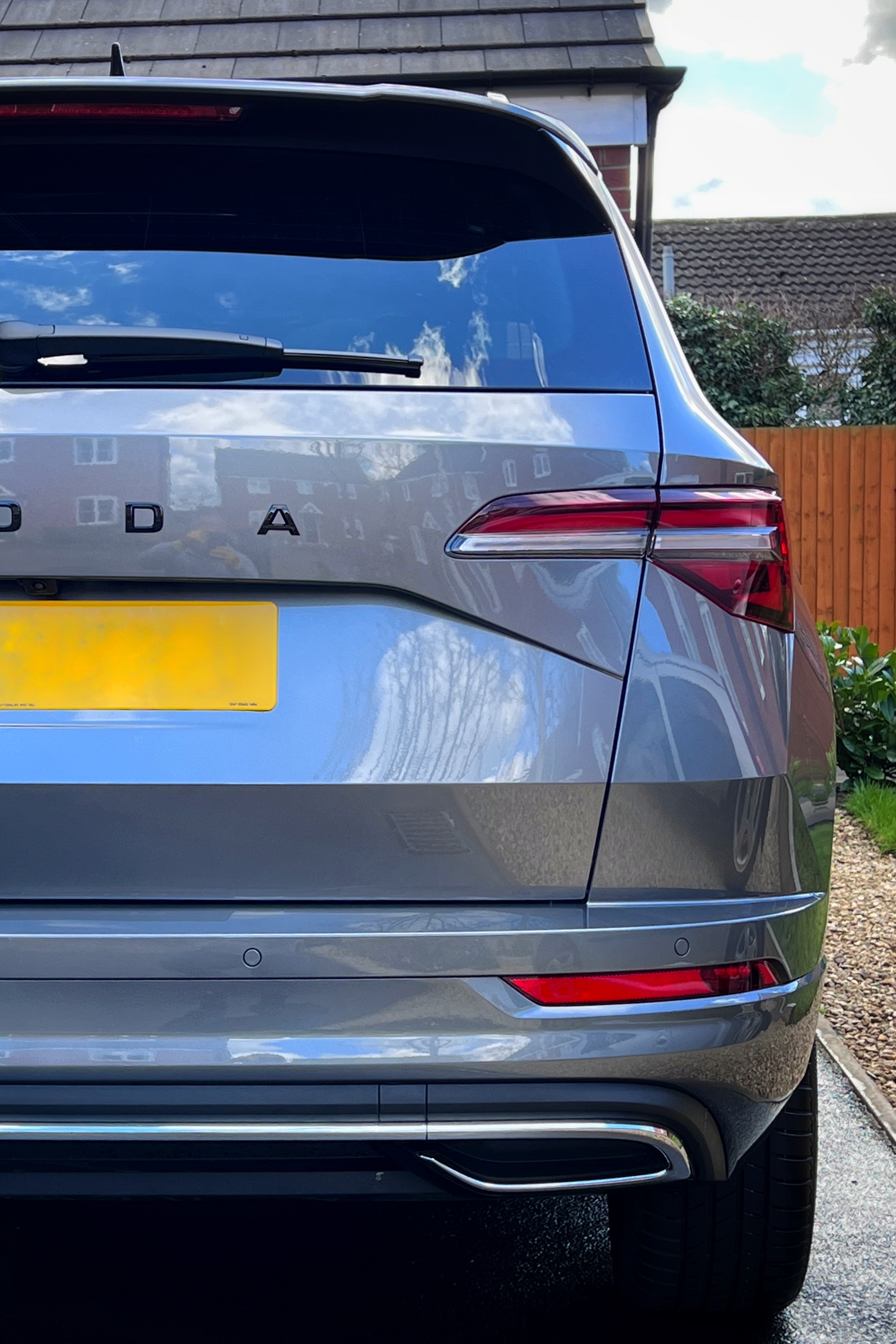
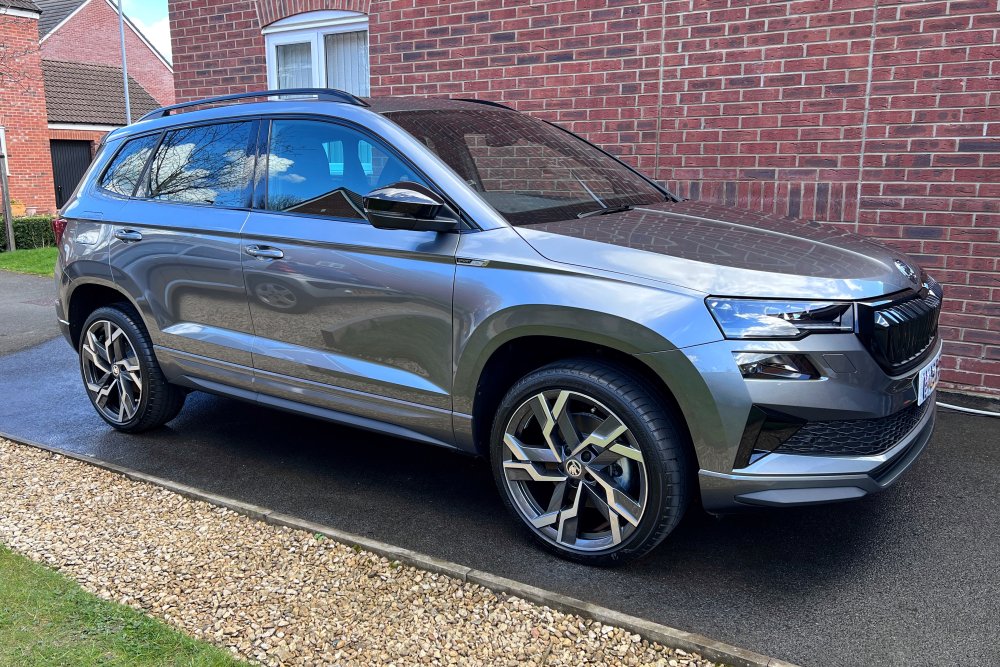
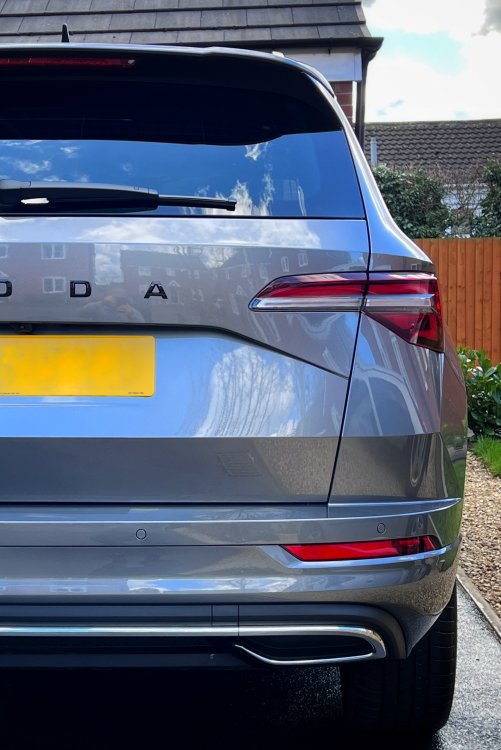
First proper clean, now let’s see how long it takes to rain…
-
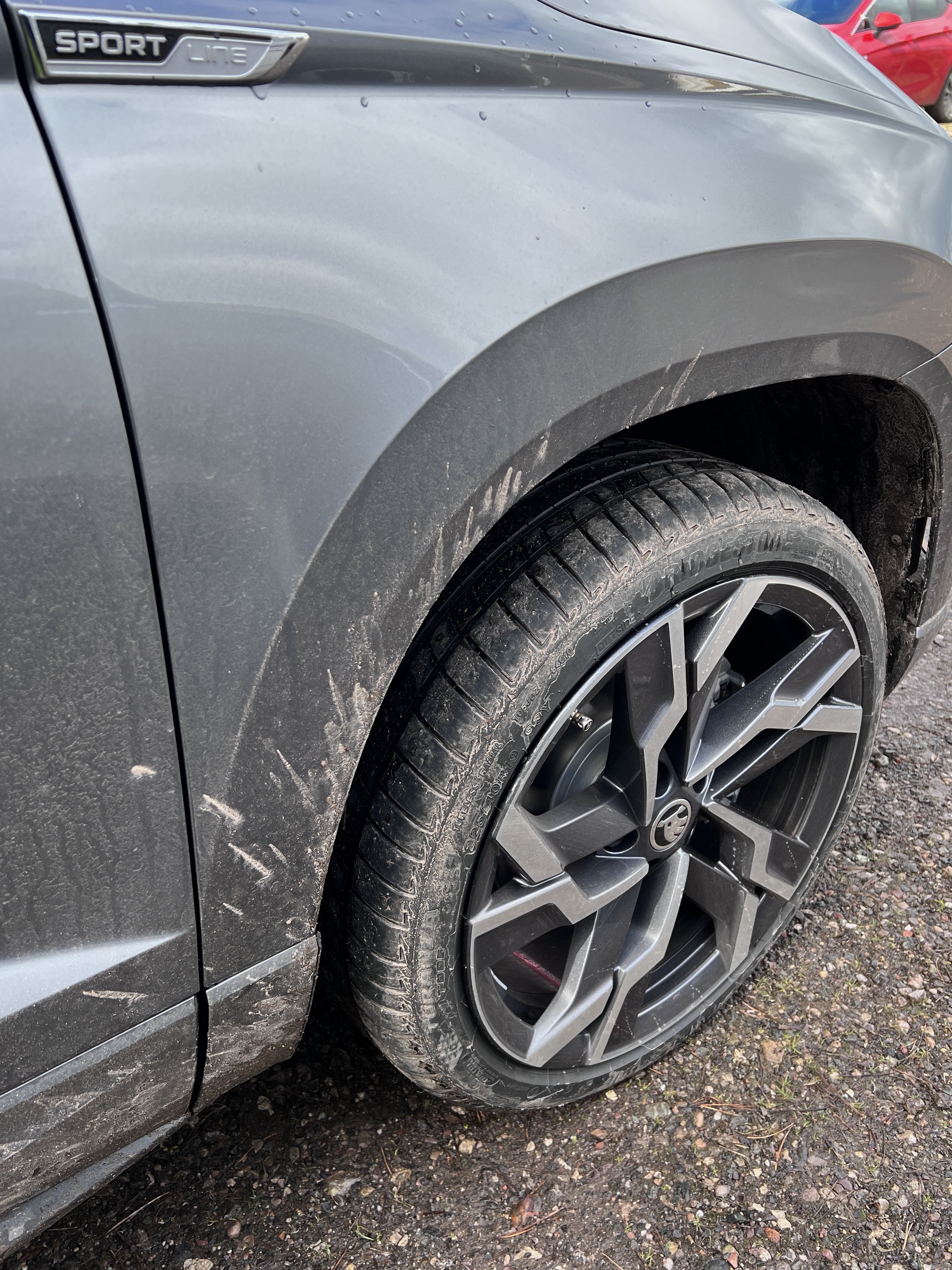
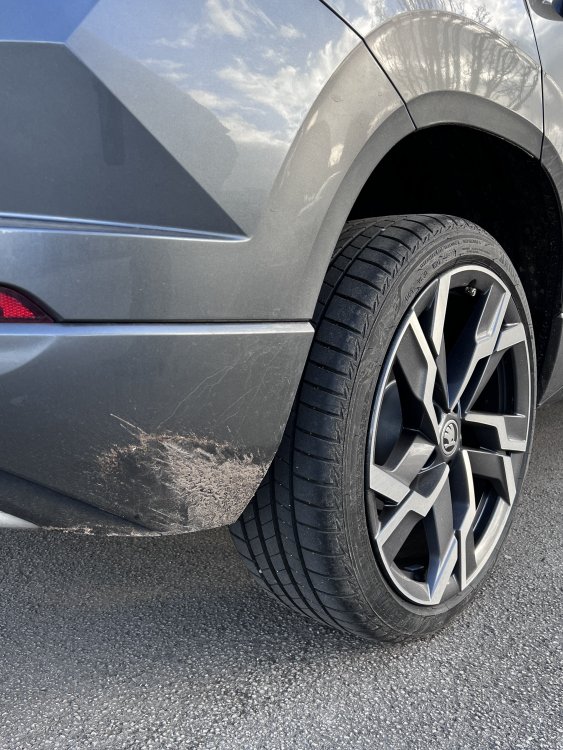
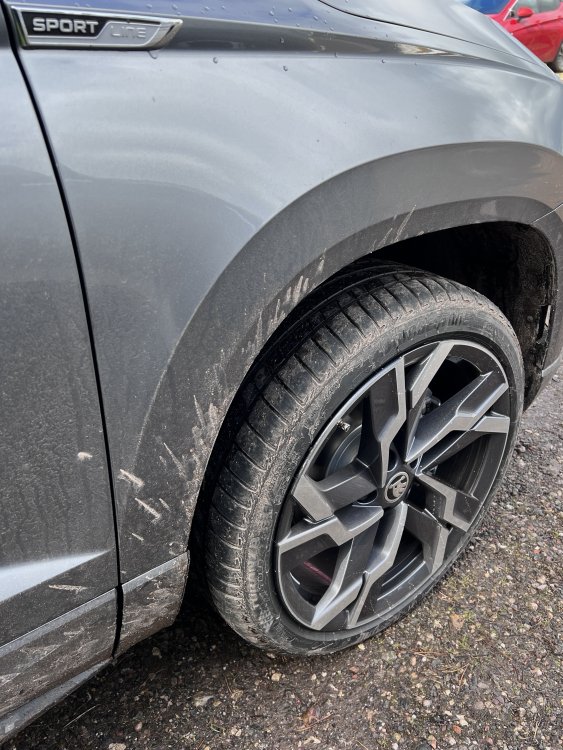
I’ve been pondering fitting mud flaps since before I got the car but after today I think the decision has been made 😆 So am I right in thinking the front mud flaps are a universal fit for all years/iterations of the Karoq? (The version for vehicles without the arch trim #57A075111A) I know I need Part no. 57A075101A for the rear as I have a 23 MY SportLine.
-
Completely agree 👍🏻
-
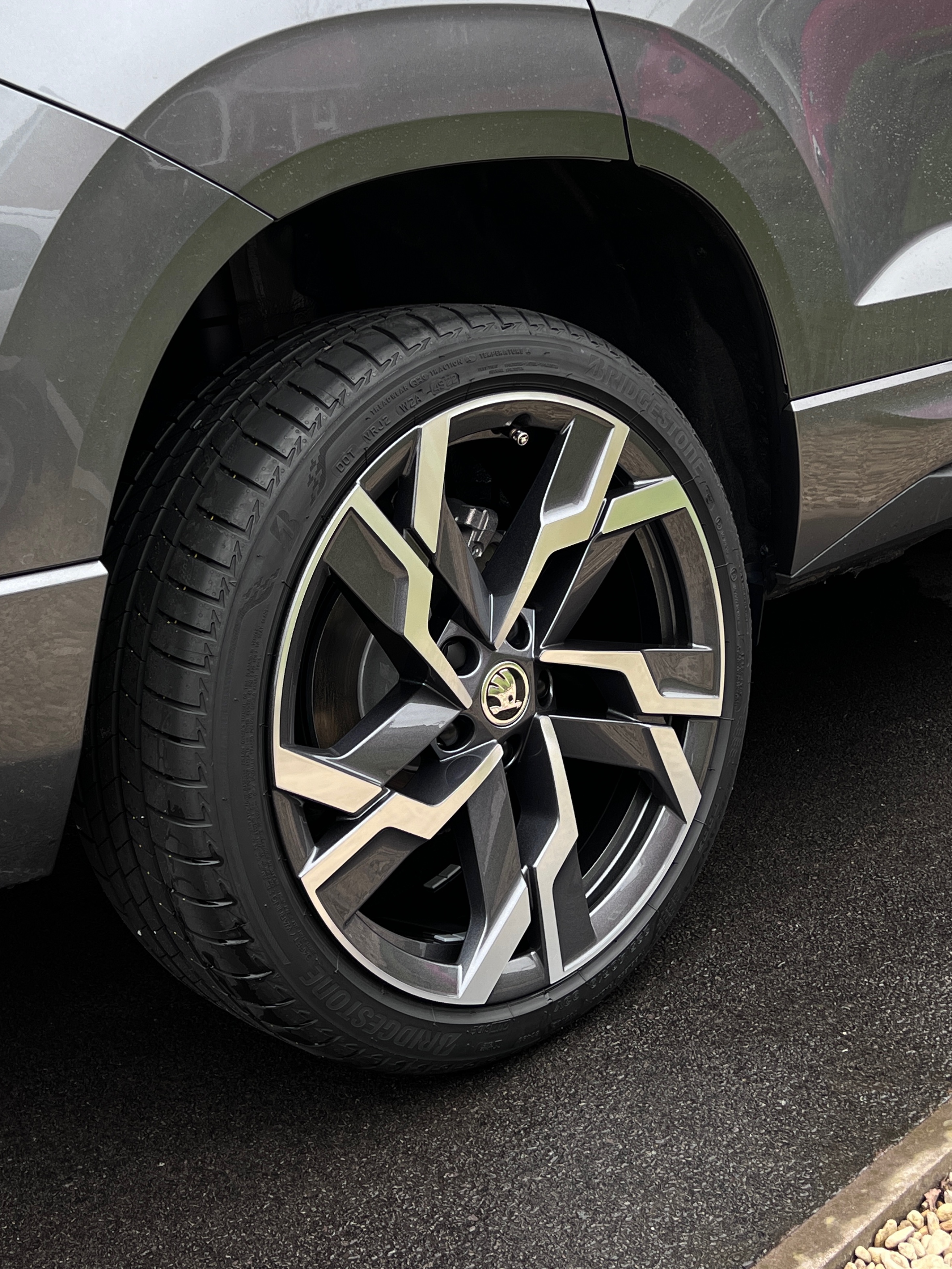
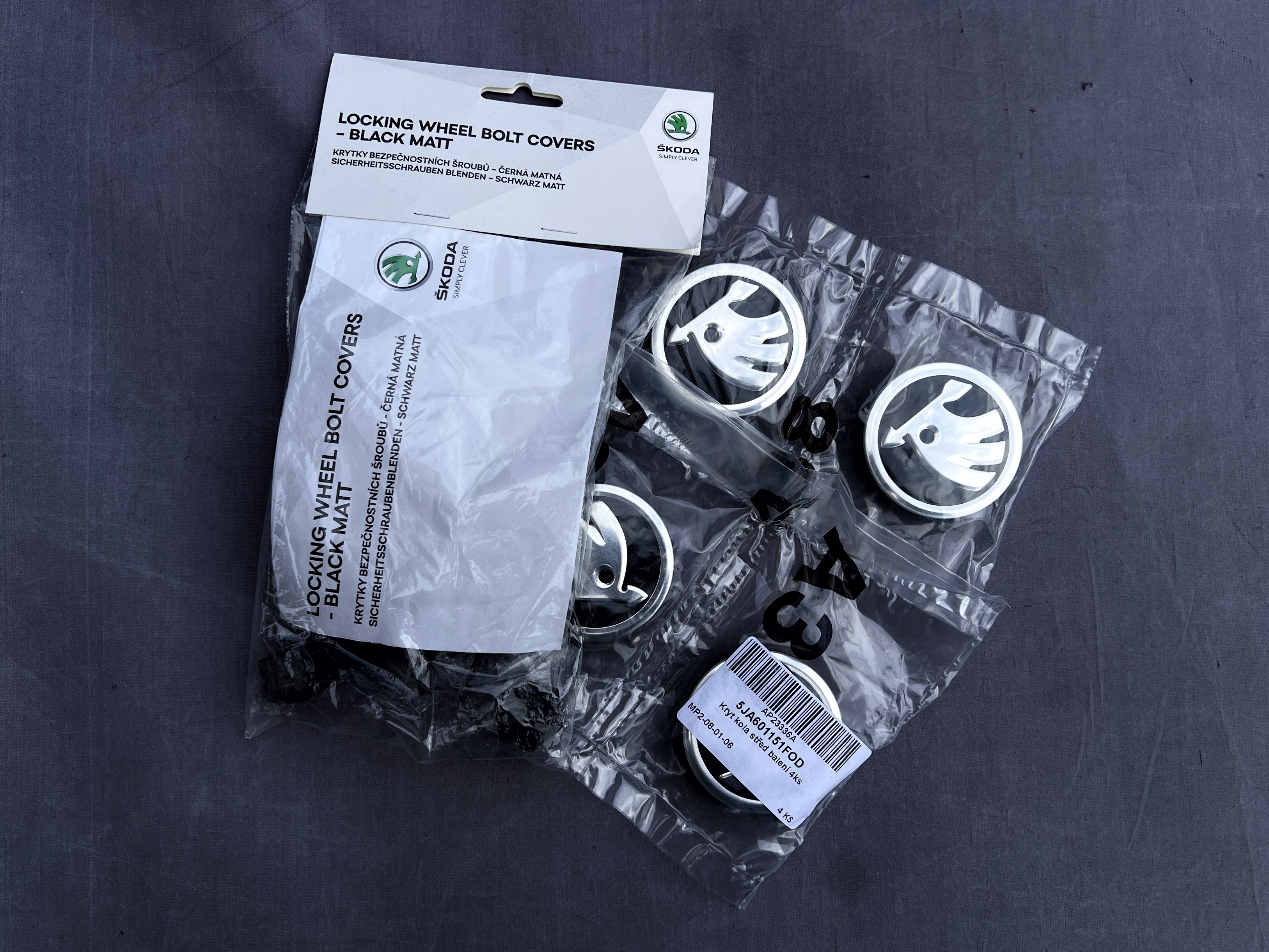
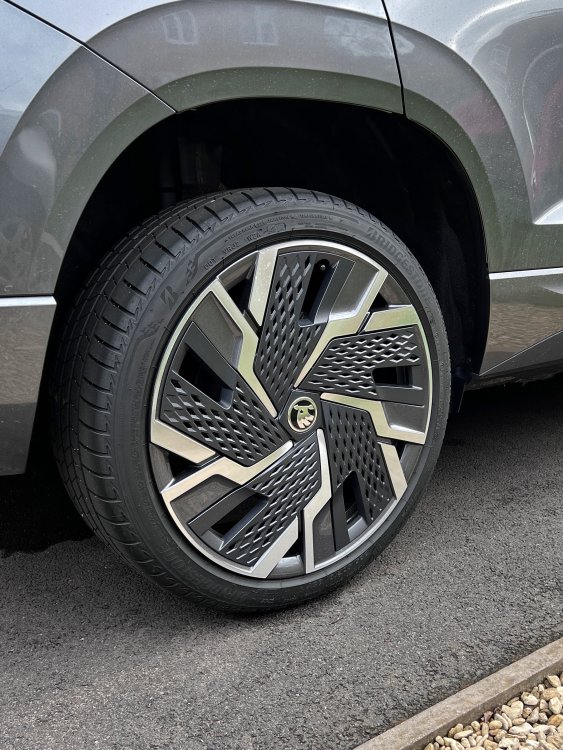
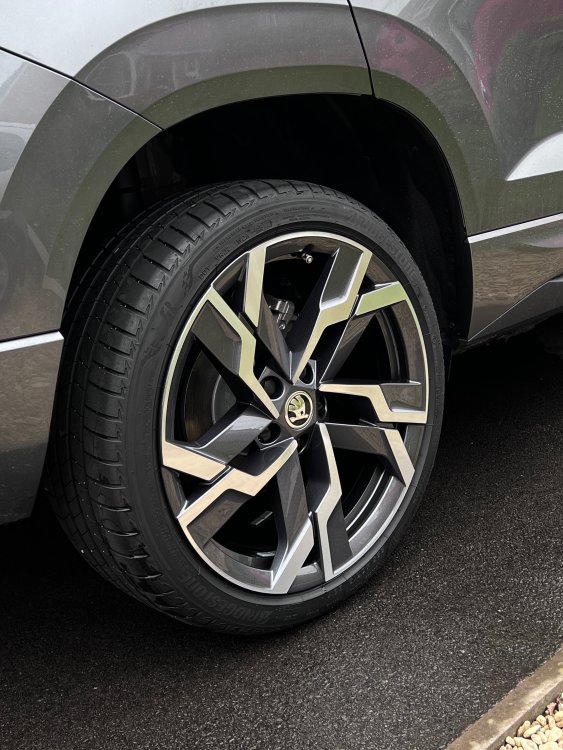
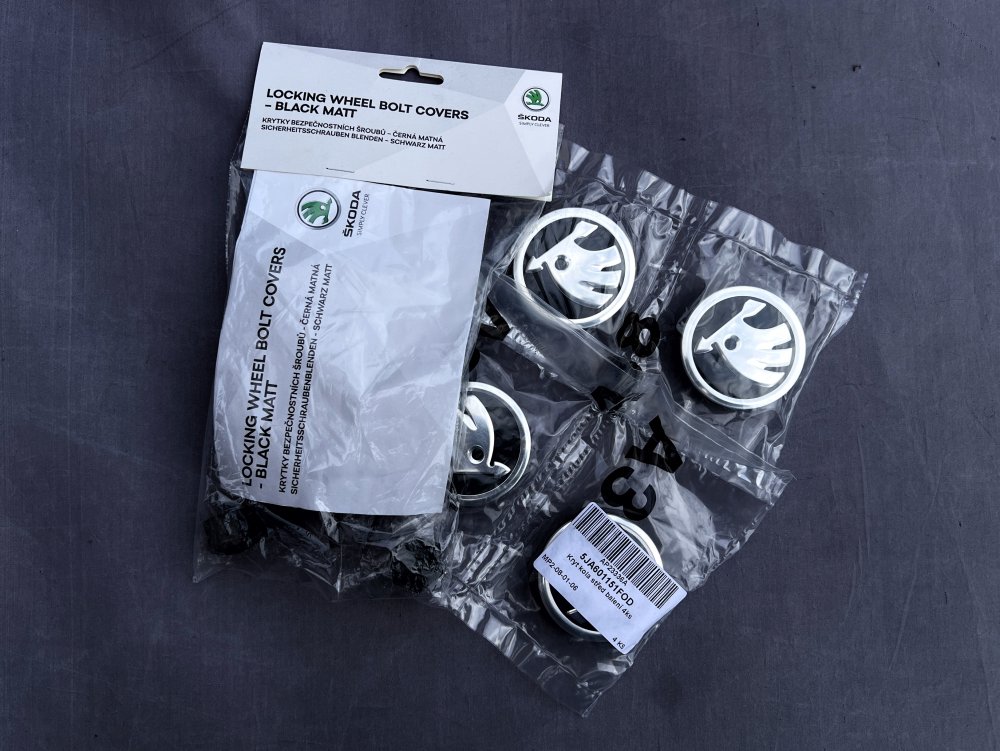
For anyone undecided about removing the cheesegraters…sorry…aero inserts here’s a before and after and a photo of the bits you’ll need. I will say that even though the car has only covered 30 miles and has had a wash (inserts left in place) there was quite a large build up of brake dust on the inner barrels of the wheels, perhaps something to be aware of. Part number for the centre caps to suit 19” Sagittarius alloys is: 5JA601151FOD
-
@LaurenceCarr This is how quick and easy it is, after I’ve released the 5 ‘petals’ you’ll see on my first attempt at pulling the trim off I’m not gripping the trim near enough to the centre. When I reposition my fingers behind and nearer the hub it pulls off effortlessly. FullSizeRender.MOV
-
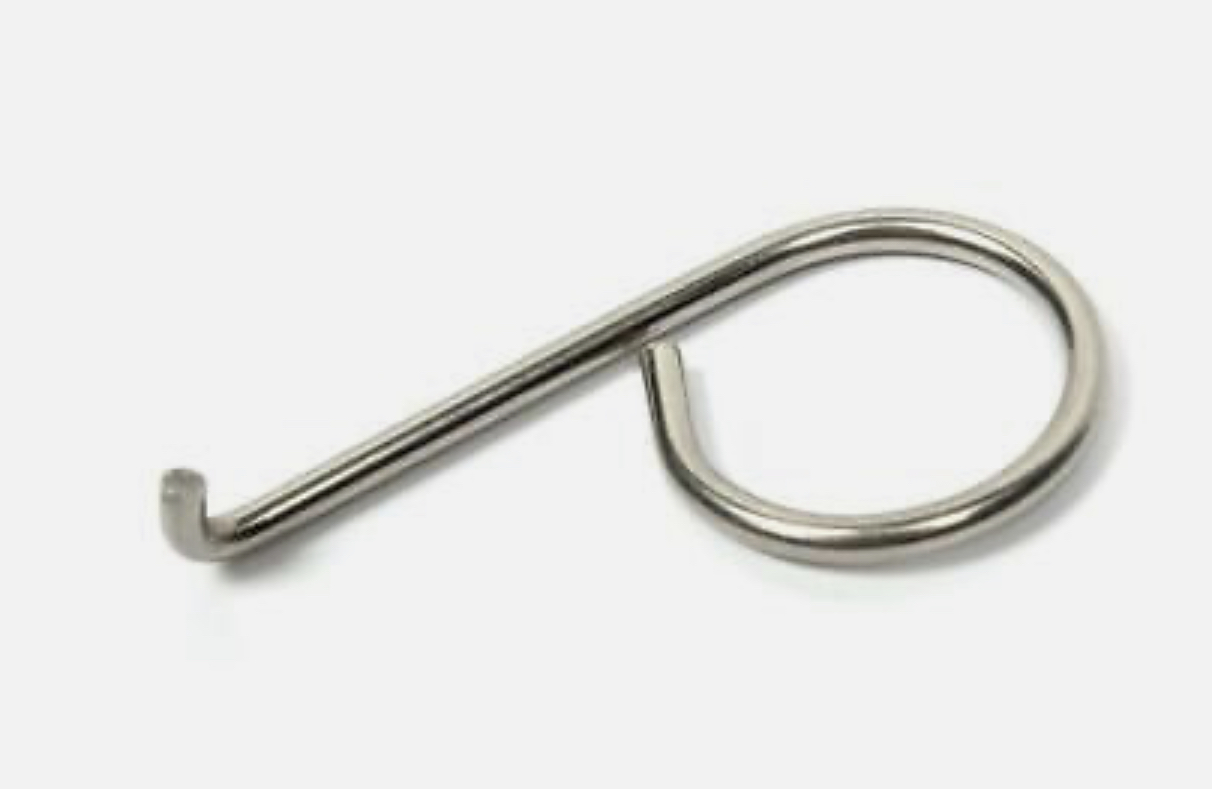
I think it’s a ‘multi-use’ bit of bent wire 😂 But yes, towing eye cover removal too.
-
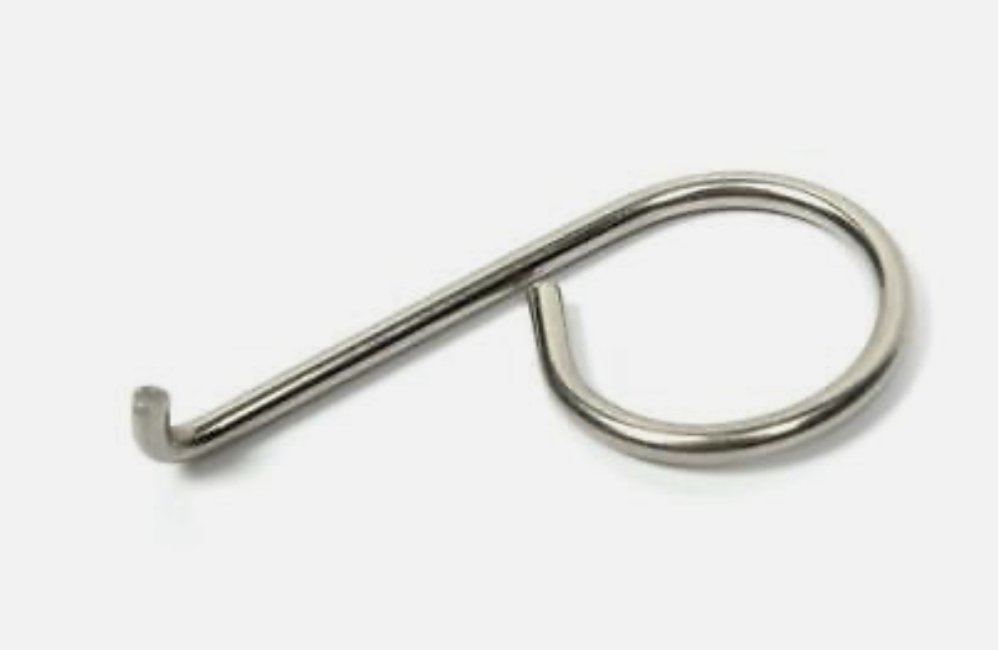
In my boot there’s a little wire wheel trim removal tool as in the attached photo but I didn’t need it to remove the trims.
-
Just a sharp tug (oo-er) as near to the centre of the trim as you can will free it.
-
@LaurenceCarr Just pull them off carefully one ‘petal’ at a time, they’re a lot looser fitting than I was expecting which makes me suspect even more that they will harbour grit/dirt and rub holes in the lacquer. I’m just waiting for my centre caps to arrive next week then mine will be permanently removed as well.