Giannis20
Members
-
Joined
-
Last visited
Everything posted by Giannis20
-
Just check it.
-
Thanks for the replies guys. I appreciate it a lot.
-
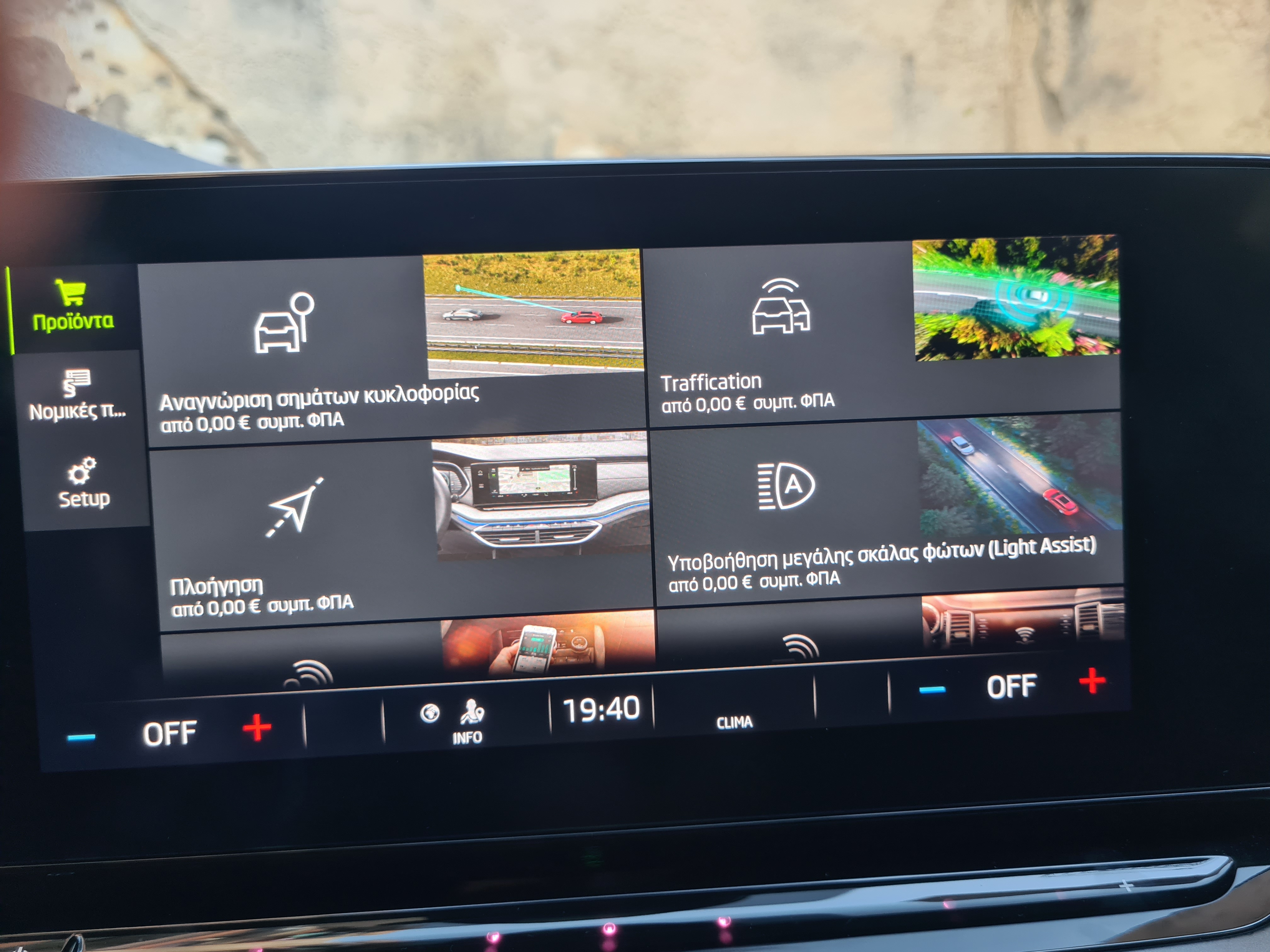
I wonder if I can activate some functions in my car. Using the infotainment there is a section where one can purchase "accessories" or activate features For example, let's say light assist. https://www.skoda-storyboard.com/en/light_assist_en/ I can activate for a month for free, then I have to pay (I think 169 euros) to have it forever. So, no hardware luck, just the right coding is missing. Any idea where to look for it?
-
Is there a way to tune a radio station manually? It's very annoying that I can't find specific stations...
-
My car does not have the ambient light function. Neither the footwell lights, nor the dashboard and door lights. I wonder if it is possible to retrofit at least the footwell lights. I know it needs wiring, lights and of course coding. Is there anyone who has done it?
-
I have the same question.
-
It's a pity.
-
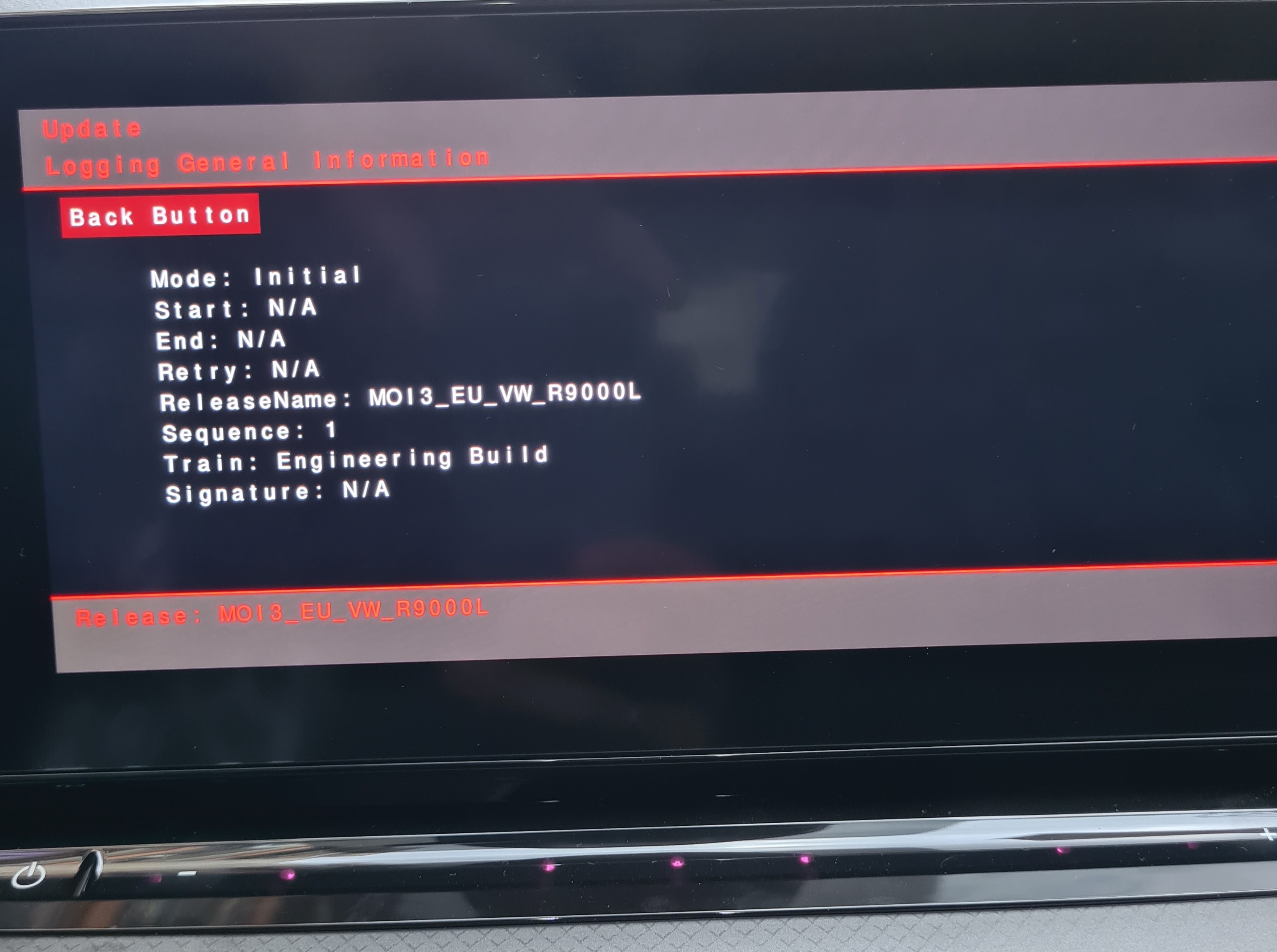
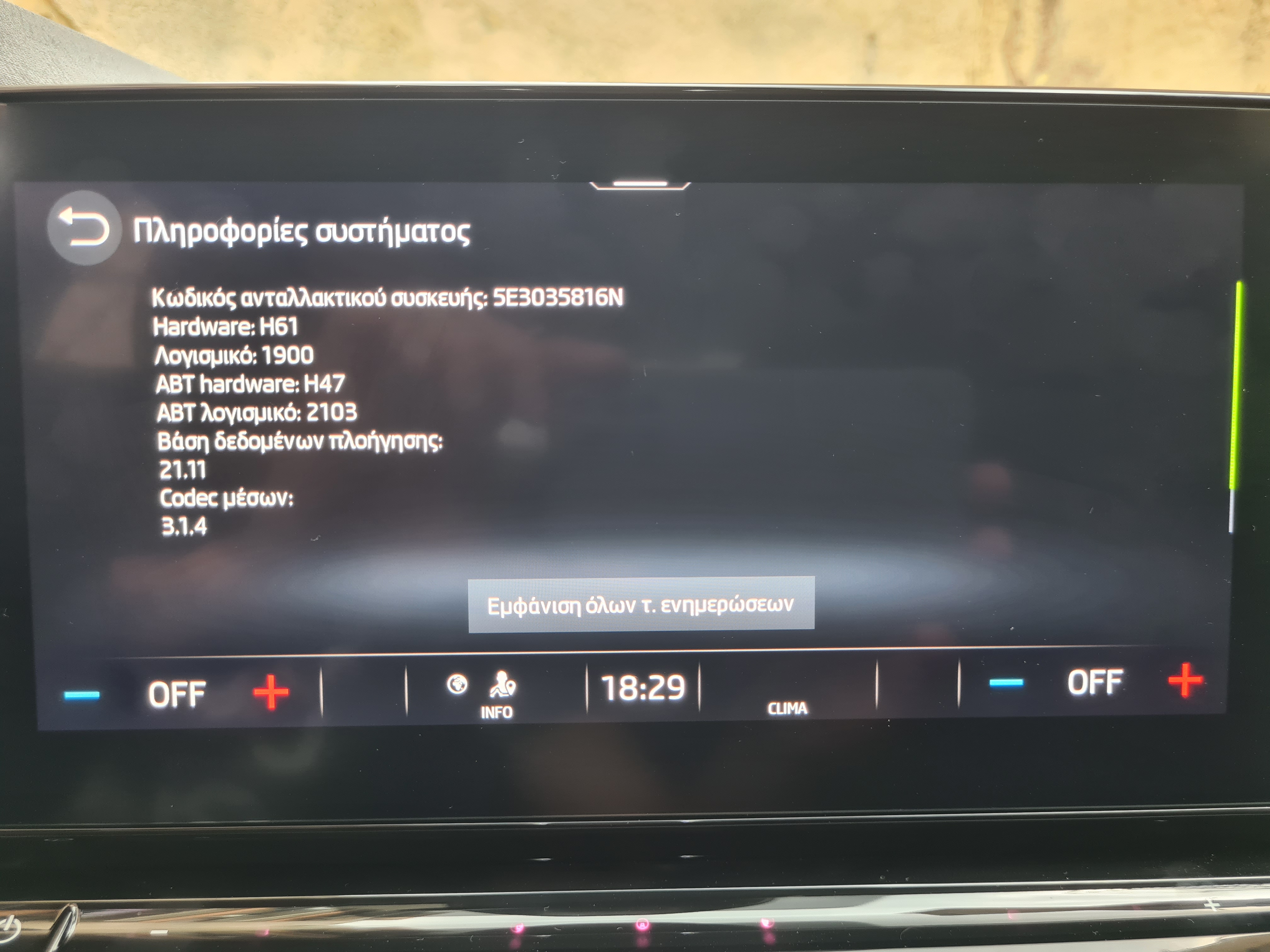
Hi, Octavia MK4 (NX) MY2023 Those are the photos of the infotainment version Is this OK to use the "MOI3_EU_SK_R9410L MU1941_SK20230615S" file for update ?
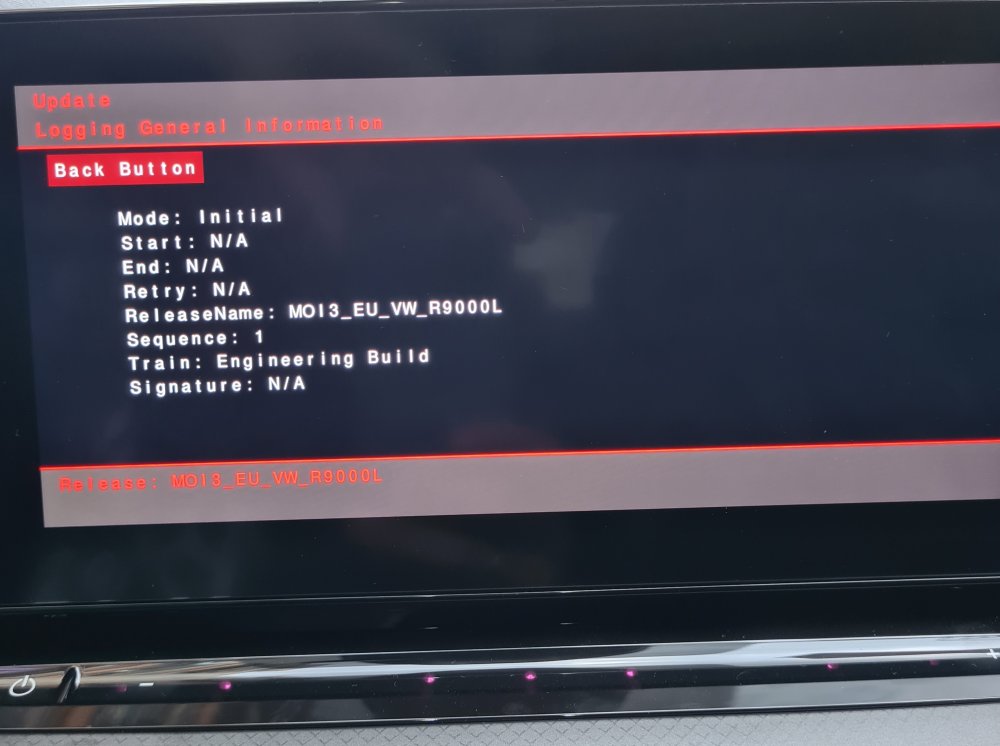
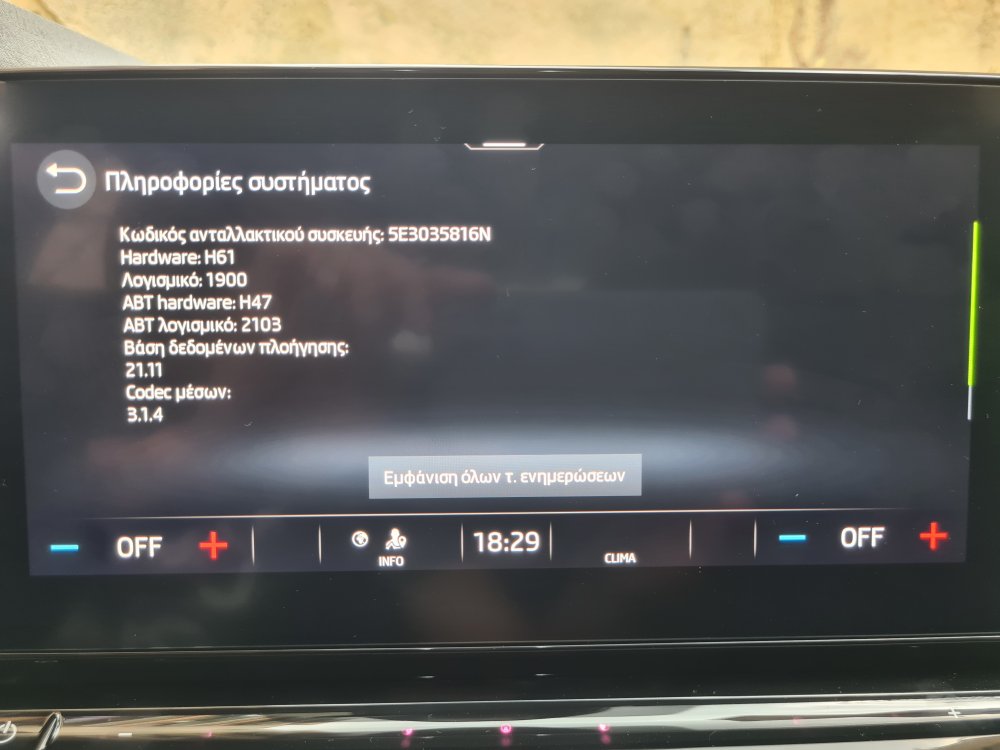
-
Hi, has anyone found a way to show the number of the gear selected in D mode?
-
Hello, i am ready to put an order for an Octavia TDI Ambient edition (my country is Greece) The fog lights are optional at this edition, so i will add to my order too. Skoda itself asks 100euros for cornering lights more (250euros for Fog lights) + 100euros for cornening lights. Is it possible to activate this feature be myself ?