zacko_O
Members
-
Joined
-
Last visited
Everything posted by zacko_O
-
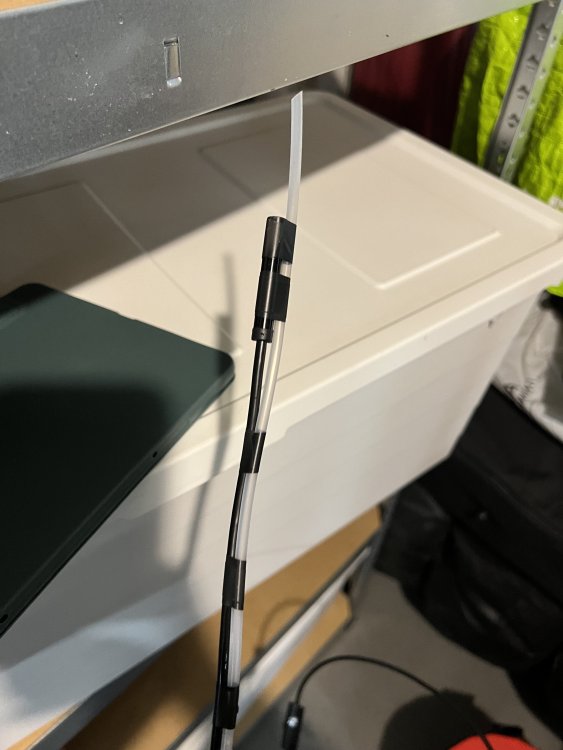
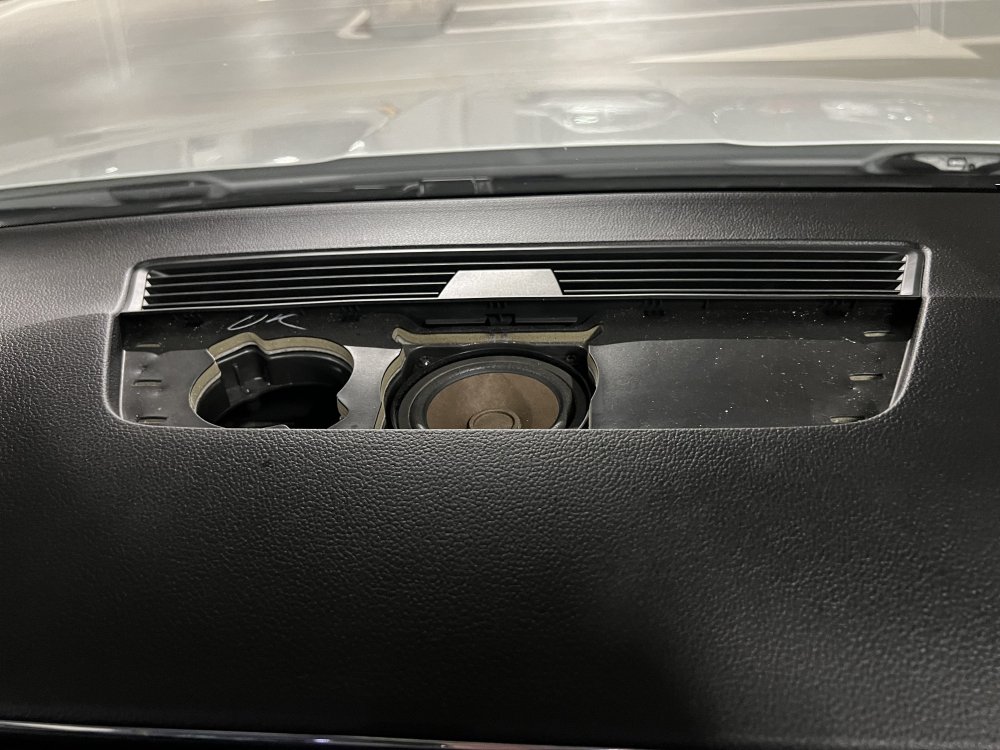
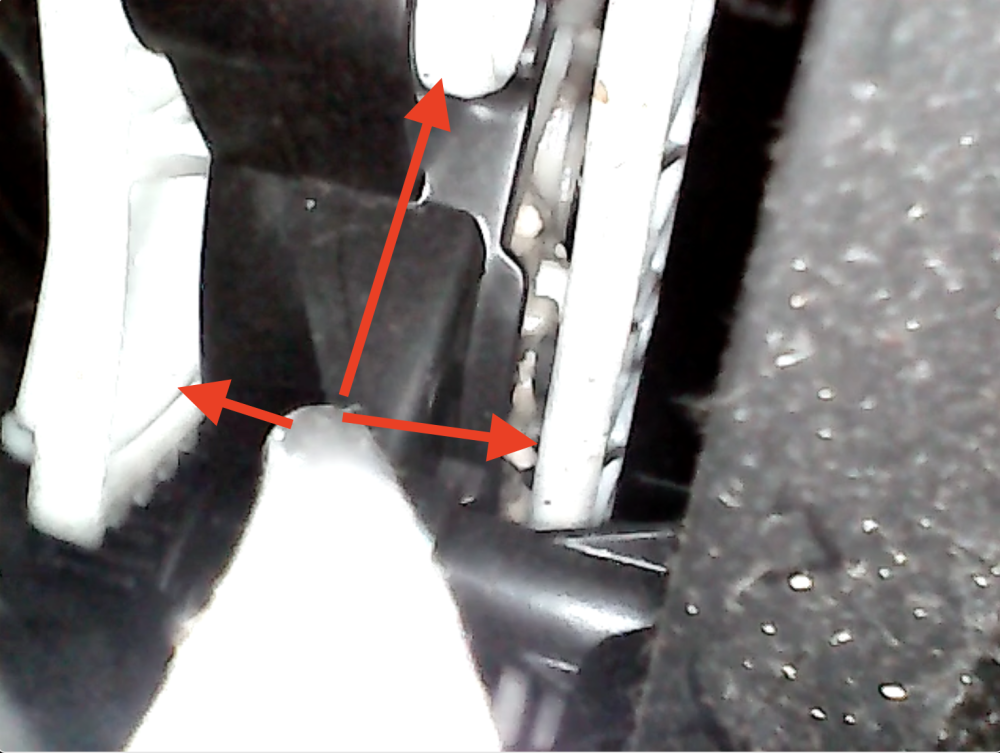
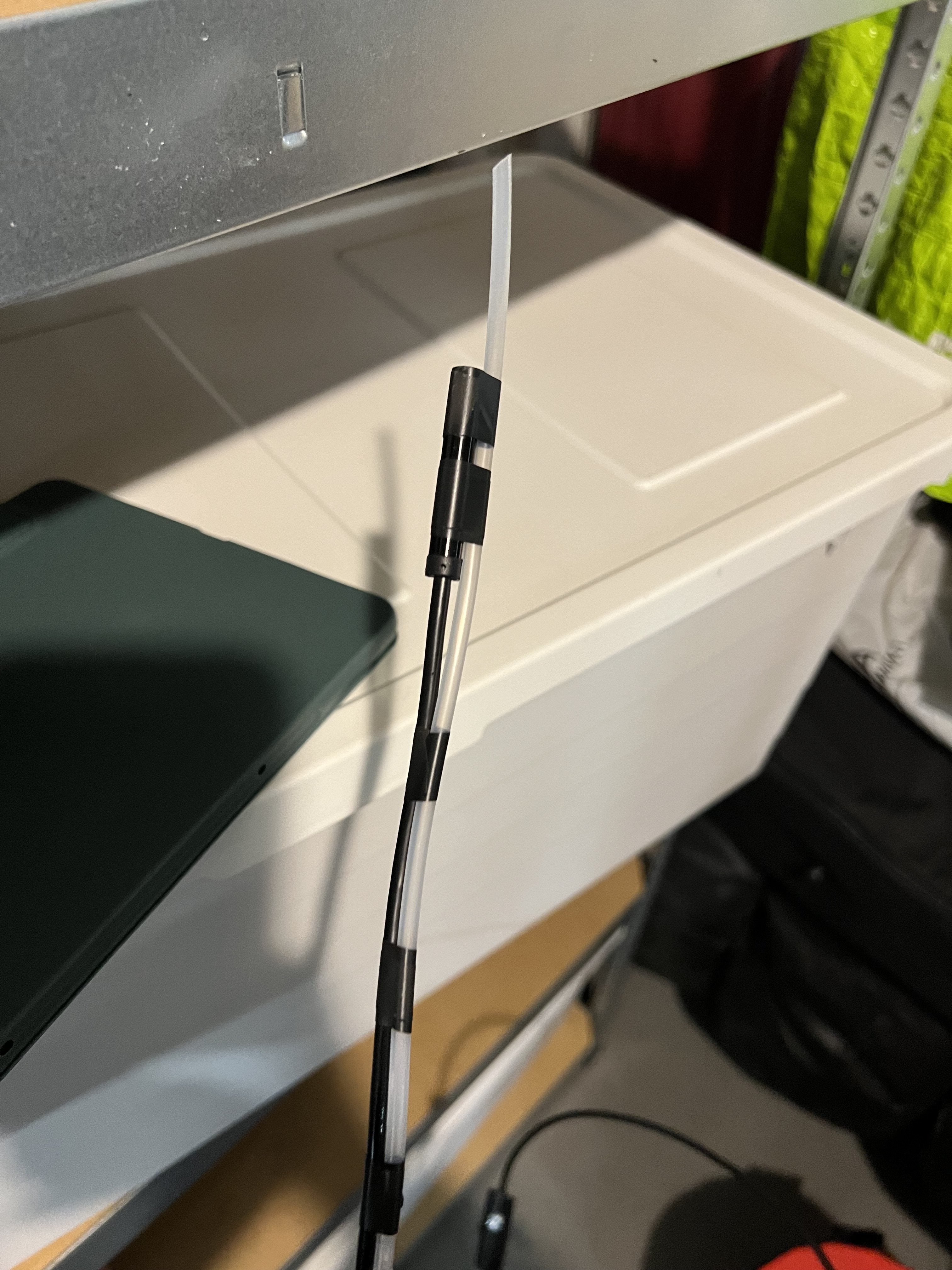
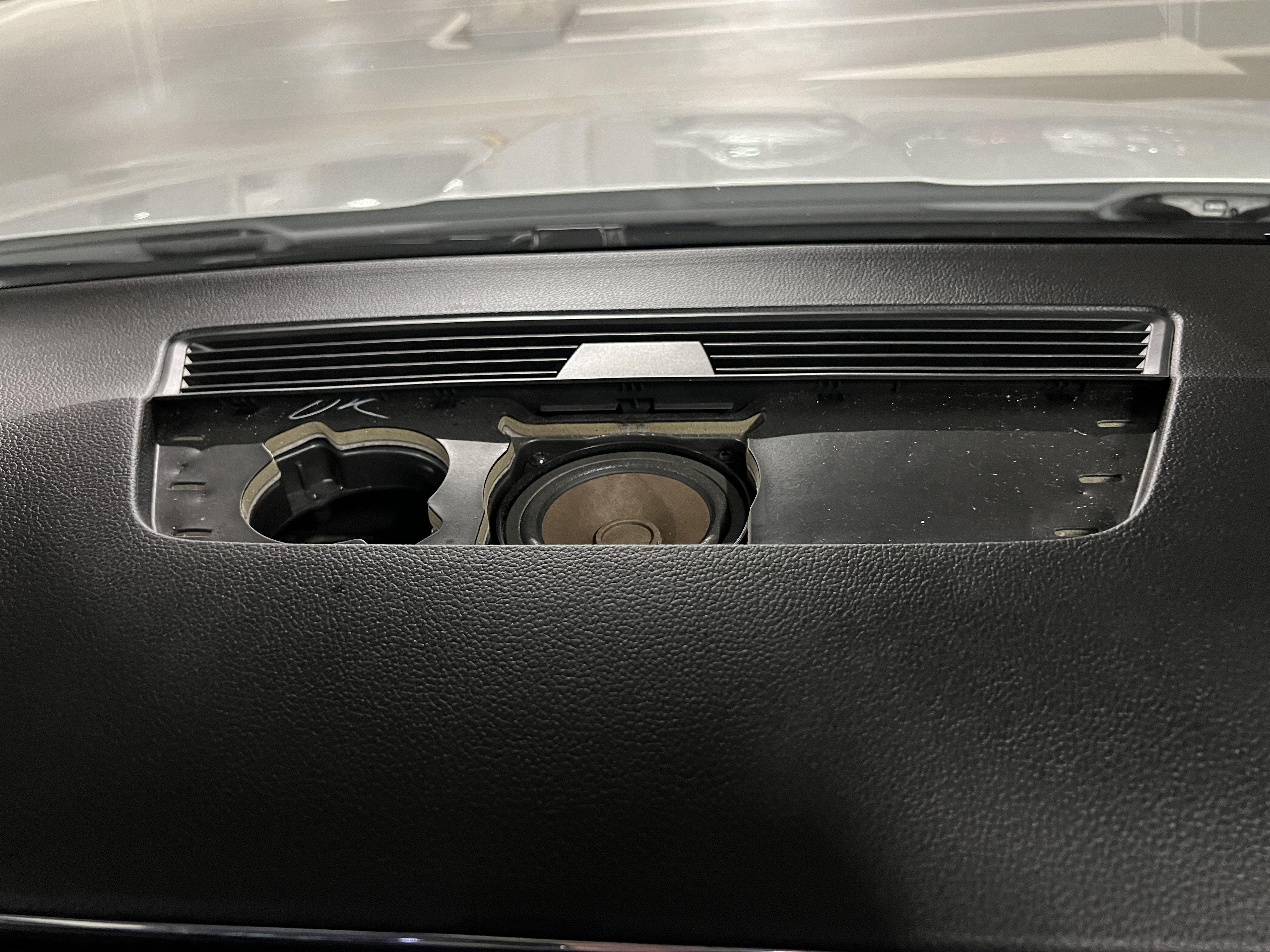
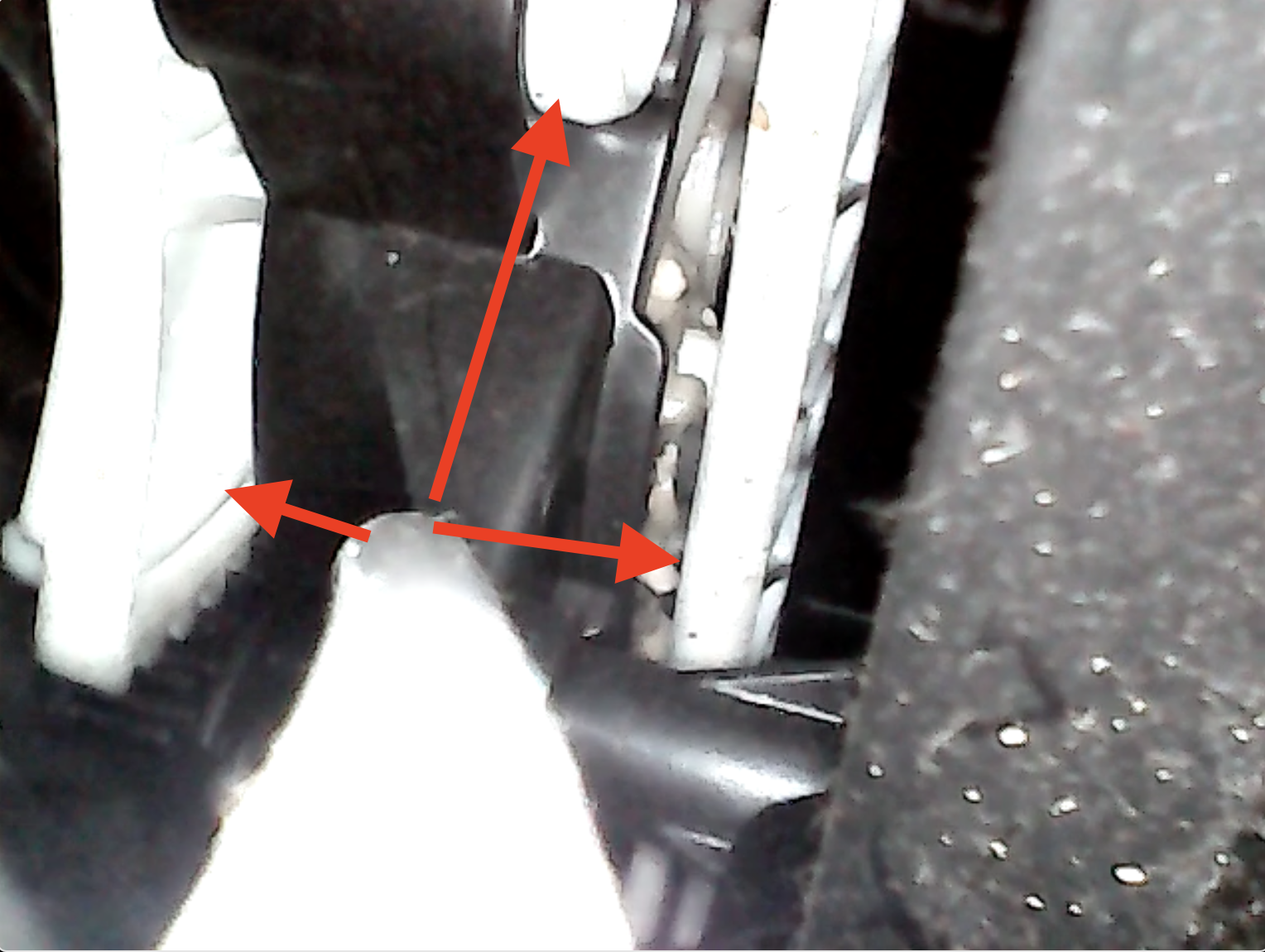
Put grease on white mechanism. You can reach it through left or center hole, in case you have a speaker you can remove it(left speaker mounted by 2 screws, center speaker by 4 screws). Once you reach white mechanism, hold tube and spray silicon into the tube, then change flow direction and spray again. Do it few times. I uploaded video how it works
-
The climate control mechanism started making noise. I removed the top cover of the speaker, made a tool from a cheap endoscope and a Cilict Bang tube, lubricated the white mechanisms with silicone grease. Now the noise is gone.
-
Swapped Here I described how https://www.drive2.ru/l/681792318050668410/ Even I developed app to sync most of the adaptations
-
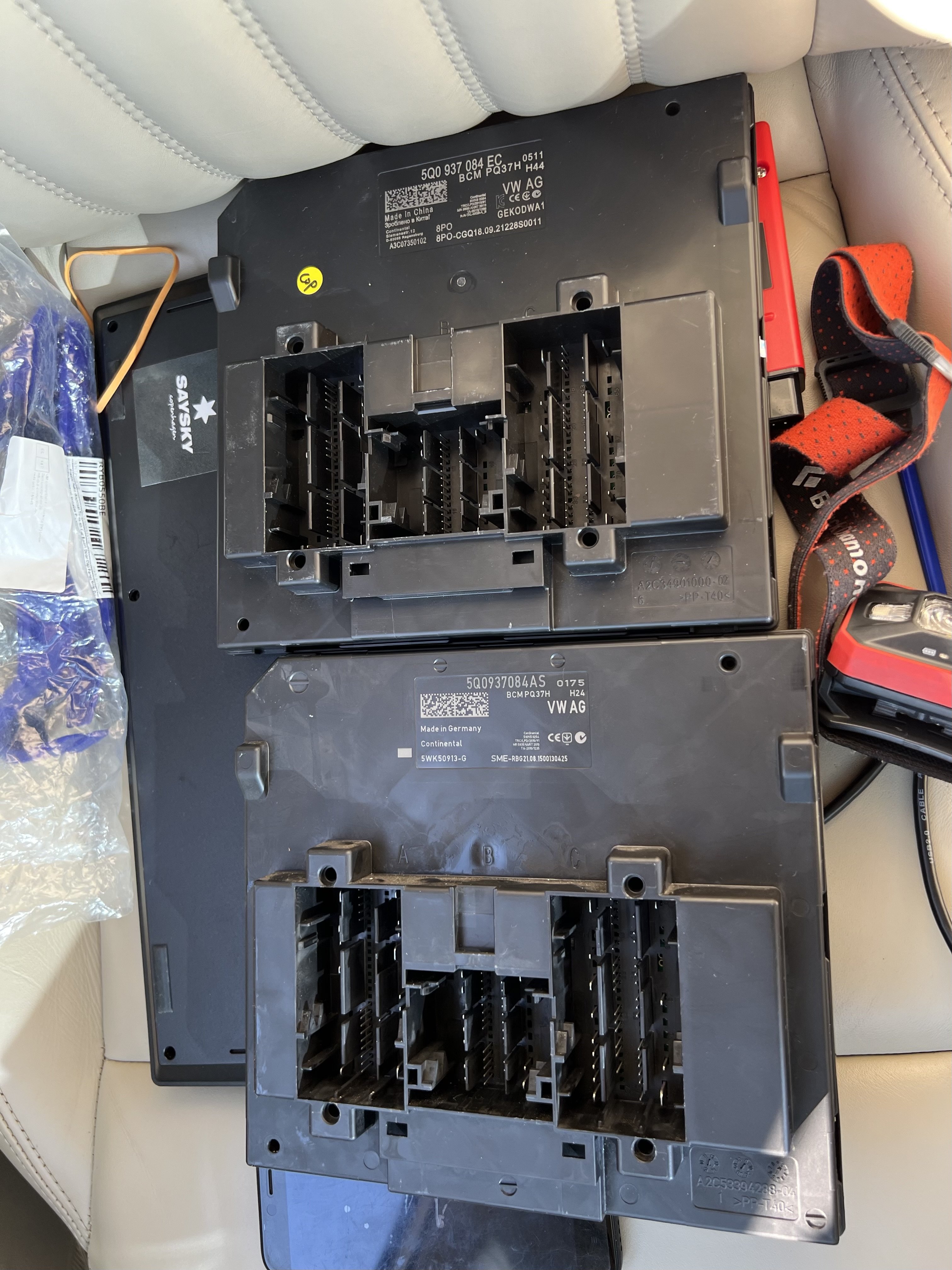
5Q0937084EC
-
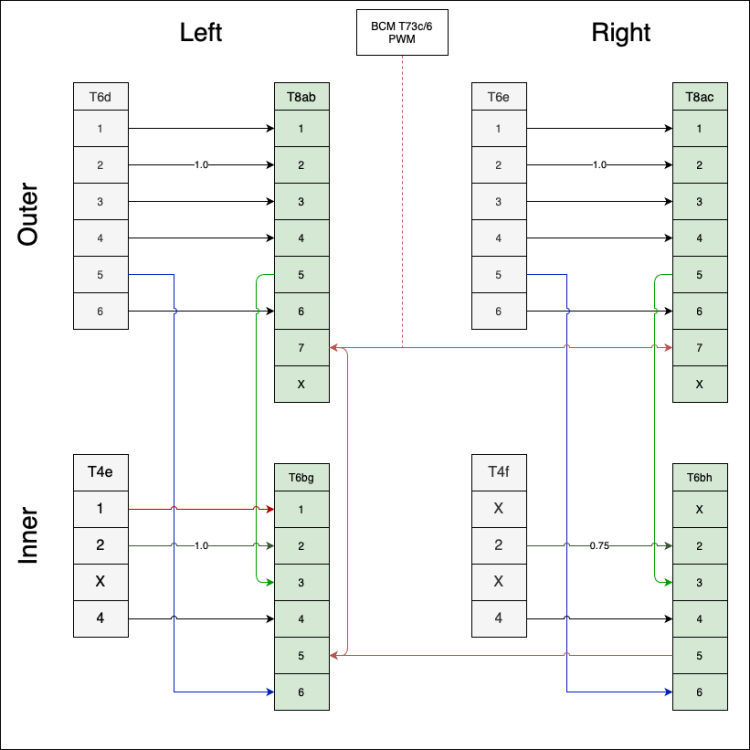
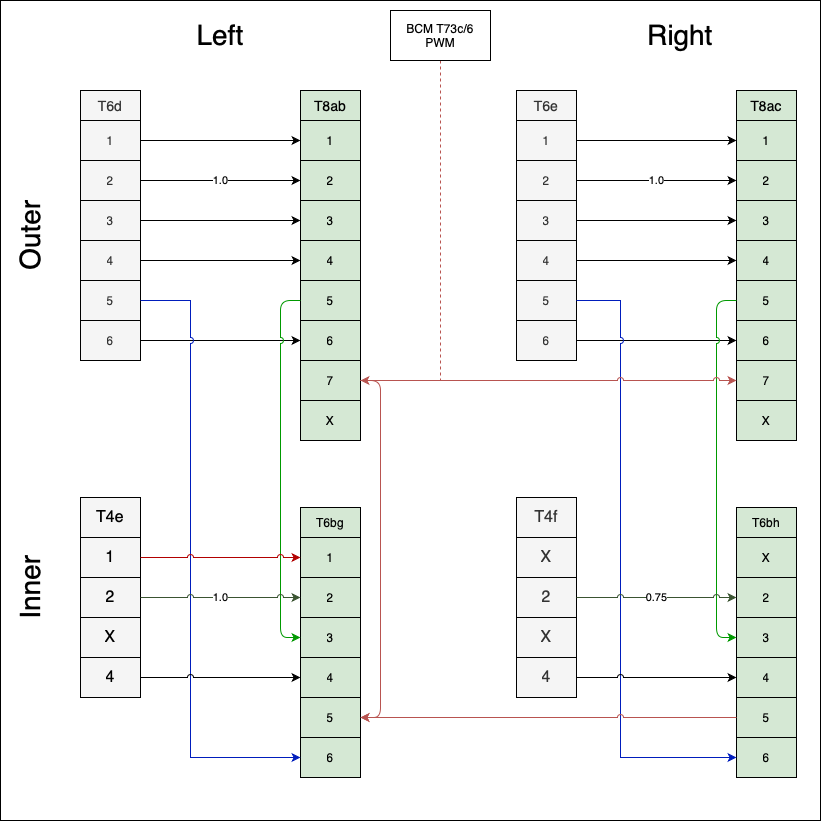
Finally, I've finished today. Now I can add all details Wires schema. All wires 0.5mm except mentioned, for RH rear fog light will be on right inner side T4e/1 - T6bh/1(double check it). Preset, all adaptations for FL BCM, but you can use it for preFL BCM. preset And video
-
Did you check pressure sensors with pressure gauge?
-
Check price for 3V0919606E on Aliexpress - this is from Chinese version of Superb, I had 3V0919606D and now I have 3V0919606E - all same.
-
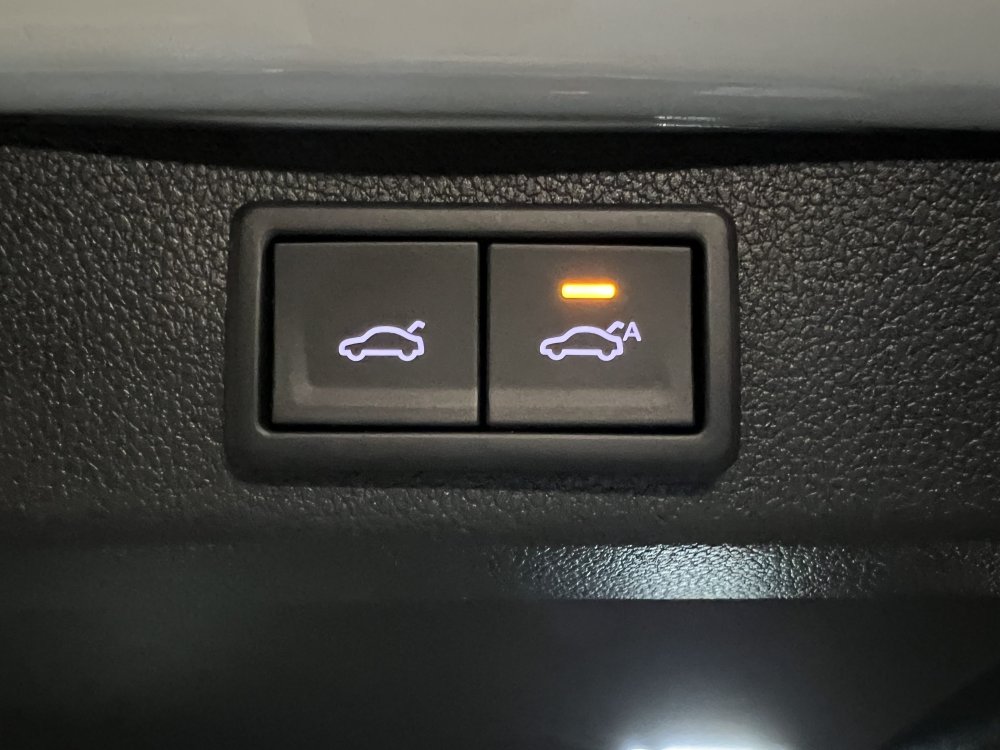
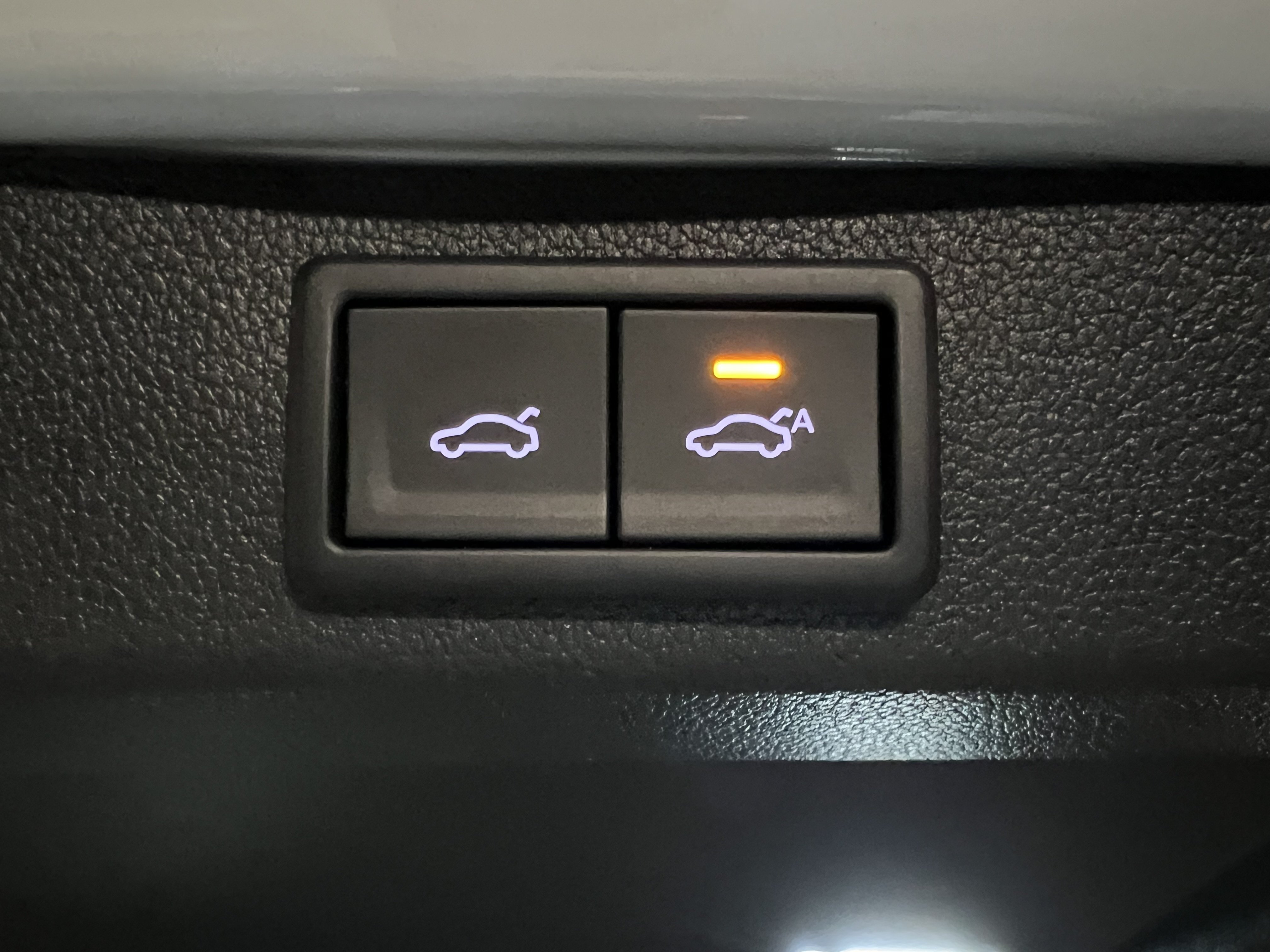
It prevents closure if key is too close and also puts car on guard. So you don't need close car from remote or touch kessy handle after lid closed. 5Q0959107M/Q/T rear lid module + button 3G0959832AWHS
-
I've installed Easy Close, really nice feature.
-
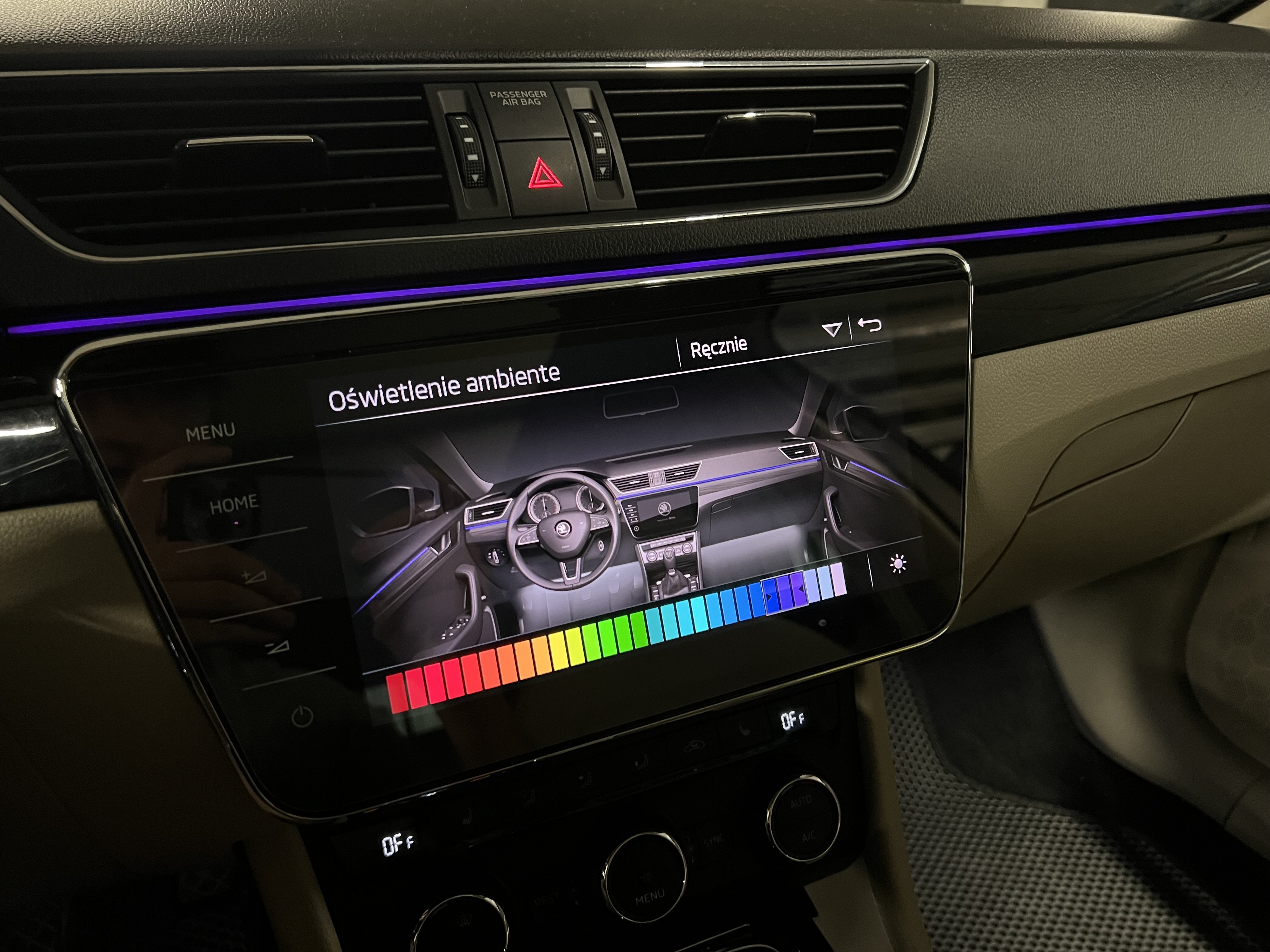
For 30 colors selection you should have appropriate BCM. If you have it, you can find how to do that in forum search
-
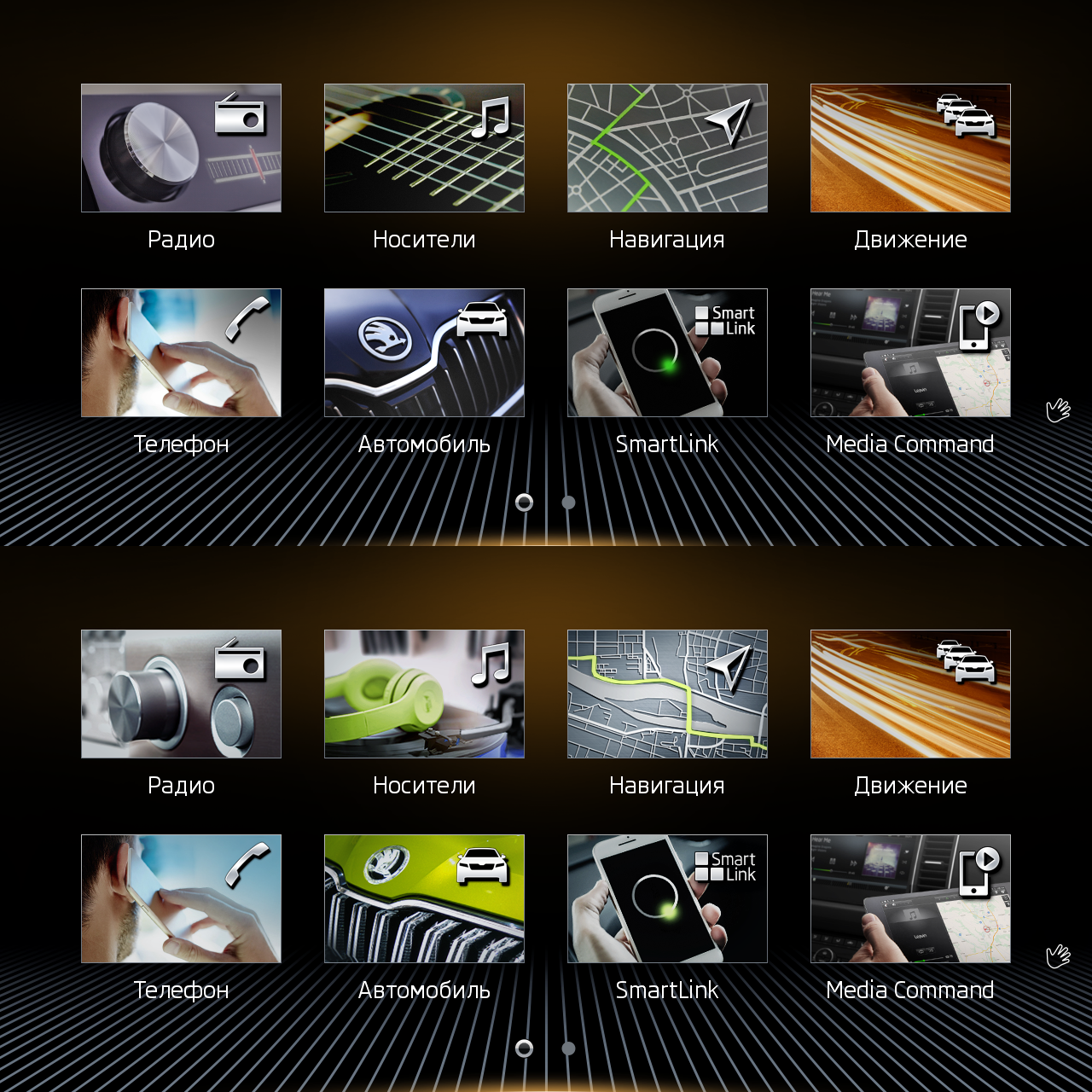
mib2-toolbox allows you to update skin images in MIB, so you can put any image wherever you want
-
Does anyone know how to increase ambient light brightness? They brighter when door opened, probably it’s possible to make them brighter all time
-
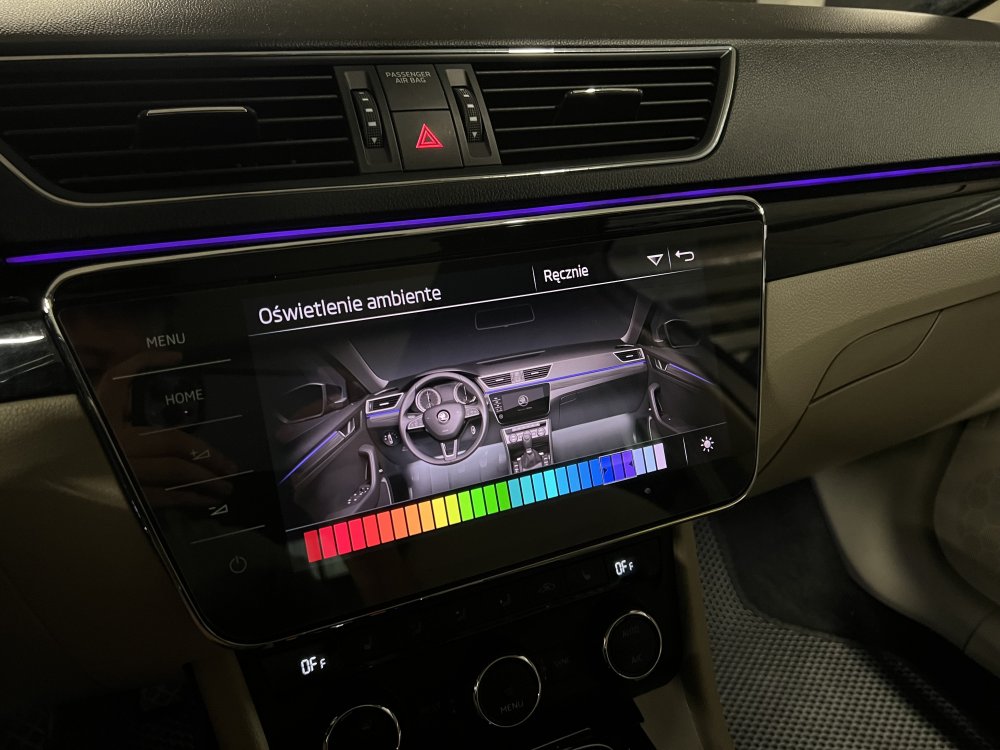
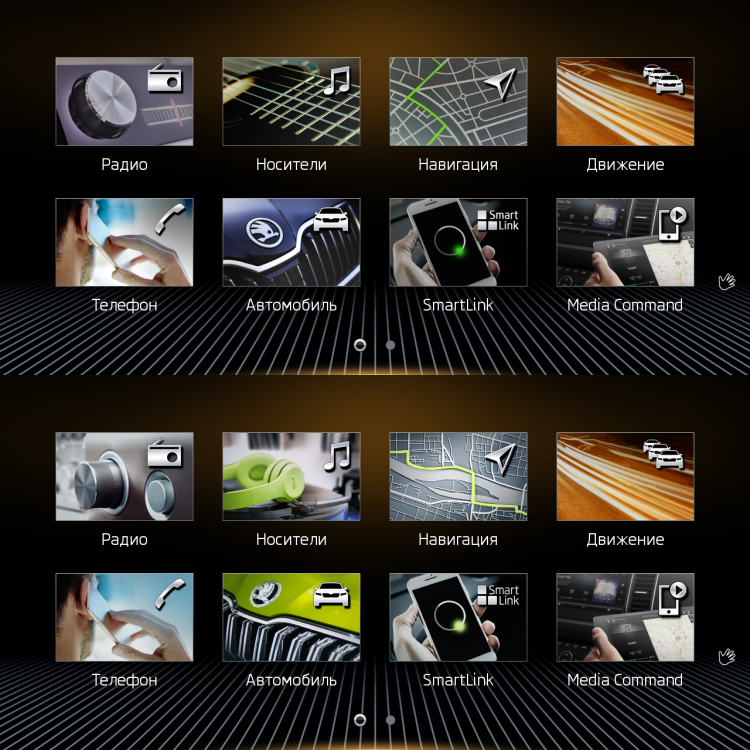
Since I've done retrofit of VC, steering wheel and Columbus display. I changed ambient light, climate menus and main menu icons to new ones from MIB3
)_TIME_2024_08_02_00_04_43_GEOCOORD_LAT_50.061_LONG_19.971_81665_Nr_12.thumb.png.dc79aa5237da457ef22e7d13c13b8ecd.png)
)_TIME_2024_08_02_00_04_56_GEOCOORD_LAT_50.061_LONG_19.971_94868_Nr_13.thumb.png.af52871744e16b259b9d29ca612c0a2e.png)
-
Yeah, I started from BCM, FL tail lights will be next:) PM me if you need help with adaptations
-
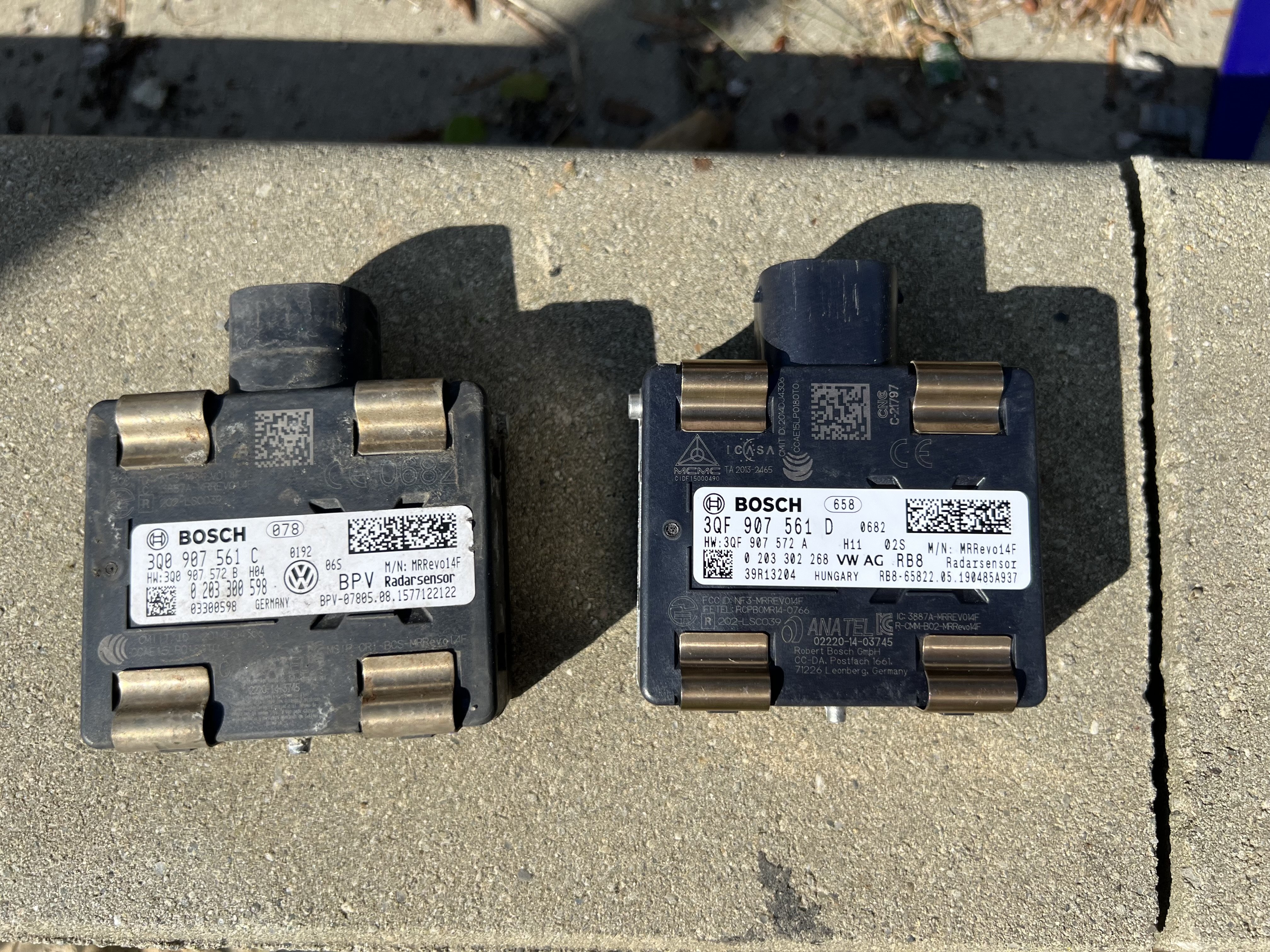
pACC radar and FL BCM 5Q0937084EC installed finally
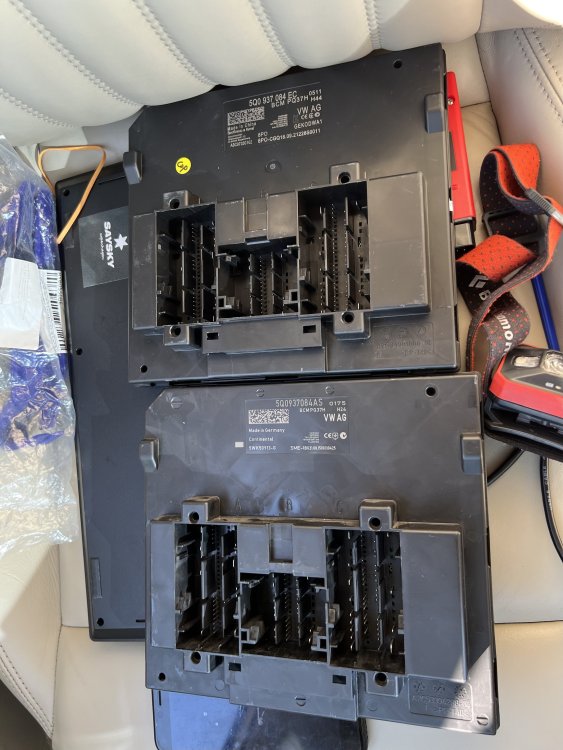
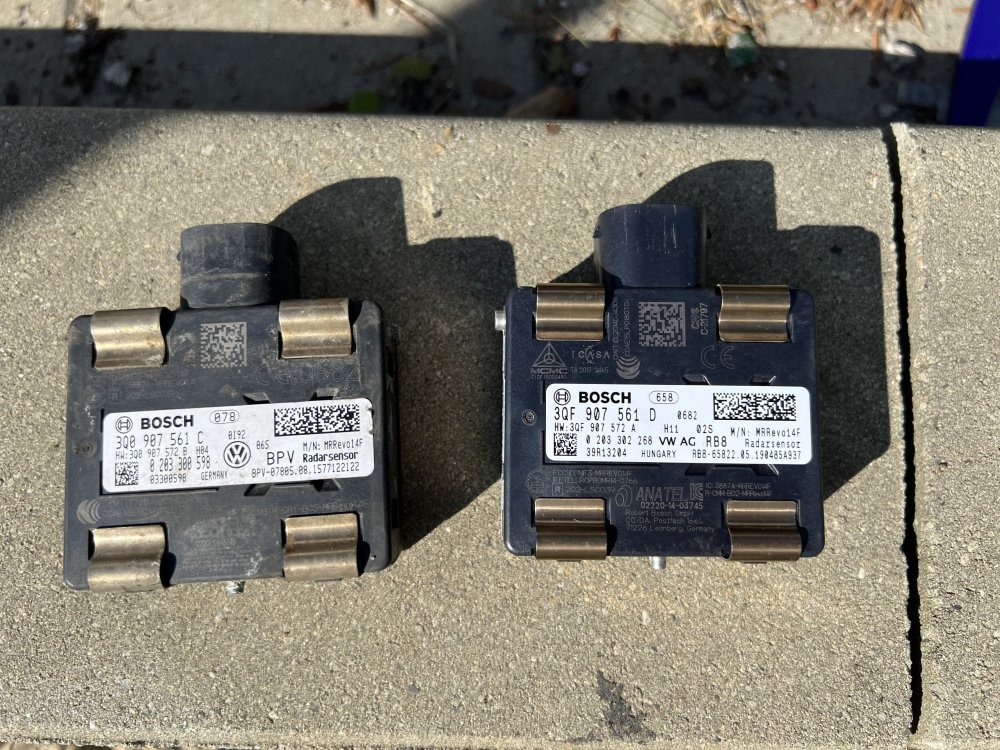
-
I changed only display(3V09119606E/D), I had MIB2 High and converted it to MIB2.5 High, you can find more details here. Virtual cockpit 3VD920790, ordered from Aliexpress
-
No errors in Gateway(Lear) and no errors in any other control modules. I had error related Alternator but I fixed it. I use dataset from mibsolution(it's only one for Superb)
-
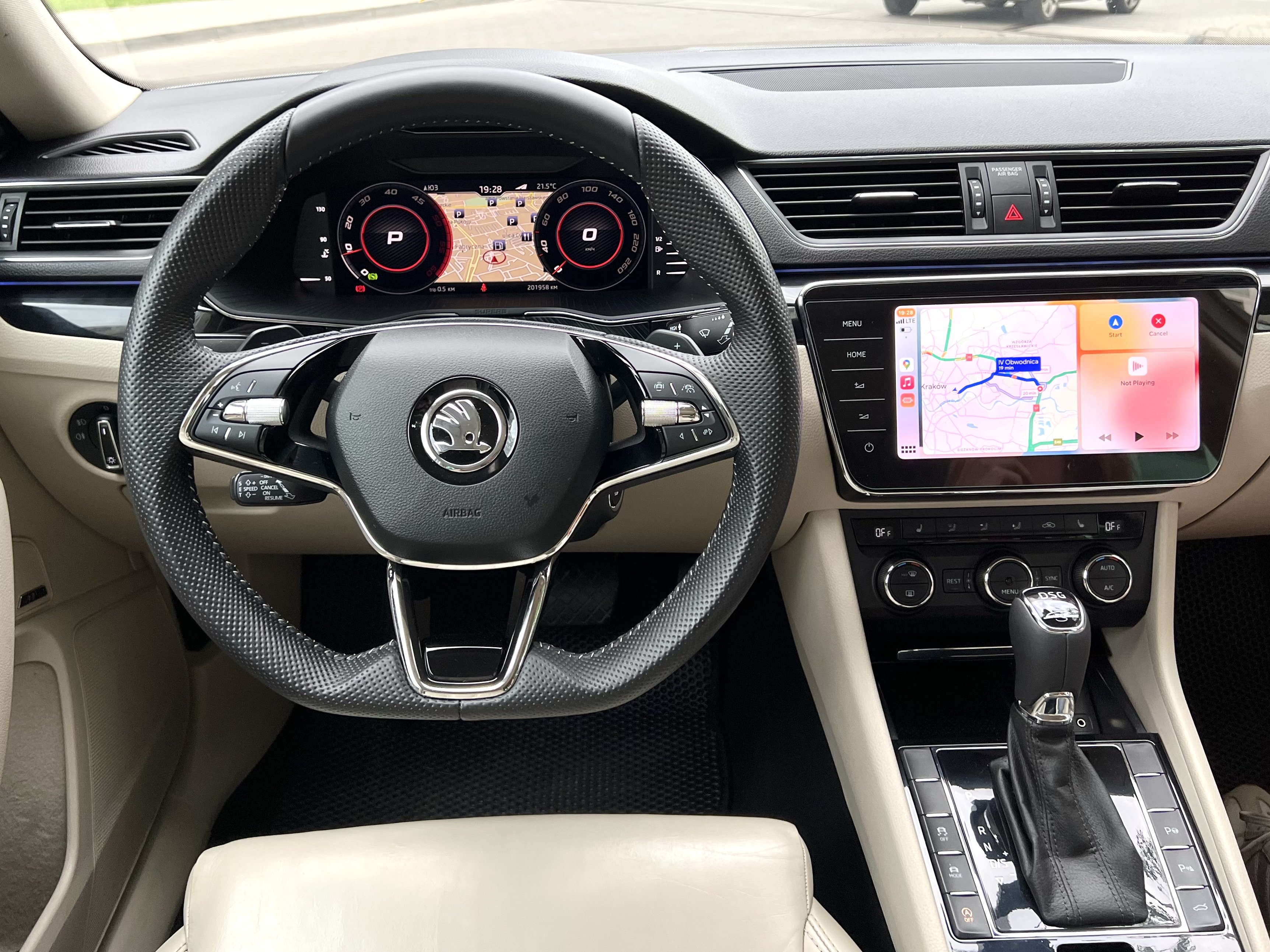
Active Info Display = Virtual Cockpit 🙂
-
After 9 months finally got this view for my Superb 2015 1. Steering wheel 2. MIB 2 -> 2.5 convertion 3. Gateway 5Q0 -> 3Q0907530AC 4. And now I've installed AID
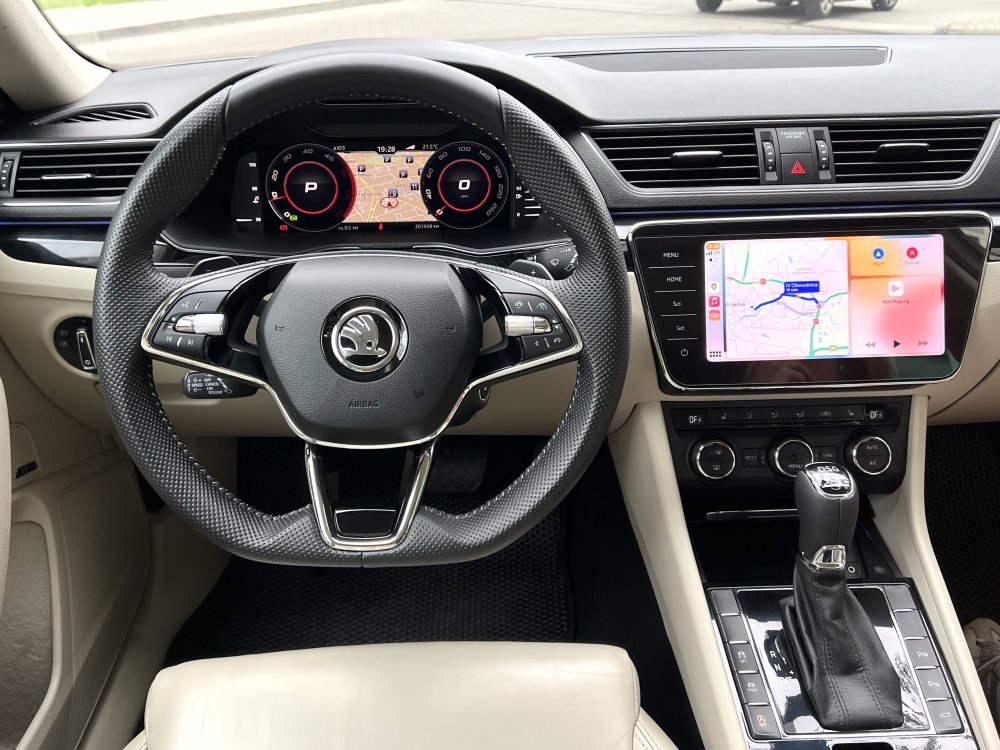
-
Is it works? What BCM do you have?
-
Looks like you already found solution Anyway I can add details here In addition, need to add all these values to Individual mode to show slider. I've updated 5Q0907376A to 5Q0907376C just now

-
By default, if you select Sport mode and after restart, mode will be in Sport mode, but DSG will return to "D" mode You can edit your FPA dataset to prevent this.
-
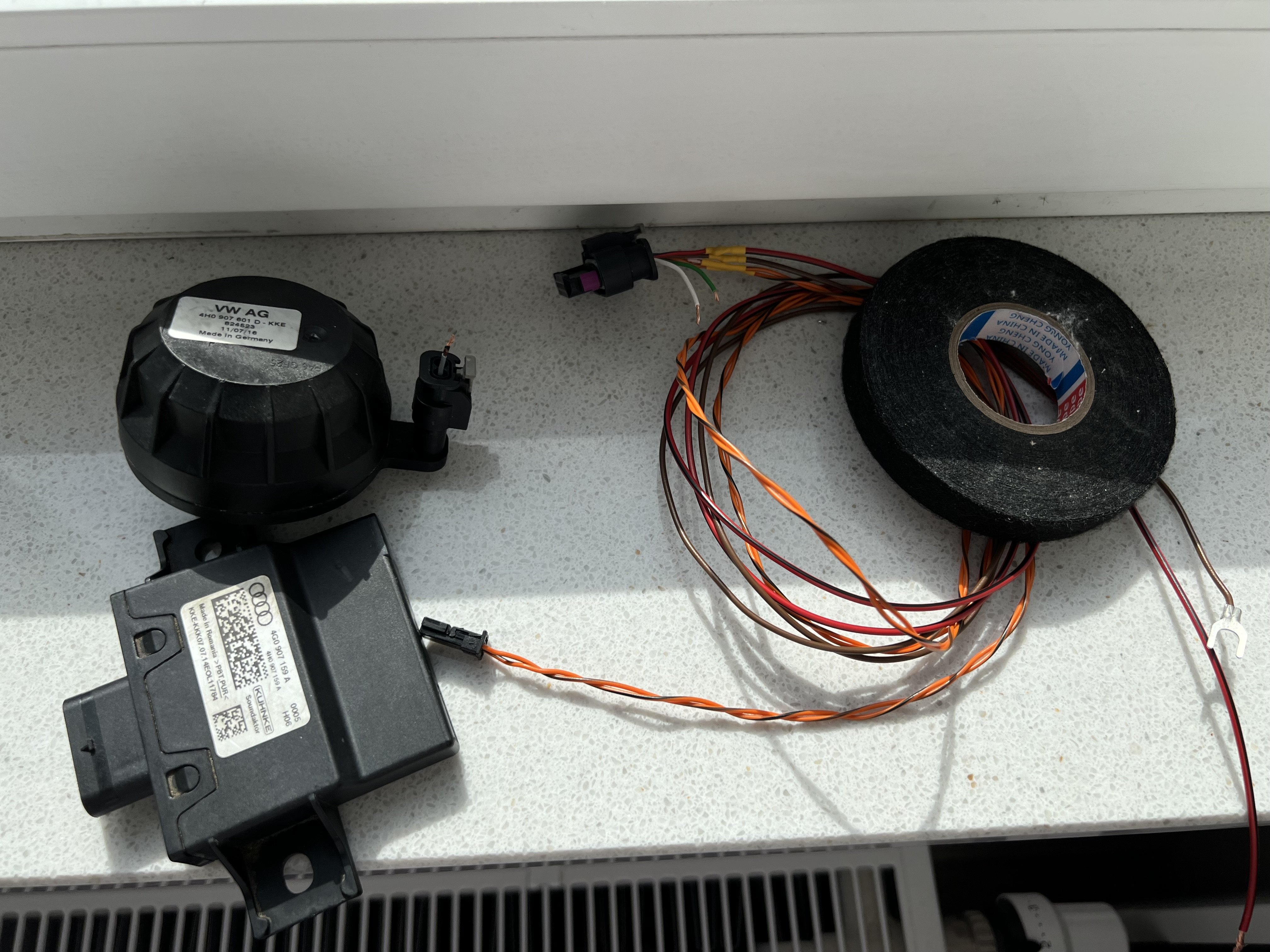
I've installed Soundaktor/SAK only for Sport and Individual mode and remember DSG mode after restart
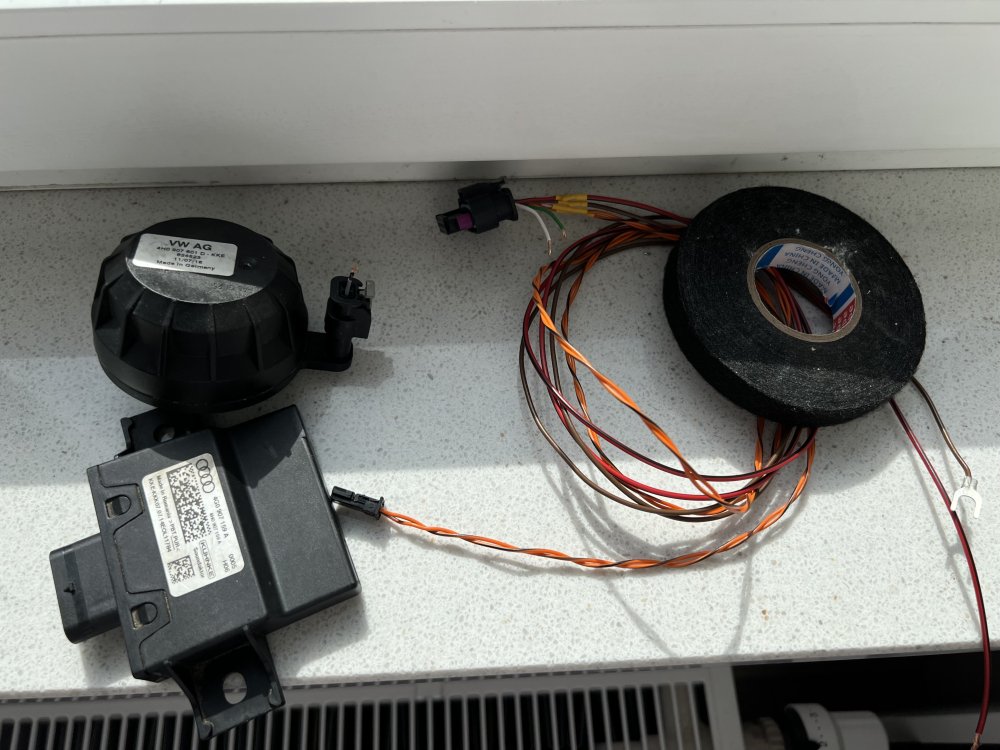
-
My opinion - no. What else have you done from April? Maybe trunk bulbs? It’s very popular problem
-
What adapter did you install?



)_TIME_2024_08_02_00_04_43_GEOCOORD_LAT_50.061_LONG_19.971_81665_Nr_12.png.ca45bba9f7b094fc5c7ad11d684d0604.png)
)_TIME_2024_08_02_00_04_56_GEOCOORD_LAT_50.061_LONG_19.971_94868_Nr_13.png.a09c64783fe137efea7d77e808fea781.png)