




zacko_O
Members
-
Joined
-
Last visited
Everything posted by zacko_O
-
-
-
-
Before buying a new one, check resistance, it might be glow spark control unit problem as well. Glow plugs catalogue - https://www.beruparts.de/content/dam/marketing/emea/beru/catalogue/ignition-parts-pocket-catalogue.pdf PSG007 what you need
-
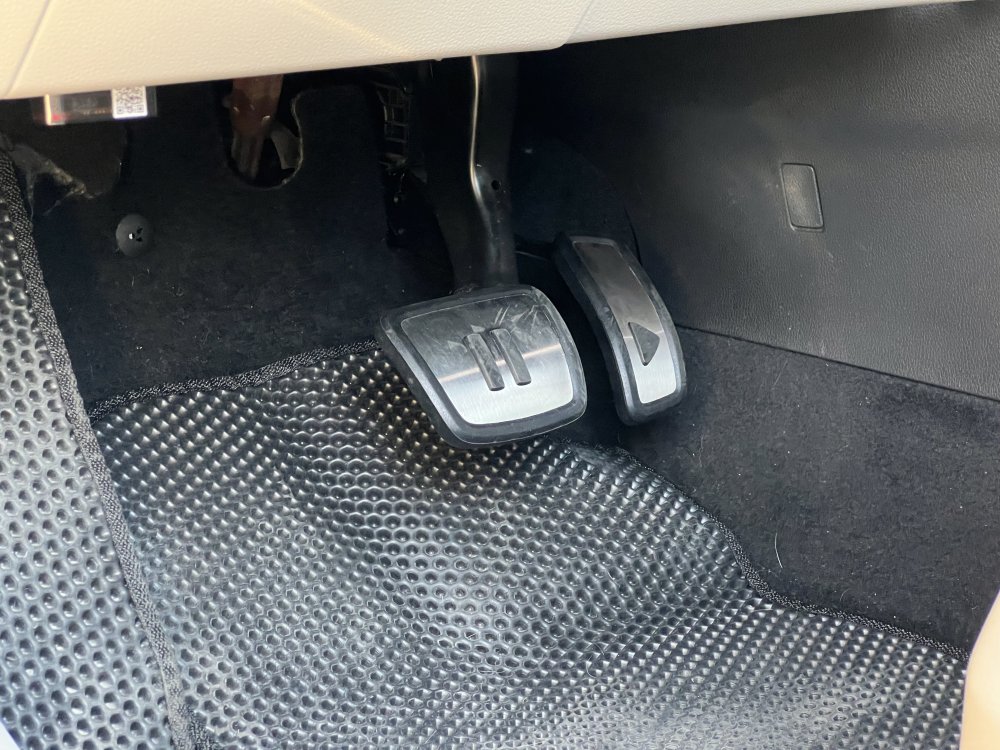
Mine, from VW - 10A723131 10A723647
-
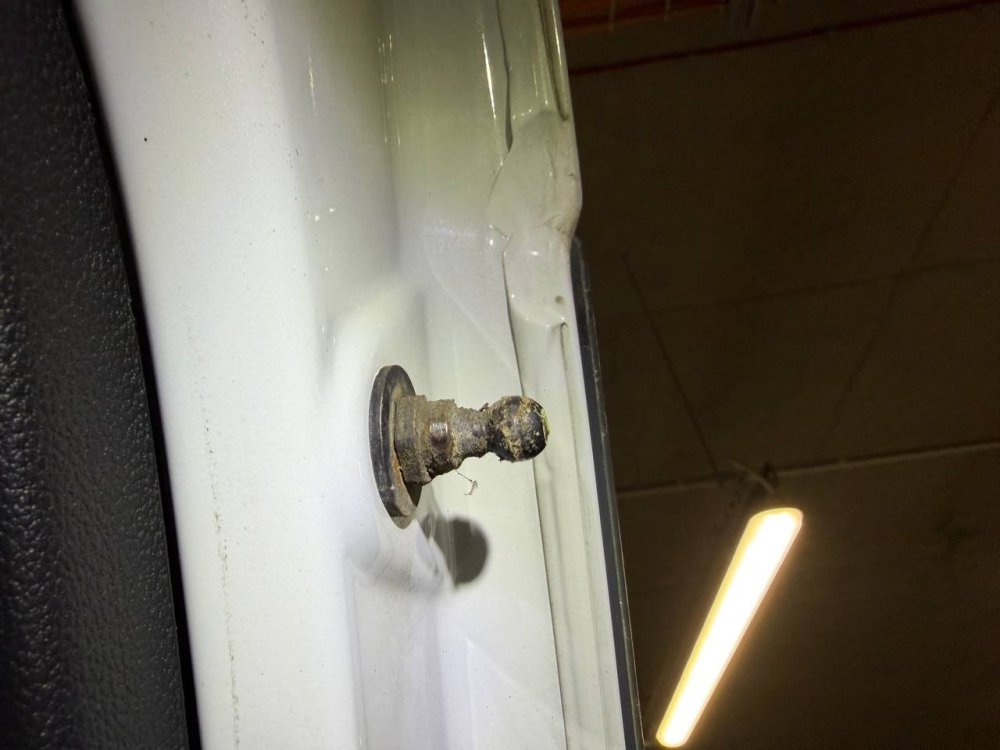
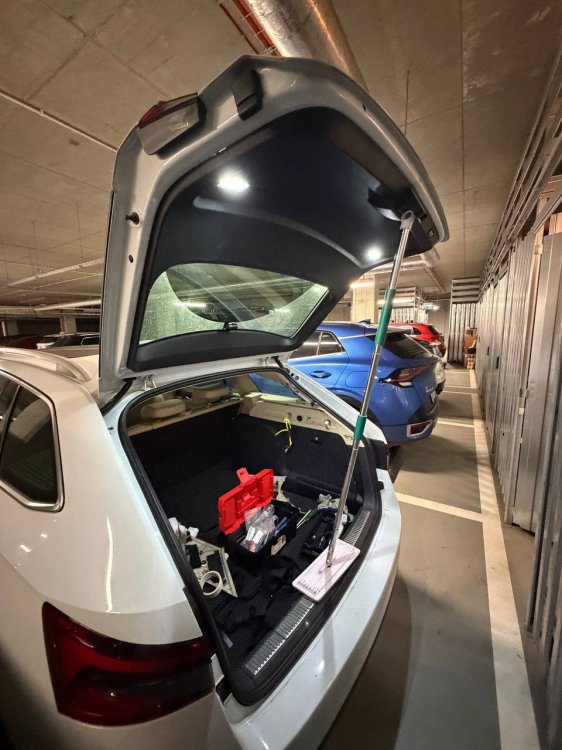
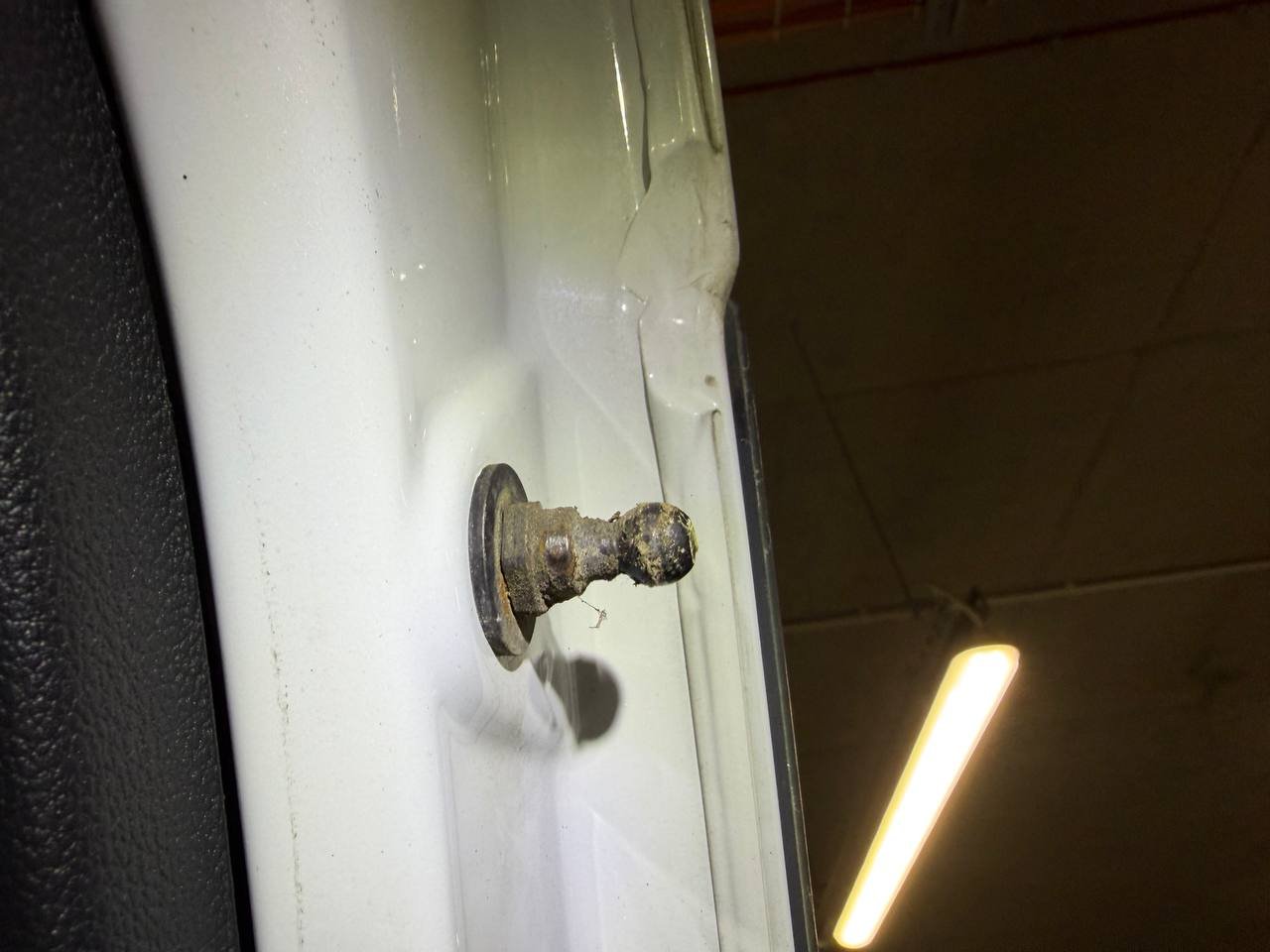
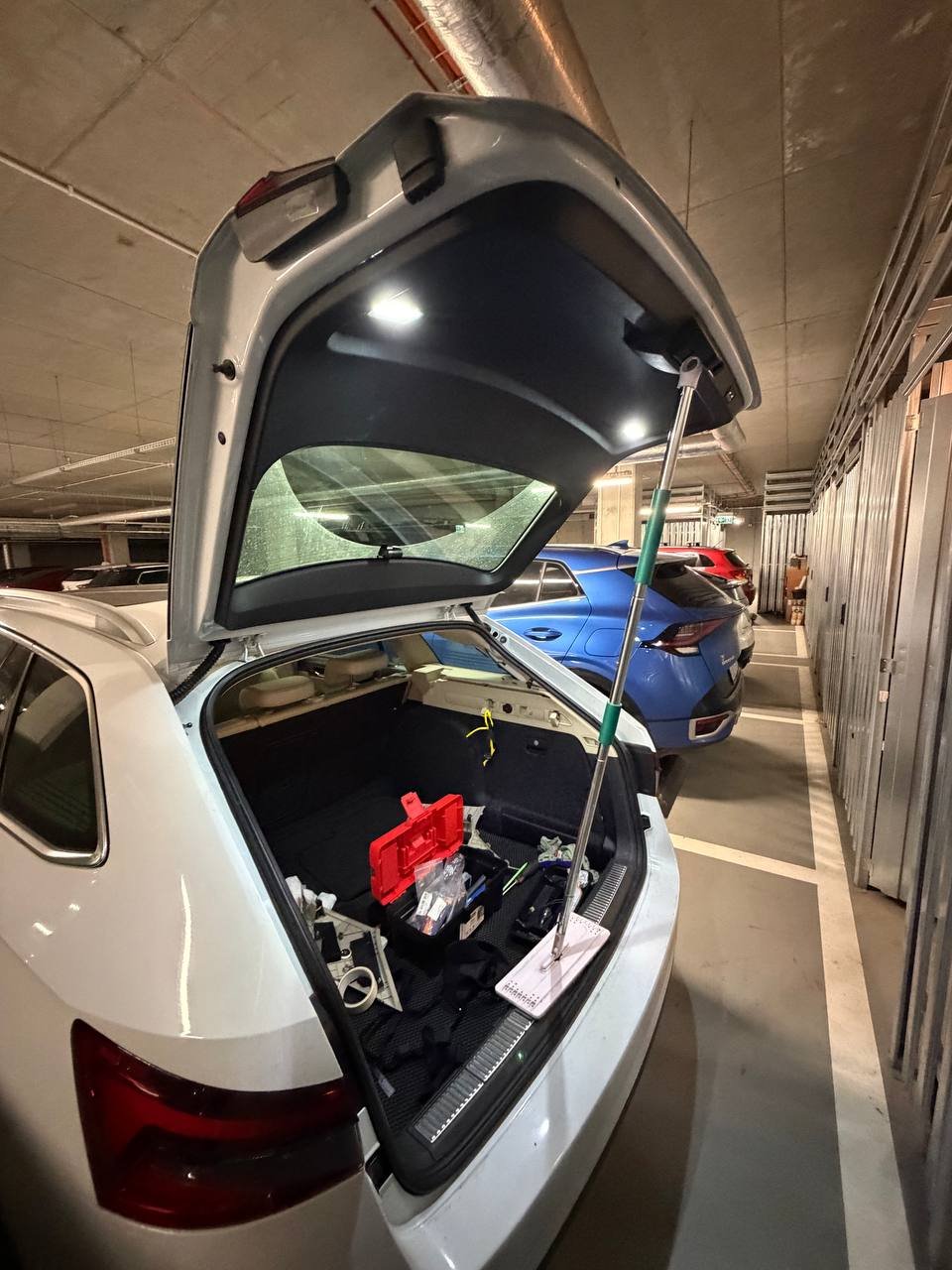
I start having issues with boot closing right during my move to another city. Every 2/3 times it won't close, when I click close, it makes a sound and thats it, errors in 6D - В11D913: Motor 1 für Heckklappe Unterbrechung, В120A02 Usually it means wiring issue, but when I disassembled two drives, there wasn't any issues with it. But I noticed that mounts are very dirty, so cleaned everything and mounted everything back. After 2 weeks - all good.
-
Interesting... can you explain more details? I know that some buttons can be modified in the gateway dataset. PS btw, the cheapest LIN adapter costs around 85 EUR in EU, not that much
-
Can you show us? I know it's possible to switch dynamic to static via BCM adaptation, but would be nice to enable this feature in MIB
-
Before uploading, it is necessary to check the version. FPA_DATASET_ODIS_MZ00_251001180102.xml
-
TravelAssist error occurs when the steering wheel module responsible for touch sensors thinks the sensors are damaged. Then it sends an error to the Gateway, which causes all the errors in A5, 13, and 19. Aliexpress module instead of providing real data, it reports that the driver’s hands are always on the wheel. It solves this problem, but it is not safe.
-
Open in two tabs Golf R and Superb 3 datasets, find difference and spend 3 mins to edit :)
-
Activation of the Mode button on the Skoda steering wheel Requirements: Gateway 3Q0 Drive Modes KLR module update the FPA dataset like for any VW R, configure the Voice button to Mode via Lin module and everything works.
-
It's possible to enable TravelAssist without button. Need SW module that can reassign Assistance button logic - single press TA, long press - Assistance
-
@Paul1947 did you try change them? https://youtu.be/W6cM5ROjEBo?si=KatEfKpFsxySoq7g&t=326
-
@bobbest This KLR module constantly emulates “hands on the wheel” which makes Emergency Assist non-functional. If something happens to me while driving, I would want this feature to work. There are smarter modules that allow Emergency Assist to keep working - link
-
-
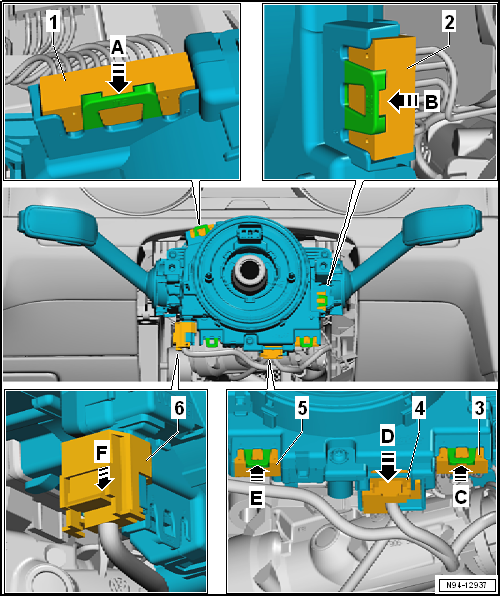
Anyone from EU willing to try retrofit Travel Assist without changing steering wheel? I'm working on LIN adapter, that can be integrated, simulate KLR and activate TA from Assistance button. As well as fix Travel assist currently not available error
-
e.g. 5NA907044AJ
-
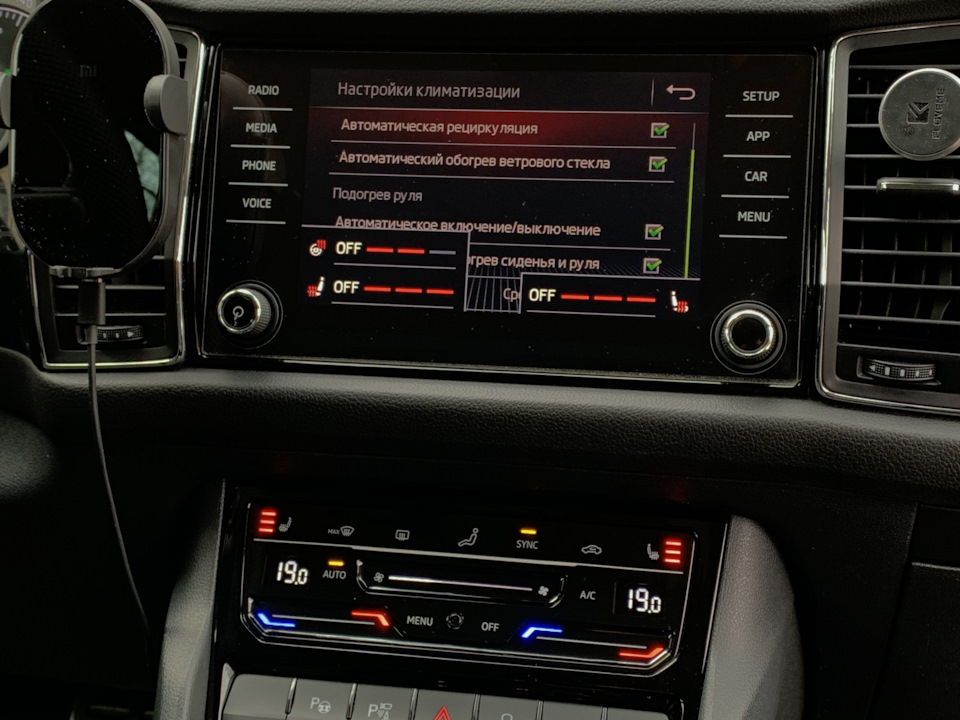
I guess your climate control unit doesn't support it. I had the same situation, once I changed unit to newer one with same coding these menus appeared
-
Yeah 5Q0 959 760 A doesn’t support it. I recommend change it to 3Q0 unit with this option and lumbar massage
-
-
This can be activated much cheaper remotely if you buy ~100EUR vnci6154
-
it's too expensive, now it's more accessible and the price should be lower
-
check here https://www.briskoda.net/forums/topic/522203-new-generation-steering-wheel-swap/
-



Important Information
Welcome to BRISKODA. Please note the following important links Terms of Use. We have a comprehensive Privacy Policy. We have placed cookies on your device to help make this website better. You can adjust your cookie settings, otherwise we'll assume you're okay to continue.