Cairus
Members
-
Joined
-
Last visited
Everything posted by Cairus
-
If the 12V battery has a short circuit, it will be empty in a short time... How do you test the battery? With a load test? Everything else is worthless.
-
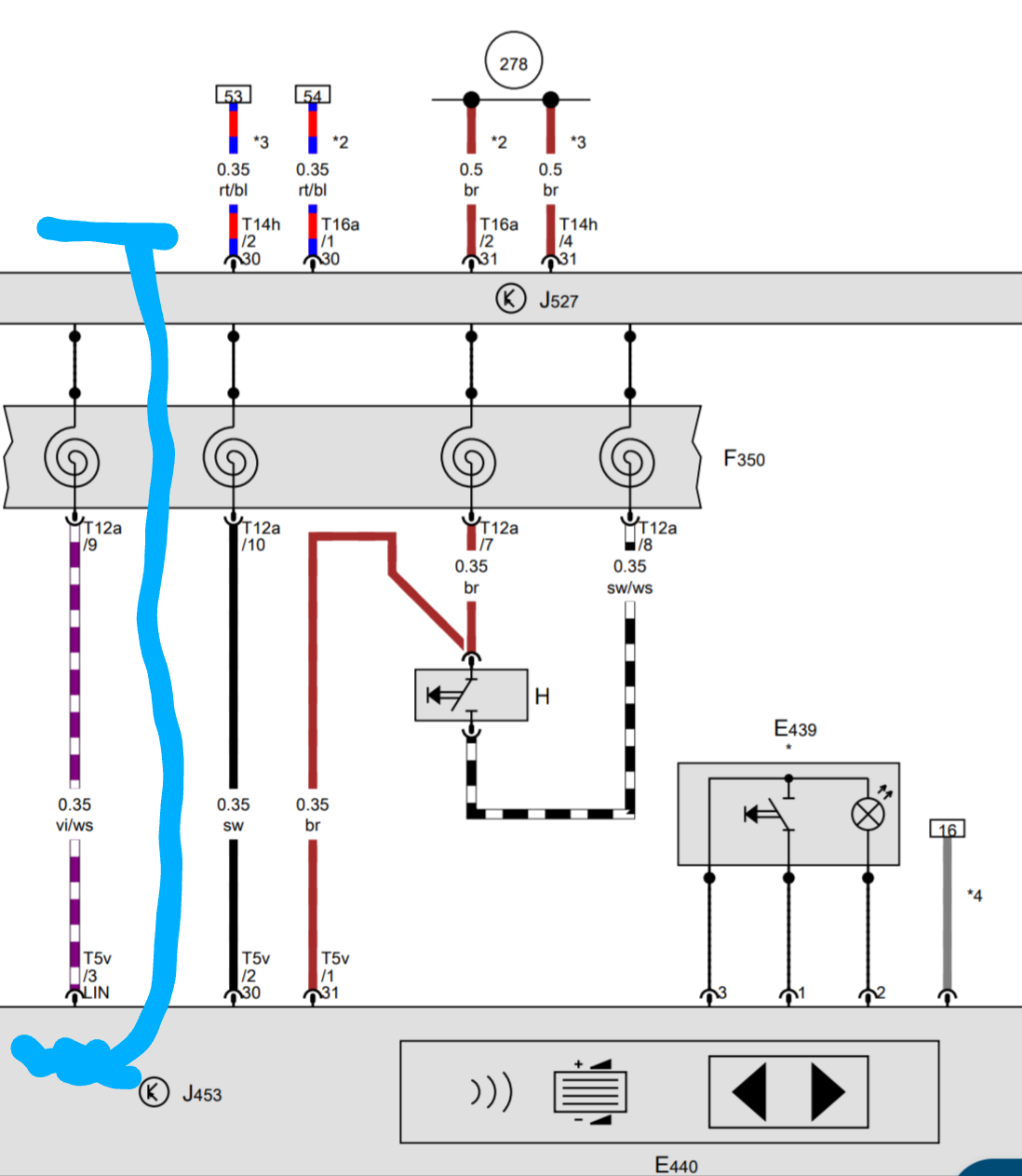
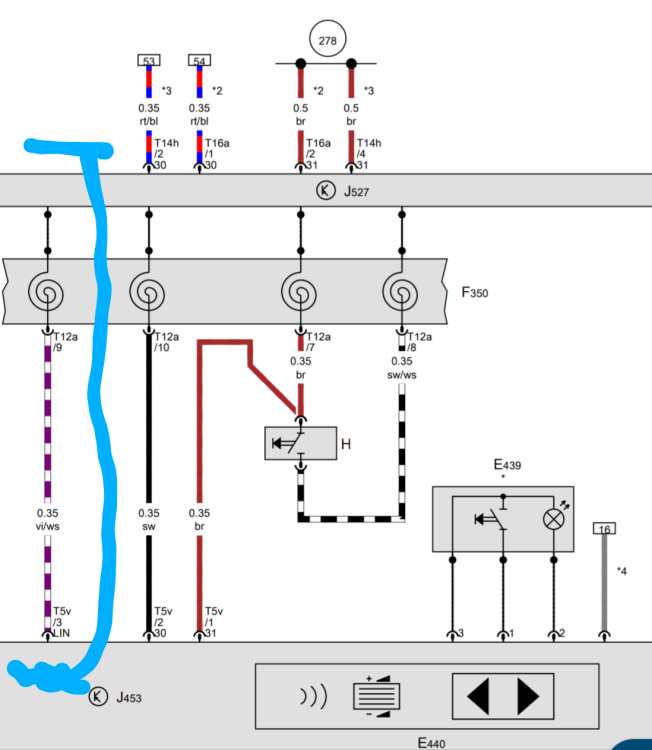
where I'm not sure if you have this LIN line.
-
If it wasn't installed at the factory, it needs to be coded.
-
Yes, technically possible. New steering wheel with buttons. New connection cable for coil spring airbag with/for MFL. Maybe Pull LIN cable. Code everything.
-
Without warrenty
-
Reinforcement plate(s) - subframe to body, step 1 20 Nm Replace screw(s). to body, step 2 90° Front axle stabilizer mount to subframe Step 1 20 Nm Use new bolt(s). Step 2 180°
-
There are users who have installed it in the Yeti Facelift or Octavia 2 Facelift
-
Look history (4).txt history (3).txt
-
A complete scan with full SFD 2 protection is possible with gen 2, I have done it myself with a Skoda Karoq 2025
-
Thank you, I'm familiar with the subject... you should therefore know that even with the SFD 2 contract with VW, which is currently being negotiated, it would never be possible to process SFD 2 with gen 2. The hardware basis for SFD 2 was implemented with gen 3.
-
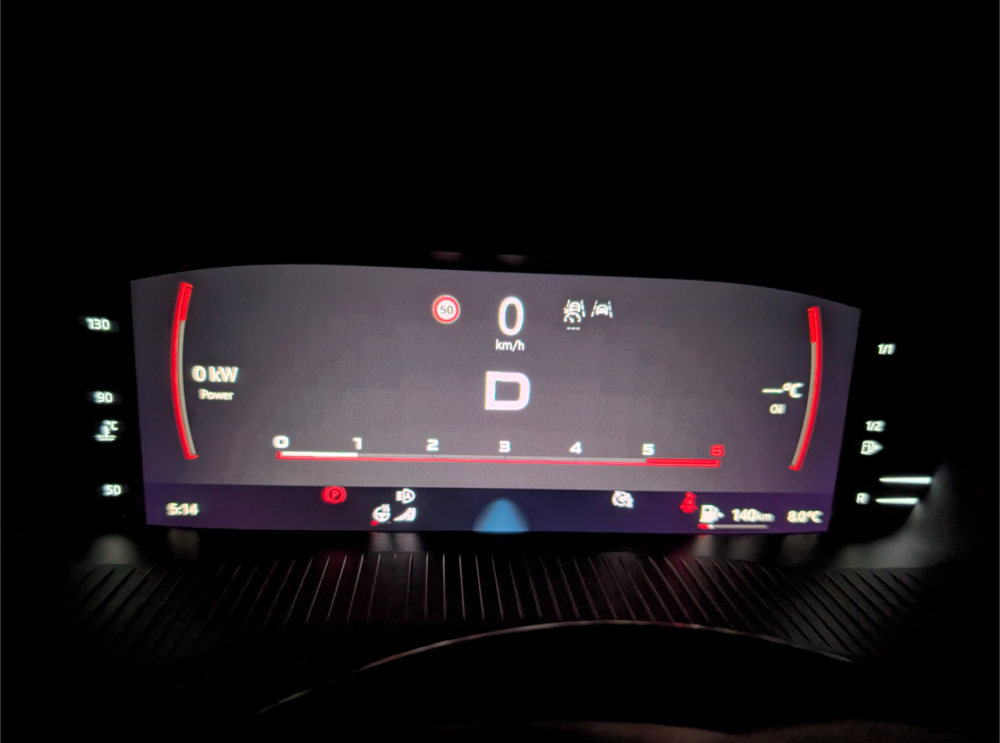
Sportline/RS View better?
-
the saying was meant rather sarcastically
-
That is Not correct
-
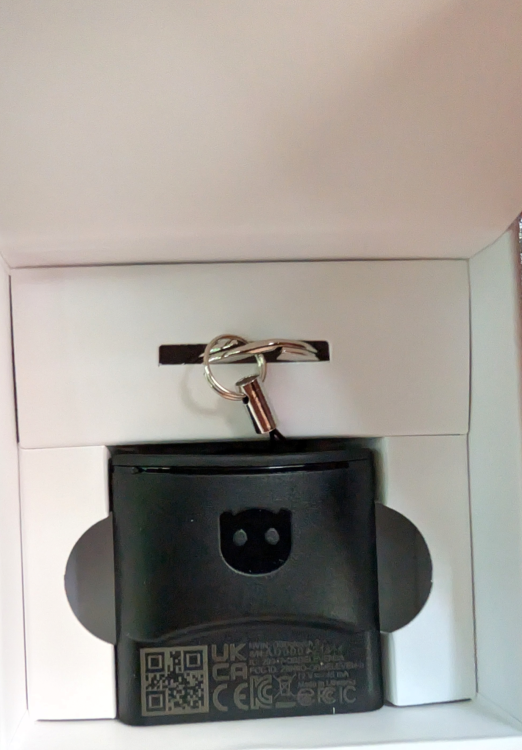
The Future is now...
-
-
I know of cases where nothing worked despite preparation.
-
SFD 2 or SFD 1?
-
If you live in Europe, be sure to get a factory-fitted tow bar for a new vehicle. This will save you any SFD 2 discussion when retrofitting.
-
Which year is the Car?
-
If we'd like to add the coding for the steering wheel heating: Control unit 08---> Coding ---> Heated_steering_wheel_and_Heated_steering_wheel_automatic_mode Set To Active
-
Make Full Backup with OBD11 and Post txt File here
-
If you can use the Internet and Google, you will find everything you need
-
Don't get me wrong, but something like this simply has to be in the manual. Regarding coding, the instructions always include byte and bit information. Using these information is OBD11-bound.
-
you need an edited meta file and the ToolBox
-
On the steering column control unit, it's connector T14e/1, which is terminal 30 for the Z36, with a cross-section of 0.5 mm². Then, T14e/2, which is terminal 31 for the Z36, with a cross-section of 1.0 mm².